

Descript is a video and audio editor that works by editing a transcript — delete a sentence and the footage goes with it — plus Studio Sound, Eye Contact, filler-word removal, AI voices, avatars, and the Underlord assistant.
FreemiumVideo & Audio
Gling is an AI video-editing tool for YouTube creators that automatically removes silences, bad takes and filler words from raw footage, adds captions, titles and chapters, and exports to Final Cut, DaVinci and Premiere or as MP4/MP3 with SRT subtitles.
The first hour of editing a talking-head video is almost always the same drudgery: cutting silences, deleting bad takes, and stripping out every 'um'. Gling automates exactly that first pass so creators spend their time on the parts that need judgement.
You upload raw footage and it returns a clean cut, with captions, auto framing, titles and chapters on top, and it exports to the editors professionals already use. In the crowded creator-video space it competes with tools like VEED.IO, but Gling is tightly focused on the YouTube talking-head workflow rather than general editing.
This review covers what Gling strips out of a recording, who it suits, how it prices, and where it will not help.
| What it is | An AI video editor for YouTube creators |
|---|---|
| Core | Auto-cut silences, bad takes and filler words |
| Control | Text-based trimmer for manual refinement |
| Extras | Captions, auto framing, titles, chapters |
| Audio | Noise removal built in |
| Ideas | Next-video suggestions |
| Export | Final Cut, DaVinci, Premiere; MP4/MP3 with SRT |
| Inputs | Works with video and audio files |
Gling's core job is the rough cut: it transcribes your footage, finds the silences, bad takes and filler words, and removes them automatically, handing back a clean timeline. For a creator, that is the single most time-consuming and least creative part of editing, done in one pass.
The reason this matters is that the rough cut is pure overhead. Deleting dead air and stumbles adds nothing a viewer notices; it just has to happen before the real editing begins. Automating it is a direct, honest time saving rather than a flashy feature.
Gling keeps you in control with a text-based trimmer, so you edit by adjusting the transcript and removing clips rather than scrubbing a timeline frame by frame. That is the right model for dialogue-driven video, because the words are the structure.
The fair framing is that Gling is a focused rough-cut-and-finish tool for talking-head YouTube content. It is not a full creative NLE, and it does not try to be; it removes the drudgery and then hands off to one if you want it.
The rough cut is pure overhead; automating it is a direct, honest time saving rather than a flashy feature.
The value splits into the automatic cutting and the finishing extras that make a video publish-ready.
Gling transcribes the recording, then removes silences, bad takes and filler words automatically, with noise removal to clean the audio, and lets you refine via the text-based trimmer. It works with both video and audio files, so podcasters benefit as much as YouTubers.
This is the part creators would otherwise do by hand for an hour per video. A summariser like Eightify digests a finished video into notes; Gling works at the opposite end, turning your raw footage into the finished video in the first place.
Beyond cutting, Gling auto-generates captions and subtitles, adds auto framing with zoom in and out, suggests YouTube titles and chapters aimed at performing well, and even proposes next-video ideas. When you want to keep editing elsewhere, it exports to Final Cut, DaVinci Resolve and Premiere, or downloads MP4/MP3 with SRT captions.
That export path is important, because it means Gling is additive rather than a lock-in: do the tedious cut in Gling, then finish in your pro editor. A recorder-editor like Canvid covers capture and quick edits; Gling's niche is specifically the automated cleanup of long-form spoken footage.
Gling suits YouTube creators making talking-head, tutorial, commentary or vlog content, and podcasters, whose editing is dominated by cutting dead air and stumbles out of long recordings. For them it removes the most tedious hour of the job.
It suits creators who want the finishing extras, captions, chapters, titles, in the same place, and those who like editing by transcript rather than timeline, which is faster for dialogue-heavy video.
It fits less well highly produced, multi-cam or heavily graphic videos where the edit is the creative work, not overhead, and creators who need a full NLE's control from the start. Its creator testimonials are vendor-presented, so judge it on your own footage, not the names attached.
Gling offers a way to start for free and sells paid plans for more editing, in the usual pattern for creator tools. We do not publish prices, which change; check the site.
The value question is simply the time saved per video against the cost, which for anyone publishing talking-head content regularly is an easy calculation, since the rough cut it automates is otherwise a fixed tax on every upload.
Because you can start free, the sensible approach is to run one real recording through it end to end, measure how much editing time it actually removes, and see whether the captions, chapters and export fit your workflow before paying.
Because the saving depends on your footage, trial Gling on a real recording, not a short clean clip.
Auto-cut silences and bad takes
Filler-word removal
Text-based trimmer
Noise removal
Auto captions and subtitles
Auto framing (zoom in/out)
Title and chapter generation
Export to Final Cut, DaVinci, Premiere
The useful comparison is with other creator-video tools, by where in the workflow they sit.
| Tool | Tool | Role | Best for |
|---|---|---|---|
| Gling | Automated rough cut + finish | Cutting dead air from spoken footage | Talking-head YouTubers and podcasters |
| VEED.IO | General online editor | Hands-on editing and subtitling | Broader video editing |
| Canvid | Recorder-editor | Capture and quick edits | Demos and tutorials |
| Eightify | Video summariser | Digesting finished videos | Research and notes |
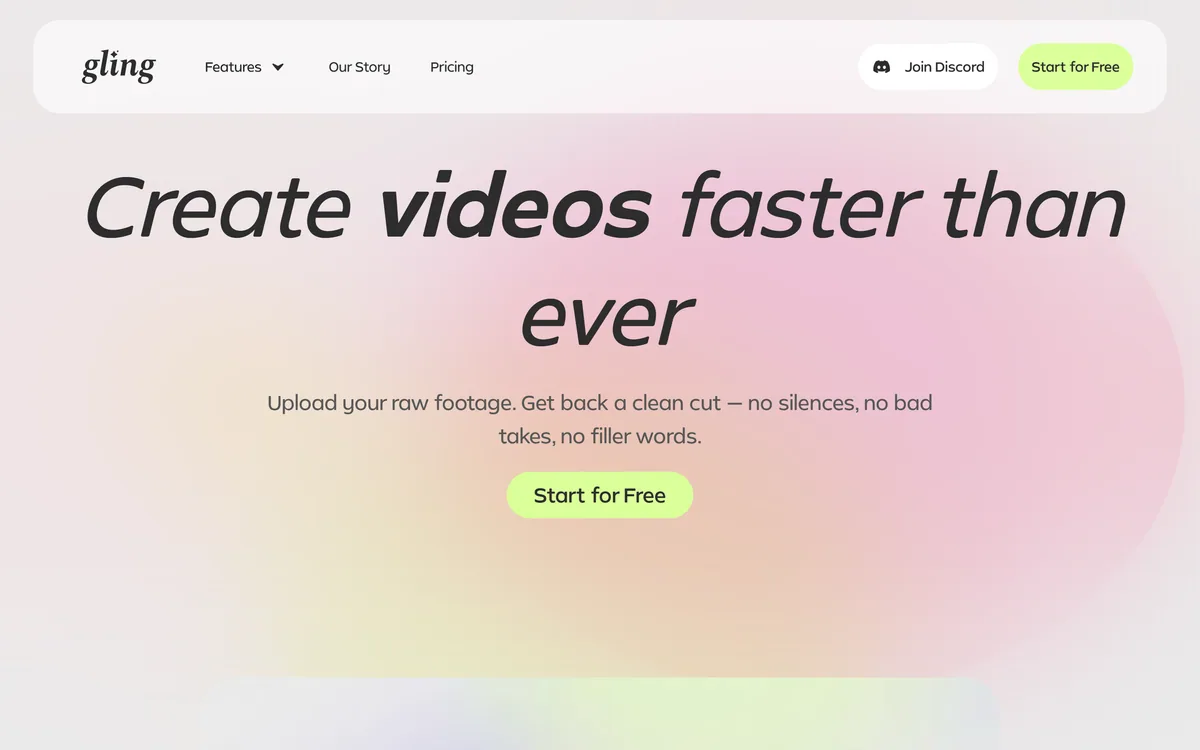
Last checked . Read from gling.ai during this check, with the screenshot above captured at the same time.
Gling is a focused rough-cut-and-finish tool for talking-head video, not a full creative editor; it exports to pro NLEs to continue there. Its creator testimonials are vendor-presented, so judge it on your own footage.
A general editor, a recorder-editor and a summariser to weigh alongside Gling.
Gling earns 4.1 as a focused, genuinely useful tool for the job it targets: automating the rough cut of talking-head and podcast footage by removing silences, bad takes and filler words, then adding captions, chapters and titles and exporting to the pro editors creators already use. It is not a full creative NLE and adds little to highly produced or short videos, but for anyone whose editing is dominated by cutting dead air out of long recordings, it removes the most tedious hour of the job. AInexfinder Editor Score: 4.1/5.
AInexfinder does not list plan prices or billing details. For current pricing, plans, and trials, visit the official Gling website.
Visit official website for pricingVendor pricing, credits, and billing policies change over time. Always confirm on the official site before you buy.
Log in to write a review.
No reviews yet. Be the first to share your experience with Gling.
Assigned reviewer
Daniel ReedSenior AI Tools Reviewer
Daniel reviews AI tools the slow way — by actually using them on real projects. His reviews cover what works, what breaks, and who each tool is genuinely a good fit for.
Daniel and the AInexfinder editorial team research Gling using public product information, listing evidence, and (when available) hands-on checks. Scores reflect listing completeness and transparency — not paid placement.
Descript is a video and audio editor that works by editing a transcript — delete a sentence and the footage goes with it — plus Studio Sound, Eye Contact, filler-word removal, AI voices, avatars, and the Underlord assistant.
Vibrantsnap is an AI tool that turns a rough screen recording into a polished walkthrough: it rewrites your narration, reads it in a studio voice in any language, and auto-edits the video with zooms, chapters and captions.
Kapwing is a browser-based video studio combining a timeline editor, subtitler, audio editor and dubbing into 40+ languages with AI tools including Smart Cut, Trim with Transcript, B-Roll Generator, Clip Maker and Character Consistency. Made in San Francisco.
BlipCut translates and dubs video into more than 140 languages with AI lip synchronisation, so translated speech aligns with the speaker's mouth. It also clones voices in 29 languages, offers 600+ voices across 40+ languages, and generates, translates and edits subtitles from uploads or YouTube links.
VEED is an AI video-creation platform that takes an idea to a finished social video in the browser, bundling generation, AI avatars, subtitles, dubbing, clean audio and a brand kit, plus access to frontier models like Sora 2, Veo and Kling.
BIGVU is an AI personal-branding video platform with a teleprompter, AI avatars and voice cloning, auto-editing (caption, filler removal, eye-contact correction), and one-click social posting, aimed at realtors, coaches and marketers, with synthetic-media features that carry likeness and consent considerations.