Vibrantsnap is an AI tool that turns a rough screen recording into a polished walkthrough: it rewrites your narration, reads it in a studio voice in any language, and auto-edits the video with zooms, chapters and captions.
FreemiumVideo & Audio

Descript is a video and audio editor that works by editing a transcript — delete a sentence and the footage goes with it — plus Studio Sound, Eye Contact, filler-word removal, AI voices, avatars, and the Underlord assistant.
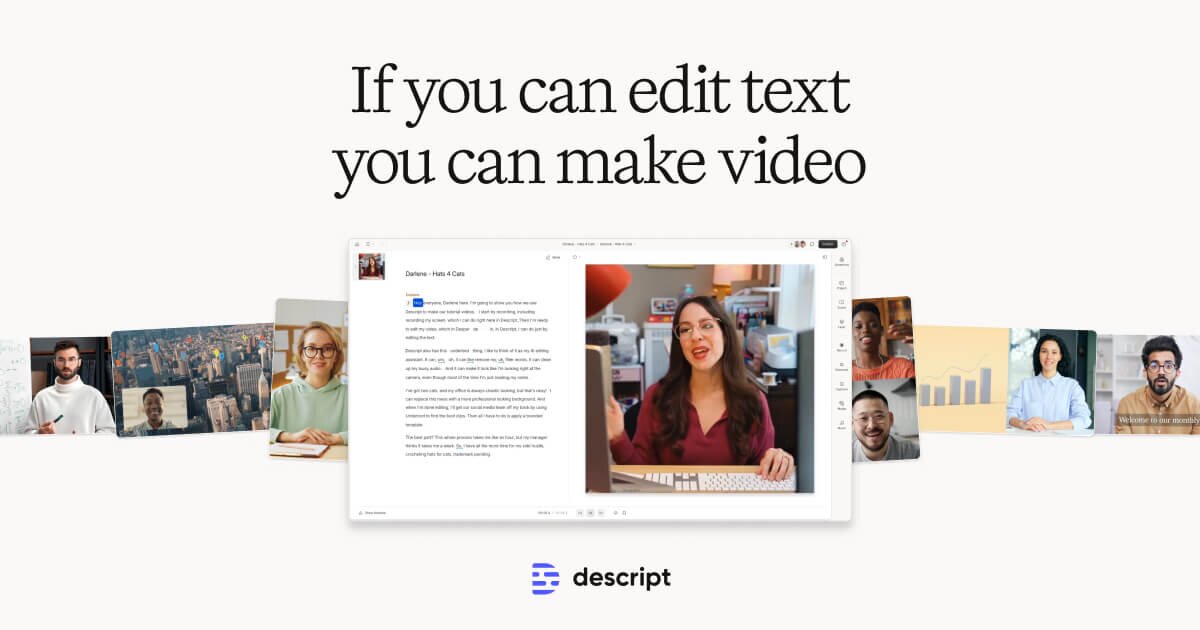
Descript edits video and audio by editing a transcript. Delete a sentence from the text and the corresponding footage disappears with it; move a paragraph and the media moves too.
That single idea makes it the fastest way to cut spoken-word content, and it is why podcasters, marketers, and internal comms teams adopt it in preference to a conventional timeline editor.
This review covers the editing model, the repair tools that clean up imperfect recordings, the newer generative features, and the point at which transcript-based editing stops being the right approach.
| Category | Transcript-based video and audio editor |
|---|---|
| Core idea | Edit the transcript and the media follows |
| Audio repair | Studio Sound, Remove Filler Words, Remove Retakes |
| Video fixes | Eye Contact, Green Screen, Automatic Multicam |
| Generative | AI speech and voice cloning, AI Avatars, generate video and images |
| AI assistant | Underlord |
| Recording | Screen recording and Rooms for remote recording |
| Developer access | API and MCP |
| Compliance | SOC 2 Type II, GDPR, SAML SSO and SCIM provisioning |
| Free plan | Yes |
In a conventional editor, removing a stumbled sentence means finding it on a waveform, setting two precise cuts, and closing the gap. In Descript you select the words and press delete.
The gain is not marginal. For interviews, podcasts, tutorials, and talking-head video, the transcript is the structure of the piece, so editing the structure directly removes a whole layer of translation.
It also makes editing accessible to people who are not editors. A marketer can cut a customer interview competently on their first attempt, which is not true of a timeline tool.
Descript's most valuable features are the ones that make imperfect recordings usable, and they run over the whole file rather than clip by clip.
Studio Sound reprocesses audio toward a clean, close-miked sound, pulling down room noise and evening out level. It rescues recordings made in bad rooms on ordinary microphones.
It is the single feature most likely to justify the tool on its own, because poor audio ruins otherwise good video and re-recording is rarely an option.
Filler-word removal strips "um" and "you know" across an entire recording in one pass. Remove Retakes finds repeated attempts at the same line and keeps the last one.
Together these handle the most tedious part of editing unscripted speech, and they are the reason a rough recording can become publishable in minutes.
Eye Contact adjusts a speaker's gaze so they appear to look at the camera while reading from a script or notes. Automatic Multicam handles switching between angles.
Eye Contact is the more contentious of the two — it works well, and whether you want it is an editorial judgement rather than a technical one.
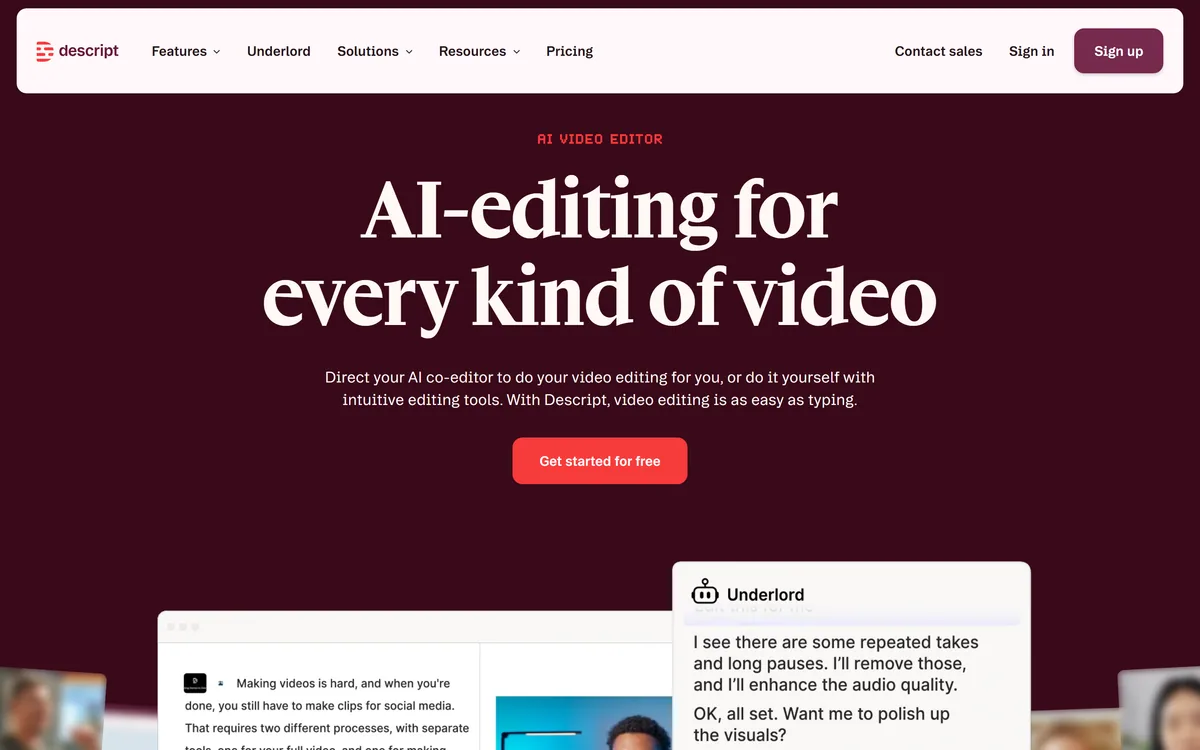
Underlord is Descript's AI assistant, handling editing tasks and content work from an instruction rather than a menu. It sits on top of the editor rather than replacing it.
Alongside it, Descript can clone a voice, generate speech, produce AI avatars, and generate video and images from prompts. Voice cloning is genuinely useful for fixing a single misspoken word without recalling the speaker.
The generative features are broad rather than best-in-class. They are convenient because they are in the same tool, not because they beat dedicated alternatives.
Descript records as well as edits. Screen recording covers tutorials and demos, and Rooms handles remote recording so a guest's audio and video are captured properly rather than through a compressed call.
Create Clips pulls short segments out of a long recording for social distribution, and captions are generated from the transcript that already exists.
This end-to-end shape — record, edit, caption, clip — is why teams end up doing everything here rather than assembling three tools.
Descript lists SOC 2 Type II certification, GDPR compliance, SAML SSO, and SCIM provisioning, with admin controls over users, permissions, and separate drives.
That set matters because the material going through it is often sensitive — customer interviews, internal briefings, unreleased product demos. Named enterprise users include Amazon, Canva, and Salesforce.
An API and MCP support cover teams that want to drive Descript from their own systems rather than through the interface.
Two of Descript's features alter what a person appears to have done. Eye Contact makes a speaker look at the camera when they were reading elsewhere; voice cloning can put words in their mouth they never said.
Both have entirely legitimate uses — a presenter reading a script, a single mispronounced product name fixed without a re-record. Both also have obvious misuses, and the line between them is editorial rather than technical.
The workable rule is consent and materiality: the speaker should know these tools are in use, and nothing should change the substance of what they said. Fixing a stumble is editing; changing a claim is not.
The model depends on speech. For music, action footage, montage, or anything where the meaning is not carried by words, the transcript gives you nothing to edit against and a timeline is the correct tool.
Fine-grained control is limited. Frame-accurate trims, complex compositing, colour work, and elaborate transitions are all better handled elsewhere, and Descript is not trying to compete there.
Performance degrades on long or heavy projects. Multi-hour recordings and large multitrack sessions can become sluggish, which is felt most by the podcast producers who are otherwise its ideal users.
Transcription accuracy also sets a floor. Heavy accents, overlapping speakers, and technical vocabulary produce errors, and because the transcript is the edit, those errors are in your way rather than merely in a subtitle file.
Fix the transcript before editing. Ten minutes correcting names and technical terms saves far more time than it costs, because every later operation depends on the text being right.
Apply Studio Sound early rather than as a final polish, so you are making editorial decisions against the audio you will actually ship.
Keep projects to a sensible length. Splitting a three-hour recording into sections avoids most of the performance complaints people report.
Descript is the best tool available for spoken-word video and audio, and the combination of transcript editing with Studio Sound turns rough recordings into publishable content faster than anything else.
Choose it for podcasts, interviews, tutorials, customer stories, and internal video — particularly where the people editing are not editors. Choose a conventional editor for anything driven by visuals, music, or precise craft.
There is a free plan, which is genuinely useful for judging whether the editing model suits how you work. Check descript.com for current plan limits before committing a team.
Edit video and audio by editing the transcript
Studio Sound for cleaning up poorly recorded audio
Automatic removal of filler words and repeated retakes
Eye Contact gaze correction and Automatic Multicam switching
Voice cloning, AI speech, and AI Avatars
Underlord AI assistant for instruction-driven editing
Screen recording and Rooms for remote guest capture
API and MCP access, with SOC 2 Type II, SSO, and SCIM
Descript has an AInexfinder Editor Score of 4.5/5.
AInexfinder does not list plan prices or billing details. For current pricing, plans, and trials, visit the official Descript website.
Visit official website for pricingVendor pricing, credits, and billing policies change over time. Always confirm on the official site before you buy.
Log in to write a review.
No reviews yet. Be the first to share your experience with Descript.
Assigned reviewer
Daniel ReedSenior AI Tools Reviewer
Daniel reviews AI tools the slow way — by actually using them on real projects. His reviews cover what works, what breaks, and who each tool is genuinely a good fit for.
Daniel and the AInexfinder editorial team research Descript using public product information, listing evidence, and (when available) hands-on checks. Scores reflect listing completeness and transparency — not paid placement.
Vibrantsnap is an AI tool that turns a rough screen recording into a polished walkthrough: it rewrites your narration, reads it in a studio voice in any language, and auto-edits the video with zooms, chapters and captions.
Kapwing is a browser-based video studio combining a timeline editor, subtitler, audio editor and dubbing into 40+ languages with AI tools including Smart Cut, Trim with Transcript, B-Roll Generator, Clip Maker and Character Consistency. Made in San Francisco.
BlipCut translates and dubs video into more than 140 languages with AI lip synchronisation, so translated speech aligns with the speaker's mouth. It also clones voices in 29 languages, offers 600+ voices across 40+ languages, and generates, translates and edits subtitles from uploads or YouTube links.
VEED is an AI video-creation platform that takes an idea to a finished social video in the browser, bundling generation, AI avatars, subtitles, dubbing, clean audio and a brand kit, plus access to frontier models like Sora 2, Veo and Kling.
BIGVU is an AI personal-branding video platform with a teleprompter, AI avatars and voice cloning, auto-editing (caption, filler removal, eye-contact correction), and one-click social posting, aimed at realtors, coaches and marketers, with synthetic-media features that carry likeness and consent considerations.
Zeemo from Bluepulse Inc. generates automatic captions and translates video, alongside basic editing — trim, crop, resize, reverse — plus emoji, GIF, and sticker overlays, on web, iOS, and Android.