
Descript is a video and audio editor that works by editing a transcript — delete a sentence and the footage goes with it — plus Studio Sound, Eye Contact, filler-word removal, AI voices, avatars, and the Underlord assistant.
FreemiumVideo & Audio
Vibrantsnap is an AI tool that turns a rough screen recording into a polished walkthrough: it rewrites your narration, reads it in a studio voice in any language, and auto-edits the video with zooms, chapters and captions.
Making a product walkthrough is a chore most teams keep putting off. You stumble over words, leave awkward pauses, and then lose hours to retakes and editing, so the demo that would help customers never gets made. Vibrantsnap is built to remove every one of those steps.
You hit record and talk naturally, mistakes and all, and the AI rewrites your narration, reads it in a studio voice in the language you choose, and edits the video to match, with zooms that follow your clicks, chapters and accurate captions. The pitch is three steps, under five minutes, from rough take to shareable walkthrough.
This review covers how it turns a messy take into a tutorial, what the auto-editing actually does, how one recording becomes many videos, how it is priced, and who it suits against other demo tools.
Rough screen recording to polished walkthrough
AI narration rewrite into a studio voice
Around 30 voices across 10 languages
Click-following auto-zooms
Chapters edited by script, not raw takes
Word-perfect captions timed to the voice
4K export with shareable, analytics-tracked links
A free trial with no card required
Demo tools differ by whether they capture clicks, narrate, or edit a full timeline.
| Tool | Main job | Strength | Note |
|---|---|---|---|
| Vibrantsnap | Rough recording to polished walkthrough | Narration rewrite plus auto-editing | Built for walkthroughs, fast |
| Guidde | Step-by-step how-to videos | Capturing a process into a guide | Different narration approach |
| Descript | Audio and video editing | Full timeline and overdub | More flexible, less automatic |
| Synthesia | Avatar presenter video | On-screen presenter from text | Presenter, not screen walkthrough |
The core promise is that you no longer have to perform. You record a tab and narrate naturally, with all the umms, false starts and 'let me start over' moments, and Vibrantsnap cleans it into a professional walkthrough rather than making you re-record until it is perfect.
That removes the two things that actually stop demos getting made: the pressure to narrate flawlessly, and the hours of editing afterwards. For a software team that should ship a walkthrough with every release but never finds the time, lowering the effort to a few minutes is the whole value.
It sits in the demo-and-tutorial category alongside tools like Guidde, with the distinguishing bet being that it fixes your spoken narration into a studio voice rather than just capturing clicks.
The two things that stop demos getting made are the pressure to narrate perfectly and the hours of editing after. Vibrantsnap removes both.
Two capabilities do the heavy lifting: the narration rewrite and the automatic video editing.
Vibrantsnap transcribes your rambling narration, rewrites it into a clean script, and reads it back in one of around thirty natural studio voices across ten languages, so a stumbling take becomes crisp, publishable audio. You can also publish the same walkthrough in your customers' language.
For the voice itself, a dedicated voice tool offers more range, and for presenter-led video an avatar tool like Synthesia is a different approach; Vibrantsnap's niche is specifically the narrated screen walkthrough, done fast.
On the video side, it splits your recording into chapters you can edit by script rather than by wrestling with raw takes, adds zooms that follow each click so small UI labels stay readable, and generates word-perfect captions timed to the voice, since most demos are watched on mute.
This is a different editing model from a general editor like Descript: instead of a full timeline, you edit the script and the video follows, which is faster for the specific job of a walkthrough even if it is less flexible for complex edits.
The strategic pitch is reuse. The same recording can become an onboarding tutorial, a help-centre video, a product demo or a sales walkthrough, so the teams that keep remaking the same explainer get it done once.
Output is 4K, and every video becomes a shareable link or an embed with view analytics, so you can put a walkthrough in onboarding emails, a help centre or a site and see whether it is actually watched.
For teams, that measurability matters: a demo you cannot tell is being watched is hard to justify remaking, while one with analytics earns its place. The honest limit is that this is built for walkthroughs, not for cinematic or heavily produced video.
Vibrantsnap offers a free trial with no card required and paid plans for regular use. The free tier is enough to judge whether the narration rewrite and auto-editing meet your bar.
AInexfinder does not publish plan prices, which change and are best read on the site. The variables that tend to drive cost are video minutes, resolution and the number of walkthroughs, so estimate how many your team actually produces each month.
Because the value is time saved per walkthrough, the maths is easiest for teams that produce demos regularly, and harder to justify for a one-off video you could record carefully once.
Because the promise is rough-in, polished-out, test it with a genuinely messy recording rather than a rehearsed one.
| What it is | AI product walkthrough and demo maker |
|---|---|
| Input | A screen recording, or an imported video |
| Narration | AI rewrites your script and reads it in a studio voice |
| Voices | Around 30 natural voices across 10 languages |
| Auto-editing | Click-following zooms, chapters, captions |
| Editing model | Edit by chapter and script, not by raw takes |
| Export | 4K, shareable links with view analytics |
| Rated | 4.9, trusted by software teams |
| Use cases | Onboarding, help-centre, product demos, sales |
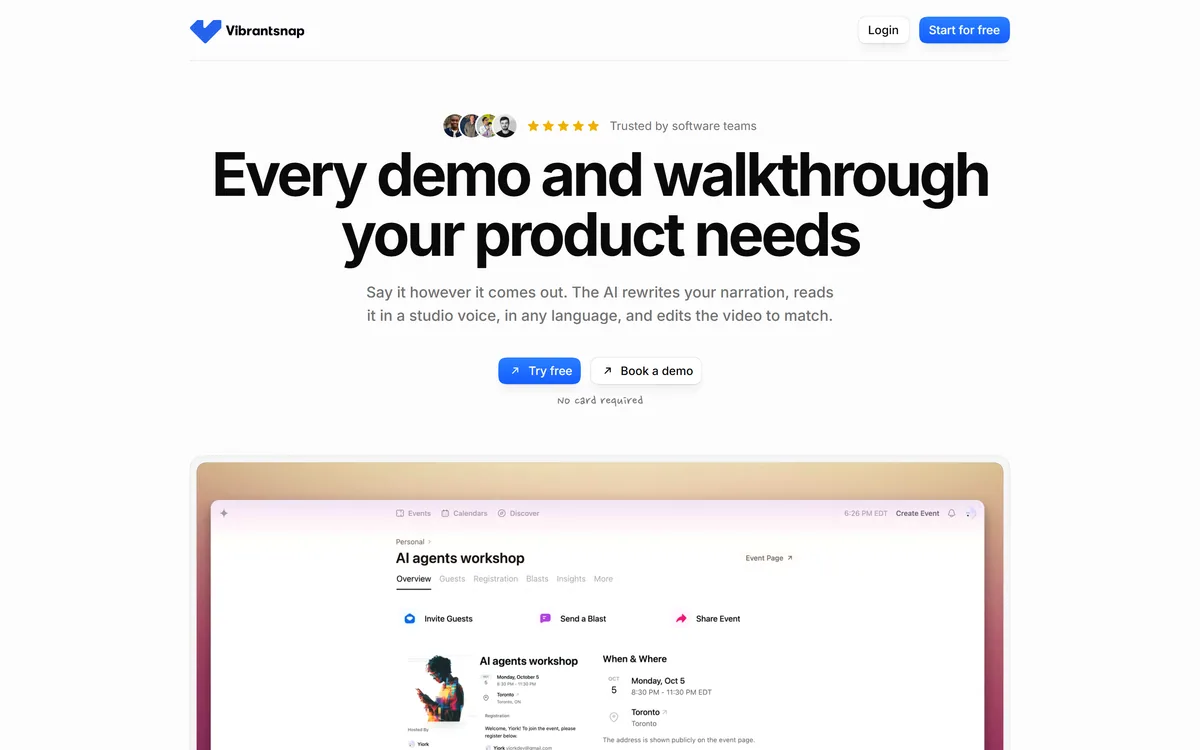
Last checked . Read from vibrantsnap.com during this check, with the screenshot above captured in a browser at the same time.
The 4.9 rating and impact figures are the vendor's own claims; quality of the narration rewrite depends on your recording and language.
A how-to capture tool, a full editor, and an avatar-presenter option.
Vibrantsnap earns 4.0 for removing the real blockers to product walkthroughs, the pressure to narrate perfectly and the hours of editing, by rewriting narration into a studio voice and auto-editing the video; it is capped because it is built for walkthroughs specifically and trades a flexible timeline and your own voice for that speed. AInexfinder Editor Score: 4.0/5.
AInexfinder does not list plan prices or billing details. For current pricing, plans, and trials, visit the official Vibrantsnap website.
Visit official website for pricingVendor pricing, credits, and billing policies change over time. Always confirm on the official site before you buy.
Log in to write a review.
No reviews yet. Be the first to share your experience with Vibrantsnap.
Assigned reviewer
Daniel ReedSenior AI Tools Reviewer
Daniel reviews AI tools the slow way — by actually using them on real projects. His reviews cover what works, what breaks, and who each tool is genuinely a good fit for.
Daniel and the AInexfinder editorial team research Vibrantsnap using public product information, listing evidence, and (when available) hands-on checks. Scores reflect listing completeness and transparency — not paid placement.
Descript is a video and audio editor that works by editing a transcript — delete a sentence and the footage goes with it — plus Studio Sound, Eye Contact, filler-word removal, AI voices, avatars, and the Underlord assistant.
Kapwing is a browser-based video studio combining a timeline editor, subtitler, audio editor and dubbing into 40+ languages with AI tools including Smart Cut, Trim with Transcript, B-Roll Generator, Clip Maker and Character Consistency. Made in San Francisco.
BlipCut translates and dubs video into more than 140 languages with AI lip synchronisation, so translated speech aligns with the speaker's mouth. It also clones voices in 29 languages, offers 600+ voices across 40+ languages, and generates, translates and edits subtitles from uploads or YouTube links.
VEED is an AI video-creation platform that takes an idea to a finished social video in the browser, bundling generation, AI avatars, subtitles, dubbing, clean audio and a brand kit, plus access to frontier models like Sora 2, Veo and Kling.
BIGVU is an AI personal-branding video platform with a teleprompter, AI avatars and voice cloning, auto-editing (caption, filler removal, eye-contact correction), and one-click social posting, aimed at realtors, coaches and marketers, with synthetic-media features that carry likeness and consent considerations.
Zeemo from Bluepulse Inc. generates automatic captions and translates video, alongside basic editing — trim, crop, resize, reverse — plus emoji, GIF, and sticker overlays, on web, iOS, and Android.