What is Traycer?
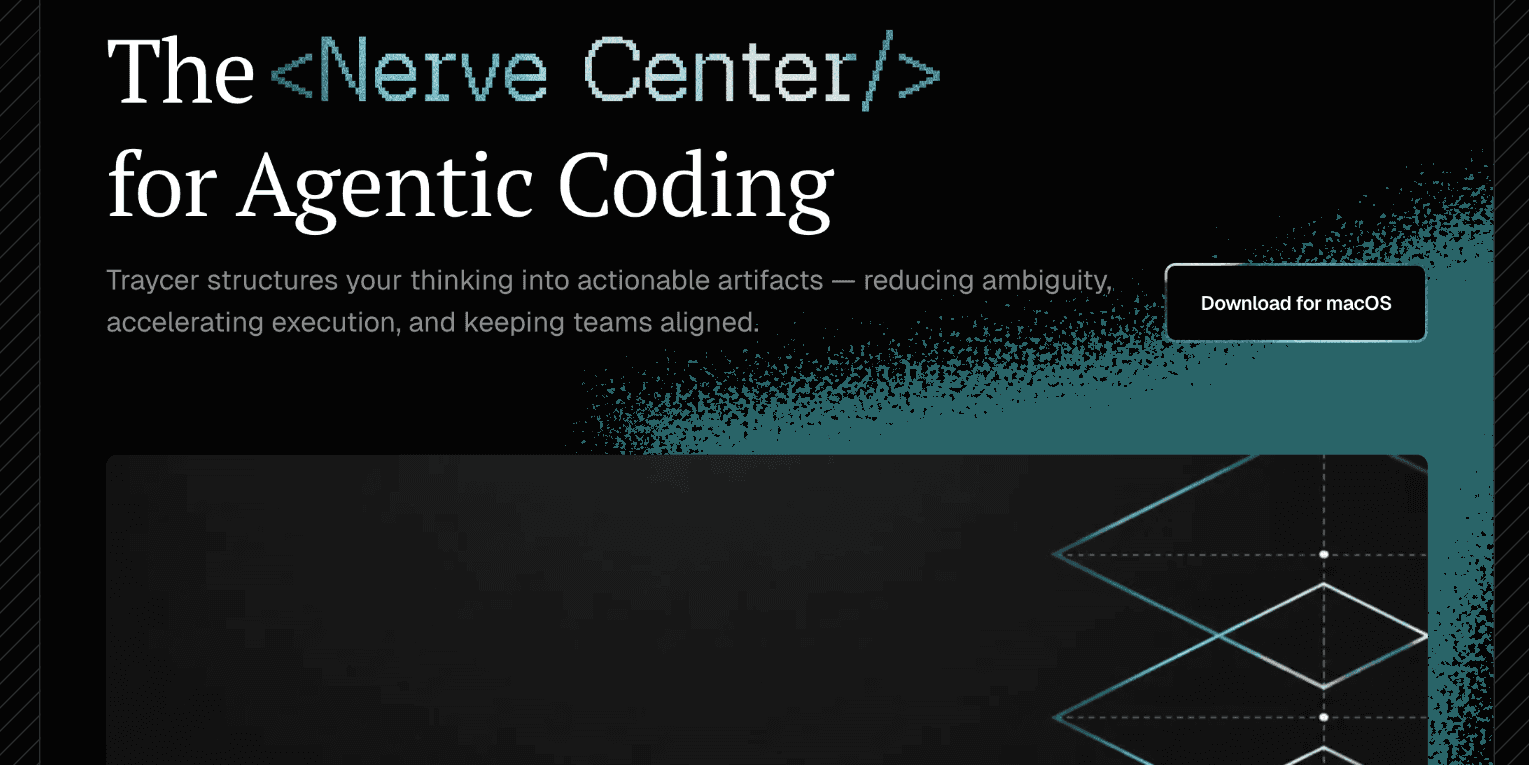
Traycer is a spec-driven AI coding tool built for developers working in real, complex codebases rather than throwaway demos.
Instead of immediately generating code the way many AI assistants do, Traycer begins each task by producing a detailed, actionable plan that the developer can review, edit, and refine before any changes are made.
This plan-first approach reduces the unpredictable output common to autonomous coding agents and gives engineers more control over how a change is implemented.
Once a plan is approved, Traycer can hand the work off to existing coding agents such as Cursor, Claude Code, GitHub Copilot, and Cline, orchestrating multiple agents in parallel while preserving shared context and memory across providers.
After execution, Traycer runs verification passes that scan the codebase to confirm that AI-generated changes meet quality standards before they reach production. It also offers team collaboration features, letting multiple developers work in a shared workspace, assign tickets to agents, and track progress on shareable boards.
Typical use cases include large refactors, multi-file feature work, and reviewing AI changes for correctness. Pros include strong planning and verification, broad agent compatibility, and a usable free tier.
Cons are that it adds a layer of process that solo developers on small tasks may not need, and it depends on having other coding agents or provider subscriptions. Pricing includes a free tier plus paid plans starting around ten dollars per user per month.
Pricing changes often, so check the official site for current plans.
Traycer's core capabilities include Plan-first workflow with reviewable, editable change plans, Orchestration of multiple coding agents in parallel, Compatibility with Cursor, Claude Code, GitHub Copilot, and Cline, Codebase verification of AI-generated changes and Shared team workspace with assignable tickets and boards.
Plan-first workflow with reviewable, editable change plans is built in, Orchestration of multiple coding agents in parallel is built in, Compatibility with Cursor, Claude Code, GitHub Copilot, and Cline is built in, Codebase verification of AI-generated changes is built in, so you get a rounded toolkit rather than a single trick.
Each feature is designed to take the manual effort out of the task and help you reach a usable result faster, which is what makes Traycer worth a place on your shortlist.
On the plus side, users consistently highlight Plan-first approach gives developers control before code is written, Works on top of existing AI coding agents and subscriptions, Built-in verification helps catch low-quality AI changes and Free tier available to try the workflow as the reasons they keep using Traycer.
It isn't perfect, though — Adds planning overhead that may be excessive for tiny tasks and Depends on other coding agents or provider subscriptions to execute are the trade-offs people most often mention, so weigh those against your own priorities before you commit.
As with any AI tool, the output still benefits from a quick human review, but Traycer gets you most of the way there with far less effort.
Traycer runs on a freemium pricing model, so you can start for free and only pay once you outgrow the free tier — handy for testing it on a real task before spending anything.
AI-tool pricing changes often, so always check the current plans, seats and add-ons on the official site for the latest details before you buy. Who is Traycer for? It's best suited for plan-first ai coding agent for real codebases.
Whether you're a beginner trying this kind of AI tool for the first time or a professional who'll use it every day, it's a credible option to consider.
If you're still deciding, compare Traycer against the alternatives and the head-to-head comparisons linked below — looking at features, pricing and real user ratings side by side is the fastest way to find the right fit for your workflow and budget.
Who is Traycer for?
Traycer is best suited for plan-first ai coding agent for real codebases. Whether you are trying this kind of coding & development tool for the first time or use one every day, it is a credible option to shortlist — compare it with the alternatives and head-to-head comparisons linked on this page to find the best fit for your workflow and budget.