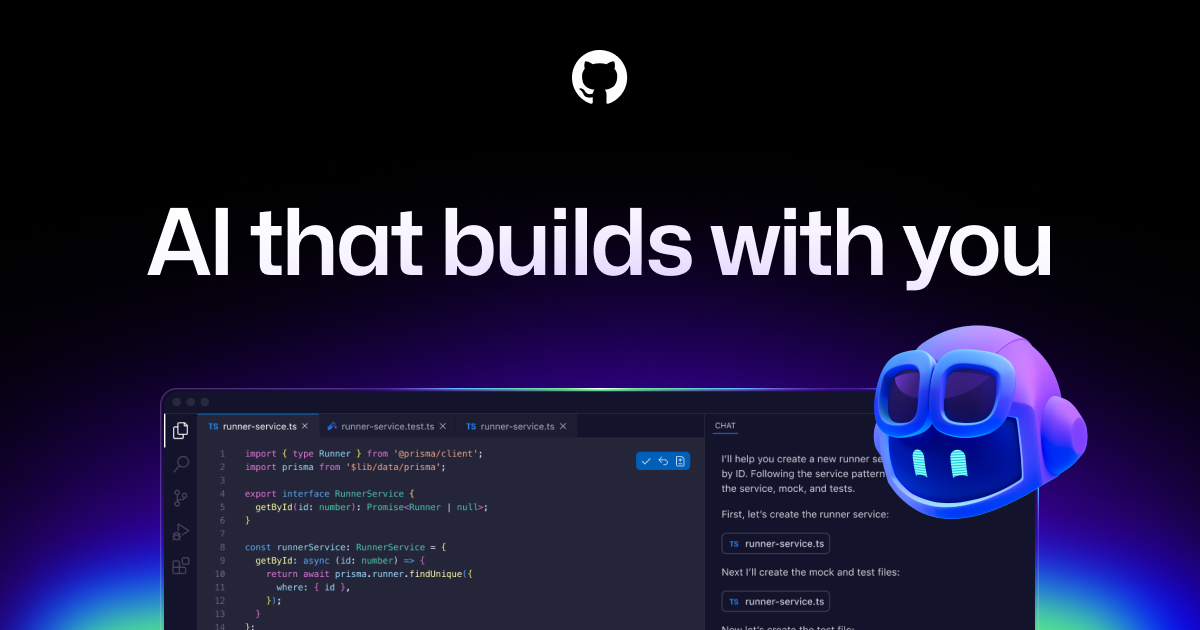
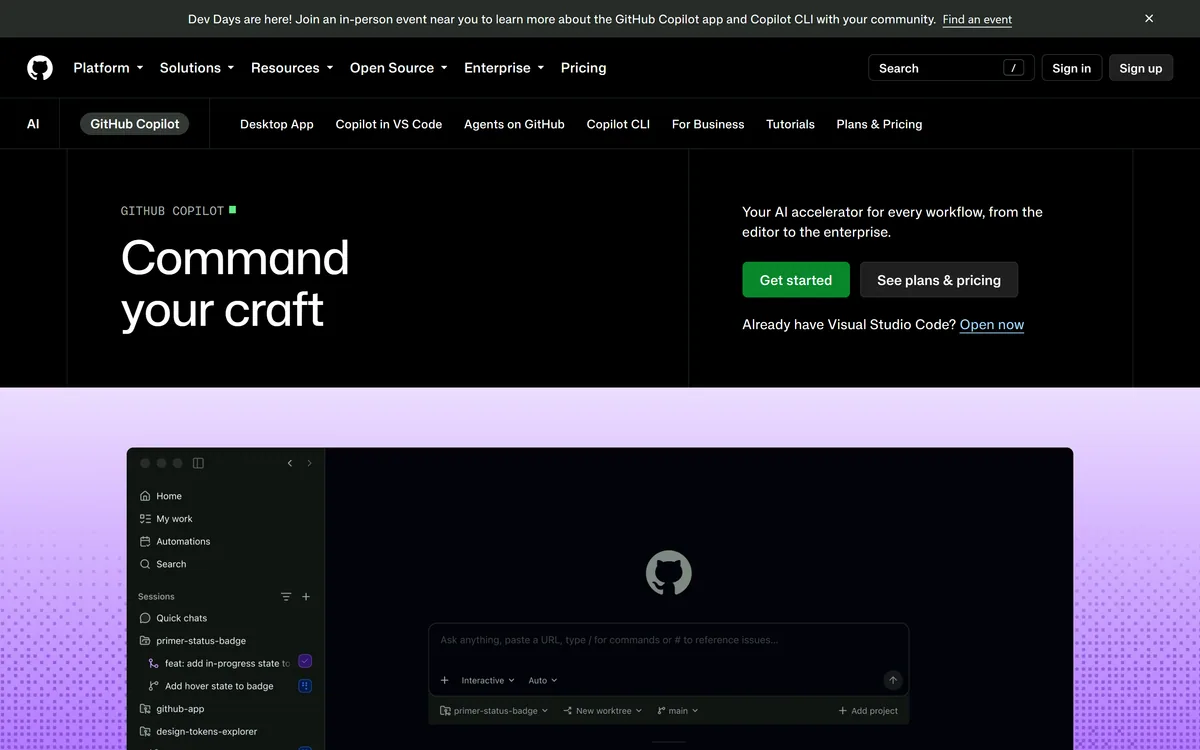
GitHub Copilot is an AI coding assistant that spans completion, chat, agent mode, automated code review, and a cloud agent that opens pull requests, working across VS Code, Visual Studio, JetBrains, Xcode, Neovim, Eclipse, the CLI, and github.com.
GitHub (Microsoft)github.com112,054 viewsAdded March 25, 20261.3M+ visitors
GitHub Copilot is the AI assistant built into the platform where most teams already keep their code. That placement is the whole argument for it — it reads your repositories, your issues, and your pull requests without any extra wiring.
It has grown well beyond suggesting the next line. Copilot now runs chat, an in-editor agent, a cloud agent that works on an issue and opens a pull request, and an automated reviewer that comments on diffs.
This review covers what each mode is for, which editors it reaches, how the tiers differ in ways that actually matter, and where it falls behind dedicated AI editors.
Copilot is positioned as a workflow tool now — the editor is only one of the places it runs.
GitHub Copilot Key Details
Maker
GitHub, with models from OpenAI, Anthropic, and others
Category
AI pair programmer and coding agent
Editors supported
VS Code, Visual Studio, JetBrains IDEs, Xcode, Neovim, Eclipse
Model Context Protocol (MCP) integrations with allow lists
Legal cover
IP indemnity on business and enterprise tiers
Compliance
Data Protection Agreement supporting GDPR, audit logs on Pro+ and above
Four Modes, Four Different Jobs
Copilot is not one feature but several, and they suit very different situations. Knowing which to reach for is most of the skill.
Inline Completion
The original capability: suggestions as you type, accepted with a keystroke. It is best on boilerplate, tests, and code that follows an obvious pattern already present in the file.
This mode asks nothing of you. It is also the one least likely to produce something you have to unpick later.
Copilot Chat And Edits
Chat answers questions about code with your repository as context, which beats a general chatbot for anything project-specific. Copilot Edits applies changes across several files from a single instruction.
Use Chat to understand unfamiliar code, and Edits when you know the change you want but not every file it touches.
Agent Mode
Agent mode works autonomously inside the editor — planning, editing across files, running commands, and reacting to failures. It suits a scoped task you intend to review immediately.
As with any agent, a clear success condition matters more than a detailed prompt. Give it a test to pass and it will keep working toward it.
The Cloud Coding Agent
Assign an issue to Copilot and it works on a cloud machine, then opens a pull request for review. Nothing runs on your laptop and you are not watching it work.
This fits well-specified, low-risk tasks — dependency bumps, small bug fixes, mechanical refactors. It fits ambiguous product work badly.
Automated Review On Pull Requests
Copilot can review a pull request and leave comments before a human opens it. In practice it reliably catches the unglamorous things: missing null checks, unhandled errors, tests that do not assert what they claim.
It is weaker on architectural judgement and on whether a change is the right idea at all — the questions experienced reviewers are actually needed for.
Used as a first pass it saves reviewers real time. Used as an approval gate it will wave through decisions no model should be making.
Model Choice And MCP Extensions
Copilot exposes a catalogue of models rather than a single one, spanning OpenAI and Anthropic families, with faster and cheaper options alongside heavier ones. You switch per task, which matters because a quick completion and a deep refactor want different models.
Model Context Protocol support lets Copilot reach external tools and data sources, with allow lists so an organisation controls which MCP servers are reachable.
That combination — model choice plus governed extensions — is what makes Copilot viable in companies that cannot let a coding assistant reach arbitrary services.
It Runs Almost Everywhere You Do
Editor coverage is broader than any competing assistant, which matters for teams that are not standardised on one IDE.
The reach beyond editors is the part people underuse: reviewing on github.com, asking a question from GitHub Mobile, or driving it from the terminal.
VS Code, Visual Studio, JetBrains IDEs, Xcode, Neovim, and Eclipse
github.com and GitHub Mobile
GitHub CLI and the dedicated Copilot CLI
A desktop app, plus Raycast for quick access
Copilot Spaces for curating the context Copilot draws on
Reading The Tier Ladder Honestly
There are six named tiers — Free, Pro, Pro+, Max, Business, and Enterprise — and the differences that matter are not really about volume.
Audit logs start at Pro+. Access control and budget control arrive with Business. IP indemnity, the duplication detection filter, and the Data Protection Agreement supporting GDPR are the enterprise-facing items that usually decide procurement, not the number of requests.
If you are evaluating for a company rather than yourself, work down from the governance features you need rather than up from the cheapest tier.
Copilot Spaces And Curated Context
Copilot Spaces let you assemble the material Copilot should reason over — specific repositories, documentation, and notes — instead of hoping it infers the right context from whatever file is open.
This matters most in large organisations where the answer to "how do we do this here" lives in a design doc rather than in code. A Space pointed at the right sources turns Copilot from a generic assistant into one that knows your conventions.
It is the closest equivalent to a rules file in dedicated AI editors, and teams that set one up get markedly more relevant answers than teams that do not.
Where Copilot Gives Ground
Its inline completion is good but no longer the best available — dedicated AI editors have pulled ahead on multi-line prediction and on following a refactor through a file.
Agent output on large, unusual codebases has the same failure mode as every competitor: confident code that looks right and is not. Review discipline is not optional.
The free tier is a genuine trial rather than a workable plan, and quality varies by language, with mainstream ecosystems served noticeably better than niche ones.
Is Copilot The Right Default?
For teams already living on GitHub, Copilot is the path of least resistance and a genuinely strong tool. Context comes free, governance is mature, and the coverage across editors and surfaces is unmatched.
Choose it when your work already flows through GitHub issues and pull requests, when your team uses mixed IDEs, or when IP indemnity and audit logs are requirements. Look at a dedicated AI editor if raw autocomplete quality and deep agent work in one codebase are what you care about most.
Check github.com for current plans, since the split between tiers moves and the governance features are the part worth confirming before rollout.
Key features of GitHub Copilot
Inline code completion across mainstream languages and editors
Copilot Chat and Copilot Edits with repository context
Agent mode for autonomous, multi-file work inside the editor
Cloud coding agent that takes an issue and opens a pull request
Automated pull request review with inline comments
Model catalogue spanning OpenAI and Anthropic families
MCP integrations governed by organisation allow lists
Pros & cons
Pros
5
Widest editor and surface coverage of any AI coding assistant
Repository, issue, and pull request context needs no extra setup
Mature governance — audit logs, access and budget controls, IP indemnity
Switchable models rather than a single fixed one
Cloud agent handles mechanical tasks without occupying your machine
Cons
5
Inline completion has been overtaken by dedicated AI editors
Agent output on large or unusual codebases still needs close review
Governance features are spread across six tiers, so tier choice is fiddly
Free tier works as a trial, not as a usable everyday plan
Quality drops in niche languages and less common frameworks
Best For
Teams whose work already runs through GitHub issues and pull requests
Organisations with developers spread across different IDEs
Companies that require IP indemnity or audit logging
Reviewers wanting an automated first pass on every pull request
Maintainers offloading dependency bumps and mechanical fixes
Editor's Verdict
4.6/5
GitHub Copilot has an AInexfinder Editor Score of 4.6/5.
GitHub Copilot pricing
AInexfinder does not list plan prices or billing details. For current pricing, plans, and trials, visit the official GitHub Copilot website.
Vendor pricing, credits, and billing policies change over time. Always confirm on the official site before you buy.
Frequently asked questions
What is the difference between Copilot agent mode and the cloud coding agent?
Agent mode runs inside your editor on your machine while you watch and review as it works. The cloud coding agent takes an assigned issue, works on GitHub's infrastructure, and opens a pull request for you to review afterwards.
Which editors does GitHub Copilot support?
VS Code, Visual Studio, JetBrains IDEs, Xcode, Neovim, and Eclipse, plus github.com, GitHub Mobile, the GitHub CLI, a dedicated Copilot CLI, a desktop app, and Raycast.
Can I choose which AI model GitHub Copilot uses?
Yes. Copilot exposes a catalogue of models across OpenAI and Anthropic families, including faster low-cost options and heavier ones, and you select per task rather than being fixed to one.
Does GitHub Copilot offer IP indemnity?
Yes, on business and enterprise tiers, alongside a duplication detection filter that screens suggestions matching public code and a Data Protection Agreement supporting GDPR compliance.
Is GitHub Copilot free?
There is a free tier, but it is best treated as a trial rather than a working plan. The features most teams need sit on the paid tiers, and governance controls such as audit logs begin at Pro+.
Can Copilot review pull requests on its own?
It can review and comment automatically, and it is good at catching missing error handling, weak tests, and similar defects. It is not a substitute for human review on architecture or on whether a change is the right idea.
How much does GitHub Copilot cost?
AInexfinder does not publish plan prices because vendor pricing changes frequently. Check the GitHub Copilot page for current pricing across the Free, Pro, Pro+, Max, Business, and Enterprise tiers.
Daniel reviews AI tools the slow way — by actually using them on real projects. His reviews cover what works, what breaks, and who each tool is genuinely a good fit for.
Daniel and the AInexfinder editorial team research GitHub Copilot using public product information, listing evidence, and (when available) hands-on checks. Scores reflect listing completeness and transparency — not paid placement.
Listings may include affiliate or sponsored placements, which are labeled when present. Editorial scores and cons are not sold. See our affiliate disclosure and review methodology.
Replit AI turns a written description into a working application — the Agent writes the code, and Replit supplies the database, authentication, hosting, and monitoring, so a prototype goes live without a local setup or a deployment pipeline.
Tabnine is an enterprise AI coding assistant offering context-aware code completion, chat and agents with private deployment and a codebase-wide context engine. In July 2026 it was acquired by Tricentis, and tabnine.com now routes to the Tricentis agentic quality engineering platform.
Zencoder is an AI orchestration platform for engineering work: agents plan with one model, build with another and review with a third, across multi-repo indexing and full dependency mapping, inside VS Code and JetBrains. It adds scheduled automation and a work layer spanning Jira, Slack and Notion.
Cline is an open-source AI coding agent that works in your editor as a VS Code extension, in the terminal as a CLI, as a desktop app and through an SDK, using any model including open-weight ones, with a plan-and-act workflow where you approve its actions.
Pieces runs in the background on your computer forming a searchable memory of your work, capturing what you see and what you copy by default and what you hear only if you opt in. It builds a chronological timeline across Gmail, Outlook, browsers and Slack, and generates standups, briefs and recaps from real context.
Kiro is an agentic software-engineering toolset, an IDE, a CLI and cloud sessions, that turns prompts into executable specs, validates code correctness, and works across large codebases with parallel agents, positioned as a step beyond basic AI code completion.