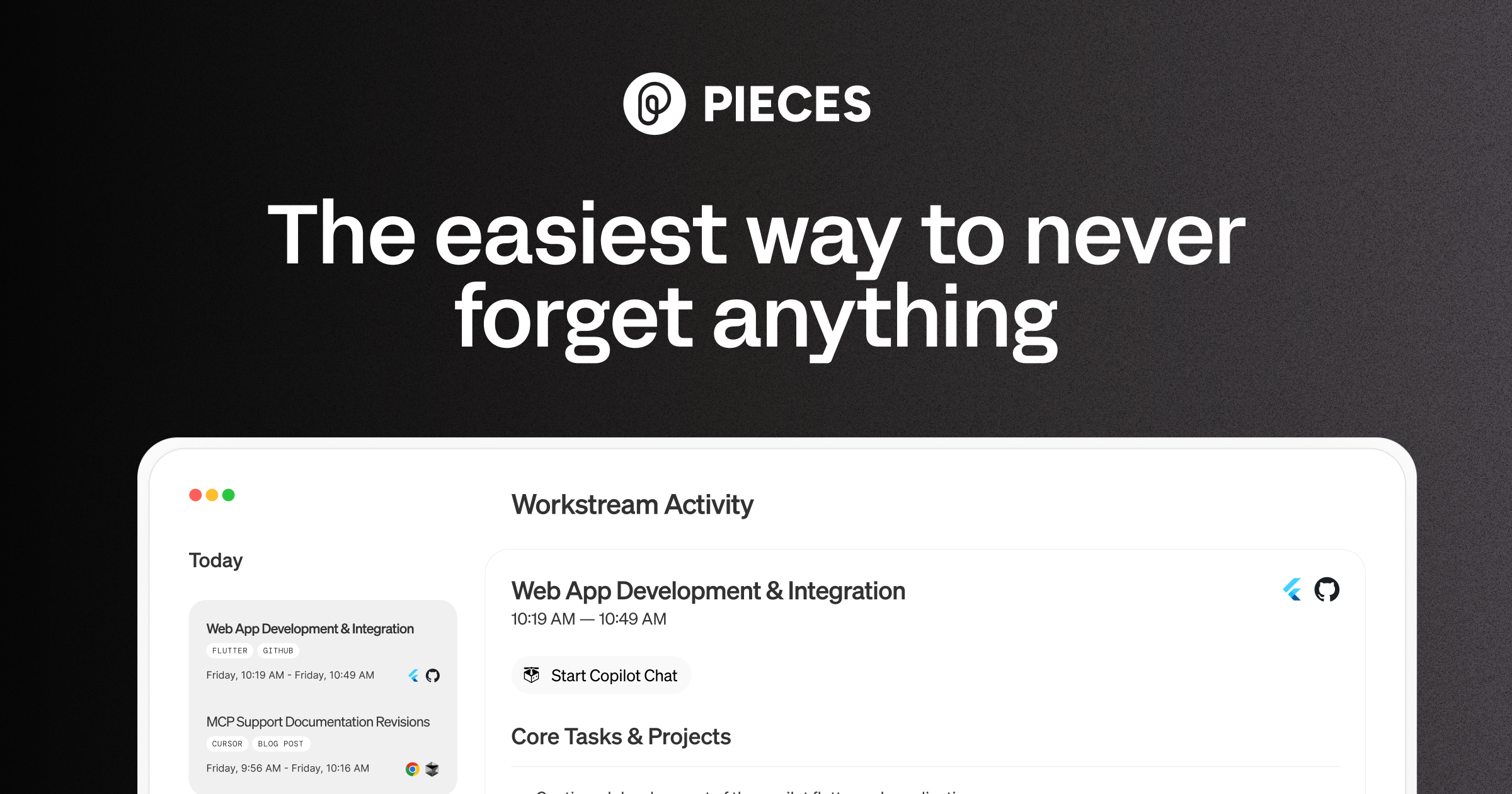
Pieces runs in the background on your computer forming a searchable memory of your work, capturing what you see and what you copy by default and what you hear only if you opt in. It builds a chronological timeline across Gmail, Outlook, browsers and Slack, and generates standups, briefs and recaps from real context.
Everyone has had the same twenty minutes: you know you read something relevant, you know roughly when, and you cannot find it. It was a Slack thread, or an email, or a tab you closed.
That is not a memory failure so much as a systems one. Your work is distributed across a dozen applications that each remember their own piece and none of which remember the sequence.
Pieces' answer is to sit underneath all of it and record the sequence — which is genuinely useful and requires letting software watch what you do.
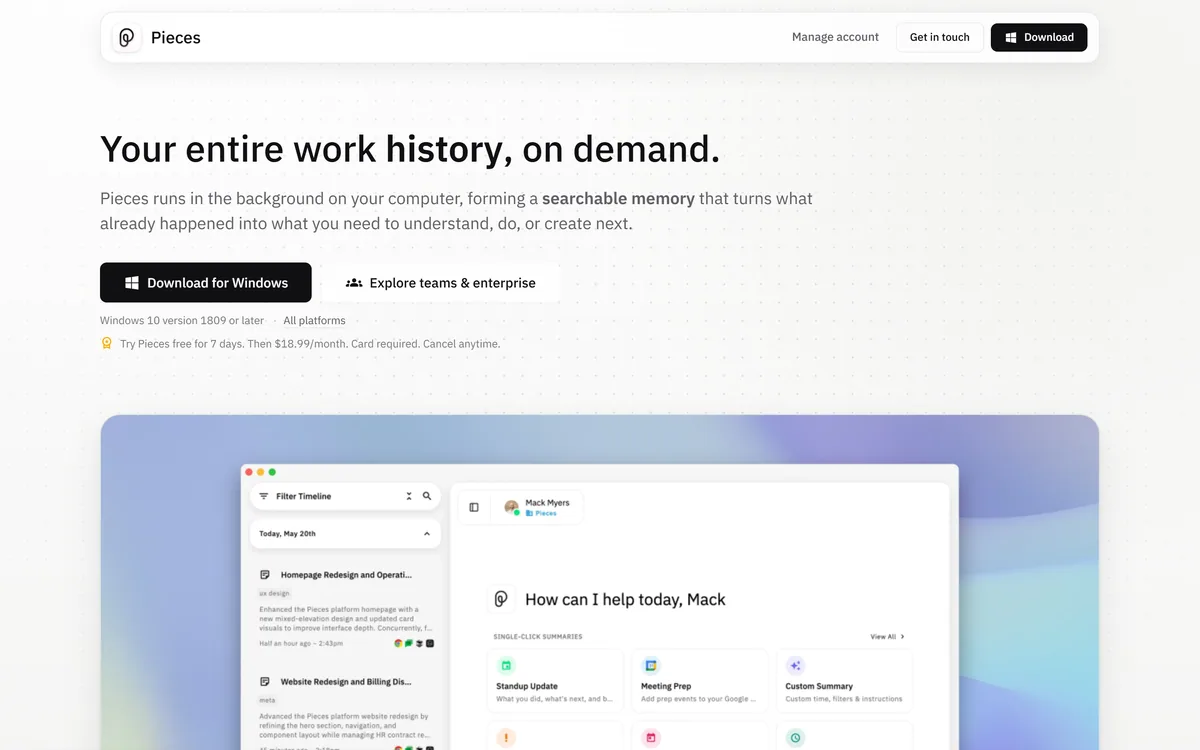
Pieces' homepage, captured 9 September 2026, showing the activity-to-knowledge positioning.
Pieces: A Memory Layer For Your Desktop
Runs in the background, forming memories every two seconds from the applications you already use.
Capture is split explicitly — what you see and what you copy by default; what you hear and say only if you opt in.
A chronological timeline across Gmail, Outlook, Chrome, Arc, Safari and Slack, searchable by time, topic, person or tool.
Standups, morning briefs, meeting prep and day recaps generated from what actually happened.
Mesh Intelligent Technologies, Inc., with a seven-day trial and a published refund policy.
What Does Capturing Every Two Seconds Mean?
Pieces states that it forms memories every two seconds from the apps you already use, running in the background to turn what already happened into what you need next.
It is worth sitting with that sentence rather than skimming it, because the capability and the cost are the same thing.
Capturing at that frequency means the record is genuinely continuous. You can ask what you were doing on a Tuesday afternoon three weeks ago and get an answer, which nothing else in your working life can provide.
It also means everything on your screen during working hours enters that record: the document you had open, the message you were reading, the search you ran, the thing you looked at that had nothing to do with work.
Neither of those is a criticism. They are the same fact viewed from two directions, and the honest framing is that this is a genuinely powerful capability with a genuinely large surface — which is why the capture split matters more than any feature.
The capability and the cost are the same fact. A continuous record is useful because it is continuous.
Captured By Default Versus Opt-In Only
Pieces divides capture into two explicit tiers: captured by default covers what you see from the focused application and what you use from copy and paste, while what you hear and say from meetings and conversations is opt-in only.
That split is well judged and it deserves credit, because the line is drawn at the place people actually care about.
Audio is categorically different from screen content. Recording a meeting captures other people who did not agree to it, which raises consent questions that screen capture of your own work does not.
Making audio opt-in while screen content is default means the default is defensible and the sensitive case requires a deliberate decision — which is the right way round, and the opposite of how many products handle it.
The screen capture default is still worth examining for your own situation. Anyone handling client confidential material, regulated data or another company's information under NDA should check whether a continuous local record is permitted before installing anything — a question that also applies to Dosu and any tool that indexes work automatically.
Standups And Recaps From Real Context
Pieces states that hours of retracing your steps become one click: standup updates, morning briefs, meeting prep and day recaps generated from your real context.
This is the clearest demonstration of why a timeline beats a search index, and it is worth understanding the difference.
Search answers where is the thing I am looking for. A timeline answers what happened, which is a different question and the one those artefacts require.
Writing a standup update means reconstructing yesterday from memory, and people reliably forget the two hours spent on something that produced no visible output. A record does not.
Meeting prep is the more valuable case. Walking into a conversation having been reminded what was agreed last time, what you promised and what has happened since is a meaningful advantage — and it is the kind of preparation almost nobody does because reconstructing it costs more than the meeting is worth.
Check whether continuous capture is permitted before installing, not after.
Keep audio capture off unless everyone in the meeting knows.
Test recall on a week you remember, to calibrate what it actually finds.
Use it for meeting prep, which is where the payoff is largest.
Decide what happens to the record if you leave your job.
Why This Runs On Your Machine
Pieces is a desktop application — Windows 10 version 1809 or later, with all platforms available — rather than a cloud service, and that architecture is central to the proposition.
The reason is that the alternative is much harder to accept. A continuous record of your screen activity sitting on somebody else's infrastructure is a different risk category from one sitting on your own machine.
Local processing also makes the capability possible at all. Streaming everything on your screen to a server every two seconds would be expensive, slow and considerably harder to justify to an employer.
The trade is the usual one for local software: it consumes your machine's resources, its capability is bounded by your hardware, and the memory lives on one device rather than following you.
That last point is worth thinking through practically. A memory layer tied to a laptop is a memory layer you lose when the laptop is replaced, which is a question about export and continuity rather than about privacy.
That architecture puts it in the same category as other locally-run assistants rather than with hosted note tools. Products like Khoj make the same trade — capability bounded by your hardware, in exchange for material that never leaves the device — and the decision between local and hosted is usually about policy rather than preference.
Where A Memory Layer Stops Helping
Continuous capture solves a specific problem and leaves several adjacent ones untouched.
It records what you saw, not what you understood. The document was open; whether you read it, agreed with it or noticed the important paragraph is not in the record, and a timeline can mislead by implying attention that was not there.
It does not capture what happened without you. Decisions made in a meeting you missed, a conversation in a channel you do not follow, or a document you were never sent are outside the record by definition.
It does not organise. A timeline is chronological rather than structured, so it is excellent at when and much weaker at how things relate — which is what a knowledge base does and this is not.
And it is personal rather than shared. Team knowledge that everyone needs belongs somewhere everyone can reach, which is the space documentation platforms such as GitBook occupy, and no amount of individual memory substitutes for it.
Deciding Whether To Let Pieces Watch
This is a decision that deserves more than the ten seconds most software installations get, because the permission is unusually broad.
This sequence establishes whether it is permitted and whether it is useful, in that order.
Check your employment or client terms on continuous local capture before installing.
Leave audio capture off entirely until you have decided how to handle consent.
Run it for a fortnight, then test recall on a week you already remember.
Use it for meeting prep first, which is where the value is clearest.
Check what the record contains that you would not want it to, and whether that can be excluded.
Establish how the memory is exported or deleted before it becomes valuable to you.
Memory Layer Terms
The vocabulary of continuous capture, and what each term actually covers.
undefined
undefined
undefined
undefined
undefined
undefined
Pieces: Capture And Company
Operating company
Mesh Intelligent Technologies, Inc.
Product type
Local AI memory layer
Positioning
The AI memory layer for modern work
Capture frequency
Memories formed every two seconds
Captured by default
What you see from the focused application, and what you copy and paste
Opt-in only
What you hear and say, from meetings and conversations
Sources
Gmail, Outlook, Chrome, Arc, Safari, Slack and more
Outputs
Standup updates, morning briefs, meeting prep, day recaps
Search
Scoped by time, source, person, topic or tool
Platform
Desktop, Windows 10 version 1809 or later, all platforms available
What we could not confirm: whether any captured content leaves the machine and under what circumstances; whether specific applications or windows can be excluded from capture, which is the control that would most change the calculus; how the memory is exported or deleted; what Pieces Enterprise adds and whether administrators can see individual records; which models process the captured content; and how much local resource continuous capture consumes. We did not install it.
Editor's Verdict
3.8/5
Pieces is doing something genuinely useful and asking for something genuinely large in return. The useful part is real: nobody remembers which document contained the decision, and a chronological searchable record of your own work solves a problem everyone has and nobody addresses. The large part is that it captures what is on your screen every two seconds. The company handles this better than most — capture is split explicitly into default and opt-in, and it is a desktop product rather than a cloud service — but it remains a decision that deserves genuine thought rather than a quick install. AInexfinder Editor Score: 3.8/5.
Pieces pricing
AInexfinder does not list plan prices or billing details. For current pricing, plans, and trials, visit the official Pieces website.
Vendor pricing, credits, and billing policies change over time. Always confirm on the official site before you buy.
Frequently asked questions
What is Pieces?
Pieces is a local AI memory layer that runs in the background on your computer, forming memories every two seconds from the applications you use. It builds a searchable chronological timeline across email, browsers and Slack, and generates standups, briefs and recaps from what actually happened.
What does capturing every two seconds actually mean?
That the record is genuinely continuous — you can ask what you were doing on a Tuesday three weeks ago and get an answer. It also means everything on your screen during working hours enters that record. Those are the same fact viewed from two directions.
What is captured by default?
What you see from the focused application, and what you copy and paste. What you hear and say from meetings is opt-in only, which is the right way round — audio captures other people who did not agree to it, and screen capture of your own work does not.
Should I turn on audio capture?
Not without deciding how to handle consent. Recording a meeting captures colleagues and clients who have not agreed to it, which is a categorically different question from recording your own screen. Leave it off until that is resolved.
Why does it run locally?
Because the alternative is much harder to accept. A continuous record of your screen sitting on somebody else's infrastructure is a different risk category, and streaming everything every two seconds would be expensive, slow and hard to justify to an employer.
What is the downside of local execution?
It consumes your machine's resources, its capability is bounded by your hardware, and the memory lives on one device. A memory layer tied to a laptop is one you lose when the laptop is replaced — a continuity question rather than a privacy one.
Why is a timeline better than search?
Because they answer different questions. Search answers where is the thing I am looking for; a timeline answers what happened. Standups, recaps and meeting prep all need the second, and reconstructing it from memory reliably misses the hours that produced no visible output.
What does it not capture?
What you understood, and what happened without you. The document was open; whether you read it is not in the record. Decisions made in a meeting you missed or a channel you do not follow are outside it by definition.
Is this a replacement for team documentation?
No — it is personal rather than shared. Knowledge everyone needs belongs somewhere everyone can reach, and a private timeline of one person's screen activity is the opposite of that however good it is.
What should I check before installing?
Your employment or client terms on continuous capture, especially if you handle confidential or regulated material. Then whether specific applications can be excluded, and how the memory is exported or deleted — questions worth answering before the record becomes valuable to you.
Daniel reviews AI tools the slow way — by actually using them on real projects. His reviews cover what works, what breaks, and who each tool is genuinely a good fit for.
Daniel and the AInexfinder editorial team research Pieces using public product information, listing evidence, and (when available) hands-on checks. Scores reflect listing completeness and transparency — not paid placement.
Listings may include affiliate or sponsored placements, which are labeled when present. Editorial scores and cons are not sold. See our affiliate disclosure and review methodology.
GitHub Copilot is an AI coding assistant that spans completion, chat, agent mode, automated code review, and a cloud agent that opens pull requests, working across VS Code, Visual Studio, JetBrains, Xcode, Neovim, Eclipse, the CLI, and github.com.
Replit AI turns a written description into a working application — the Agent writes the code, and Replit supplies the database, authentication, hosting, and monitoring, so a prototype goes live without a local setup or a deployment pipeline.
Tabnine is an enterprise AI coding assistant offering context-aware code completion, chat and agents with private deployment and a codebase-wide context engine. In July 2026 it was acquired by Tricentis, and tabnine.com now routes to the Tricentis agentic quality engineering platform.
Zencoder is an AI orchestration platform for engineering work: agents plan with one model, build with another and review with a third, across multi-repo indexing and full dependency mapping, inside VS Code and JetBrains. It adds scheduled automation and a work layer spanning Jira, Slack and Notion.
Cline is an open-source AI coding agent that works in your editor as a VS Code extension, in the terminal as a CLI, as a desktop app and through an SDK, using any model including open-weight ones, with a plan-and-act workflow where you approve its actions.
Kiro is an agentic software-engineering toolset, an IDE, a CLI and cloud sessions, that turns prompts into executable specs, validates code correctness, and works across large codebases with parallel agents, positioned as a step beyond basic AI code completion.