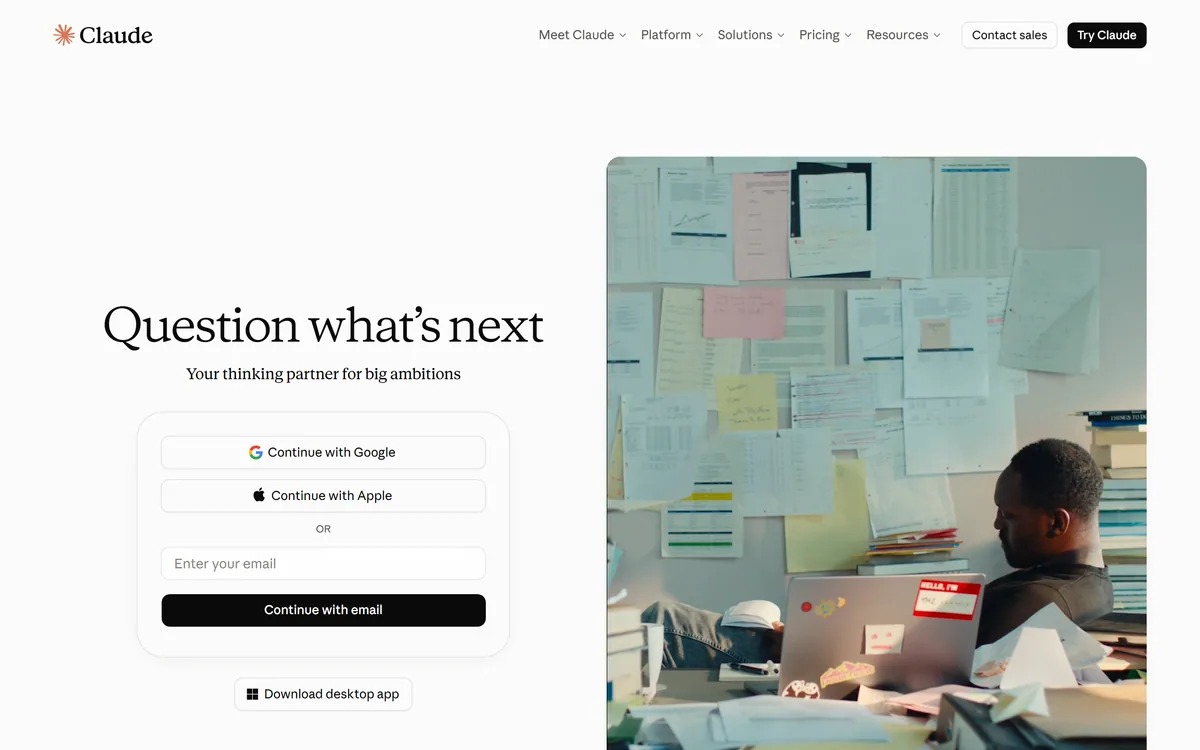

Claude is Anthropic's AI assistant, available on web, desktop, mobile, and in Chrome, with Projects for persistent context, Artifacts for generated documents and apps, Skills, Connectors, and Claude Code for developers.
AI Chatbots & Assistants Review
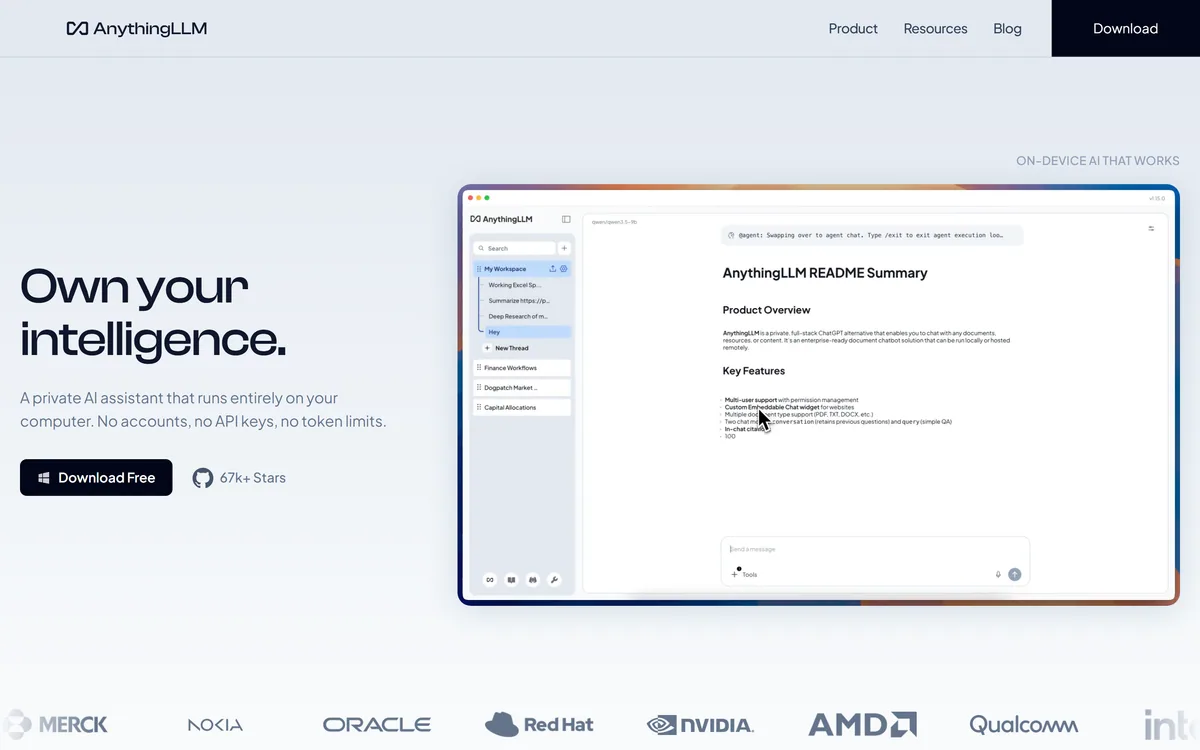
AnythingLLM (Mintplex Labs, MIT-licensed) is a private, all-in-one AI application you can run on your own device or server: chat with your documents, build workspaces and agents, and connect your choice of local or cloud models, with data kept local for privacy. It suits privacy-conscious individuals and teams, with the usual self-host effort and open-source caveats.
Very good
AnythingLLM earns 4.2 as a strong, genuinely private AI app with an unusually open model. Letting you chat with your documents, build workspaces and agents, and run the whole thing on your own machine with local models, it solves the real problem that most AI apps send your data to someone else's cloud, and being MIT-licensed open source removes lock-in. The caveats are the ones self-hosting always brings: there's setup and maintenance, local model quality depends on your hardware, and connecting cloud models trades some privacy for power. For privacy-conscious users and regulated contexts who can handle a little setup, it's an excellent choice; those wanting zero-setup cloud convenience should look to a hosted tool. AInexfinder Editor Score: 4.2/5.
Best for: Private document chat; Running AI locally
The visit link goes to anythingllm.com, the official site. Paid placements on AInexfinder are always labelled. How we make money
Most AI apps send your documents to someone else's cloud, which is a non-starter for sensitive data. AnythingLLM's pitch is the opposite: a private, all-in-one AI app you can run entirely on your own machine.
You chat with your documents, build workspaces and agents, and pick your own local or cloud models, with data kept local. It's an open-source alternative to hosted tools like CustomGPT.ai, built around privacy.
This review covers how AnythingLLM keeps your data private, who its privacy suits, how it's licensed and priced, and the self-host trade-offs to weigh first.
AnythingLLM's core idea is a complete AI app that you, not a vendor, control. You load your documents, and it lets you chat with them, organise them into workspaces, and run agents, all of it able to run on your own device or server so your data never has to leave.
Privacy is the whole point. Because you can run it locally with local models, sensitive documents stay on your hardware rather than being uploaded to someone else's cloud, which is the deciding factor for a lot of individuals and organisations.
It's flexible rather than locked-in: it's MIT-licensed open source, works as a desktop app or self-hosted server, and lets you choose your models (local ones for full privacy, or cloud ones when you want more power), with agents and connectors on top.
The honest framing is that AnythingLLM is a strong, genuinely private AI app with an unusually open model. The caveats are the ones self-hosting always brings: there's setup and maintenance effort; local model quality (and speed) depends on your hardware, so a laptop won't match a cloud frontier model; and if you connect cloud models, data leaves your machine, so privacy depends on how you configure it.
AnythingLLM is a strong, genuinely private AI app; self-hosting takes setup, and local quality depends on your hardware.
AnythingLLM pairs private, local document chat with flexible models and agents.
You chat with your documents in workspaces, with the whole thing able to run locally so data stays on your device, and your choice of local or cloud models behind it.
A hosted platform like Glean runs in the vendor's cloud with enterprise governance; AnythingLLM's angle is running on your own hardware with your data local, which suits those who can't or won't use a cloud.
Built-in agents and connectors extend it beyond chat, and the MIT licence means you can self-host, modify and deploy it freely.
A hosted agent like eesel AI lives in your SaaS tools; AnythingLLM instead gives you a self-contained app you own, so match it to whether you want managed convenience or local control.
AnythingLLM suits privacy-conscious individuals, developers and teams, especially in regulated or sensitive contexts, who want AI over their documents without sending data to a third-party cloud.
It suits people comfortable with a bit of setup, who value model choice and the freedom of open source, and who may want to run fully offline with local models.
It suits less well non-technical users who want a zero-setup hosted tool, anyone whose hardware can't run a decent local model and who therefore needs cloud power anyway, and teams that specifically want a managed, supported SaaS.
A fair way to place it: if data privacy or control is a hard requirement and you can handle some setup, AnythingLLM is an excellent, genuinely private choice, and the open-source licence removes lock-in; if you want zero-setup convenience or need frontier cloud quality on weak hardware, a hosted tool may fit better, and remember that connecting cloud models trades some of the privacy for power.
AnythingLLM is free and open-source (MIT): download the desktop app or self-host a multi-user deployment on your own servers. It's licensed for organisational use; we do not publish prices, so check the site for any licensing details, and note that any external cloud model you connect is billed by that model's provider, not by AnythingLLM.
The value question is privacy and control versus effort: self-hosting the app is free but takes setup and maintenance, so the trade-off is your time against owning your stack, with no vendor hosting fee for the app itself.
The sensible approach is to try the free app on your real documents, judge whether local model quality is good enough on your hardware, and decide between the simple desktop app and a self-hosted multi-user deployment.
Because self-hosting takes setup and local quality varies, try AnythingLLM on your own documents.
| What it is | A private, all-in-one AI application |
|---|---|
| Company | Mintplex Labs (MIT-licensed, open source) |
| Core | Chat with your documents; build workspaces and agents |
| Privacy | Runs locally; data can stay on your device |
| Models | Your choice of local or cloud models |
| Deploy | Desktop app, or self-hosted on your own servers |
| Agents | Built-in agents and connectors |
| Access | Free and open-source (download or self-host) |
Document chat
Local/private running
Model choice
Workspaces
Agents
Connectors
Desktop app
Open source
The useful comparison is with other AI apps and agents.
| Tool | Tool | Approach | Best for |
|---|---|---|---|
| AnythingLLM | Private, self-hosted AI app | Local data, your models | Privacy-conscious users |
| CustomGPT.ai | Hosted RAG agent | Cited answers | Governed cloud agents |
| Glean | Enterprise AI platform | Company-wide cloud | Enterprise knowledge |
| eesel AI | Hosted multi-tool agent | Lives in your SaaS | Support teams |
Last checked . Read from anythingllm.com during this check, with the screenshot above captured at the same time.
Self-hosting takes setup and maintenance, and local model quality and speed depend on your hardware, so a weak machine won't match a cloud frontier model. If you connect external cloud models, data leaves your machine (and that provider bills you), so privacy depends on how you configure it. AnythingLLM itself is free and open-source to download and self-host, not a managed SaaS.
A hosted RAG agent, an enterprise platform and a hosted agent to weigh beside AnythingLLM.
AInexfinder does not list plan prices or billing details. For current pricing, plans, and trials, visit the official AnythingLLM website.
Visit official website for pricingVendor pricing, credits, and billing policies change over time. Always confirm on the official site before you buy.
AnythingLLM earns an AInexfinder Editor Score of 4.2/5 (very good). Best for: Private document chat; Running AI locally; Regulated/sensitive data.
Visit AnythingLLMLog in to write a review.
No reviews yet. Be the first to share your experience with AnythingLLM.
Assigned reviewer
Daniel ReedSenior AI Tools Reviewer
Daniel leads AInexfinder's tool reviews. He researches each tool from its own pricing, documentation and policies, checks its claims against independent sources, and writes up what it does well, where it falls short and who it genuinely suits.
Daniel and the AInexfinder editorial team research AnythingLLM from its own website, pricing, documentation and policies, checked against independent sources. This review is research-based: unless its method note says otherwise, we have not bought a plan or run hands-on tests. The Editor Score is our editorial judgement, and payment never changes it.
Similar Tools
Claude is Anthropic's AI assistant, available on web, desktop, mobile, and in Chrome, with Projects for persistent context, Artifacts for generated documents and apps, Skills, Connectors, and Claude Code for developers.
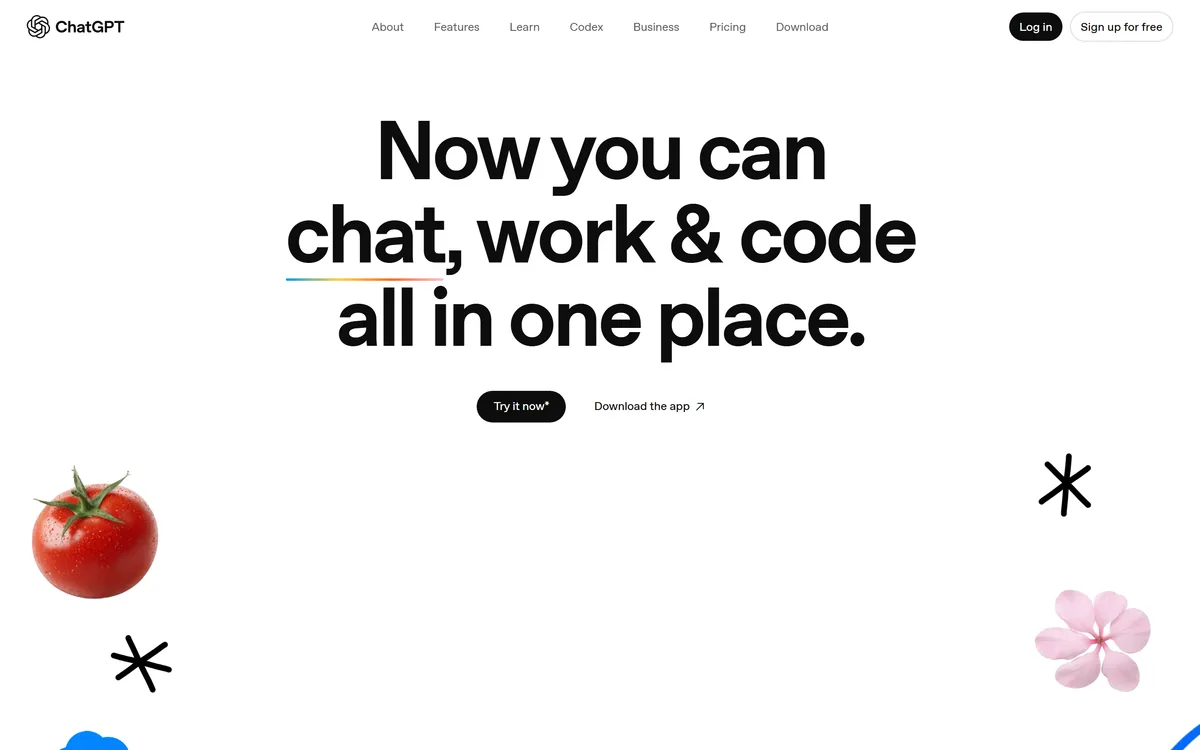

ChatGPT is OpenAI's AI assistant, covering conversation, document and image work, web browsing, Projects, Tasks, custom GPTs, agent actions, and the Codex coding agent, across web, desktop, and mobile.
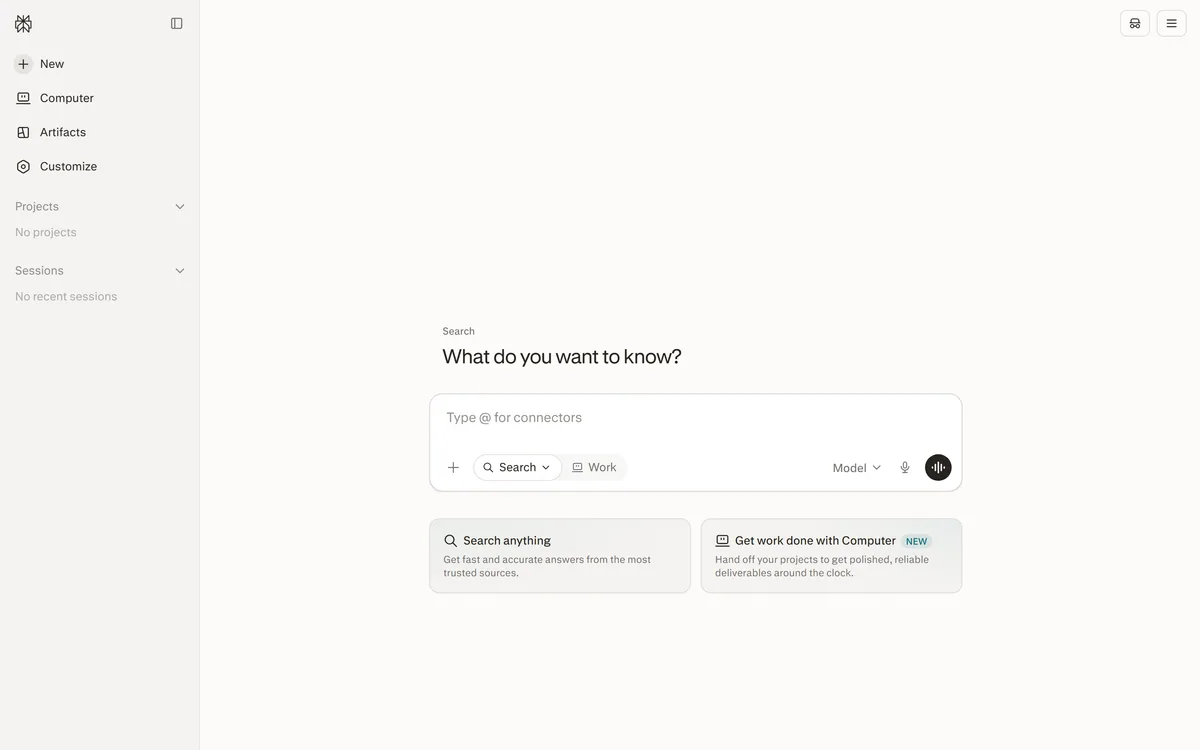

Perplexity AI is an answer engine that runs live web searches and returns cited answers, with Deep Research for long agentic reports, Spaces for persistent projects, the Comet browser, and the Sonar API for developers.
Naver's Korean-optimized AI assistant and chatbot Category: AI Chatbots & Assistants.
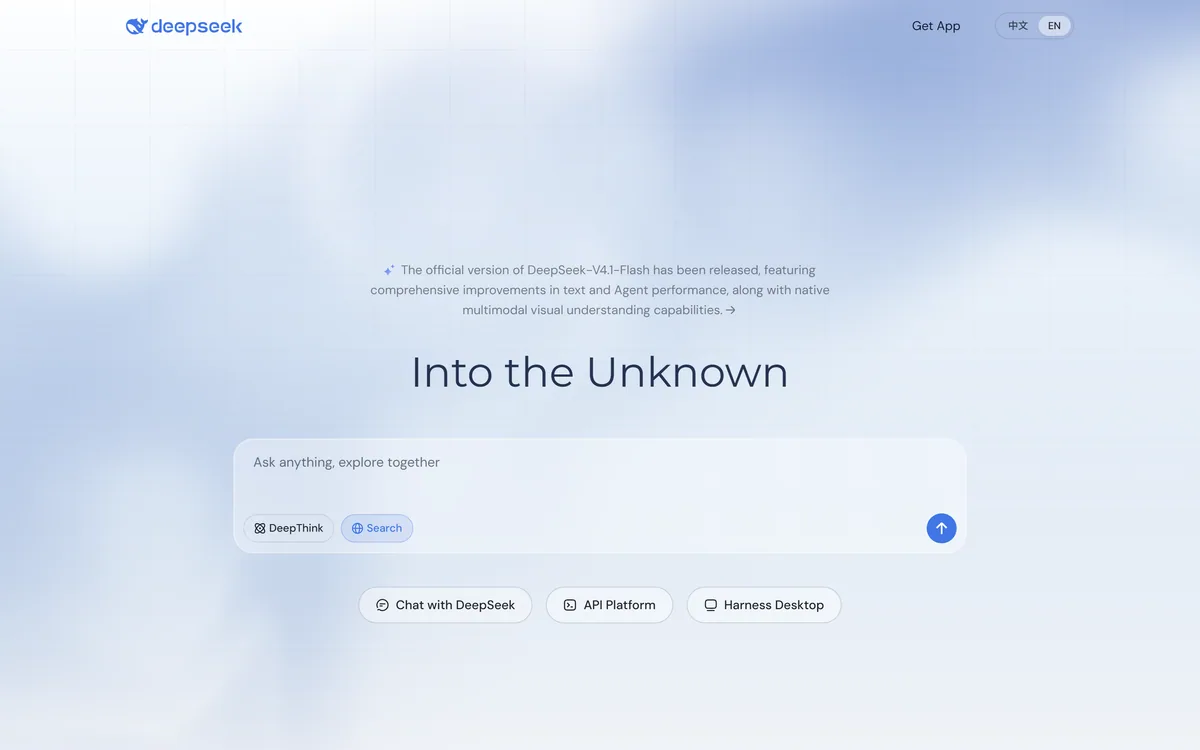
DeepSeek is an AI model family and assistant with DeepThink reasoning, search and native multimodal understanding, usable through web chat, a desktop app and an API platform, from a lab whose models have released open weights, with a data-residency point worth noting.
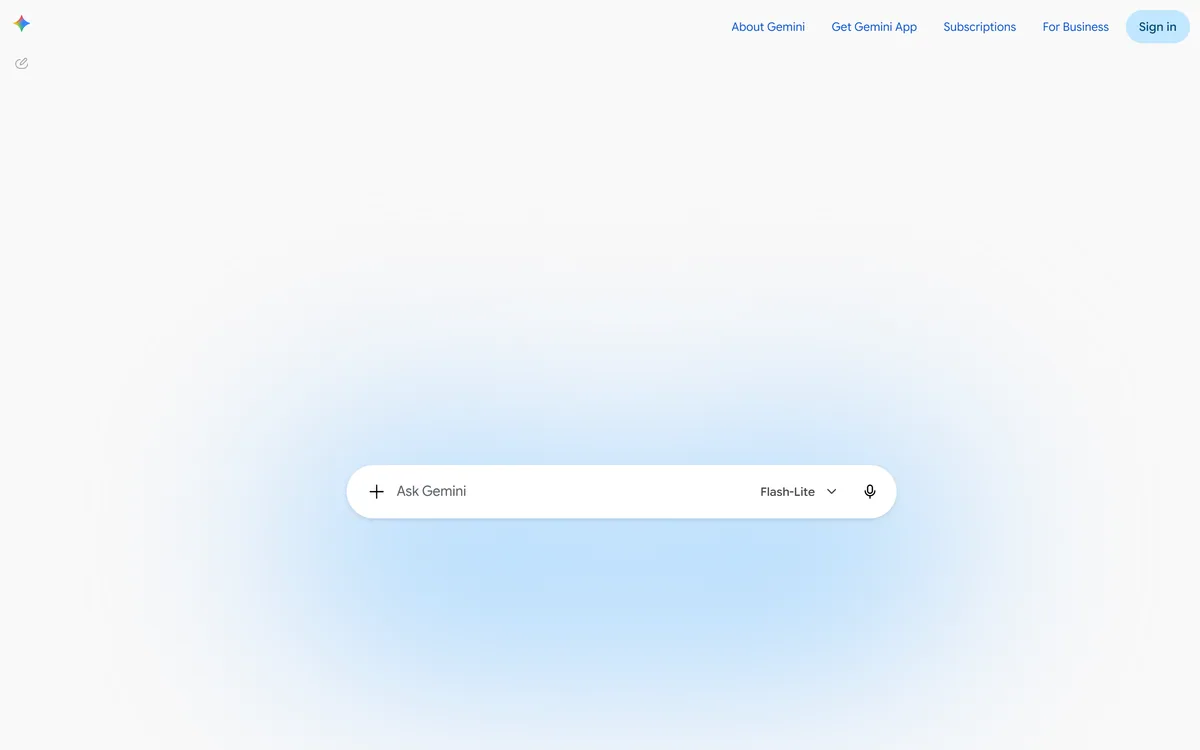

Gemini is Google's AI assistant, combining Deep Research reports, custom Gems, the Canvas workspace, Gemini Live voice conversation, Nano Banana image generation, and Veo video, with access to Gmail, Drive, and Chat when permitted.
Related Pages