

Runway is an AI video platform built around generative world models — Gen-4.5, Aleph 2.0, and Act-Two for performance capture — split across Runway Creative for filmmakers, Runway Dev for builders, and Runway Robotics.
Video & Audio Review
PixVerse is a generative AI video platform that creates short clips from text and images, with character controls, effects and real-time interactive worlds, across web and mobile. It suits creators and social video makers wanting fast, controllable AI video, with the IP, likeness and credit-cost caveats that generative video carries.
Good
PixVerse earns 3.9 as a capable, fast-moving AI video platform. Generating short clips from text and images with genuine control, character consistency, effects, templates, and pushing into real-time interactive worlds across web and mobile, makes it a strong, accessible option for social-video creators who want usable clips, not just demos. The caveats are the category's and are honest: generative video raises IP and likeness questions (especially with characters and real faces), it's credit-based so heavy use adds up, and output quality varies by prompt and version. For short-form creators it's well worth trying; for broadcast-grade production or work involving real likenesses, weigh the limits and consent duties. AInexfinder Editor Score: 3.9/5.
Best for: Short-form AI video; Social content clips
The visit link goes to pixverse.ai, the official site. Paid placements on AInexfinder are always labelled. How we make money
AI video has gone from novelty to usable fast, and PixVerse is one of the platforms pushing it: generate short clips from text or images, with control over characters and effects.
It adds templates, character consistency and, increasingly, real-time interactive worlds, across web and mobile. It competes with AI video tools like Pika, on quality, control and speed.
This review covers how PixVerse generates video, which creators it suits, how it prices credits, and the IP and likeness caveats to weigh first.
PixVerse's core job is to turn an idea into a short video clip. You give it a prompt or an image, and it generates video, with controls for characters, style and effects so you can steer the result rather than accept whatever comes out.
Control is where it competes. Character consistency, effect templates and image-to-video let creators produce clips that hang together, which is the difference between a fun demo and something usable for social content.
It's pushing into real-time interactive worlds alongside straightforward clip generation, and runs across web and mobile, so it's accessible to casual creators as well as more serious ones.
The honest framing is that PixVerse is a capable, fast-moving AI video platform with genuine control features. The caveats are the category's: generative video raises IP, likeness and training-data questions, especially with characters and real faces; it's credit-based, so heavier generation costs add up; output quality varies by prompt and model version; and its quality claims are vendor-stated. It sits in a crowded, fast-improving field where today's limitations may be gone in a release or two, so the sensible stance is to judge the output you actually get on your own prompts rather than on marketing reels or on where the category might be next month.
PixVerse is a capable, fast-moving AI video platform; generative video raises IP/likeness questions, and credits add up.
PixVerse pairs text- and image-to-video with the control features creators want.
It generates clips from text and images with character consistency, effects and templates, so you can steer output toward something coherent rather than one-off.
A single-vendor tool like Luma leans on its own frontier models and brand control; PixVerse's angle is accessible, controllable clip generation across web and mobile, which suits social creators.
It's adding real-time interactive worlds alongside clips, broadening from pure generation toward interactive experiences.
A multi-model aggregator like Kensa gives you many models in one place; PixVerse is its own platform with a distinct feature set, so match it to whether you want model choice or PixVerse's specific controls.
PixVerse suits content creators, social-video makers and hobbyists who want fast, controllable AI video clips without a production pipeline, and more serious creators experimenting with the medium.
It suits people who value character consistency and effects over raw one-shot generation, and who want a tool accessible on both web and mobile.
It suits less well anyone needing broadcast-grade, fully controllable production (AI video still has limits), anyone working with real likenesses without rights and consent, and teams sensitive to credit costs at volume.
A fair way to place it: if you make short-form video and want fast, controllable AI clips, PixVerse is a strong, accessible option worth trying; if you need polished production or your work involves real people's likenesses, weigh the quality limits and the consent duties, and watch your credit burn as you scale. The honest framing for a creator is that AI video is now good enough to be genuinely useful for short, stylised social clips, and not yet good enough to replace a shoot when precision matters, so the trick is to use PixVerse for what it's strong at. Lean on its character consistency and effects for atmosphere and motion, and don't expect it to render exact text, hands or complex choreography reliably, which is still where generative video most often breaks.
PixVerse is freemium and credit-based: a free tier to try plus paid plans, with credits consumed by generations and higher quality or length costing more. We do not publish prices, which change; check the site and watch how credits are metered.
The value question is output versus credit economics: fast, controllable clips are useful, but generating at volume burns credits, so the value depends on whether the output quality justifies the cost for your work.
The sensible approach is to use the free tier on real briefs, judge the quality and how much the control features help, watch credit consumption, and only commit to a plan once the output and cost both fit.
Because generative video has limits and raises likeness duties, test PixVerse on real briefs first.
Text-to-video
Image-to-video
Character consistency
Effects and templates
Real-time worlds
Web and mobile
Clip generation
Style controls
The useful comparison is with other AI video tools.
| Tool | Tool | Approach | Best for |
|---|---|---|---|
| PixVerse | Generative AI video | Clips + control + worlds | Social video creators |
| Pika | Single-vendor video model | Focused control | Short video |
| Luma | Creative-AI platform | Directable, brand-consistent | Creative teams |
| Kensa | Multi-model aggregator | Many models | Model choice |
| What it is | A generative AI video platform |
|---|---|
| Company | PixVerse (country not stated) |
| Core | Short video clips from text, images and characters |
| Control | Character consistency, effects and templates |
| New | Real-time interactive worlds |
| Platforms | Web and mobile apps |
| Sensitive | IP, likeness and synthetic-media concerns |
| Access | Freemium, credit-based (free tier plus paid) |
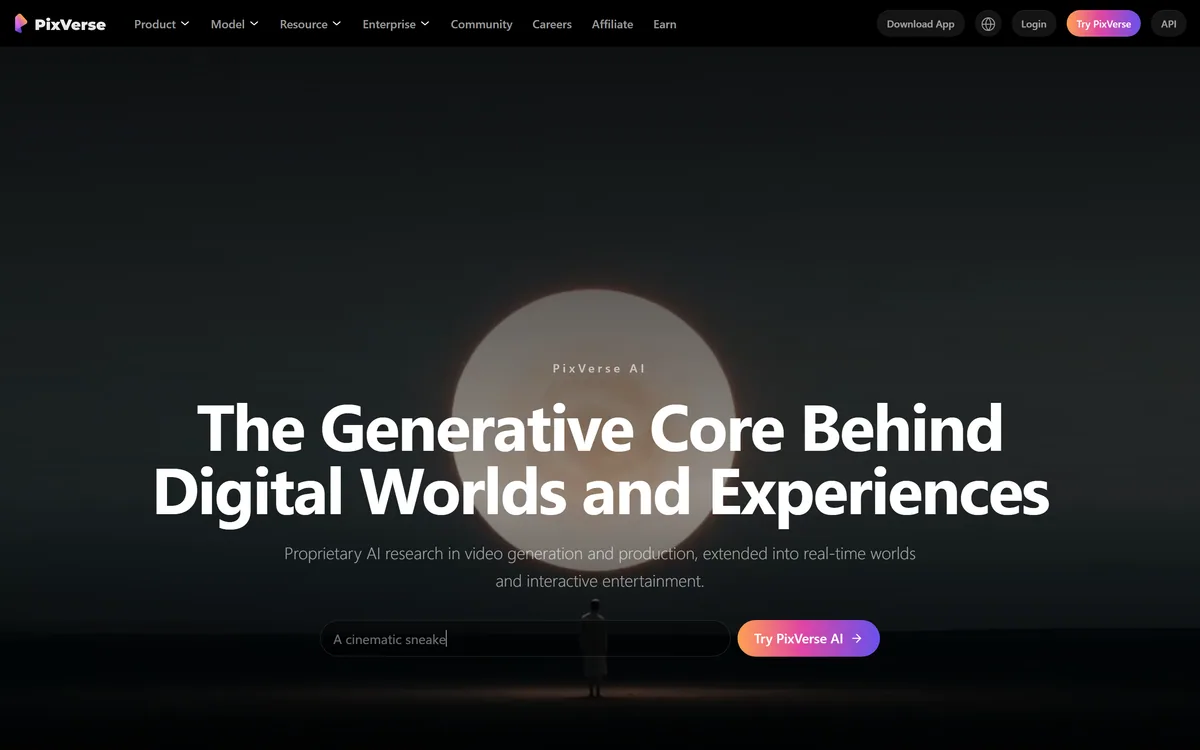
Last checked . Read from pixverse.ai during this check, with the screenshot above captured at the same time.
Generative video raises IP, likeness and training-data questions, especially with characters and real faces, so use only material you have the rights to and follow platform AI-disclosure norms. It's credit-based, so heavy use costs add up, output quality varies by prompt and model version, and quality claims are vendor-stated.
A single-vendor model, a creative platform and a multi-model aggregator to weigh beside PixVerse.
AInexfinder does not list plan prices or billing details. For current pricing, plans, and trials, visit the official PixVerse website.
Visit official website for pricingVendor pricing, credits, and billing policies change over time. Always confirm on the official site before you buy.
PixVerse earns an AInexfinder Editor Score of 3.9/5 (good). Best for: Short-form AI video; Social content clips; Character-consistent video.
Visit PixVerseLog in to write a review.
No reviews yet. Be the first to share your experience with PixVerse.
Assigned reviewer
Daniel ReedSenior AI Tools Reviewer
Daniel leads AInexfinder's tool reviews. He researches each tool from its own pricing, documentation and policies, checks its claims against independent sources, and writes up what it does well, where it falls short and who it genuinely suits.
Daniel and the AInexfinder editorial team research PixVerse from its own website, pricing, documentation and policies, checked against independent sources. This review is research-based: unless its method note says otherwise, we have not bought a plan or run hands-on tests. The Editor Score is our editorial judgement, and payment never changes it.
Similar Tools
Runway is an AI video platform built around generative world models — Gen-4.5, Aleph 2.0, and Act-Two for performance capture — split across Runway Creative for filmmakers, Runway Dev for builders, and Runway Robotics.

Argil is an AI video platform built around three surfaces: a Playground for generating images and video model by model, a Director that takes an idea to a finished video, and Templates that turn a repeated video format into a reusable recipe with variables.
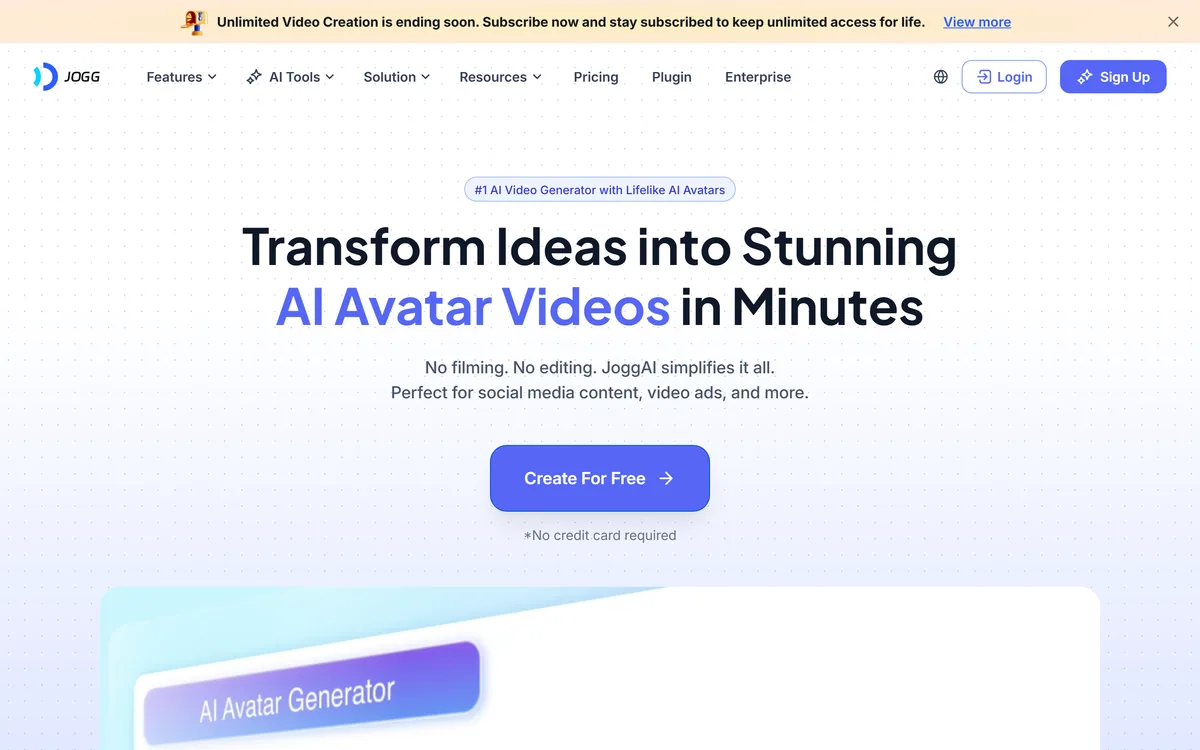
JoggAI is an AI avatar video platform from JOGG PTE. LTD. It spans avatar generation, voice cloning, talking photos, video translation and lip sync, with URL to Video and Product Avatar aimed squarely at e-commerce advertising rather than corporate presenting.

AI and human transcription and subtitles in 150+ languages


ElevenLabs is an AI audio platform covering text to speech, voice cloning, speech recognition, dubbing, music, and conversational voice agents, with a library of 5,000+ voices across more than 70 languages and an API behind every model.


Descript is a video and audio editor that works by editing a transcript — delete a sentence and the footage goes with it — plus Studio Sound, Eye Contact, filler-word removal, AI voices, avatars, and the Underlord assistant.
Related Pages