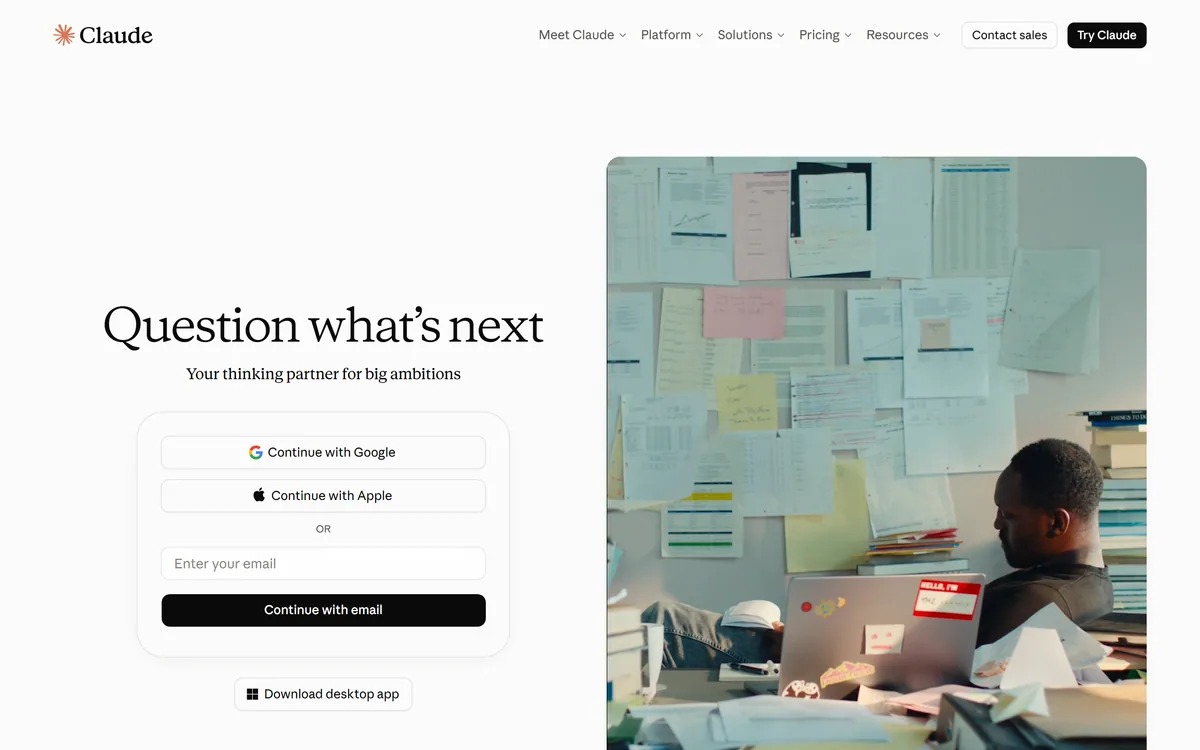

Claude is Anthropic's AI assistant, available on web, desktop, mobile, and in Chrome, with Projects for persistent context, Artifacts for generated documents and apps, Skills, Connectors, and Claude Code for developers.
AI Chatbots & Assistants Review
Open-source workspace to build and deploy AI agents Category: AI Chatbots & Assistants.
Provisional score · full review pending
Sim has an AInexfinder Editor Score of 4.6/5.
Best for: Teams that need visual drag-and-drop agent canvas; Teams using chat-based and API agent building
The visit link goes to sim.ai, the official site. Paid placements on AInexfinder are always labelled. How we make money
Sim, originally launched as Sim Studio, is an open-source AI workspace where teams build, deploy, and manage AI agents and conversational workflows.
It offers a Figma-like drag-and-drop canvas for visually wiring large language models to tools and data, but agents can also be created through a conversational chat interface or programmatically via API, giving both non-technical builders and developers a path in.
Sim connects to over a thousand integrations such as Slack, Gmail, Supabase, GitHub, and Pinecone, and supports major hosted models like Claude, OpenAI, and Google Gemini as well as local models through Ollama, with granular tool-use control and structured output.
The workspace bundles four core components: Chat for natural-language control, Tables as a built-in database, Files for document storage, and Logs for execution tracking, plus real-time multiplayer collaboration and role-based access control. Pre-built templates cover tasks like OCR, email triage, and release automation.
Pricing runs from a free Community tier to Pro and Max plans and custom Enterprise, and the open-source codebase allows self-hosting.
Strengths include open-source flexibility, a huge integration catalog, multiple build methods, and self-hosting; weaknesses are that building reliable production agents still requires technical understanding, and the credit-based paid tiers can add up at scale. Sim is best for teams that want an open, flexible agent-building workspace.
Pricing changes often, so check the official site for current plans. ), Support for hosted and local LLMs (Ollama), Built-in Tables, Files, and execution Logs and Open-source with self-hosting and team collaboration.
) is built in, Support for hosted and local LLMs (Ollama) is built in, so you get a rounded toolkit rather than a single trick.
Each feature is designed to take the manual effort out of the task and help you reach a usable result faster, which is what makes Sim worth a place on your shortlist.
As with any AI tool, the output still benefits from a quick human review, but Sim gets you most of the way there with far less effort.
Sim runs on a freemium pricing model, so you can start for free and only pay once you outgrow the free tier — handy for testing it on a real task before spending anything.
AI-tool pricing changes often, so always check the current plans, seats and add-ons on the official site for the latest details before you buy. Who is Sim for? It's best suited for open-source workspace to build and deploy ai agents.
Whether you're a beginner trying this kind of AI tool for the first time or a professional who'll use it every day, it's a credible option to consider.
Sim is best suited for open-source workspace to build and deploy ai agents. Whether you are trying this kind of ai chatbots & assistants tool for the first time or use one every day, it is a credible option to shortlist — compare it with the alternatives and head-to-head comparisons linked on this page to find the best fit for your workflow and budget.
Visual drag-and-drop agent canvas
Chat-based and API agent building
1,000+ integrations (Slack, Gmail, GitHub, etc.)
Support for hosted and local LLMs (Ollama)
Built-in Tables, Files, and execution Logs
Open-source with self-hosting and team collaboration
AInexfinder does not list plan prices or billing details. For current pricing, plans, and trials, visit the official Sim website.
Visit official website for pricingVendor pricing, credits, and billing policies change over time. Always confirm on the official site before you buy.
Sim has a provisional score of 4.6/5: a formula estimate from this listing’s details, not yet an Editor Score. It is replaced once Sim gets its full research-based review. Best for: Teams that need visual drag-and-drop agent canvas; Teams using chat-based and API agent building; Users who need 1,000+ integrations (Slack, Gmail, GitHub, etc.).
Visit SimLog in to write a review.
No reviews yet. Be the first to share your experience with Sim.
Assigned to
Daniel ReedSenior AI Tools Reviewer
Daniel leads AInexfinder's tool reviews. He researches each tool from its own pricing, documentation and policies, checks its claims against independent sources, and writes up what it does well, where it falls short and who it genuinely suits.
This page is a summary of Sim built from its own website and listing details. It has not had its full research-based review yet, so its score is a provisional formula estimate, not an Editor Score. Daniel will research and re-score it; payment never changes a score.
Similar Tools
Claude is Anthropic's AI assistant, available on web, desktop, mobile, and in Chrome, with Projects for persistent context, Artifacts for generated documents and apps, Skills, Connectors, and Claude Code for developers.
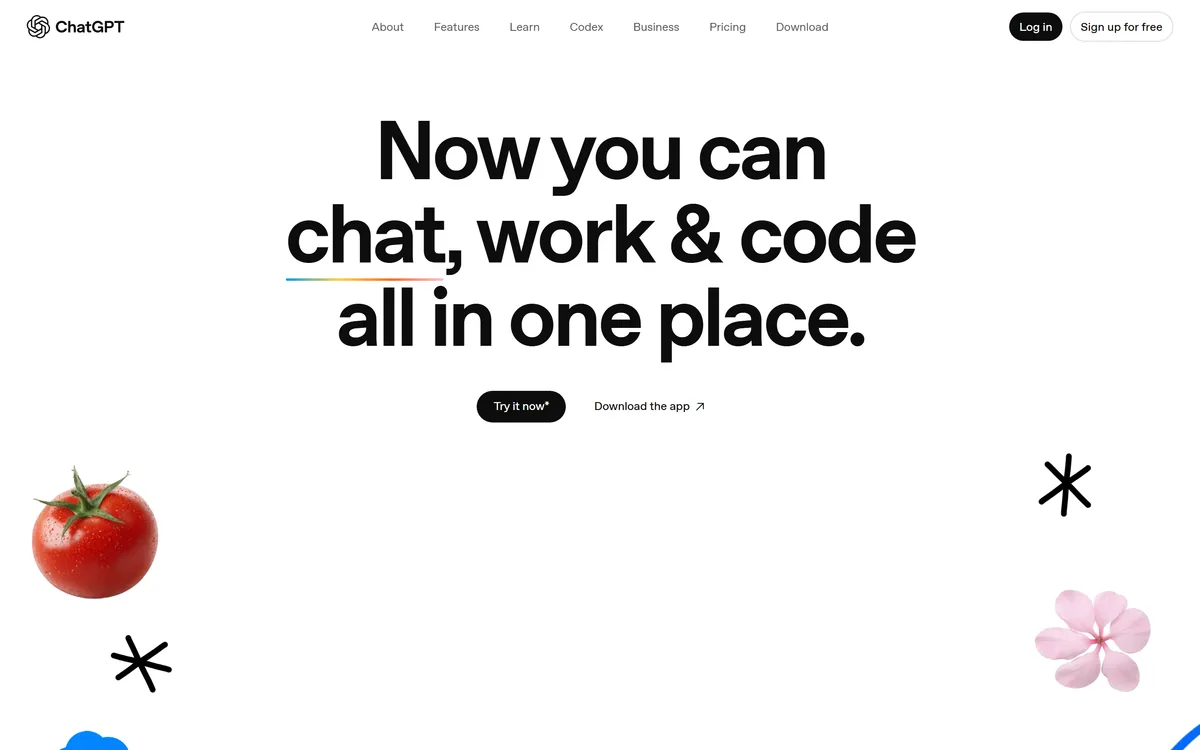

ChatGPT is OpenAI's AI assistant, covering conversation, document and image work, web browsing, Projects, Tasks, custom GPTs, agent actions, and the Codex coding agent, across web, desktop, and mobile.
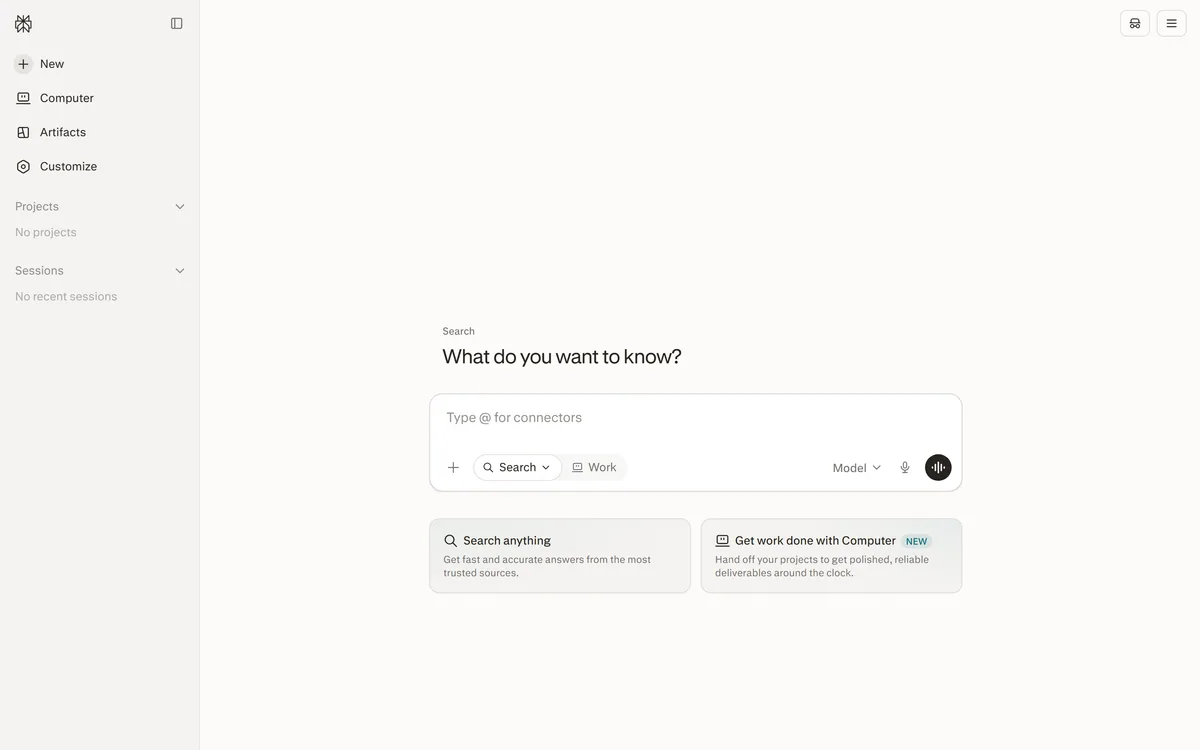

Perplexity AI is an answer engine that runs live web searches and returns cited answers, with Deep Research for long agentic reports, Spaces for persistent projects, the Comet browser, and the Sonar API for developers.

Naver's Korean-optimized AI assistant and chatbot Category: AI Chatbots & Assistants.
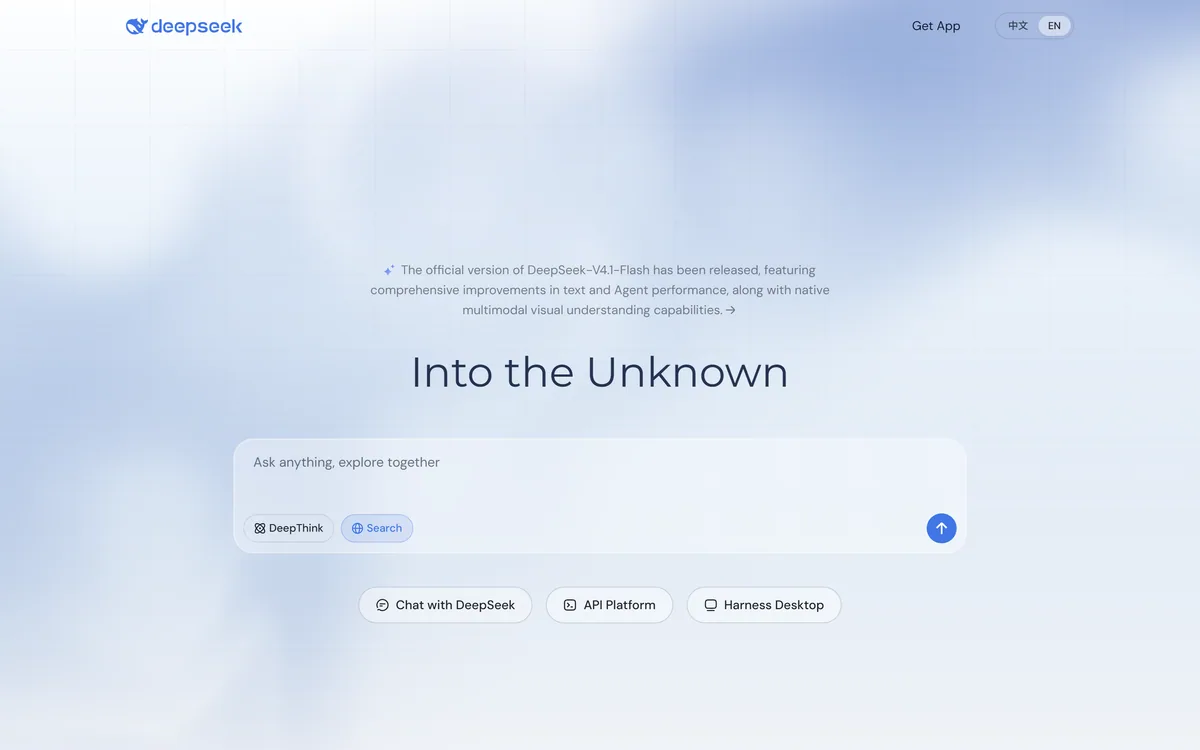
DeepSeek is an AI model family and assistant with DeepThink reasoning, search and native multimodal understanding, usable through web chat, a desktop app and an API platform, from a lab whose models have released open weights, with a data-residency point worth noting.


Gemini is Google's AI assistant, combining Deep Research reports, custom Gems, the Canvas workspace, Gemini Live voice conversation, Nano Banana image generation, and Veo video, with access to Gmail, Drive, and Chat when permitted.
Related Pages