

Runway is an AI video platform built around generative world models — Gen-4.5, Aleph 2.0, and Act-Two for performance capture — split across Runway Creative for filmmakers, Runway Dev for builders, and Runway Robotics.
Video & Audio Review
Vidu AI review on AInexfinder — freemium AI tool for Video & Audio. Features, pricing notes, and alternatives.

Provisional score · full review pending
Vidu AI has an AInexfinder Editor Score of 4.6/5.
Best for: Teams that need text, image and reference-to-video modes; Users who need multi-entity consistency across reference images
The visit link goes to vidu.com, the official site. Paid placements on AInexfinder are always labelled. How we make money
Vidu AI is an AI video generation platform that transforms text and images into short, high-quality video clips, supporting text-to-video, image-to-video and a distinctive reference-to-video mode. It is built for creators, animators, marketers and small studios who need fast, controllable video output.
The reference mode is a standout: users can upload several reference images of characters, objects or scenes, and Vidu generates video that maintains visual consistency across all of them, which is useful for keeping the same character or product looking right between shots.
The platform is known for natural anime-style character animation, generates clips at up to 1080p, and includes an AI sound-effects generator that produces audio matched to the video. Generation is fast, often producing a short clip in roughly ten seconds, and it runs on a credit-based system.
Use cases include anime and cartoon shorts, social media clips, concept and storyboard animation, and product or character videos that need consistency. Pros include strong multi-entity consistency, good anime quality and quick generation.
Cons are that clips are short, advanced volume and high-speed generation require higher-priced plans, and complex prompts may need several attempts. Vidu offers a free credit allowance plus Standard, Premium and Ultimate subscription tiers, with enterprise workspace options, and higher plans add more daily generations and high-speed processing.
Pricing changes often, so check the official site for current plans. Vidu AI's core capabilities include Text, image and reference-to-video modes, Multi-entity consistency across reference images, Up to 1080p video output, AI sound-effects generator matched to video and Fast generation in roughly ten seconds.
Text, image and reference-to-video modes is built in, Multi-entity consistency across reference images is built in, Up to 1080p video output is built in, AI sound-effects generator matched to video is built in, so you get a rounded toolkit rather than a single trick.
Each feature is designed to take the manual effort out of the task and help you reach a usable result faster, which is what makes Vidu AI worth a place on your shortlist.
As with any AI tool, the output still benefits from a quick human review, but Vidu AI gets you most of the way there with far less effort.
Vidu AI runs on a freemium pricing model, so you can start for free and only pay once you outgrow the free tier — handy for testing it on a real task before spending anything.
AI-tool pricing changes often, so always check the current plans, seats and add-ons on the official site for the latest details before you buy. Who is Vidu AI for? It's best suited for ai video from text, images and reference inputs.
Whether you're a beginner trying this kind of AI tool for the first time or a professional who'll use it every day, it's a credible option to consider.
Vidu AI is best suited for ai video from text, images and reference inputs. Whether you are trying this kind of video & audio tool for the first time or use one every day, it is a credible option to shortlist — compare it with the alternatives and head-to-head comparisons linked on this page to find the best fit for your workflow and budget.
Text, image and reference-to-video modes
Multi-entity consistency across reference images
Up to 1080p video output
AI sound-effects generator matched to video
Fast generation in roughly ten seconds
AInexfinder does not list plan prices or billing details. For current pricing, plans, and trials, visit the official Vidu AI website.
Visit official website for pricingVendor pricing, credits, and billing policies change over time. Always confirm on the official site before you buy.
Vidu AI has a provisional score of 4.6/5: a formula estimate from this listing’s details, not yet an Editor Score. It is replaced once Vidu AI gets its full research-based review. Best for: Teams that need text, image and reference-to-video modes; Users who need multi-entity consistency across reference images; Teams that need up to 1080p video output.
Visit Vidu AILog in to write a review.
No reviews yet. Be the first to share your experience with Vidu AI.
Assigned to
Daniel ReedSenior AI Tools Reviewer
Daniel leads AInexfinder's tool reviews. He researches each tool from its own pricing, documentation and policies, checks its claims against independent sources, and writes up what it does well, where it falls short and who it genuinely suits.
This page is a summary of Vidu AI built from its own website and listing details. It has not had its full research-based review yet, so its score is a provisional formula estimate, not an Editor Score. Daniel will research and re-score it; payment never changes a score.
Similar Tools
Runway is an AI video platform built around generative world models — Gen-4.5, Aleph 2.0, and Act-Two for performance capture — split across Runway Creative for filmmakers, Runway Dev for builders, and Runway Robotics.
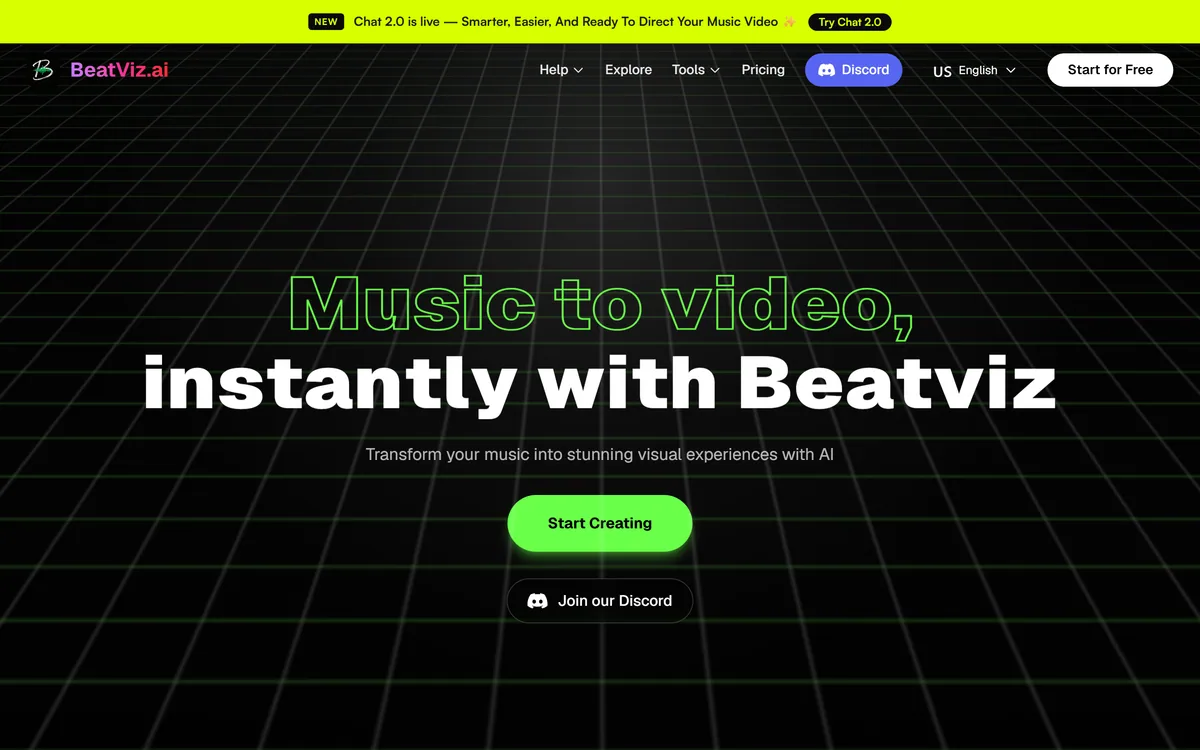
BeatViz.ai turns music into video through three tools — Chat, Workflow and Editor. Chat 2.0 is positioned as an AI music video director, and the site names the models it draws on, including Veo, Sora, Kling, Seedance, Nano Banana and GPT Image 2.

Argil is an AI video platform built around three surfaces: a Playground for generating images and video model by model, a Director that takes an idea to a finished video, and Templates that turn a repeated video format into a reusable recipe with variables.
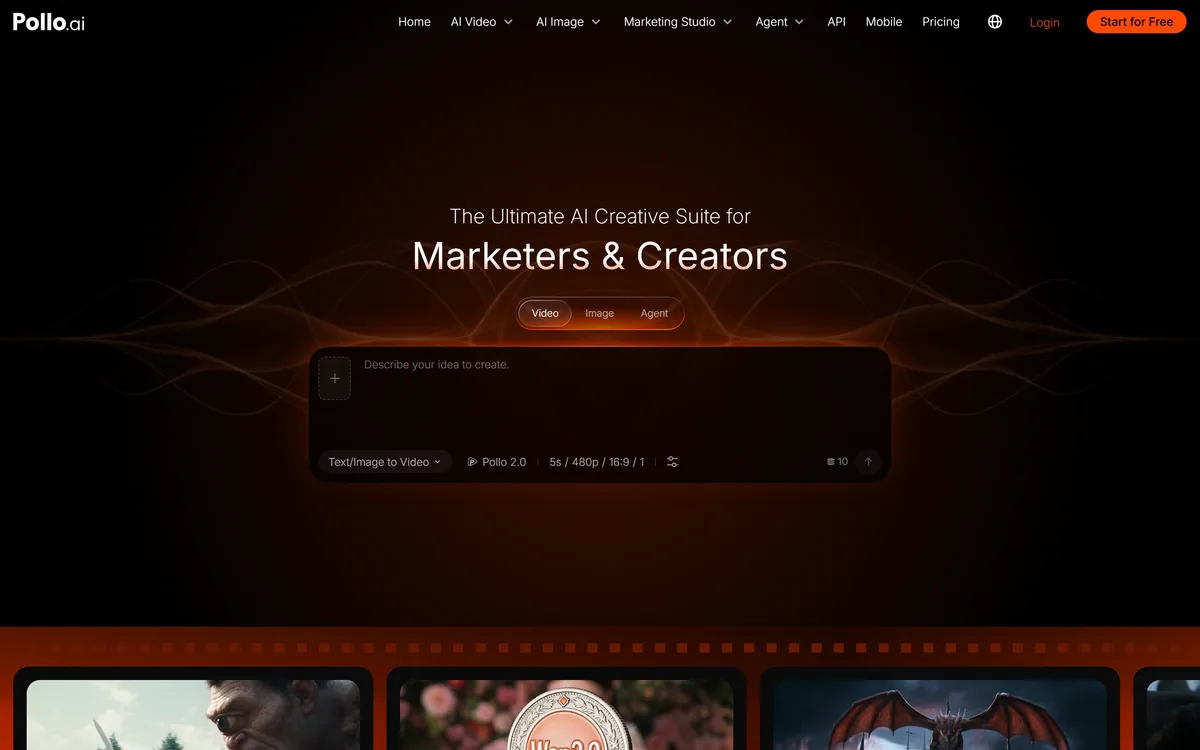
Pollo AI is a creative suite offering its own Pollo model alongside third-party generators including MiniMax, WAN, Seedance, Flux and Nano Banana. It adds a Marketing Studio of product-video templates, an agent that runs a brief end to end, an API and mobile apps.

AI and human transcription and subtitles in 150+ languages
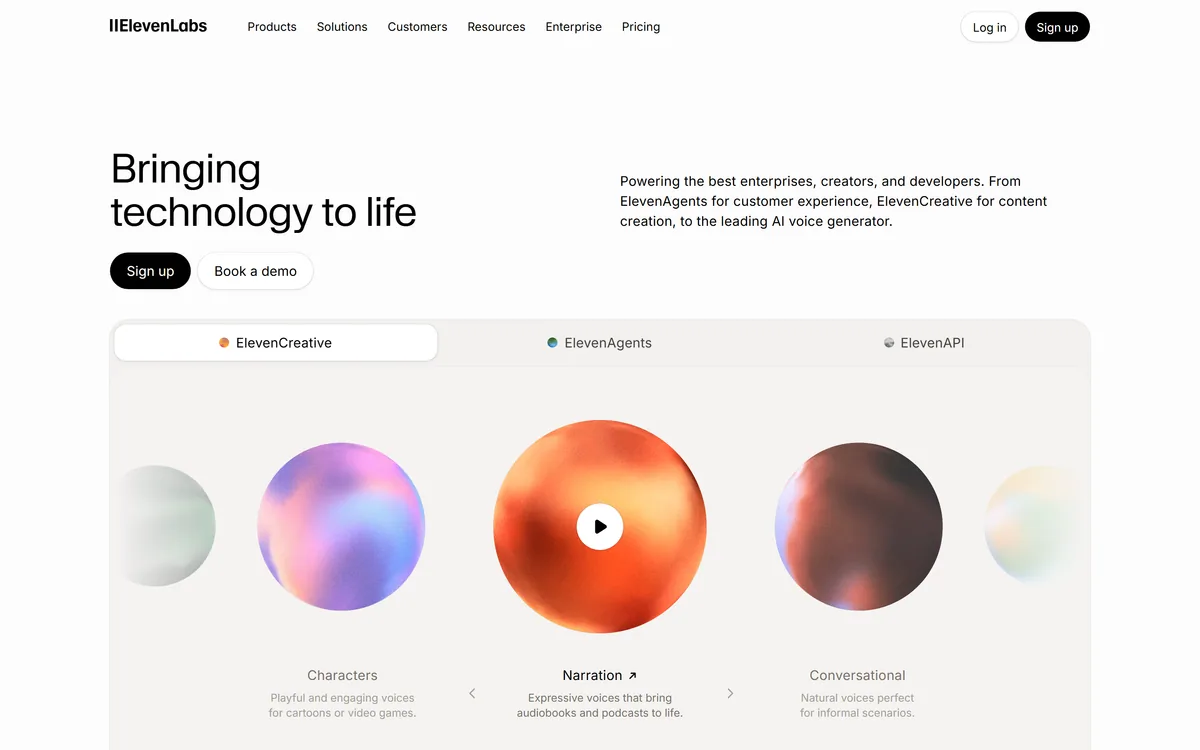

ElevenLabs is an AI audio platform covering text to speech, voice cloning, speech recognition, dubbing, music, and conversational voice agents, with a library of 5,000+ voices across more than 70 languages and an API behind every model.
Related Pages