

Runway is an AI video platform built around generative world models — Gen-4.5, Aleph 2.0, and Act-Two for performance capture — split across Runway Creative for filmmakers, Runway Dev for builders, and Runway Robotics.
Video & Audio Review

C Dance AI is a browser AI video workspace that aggregates many third-party models (Seedance, Veo, Kling, Wan, Sora and more) for text-, image- and video-to-video generation, showing per-generation credit costs, with full commercial rights. Despite its name it is a general multi-model generator, not a dance-specific tool. It suits creators who want model choice, with the caveat that uploads of people or brands require the rights and consent.

Good
C Dance AI earns 3.6 as a genuinely useful multi-model AI video generator, once you get past the misleading name: despite 'C Dance', it isn't a dance tool but a browser workspace that aggregates many third-party models (Seedance, Veo, Kling, Wan, Sora and more) for text-, image- and video-to-video. Its real advantage is choice with transparency, you see each model's per-generation credit cost before you commit, so you can pick the right engine and price per job, and it states full commercial rights. The caveats are the category's: it supports uploads of people and brands, so you must have the rights and consent (its own AUP requires this and bars deceptive content and requires you to hold rights to uploads), quality varies by model, and the operator isn't named. For creators who want model flexibility and only upload rights-cleared material it's a flexible pick; anyone expecting a dance tool, or who can't clear upload rights, should weigh it accordingly. AInexfinder Editor Score: 3.6/5.
Best for: Multi-model video generation; Picking a model per job
The visit link goes to cdance.ai, the official site. Paid placements on AInexfinder are always labelled. How we make money
The AI-video landscape is a jumble of models, Seedance, Veo, Kling, Wan, Sora, each good at different things. C Dance AI's pitch is to put many of them in one workspace so you can pick per job.
Despite its name, it's not a dance tool, it's a general multi-model generator for text-, image- and video-to-video, showing the credit cost of each model before you generate. It sits among video generators like PixVerse, at the aggregator end.
This review covers how C Dance AI generates video, which creators it suits, how it charges, and the likeness-and-rights caveat to weigh first, starting with clearing up the name.
The first honest point is the name: despite being called 'C Dance AI', this is not a dance-from-photo tool, it's a general multi-model AI video generator. It aggregates many third-party models (Seedance, Veo, Kling, Wan, Grok, Sora, Flux, MiniMax and others) in one browser workspace for text-, image- and video-to-video generation.
Its useful twist is a per-generation credit cost shown before you generate, so you can pick a model by both capability and price for each job, rather than being locked to one engine. It supports the common aspect ratios, native audio on some models, cinematic motion and style transfer, and states full commercial rights.
A GPT-Image-to-video workflow and one-click refunds round it out, aiming to be a flexible, model-agnostic place to make AI video.
The honest framing is that C Dance AI is a genuinely useful aggregator, model choice with transparent per-job pricing is a real advantage over single-model tools, once you get past the misleading name. The caveats are the category's: it supports uploads of people, brands, images and video, so you must have the rights and consent to whatever you upload, its own acceptable-use policy bars harmful, sexually explicit or deceptive content and says you 'must have rights to uploaded people, brands, images, video, and audio'. Output quality varies by model, and generative video raises the usual likeness and synthetic-media considerations. Its operator isn't named on the page, and its claims are vendor-stated.
C Dance AI is a useful multi-model video aggregator (not a dance tool, despite the name) with transparent per-job pricing; uploads of people or brands require the rights and consent.
C Dance AI pairs a multi-model selector with transparent per-generation pricing.
It offers many video models in one workspace, showing each generation's credit cost before you commit.
A single-model generator like GoEnhance AI gives one creative pipeline; C Dance AI's angle is choice across many models with upfront per-job pricing, which suits picking the right engine per task.
It handles text/image/video-to-video with native audio on some models and commercial rights.
A music-video tool like One More Shot is purpose-built; C Dance AI is a general generator, so match it to whether you want a specialist or model choice, and only upload rights-cleared people and brands.
C Dance AI suits creators, social and brand teams and small teams who want access to many AI video models in one place and value picking the right model (and price) per job.
It suits people who'd otherwise juggle several single-model subscriptions and want transparent, credit-based pricing and full commercial rights.
It suits less well anyone expecting a dance-specific tool (it isn't one), those who can't ensure rights to uploaded people or brands, and anyone wanting a single opinionated pipeline rather than model choice.
A fair way to place it: if you make AI video and want model choice with transparent per-job pricing, C Dance AI is a flexible, useful aggregator, once you look past the name, provided you only upload rights-cleared material; if you were expecting a dance tool, or can't clear the rights to the people and brands you'd use, weigh it accordingly, because the value is model flexibility, and the responsibility for uploads is yours.
C Dance AI is credit-based: a freemium start (a sign-up bonus plus check-in credits, no card), plus yearly plans and a pay-once option, with one-click refunds. We do not publish prices, which change; check the site and confirm how credits map to each model's generations.
The value question is model access versus credit cost: seeing each model's per-generation cost up front helps you spend sensibly, and one tool across many models can beat several subscriptions, if your usage justifies it.
The sensible approach is to use the free credits to try the models you'd actually use, judge quality and per-generation cost, upload only rights-cleared material, confirm the commercial-rights and refund terms, and pick a plan matched to your real usage.
Because it's multi-model and uploads need rights, test the models and clear your material.
Multi-model selector
Text-to-video
Image-to-video
Video-to-video
Per-generation pricing
Native audio
Commercial rights
Style transfer
The useful comparison is with other video generators.
| Tool | Tool | Approach | Best for |
|---|---|---|---|
| C Dance AI | Multi-model aggregator | Many models, one workspace | Model choice |
| PixVerse | AI video generator | Creative clips | Short-form video |
| GoEnhance AI | Creative suite | Effects pipeline | Experimental creators |
| One More Shot | AI music-video generator | Artist videos | Artists and labels |
| What it is | A multi-model AI video generator (not dance-specific) |
|---|---|
| Company | C Dance AI (no legal entity named; support@cdance.ai) |
| Core | Text/image/video-to-video across many third-party models |
| Models | Seedance, Veo, Kling, Wan, Grok, Sora, Flux, MiniMax and more |
| Workflow | Per-generation credit cost shown before you generate |
| Output | 16:9/9:16/1:1; native audio on supported models; commercial rights |
| Access | Credits (freemium + yearly plans + pay-once) |
| Sensitive | Likeness/consent (uploads of people/brands); AUP applies |
Last checked . Read from cdance.ai during this check, with the screenshot above captured at the same time. Despite its name, C Dance AI is a general multi-model video generator (not dance-specific), which the dump makes clear; its operating company is not named on the page (support is support@cdance.ai).
First, the name misleads: despite 'C Dance AI', it is a GENERAL multi-model video generator, not a dance-from-photo tool. It supports uploads of people, brands, images and video, so you must have the rights and consent to whatever you upload; its own AUP bars harmful, sexually explicit or deceptive content and says you 'must have rights to uploaded people, brands, images, video, and audio'. Output varies by model; the operator isn't named. Claims are vendor-stated.
Two video generators and a music-video tool to weigh beside C Dance AI.
AInexfinder does not list plan prices or billing details. For current pricing, plans, and trials, visit the official C Dance AI website.
Visit official website for pricingVendor pricing, credits, and billing policies change over time. Always confirm on the official site before you buy.
C Dance AI earns an AInexfinder Editor Score of 3.6/5 (good). Best for: Multi-model video generation; Picking a model per job; Social and brand video.
Visit C Dance AILog in to write a review.
No reviews yet. Be the first to share your experience with C Dance AI.
Assigned reviewer
Daniel ReedSenior AI Tools Reviewer
Daniel leads AInexfinder's tool reviews. He researches each tool from its own pricing, documentation and policies, checks its claims against independent sources, and writes up what it does well, where it falls short and who it genuinely suits.
Daniel and the AInexfinder editorial team research C Dance AI from its own website, pricing, documentation and policies, checked against independent sources. This review is research-based: unless its method note says otherwise, we have not bought a plan or run hands-on tests. The Editor Score is our editorial judgement, and payment never changes it.
Similar Tools
Runway is an AI video platform built around generative world models — Gen-4.5, Aleph 2.0, and Act-Two for performance capture — split across Runway Creative for filmmakers, Runway Dev for builders, and Runway Robotics.

Argil is an AI video platform built around three surfaces: a Playground for generating images and video model by model, a Director that takes an idea to a finished video, and Templates that turn a repeated video format into a reusable recipe with variables.
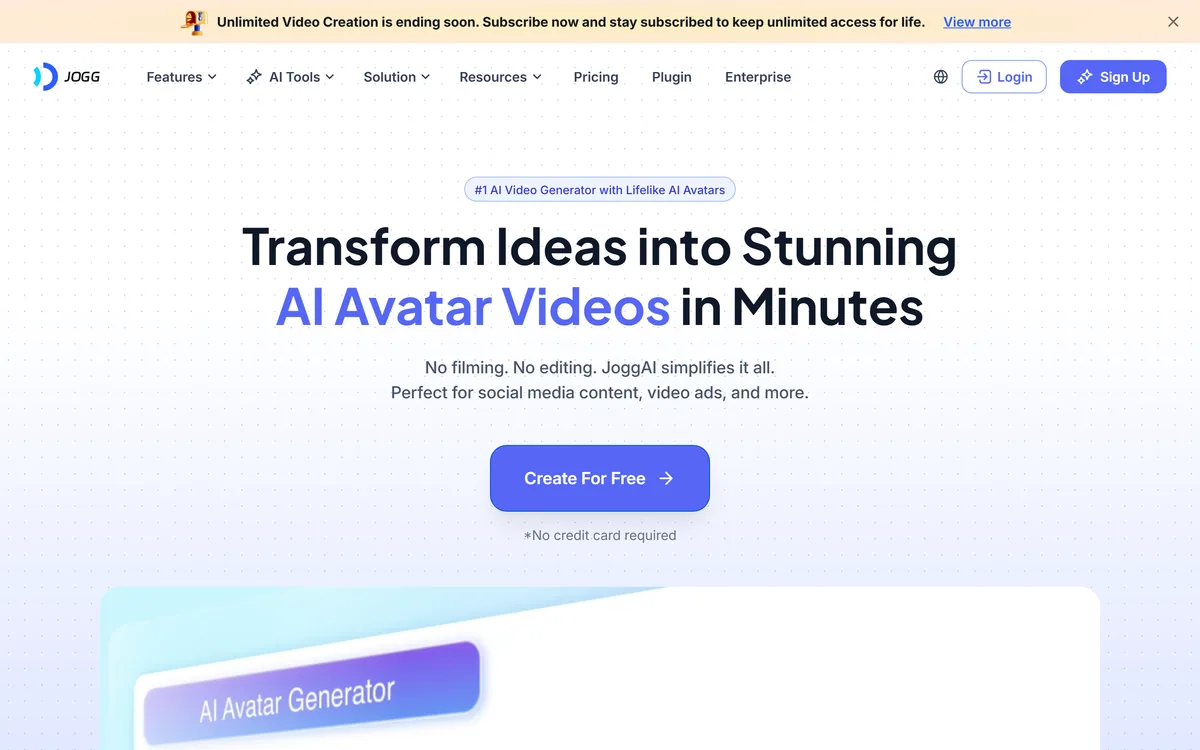
JoggAI is an AI avatar video platform from JOGG PTE. LTD. It spans avatar generation, voice cloning, talking photos, video translation and lip sync, with URL to Video and Product Avatar aimed squarely at e-commerce advertising rather than corporate presenting.

AI and human transcription and subtitles in 150+ languages
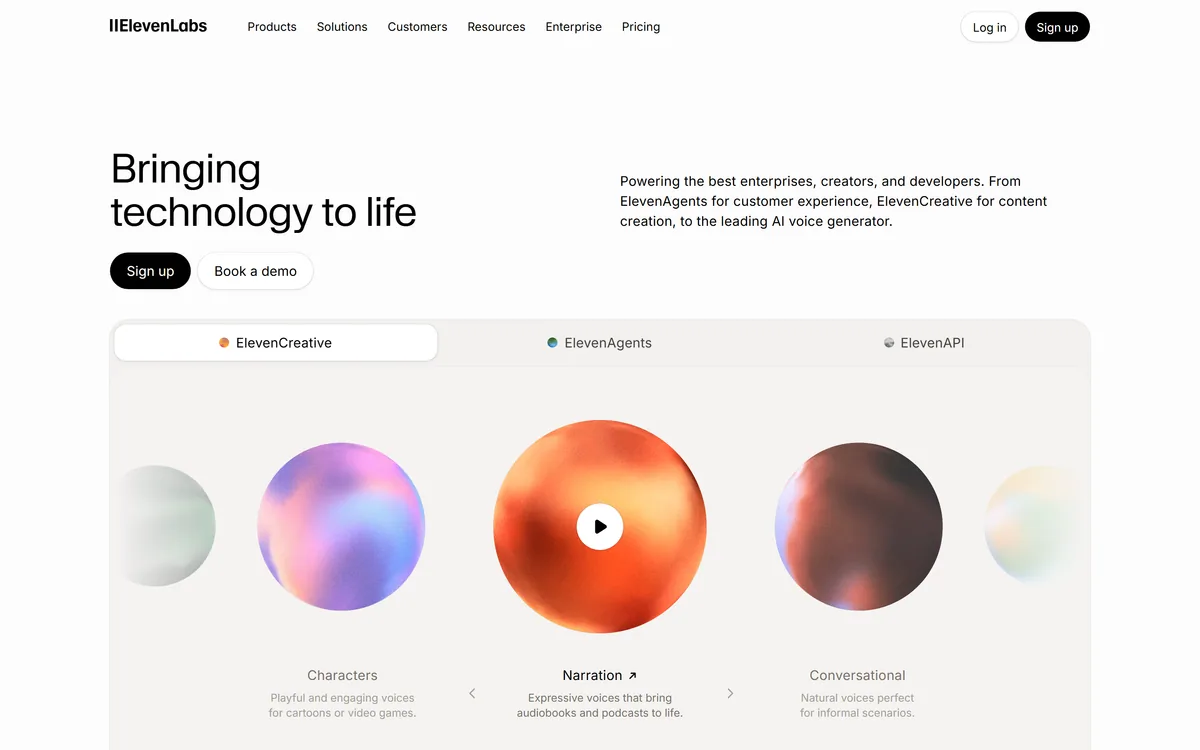

ElevenLabs is an AI audio platform covering text to speech, voice cloning, speech recognition, dubbing, music, and conversational voice agents, with a library of 5,000+ voices across more than 70 languages and an API behind every model.
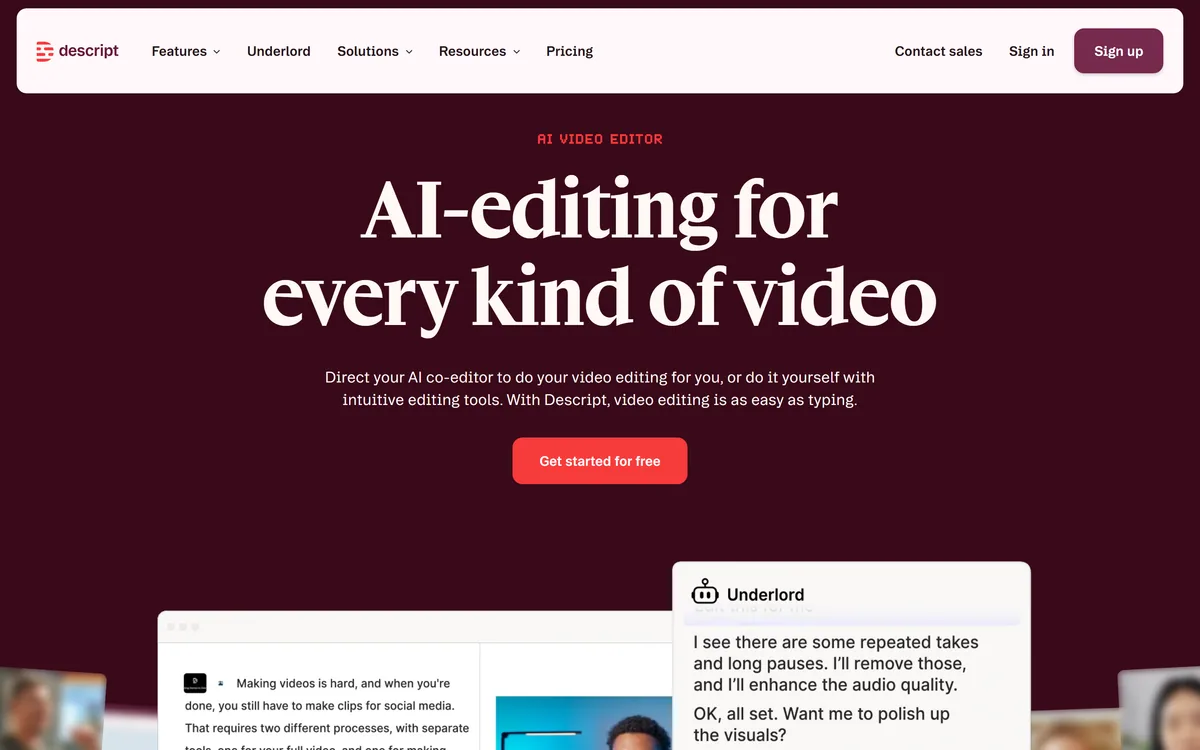

Descript is a video and audio editor that works by editing a transcript — delete a sentence and the footage goes with it — plus Studio Sound, Eye Contact, filler-word removal, AI voices, avatars, and the Underlord assistant.
Related Pages