

Descript is a video and audio editor that works by editing a transcript — delete a sentence and the footage goes with it — plus Studio Sound, Eye Contact, filler-word removal, AI voices, avatars, and the Underlord assistant.
Video & Audio Review
CapCut review on AInexfinder — freemium AI tool for Video & Audio. Features, pricing notes, and alternatives.

Provisional score · full review pending
CapCut has an AInexfinder Editor Score of 4.4/5.
Best for: Users focused on cross-platform timeline editor (mobile, desktop, web); Users who need AI background removal and motion tracking
The visit link goes to capcut.com, the official site. Paid placements on AInexfinder are always labelled. How we make money
CapCut is a widely used video editing application available on mobile, desktop and in the browser, designed for social media creators, marketers and everyday users producing short-form content for TikTok, Reels and YouTube Shorts.
It pairs a full traditional editing suite, timeline editing, transitions, effects, filters, speed controls, keyframe animation and audio editing, with an expanding set of AI-powered tools.
The AI toolkit includes background removal, motion and camera tracking, voice cloning, AI video generation, auto-captions, vocal isolation and flicker removal, letting creators automate tedious steps and add advanced effects without manual masking or rotoscoping.
A large template library helps users quickly recreate trending formats, and cloud storage keeps projects synced across devices. Use cases span TikTok and Reels edits, talking-head videos, product promos, vlogs and quick captioned clips.
Pros include a genuinely capable free tier, a familiar interface for both beginners and experienced editors, and a broad AI feature set bundled into one app.
Cons are that the most advanced AI tools, 4K export and the largest storage are reserved for higher paid tiers, free exports may be limited, and pricing has been restructured with a higher-cost Pro tier.
CapCut offers a free plan plus Standard, Pro and Team subscriptions, and buying through the website is generally cheaper than through the mobile app stores. Pricing changes often, so check the official site for current plans.
CapCut's core capabilities include Cross-platform timeline editor (mobile, desktop, web), AI background removal and motion tracking, AI video generation and voice cloning, Auto-captions and vocal isolation and Large trending template library.
Cross-platform timeline editor (mobile, desktop, web) is built in, AI background removal and motion tracking is built in, AI video generation and voice cloning is built in, Auto-captions and vocal isolation is built in, so you get a rounded toolkit rather than a single trick.
Each feature is designed to take the manual effort out of the task and help you reach a usable result faster, which is what makes CapCut worth a place on your shortlist.
As with any AI tool, the output still benefits from a quick human review, but CapCut gets you most of the way there with far less effort.
CapCut runs on a freemium pricing model, so you can start for free and only pay once you outgrow the free tier — handy for testing it on a real task before spending anything.
AI-tool pricing changes often, so always check the current plans, seats and add-ons on the official site for the latest details before you buy. Who is CapCut for? It's best suited for all-in-one ai video editor for social content.
Whether you're a beginner trying this kind of AI tool for the first time or a professional who'll use it every day, it's a credible option to consider.
CapCut is best suited for all-in-one ai video editor for social content. Whether you are trying this kind of video & audio tool for the first time or use one every day, it is a credible option to shortlist — compare it with the alternatives and head-to-head comparisons linked on this page to find the best fit for your workflow and budget.
Cross-platform timeline editor (mobile, desktop, web)
AI background removal and motion tracking
AI video generation and voice cloning
Auto-captions and vocal isolation
Large trending template library
AInexfinder does not list plan prices or billing details. For current pricing, plans, and trials, visit the official CapCut website.
Visit official website for pricingVendor pricing, credits, and billing policies change over time. Always confirm on the official site before you buy.
CapCut has a provisional score of 4.4/5: a formula estimate from this listing’s details, not yet an Editor Score. It is replaced once CapCut gets its full research-based review. Best for: Users focused on cross-platform timeline editor (mobile, desktop, web); Users who need AI background removal and motion tracking; Users who need AI video generation and voice cloning.
Visit CapCutLog in to write a review.
No reviews yet. Be the first to share your experience with CapCut.
Assigned to
Daniel ReedSenior AI Tools Reviewer
Daniel leads AInexfinder's tool reviews. He researches each tool from its own pricing, documentation and policies, checks its claims against independent sources, and writes up what it does well, where it falls short and who it genuinely suits.
This page is a summary of CapCut built from its own website and listing details. It has not had its full research-based review yet, so its score is a provisional formula estimate, not an Editor Score. Daniel will research and re-score it; payment never changes a score.
Similar Tools
Descript is a video and audio editor that works by editing a transcript — delete a sentence and the footage goes with it — plus Studio Sound, Eye Contact, filler-word removal, AI voices, avatars, and the Underlord assistant.
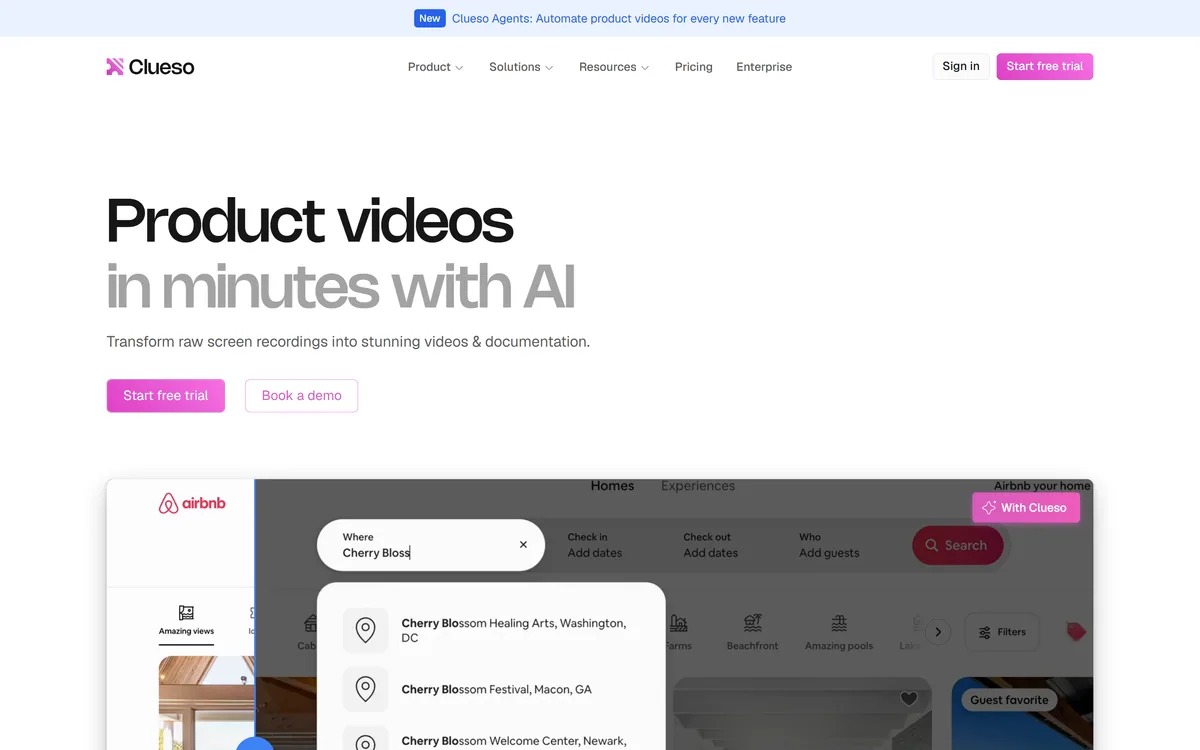
Clueso turns raw screen recordings into product videos and documentation. It rewrites the script to remove filler, replaces your audio with AI voiceover, adds automatic zooms and captions, applies branded templates, and generates step-by-step SOPs from the same recording.
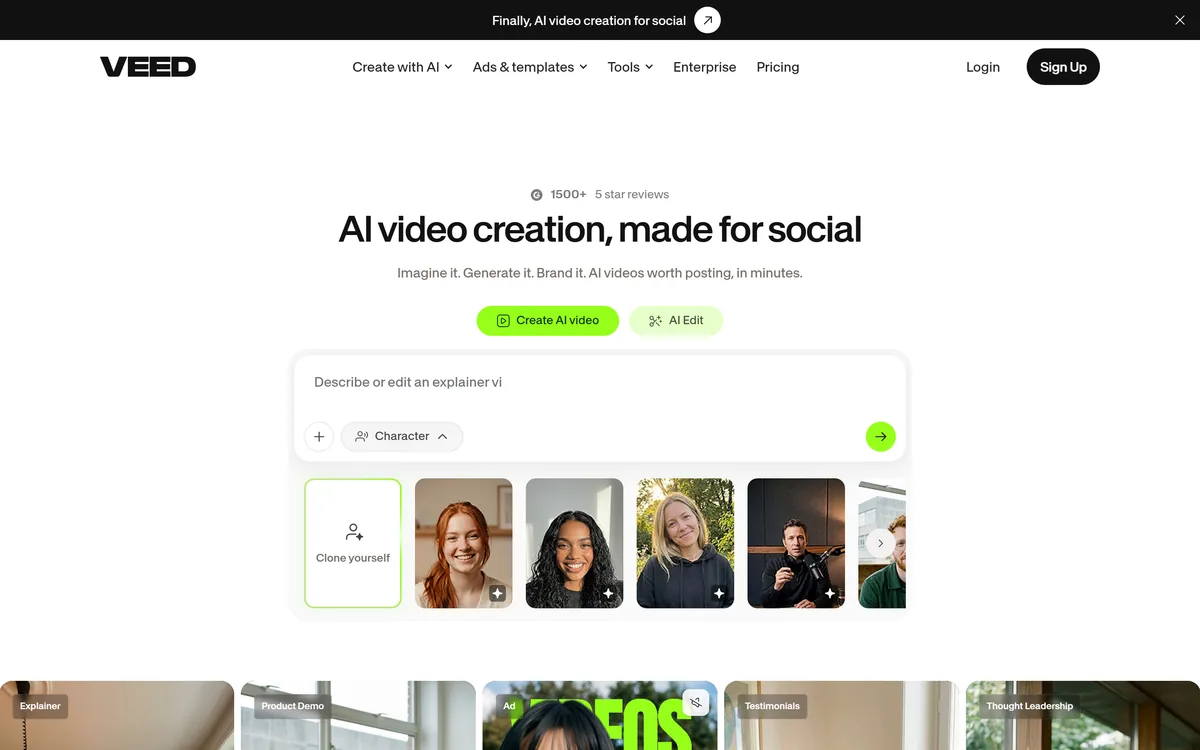
VEED is an AI video-creation platform that takes an idea to a finished social video in the browser, bundling generation, AI avatars, subtitles, dubbing, clean audio and a brand kit, plus access to frontier models like Sora 2, Veo and Kling.

TensorPix from Tensorpix d.o.o. enhances video and images in the browser: upscaling to 4K, denoising, frame interpolation to 60 FPS, stabilisation, unblurring, colour restoration, and compression, with free previews before you commit credits.
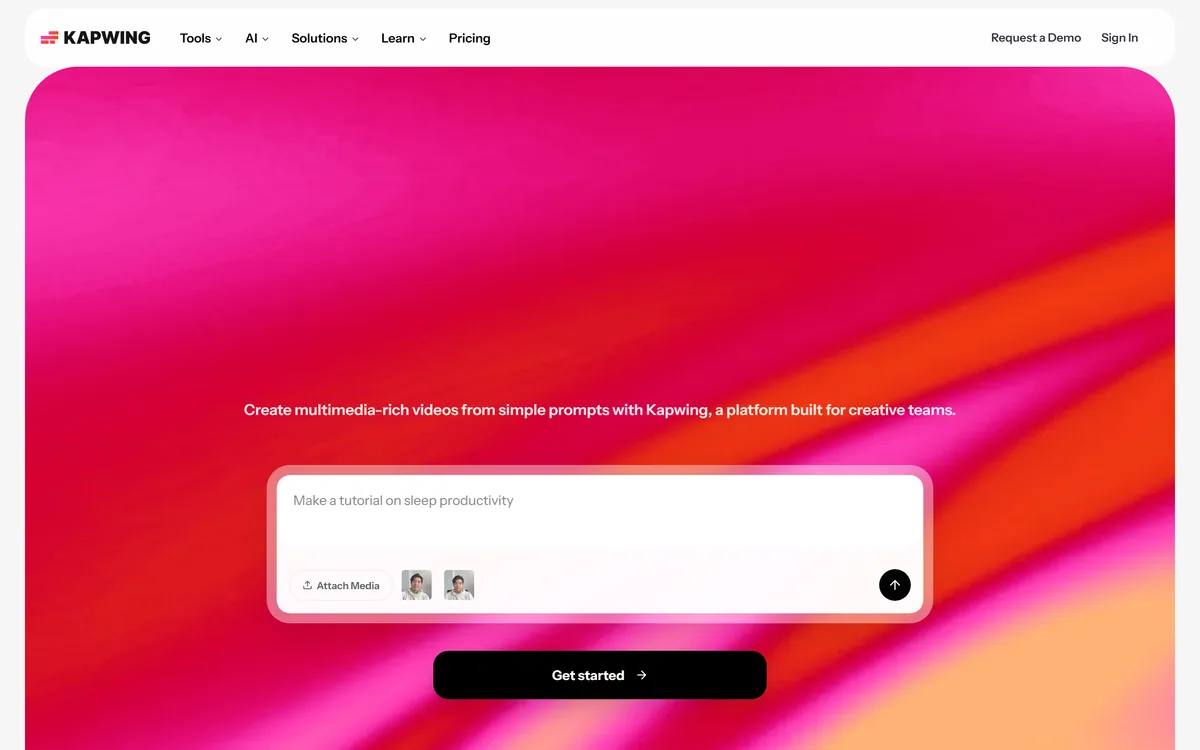
Kapwing is a browser-based video studio combining a timeline editor, subtitler, audio editor and dubbing into 40+ languages with AI tools including Smart Cut, Trim with Transcript, B-Roll Generator, Clip Maker and Character Consistency. Made in San Francisco.
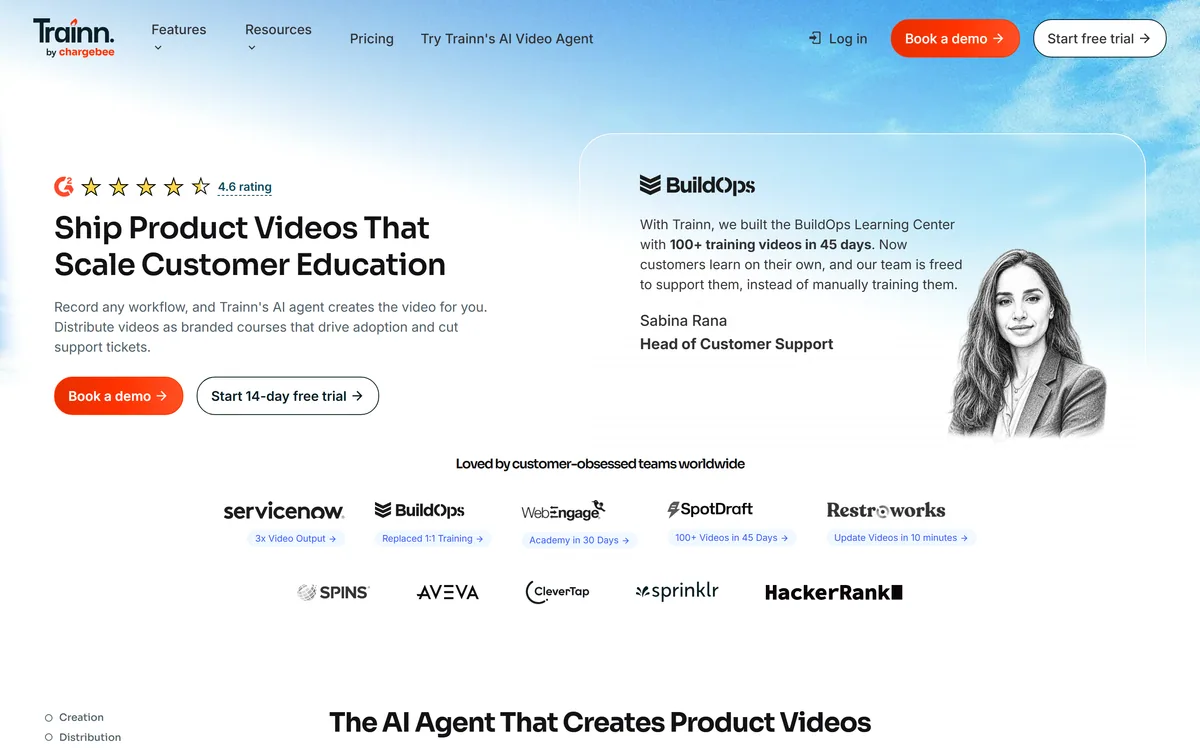
Trainn turns screen recordings into edited product videos through an AI agent, then distributes them as in-app tutorials, a searchable knowledge hub or a branded academy, with unified analytics and GDPR, SOC 2 Type 2 and ISO 27001 certifications.
Related Pages