Wondershare DemoCreator review on AInexfinder — freemium AI tool for Video & Audio. Features, pricing notes, and alternatives.
Est.4.6/5Freemium
Edit videos faster with AI-powered editing tools. Every tool here has its own review, so you can check what it does and how it is priced before you choose a video editing tool.
See the best Video Editing AI toolsWondershare DemoCreator review on AInexfinder — freemium AI tool for Video & Audio. Features, pricing notes, and alternatives.

Wisecut is an AI video editor that turns long-form videos (podcasts, interviews, livestreams) into short social clips: auto highlights, plain-text 'WISH' editing, auto captions, reframing, a Social Hub to schedule and publish, and live clipping. 'Studio voice' is audio clean-up, not voice cloning, and auto-publishing is subject to each platform's rules.
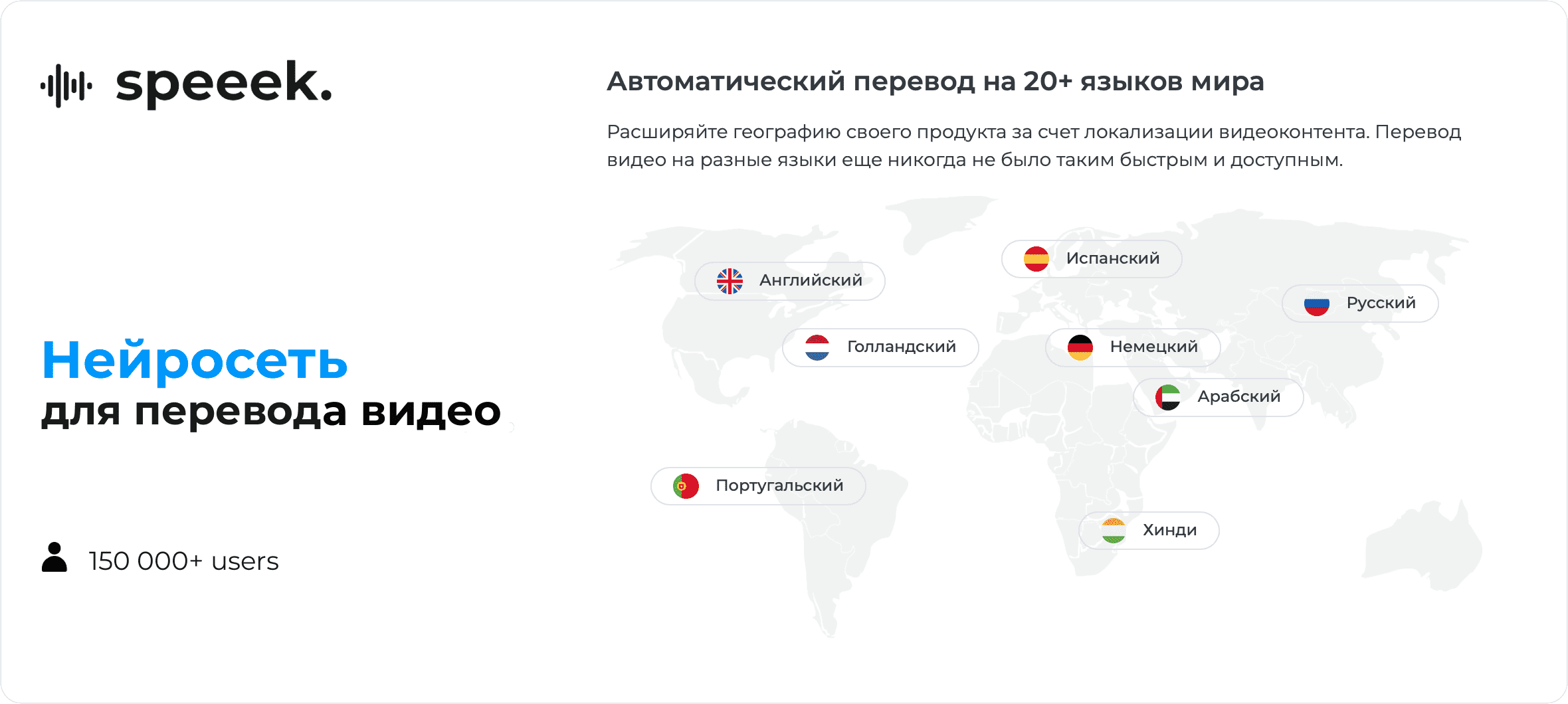
Affordable AI video translation and dubbing in 20+ languages Category: Video & Audio.
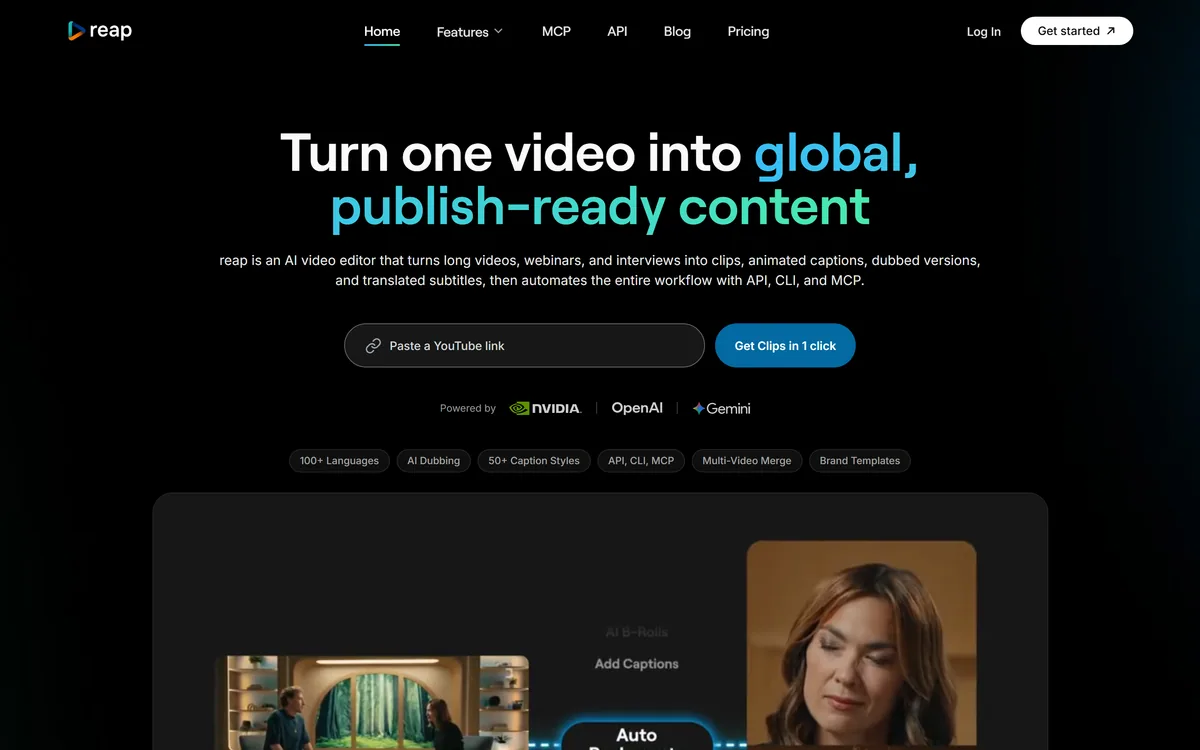
Reap is an AI video editor that turns long videos into clips, animated captions, dubbed versions and translated subtitles across 100+ languages, including romanized scripts like Hinglish, and automates the whole workflow with API, CLI and MCP.
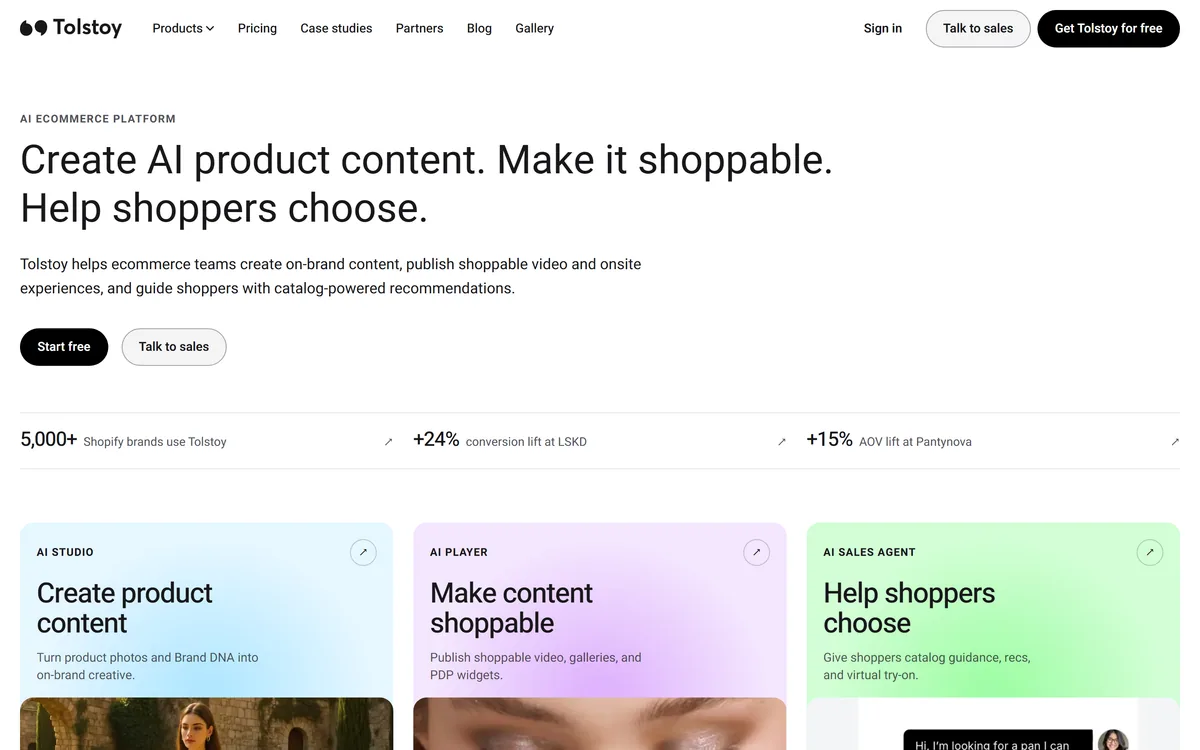
Tolstoy is an AI ecommerce platform that creates on-brand product content, publishes shoppable video and onsite experiences, and guides shoppers with catalog-powered recommendations and virtual try-on, built around a reusable Brand DNA.
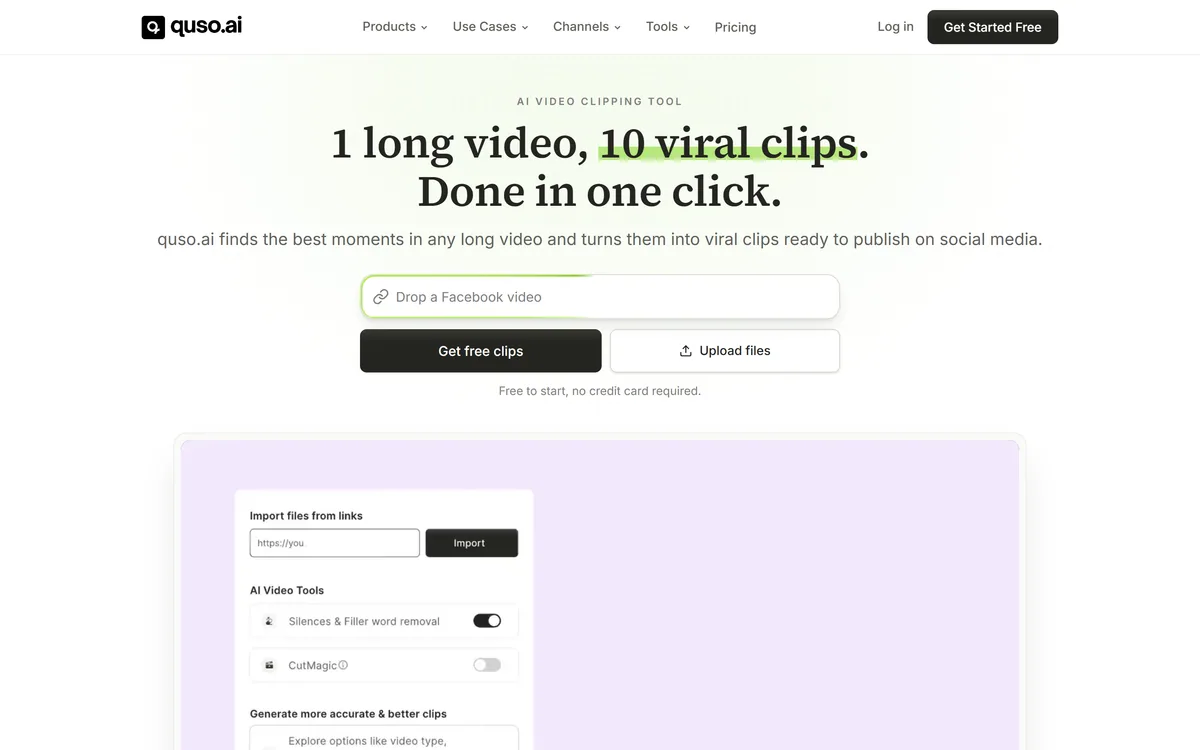
quso.ai, previously Vidyo.ai, turns long-form video into short social clips and then schedules them. It covers Intelliclips, CutMagic, filler-word removal, subtitles in 100+ languages, an AI content planner, social captions and analytics across six platforms.

Maestra review on AInexfinder — freemium AI tool for Video & Audio. Features, pricing notes, and alternatives.
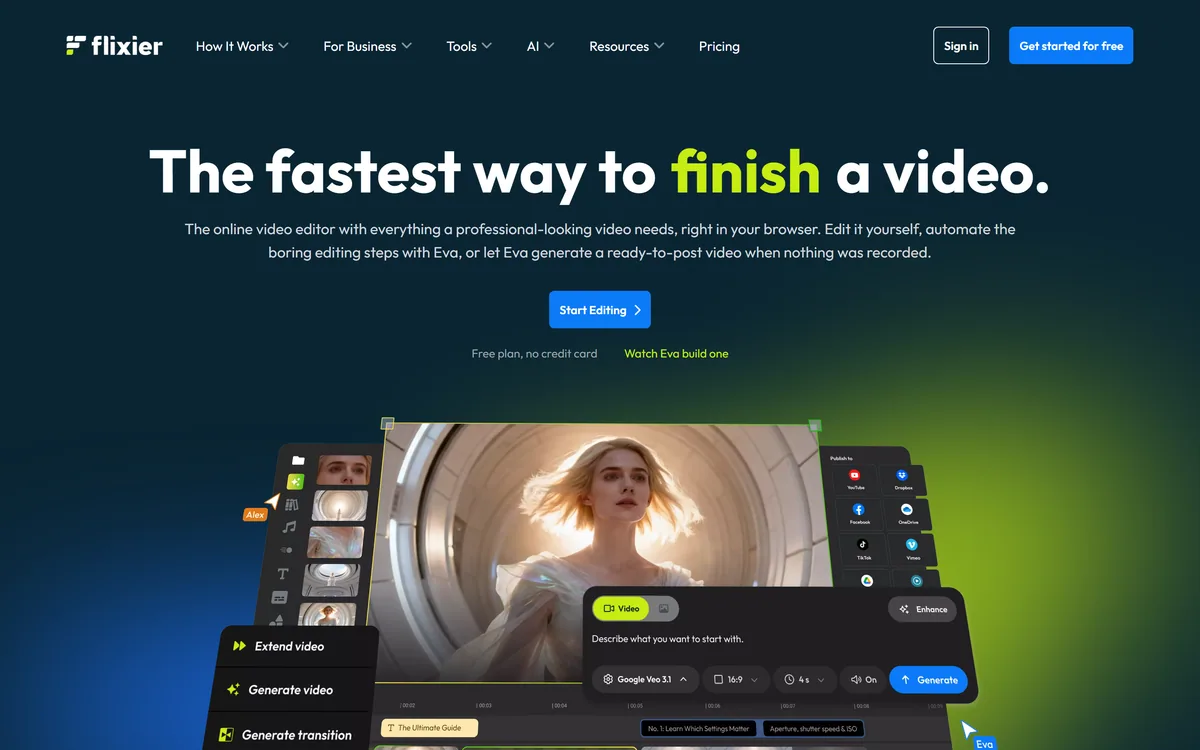
Flixier is a browser-based video editor that renders in the cloud rather than on your machine, so it works on Chromebooks, tablets and low-spec hardware. It adds automatic subtitles in 130+ languages, translation, AI voiceover, an editing assistant called Eva, real-time collaboration and direct publishing.
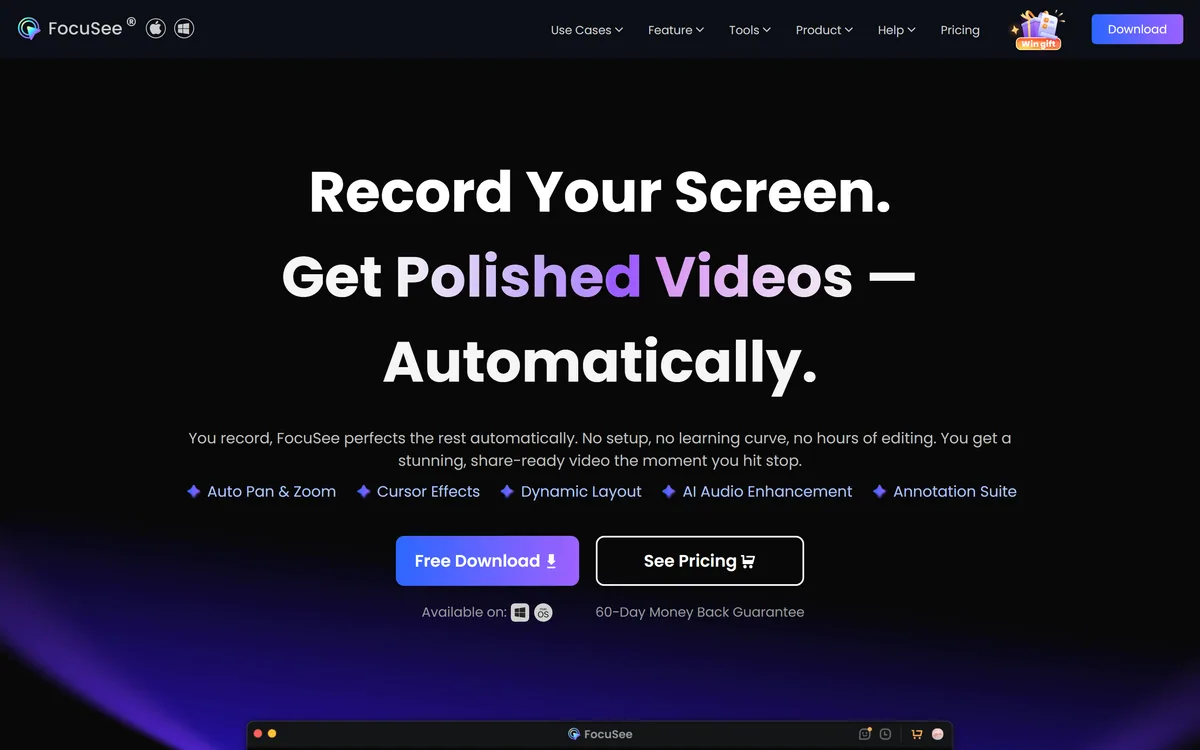
FocuSee (by iMobie) is a screen-recording tool that automatically adds smooth zoom, cursor highlights and background effects as you record, producing polished demos and tutorials with little editing. It suits creators, marketers and support teams making product demos and how-tos, with the caveat that auto-effects can be overdone and output still benefits from a review.
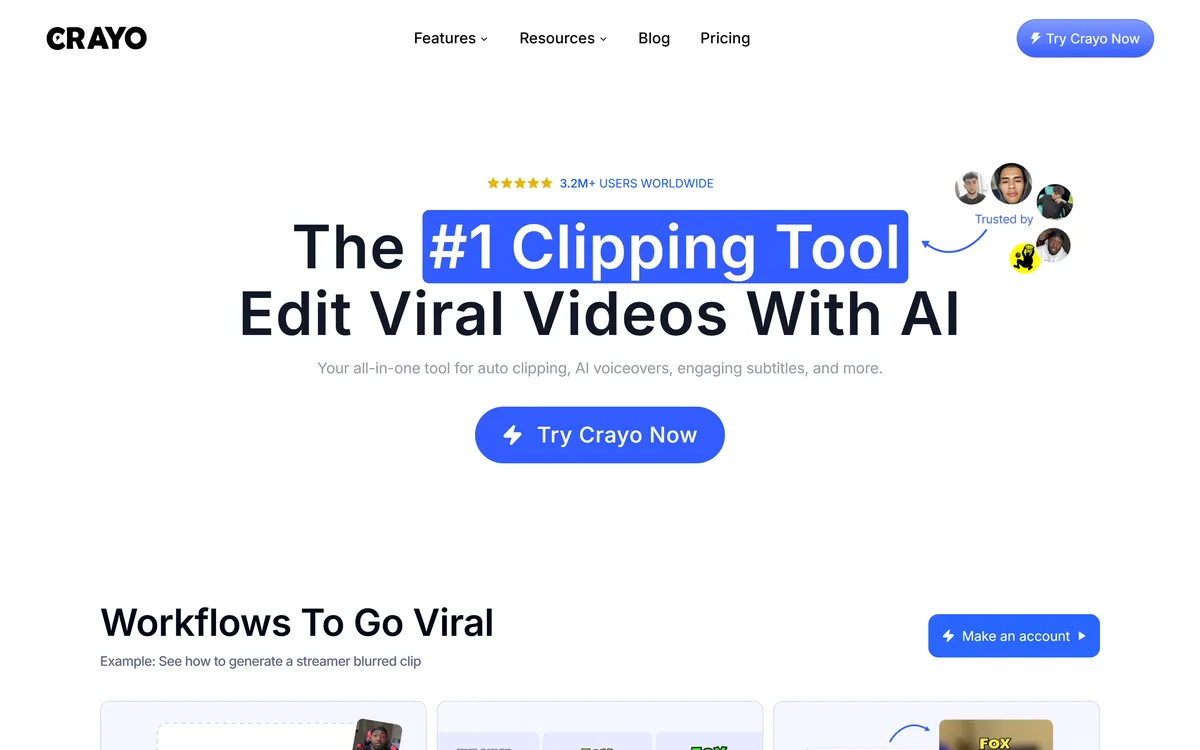
Crayo is an AI short-form video tool that auto-clips footage into faceless shorts, adds AI voiceovers and viral subtitle styles, generates Reddit-story and background clips, and finishes in a web editor, aimed at creators making TikTok, Reels and YouTube Shorts at volume.
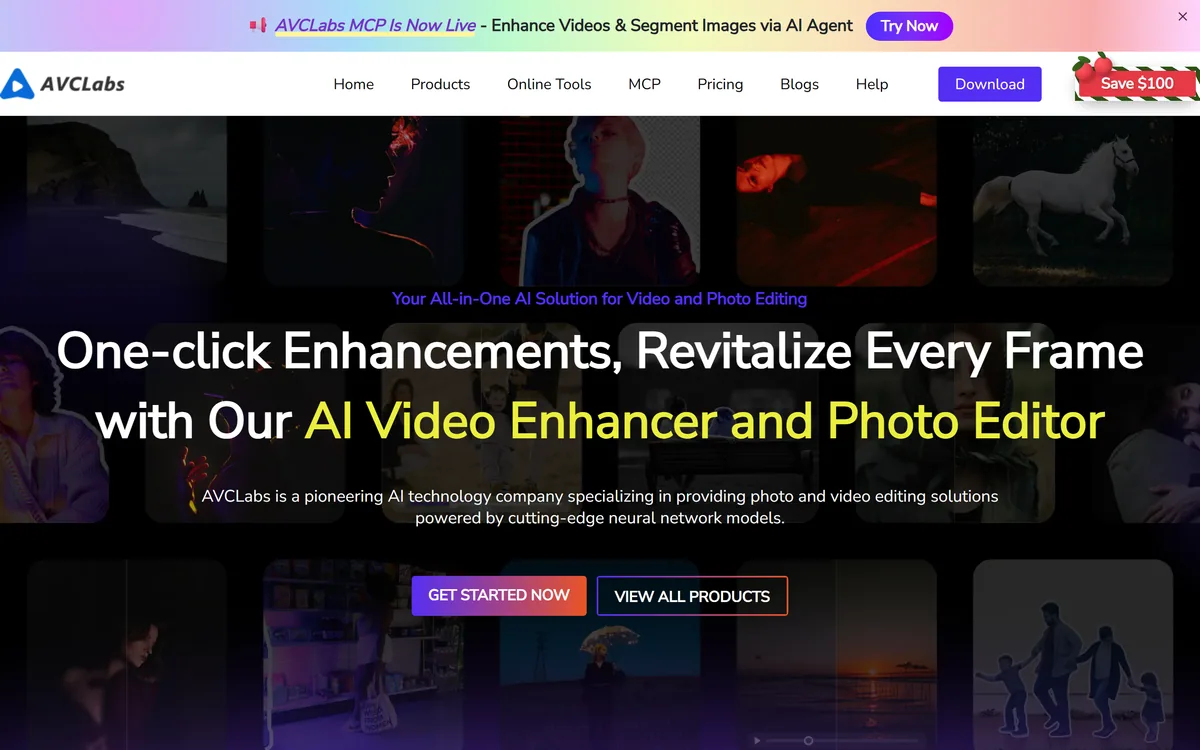
AVCLabs Video Enhancer AI is desktop software for Windows and Mac that uses neural networks to upscale low-resolution video to HD, 4K or 8K, reduce blur and noise, restore faces and stabilise footage, alongside sibling tools for video blurring, object removal and photo enhancement.
StreamLadder review on AInexfinder — freemium AI tool for Video & Audio. Features, pricing notes, and alternatives.
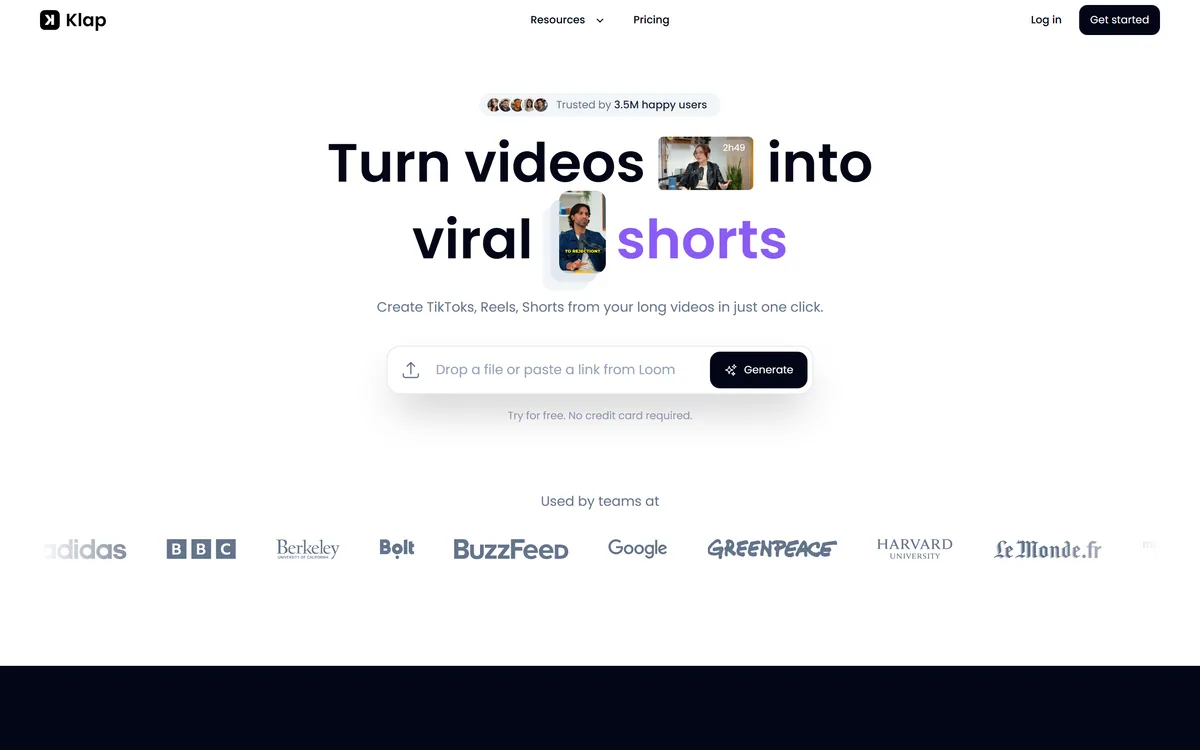
Klap turns long videos into vertical clips for TikTok, Reels and Shorts from a file or a URL. Its AI Reframe 2 analyses scenes and applies layouts including split screen, screencasts and gaming. It states 8.5M clips made by 3.5M creators, and is operated by ZIGG SAS.
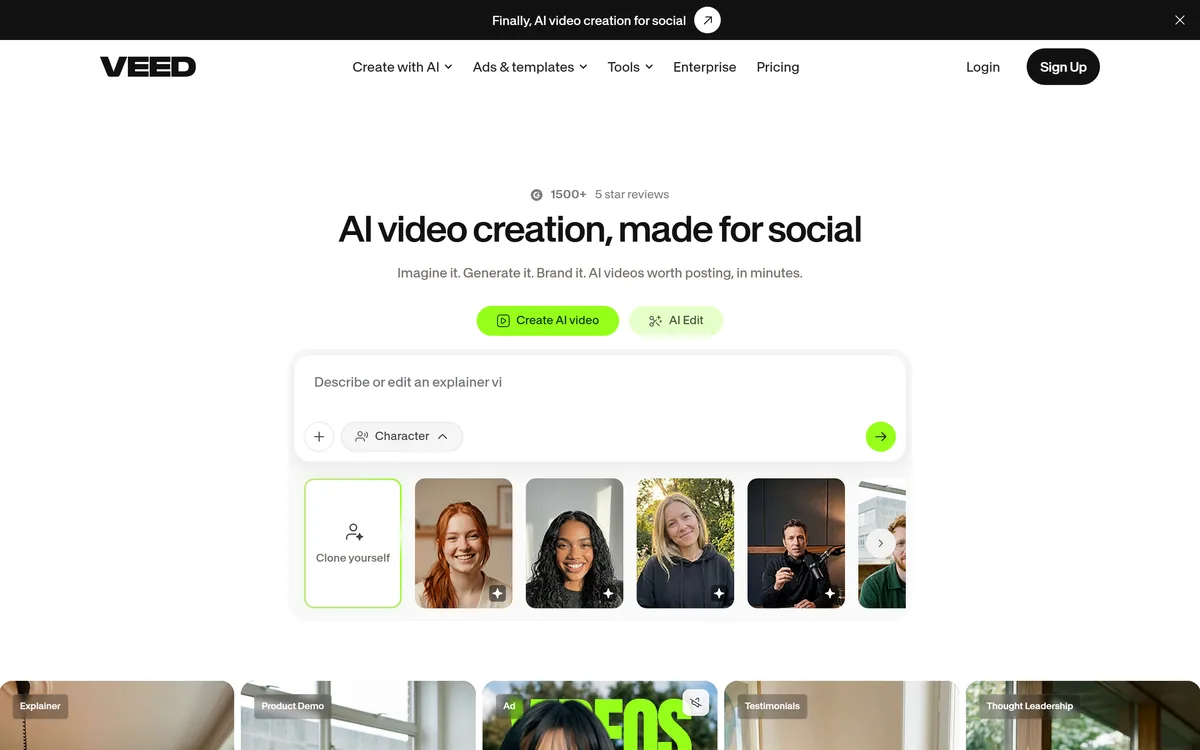
VEED is an AI video-creation platform that takes an idea to a finished social video in the browser, bundling generation, AI avatars, subtitles, dubbing, clean audio and a brand kit, plus access to frontier models like Sora 2, Veo and Kling.
CapCut review on AInexfinder — freemium AI tool for Video & Audio. Features, pricing notes, and alternatives.
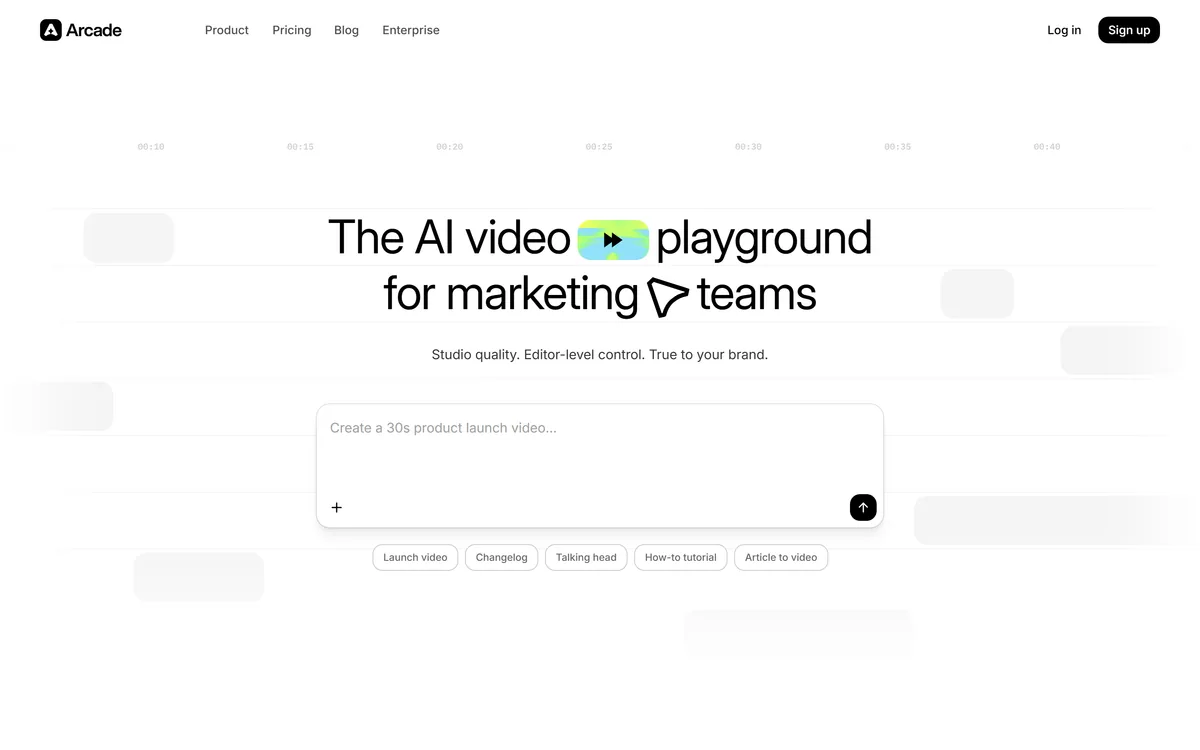
Arcade is an AI video tool for marketing teams that generates editable, on-brand product videos and interactive demos you can reshape by asking AI, with a capture extension and an MCP integration. It suits marketing teams wanting controllable AI video, though we review it cautiously: its page was thin, with no pricing figures or company details captured, so some details are unconfirmed.

AI video translation, dubbing and lip-sync in 160+ languages Category: Video & Audio.
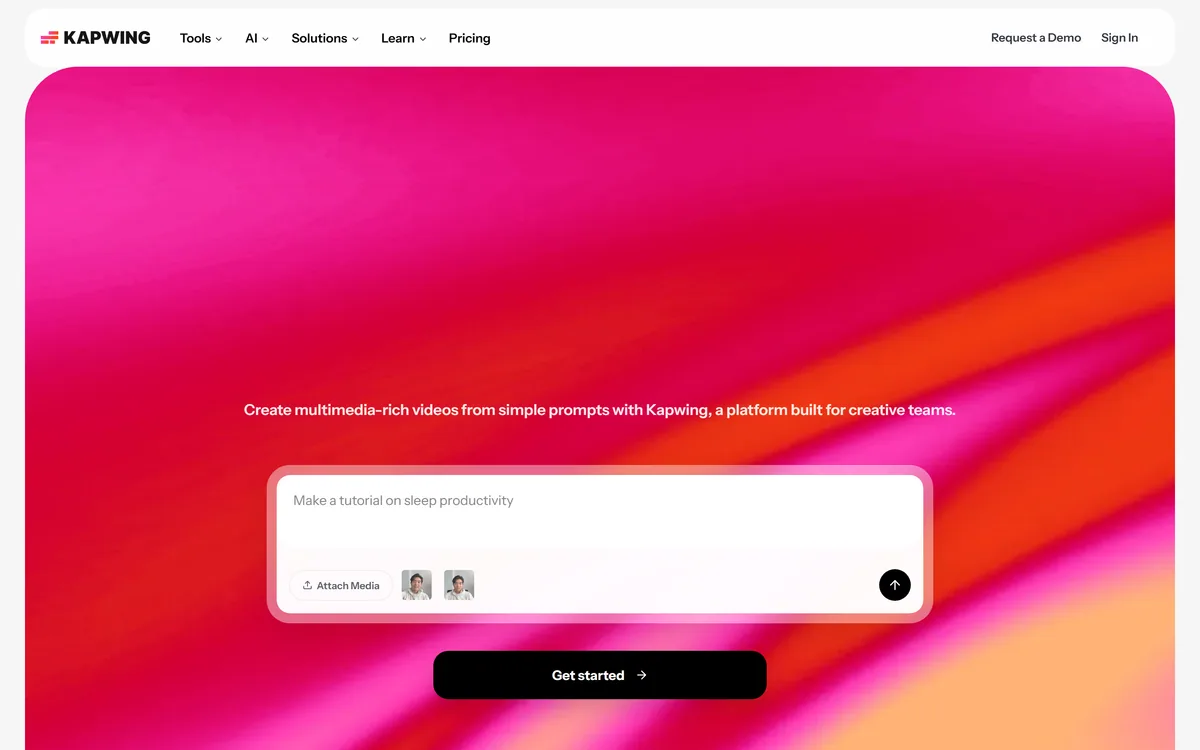
Kapwing is a browser-based video studio combining a timeline editor, subtitler, audio editor and dubbing into 40+ languages with AI tools including Smart Cut, Trim with Transcript, B-Roll Generator, Clip Maker and Character Consistency. Made in San Francisco.

Sendspark review on AInexfinder — subscription AI tool for Video & Audio. Features, pricing notes, and alternatives.

Subly review on AInexfinder — subscription AI tool for Video & Audio. Features, pricing notes, and alternatives.
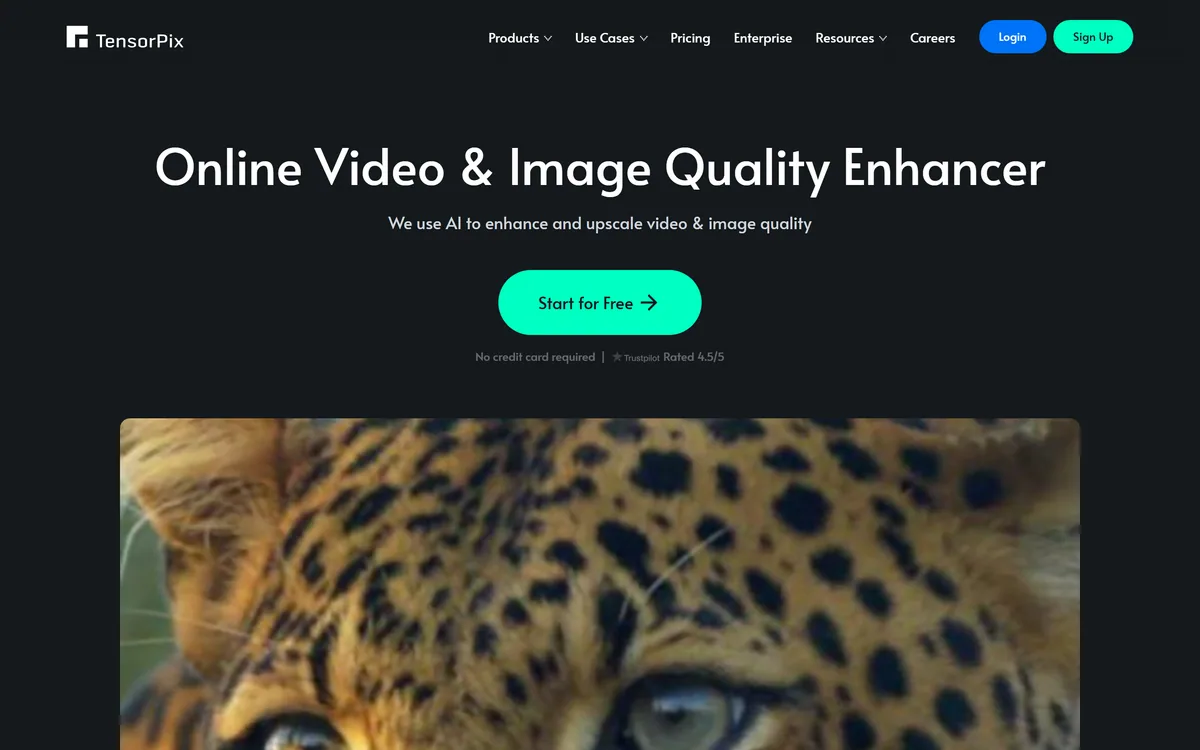
TensorPix from Tensorpix d.o.o. enhances video and images in the browser: upscaling to 4K, denoising, frame interpolation to 60 FPS, stabilisation, unblurring, colour restoration, and compression, with free previews before you commit credits.
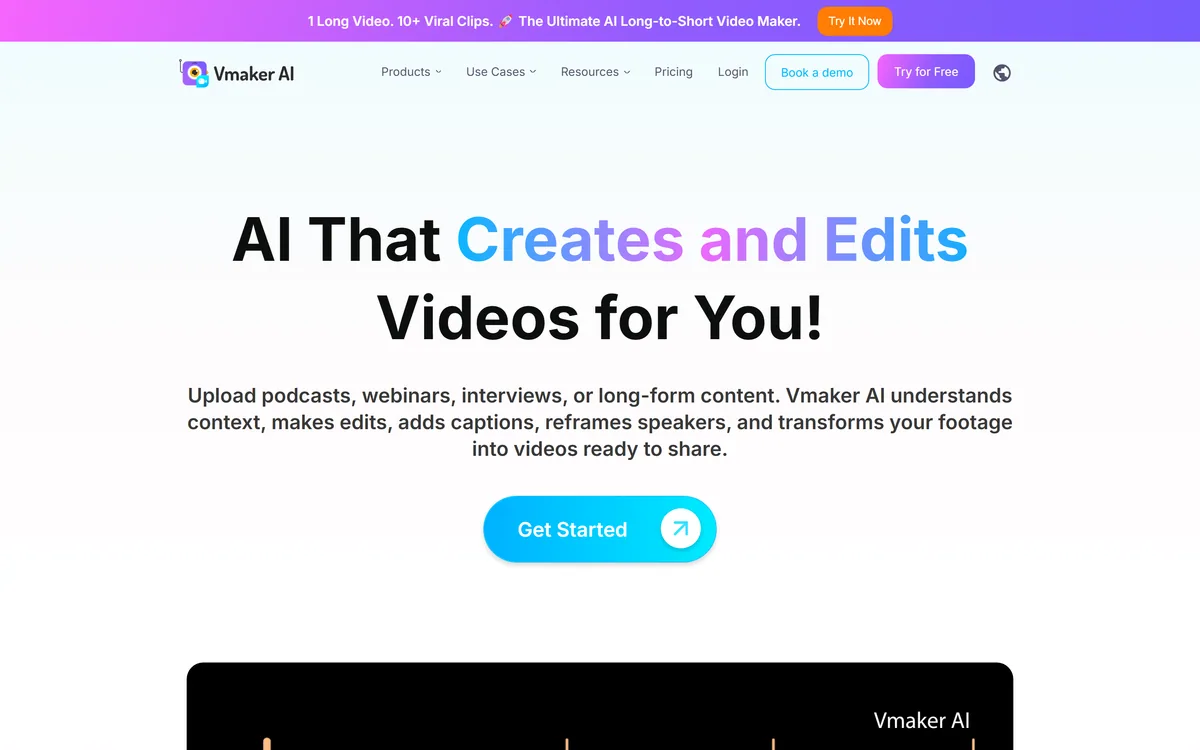
Vmaker AI combines 4K screen and webcam recording with automated editing, subtitle generation in 35+ languages, long-to-short clipping, AI avatars, dubbing and format conversion. It states over 2,000,000 users and holds ISO 27001 certification alongside GDPR compliance.
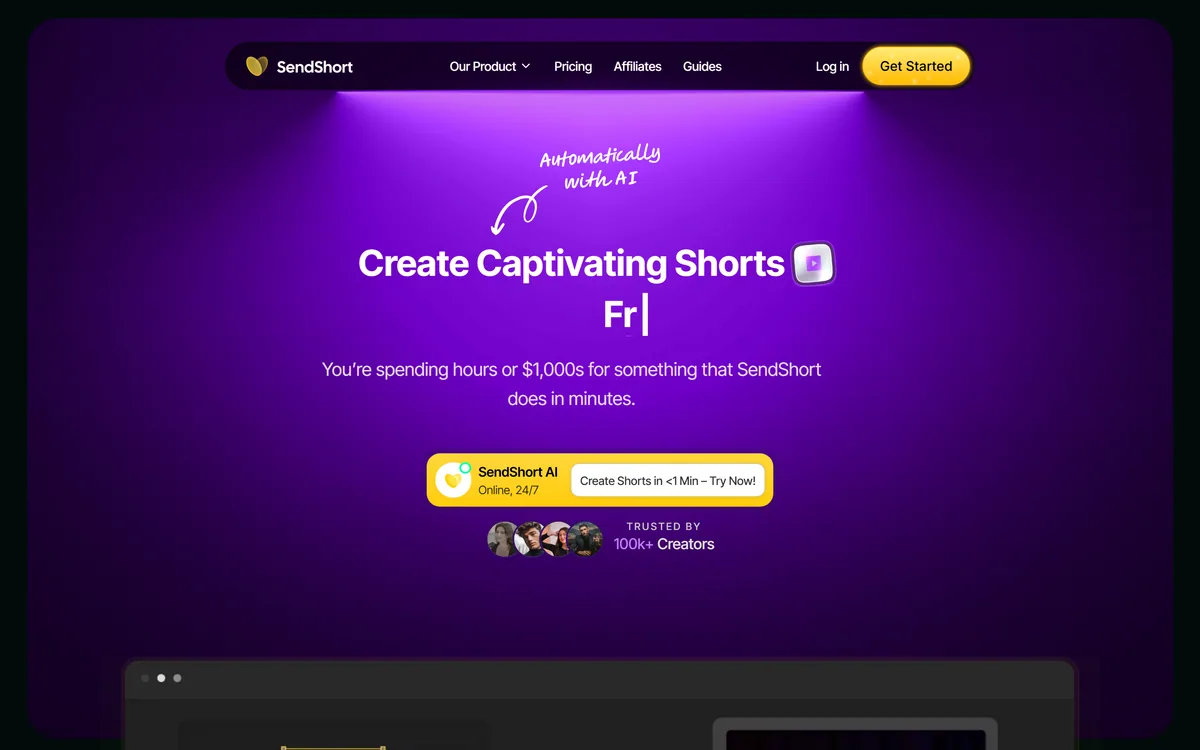
SendShort clips long-form video into shorts, edits them automatically with captions, hooks and thumbnails, generates faceless videos and AI voiceovers, translates subtitles across 48 languages, and publishes automated series directly to YouTube or TikTok.
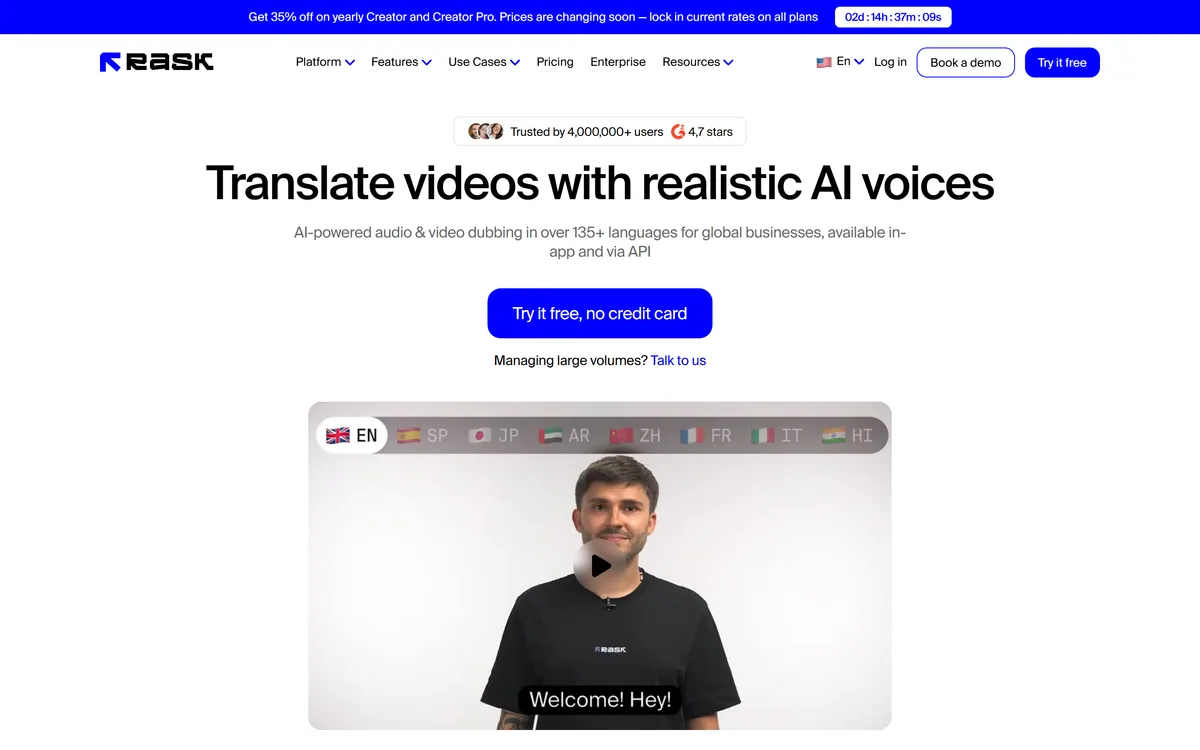
Rask AI is an AI video dubbing and localization tool that translates audio and video into 135+ languages with VoiceClone, multi-speaker detection, lip-sync and an API, and is a certified C2PA and Content Authenticity Initiative member. It suits creators, businesses and localization teams, with the caveats that cloning a speaker's voice needs consent, machine dubbing benefits from its human-in-the-loop review, and its user and savings figures are vendor- or customer-reported.
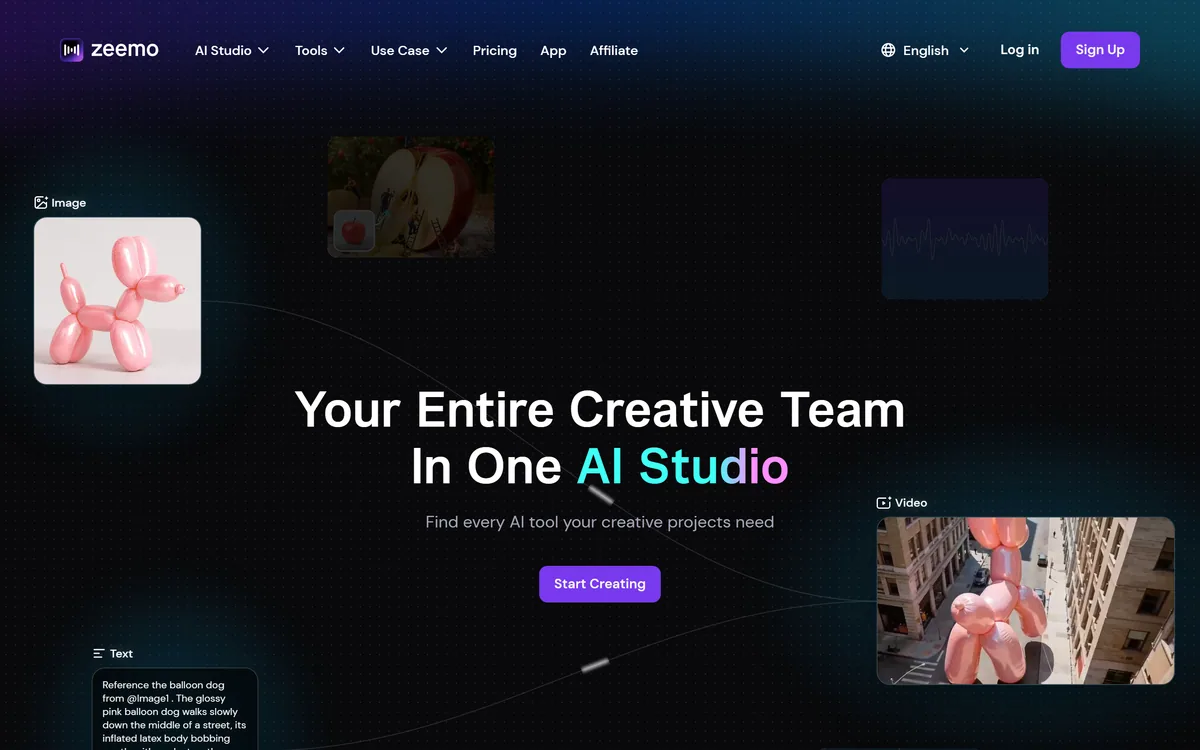
Zeemo from Bluepulse Inc. generates automatic captions and translates video, alongside basic editing — trim, crop, resize, reverse — plus emoji, GIF, and sticker overlays, on web, iOS, and Android.

Simplified review on AInexfinder — freemium AI tool for Video & Audio. Features, pricing notes, and alternatives.
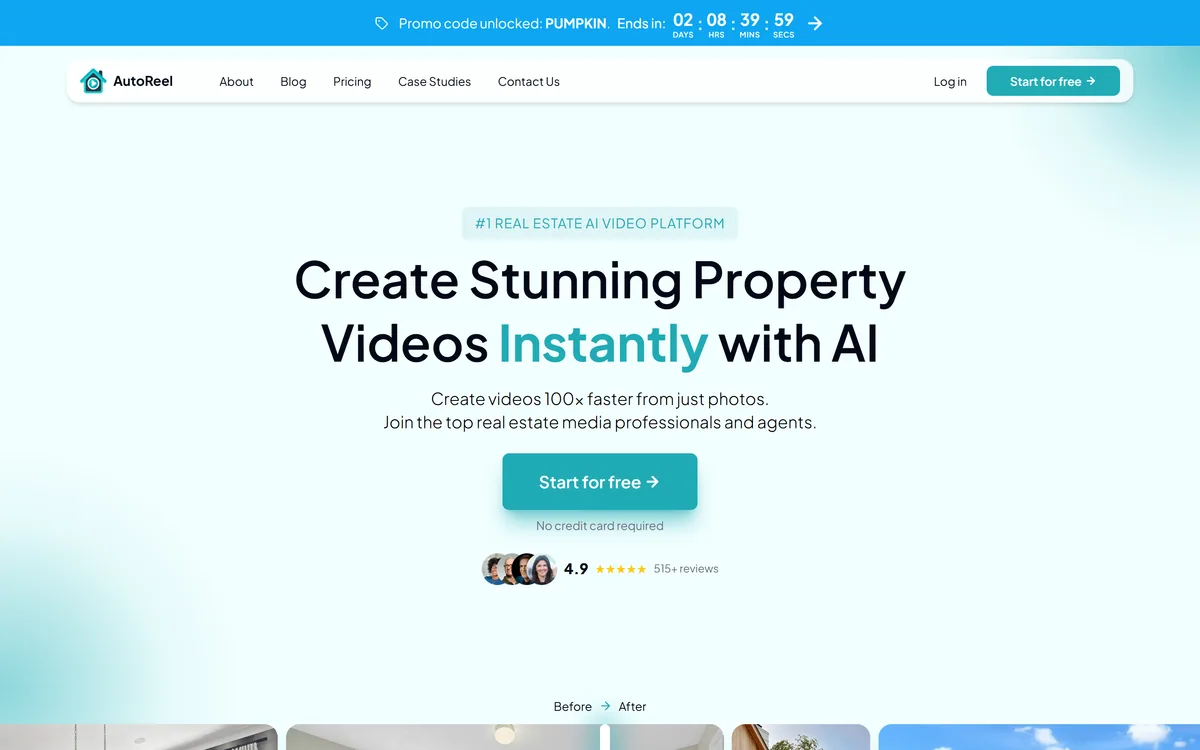
AutoReel is an AI real-estate video platform (AutoReel Inc., Delaware) that turns property photos into captioned, music-backed marketing reels, with Realtor.com import, AI virtual staging, voiceovers and avatars. It suits realtors and real-estate photographers wanting fast listing videos, with niche scope and AI-staging disclosure caveats.
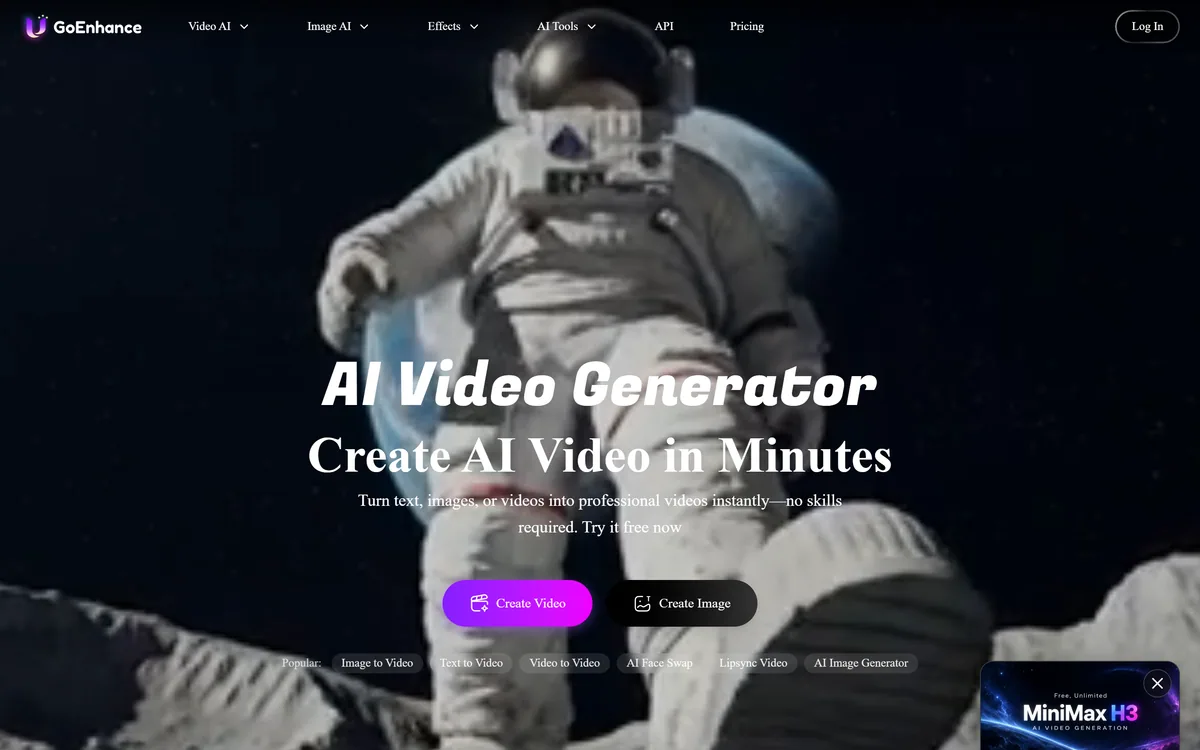
GoEnhance AI is an all-in-one generative AI video and image platform that aggregates many third-party models (Veo, Kling, Sora, Runway, Flux and more) for text/image/video-to-video, plus effects, face swap, avatars, lipsync and upscaling. It's versatile and affordable, with IP/likeness and no-refunds caveats.
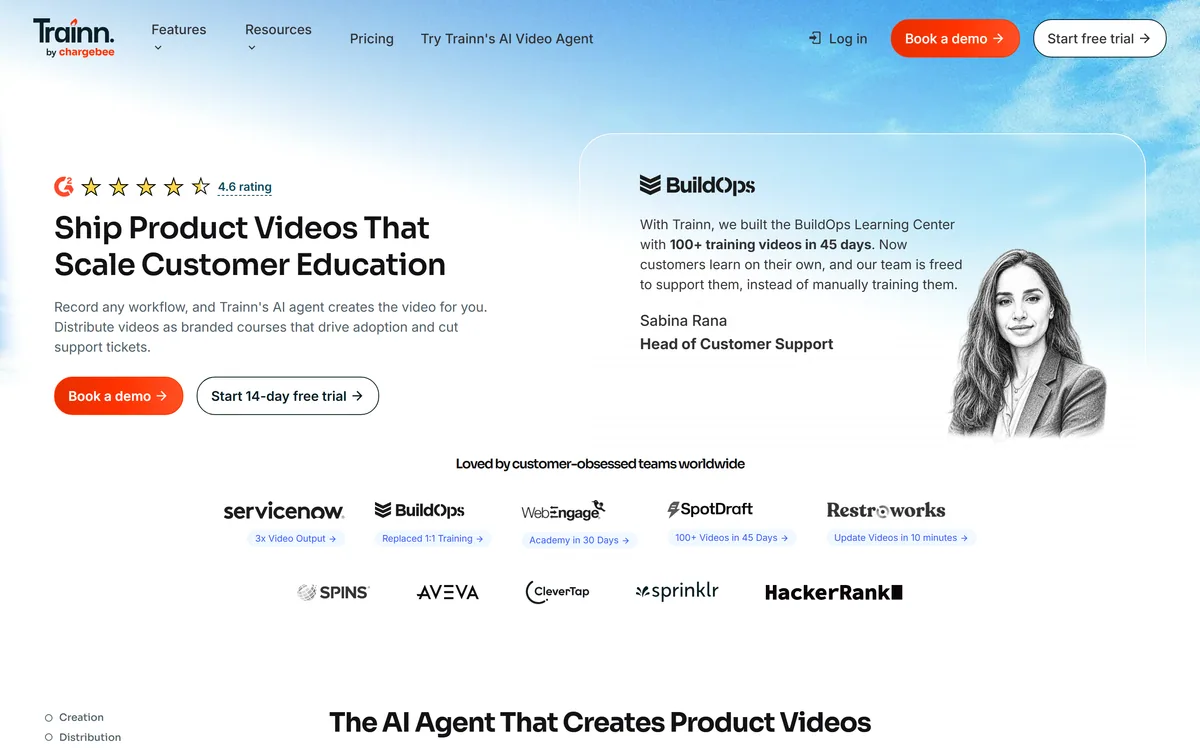
Trainn turns screen recordings into edited product videos through an AI agent, then distributes them as in-app tutorials, a searchable knowledge hub or a branded academy, with unified analytics and GDPR, SOC 2 Type 2 and ISO 27001 certifications.
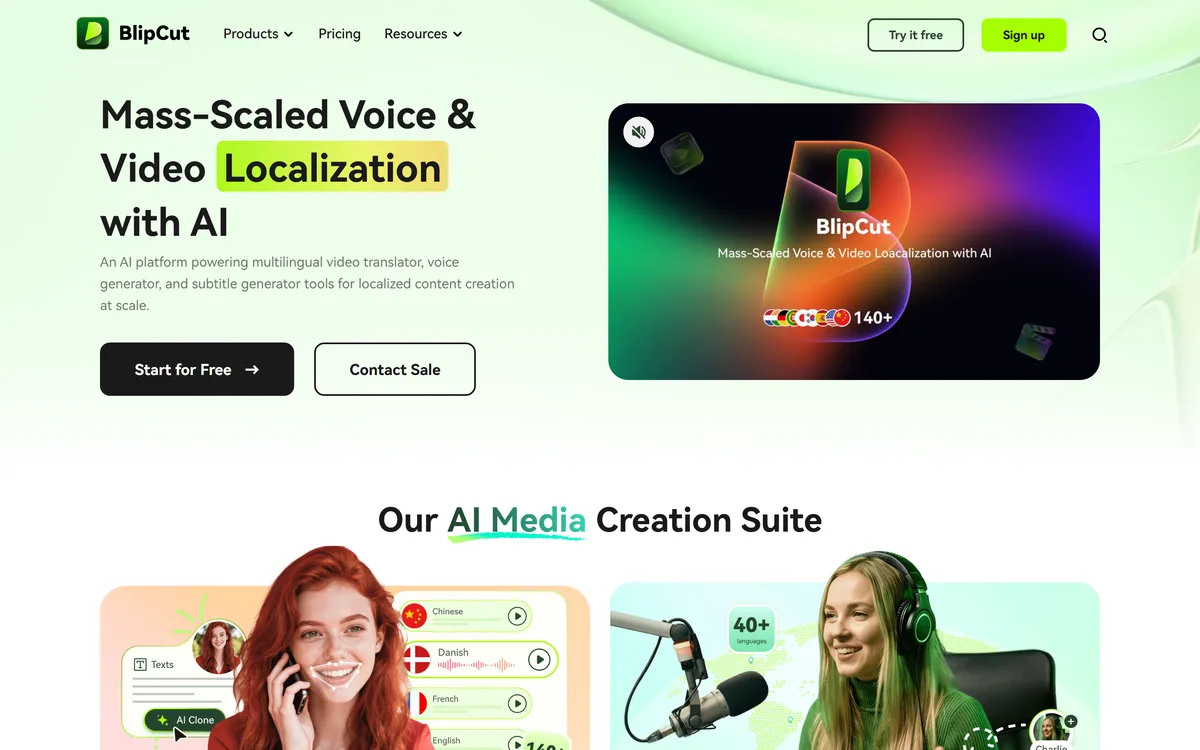
BlipCut translates and dubs video into more than 140 languages with AI lip synchronisation, so translated speech aligns with the speaker's mouth. It also clones voices in 29 languages, offers 600+ voices across 40+ languages, and generates, translates and edits subtitles from uploads or YouTube links.

Submagic review on AInexfinder — subscription AI tool for Video & Audio. Features, pricing notes, and alternatives.

Free online AI video dubbing with lip-sync and voice clone Category: Video & Audio.
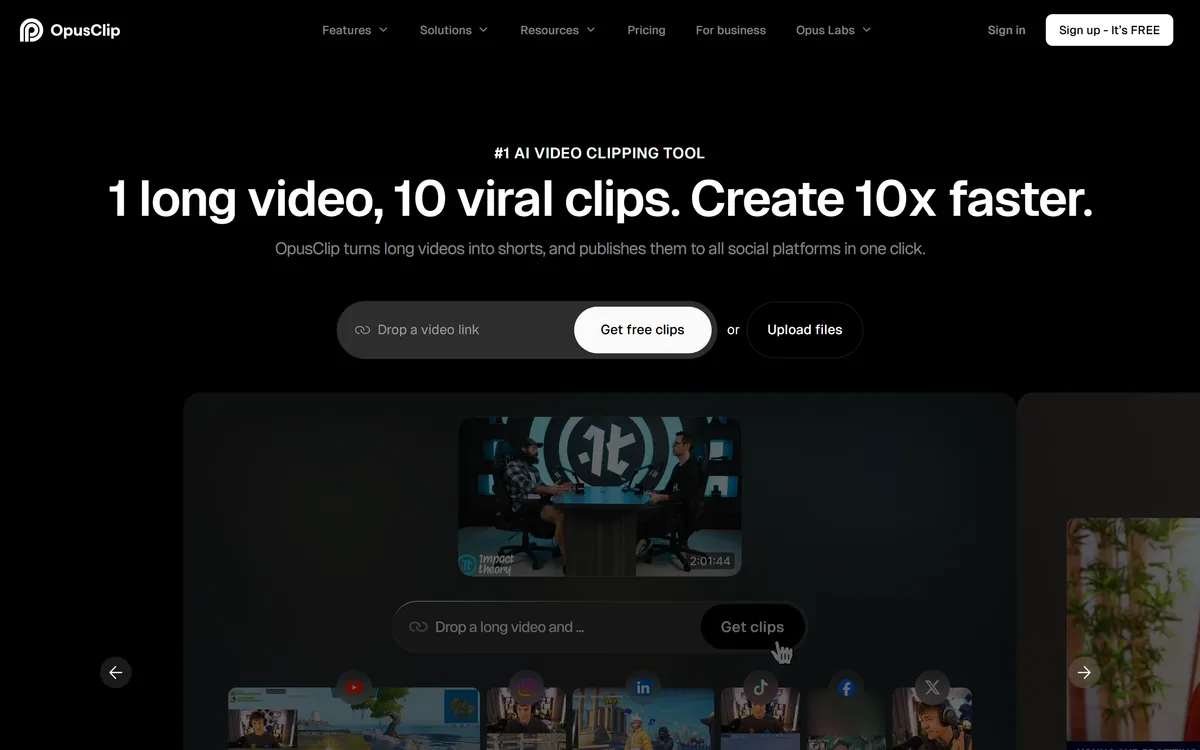
OpusClip is an AI video-clipping tool that turns one long video into around ten short, captioned, reframed clips and publishes them to social platforms, with ClipAnything (any genre), AI reframe, B-roll, voice-over and workflow automation. It suits creators and teams repurposing long-form video, with the caveats that you need the rights to the source content you upload, AI voice-over and B-roll are synthetic, and its creator-count figures are vendor-stated.
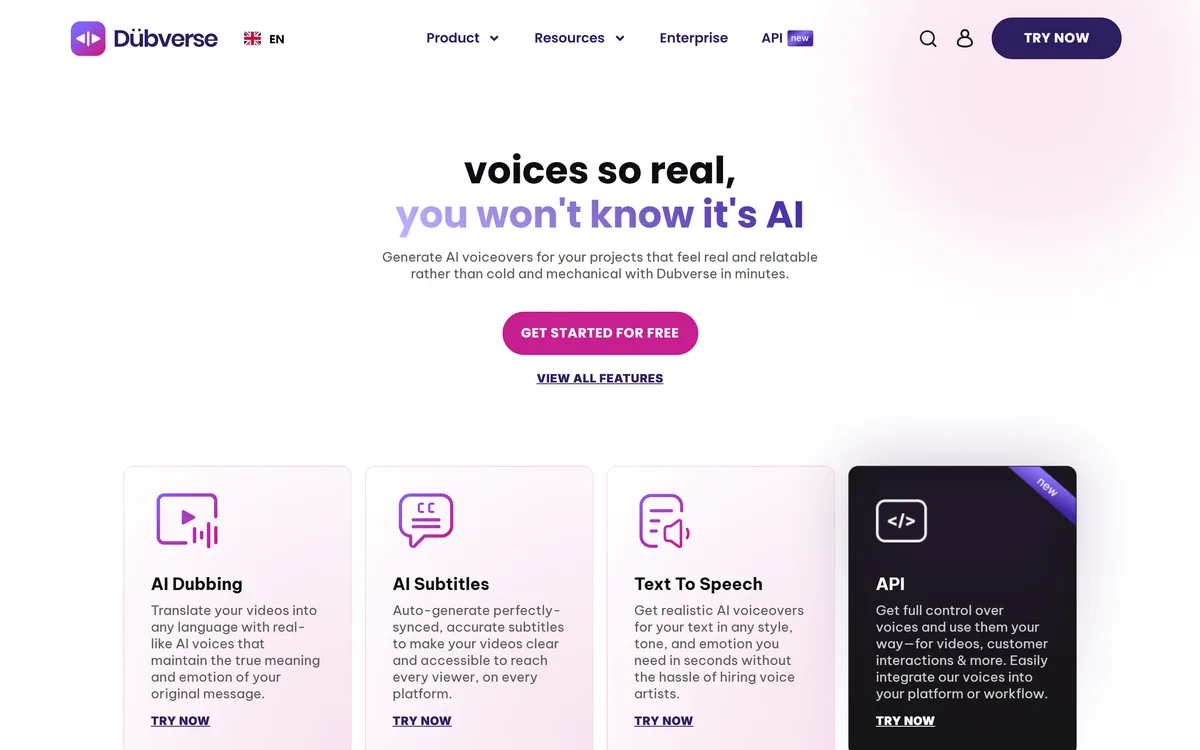
Dubverse is an AI video-dubbing, text-to-speech and auto-subtitle tool with 200+ voices, 10+ Indian and global languages, mix-language support and custom voice cloning, plus an API and batch processing. It suits creators, brands and developers who need multilingual voiceovers, especially in Indian languages, with the caveats that cloning a voice needs that person's consent, machine translation and dubbing need checking, and its usage figures are vendor-stated.
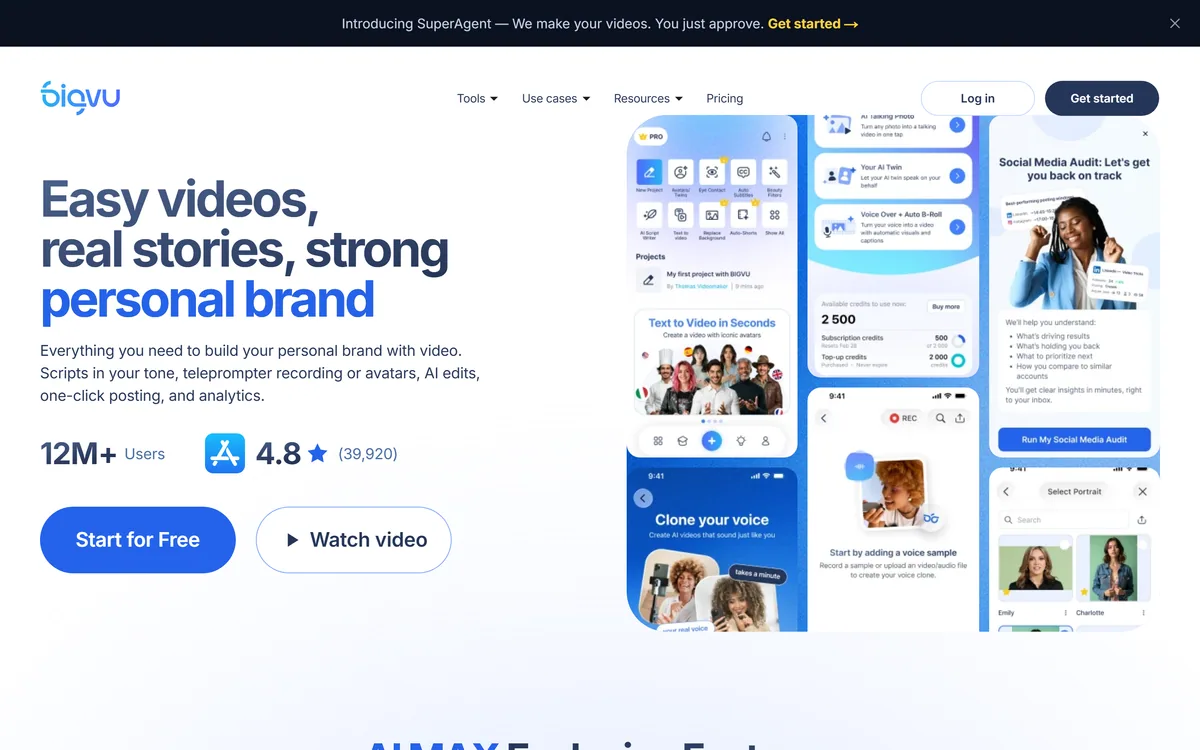
BIGVU is an AI personal-branding video platform with a teleprompter, AI avatars and voice cloning, auto-editing (caption, filler removal, eye-contact correction), and one-click social posting, aimed at realtors, coaches and marketers, with synthetic-media features that carry likeness and consent considerations.

Eklipse is an AI tool that automatically turns long game streams and VODs into short highlight clips formatted for TikTok, Reels and Shorts, aimed at streamers and gaming creators. It can save real editing time, though AI highlight-picking varies and needs checking. Note: its site blocked our direct review, so this is based on secondary sources and carries lower confidence.
Tella review on AInexfinder — freemium AI tool for Video & Audio. Features, pricing notes, and alternatives.
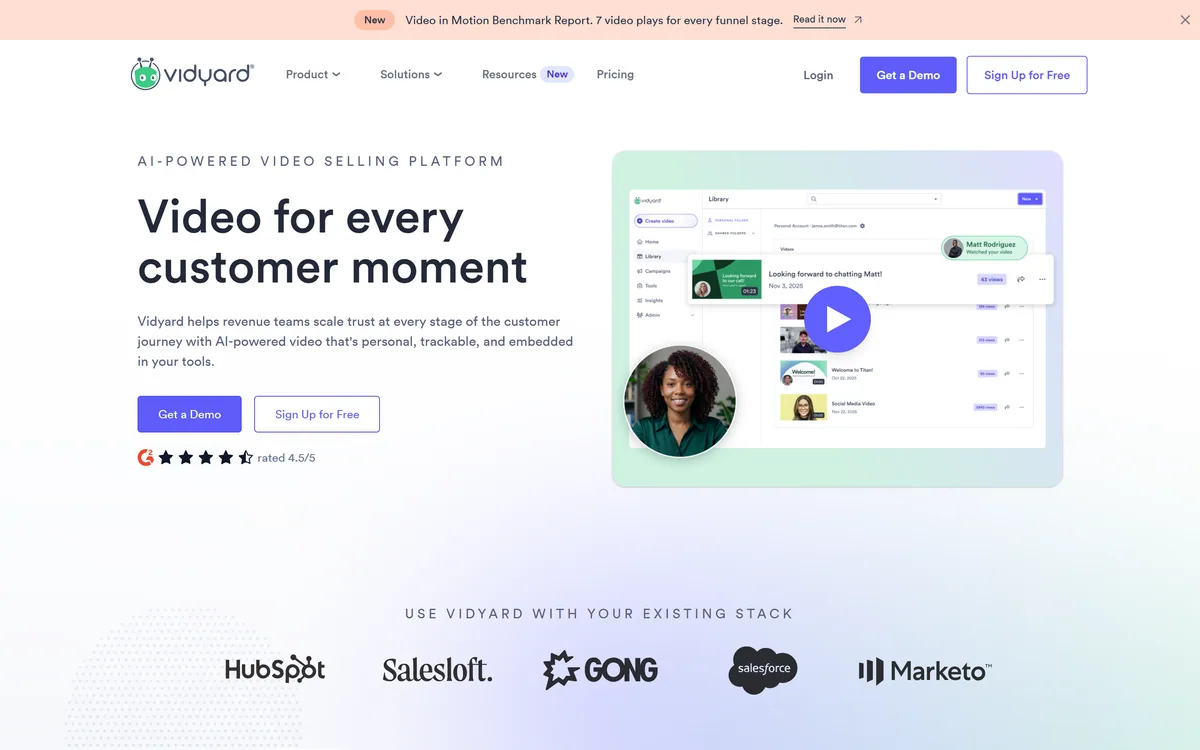
Vidyard is a video platform for revenue teams covering personal video messages, hosting with viewer analytics, branded video hubs and AI avatars, plus a Video Agent that sends personalised videos automatically from CRM signals, across a stated 51 integrations.
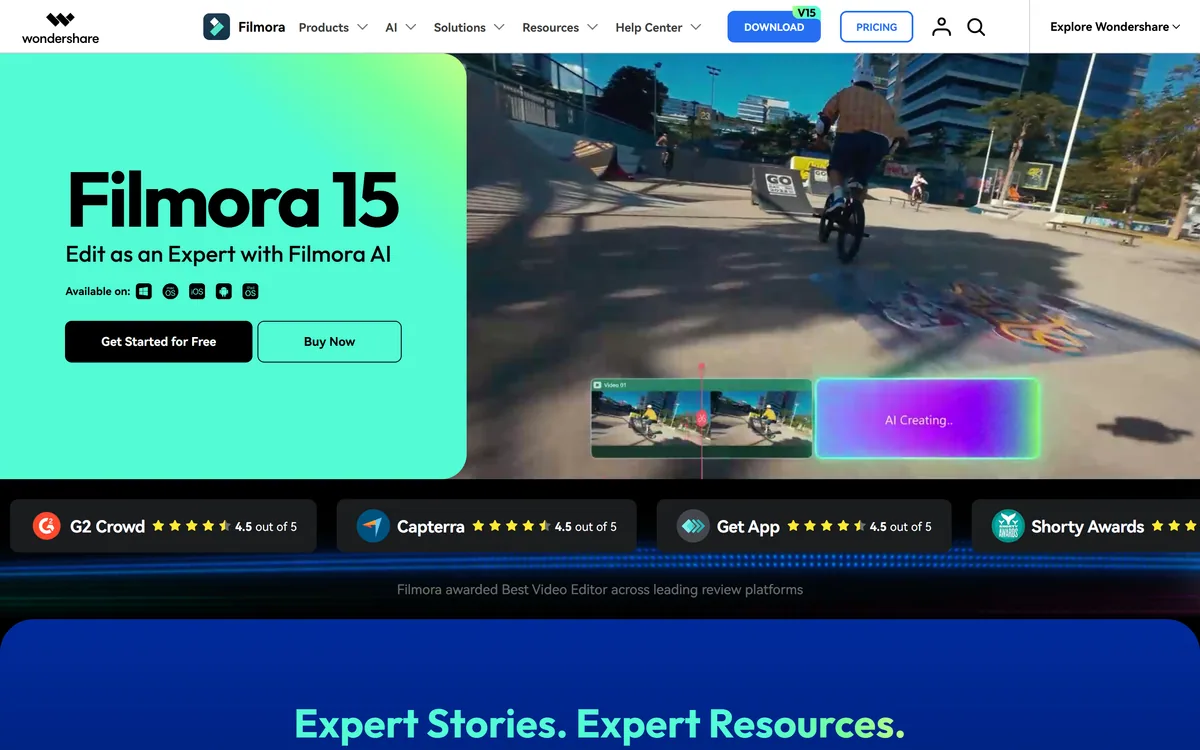
Filmora is Wondershare's video editor for Windows, Mac, iOS, Android and iPad. Version 15 pairs a conventional multi-track timeline with a deep set of AI features — text and image to video via Veo 3.1, text-based editing, auto captions, object removal, audio enhancement and translation — plus a library of 2.9 million creative assets.
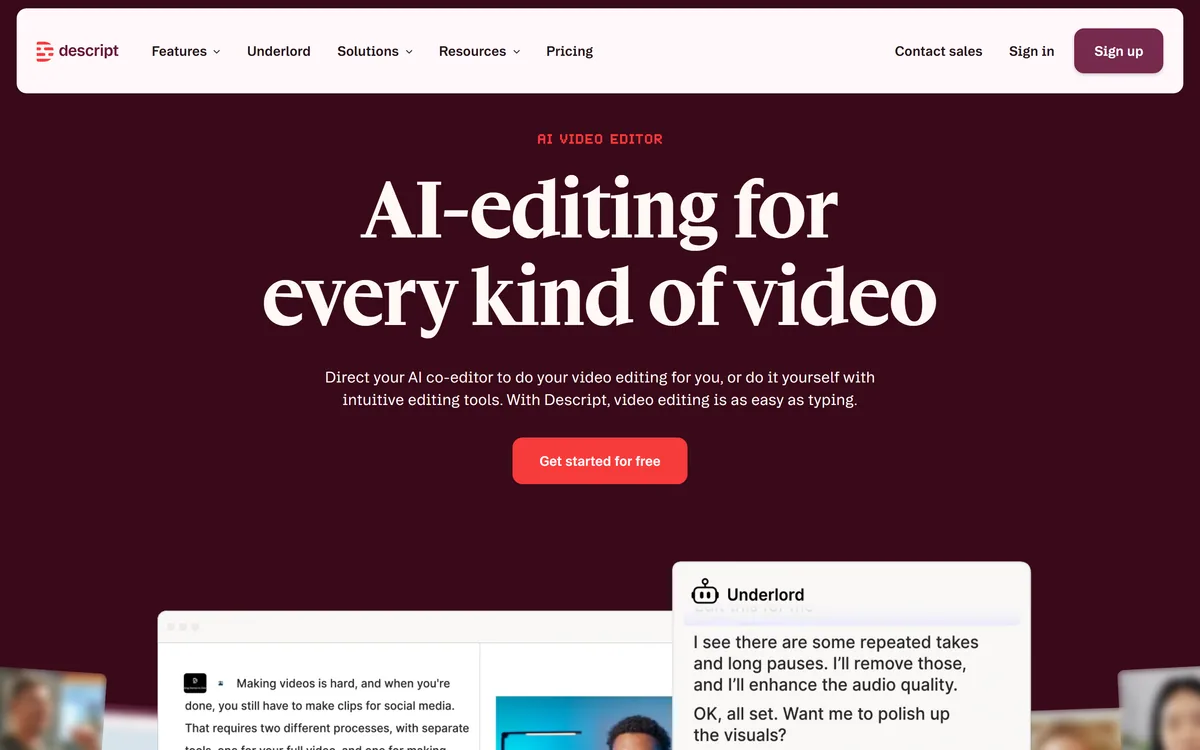

Descript is a video and audio editor that works by editing a transcript — delete a sentence and the footage goes with it — plus Studio Sound, Eye Contact, filler-word removal, AI voices, avatars, and the Underlord assistant.
AI clips long videos and podcasts into shareable shorts Category: Video & Audio.
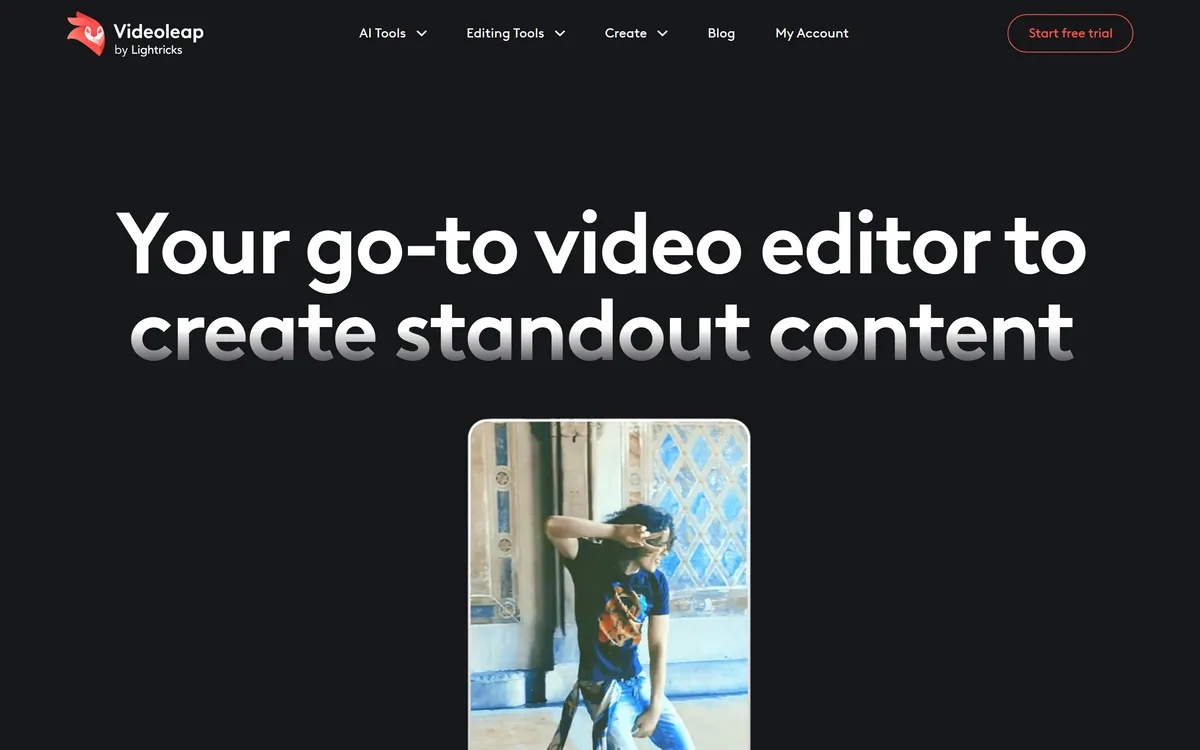
Videoleap is Lightricks' video editor for social content, available online and as iPhone and Android apps. It pairs hundreds of conventional editing tools with generative features including infinite zoom, object removal, background generation, frame extension and AI subtitles, plus thousands of premade templates.
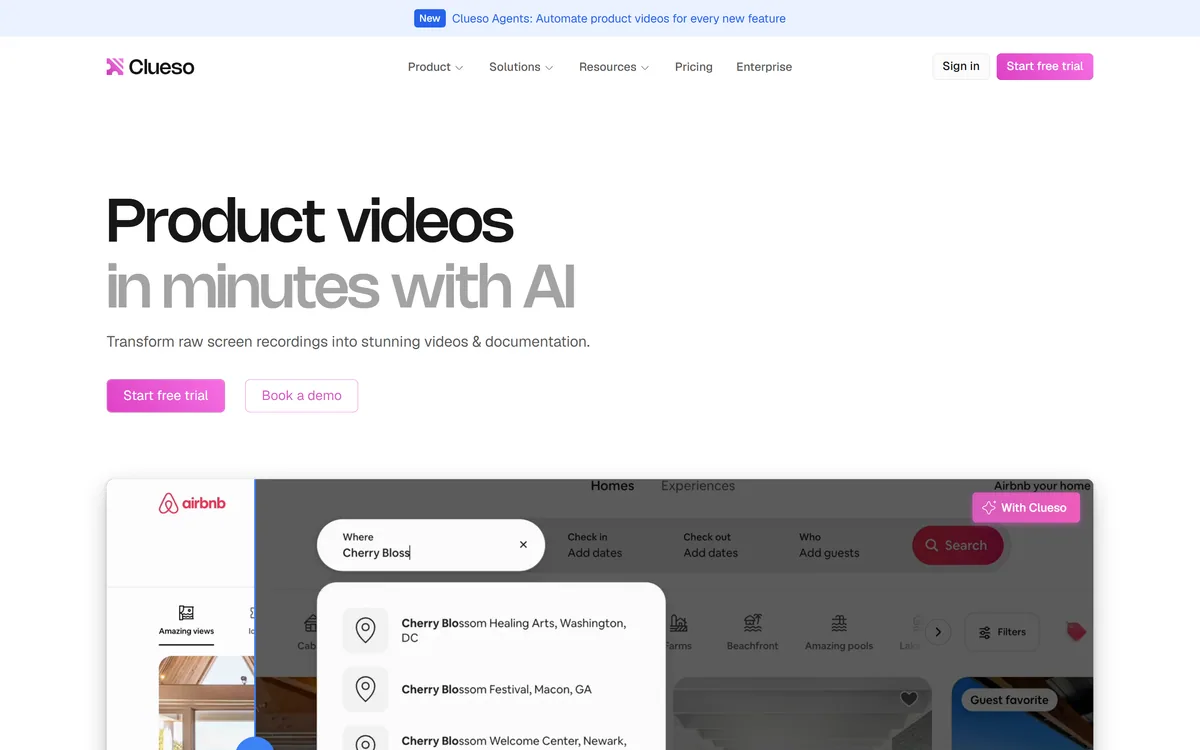
Clueso turns raw screen recordings into product videos and documentation. It rewrites the script to remove filler, replaces your audio with AI voiceover, adds automatic zooms and captions, applies branded templates, and generates step-by-step SOPs from the same recording.
Supademo review on AInexfinder — freemium AI tool for Video & Audio. Features, pricing notes, and alternatives.
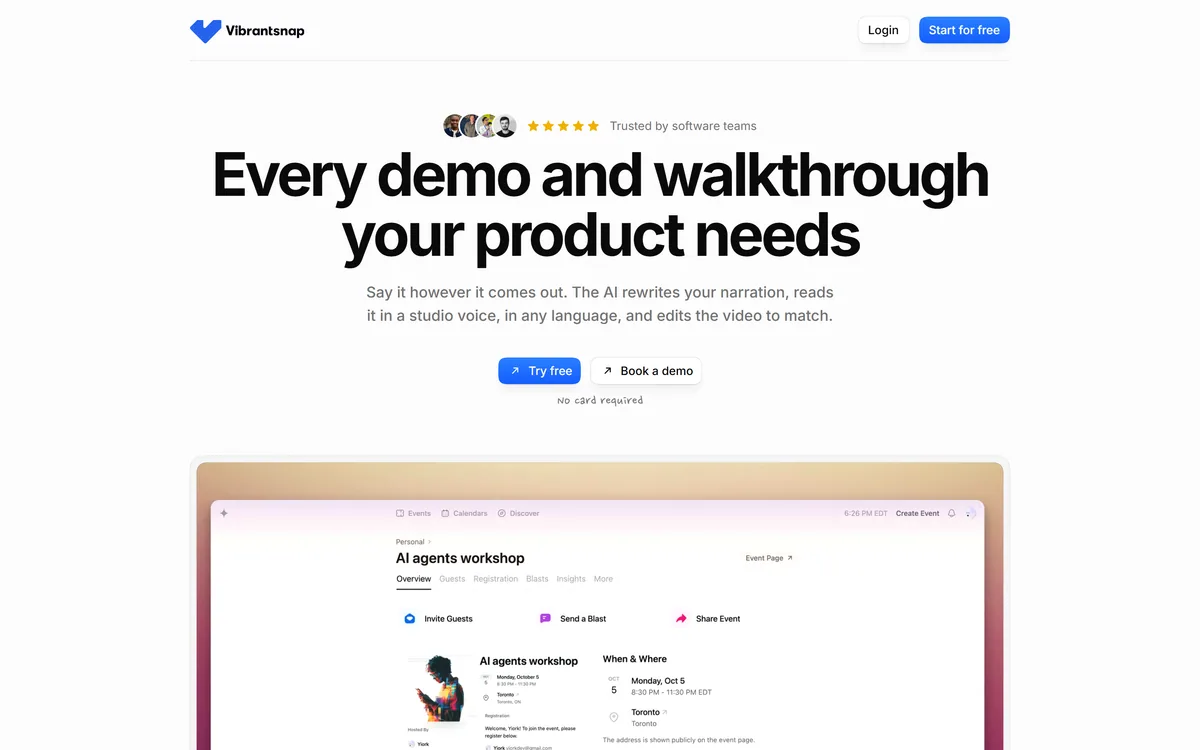
Vibrantsnap is an AI tool that turns a rough screen recording into a polished walkthrough: it rewrites your narration, reads it in a studio voice in any language, and auto-edits the video with zooms, chapters and captions.
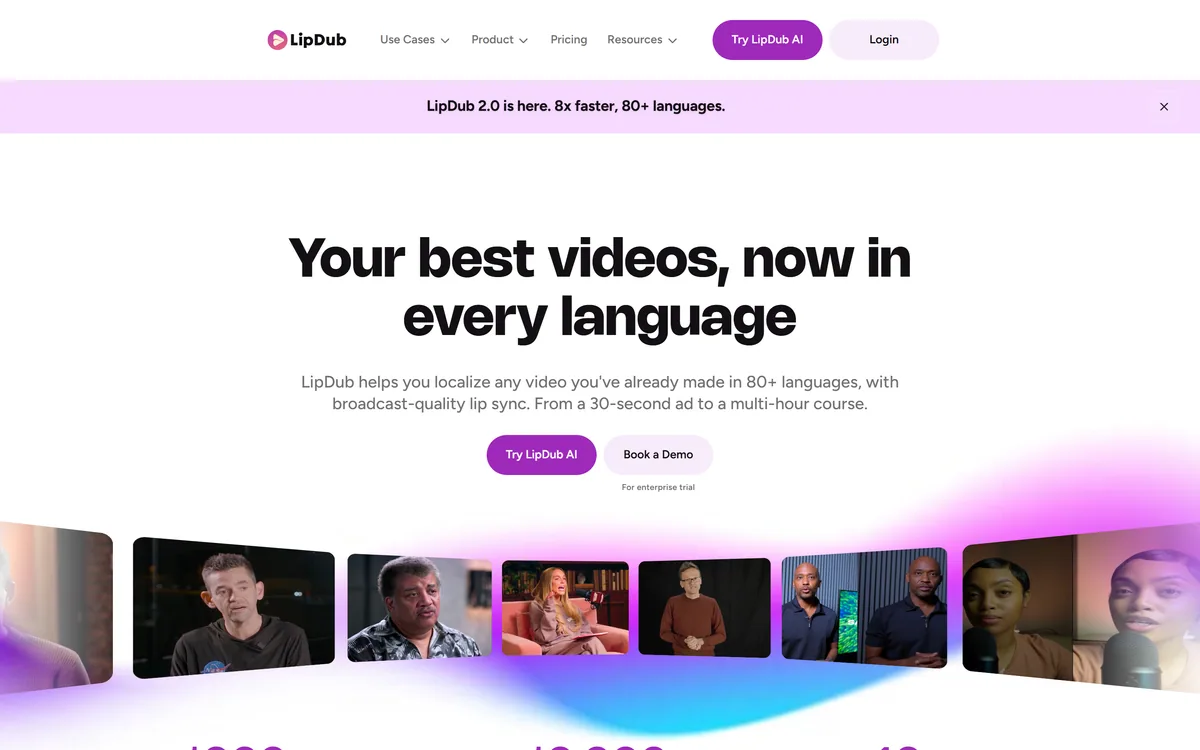
LipDub AI is an AI video localization platform: it translates a video, clones and dubs the voice, and re-syncs the on-camera speaker's lips so it plays as native in 80+ languages. Because it alters a real person's mouth to match dubbed audio, consent of the filmed person and transparency with audiences are central.
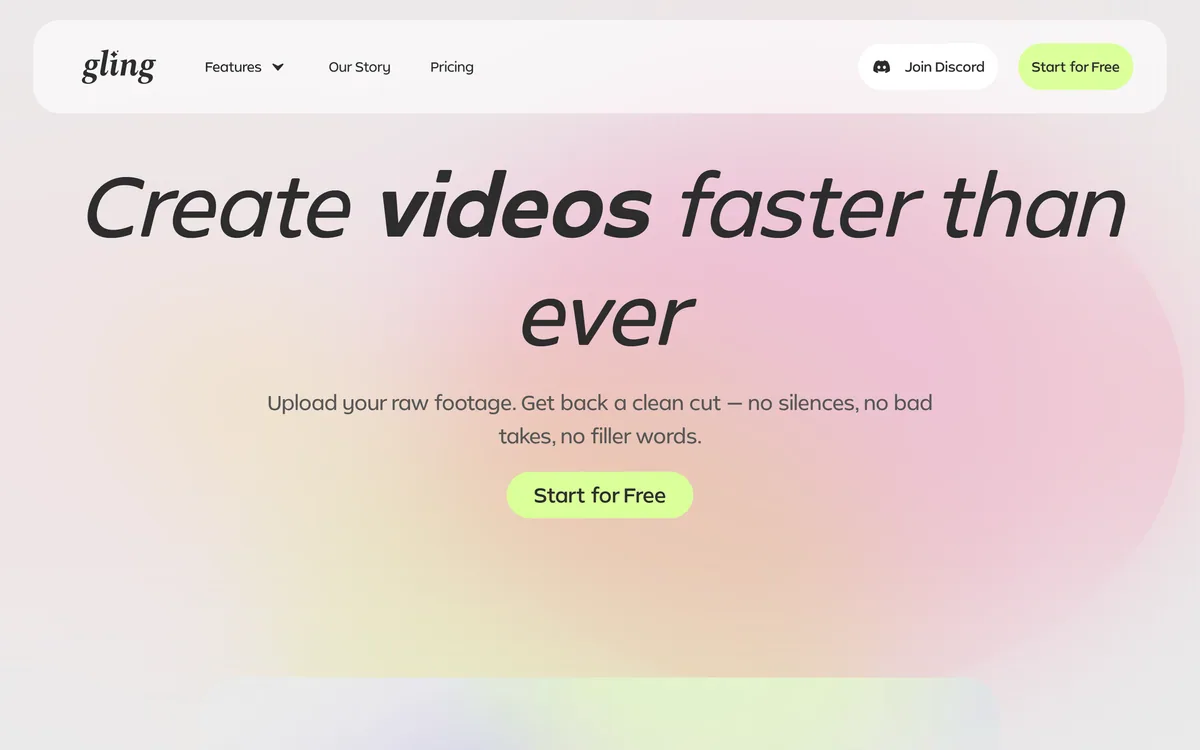
Gling is an AI video-editing tool for YouTube creators that automatically removes silences, bad takes and filler words from raw footage, adds captions, titles and chapters, and exports to Final Cut, DaVinci and Premiere or as MP4/MP3 with SRT subtitles.
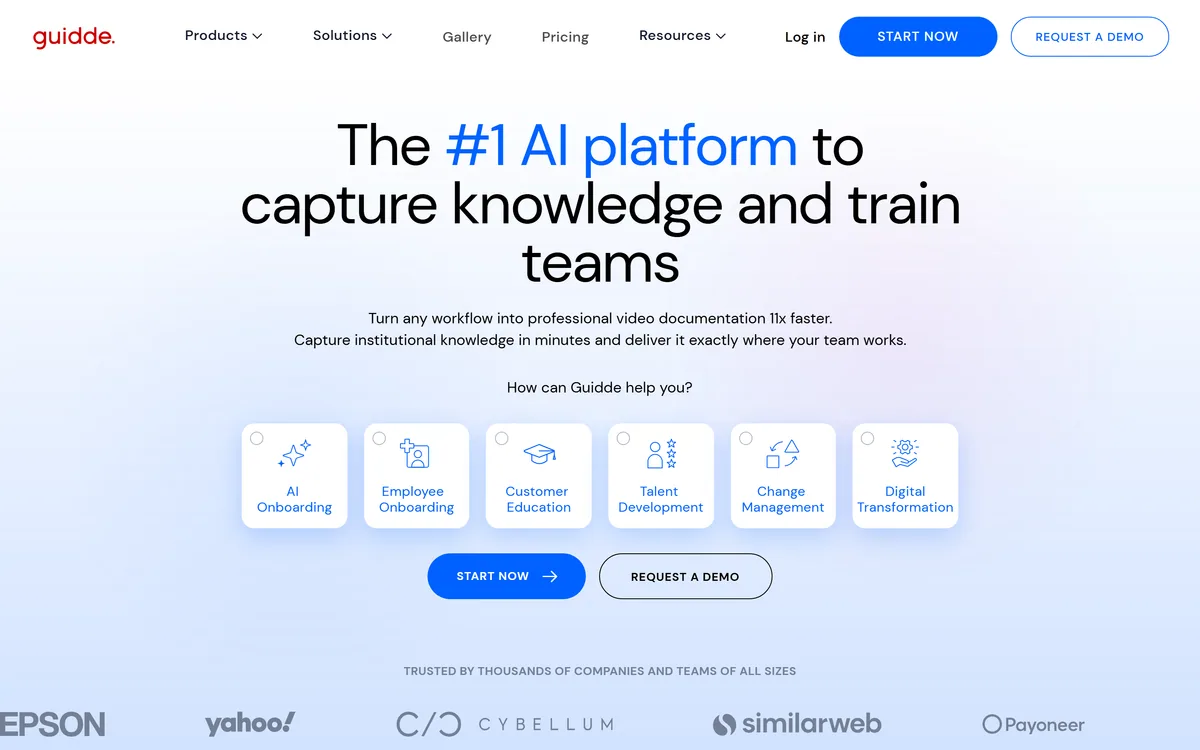
Guidde is an AI documentation tool that captures your on-screen workflow and turns it into a narrated, step-by-step how-to video, with AI voiceover, editing, branding and sharing, via a browser extension. It suits support, enablement and ops teams creating how-to content at scale, with light editing needed and privacy care when capturing screens.

Trupeer turns a raw screen recording into two finished outputs at once: a studio-quality video with zooms, voiceover, avatars and branding, and a structured written document with annotated screenshots. It covers 120+ languages and carries ISO 27001, SOC 2 and GDPR compliance with automatic PII redaction.
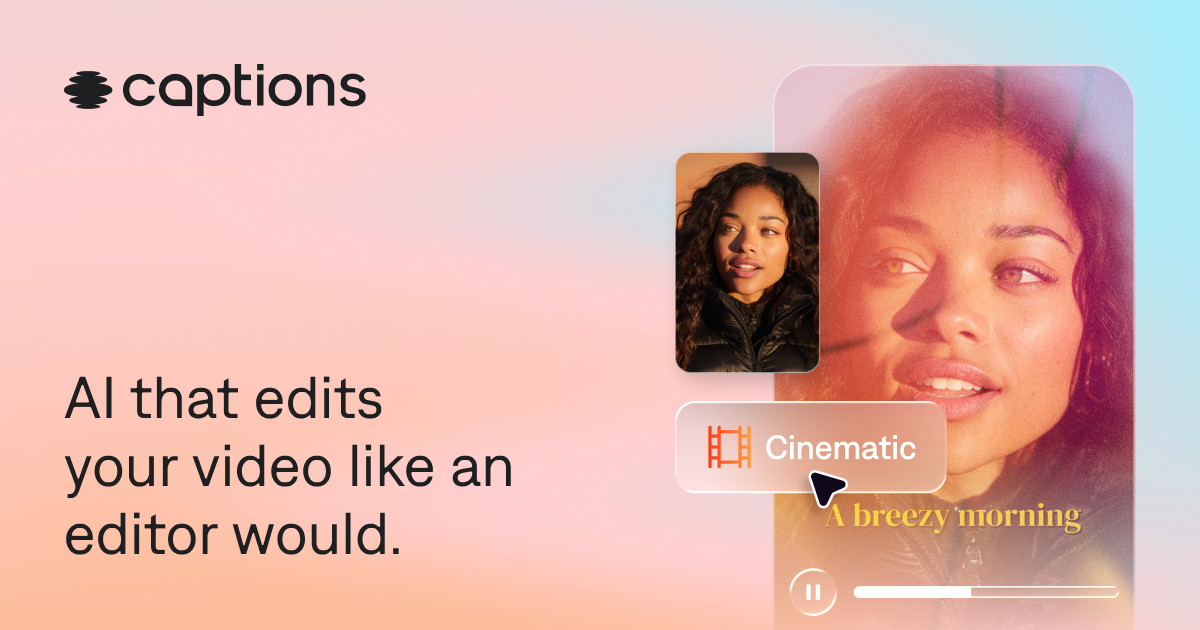
Captions review on AInexfinder — freemium AI tool for Video & Audio. Features, pricing notes, and alternatives.

Morph Studio review on AInexfinder — freemium AI tool for Video & Audio. Features, pricing notes, and alternatives.

AddSubtitle review on AInexfinder — freemium AI tool for Video & Audio. Features, pricing notes, and alternatives.

Zubtitle review on AInexfinder — freemium AI tool for Video & Audio. Features, pricing notes, and alternatives.
Perso AI review on AInexfinder — freemium AI tool for Video & Audio. Features, pricing notes, and alternatives.

SubtitleBee review on AInexfinder — freemium AI tool for Video & Audio. Features, pricing notes, and alternatives.

Hypernatural is an AI video editor that turns scripts and ideas into full-length videos. Its Brand container stores your logo, visual style and products once so every video pulls from the same references, and it combines an editor, agent, references and storyboard in one place. Operated by Hypernatural Systems, Inc.
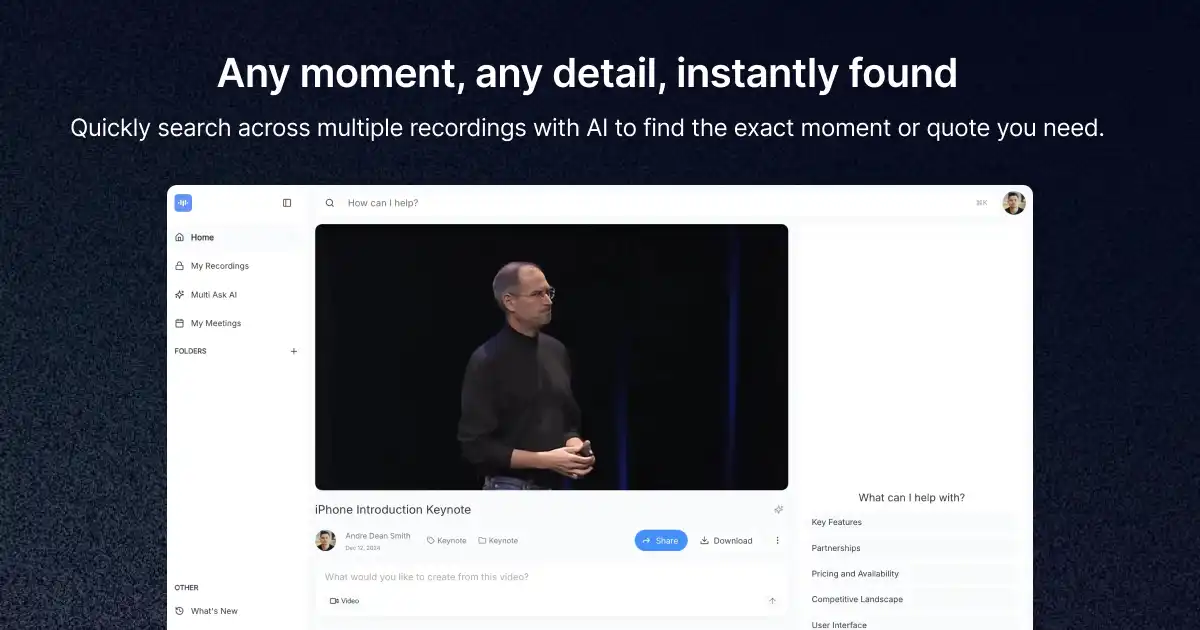
Browser screen recorder with AI transcription and editing Category: Video & Audio.

LiveLink AI review on AInexfinder — freemium AI tool for Video & Audio. Features, pricing notes, and alternatives.
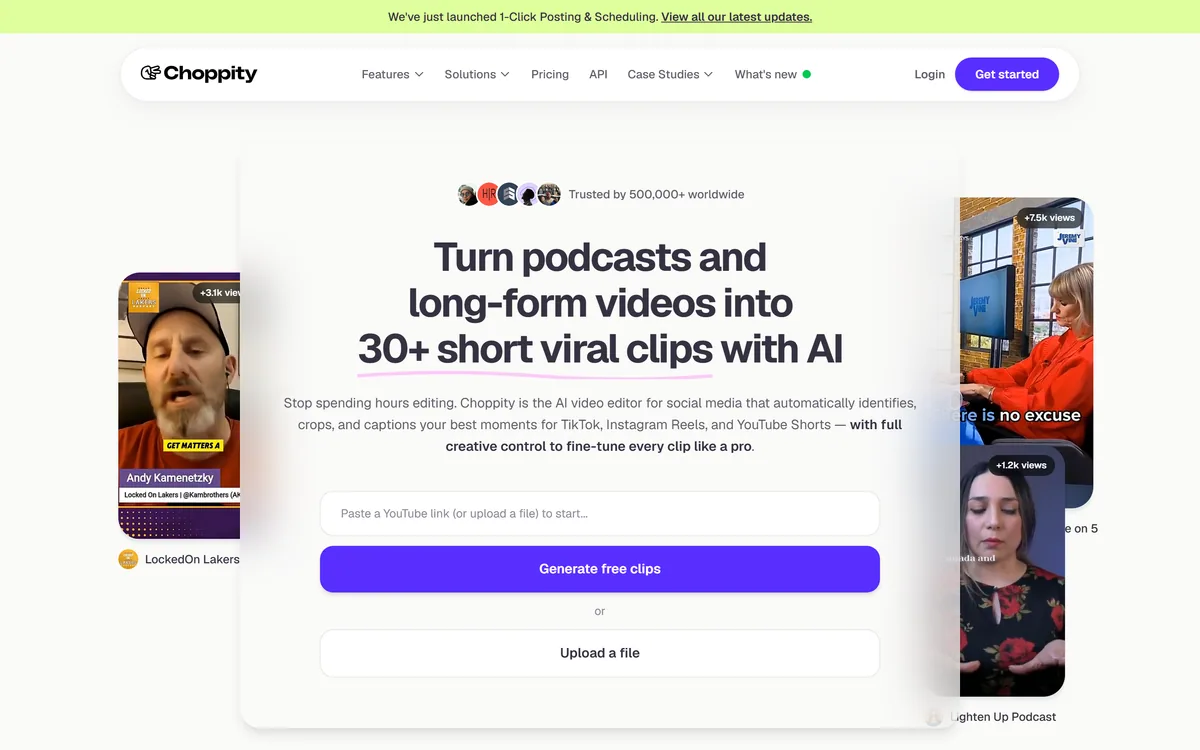
Choppity (Mizko Media, Australia) is an AI video editor that turns long-form videos and podcasts into 30+ captioned vertical clips, with automated framing, speaker tracking, text-based editing, auto-censoring and one-click scheduling, plus team workspaces and an API. It suits creators, podcasters and agencies repurposing content at scale.

Dubly.AI review on AInexfinder — subscription AI tool for Video & Audio. Features, pricing notes, and alternatives.
Video Editing AI tools are products whose core function applies AI to video editing. A tool belongs here when that is the job it is built for, rather than a side feature.
Because this is a focused slice of video & audio, the tools below do broadly the same job — so compare them on what they actually produce and how they are priced. Each review shows the tool's pricing model and whether it has a free tier.
Video Editing AI tools reviewed here include:
Reviews are re-checked on a rolling basis
Submit it for an editorial review and a page in front of people comparing video editing tools before they buy.