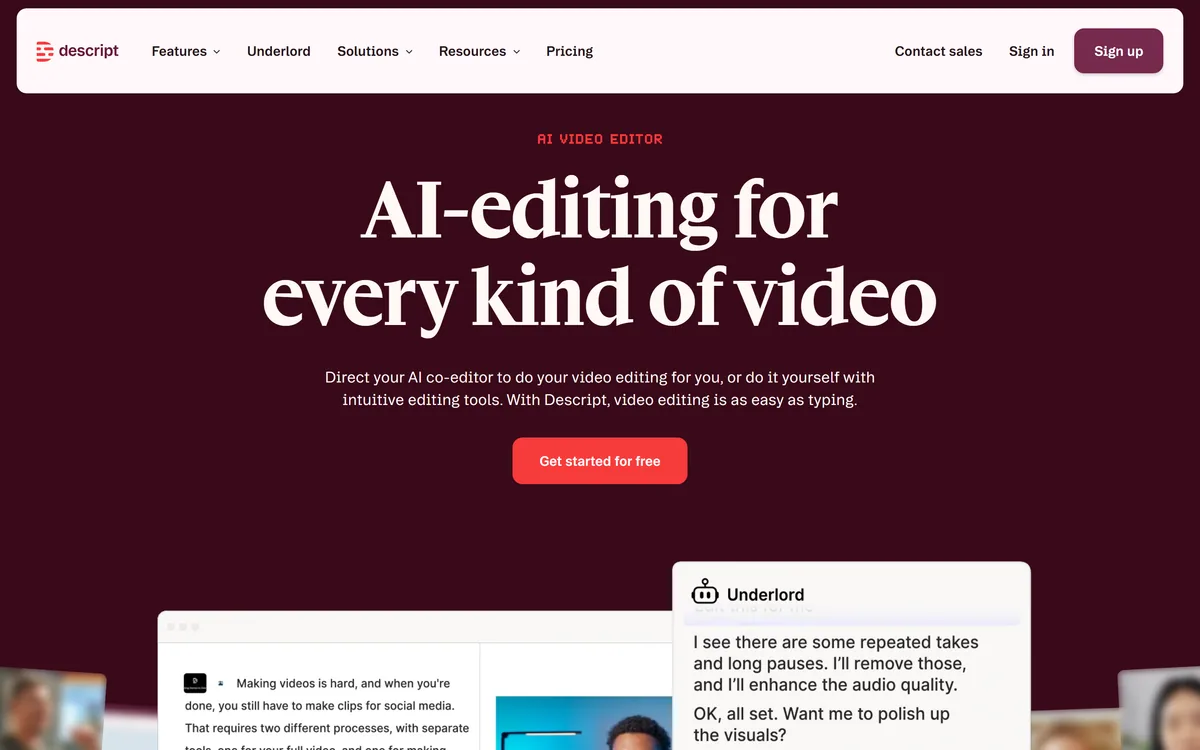

Descript is a video and audio editor that works by editing a transcript — delete a sentence and the footage goes with it — plus Studio Sound, Eye Contact, filler-word removal, AI voices, avatars, and the Underlord assistant.
Video & Audio Review
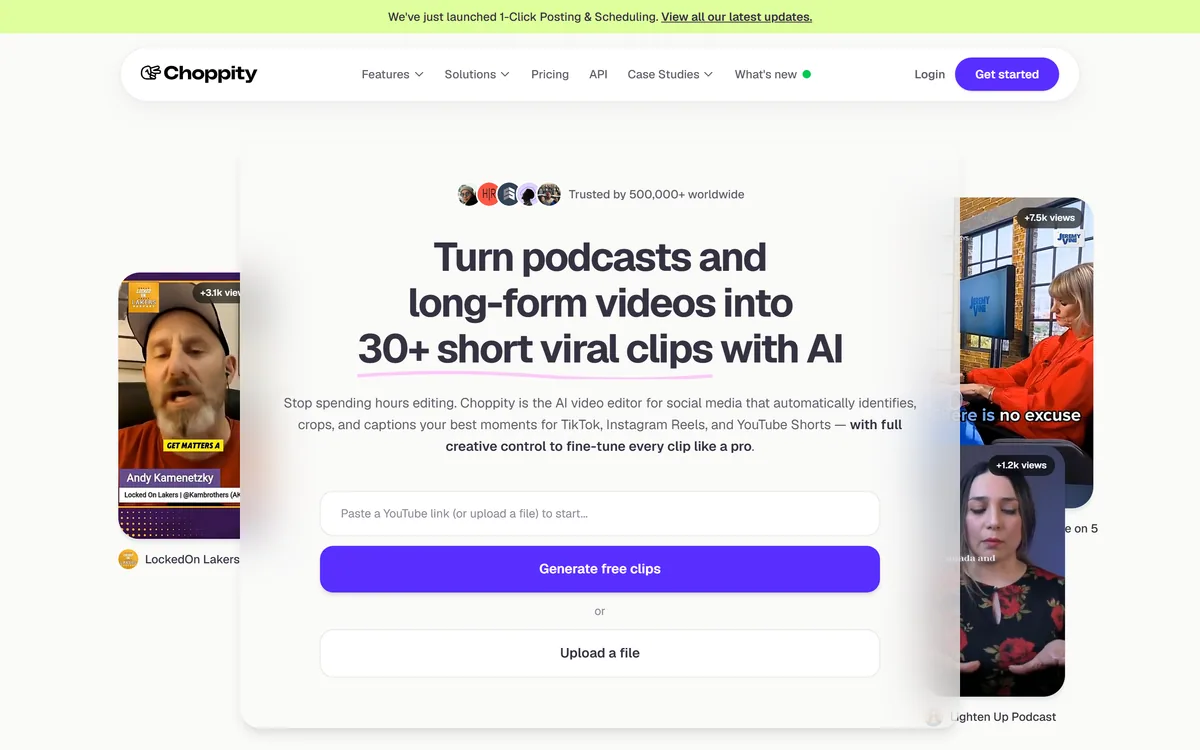
Choppity (Mizko Media, Australia) is an AI video editor that turns long-form videos and podcasts into 30+ captioned vertical clips, with automated framing, speaker tracking, text-based editing, auto-censoring and one-click scheduling, plus team workspaces and an API. It suits creators, podcasters and agencies repurposing content at scale.
Good
Choppity earns 3.8 as a full-featured, team-ready AI clip tool. Turning long videos and podcasts into dozens of captioned vertical clips, with auto-framing, speaker tracking and profanity censoring, saves real editing time, and the transcript-based editing and keyword clipping give creators the control that pure auto-clippers lack. The caveats keep it mid-pack: AI moment selection varies and still rewards manual tuning, the market is crowded with strong incumbents, and processing scales with length. For podcasters, YouTubers and agencies repurposing at volume, especially teams, it's a strong pick; occasional clippers may find it more than they need. AInexfinder Editor Score: 3.8/5.
Best for: Podcast-to-shorts; YouTube repurposing
The visit link goes to choppity.com, the official site. Paid placements on AInexfinder are always labelled. How we make money
Every podcast and long video is a pile of unmade shorts, and Choppity's pitch is to mine them: feed it a video or YouTube link, and it finds the best moments and builds dozens of captioned vertical clips.
What lifts it above a pure auto-clipper is control, text-based editing, keyword search, team workspaces and an API. It competes with clip tools like Eightify and repurposing apps on both automation and editing depth.
This review covers how Choppity turns long content into clips, which creators it suits, how its free and paid plans work, and where the AI still needs a human hand.
| What it is | An AI video editor for short clips |
|---|---|
| Company | Mizko Media Pty Ltd t/a Choppity, Australia |
| Core | Long video/podcast → 30+ captioned vertical clips |
| Framing | Auto landscape→vertical, subject-centred, speaker tracking |
| Captions | Automated captions with creator-style animations |
| Editing | Text-based editing (edit transcript to cut video) |
| Safety | Auto-censor profanity; keyword search-and-clip |
| Access | Free clips/plan plus paid, team and API tiers |
Choppity's core job is repurposing at scale. You give it a long video or a YouTube link, and it identifies the strongest moments and generates 30-plus short vertical clips, auto-cropped, captioned and styled for TikTok, Reels and Shorts.
It automates the tedious parts: reframing landscape to vertical with the subject centred, tracking speakers, adding animated captions, and even auto-censoring profanity for brand safety, so a podcast episode becomes a batch of ready clips.
The differentiator is that it doesn't leave you stuck with the AI's choices. Text-based editing lets you cut video by editing the transcript, keyword search-and-clip finds specific moments, and brand templates, team workspaces, roles and an API suit agencies and teams.
The honest framing is that Choppity is a full-featured, team-ready clip tool with genuine editing control. The caveats are that AI moment-selection quality varies and still benefits from manual fine-tuning, the clip-tool market is crowded with strong incumbents, processing time scales with video length, and its '500K users / 800K clips' stats are vendor-stated. What separates Choppity from the simplest auto-clippers is that it doesn't force you to accept the AI's choices: the transcript-based editor and keyword clipping mean you can rescue a good moment the model missed, or trim one it over-ran. For a team posting daily, that control is the difference between clips you can publish and clips you have to redo from scratch.
Choppity is a full-featured, team-ready clip tool; AI moment-picking varies and still rewards manual tuning.
Choppity pairs automated clipping with the manual control serious creators want.
It auto-generates 30-plus clips with vertical reframing, speaker tracking, animated captions and profanity censoring, so a long video becomes a batch of styled shorts quickly.
A summary-and-clip tool like InVideo AI leans on script-led generation; Choppity's angle is extracting clips from your existing long content with heavy automation plus real editing control.
Text-based editing lets you cut by editing the transcript, keyword search finds specific moments, and brand templates, team roles and an API make it workable for agencies and high-volume teams.
A text-to-video tool like Fliki creates narrated video from scratch; Choppity instead repurposes what you've already recorded, so match it to whether you're clipping or creating.
Choppity suits podcasters, YouTubers, content creators, media agencies and social-media marketers who produce long-form content and need to repurpose it into shorts at volume.
It suits teams and agencies specifically, with workspaces, roles and an API, and creators who want automation but refuse to give up editing control, thanks to the transcript-based editor and keyword clipping.
It suits less well creators who make only occasional clips (the depth is overkill), anyone expecting the AI to pick perfect moments with zero review, and those who've already settled on a strong incumbent clip tool.
A fair way to place it: if you have a steady stream of long content and want scalable, controllable clipping, especially as a team, Choppity's mix of automation and editing earns its place; if you clip rarely, a lighter tool may do, and whichever you pick, expect to fine-tune the AI's moment choices. The team workspaces and API are what tip it toward agencies rather than solo creators.
Choppity is freemium: free clips to start, plus paid plans and team/enterprise tiers, with an API. We do not publish prices, which change; check the site and confirm the clip and processing limits per tier.
The value question is output volume versus cost: for a creator or agency producing many clips a week, the automation can save real editing hours; for occasional use, the free tier may suffice.
The sensible approach is to generate free clips from a real episode, judge the moment selection, captions and framing, try the text-based editor, and upgrade only if you'll clip at volume.
Because AI moment-picking varies, test Choppity on a real episode and use the editing control.
30+ auto clips
Vertical reframing
Speaker tracking
Animated captions
Text-based editing
Keyword clipping
Profanity censoring
Team workspaces + API
The useful comparison is with other clip and video tools.
| Tool | Tool | Approach | Best for |
|---|---|---|---|
| Choppity | AI clip maker + editing control | Clips from long content | Creators, podcasters, agencies |
| Eightify | Video summarising | Key points from video | Fast comprehension |
| InVideo AI | Script-led video | Video from text | Longer-form creation |
| Fliki | Text-to-video and voice | Narrated video | Faceless video |
Last checked . Read from choppity.com during this check, with the screenshot above captured at the same time.
AI moment-selection quality varies and still benefits from manual fine-tuning, and the clip-tool market is crowded with strong incumbents. Processing time scales with video length, and usage stats (500K users, 800K clips, 97%+ caption accuracy) are vendor-stated. Only clip content you own.
A video summariser, a script-led video tool and a text-to-video tool to weigh beside Choppity.
AInexfinder does not list plan prices or billing details. For current pricing, plans, and trials, visit the official Choppity website.
Visit official website for pricingVendor pricing, credits, and billing policies change over time. Always confirm on the official site before you buy.
Choppity earns an AInexfinder Editor Score of 3.8/5 (good). Best for: Podcast-to-shorts; YouTube repurposing; Agency clip production.
Visit ChoppityLog in to write a review.
No reviews yet. Be the first to share your experience with Choppity.
Assigned reviewer
Daniel ReedSenior AI Tools Reviewer
Daniel leads AInexfinder's tool reviews. He researches each tool from its own pricing, documentation and policies, checks its claims against independent sources, and writes up what it does well, where it falls short and who it genuinely suits.
Daniel and the AInexfinder editorial team research Choppity from its own website, pricing, documentation and policies, checked against independent sources. This review is research-based: unless its method note says otherwise, we have not bought a plan or run hands-on tests. The Editor Score is our editorial judgement, and payment never changes it.
Similar Tools
Descript is a video and audio editor that works by editing a transcript — delete a sentence and the footage goes with it — plus Studio Sound, Eye Contact, filler-word removal, AI voices, avatars, and the Underlord assistant.
CapCut review on AInexfinder — freemium AI tool for Video & Audio. Features, pricing notes, and alternatives.
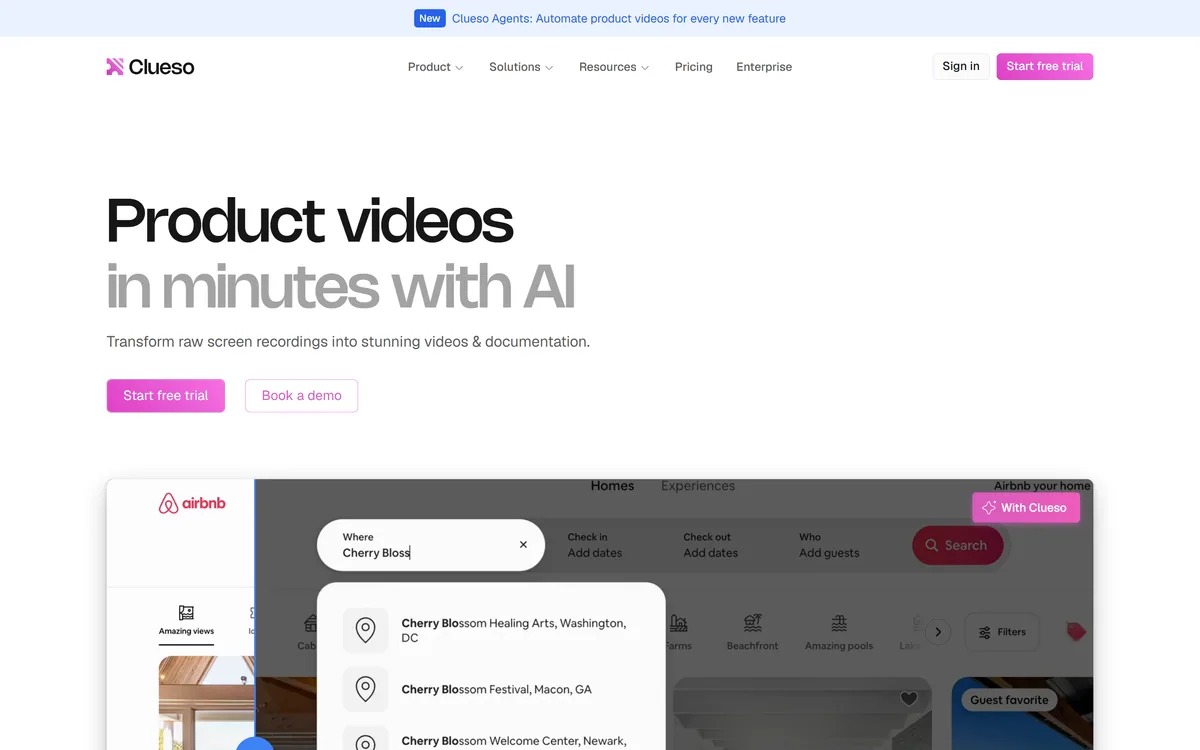
Clueso turns raw screen recordings into product videos and documentation. It rewrites the script to remove filler, replaces your audio with AI voiceover, adds automatic zooms and captions, applies branded templates, and generates step-by-step SOPs from the same recording.
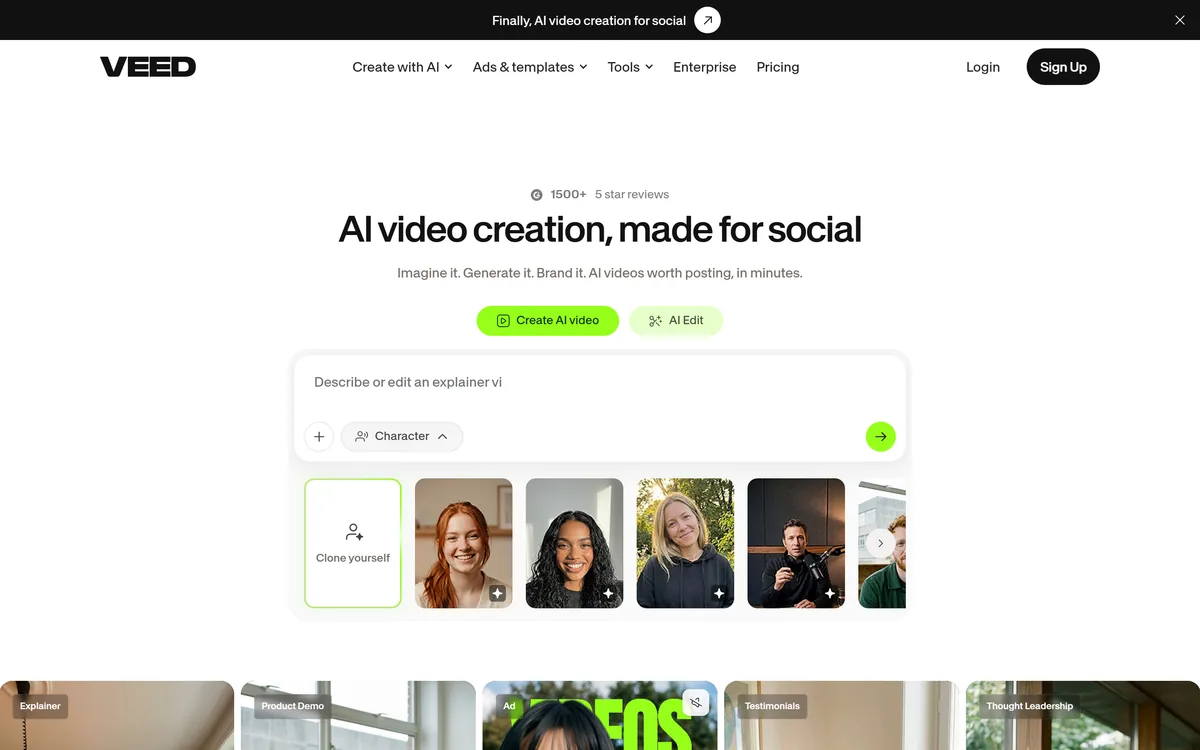
VEED is an AI video-creation platform that takes an idea to a finished social video in the browser, bundling generation, AI avatars, subtitles, dubbing, clean audio and a brand kit, plus access to frontier models like Sora 2, Veo and Kling.
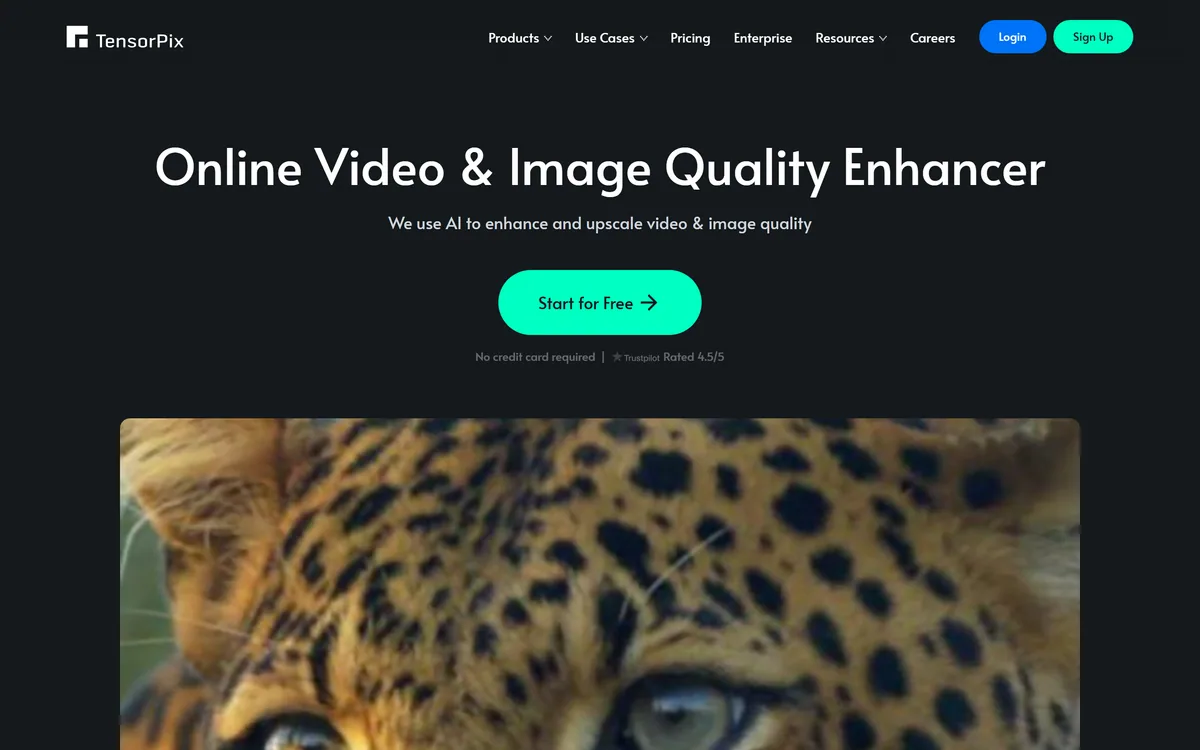
TensorPix from Tensorpix d.o.o. enhances video and images in the browser: upscaling to 4K, denoising, frame interpolation to 60 FPS, stabilisation, unblurring, colour restoration, and compression, with free previews before you commit credits.
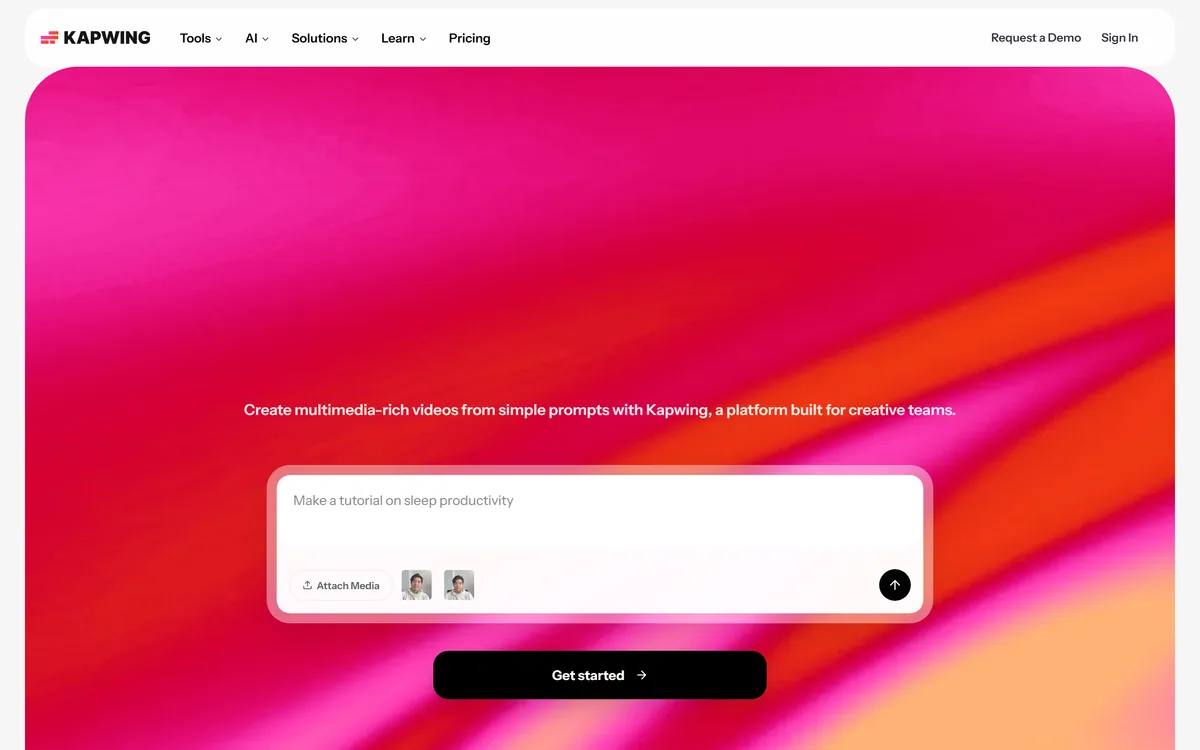
Kapwing is a browser-based video studio combining a timeline editor, subtitler, audio editor and dubbing into 40+ languages with AI tools including Smart Cut, Trim with Transcript, B-Roll Generator, Clip Maker and Character Consistency. Made in San Francisco.
Related Pages