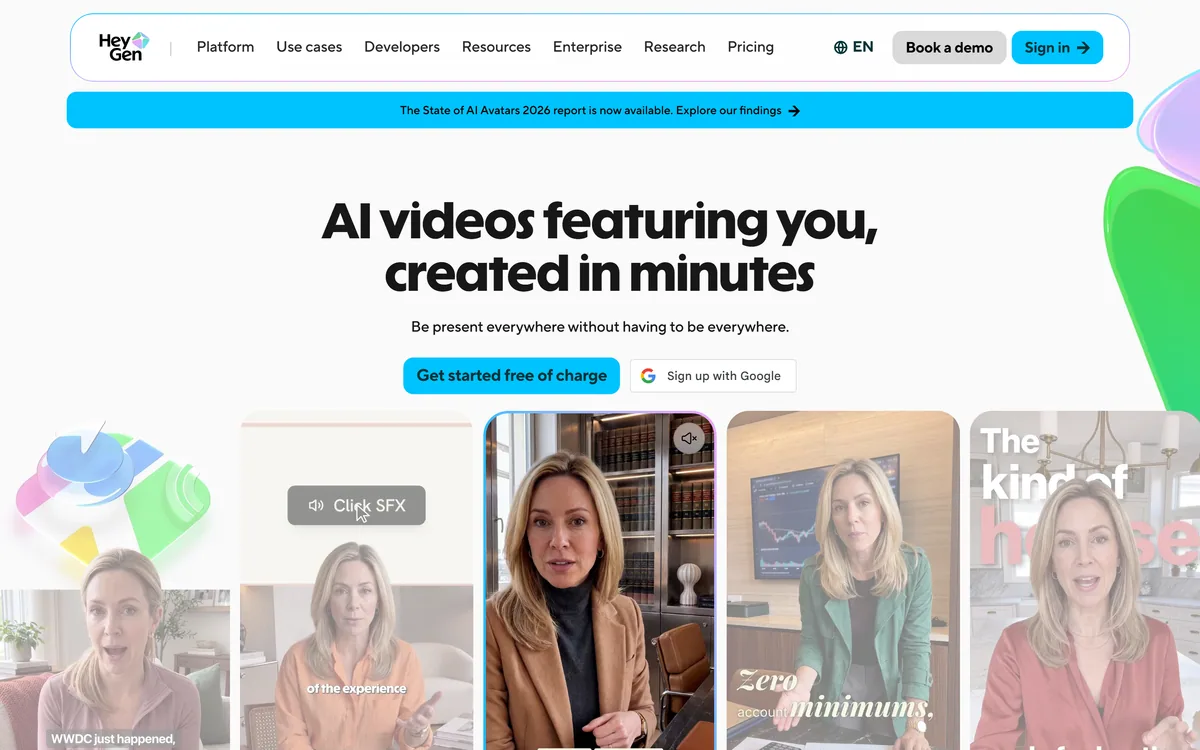
HeyGen creates realistic AI avatar videos featuring you, with consistent identity across clips, a text-based studio, translation and lip-sync in 175+ languages, and an unusually serious stance on verified identity and moderation.
Video & Audio Review
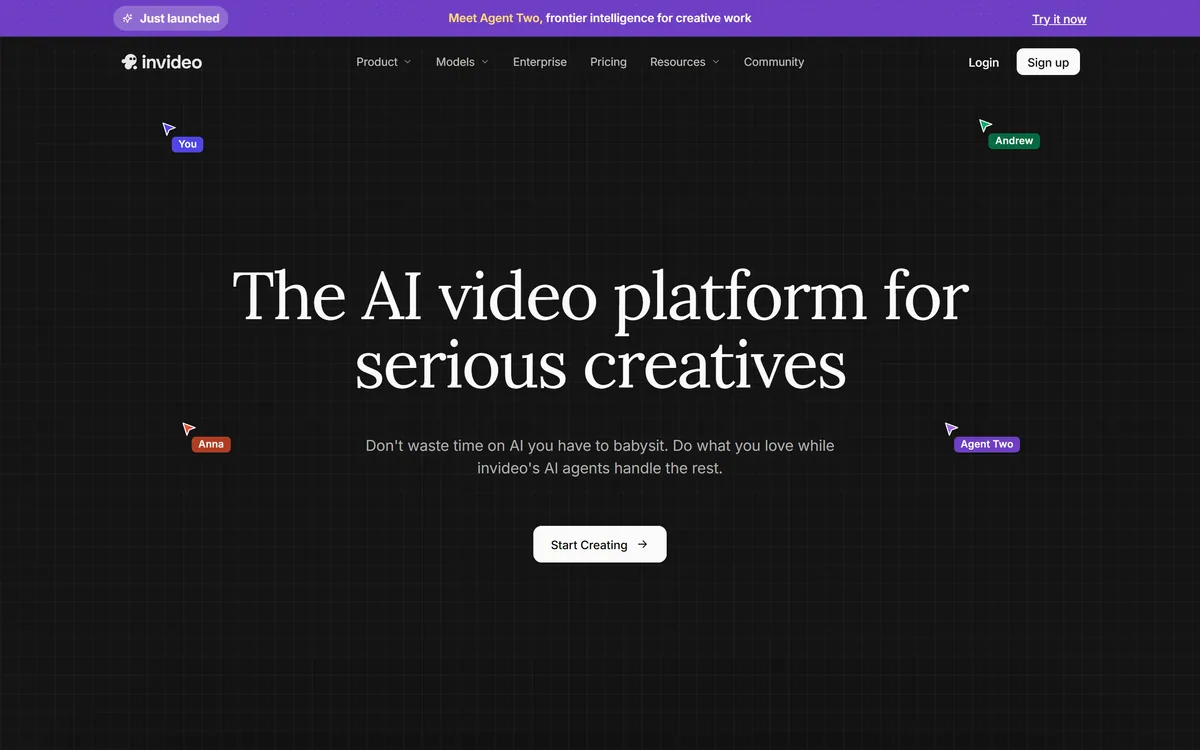
InVideo AI wraps more than two hundred generative models — Veo, Sora, Kling, Seedance, Flux, Nano Banana Pro, ElevenLabs and others — inside one agent-driven editor with project memory, batch shot editing, multiplayer collaboration and unlimited watermark-free exports on paid tiers.
Very good
InVideo AI scores well because it solves a real and growing problem: the best generative video model changes every few months and differs by shot type, so a workspace that routes across more than two hundred of them removes a subscription-juggling burden that individual creators genuinely carry. Project memory for character and location consistency, batch editing across shots, and unlimited watermark-free exports on paid tiers are the right features for actual production. It loses ground because credit accounting makes real costs hard to predict before you commit, because an aggregator inherits every upstream model's licensing and rate-limit constraints without controlling them, and because agent autonomy still needs close supervision on anything client-facing. AInexfinder Editor Score: 4.1/5.
Best for: Creators currently juggling several generative video subscriptions; Narrative and multi-shot content where characters must survive a cut
The visit link goes to invideo.io, the official site. Paid placements on AInexfinder are always labelled. How we make money
The generative video field has a problem its users feel more than its vendors admit. The best model changes every few months, and no single one wins across shot types — one handles motion, another handles faces, a third gets physical realism right and fails at dialogue.
The individual creator's response has been to hold three or four subscriptions and move work between them by hand, tracking which produced the good take and re-writing the prompt for each one's quirks.
InVideo AI's proposition is to make that somebody else's problem. More than two hundred models sit behind a single editor, with an agent choosing which to use for each shot and writing the prompt accordingly. Whether that is worth paying for depends on questions the marketing does not raise, which is what this review is for.
Five terms that determine whether a tool in this category will do what you need.
The model roster is the substantive fact about this product. On video it lists Veo 3.1, Sora 2, Kling, Wan, Pixverse, Hailuo and Seedance. On images it lists Nano Banana Pro, Ideogram, Seedream, Flux Kontext, Qwen, Imagen and Reve. On audio it names ElevenLabs and Minimax. Stock comes from iStock and Storyblocks.
That breadth is genuinely useful and it is worth being precise about why. It is not that you could not access these individually — most have their own interfaces, and Kling 3.0 is worth trying directly to see what the routing layer actually adds. It is that choosing between them requires knowing their current relative strengths, which changes constantly, and writing prompts in each one's idiom, which differs meaningfully.
An aggregator absorbs that. When a new model ships, it appears in your existing workspace rather than requiring another account and another prompt vocabulary.
The structural cost is dependency. An aggregator does not control the models it resells, unlike a first-party developer such as Runway ML, so upstream price changes, rate limits, capability changes and licence terms all pass through. When a provider restricts an endpoint or changes its commercial terms, the aggregator's users find out afterwards.
For most individual creators that trade is clearly worth taking. For a studio with contractual delivery obligations, it is a reason to understand which underlying model produced a deliverable and what its terms permit.
The hard part of generative video stopped being generation. It is knowing which of two hundred models to point at this particular shot.
Ask anyone who has tried to make a narrative sequence with generative video what breaks, and they will say the same thing: the character changes between shots. Different face, different jacket, different room.
InVideo's answer is project-level memory that holds context so clips stay consistent. This is the most valuable feature in the product and the least visually impressive, which is why it gets less attention than the model list.
It is also the feature to test hardest, because consistency is a spectrum rather than a state. Generate six shots of the same character in different settings and look at what drifts — faces usually hold better than clothing, and clothing usually holds better than background architecture.
The batch editing capability builds directly on this. Changing a costume or a location across many shots at once is only coherent if the system understands those shots as belonging to one project. That is a real workflow advance over regenerating clips one at a time and hoping.
The tiers are sold on credits, ranging from a few hundred a month at the entry level to tens of thousands at the top, with top-ups available and an annual discount.
Unlimited exports without a watermark is real and worth something. But exports are not the scarce resource here — generation is. You can export as often as you like; what you cannot do is generate without spending credits.
This is the part to model before subscribing, and it is genuinely hard to do from outside. A credit does not map to a fixed unit of work: a high-resolution clip from a premium model costs many times what a low-resolution draft from a cheaper one does. Two users on the same tier can have entirely different experiences depending on which models the agent selects.
There is also a subtle tension worth naming. An agent that chooses models on your behalf is also choosing how fast your credits deplete. That is not an accusation of anything — a good agent should pick the model that produces the best result — but it does mean you should watch consumption during a trial rather than assuming a tier will last the month.
The practical approach: run one representative project end to end, note the credits consumed, and multiply by your realistic monthly volume. That number, not the tier label, tells you what this costs.
InVideo states unlimited exports without a watermark on paid tiers. In a category where watermarking is close to universal below the highest plans, this deserves noting.
The reason it matters is not vanity. A watermark makes output unusable for client work, for advertising, and for anything appearing under a brand. Tools that watermark below the top tier are effectively pricing all professional use at that tier, whatever their entry plan advertises.
It also changes how you can work, in a way a single-pass script-to-video tool such as Fliki does not. Watermark-free export at every paid level means you can produce and discard freely, which is how video actually gets made — most shots do not survive the edit.
One thing to verify independently is what the underlying models' terms permit for your specific use. An aggregator can remove its own watermark; it cannot override the licence terms of the model that generated a frame. For commercial work, particularly advertising, confirm the position on the models you actually used.
Generative video demos are uniquely misleading, because the shots you are shown are the ones that worked out of many that did not. This sequence gets you an honest read during a trial.
The bar is step five. Consistency across a six-shot sequence is the capability that separates a usable narrative tool from an impressive clip generator.
Access is a recurring subscription across several tiers, billed monthly or annually with a discount for the annual commitment, and each tier carries a monthly credit allowance with top-ups available on demand.
The tier ladder mainly moves the credit allowance rather than unlocking fundamentally different capabilities, with premium models and features such as avatars and voice clones weighted toward the higher plans.
The structure is honest in one respect and opaque in another. Honest, because credits genuinely reflect that different models cost different amounts to run, and a flat-rate offer across two hundred models would be either restrictive or unsustainable. Opaque, because it makes cost genuinely unpredictable before you have used it.
We do not publish amounts, since tiers and credit rates change. The question to settle first is not which tier but how many credits one of your typical projects consumes — that is the only figure that converts a tier into a real monthly cost.
| Product type | Agent-driven video creation workspace aggregating many generative models |
|---|---|
| Agent | Agent Two, described by the vendor as frontier creative intelligence |
| Video models named | Veo 3.1, Sora 2, Kling, Wan, Pixverse, Hailuo, Seedance |
| Image models named | Nano Banana Pro, Ideogram, Seedream, Flux Kontext, Qwen, Imagen, Reve |
| Audio models named | ElevenLabs, Minimax |
| Total model count stated | Over 200 across image, video, audio and music |
| Stock libraries | iStock and Storyblocks |
| Consistency | Long-term project memory across shots |
| Editing | Timeline editor, multi-shot batch editing, custom role-specific agents |
| Collaboration | Multiplayer editing with real-time cursors |
| Export | Unlimited exports with no watermark on paid tiers |
| Compliance stated | SOC 2 and GDPR compliant, ISO aligned |
| Pricing model | Tiered subscription with monthly credit allowances, on-demand top-ups, and an annual discount |
Agent Two selects the model and writes the prompt for each shot
Over two hundred generative models for video, image, audio and music behind one interface
Long-term project memory keeping characters, locations and styling consistent across shots
Multi-shot batch editing for changing costumes, locations or characters at once
Timeline editor for conventional cutting alongside generative work
Custom agents configured for specific roles such as cinematographer or music designer
Multiplayer collaboration with real-time cursors
Unlimited exports with no watermark on paid tiers, plus stock from iStock and Storyblocks
This category has split into three shapes: aggregators, avatar-led presenters, and single-model generators. They are not substitutes for one another.
| Tool | Shape | Strongest at | Main limitation |
|---|---|---|---|
| InVideo AI | Multi-model aggregator with an agent | Routing shots to the right model, and consistency across a project | Credit costs are hard to predict, and it depends on upstream providers |
| Runway ML | First-party model developer | Control, professional editing tools and its own frontier models | One model family rather than a choice across many |
| Synthesia | Avatar-led presenter video | Corporate training and explainer content at scale | Not built for narrative or cinematic work |
| HeyGen | Avatars and translation | Multilingual presenter video and lip-synced localisation | Same narrow shape — a person talking to camera |
| Fliki | Text and script to video | Fast turnaround of narrated content from written material | Less control over individual shots and models |
Compare on shape first. An aggregator, an avatar platform and a first-party model developer solve genuinely different problems.
Last checked . Read from invideo.io, including the AI product pages, with the screenshot above captured in the same session.
What we could not confirm: the site does not publish maximum output resolution, maximum clip or project length, or the list of supported languages for voice; no credit-per-generation table is published, so the real cost of a project cannot be estimated before using it; the SOC 2 report is not public, so its type and scope are unknown; and licence terms for commercial use of output are set by each underlying model provider rather than by InVideo, so they must be checked per model.
AInexfinder does not list plan prices or billing details. For current pricing, plans, and trials, visit the official InVideo AI website.
Visit official website for pricingVendor pricing, credits, and billing policies change over time. Always confirm on the official site before you buy.
InVideo AI earns an AInexfinder Editor Score of 4.1/5 (very good). Best for: Creators currently juggling several generative video subscriptions; Narrative and multi-shot content where characters must survive a cut; Small teams that want to collaborate in one workspace.
Visit InVideo AILog in to write a review.
No reviews yet. Be the first to share your experience with InVideo AI.
Assigned reviewer
Daniel ReedSenior AI Tools Reviewer
Daniel leads AInexfinder's tool reviews. He researches each tool from its own pricing, documentation and policies, checks its claims against independent sources, and writes up what it does well, where it falls short and who it genuinely suits.
Daniel and the AInexfinder editorial team research InVideo AI from its own website, pricing, documentation and policies, checked against independent sources. This review is research-based: unless its method note says otherwise, we have not bought a plan or run hands-on tests. The Editor Score is our editorial judgement, and payment never changes it.
Similar Tools
HeyGen creates realistic AI avatar videos featuring you, with consistent identity across clips, a text-based studio, translation and lip-sync in 175+ languages, and an unusually serious stance on verified identity and moderation.
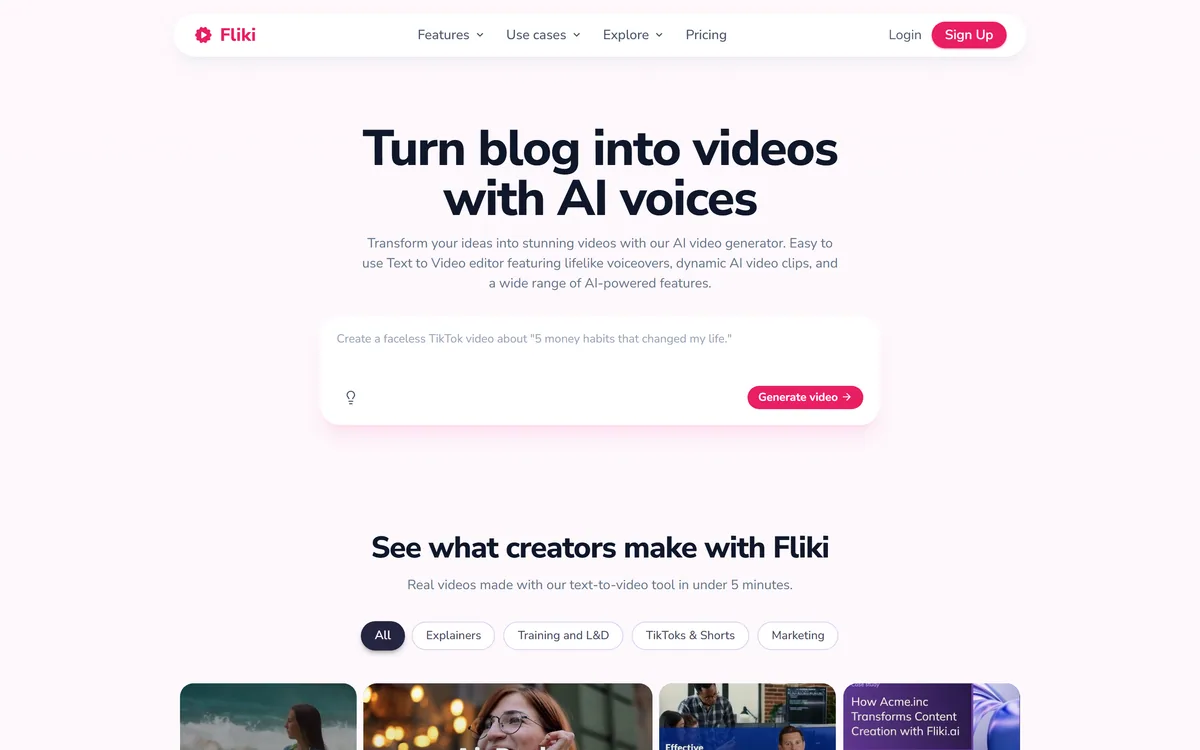
Fliki turns text, scripts, blog posts, presentations and single-line prompts into finished videos with voiceover, visuals, music and subtitles. It offers over 2,000 voices across 80+ languages, voice cloning, a Digital Twin avatar, screen recording with auto-editing, and one-click publishing to TikTok, Instagram and YouTube.
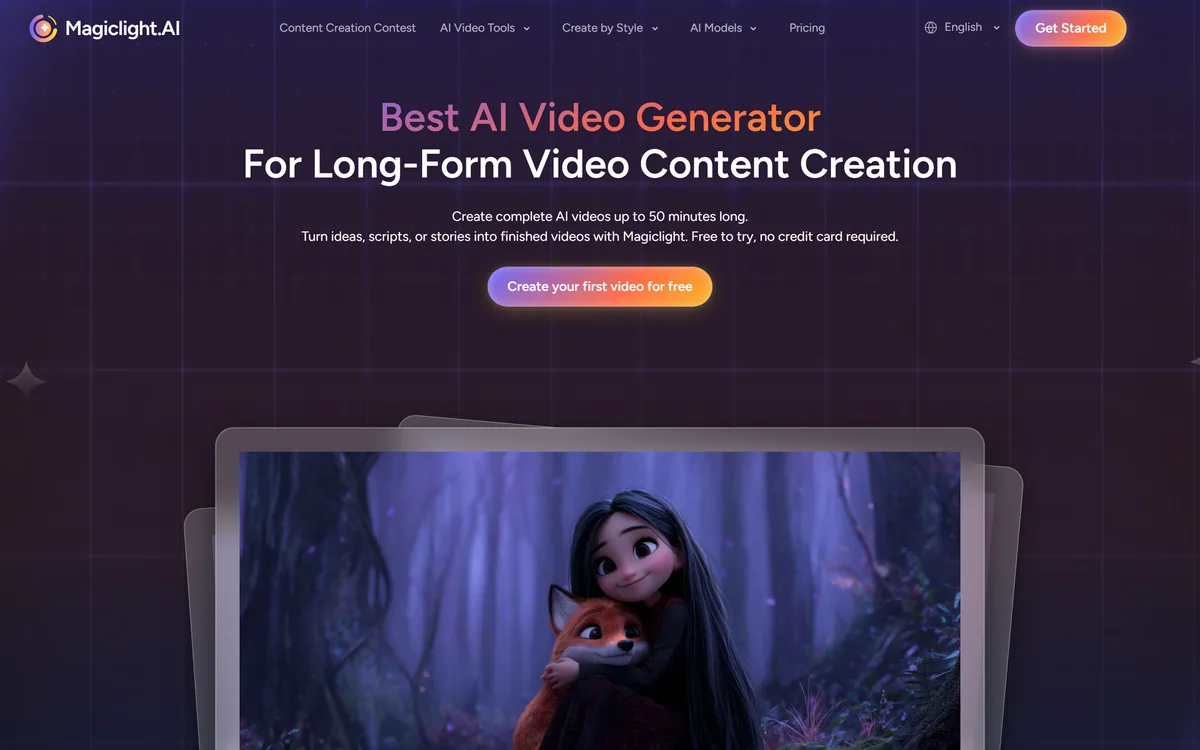
MagicLight AI generates multi-scene videos up to 50 minutes from a story, script, text, image or music track. It routes across Seedance, Kling, VEO, Sora and Wan models, and adds voice cloning, lip sync and subtitles.
AutoShorts.ai automates faceless short-form video end to end. You choose a series topic and visual style, and it writes the script, generates the visuals, narrates it, adds music and captions, then posts to TikTok, YouTube and Instagram on a schedule without you touching it.

AI and human transcription and subtitles in 150+ languages

ElevenLabs is an AI audio platform covering text to speech, voice cloning, speech recognition, dubbing, music, and conversational voice agents, with a library of 5,000+ voices across more than 70 languages and an API behind every model.
Related Pages