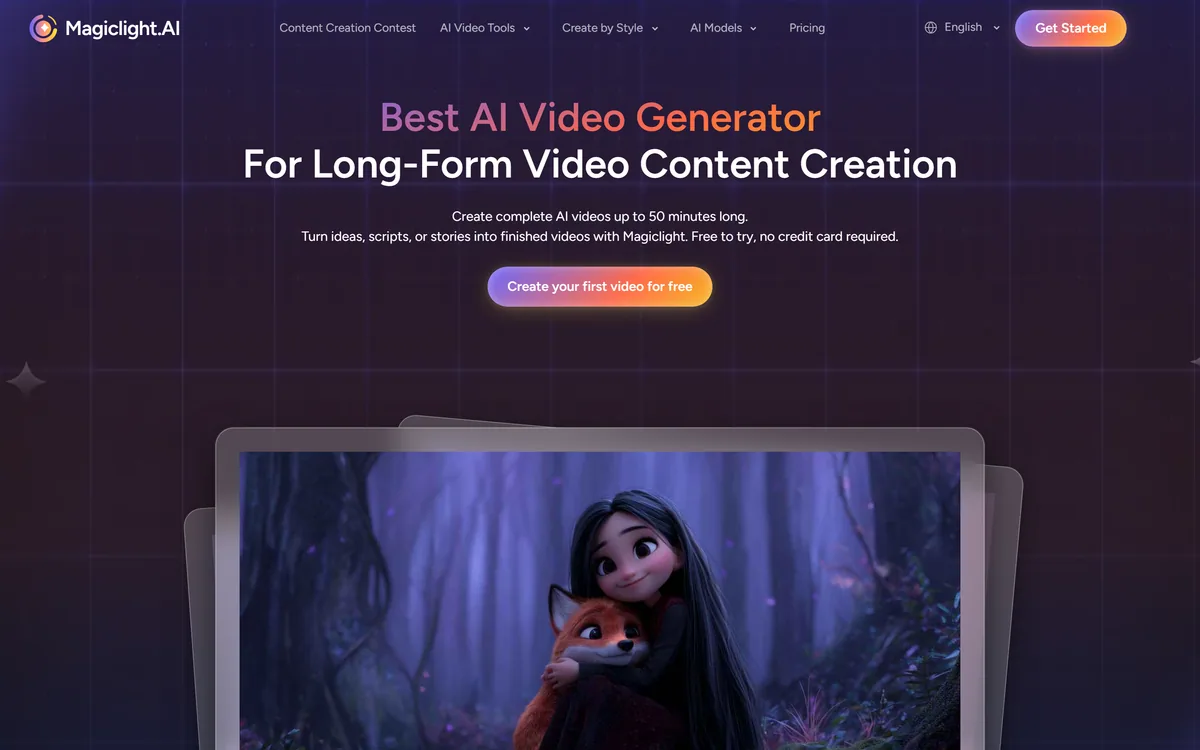
MagicLight AI generates multi-scene videos up to 50 minutes from a story, script, text, image or music track. It routes across Seedance, Kling, VEO, Sora and Wan models, and adds voice cloning, lip sync and subtitles.
3.9/5Freemium
Convert text scripts into videos automatically. Every tool here has its own review, so you can check what it does and how it is priced before you choose a text to video tool.
See the best Text to Video AI toolsMagicLight AI generates multi-scene videos up to 50 minutes from a story, script, text, image or music track. It routes across Seedance, Kling, VEO, Sora and Wan models, and adds voice cloning, lip sync and subtitles.
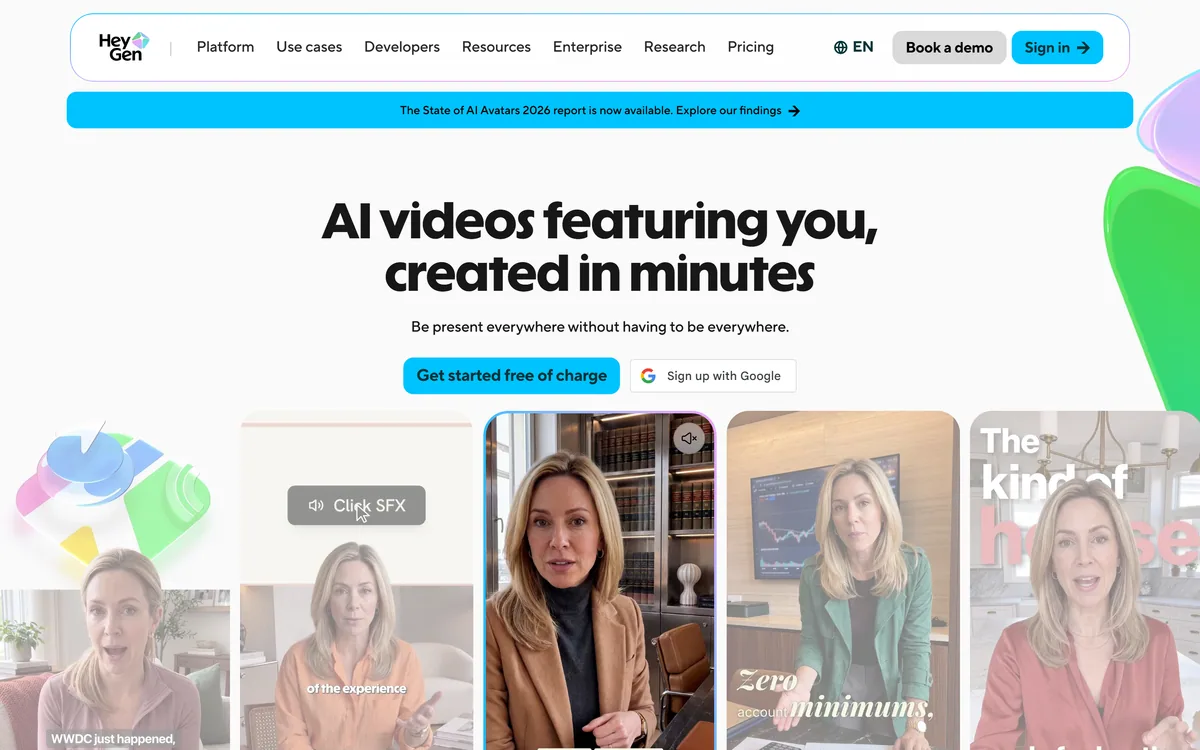
HeyGen creates realistic AI avatar videos featuring you, with consistent identity across clips, a text-based studio, translation and lip-sync in 175+ languages, and an unusually serious stance on verified identity and moderation.
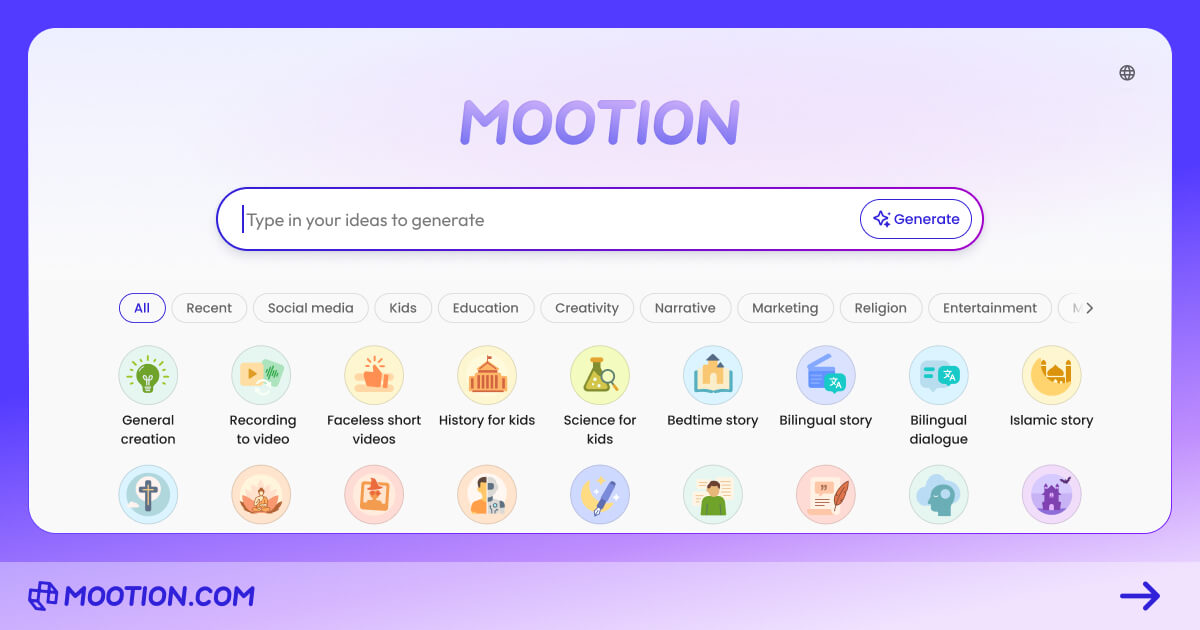
Mootion review on AInexfinder — subscription AI tool for Video & Audio. Features, pricing notes, and alternatives.
Revid.ai review on AInexfinder — freemium AI tool for Video & Audio. Features, pricing notes, and alternatives.
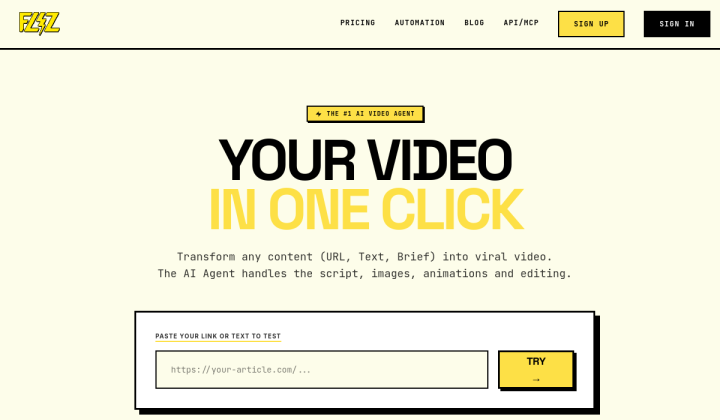
Fliz review on AInexfinder — subscription AI tool for Video & Audio. Features, pricing notes, and alternatives.
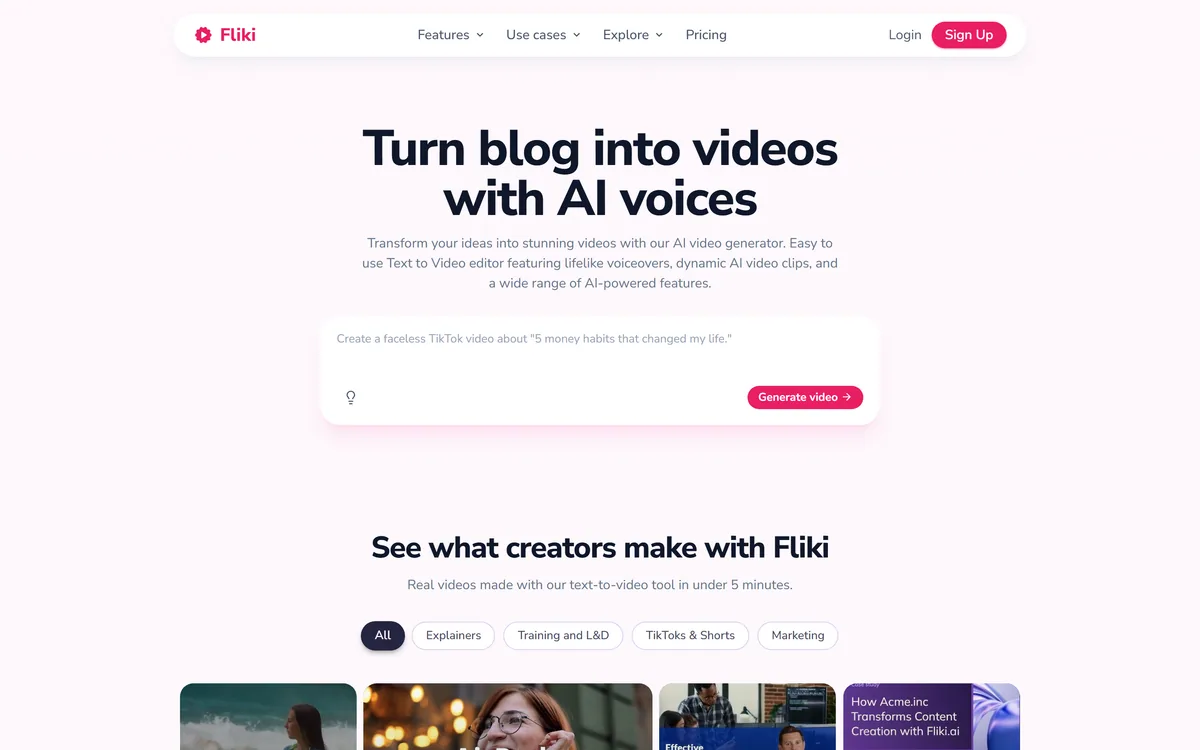
Fliki turns text, scripts, blog posts, presentations and single-line prompts into finished videos with voiceover, visuals, music and subtitles. It offers over 2,000 voices across 80+ languages, voice cloning, a Digital Twin avatar, screen recording with auto-editing, and one-click publishing to TikTok, Instagram and YouTube.
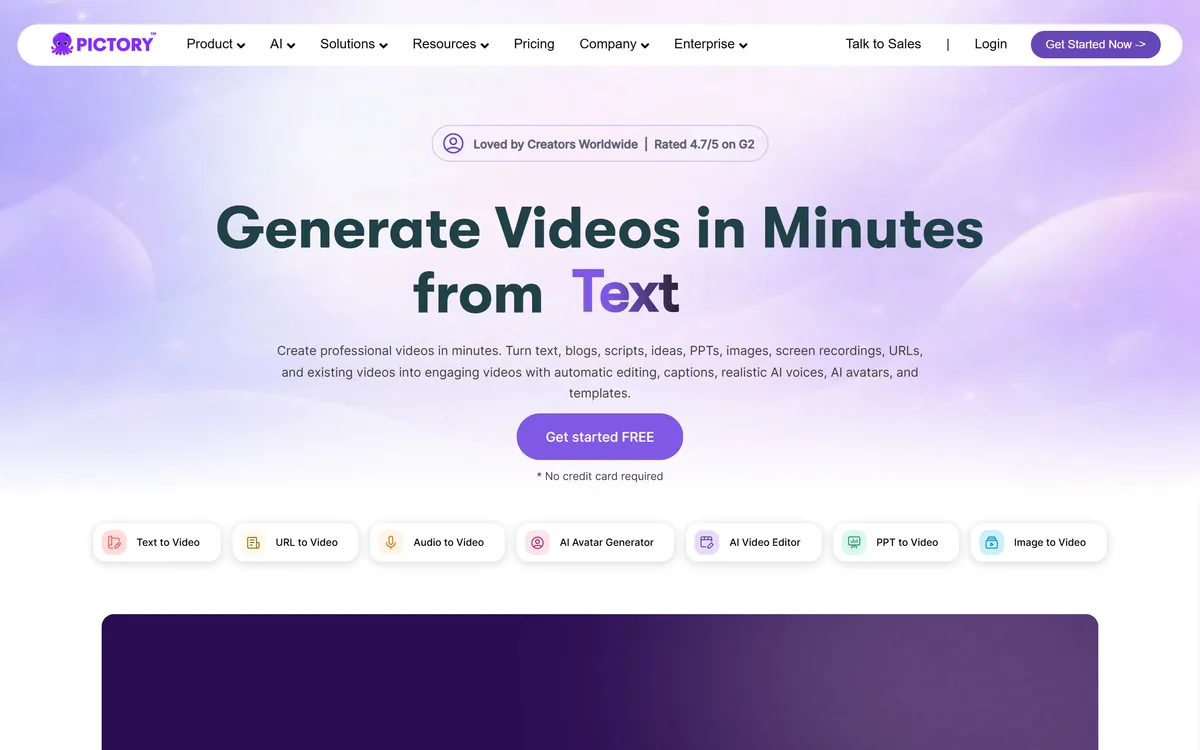
Pictory converts scripts, blog posts, URLs, documents, PDFs, decks, audio and recordings into video. It adds auto-captions, video highlights and auto-clips, AI avatars, voice cloning and translation, with Zapier integration and an API.

DeepReel, by DeepReel Technologies, Inc., turns prompts, blogs, URLs, PDFs or scripts into explainer videos with AI avatars, voiceovers, visuals, captions and music, including a custom avatar that clones a face and voice from one photo. Its image and clip generation uses third-party models, and avatar cloning raises consent duties.

TrueFan AI review on AInexfinder — paid AI tool for Video & Audio. Features, pricing notes, and alternatives.

Visla review on AInexfinder — freemium AI tool for Video & Audio. Features, pricing notes, and alternatives.
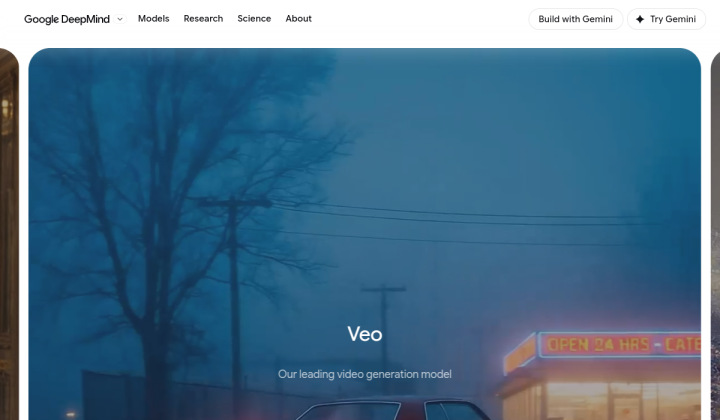
Google DeepMind cinematic text-to-video with native audio Category: Video & Audio.
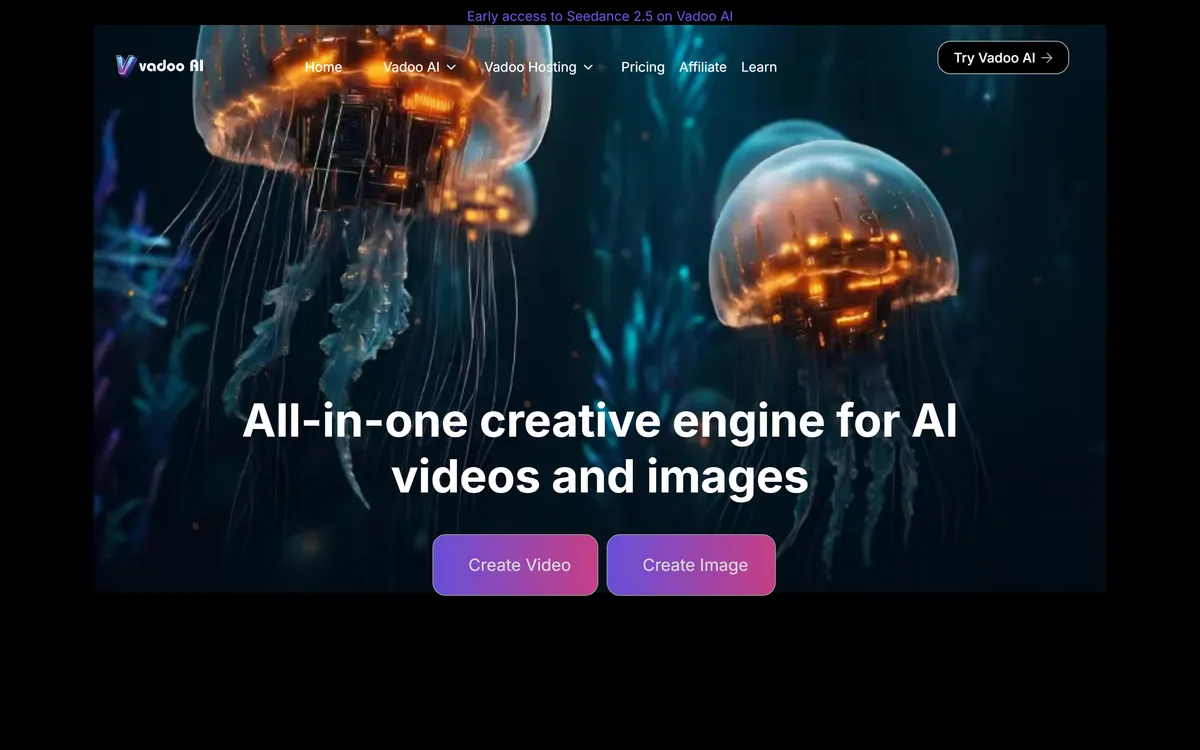
Vadoo AI is an all-in-one AI video tool that bundles multiple generative models for text- and image-to-video, with editing, AI voices, subtitles and social auto-posting, aimed at creators and marketers. It suits those wanting breadth and model choice in one place, with the IP, likeness, synthetic-media and credit-cost caveats generative video carries.
ByteDance AI model generating cinematic 1080p video from text and images Category: Video & Audio.
mysimpleshow review on AInexfinder — freemium AI tool for Video & Audio. Features, pricing notes, and alternatives.
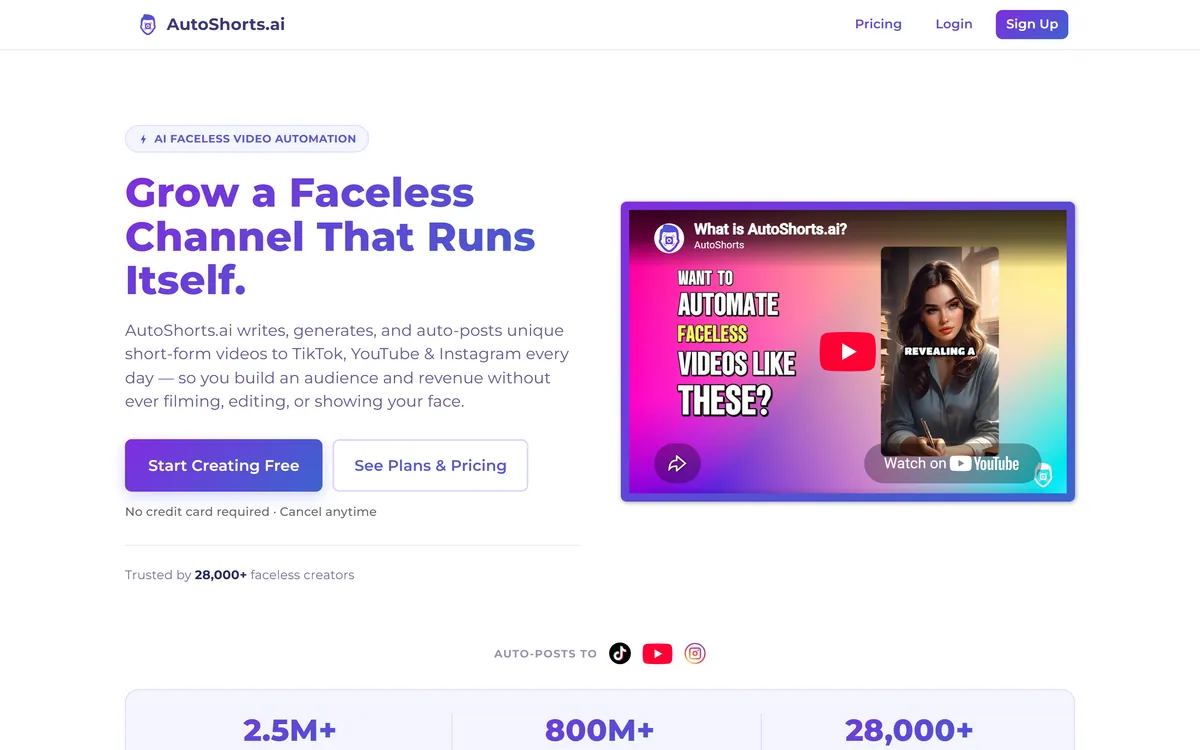
AutoShorts.ai automates faceless short-form video end to end. You choose a series topic and visual style, and it writes the script, generates the visuals, narrates it, adds music and captions, then posts to TikTok, YouTube and Instagram on a schedule without you touching it.
InVideo AI wraps more than two hundred generative models — Veo, Sora, Kling, Seedance, Flux, Nano Banana Pro, ElevenLabs and others — inside one agent-driven editor with project memory, batch shot editing, multiplayer collaboration and unlimited watermark-free exports on paid tiers.

VidifyAI review on AInexfinder — freemium AI tool for Video & Audio. Features, pricing notes, and alternatives.
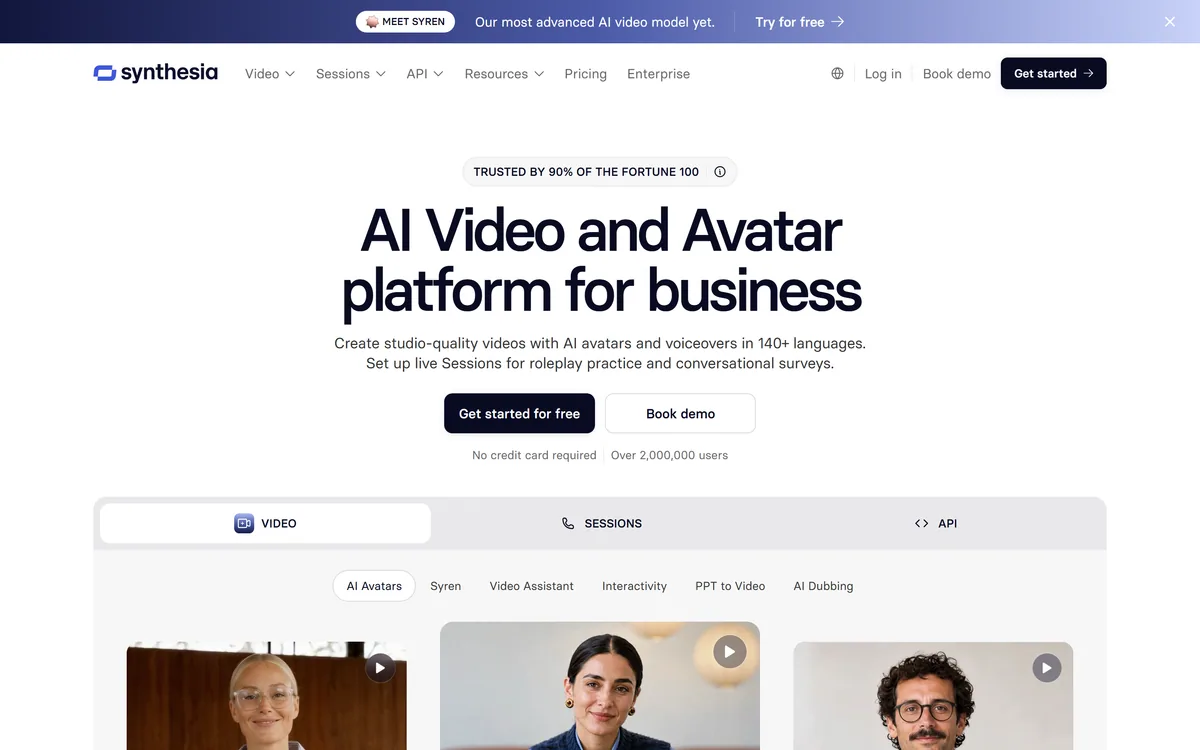
Synthesia is an AI video platform that creates studio-quality videos with AI avatars and voiceovers in 140+ languages, with a Video Assistant, dubbing, live Sessions and an API, and a strong consent-and-compliance posture. It suits businesses making training, comms and enablement video, with the caveats that personal avatars require the subject's on-camera consent, AI content is labeled per the EU AI Act, and its reach figures are vendor-stated.
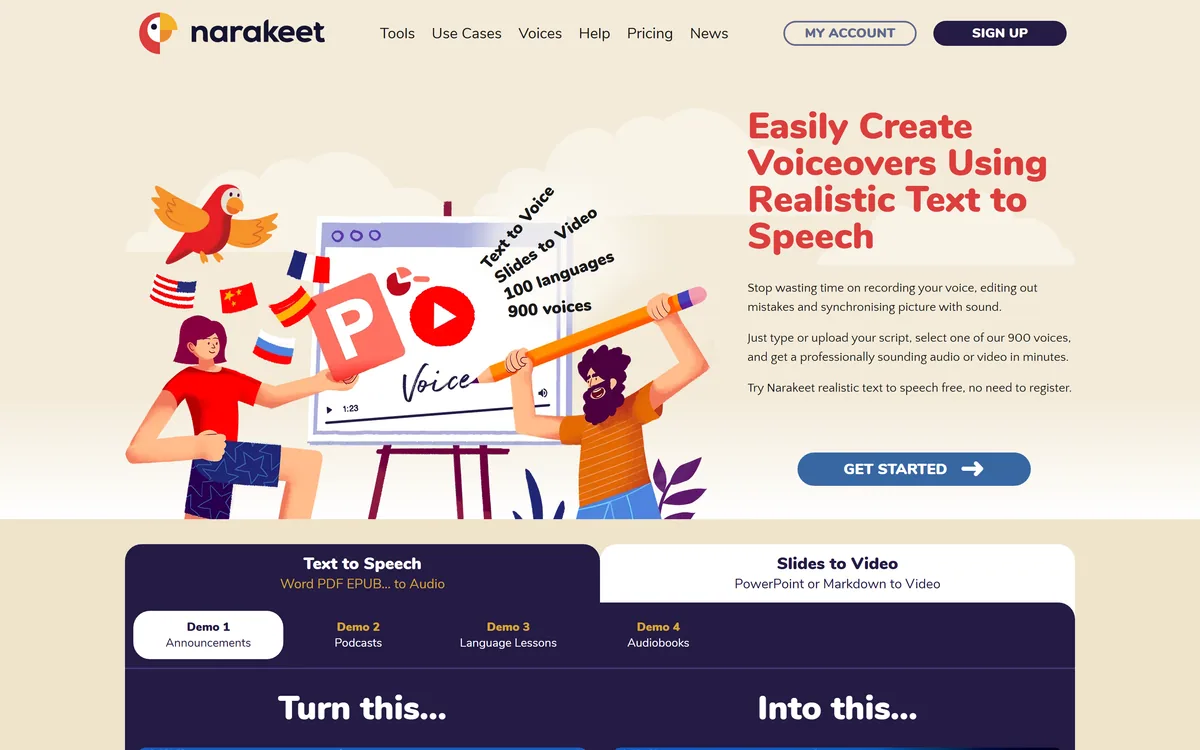
Narakeet is a text-to-speech and video creation platform from Video Puppet Limited. It converts scripts, Word documents, PDFs, EPUBs, PowerPoint and Markdown into narrated audio and video using 900 voices across 100 languages, with an API and command-line tools.
Text to Video AI tools are products whose core function applies AI to text to video. A tool belongs here when that is the job it is built for, rather than a side feature.
Because this is a focused slice of video & audio, the tools below do broadly the same job — so compare them on what they actually produce and how they are priced. Each review shows the tool's pricing model and whether it has a free tier.
Text to Video AI tools reviewed here include:
Reviews are re-checked on a rolling basis
Submit it for an editorial review and a page in front of people comparing text to video tools before they buy.