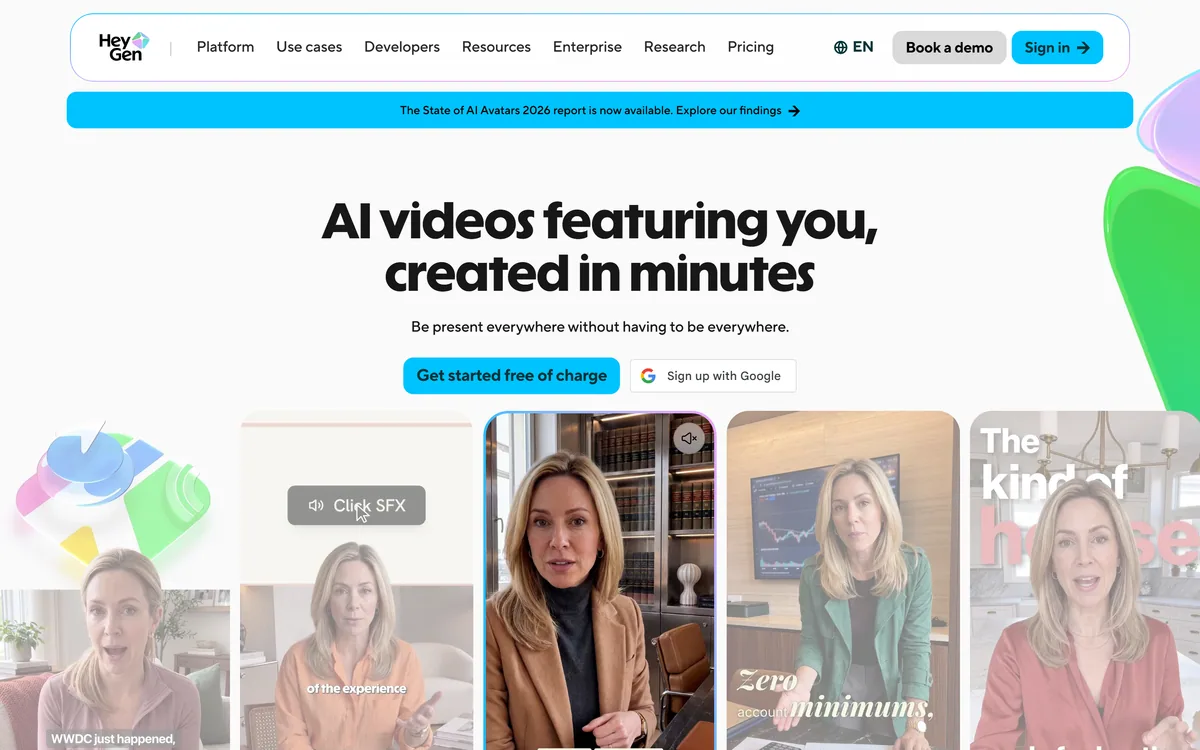
HeyGen creates realistic AI avatar videos featuring you, with consistent identity across clips, a text-based studio, translation and lip-sync in 175+ languages, and an unusually serious stance on verified identity and moderation.
Video & Audio Review
Visla review on AInexfinder — freemium AI tool for Video & Audio. Features, pricing notes, and alternatives.

Provisional score · full review pending
Visla has an AInexfinder Editor Score of 4.4/5.
Best for: Users who need AI video generation from text, scripts or audio; Users who need automatic editing with filler-word removal
The visit link goes to visla.us, the official site. Paid placements on AInexfinder are always labelled. How we make money
Visla is a comprehensive AI video creation and editing platform for businesses that captures, creates, edits and enables collaboration in one place.
Its AI Video Generator automatically produces videos from text prompts, scripts, blog posts or audio inputs, while automatic editing tools deliver auto-cuts, filler-word removal and automatic subtitle generation.
Visla includes AI avatars and synthetic voiceovers, built-in recording for screen, webcam or both simultaneously (useful for training, product demos and tutorials), and stock media libraries.
Collaboration features let teams work in shared workspaces and edit real-time drafts, and enterprise tiers add advanced branding, analytics, voice cloning, premium stock and security features like single sign-on.
Visla targets marketing teams, trainers, sales teams and businesses that need to produce video content at scale without a dedicated editor.
Strengths include the breadth of capabilities in one tool, text-to-video generation, automatic editing that speeds up production, recording plus avatars, and a free plan with a meaningful monthly credit allowance.
Trade-offs include credit-based limits that constrain heavy use, watermark removal and avatars gated to paid plans, and AI-generated output that may need manual refinement for polish. It best suits teams wanting an all-in-one AI video workflow rather than a single-purpose tool.
Visla's strength is breadth: instead of forcing teams to stitch together separate tools for recording, generating, editing and collaborating, it consolidates these into one platform with shared workspaces, which suits marketing, sales, training and communications teams producing video at volume.
The text-to-video generator can turn a blog post, script or audio clip into a draft video quickly, and the automatic editing features, including filler-word removal and subtitle generation, reduce manual cleanup.
AI avatars and synthetic voiceovers let teams create presenter-style content without filming, while the built-in screen and webcam recorder covers demos and tutorials.
The considerations are that the free plan and lower tiers impose credit limits, and capabilities like watermark-free exports, avatars and voice cloning sit on paid plans, plus AI-generated drafts often need human refinement, but as a single, collaborative AI video workspace it covers a wide range of business use cases.
Pricing changes often, so check the official site for current plans.
Visla is best suited for ai video creation from text, scripts and recordings. Whether you are trying this kind of video & audio tool for the first time or use one every day, it is a credible option to shortlist — compare it with the alternatives and head-to-head comparisons linked on this page to find the best fit for your workflow and budget.
AI video generation from text, scripts or audio
Automatic editing with filler-word removal
Screen and webcam recording
AI avatars and synthetic voiceovers
Team workspaces and real-time collaboration
AInexfinder does not list plan prices or billing details. For current pricing, plans, and trials, visit the official Visla website.
Visit official website for pricingVendor pricing, credits, and billing policies change over time. Always confirm on the official site before you buy.
Visla has a provisional score of 4.4/5: a formula estimate from this listing’s details, not yet an Editor Score. It is replaced once Visla gets its full research-based review. Best for: Users who need AI video generation from text, scripts or audio; Users who need automatic editing with filler-word removal; Teams that need screen and webcam recording.
Visit VislaLog in to write a review.
No reviews yet. Be the first to share your experience with Visla.
Assigned to
Daniel ReedSenior AI Tools Reviewer
Daniel leads AInexfinder's tool reviews. He researches each tool from its own pricing, documentation and policies, checks its claims against independent sources, and writes up what it does well, where it falls short and who it genuinely suits.
This page is a summary of Visla built from its own website and listing details. It has not had its full research-based review yet, so its score is a provisional formula estimate, not an Editor Score. Daniel will research and re-score it; payment never changes a score.
Similar Tools
HeyGen creates realistic AI avatar videos featuring you, with consistent identity across clips, a text-based studio, translation and lip-sync in 175+ languages, and an unusually serious stance on verified identity and moderation.
InVideo AI wraps more than two hundred generative models — Veo, Sora, Kling, Seedance, Flux, Nano Banana Pro, ElevenLabs and others — inside one agent-driven editor with project memory, batch shot editing, multiplayer collaboration and unlimited watermark-free exports on paid tiers.
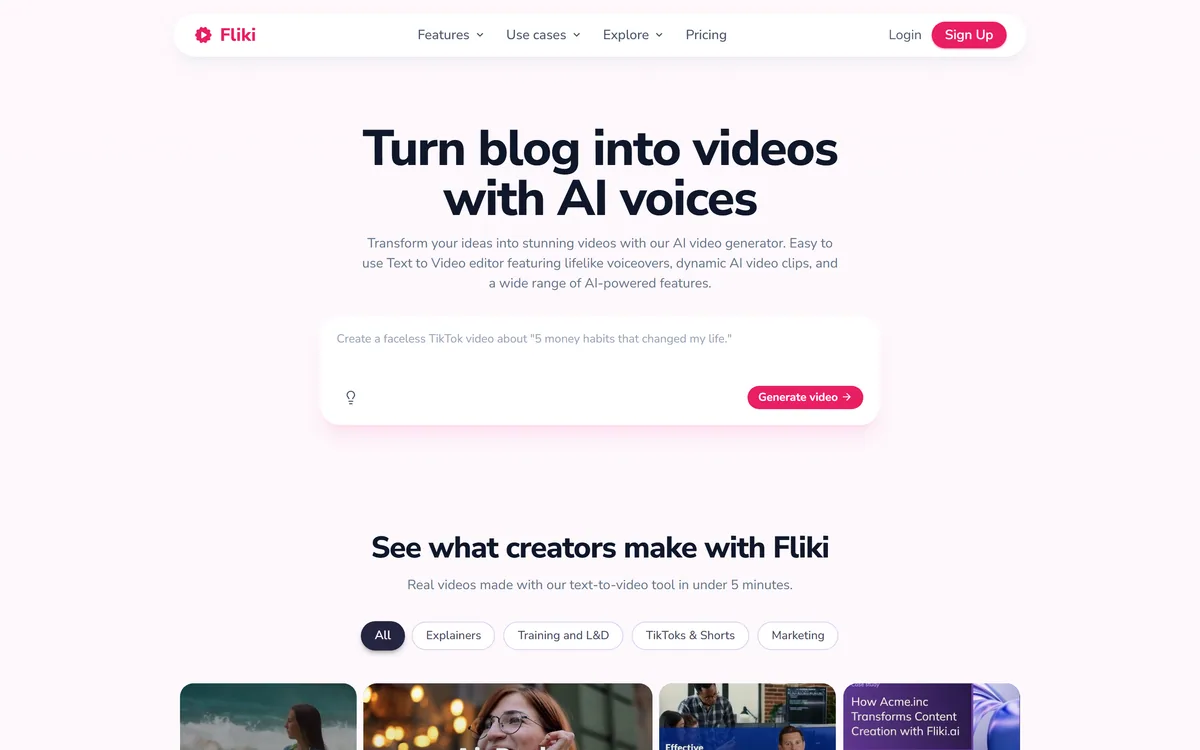
Fliki turns text, scripts, blog posts, presentations and single-line prompts into finished videos with voiceover, visuals, music and subtitles. It offers over 2,000 voices across 80+ languages, voice cloning, a Digital Twin avatar, screen recording with auto-editing, and one-click publishing to TikTok, Instagram and YouTube.
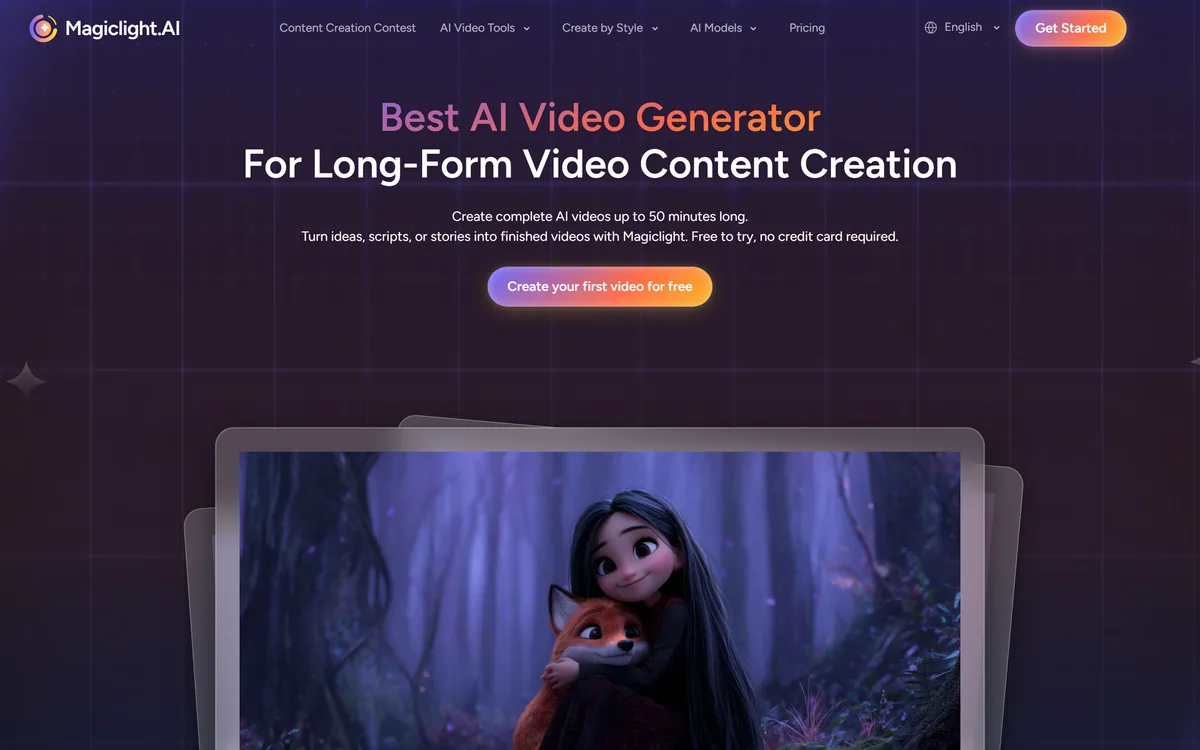
MagicLight AI generates multi-scene videos up to 50 minutes from a story, script, text, image or music track. It routes across Seedance, Kling, VEO, Sora and Wan models, and adds voice cloning, lip sync and subtitles.
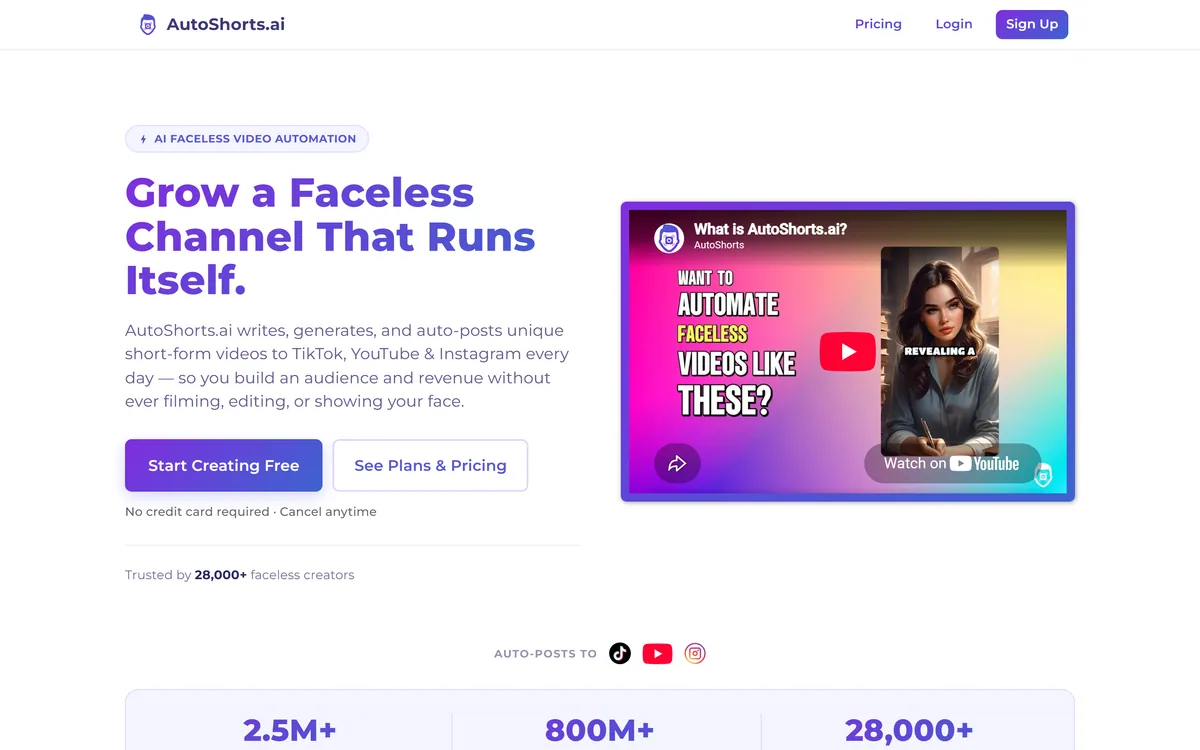
AutoShorts.ai automates faceless short-form video end to end. You choose a series topic and visual style, and it writes the script, generates the visuals, narrates it, adds music and captions, then posts to TikTok, YouTube and Instagram on a schedule without you touching it.

AI and human transcription and subtitles in 150+ languages
Related Pages