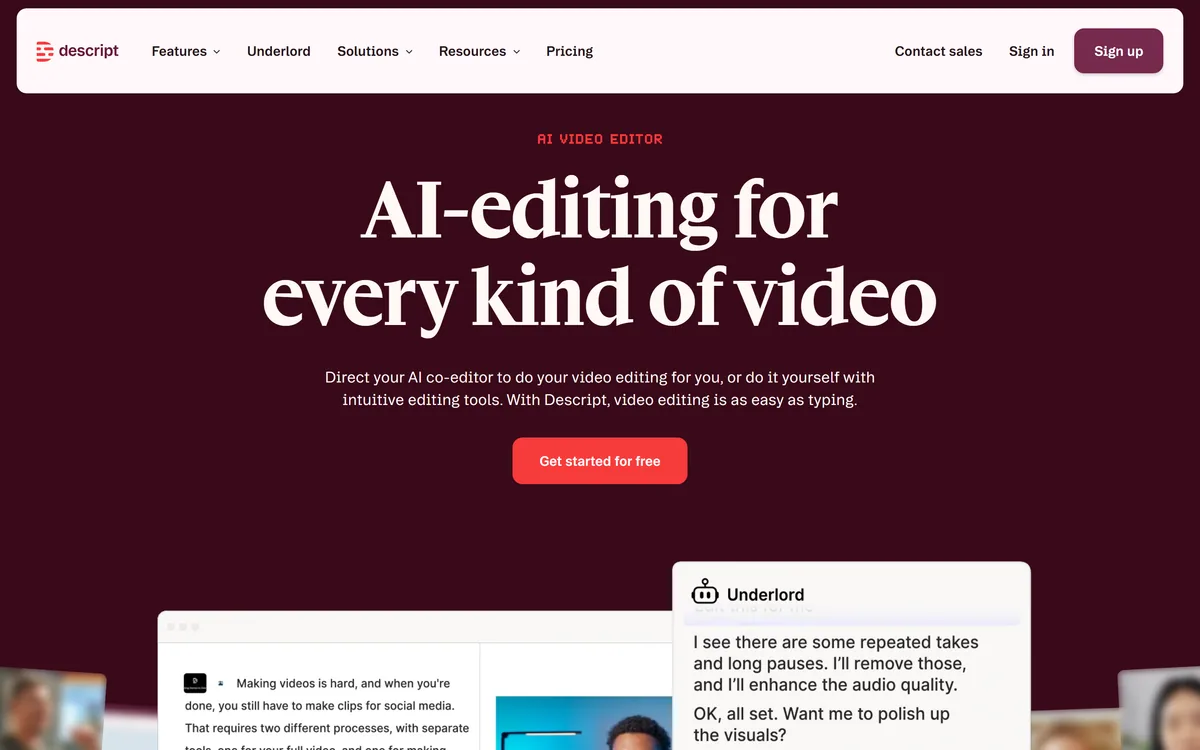

Descript is a video and audio editor that works by editing a transcript — delete a sentence and the footage goes with it — plus Studio Sound, Eye Contact, filler-word removal, AI voices, avatars, and the Underlord assistant.
Video & Audio Review
Zubtitle review on AInexfinder — freemium AI tool for Video & Audio. Features, pricing notes, and alternatives.

Provisional score · full review pending
Zubtitle has an AInexfinder Editor Score of 4.5/5.
Best for: Users who need automatic transcription and captions; Teams that need resize and reframe to multiple aspect ratios
The visit link goes to zubtitle.com, the official site. Paid placements on AInexfinder are always labelled. How we make money
Zubtitle is an AI video editing tool that turns talking videos into polished, captioned social posts. It automatically transcribes the speech in a video and converts it into editable captions, letting users fine-tune wording and timing in a simple browser editor.
Beyond captioning, Zubtitle resizes and reframes a single video into square, vertical, widescreen or feed-ready formats with a few clicks, so creators can post the same content across platforms without rebuilding the edit.
Branding features keep videos recognizable with logos, colors, fonts, saved templates and progress bars, and headline text can be added to boost engagement.
Supporting 50-plus languages and available on iOS and Android as well as the web, Zubtitle targets social media managers, marketers, podcasters and creators repurposing talking-head clips for TikTok, Instagram Reels and YouTube Shorts. Strengths include speed, ease of use, automatic resizing, reusable brand templates and mobile access.
Trade-offs include monthly video-credit limits tied to plans, fewer advanced editing capabilities than full video editors, and accuracy that, while strong, may need light manual correction on noisy audio. A free trial lets users caption a single video with full feature access.
It is best for creators prioritizing fast, branded, captioned short-form content over deep editing. Zubtitle's value is in collapsing several common social-video tasks into one quick workflow: caption, resize, brand and add a headline, all without opening a complex editor.
For social media managers and creators who post the same clip across multiple platforms, the automatic reframing to square, vertical and widescreen is a genuine time-saver, since they avoid re-editing for each aspect ratio.
The reusable brand templates ensure consistency across posts, which matters for personal brands and agencies managing several accounts. Available on web, iOS and Android, it lets creators work from wherever they capture content.
The constraints are monthly video-credit limits tied to plans and a feature set that stops short of full editing, so users needing multi-track timelines, effects or transitions will outgrow it, but for the specific job of producing captioned, correctly sized, on-brand social clips quickly, it is efficient and approachable.
Pricing changes often, so check the official site for current plans.
Zubtitle is best suited for auto subtitles and resizing for social video. Whether you are trying this kind of video & audio tool for the first time or use one every day, it is a credible option to shortlist — compare it with the alternatives and head-to-head comparisons linked on this page to find the best fit for your workflow and budget.
Automatic transcription and captions
Resize and reframe to multiple aspect ratios
Brand templates with logos, fonts and colors
Headline text and progress bars
iOS, Android and web access
AInexfinder does not list plan prices or billing details. For current pricing, plans, and trials, visit the official Zubtitle website.
Visit official website for pricingVendor pricing, credits, and billing policies change over time. Always confirm on the official site before you buy.
Zubtitle has a provisional score of 4.5/5: a formula estimate from this listing’s details, not yet an Editor Score. It is replaced once Zubtitle gets its full research-based review. Best for: Users who need automatic transcription and captions; Teams that need resize and reframe to multiple aspect ratios; Teams that need brand templates with logos, fonts and colors.
Visit ZubtitleLog in to write a review.
No reviews yet. Be the first to share your experience with Zubtitle.
Assigned to
Daniel ReedSenior AI Tools Reviewer
Daniel leads AInexfinder's tool reviews. He researches each tool from its own pricing, documentation and policies, checks its claims against independent sources, and writes up what it does well, where it falls short and who it genuinely suits.
This page is a summary of Zubtitle built from its own website and listing details. It has not had its full research-based review yet, so its score is a provisional formula estimate, not an Editor Score. Daniel will research and re-score it; payment never changes a score.
Similar Tools
Descript is a video and audio editor that works by editing a transcript — delete a sentence and the footage goes with it — plus Studio Sound, Eye Contact, filler-word removal, AI voices, avatars, and the Underlord assistant.
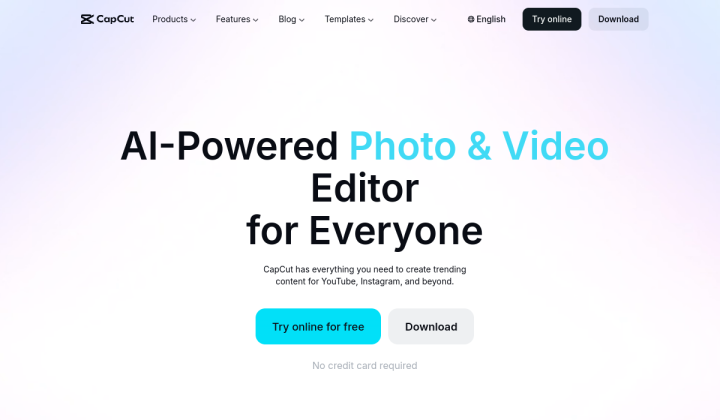
CapCut review on AInexfinder — freemium AI tool for Video & Audio. Features, pricing notes, and alternatives.
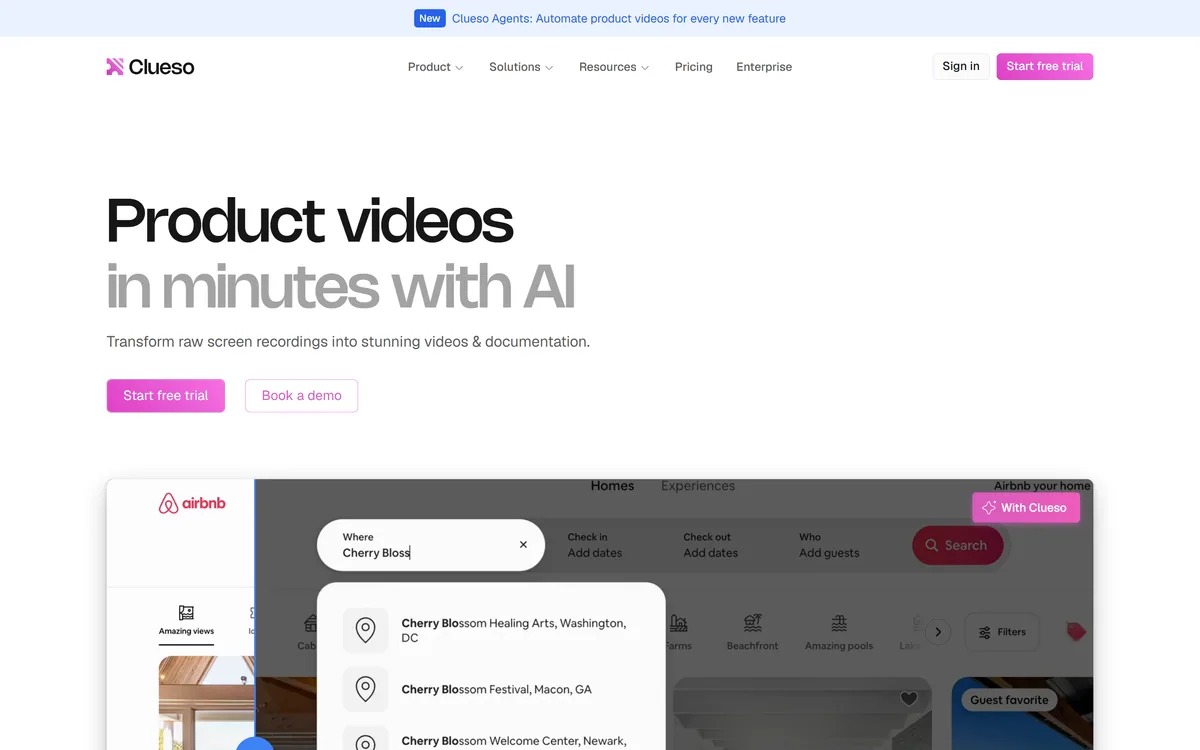
Clueso turns raw screen recordings into product videos and documentation. It rewrites the script to remove filler, replaces your audio with AI voiceover, adds automatic zooms and captions, applies branded templates, and generates step-by-step SOPs from the same recording.
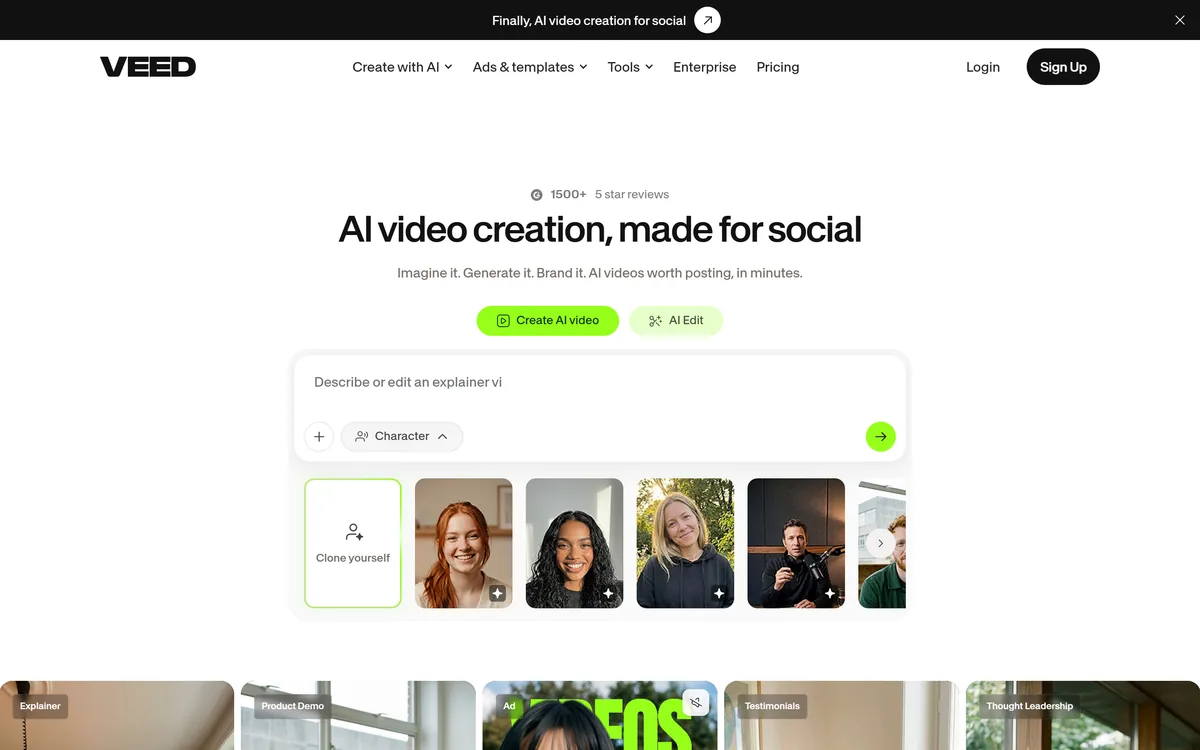
VEED is an AI video-creation platform that takes an idea to a finished social video in the browser, bundling generation, AI avatars, subtitles, dubbing, clean audio and a brand kit, plus access to frontier models like Sora 2, Veo and Kling.
TensorPix from Tensorpix d.o.o. enhances video and images in the browser: upscaling to 4K, denoising, frame interpolation to 60 FPS, stabilisation, unblurring, colour restoration, and compression, with free previews before you commit credits.
Kapwing is a browser-based video studio combining a timeline editor, subtitler, audio editor and dubbing into 40+ languages with AI tools including Smart Cut, Trim with Transcript, B-Roll Generator, Clip Maker and Character Consistency. Made in San Francisco.
Related Pages