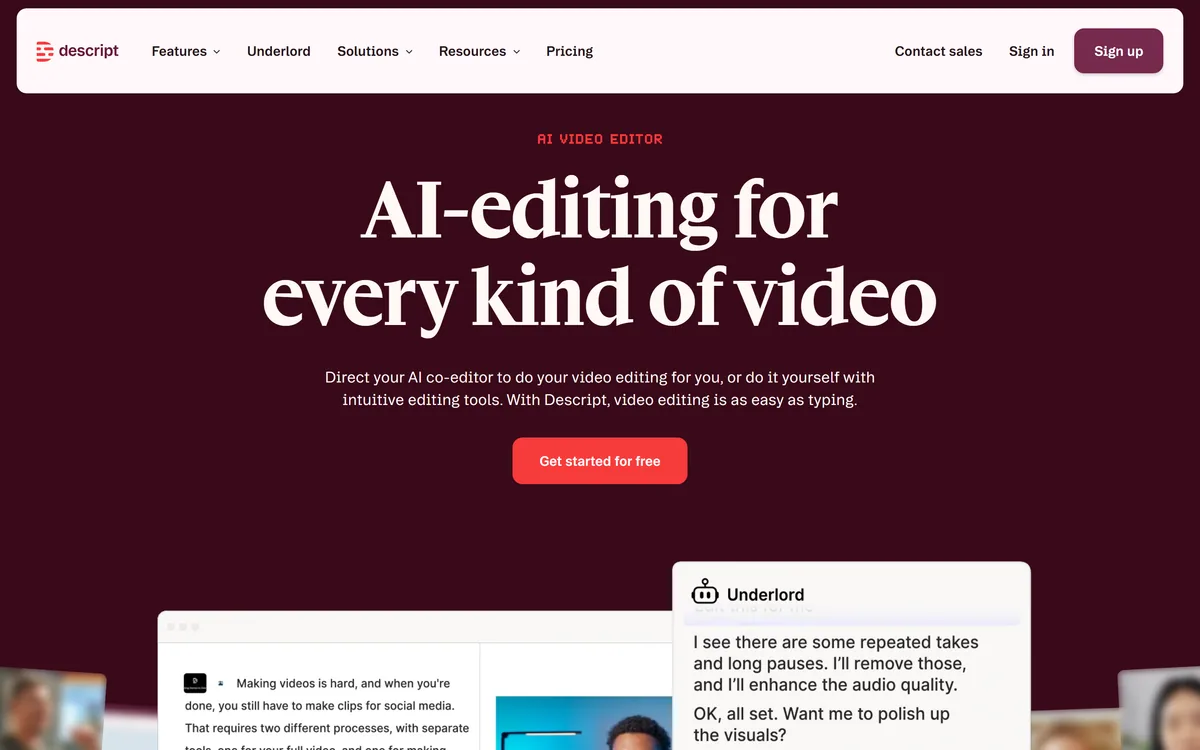

Descript is a video and audio editor that works by editing a transcript — delete a sentence and the footage goes with it — plus Studio Sound, Eye Contact, filler-word removal, AI voices, avatars, and the Underlord assistant.
Video & Audio Review
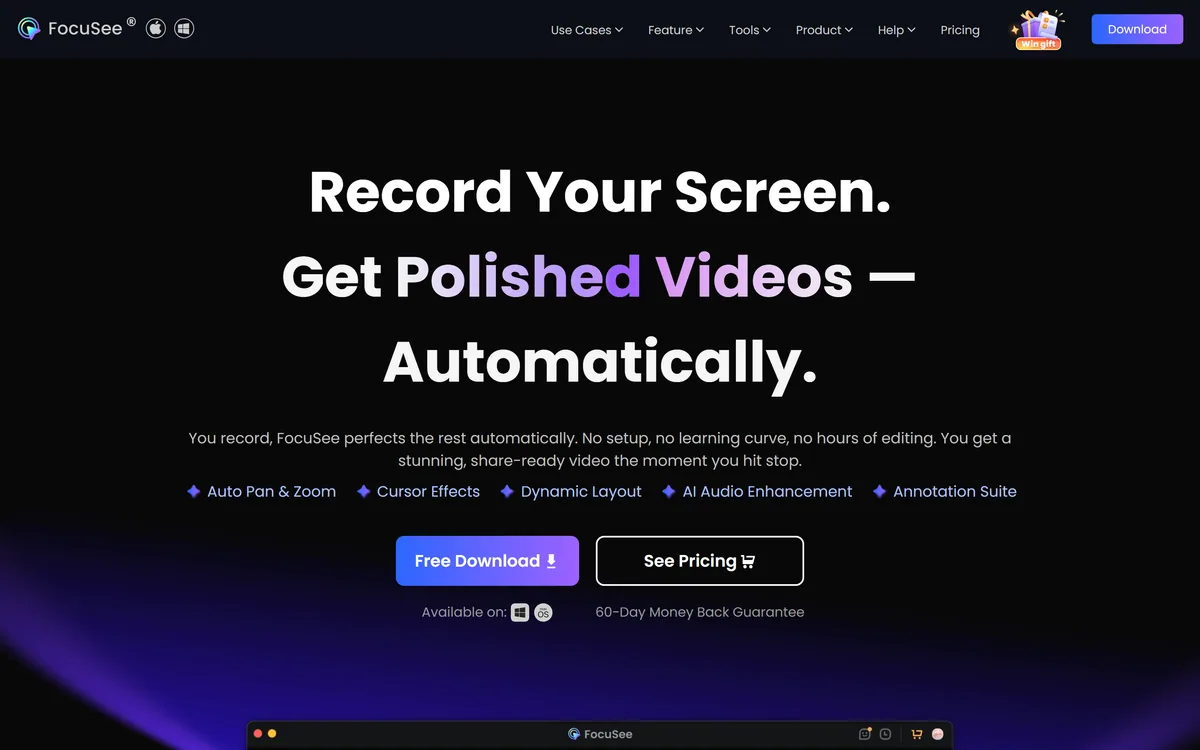
FocuSee (by iMobie) is a screen-recording tool that automatically adds smooth zoom, cursor highlights and background effects as you record, producing polished demos and tutorials with little editing. It suits creators, marketers and support teams making product demos and how-tos, with the caveat that auto-effects can be overdone and output still benefits from a review.
Good
FocuSee earns 3.9 as a genuinely handy auto-editing screen recorder. Automatically adding smooth zooms, cursor highlights and backgrounds as you record turns a plain, amateurish-looking capture into a polished, easy-to-follow demo, and doing it on the fly saves the significant post-production that zoom-and-highlight editing normally takes, which is real value for creators, marketers and support teams making screen video. The caveat is modest and honest: automatic effects can be overdone, so a quick review and the ability to adjust matter, because over-zooming distracts rather than helps. For polished screen demos with little effort it's a strong pick; those needing fine control or making non-screen video should weigh it accordingly. AInexfinder Editor Score: 3.9/5.
Best for: Product demos; Software tutorials
The visit link goes to focusee.imobie.com, the official site. Paid placements on AInexfinder are always labelled. How we make money
A raw screen recording looks amateurish, flat, static, hard to follow, but adding zooms and effects by hand is tedious. FocuSee, by iMobie, automates that polish: record your screen and it adds the effects for you.
It applies smooth zooms, cursor highlights and backgrounds automatically, turning a plain capture into a watchable demo. It sits among how-to and recording tools like Guidde, focused on polished screen video.
This review covers how FocuSee polishes a recording, which creators it suits, how it's priced, and the don't-overdo-it caveat to keep in mind.
FocuSee's core job is to make screen recordings look professionally edited, automatically. As you record, it tracks your cursor and actions and applies smooth zoom-ins, cursor highlights and background styling, so a plain capture becomes a watchable, guided demo without manual effects work.
The time saving is the appeal. The zoom-and-highlight editing that makes a tutorial easy to follow normally takes significant post-production; FocuSee does it on the fly, so creators get a polished result with far less effort.
It's a desktop app aimed at product demos, tutorials and how-tos, where guiding the viewer's eye to the right part of the screen is exactly what makes the video work.
The honest framing is that FocuSee is a genuinely handy tool for polished screen video. The caveats are modest: automatic effects can be overdone, too much zooming or motion is distracting, so a review (and the ability to adjust) matters; results vary with your recording; and its claims are vendor-stated. It's from iMobie, an established software maker.
FocuSee is a handy auto-editing screen recorder; auto-effects can be overdone, so review and adjust the output.
FocuSee pairs automatic effects with the screen-demo workflow.
It records your screen and automatically adds smooth zooms, cursor highlights and backgrounds, turning a plain capture into a guided demo.
A tool like Clipto repurposes video into clips; FocuSee's angle is making the screen recording itself look professionally edited, automatically.
It's built for product demos, tutorials and how-tos, where guiding the viewer's eye is what makes the video work.
A how-to tool like Choppity handles clip editing broadly; FocuSee focuses on polished screen capture, so match it to whether you want screen demos or general clipping.
FocuSee suits creators, marketers, product and support teams who make screen demos, tutorials and how-tos and want them polished without manual effects editing.
It suits people who value the time saved on zoom-and-highlight editing, and who make screen video often enough to benefit from automated polish.
It suits less well those who need fine manual control over every effect, anyone making non-screen video, and people who'd let the auto-effects run unchecked (over-zooming makes a demo worse, not better).
A fair way to place it: if you make screen demos and want them to look professionally edited with little effort, FocuSee is a genuinely useful tool; if you need fine control or make non-screen video, weigh it accordingly, and review the auto-effects so the polish helps rather than distracts.
It's worth understanding what the automation is doing, because that's where both the value and the limits sit. FocuSee watches your cursor and clicks and infers where the viewer's attention should go, then zooms there, which is exactly the tedious judgement-work that manual screencast editing demands. When it guesses right, the result genuinely looks professionally edited with none of the effort; when it guesses wrong, zooming where nothing important is happening, you get motion that distracts, which is why a quick review pass matters.
The time maths is the honest case for it. Hand-editing zooms and highlights into a tutorial can take several times the length of the recording, so for anyone who makes screen video regularly, product teams, course creators, support staff, automating that first pass is a real saving. For a one-off recording, the free trial will tell you whether the auto-effects suit your style before you commit to a plan you'd rarely use. For regular creators, though, the saving compounds with every recording, which is what makes a subscription easy to justify once it's part of your workflow.
FocuSee is freemium/subscription: a free trial plus paid plans. We do not publish prices, which change; check the site and confirm what the trial and plans include.
The value question is editing time saved versus cost: for someone making screen demos regularly, automating the zoom-and-highlight work can save real time; for the occasional recording, the free trial may suffice.
The sensible approach is to use the free trial on a real demo, judge whether the auto-effects look polished (and not overdone), and only pay if it saves real editing time for the screen video you actually make.
Because auto-effects can be overdone, test FocuSee on a real demo and review the polish.
Screen recording
Auto zoom
Cursor highlights
Backgrounds
Auto effects
Editing
Export
Desktop app
The useful comparison is with other recording and video tools.
| Tool | Tool | Approach | Best for |
|---|---|---|---|
| FocuSee | Auto-editing screen recorder | Polished screen demos | Demo/tutorial makers |
| Guidde | AI how-to video | Captured step videos | Support/enablement |
| Clipto | AI clip maker | Long video to clips | Repurposing video |
| Choppity | AI clip maker | Clips with editing | Creators and agencies |
| What it is | An auto-editing screen recorder |
|---|---|
| Company | FocuSee (by iMobie) |
| Core | Records screen and auto-adds zoom, cursor and effects |
| Effects | Smooth zoom, cursor highlights, backgrounds |
| Output | Polished demos and tutorials with little editing |
| Platform | Desktop app |
| Audience | Creators, marketers, support/product teams |
| Access | Freemium/subscription (free trial plus paid) |
Last checked . Read from focusee.imobie.com during this check, with the screenshot above captured at the same time.
Automatic effects can be overdone, too much zooming or motion is distracting, so review the output and adjust the effects. Results vary with your recording, and claims are vendor-stated. FocuSee is from iMobie, an established software maker, and is a desktop app for screen video specifically.
An AI how-to tool and two clip makers to weigh beside FocuSee.
AInexfinder does not list plan prices or billing details. For current pricing, plans, and trials, visit the official FocuSee website.
Visit official website for pricingVendor pricing, credits, and billing policies change over time. Always confirm on the official site before you buy.
FocuSee earns an AInexfinder Editor Score of 3.9/5 (good). Best for: Product demos; Software tutorials; How-to videos.
Visit FocuSeeLog in to write a review.
No reviews yet. Be the first to share your experience with FocuSee.
Assigned reviewer
Daniel ReedSenior AI Tools Reviewer
Daniel leads AInexfinder's tool reviews. He researches each tool from its own pricing, documentation and policies, checks its claims against independent sources, and writes up what it does well, where it falls short and who it genuinely suits.
Daniel and the AInexfinder editorial team research FocuSee from its own website, pricing, documentation and policies, checked against independent sources. This review is research-based: unless its method note says otherwise, we have not bought a plan or run hands-on tests. The Editor Score is our editorial judgement, and payment never changes it.
Similar Tools
Descript is a video and audio editor that works by editing a transcript — delete a sentence and the footage goes with it — plus Studio Sound, Eye Contact, filler-word removal, AI voices, avatars, and the Underlord assistant.
CapCut review on AInexfinder — freemium AI tool for Video & Audio. Features, pricing notes, and alternatives.
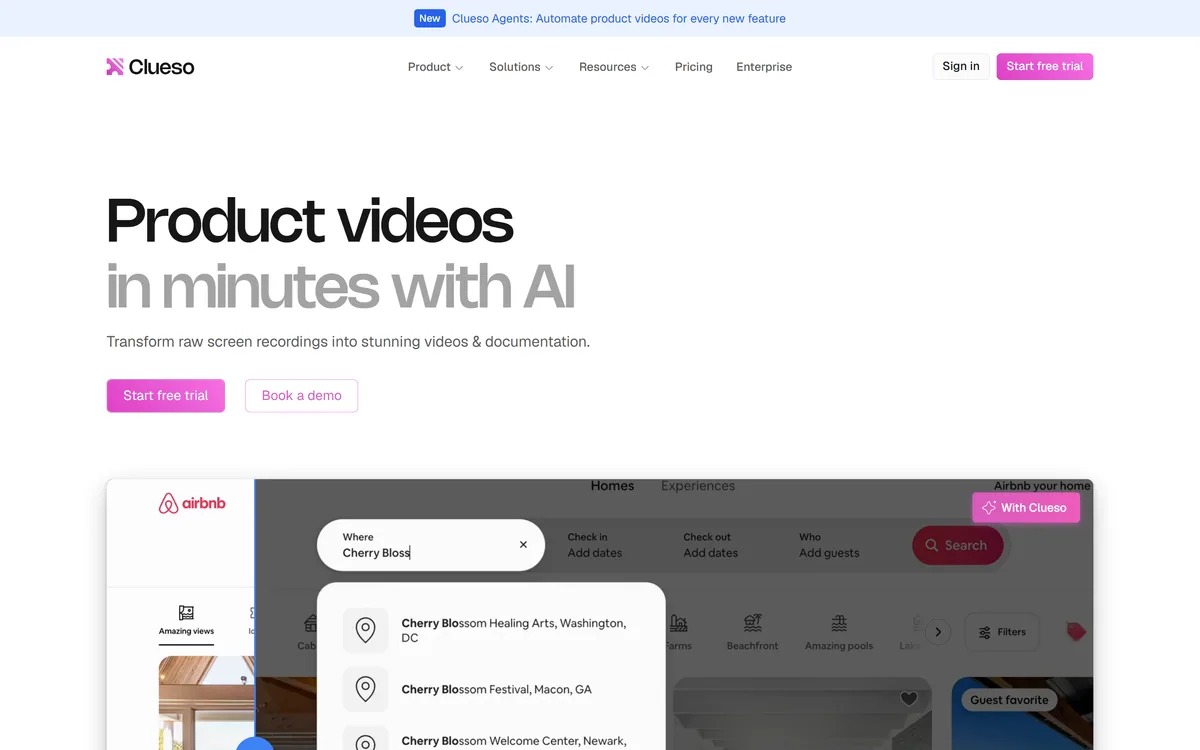
Clueso turns raw screen recordings into product videos and documentation. It rewrites the script to remove filler, replaces your audio with AI voiceover, adds automatic zooms and captions, applies branded templates, and generates step-by-step SOPs from the same recording.
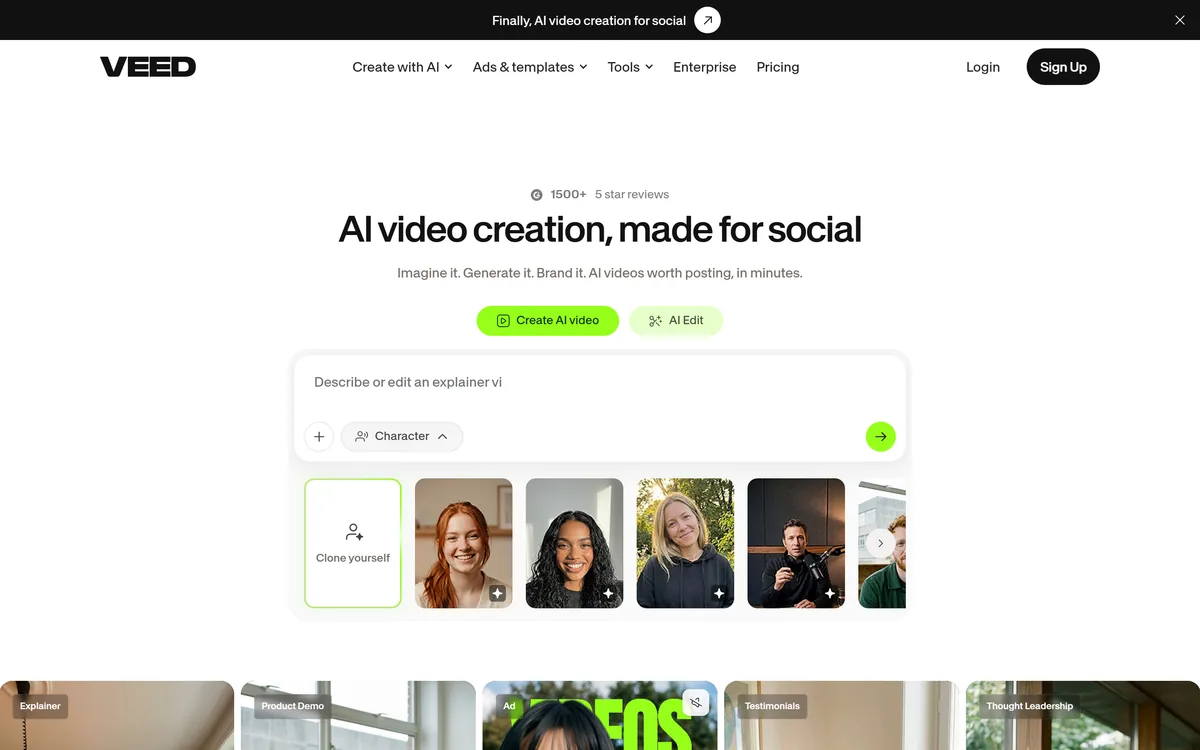
VEED is an AI video-creation platform that takes an idea to a finished social video in the browser, bundling generation, AI avatars, subtitles, dubbing, clean audio and a brand kit, plus access to frontier models like Sora 2, Veo and Kling.
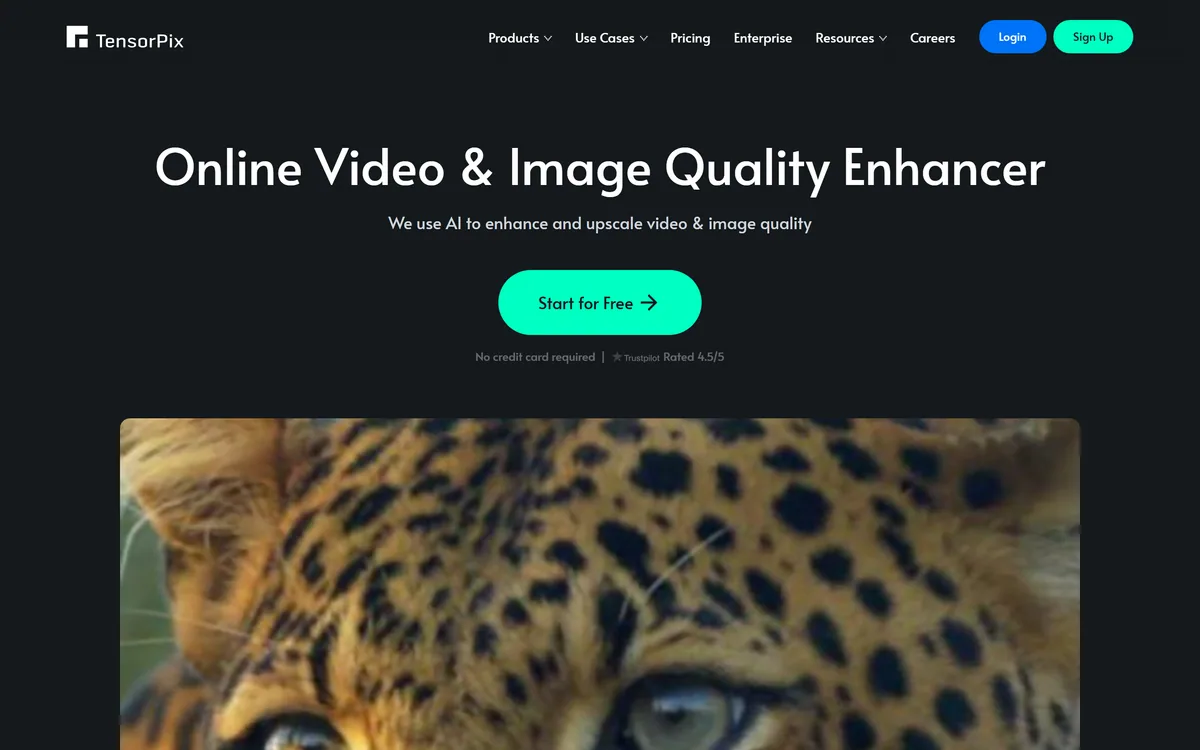
TensorPix from Tensorpix d.o.o. enhances video and images in the browser: upscaling to 4K, denoising, frame interpolation to 60 FPS, stabilisation, unblurring, colour restoration, and compression, with free previews before you commit credits.
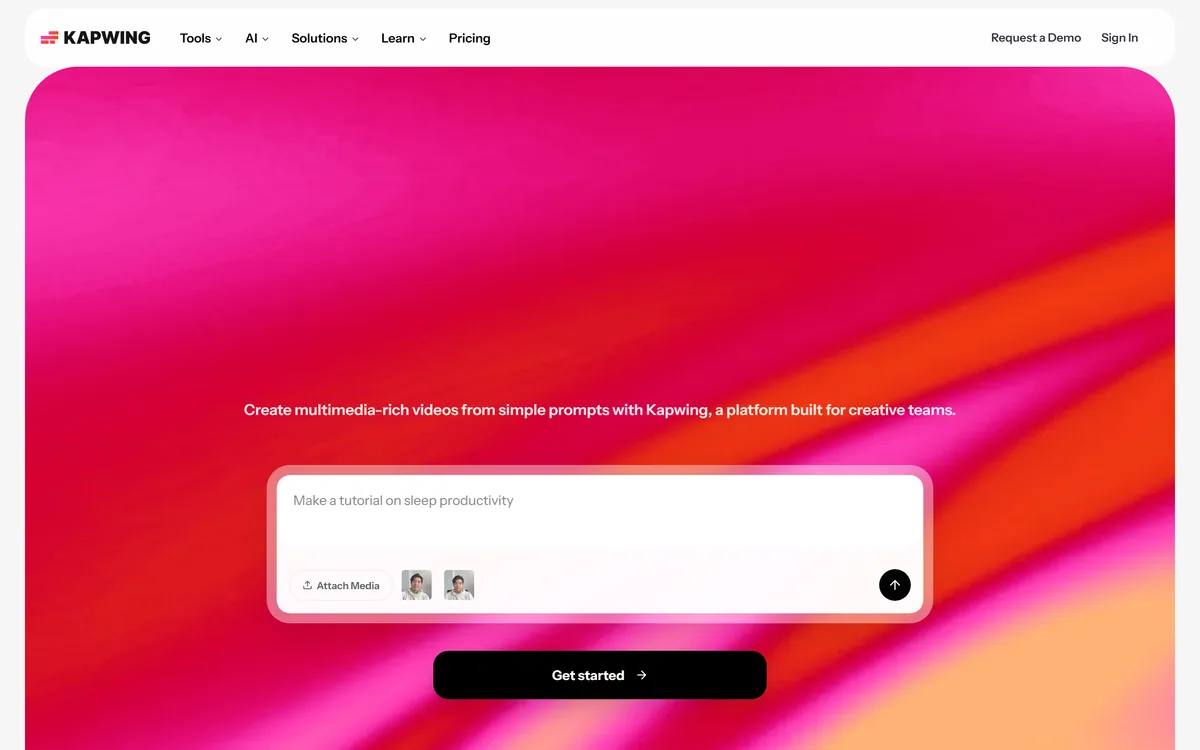
Kapwing is a browser-based video studio combining a timeline editor, subtitler, audio editor and dubbing into 40+ languages with AI tools including Smart Cut, Trim with Transcript, B-Roll Generator, Clip Maker and Character Consistency. Made in San Francisco.
Related Pages