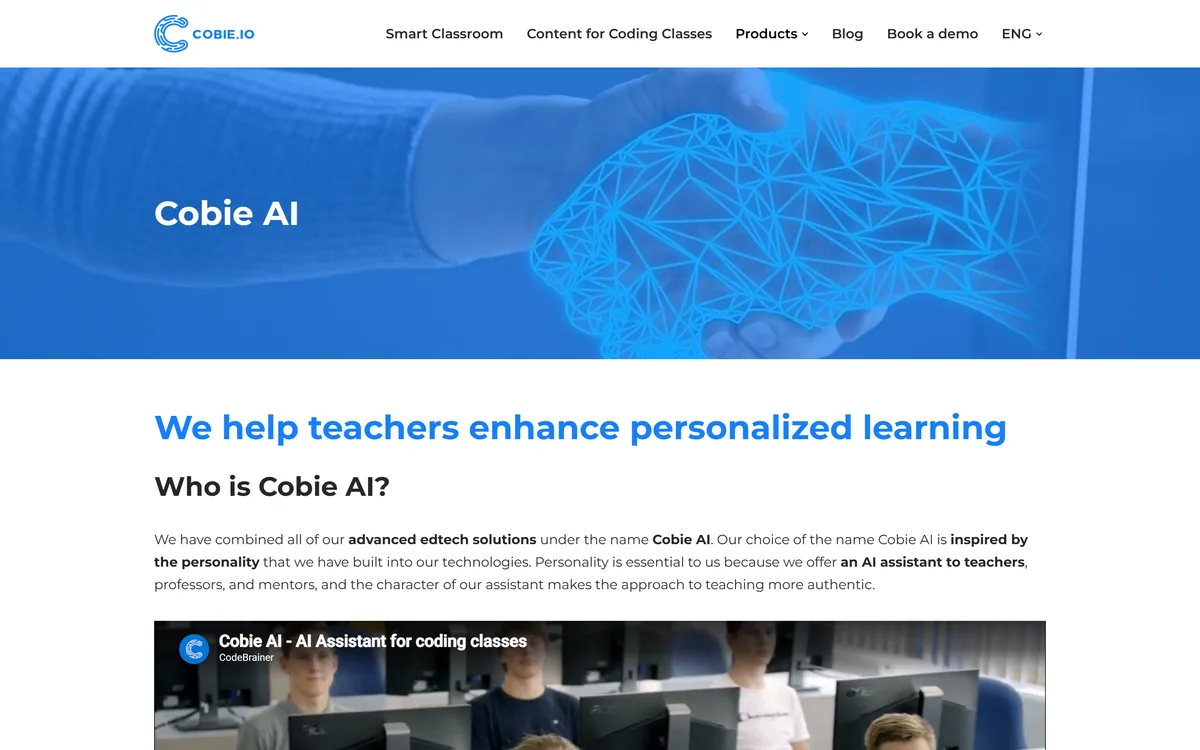
Teaching coding to a class means juggling very different ability levels, constant questions and a lot of marking. Cobie, from CodeBrainer, is an AI teaching assistant built to lighten that load in K-12 coding and STEM classrooms.
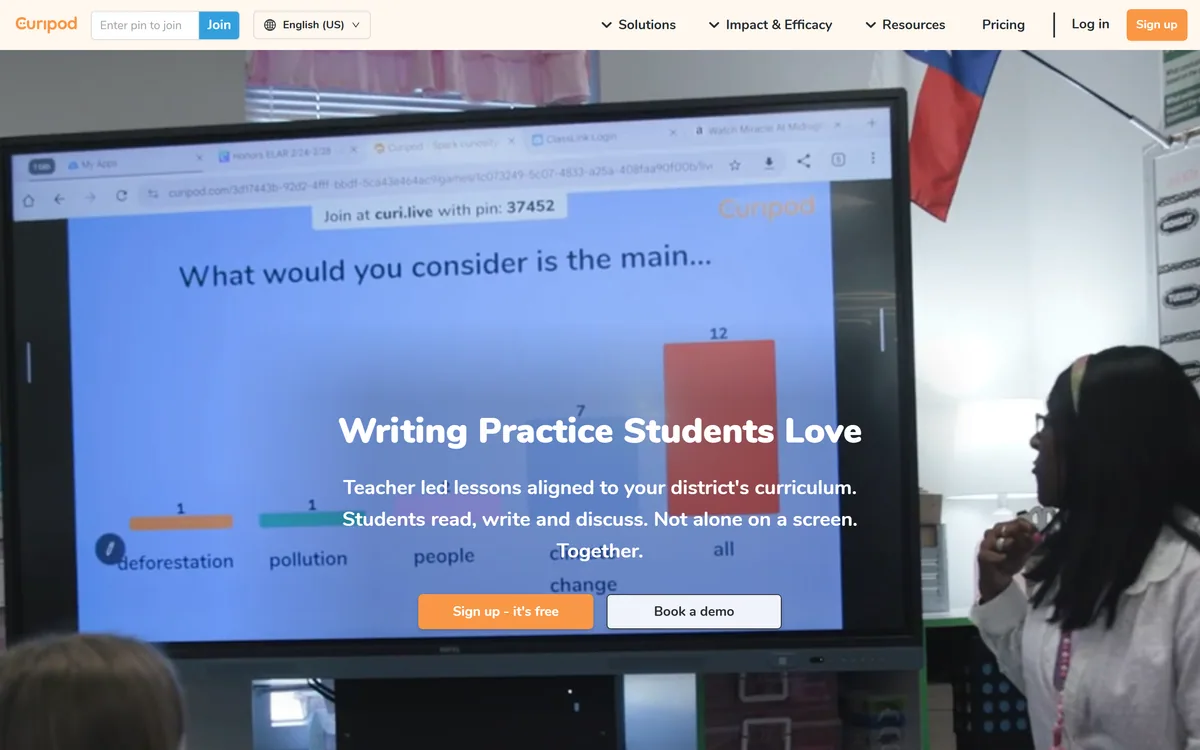
It helps teachers manage groups, deliver embedded lesson plans, monitor students in real time, streamline assessment and generate personalised lectures. It sits among classroom AI tools like Curipod, specialised for coding education.
This review covers how Cobie supports a coding class, which educators it suits, how it reaches schools, and the student-data and oversight responsibilities that come with a tool for minors.
Cobie, The Classroom-AI Brief
- Cobie is an AI classroom assistant for coding: it helps teachers run coding and STEM classes, focused on K-12.
- It supports the teacher's workflow: lesson plans, real-time monitoring, feedback and assessment.
- It can generate lectures: a lecture-synthesis feature produces personalised teaching content.
- It serves minors: student-data privacy, safety and keeping a teacher in charge are central, not optional.
Cobie Classroom-AI Facts
| What it is | An AI teaching-assistant and smart-classroom platform |
|---|
| Operator | CodeBrainer (Slovenia) |
|---|
| Focus | K-12 coding and STEM education |
|---|
| Teaching | Embedded lesson plans and content |
|---|
| Lectures | A lecture-synthesis feature |
|---|
| Classroom | Real-time monitoring and feedback |
|---|
| Assessment | Streamlined assessment tools |
|---|
| Access | Sold to schools via demo |
|---|
An AI Teaching Assistant For Coding Classrooms
Cobie's purpose is to act as a teaching assistant in a coding classroom: handling the repetitive parts, monitoring progress, giving feedback and helping with assessment, so a single teacher can support a class of mixed abilities.
It provides embedded lesson plans and a lecture-synthesis feature that generates personalised teaching content, aiming to scale good instruction without scaling teacher hours one-for-one.
The platform is a cloud smart-classroom: teachers manage groups, watch progress in real time and streamline assessment, keeping a view of the whole class rather than chasing individual screens.
The honest framing is that Cobie serves K-12 students, which makes some things non-negotiable. Student-data privacy and safety, the vendor references data protection and AI ethics, and the teacher remaining in charge of what reaches students, matter more than any feature, and AI-generated lectures still need a teacher's review.
Cobie can lighten a coding teacher's load, but with minors involved, student-data care and teacher oversight come before any feature.
How Does Cobie Support A Coding Class?
Cobie pairs classroom management with AI teaching content.
Lesson Plans And Synthetic Lectures
Teachers manage groups, deliver embedded lesson plans, monitor students in real time and give feedback, with assessment tools that reduce marking load.
Where a general classroom tool like SchoolAI spans many subjects, Cobie is specialised for coding and STEM, which shapes its content and assessments.
Monitoring, Feedback And Assessment
Its lecture-synthesis feature generates personalised teaching content, aimed at adapting to different students, which a teacher should review before use.
For broader teacher-assistant and content generation, a tool such as Super Teacher is a comparable classroom aid; Cobie's niche is the coding classroom specifically.
Which Coding Teachers Cobie Suits
Cobie suits K-12 computer-science and STEM teachers, schools and coding programmes that want help managing mixed-ability classes, assessment and feedback, and that teach coding specifically.
It suits institutions comfortable adopting an AI tool for minors with proper data-protection and oversight, and those that value specialised coding content over a general classroom assistant.
It fits less well settings without the governance to handle student data responsibly, teachers of non-coding subjects, and anyone expecting AI to replace a teacher rather than assist one.
A good way to weigh it is by fit and governance together. For a coding programme with data-protection processes and teachers who stay in charge, Cobie can genuinely help; without that oversight, any tool handling children's data is a risk. In practice, a school evaluating Cobie should start the conversation with its data-protection lead, not its budget: where student data is stored, how long it is kept, whether it is used to train models, and how the vendor's stated attention to data protection and AI ethics maps onto local rules such as GDPR in Europe or FERPA and COPPA in the United States. Those answers matter more than any classroom feature, because a tool that lightens a teacher's workload but mishandles children's data is not a bargain. The second thing to establish is the teacher's role: Cobie is positioned as an assistant, and the classrooms where it works best are those where a teacher reviews its generated lectures and assessments, uses its monitoring to spend more time with struggling students rather than less, and treats its output as a draft to improve rather than an answer to accept. Used that way, with governance and oversight both in place, a specialised coding assistant can genuinely help a stretched teacher.
How Cobie Reaches CS Departments
Cobie is sold to schools through a demo rather than public self-serve pricing, so cost depends on the institution and deployment. We do not publish prices, which change; contact the vendor.
The question of value is teacher time saved and learning outcomes against the cost and the diligence of adopting an AI tool for minors, including data-protection review.
The sensible approach is a scoped pilot in one or a few coding classes, with explicit attention to student-data handling and teacher oversight, measuring both the help and the governance before wider rollout. A pilot that pleases teachers but cannot answer the student-data questions is not ready to expand, however good the lessons look.
Trialling Cobie In One Coding Class
Because Cobie serves minors, pilot it in one class with student-data care front and centre.
- Scope a single coding class or programme for the pilot.
- Review Cobie's student-data handling and your school's data-protection rules first.
- Use the lesson plans and monitoring with a teacher fully in charge.
- Review any AI-generated lecture content before students see it.
- Gather teacher and student feedback on real learning value.
- Pass/fail: expand only if it helps teaching and the data governance is sound.
- Treat awards and EU-project participation as factual context, not proof of fit.