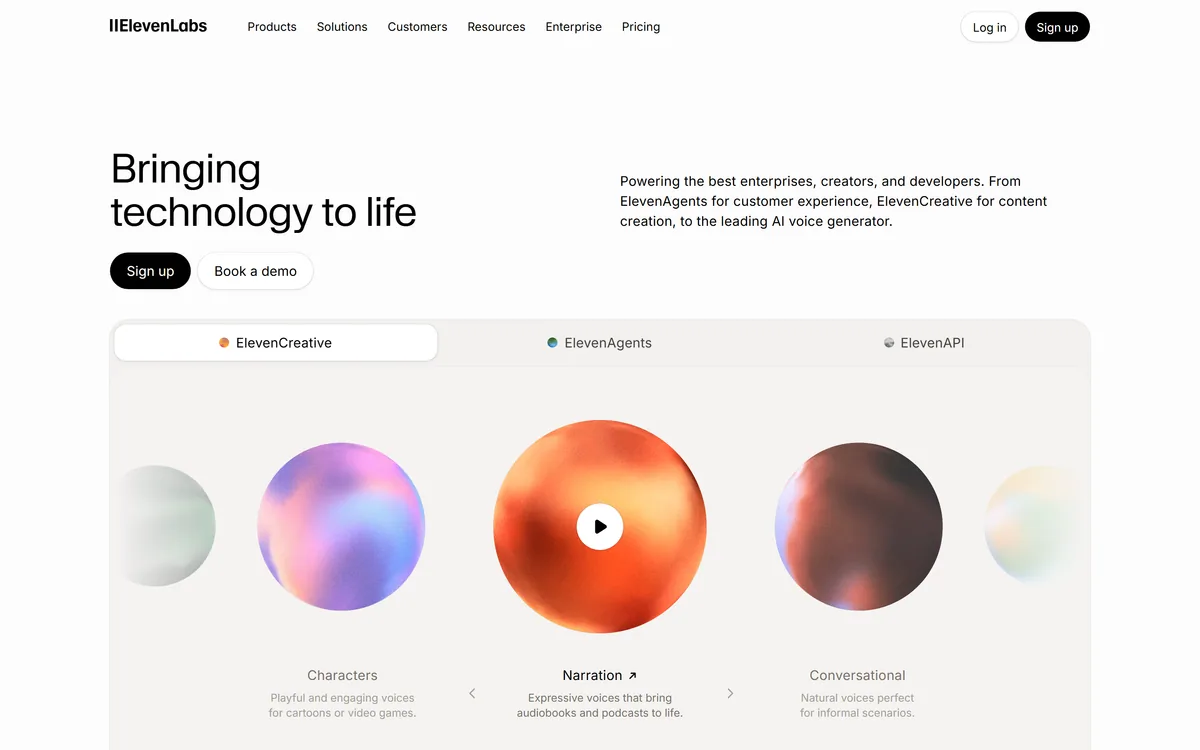

ElevenLabs is an AI audio platform covering text to speech, voice cloning, speech recognition, dubbing, music, and conversational voice agents, with a library of 5,000+ voices across more than 70 languages and an API behind every model.
Video & Audio Review
EaseUS VoiceWave review on AInexfinder — freemium AI tool for Video & Audio. Features, pricing notes, and alternatives.
Provisional score · full review pending
EaseUS VoiceWave has an AInexfinder Editor Score of 4.4/5.
Best for: Users who need real-time voice changing across apps and games; Teams that need hundreds of voices and effect presets
The visit link goes to voicechanger.easeus.com, the official site. Paid placements on AInexfinder are always labelled. How we make money
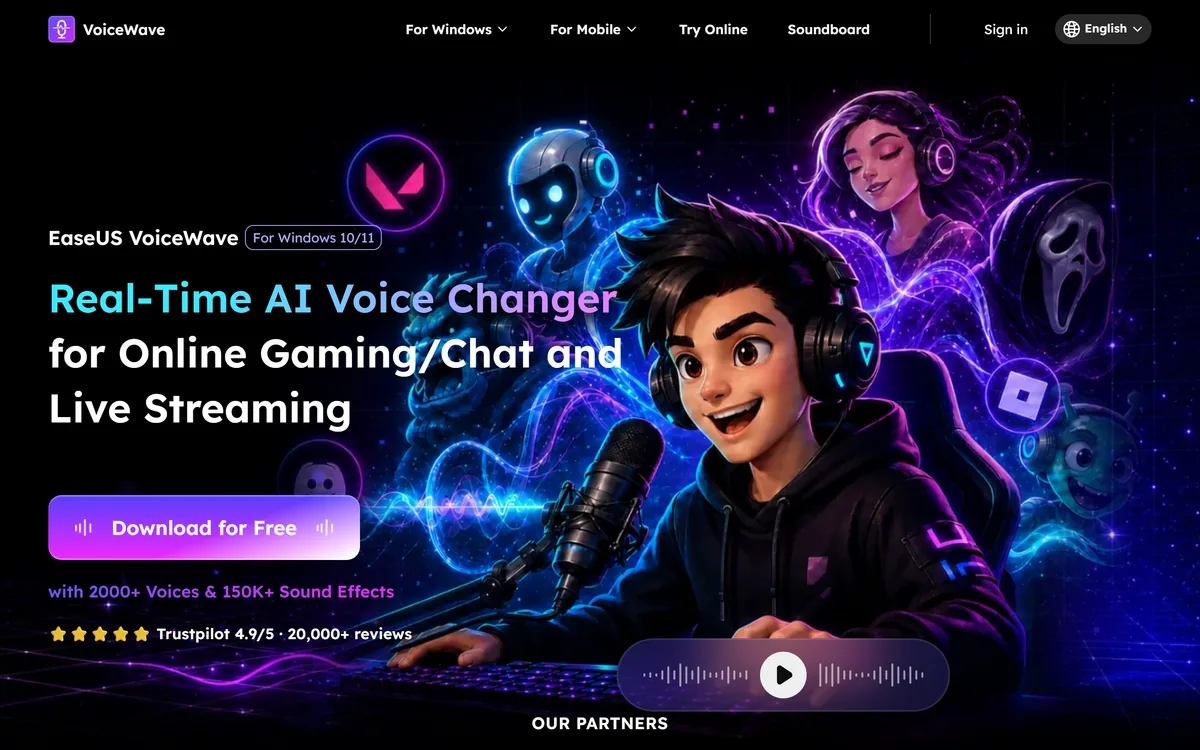
EaseUS VoiceWave is a free AI voice changer for Windows that modifies your voice in real time across any app using a microphone, including Discord, Zoom, Google Meet, Twitch, Skype and popular games.
It installs as a virtual audio driver, so once selected as your microphone input it works seamlessly inside gaming, streaming and online-meeting software.
The tool ships with a very large library of voices and effects, ranging from anime characters and game-style personas to gender and pitch transformations, and it lets users craft custom voices by adjusting pitch, tone and timbre.
Beyond voice changing, VoiceWave bundles practical extras: a soundboard with hundreds of sound presets that can be triggered live, a built-in audio recorder for capturing and exporting clips, an audio mixer for blending tracks, and an AI noise-reduction module that cleans up background noise for clearer output.
It is aimed at gamers, streamers, content creators and anyone who wants to add fun or privacy to voice chats. The company highlights low latency and light system usage so performance stays smooth during gameplay.
Pros include the genuinely free core offering, an enormous voice and effect catalog, and bundled recorder, mixer and soundboard tools. Cons are that it is Windows-centric with companion mobile apps rather than full cross-platform parity, and real-time voice changing on lower-end machines can still introduce minor latency.
Pricing changes often, so check the official site for current plans. EaseUS VoiceWave's core capabilities include Real-time voice changing across apps and games, Hundreds of voices and effect presets, Soundboard with live-triggerable sounds, Built-in recorder, mixer and noise reduction and Virtual audio driver integration.
Real-time voice changing across apps and games is built in, Hundreds of voices and effect presets is built in, Soundboard with live-triggerable sounds is built in, Built-in recorder, mixer and noise reduction is built in, so you get a rounded toolkit rather than a single trick.
Each feature is designed to take the manual effort out of the task and help you reach a usable result faster, which is what makes EaseUS VoiceWave worth a place on your shortlist.
As with any AI tool, the output still benefits from a quick human review, but EaseUS VoiceWave gets you most of the way there with far less effort.
EaseUS VoiceWave runs on a freemium pricing model, so you can start for free and only pay once you outgrow the free tier — handy for testing it on a real task before spending anything.
AI-tool pricing changes often, so always check the current plans, seats and add-ons on the official site for the latest details before you buy. Who is EaseUS VoiceWave for? It's best suited for free real-time ai voice changer for pc.
Whether you're a beginner trying this kind of AI tool for the first time or a professional who'll use it every day, it's a credible option to consider.
EaseUS VoiceWave is best suited for free real-time ai voice changer for pc. Whether you are trying this kind of video & audio tool for the first time or use one every day, it is a credible option to shortlist — compare it with the alternatives and head-to-head comparisons linked on this page to find the best fit for your workflow and budget.
Real-time voice changing across apps and games
Hundreds of voices and effect presets
Soundboard with live-triggerable sounds
Built-in recorder, mixer and noise reduction
Virtual audio driver integration
AInexfinder does not list plan prices or billing details. For current pricing, plans, and trials, visit the official EaseUS VoiceWave website.
Visit official website for pricingVendor pricing, credits, and billing policies change over time. Always confirm on the official site before you buy.
EaseUS VoiceWave has a provisional score of 4.4/5: a formula estimate from this listing’s details, not yet an Editor Score. It is replaced once EaseUS VoiceWave gets its full research-based review. Best for: Users who need real-time voice changing across apps and games; Teams that need hundreds of voices and effect presets; Teams that need soundboard with live-triggerable sounds.
Visit EaseUS VoiceWaveLog in to write a review.
No reviews yet. Be the first to share your experience with EaseUS VoiceWave.
Assigned to
Daniel ReedSenior AI Tools Reviewer
Daniel leads AInexfinder's tool reviews. He researches each tool from its own pricing, documentation and policies, checks its claims against independent sources, and writes up what it does well, where it falls short and who it genuinely suits.
This page is a summary of EaseUS VoiceWave built from its own website and listing details. It has not had its full research-based review yet, so its score is a provisional formula estimate, not an Editor Score. Daniel will research and re-score it; payment never changes a score.
Similar Tools
ElevenLabs is an AI audio platform covering text to speech, voice cloning, speech recognition, dubbing, music, and conversational voice agents, with a library of 5,000+ voices across more than 70 languages and an API behind every model.

PlayHT review on AInexfinder — freemium AI tool for Video & Audio. Features, pricing notes, and alternatives.
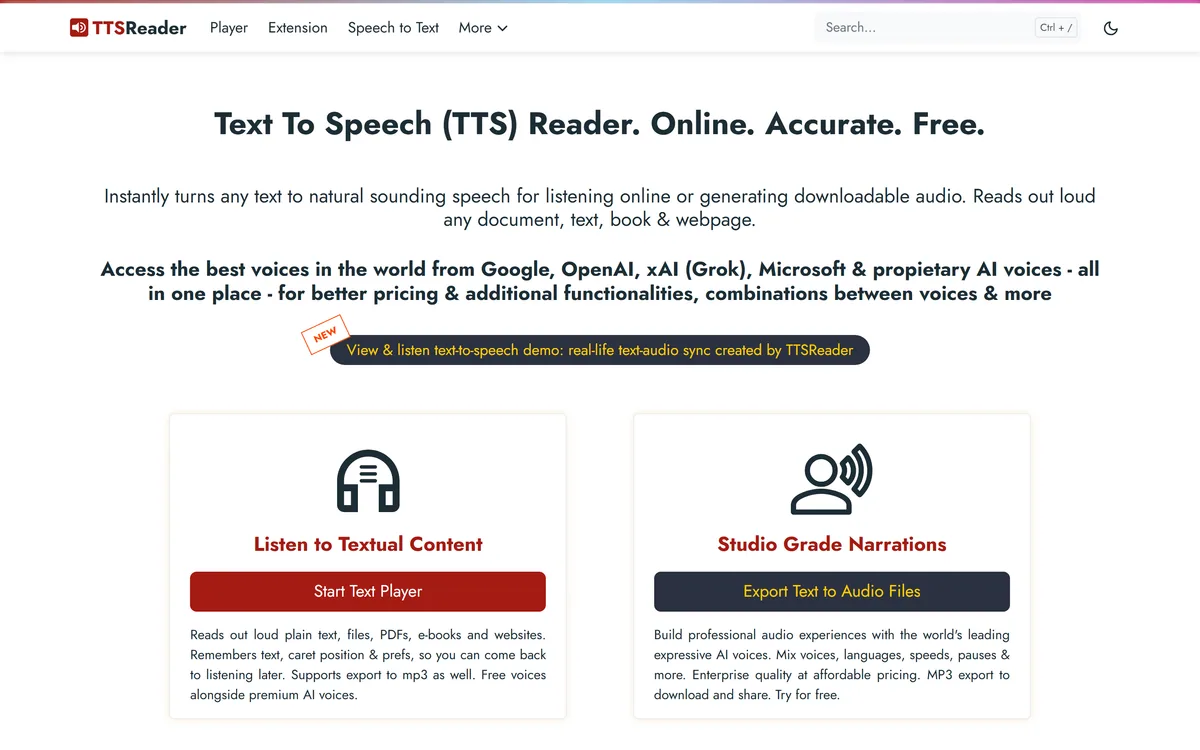
TTSReader turns text, PDFs, and EPUB files into speech in the browser, with voice and language selection, speed control, text highlighting, and MP3 export — the free tier runs on browser voices with no usage cap.
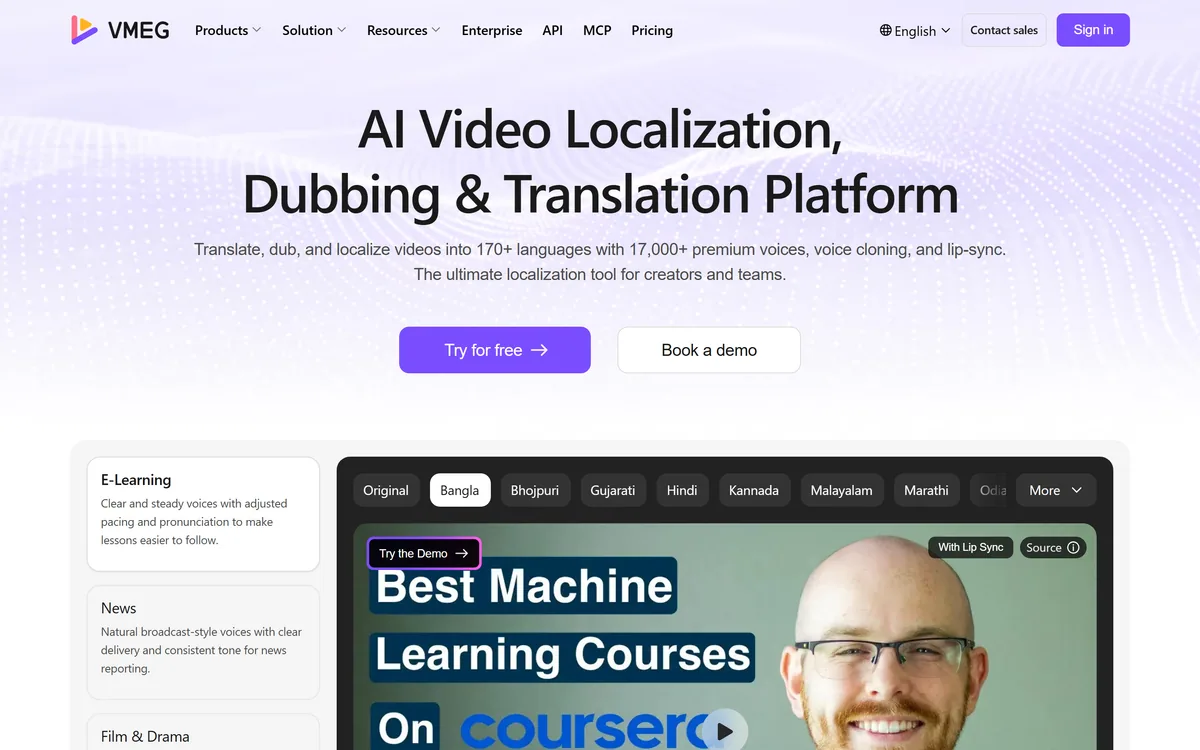
VMEG from PixRipple translates and dubs video into 170+ languages using 17,000+ voices, with voice cloning, lip-sync, subtitle generation, batch processing, and API and MCP access for automated localisation.

AI and human transcription and subtitles in 150+ languages


Runway is an AI video platform built around generative world models — Gen-4.5, Aleph 2.0, and Act-Two for performance capture — split across Runway Creative for filmmakers, Runway Dev for builders, and Runway Robotics.
Related Pages