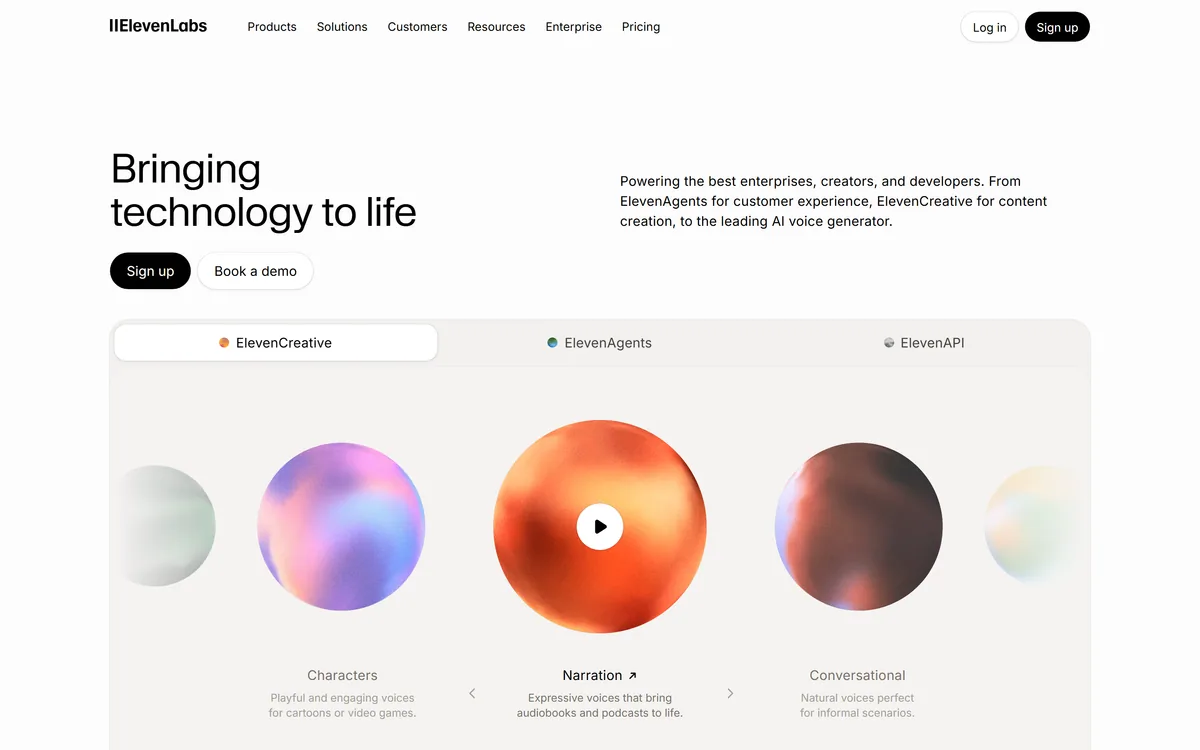

ElevenLabs is an AI audio platform covering text to speech, voice cloning, speech recognition, dubbing, music, and conversational voice agents, with a library of 5,000+ voices across more than 70 languages and an API behind every model.
Video & Audio Review
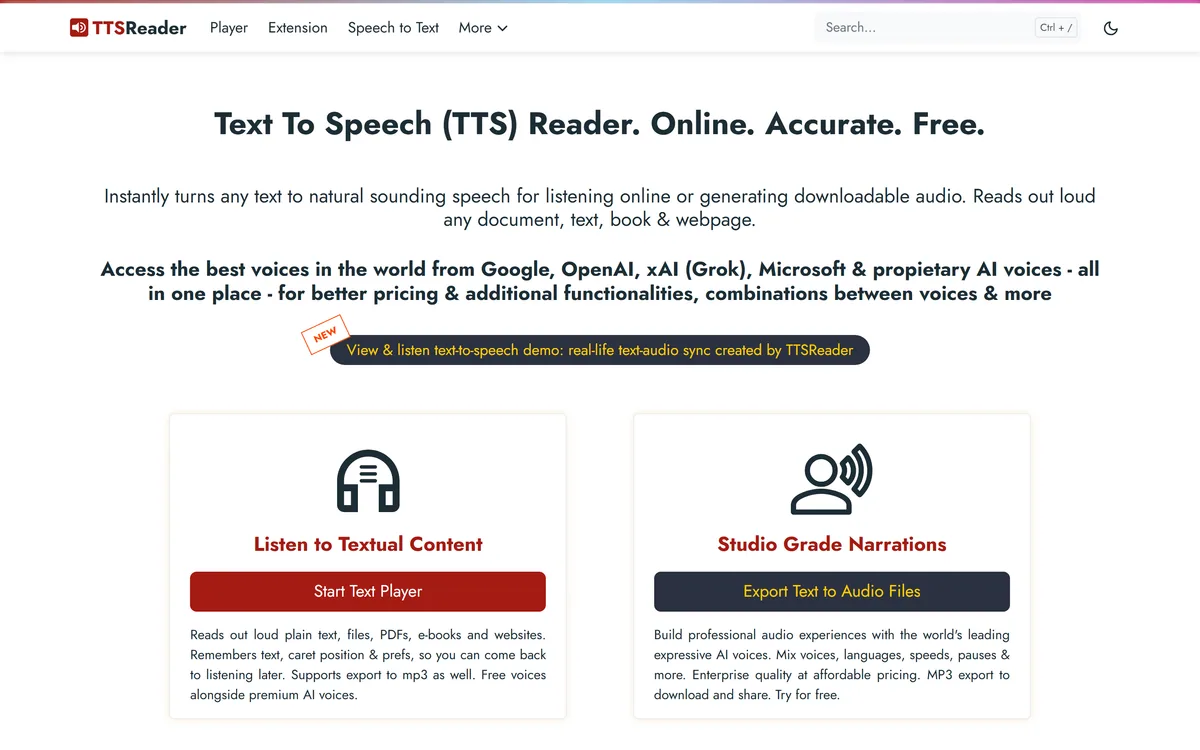
TTSReader turns text, PDFs, and EPUB files into speech in the browser, with voice and language selection, speed control, text highlighting, and MP3 export — the free tier runs on browser voices with no usage cap.
Very good
TTSReader has an AInexfinder Editor Score of 4.2/5.
Best for: Readers with dyslexia or visual impairment needing text read aloud; Students and teachers on machines where nothing can be installed
The visit link goes to ttsreader.com, the official site. Paid placements on AInexfinder are always labelled. How we make money
TTSReader does one thing: it reads text aloud. Paste an article, open a PDF, load an EPUB, and it speaks — in a browser, with nothing installed and no account required.
The distinguishing detail is the free tier. It runs on the voices already built into your browser, which means the vendor pays nothing to serve them and can offer unlimited use without a catch.
This review covers how the free and premium voices differ, who genuinely benefits, and where a simple tool like this beats far more sophisticated speech platforms.
| Developer | WellSource Ltd., maintained by Ronen Rabinovici and team |
|---|---|
| Category | Browser-based text-to-speech reader |
| Input formats | Typed and pasted text, PDF, EPUB, and documents |
| Free voices | Browser WebSpeech-API voices, stated as unlimited use |
| Premium voices | Google, Microsoft, and OpenAI voices |
| Export | MP3 download, with Windows export on the premium tier |
| Reading aids | Text highlighting while reading, speed and pace control |
| Editing | Rich text editor with find and replace |
| Availability | Chrome, Firefox, and Safari; desktop, Mac, Chromebooks, mobile |
| Apps | Chrome extension plus iPhone and Android apps |
| Offline | Supported |
The split between free and premium is unusually clean, and understanding it tells you whether you need to pay at all.
The free tier uses WebSpeech-API voices — the speech synthesis already present in your operating system and browser. TTSReader is not generating the audio; your device is. That is why it can be unlimited.
Premium adds voices from Google, Microsoft, and OpenAI, which are noticeably more natural, plus MP3 export on Windows. You are paying for voice quality and the ability to keep the audio, not for the reading itself.
The free tier is not a trial with the good parts removed. It is a complete reader running on voices your computer already has.
The audience list is broad, but a few groups get disproportionate value from it.
For people with visual impairments or dyslexia, this is assistive technology rather than a convenience. Text highlighting synchronised with the speech is the feature that matters most here — following along visually while listening substantially aids comprehension.
That it is free and requires no installation matters enormously in schools and libraries where installing software is not possible.
Hearing your own writing read back catches problems reading silently does not — clumsy rhythm, repeated words, sentences that run out of air.
This is the use case most writers do not know about, and the free tier covers it entirely.
Voice selection across multiple languages and accents makes it usable for pronunciation practice, and speed control lets a learner slow speech to something followable.
It is a simple tool, but a few habits improve the experience considerably.
The free voices sound synthetic. They are perfectly serviceable for listening and proofreading, and they are not what you would publish. Anyone producing audio for an audience needs the premium voices or a dedicated speech platform.
Free-tier quality also varies by device, because it depends on the speech synthesis built into your particular operating system and browser. Two people can get quite different results from the same page.
MP3 export is limited on the free tier, and premium export is called out specifically for Windows, so check your platform before assuming you can keep the audio.
And it is a reader, not a production tool. There is no voice cloning, no multi-speaker output, no fine control over emphasis or pacing within a passage.
Because the free tier speaks through your own browser, the text never has to leave your machine to be read aloud. For anyone pasting in a draft contract, a medical letter, or unpublished writing, that is a meaningful distinction from cloud speech services.
The premium voices work differently. Those are generated by Google, Microsoft, or OpenAI, which means the text is sent to a third party to be synthesised — a reasonable trade for better audio, but a trade nonetheless.
If confidentiality matters more than voice quality, the free tier is not the compromise it appears to be. It is the more private option.
Against a platform like a full speech API, TTSReader loses on every quality measure and wins on the only two that matter for most people: it costs nothing and it works immediately.
There is no account, no credit balance, no quota to monitor, and nothing to install. For a student wanting an article read aloud, that removes every obstacle between the need and the solution.
Tools like this survive because the sophisticated alternatives solve a problem most users do not have.
Text-to-speech for typed text, PDFs, EPUB files, and documents
Free browser WebSpeech voices with no stated usage limit
Premium voices from Google, Microsoft, and OpenAI
Text highlighting synchronised with speech
Speed and pace control
MP3 export and download
Rich text editor with find and replace
Chrome extension plus iPhone and Android apps, with offline support
These sit at very different points on the quality-versus-friction line.
| Tool | Voice quality | Cost to start | Best fit |
|---|---|---|---|
| TTSReader | Basic free, good on premium | Free, unlimited, no account | Reading and proofreading, accessibility |
| ElevenLabs | Best available | Free tier, metered | Published audio, narration, voice agents |
| Narakeet | Good | Metered | Turning documents and slides into narrated video |
| Speechify | Good | Freemium | Reading long documents on mobile |
| Descript | Good, with cloning | Free tier | Editing recorded audio rather than reading text |
Worth considering depending on whether you are listening or publishing.
Last checked . Taken from ttsreader.com during this check, with the screenshot above captured at the same time.
Voice quality on the free tier depends on your own device and browser, so experiences will differ from machine to machine.
AInexfinder does not list plan prices or billing details. For current pricing, plans, and trials, visit the official TTSReader website.
Visit official website for pricingVendor pricing, credits, and billing policies change over time. Always confirm on the official site before you buy.
TTSReader earns an AInexfinder Editor Score of 4.2/5 (very good). Best for: Readers with dyslexia or visual impairment needing text read aloud; Students and teachers on machines where nothing can be installed; Writers proofreading drafts by listening to them.
Visit TTSReaderLog in to write a review.
No reviews yet. Be the first to share your experience with TTSReader.
Assigned reviewer
Daniel ReedSenior AI Tools Reviewer
Daniel leads AInexfinder's tool reviews. He researches each tool from its own pricing, documentation and policies, checks its claims against independent sources, and writes up what it does well, where it falls short and who it genuinely suits.
Daniel and the AInexfinder editorial team research TTSReader from its own website, pricing, documentation and policies, checked against independent sources. This review is research-based: unless its method note says otherwise, we have not bought a plan or run hands-on tests. The Editor Score is our editorial judgement, and payment never changes it.
Similar Tools
ElevenLabs is an AI audio platform covering text to speech, voice cloning, speech recognition, dubbing, music, and conversational voice agents, with a library of 5,000+ voices across more than 70 languages and an API behind every model.
PlayHT review on AInexfinder — freemium AI tool for Video & Audio. Features, pricing notes, and alternatives.
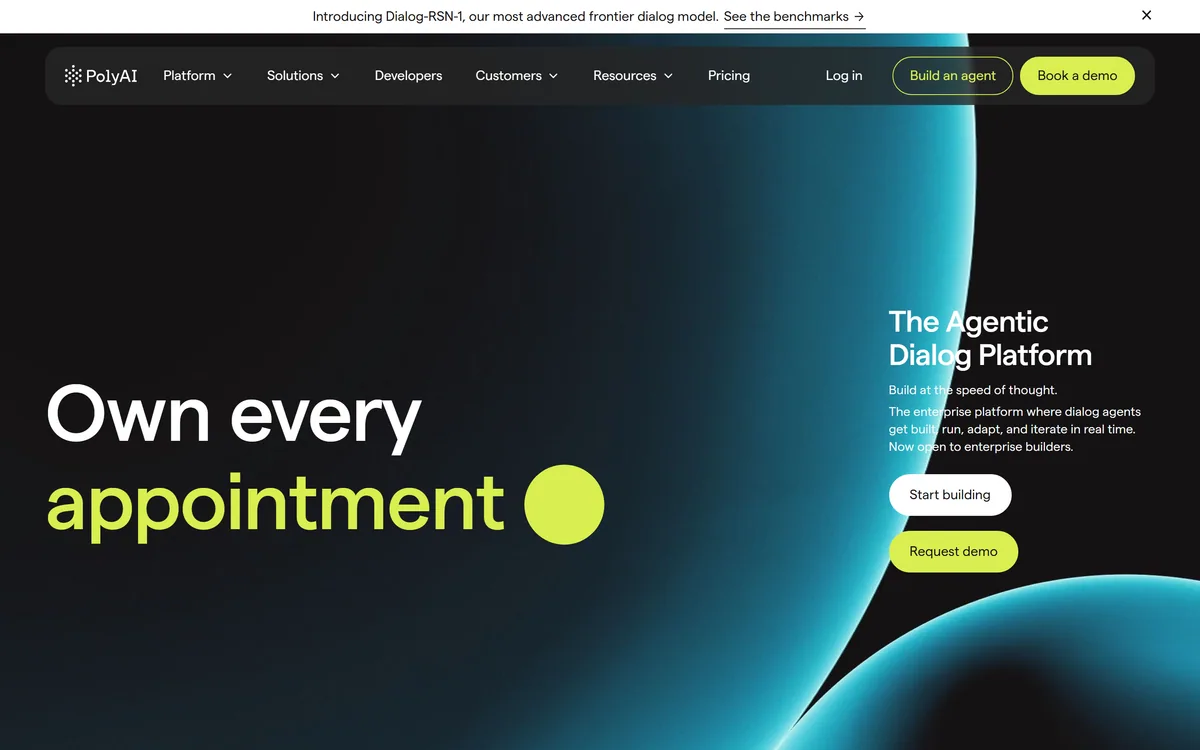
PolyAI is an enterprise platform for building and governing voice agents, powered by Raven, a proprietary model it states was trained on over a billion enterprise conversations, with a frontier dialog model called Dialog-RSN-1 and published customer outcomes across health, hospitality, retail and delivery.
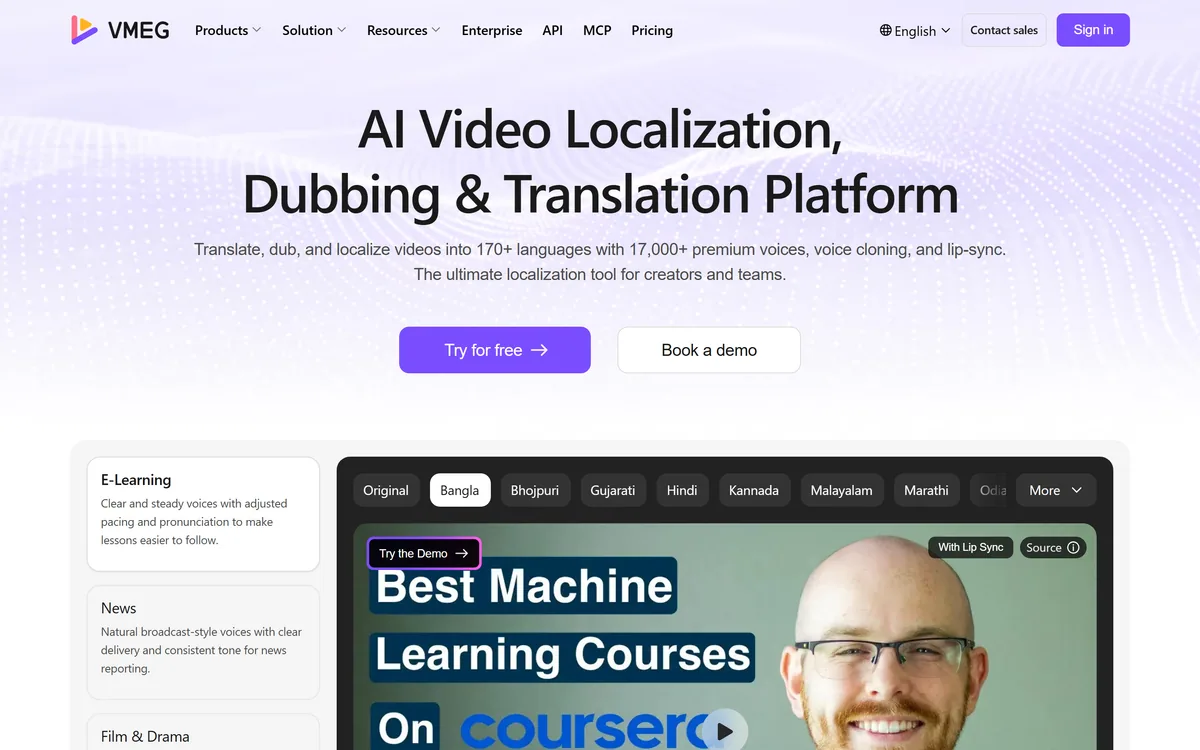
VMEG from PixRipple translates and dubs video into 170+ languages using 17,000+ voices, with voice cloning, lip-sync, subtitle generation, batch processing, and API and MCP access for automated localisation.

AI and human transcription and subtitles in 150+ languages


Runway is an AI video platform built around generative world models — Gen-4.5, Aleph 2.0, and Act-Two for performance capture — split across Runway Creative for filmmakers, Runway Dev for builders, and Runway Robotics.
Related Pages