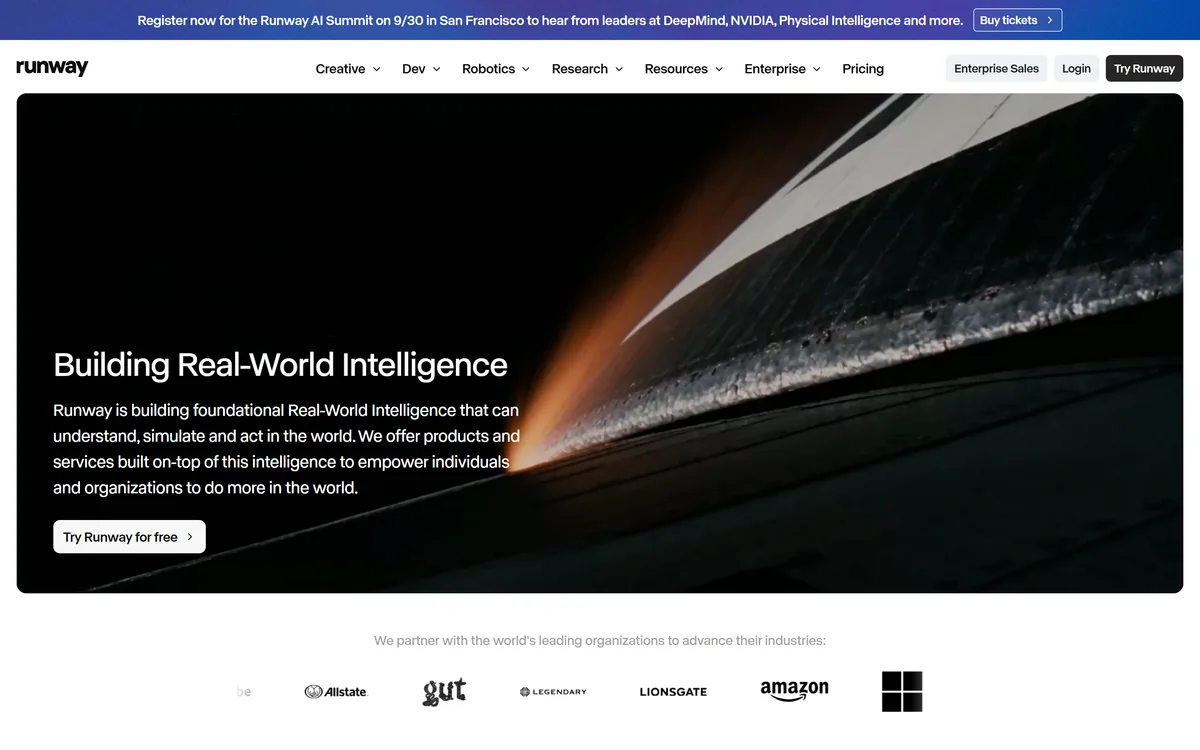

Runway is an AI video platform built around generative world models — Gen-4.5, Aleph 2.0, and Act-Two for performance capture — split across Runway Creative for filmmakers, Runway Dev for builders, and Runway Robotics.
Video & Audio Review
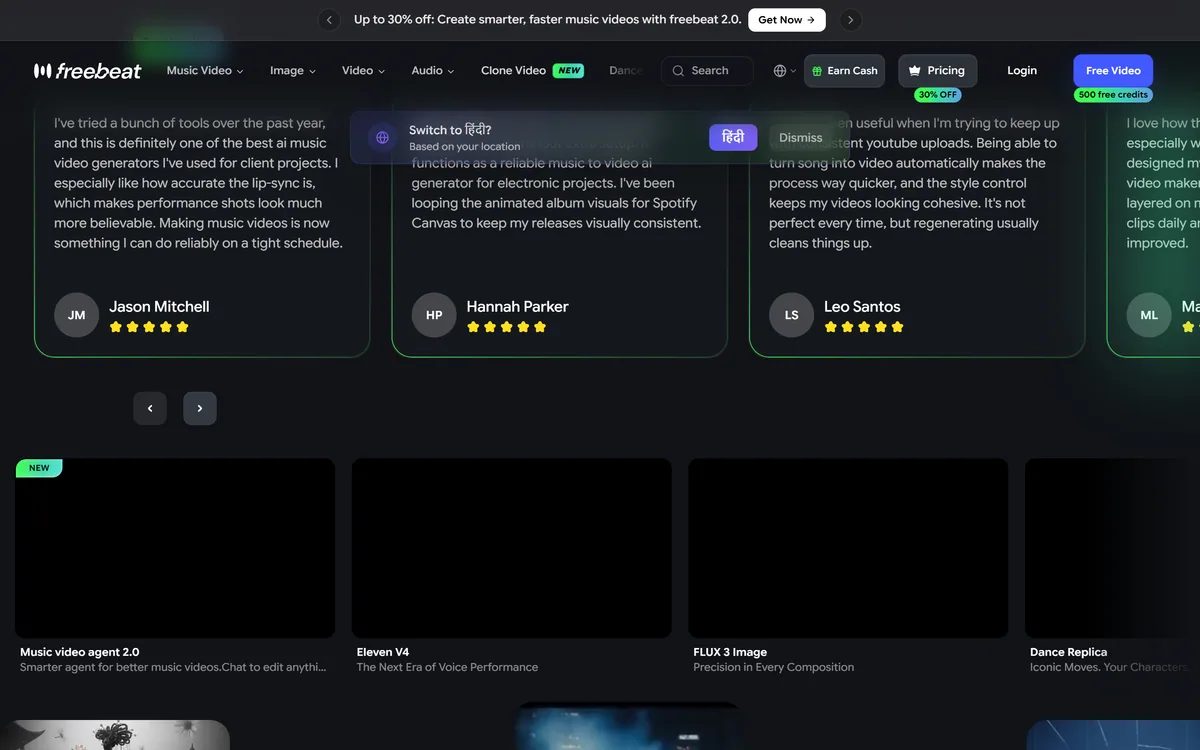
freebeat is an AI music-video generator that turns an uploaded song or link into beat-synced, lip-synced videos, with dance, lyric and realtime video modes, avatars and editing, aimed at musicians and content creators. It can produce shareable videos fast, with the generative-media and third-party-rights caveats such tools carry.
Good
freebeat earns 3.7 as a capable, fast AI music-video generator for the specific job of turning a song into a beat-synced, lip-synced video. The range of modes, music, dance, lyric, realtime and karaoke, plus avatars and an editor, lets one track become several platform-ready formats, which is genuinely useful for independent musicians and creators without a video budget. It's refreshingly clear on rights: you own the output, but you're responsible for the rights to any third-party music or likeness you use, and its avatars and lip-sync raise the usual consent questions. For artists promoting their own tracks it's a practical pick; anyone needing hand-crafted control, or who can't clear the rights, should weigh it carefully. AInexfinder Editor Score: 3.7/5.
Best for: Music videos from songs; Lyric and dance videos
The visit link goes to freebeat.ai, the official site. Paid placements on AInexfinder are always labelled. How we make money
A song needs a video to travel on TikTok, Reels and YouTube, but shooting or editing one is slow and expensive. freebeat's pitch is to skip that: feed it a track and it generates a beat-synced music video.
It syncs visuals to the beat, lip-syncs vocals, and offers dance, lyric and realtime modes, plus avatars and an AI editor. It sits among generative-video tools like Suno on the music side and video makers generally, at the music-video niche.
This review covers how freebeat builds a video, which creators it suits, how its credits and plans work, and the rights and likeness caveats to weigh first.
| What it is | An AI music-video generator |
|---|---|
| Company | Random Motion Technology Inc (freebeat.ai); states it is now part of Yamaha Creator Pass |
| Core | Turns a song into a beat-synced, lip-synced video |
| Modes | Music, dance, lyric and realtime video; photo karaoke |
| Also | Avatars, image generation, AI video/music editing, MCP & CLI |
| Export | HD 720p/1080p, 16:9/9:16/1:1, 15s to several minutes |
| Audience | Independent musicians, dancers, creators, producers |
| Sensitive | Generative media/likeness/voice + music rights |
freebeat's core job is to turn audio into a watchable music video automatically. You upload a song (or pull one from a link), and it generates visuals synced to the beat and lip-synced to the vocals, so an artist gets a shareable video without shooting or editing one.
The range of modes is the pitch. Beyond a straight music video it offers dance videos, lyric videos, a realtime mode and photo karaoke, plus custom avatars and consistent characters, so one track can become several formats for different platforms.
It's browser-based and fast, exporting in HD at the common aspect ratios (16:9, 9:16, 1:1) and lengths from a short clip up to several minutes, and it adds image generation and an AI editor for tweaks, with MCP and CLI access for more technical users.
The honest framing is that freebeat is a capable, fast generator for the specific job of music videos, and it's refreshingly clear about rights: it says you retain full rights to the videos you generate, but that you are responsible for ensuring you have the rights to any third-party material you upload. The caveats follow from that: it's generative media, so avatars, lip-sync and voice features raise likeness and consent questions; using a song you don't own, or someone's likeness, is on you; AI output varies and may need regenerating; and its claims are vendor-stated. Note it is operated by Random Motion Technology Inc and states it is now part of Yamaha Creator Pass.
freebeat is a fast music-video generator that's clear on rights: you own the output, but third-party material and likeness are your responsibility.
freebeat pairs beat-synced generation with a range of video modes and editing.
You feed in a song and it produces a beat-synced, lip-synced video, with dance, lyric, realtime and karaoke modes for different platforms.
A generative-video tool like PixVerse makes general AI clips; freebeat's angle is the music video specifically, synced to your track, which is a narrower but well-fitted job.
Avatars, image generation and an AI editor let you adjust the result, and MCP/CLI access suits more technical workflows.
A video tool like Vadoo AI spans short-form content broadly; freebeat concentrates on music-driven video, so match it to whether your core need is turning songs into videos.
freebeat suits independent musicians and artists who need videos for their tracks, dancers and choreographers, content creators and influencers, and producers or DJs who want visuals without a video budget.
It suits people who value speed and format variety, one song becoming a music video, a lyric video and vertical cuts, over the control and craft of a manual edit.
It suits less well anyone who needs full creative control of every frame, artists uneasy about AI avatars or lip-sync representing them, and anyone who can't secure the rights to the music or likenesses they use.
A fair way to place it: if you make music and want fast, beat-synced videos to promote it, and you own or have the rights to the track, freebeat is a practical, well-fitted tool; if you need hand-crafted direction or would use music or likenesses you don't have the rights to, weigh it carefully, because the tool generates fast but the rights responsibility is squarely yours.
freebeat is freemium: it includes a free plan with a batch of free credits, then self-serve paid subscriptions (weekly and monthly tiers) with more credits and features. We do not publish prices, which change and promote; check the site and confirm how credits are consumed per video.
The value question is videos produced versus credit cost: if fast, on-brand music videos genuinely help you release and promote tracks, the credits can pay off, but heavy generation and regeneration burns them, so model your usage.
The sensible approach is to use the free credits on a real track, judge whether the beat-sync and output quality meet your bar, confirm you have the rights to the song and any likeness, and only subscribe once it clearly saves you time or money on video.
Because output varies and rights are your responsibility, test freebeat on one track you own.
Music-video generation
Beat sync
Lip sync
Dance/lyric/realtime modes
Custom avatars
AI video editor
Image generation
HD export
The useful comparison is with other generative music and video tools.
| Tool | Tool | Approach | Best for |
|---|---|---|---|
| freebeat | AI music-video generator | Beat-synced videos from songs | Musicians and creators |
| Suno | AI song generator | Making the music | Music creation |
| PixVerse | Generative video | General AI clips | Short-form video |
| Vadoo AI | Short-form video | Content repurposing | Creators |
An AI song generator, a general video tool and a short-form maker to weigh beside freebeat.
Last checked . Read from freebeat.ai during this check, with the screenshot above captured at the same time. freebeat's footer lists Random Motion Technology Inc (Newbury Park, CA) and states the product is now part of Yamaha Creator Pass.
freebeat states you retain full rights to the videos you generate but are responsible for the rights to any third-party material you upload, which is the right framing. As generative media, its avatars, lip-sync and voice features raise likeness and consent questions, use only music and likenesses you have the rights to. Output varies and may need regenerating, and claims are vendor-stated.
AInexfinder does not list plan prices or billing details. For current pricing, plans, and trials, visit the official freebeat website.
Visit official website for pricingVendor pricing, credits, and billing policies change over time. Always confirm on the official site before you buy.
freebeat earns an AInexfinder Editor Score of 3.7/5 (good). Best for: Music videos from songs; Lyric and dance videos; Vertical cuts for social.
Visit freebeatLog in to write a review.
No reviews yet. Be the first to share your experience with freebeat.
Assigned reviewer
Daniel ReedSenior AI Tools Reviewer
Daniel leads AInexfinder's tool reviews. He researches each tool from its own pricing, documentation and policies, checks its claims against independent sources, and writes up what it does well, where it falls short and who it genuinely suits.
Daniel and the AInexfinder editorial team research freebeat from its own website, pricing, documentation and policies, checked against independent sources. This review is research-based: unless its method note says otherwise, we have not bought a plan or run hands-on tests. The Editor Score is our editorial judgement, and payment never changes it.
Similar Tools
Runway is an AI video platform built around generative world models — Gen-4.5, Aleph 2.0, and Act-Two for performance capture — split across Runway Creative for filmmakers, Runway Dev for builders, and Runway Robotics.
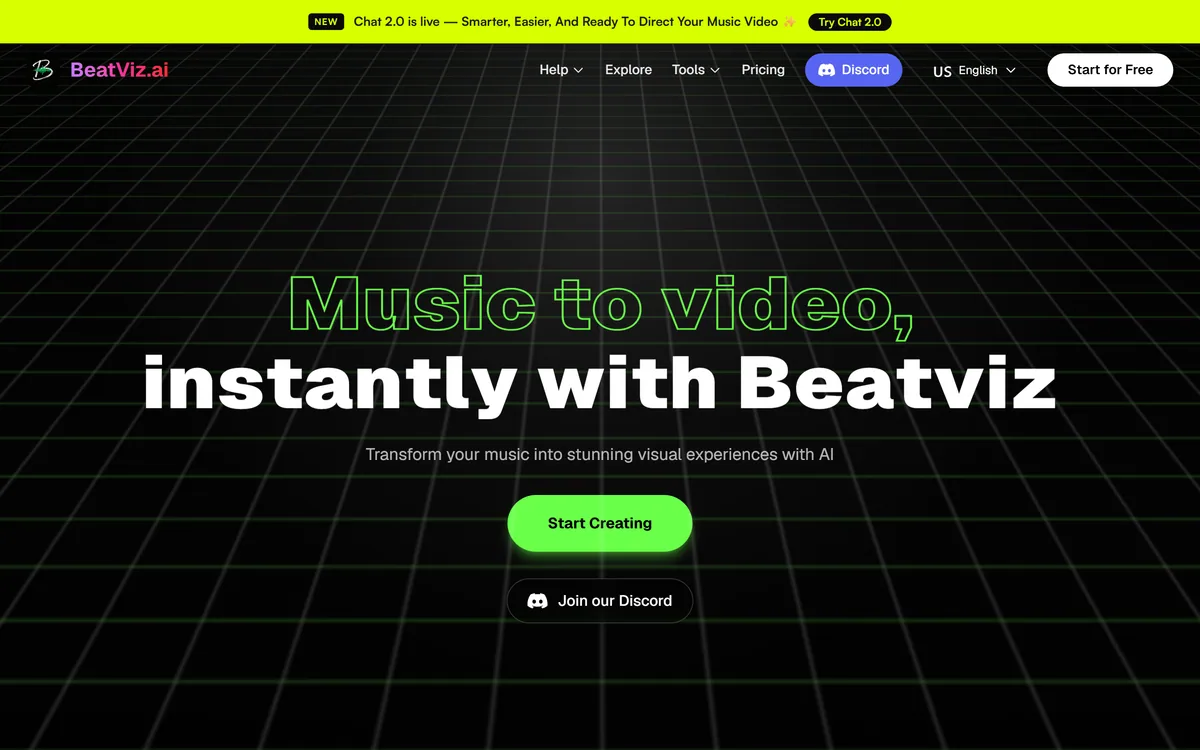
BeatViz.ai turns music into video through three tools — Chat, Workflow and Editor. Chat 2.0 is positioned as an AI music video director, and the site names the models it draws on, including Veo, Sora, Kling, Seedance, Nano Banana and GPT Image 2.

Argil is an AI video platform built around three surfaces: a Playground for generating images and video model by model, a Director that takes an idea to a finished video, and Templates that turn a repeated video format into a reusable recipe with variables.
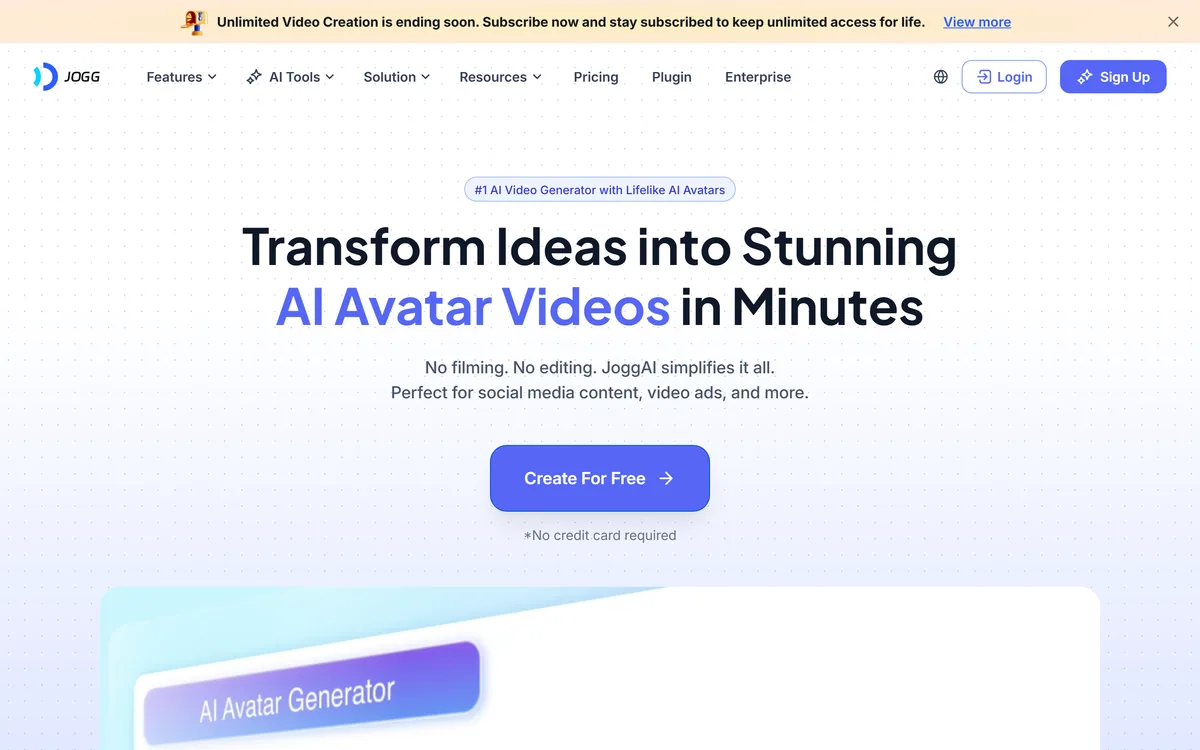
JoggAI is an AI avatar video platform from JOGG PTE. LTD. It spans avatar generation, voice cloning, talking photos, video translation and lip sync, with URL to Video and Product Avatar aimed squarely at e-commerce advertising rather than corporate presenting.

AI and human transcription and subtitles in 150+ languages

ElevenLabs is an AI audio platform covering text to speech, voice cloning, speech recognition, dubbing, music, and conversational voice agents, with a library of 5,000+ voices across more than 70 languages and an API behind every model.
Related Pages