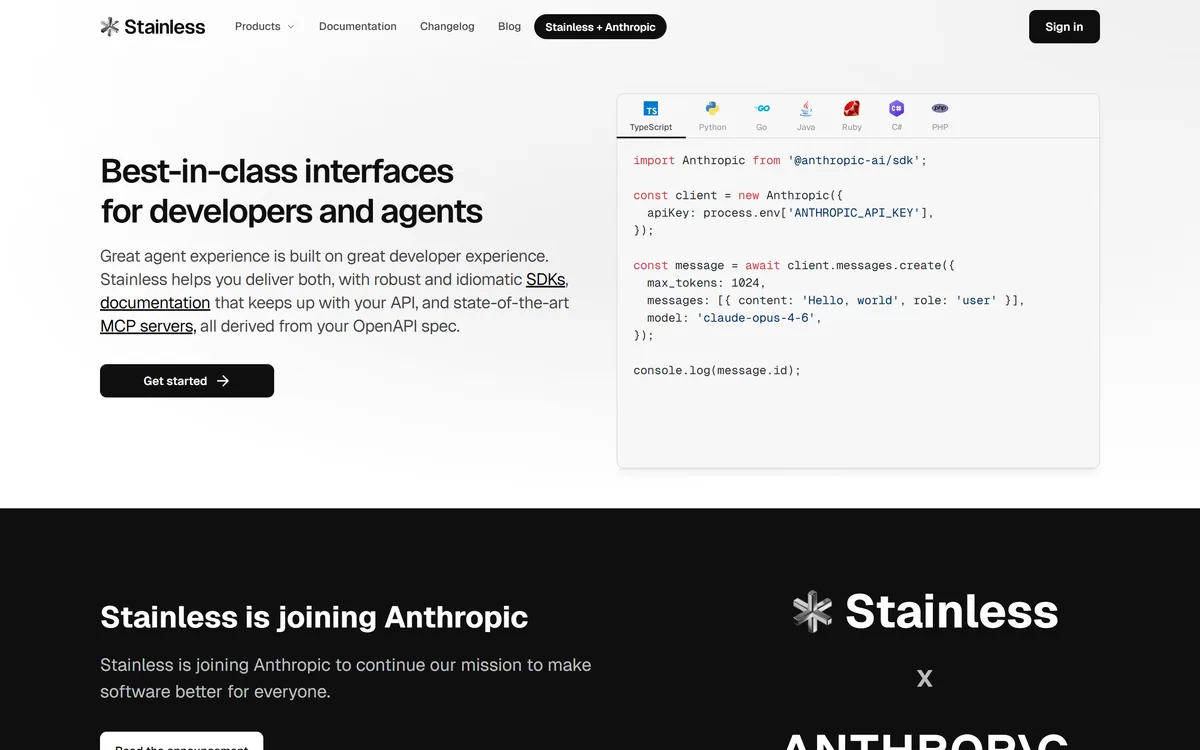
Stainless generates idiomatic client libraries in seven languages, documentation that tracks the API, and MCP servers, all derived from an OpenAPI specification. Its homepage announces that the company is joining Anthropic.
Coding & Development Review
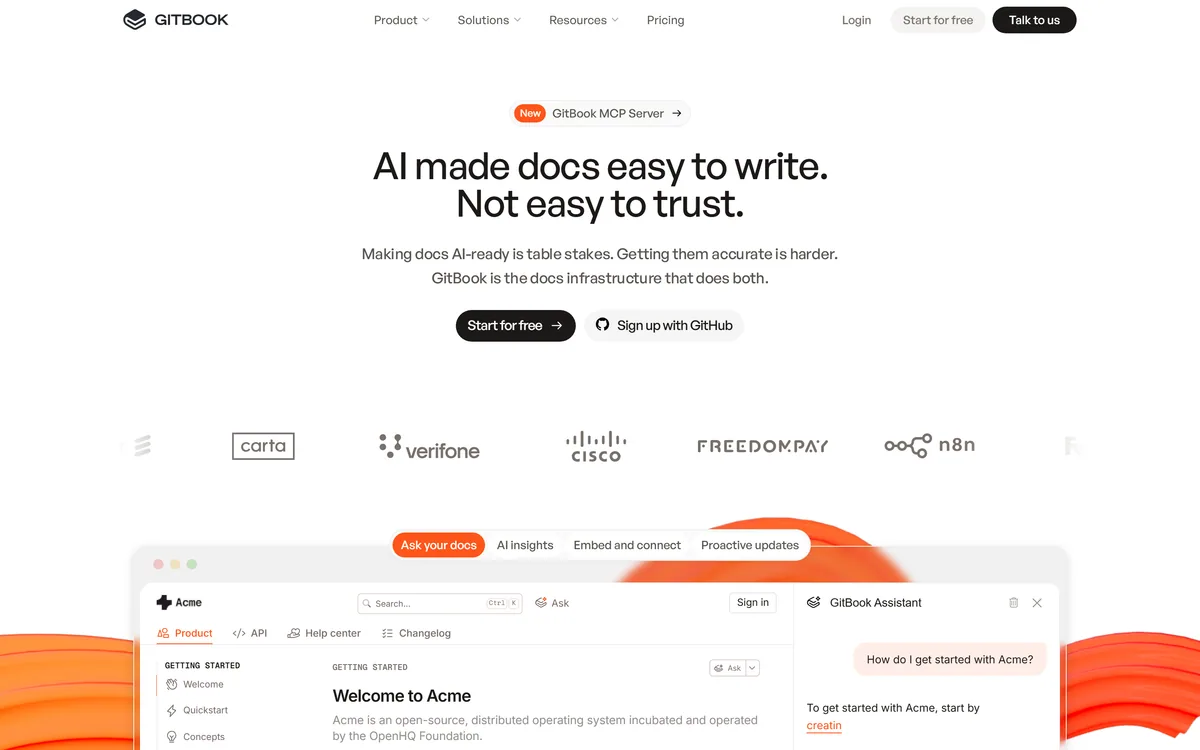
GitBook is a documentation platform that syncs with your repository for docs-as-code workflows, proactively flags content that no longer matches your product, answers user questions through an AI assistant, and connects to Claude, ChatGPT and Cursor through MCP so agents can read your docs directly.
Very good
GitBook scores well because it identified the change that matters in documentation and acted on it: docs are now read by agents as well as people, and MCP connections to Claude, ChatGPT and Cursor make that a first-class capability rather than a side effect. Proactive stale-content detection addresses the real failure of documentation — not that it is badly written but that it quietly stops being true — and AI Insights showing where readers get stuck turns docs from a publishing exercise into a measurable one. It loses ground because no pricing appears on the pages we read and the stale-detection accuracy is unquantified. AInexfinder Editor Score: 4.2/5.
Best for: Teams publishing product or API documentation external users depend on; Organisations whose docs have quietly drifted from the product
The visit link goes to gitbook.com, the official site. Paid placements on AInexfinder are always labelled. How we make money
Documentation rarely fails because it was written badly. It fails because it was written correctly two years ago and the product changed, and nobody noticed the page describing a flow that no longer exists.
That decay is invisible from the inside. The team that wrote the docs knows the current product too well to notice the discrepancy, and the reader who hits it does not file a bug — they leave, or open a support ticket that nobody connects back to the page that caused it.
GitBook's more interesting features are aimed at exactly that problem rather than at authoring. And there is now a second audience worth taking seriously: your documentation is being read by AI agents on behalf of your users, which changes what good documentation has to do.
GitBook offers MCP integration with Claude, ChatGPT and Cursor, and its AI Insights tracks where users get stuck — explicitly including agents alongside humans.
That is a genuine shift in what documentation is for, and most teams have not adjusted to it. A meaningful share of the people using your product now ask an assistant how to do something rather than reading your docs, and the assistant reads your docs on their behalf.
This changes the quality bar in a specific way. A human reader tolerates ambiguity, infers from context, and works out that a screenshot is out of date. An agent takes the text literally, and a page that says one thing while the product does another produces a confidently wrong answer delivered to your user in your name.
MCP makes the relationship explicit rather than incidental. Instead of an assistant having absorbed whatever it happened to crawl at some point, it queries your current documentation directly — which means corrections propagate rather than persisting in a model's memory.
The practical implication is that documentation accuracy has become an operational concern rather than a hygiene one. A wrong page used to mislead the people who read it; now it misleads everyone who asks an assistant about you.
This is a genuine change in audience. Documentation used to compete for a reader's attention; it now competes to be the source an agent quotes, which rewards the same plainness that ContentMonk and every other content tool has been pushing writers towards.
A human reader works out that a screenshot is out of date. An agent takes the page literally and tells your customer the wrong thing in your name.
GitBook syncs with your repository so you can branch, review and merge documentation like a pull request.
That workflow solves the oldest problem in technical documentation: docs live somewhere else, so they get updated separately from the change they describe, which means later or never.
When documentation lives beside the code and moves through the same review process, updating it becomes part of shipping rather than a follow-up task that competes with the next feature. A reviewer can also require it, which is the only mechanism that reliably works.
The trade is that non-engineers find Git workflows genuinely off-putting, and product managers, support leads and technical writers are frequently the people best placed to notice a doc is wrong. A platform that only supports the Git path excludes them; GitBook offers an editor alongside, which is the right compromise.
The GitBook Agent proactively detects stale content by scanning docs that no longer match your product, and flags them for review.
This is the most valuable thing on the page and the least visible in a demo, because its output is a list of problems rather than something impressive to look at.
The reason it matters is that nobody audits documentation. There is no natural trigger — no error, no failing test, no complaint that identifies the page responsible. Docs rot silently and continuously, and the only conventional remedy is an annual review that everyone dreads and nobody completes.
Automated detection converts that into a queue. A flagged page is a small, actionable task rather than a project, which is the difference between documentation that gets maintained and documentation that gets rewritten every three years.
The obvious question is accuracy, and it is not answered on the site. False positives waste attention and false negatives leave the stale page in place. The realistic expectation is that this catches clear divergences — a removed feature, a renamed field — rather than subtle drift in emphasis, which is still worth having. Test it against pages you already know are wrong.
Staleness is the failure mode of every knowledge store, general workspaces like Notion AI included, where nothing ever tells you a page has stopped being true.
GitBook's AI Insights tracks where users — human and agent — get stuck and shows which content to fix first.
Documentation has historically had almost no feedback loop. You publish, and unless somebody complains you have no idea whether a page worked. Page views tell you what was visited, not what was understood, and a heavily visited page may be popular or may be confusing enough that people keep returning.
Measuring where readers get stuck inverts that. It identifies the page that failed rather than the page that was read, which is the actionable version of the same data.
Including agents in that measurement is the more forward-looking part. If assistants repeatedly fail to answer a question from your docs, that is a gap you would otherwise never learn about — the user asked the assistant, got a poor answer, and never visited your site at all.
Combined with stale detection, this gives a documentation team something it has rarely had: a prioritised list. Fix the stale page that many people hit before the stale page nobody reads, which is obvious advice that was previously impossible to follow.
If your documentation ships in several languages, a localisation platform such as Lokalise handles the part where staleness multiplies fastest.
The fastest way to judge a documentation platform is to point its diagnostic features at docs you already suspect are wrong.
The bar is step two. A stale-detection feature that misses pages you know are wrong is a feature you cannot rely on to find the ones you do not know about.
No pricing details or seat costs appear on the pages we read; the site mentions free tier availability without specifics.
That is a notable gap for a documentation platform, because the buying decision is unusually sensitive to seat structure. Documentation is written by engineers, product managers, support staff and technical writers — a per-seat model that makes it expensive for occasional contributors quietly ensures that only the dedicated writers update anything, which is precisely the failure mode the product is otherwise built to prevent.
Also missing is any accuracy data for the stale-content detection or the AI Assistant, which is the same absence found across the whole AI tooling category.
What is published is unusually specific for a software company: a legal name of GitBook INC., a full US address and an EIN, alongside terms of service, a privacy statement, a security and compliance page and a status page.
We do not publish amounts. Establish how contributors are counted before committing, since that determines whether the people who notice documentation errors can actually fix them.
| Product type | Documentation and knowledge platform |
|---|---|
| Positioning | Connects docs, product and users; answers user questions and identifies knowledge gaps |
| Docs-as-code | Repository sync with branch, review and merge like a pull request |
| Stale content | GitBook Agent proactively scans for docs that no longer match the product |
| AI Assistant | Users can ask your docs directly and get personalised support |
| AI Insights | Tracks where users and agents get stuck, and which content to fix first |
| MCP integration | Official plugins for Claude, ChatGPT and Cursor |
| Publishing | Custom domains, authenticated access, tiered roles and permissions |
| Extensibility | Custom components and built-in extensions |
| Named customers | Roboflow and FreedomPay quoted on the site |
| Legal entity | GitBook INC., 440 N Barranca Ave #7171, Covina, CA 91723, USA, EIN 320502699 |
| Pricing model | Free tier mentioned; no amounts published on the pages we read |
| Published links | Terms of service, privacy statement, security and compliance, status page |
Repository sync with branch, review and merge documentation workflows
Proactive stale-content detection flagging docs that no longer match the product
AI Assistant answering user questions directly from your documentation
AI Insights showing where human and agent readers get stuck
MCP plugins connecting Claude, ChatGPT and Cursor to your docs
Custom domains and authenticated access for gated content
Tiered roles and permissions for contributor management
Custom components and built-in extensions
Documentation, internal knowledge and content publishing overlap but solve different problems. What the audience is decides the right tool.
| Tool | Audience | Git workflow | AI role |
|---|---|---|---|
| GitBook | External users and AI agents reading your product docs | Yes — branch, review and merge like a PR | Stale detection, assistant, insights and MCP access |
| Notion AI | Internal teams and general knowledge | No | Writing, summarising and search across a workspace |
| Cleve | Individual thinking and drafting | No | Building working memory across your own documents |
| ContentMonk | Search and answer-engine visibility | No | Tracking and generating marketing content |
| Gamma | Presentations rather than documentation | No | Generating decks from a prompt |
Compare on audience first — external documentation, internal knowledge and marketing content are three different jobs.
Last checked . Read from gitbook.com, including the footer, with the screenshot above captured in the same session.
What we could not confirm: no pricing details or seat costs appear on the pages we read, and seat structure matters unusually much here because it determines whether occasional contributors can edit; no accuracy data is published for stale-content detection or the AI Assistant; the number of supported repository providers and any file-format limits are not stated; specific security certifications sit behind a separate compliance page rather than being stated on the pages we read; and we did not use the product, so nothing here reflects tested detection quality.
AInexfinder does not list plan prices or billing details. For current pricing, plans, and trials, visit the official GitBook website.
Visit official website for pricingVendor pricing, credits, and billing policies change over time. Always confirm on the official site before you buy.
GitBook earns an AInexfinder Editor Score of 4.2/5 (very good). Best for: Teams publishing product or API documentation external users depend on; Organisations whose docs have quietly drifted from the product; Companies whose users increasingly ask AI assistants about them.
Visit GitBookLog in to write a review.
No reviews yet. Be the first to share your experience with GitBook.
Assigned reviewer
Daniel ReedSenior AI Tools Reviewer
Daniel leads AInexfinder's tool reviews. He researches each tool from its own pricing, documentation and policies, checks its claims against independent sources, and writes up what it does well, where it falls short and who it genuinely suits.
Daniel and the AInexfinder editorial team research GitBook from its own website, pricing, documentation and policies, checked against independent sources. This review is research-based: unless its method note says otherwise, we have not bought a plan or run hands-on tests. The Editor Score is our editorial judgement, and payment never changes it.
Similar Tools
Stainless generates idiomatic client libraries in seven languages, documentation that tracks the API, and MCP servers, all derived from an OpenAPI specification. Its homepage announces that the company is joining Anthropic.
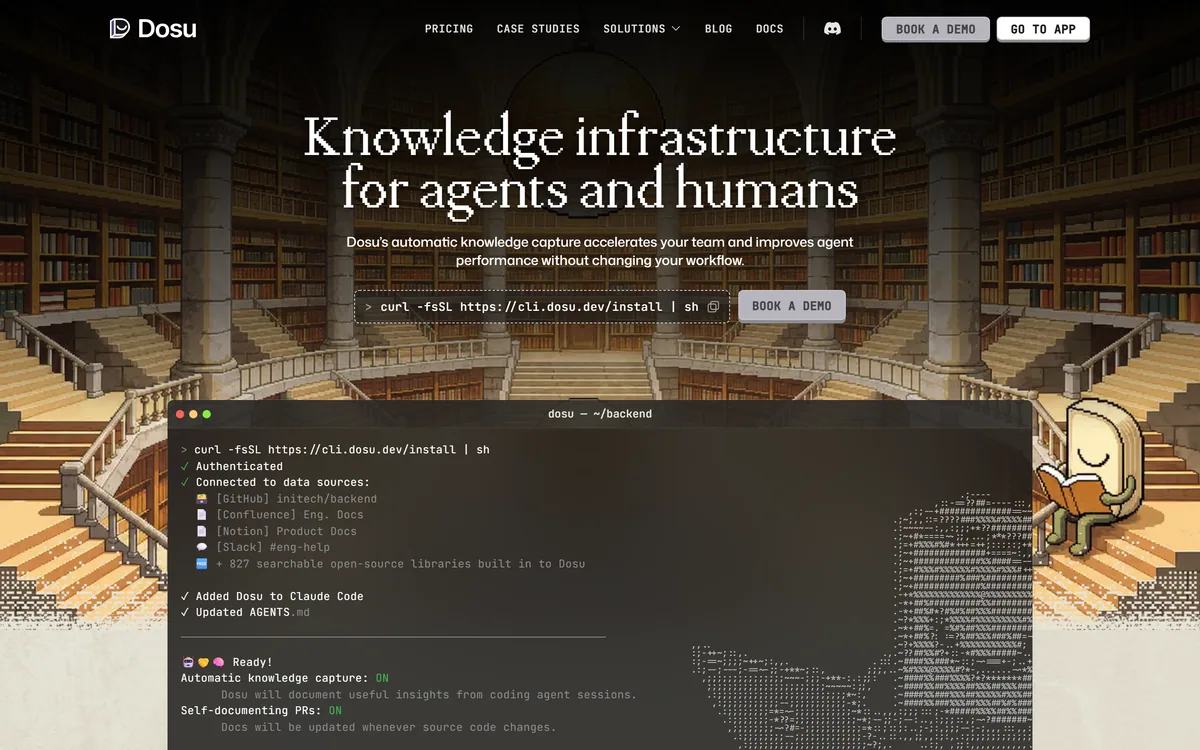
Dosu captures knowledge automatically from coding agent sessions, keeps documentation updated when source code changes, and connects GitHub, Confluence, Notion and Slack into one source of context. It states 50% fewer tokens burned, 2x faster agent performance and 200k+ engineers using it.
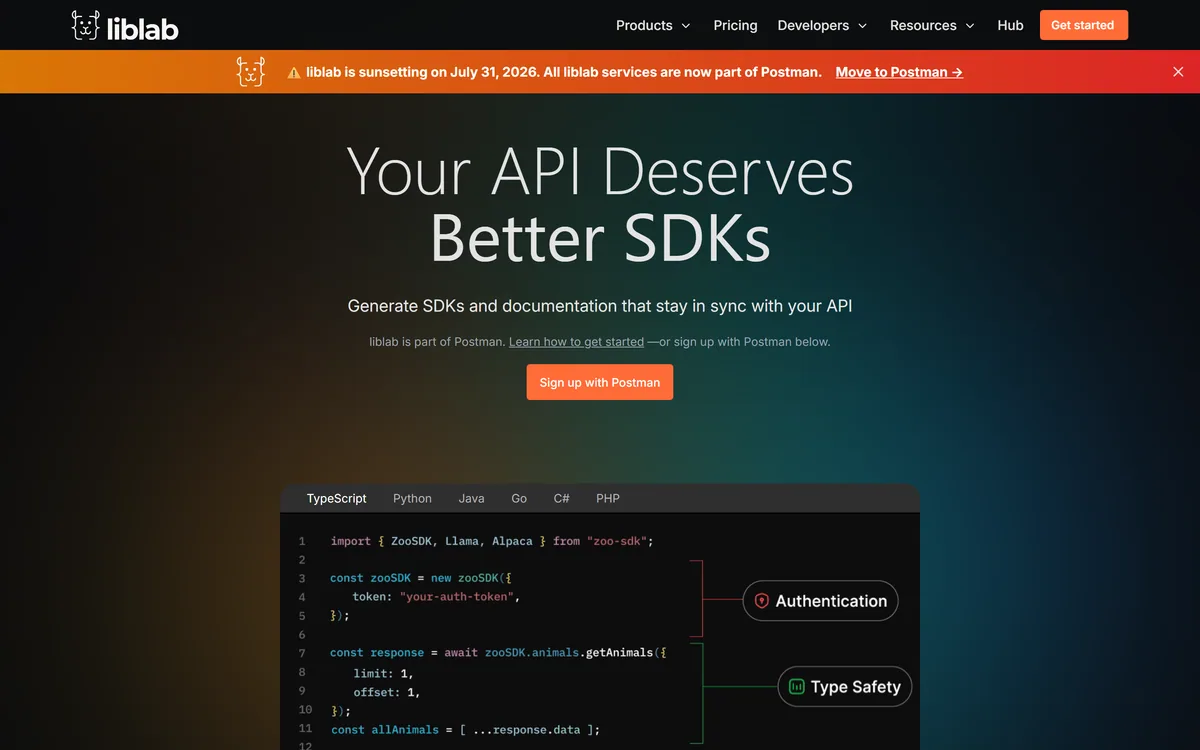
liblab review on AInexfinder — subscription AI tool for Coding & Development. Features, pricing notes, and alternatives.
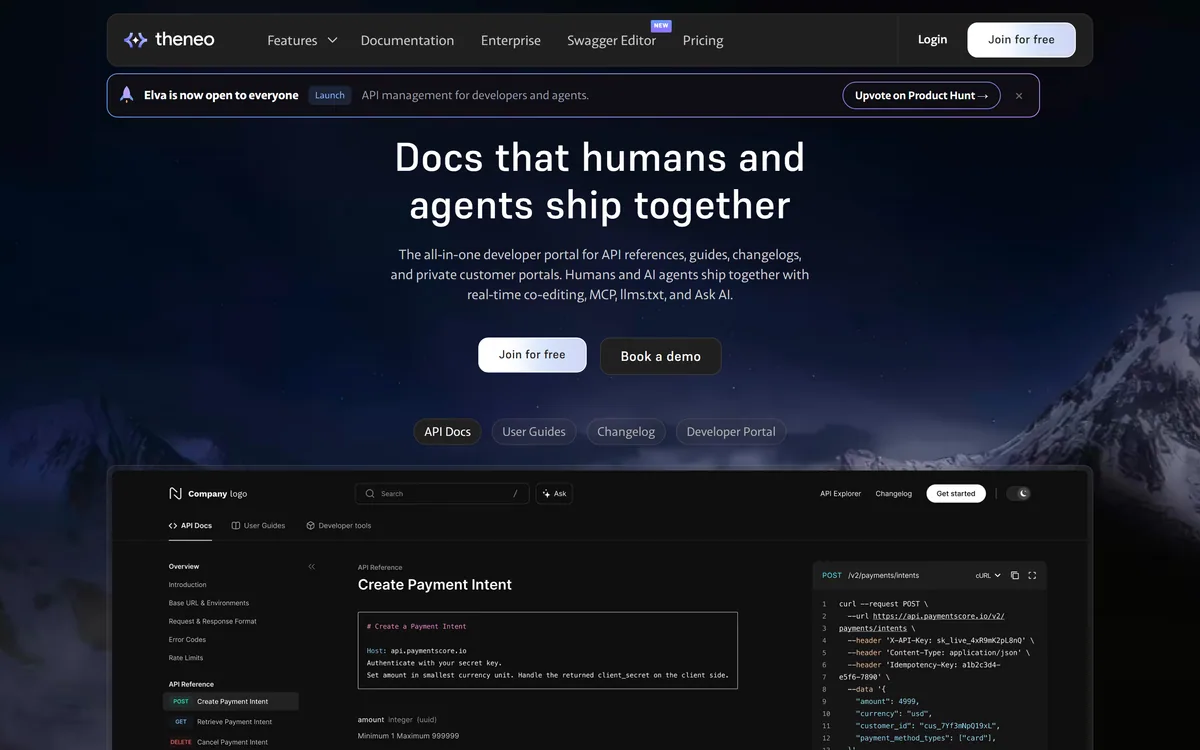
Theneo is an AI-powered API documentation and developer-portal platform where engineers, writers, PMs and AI agents co-edit API references, guides and changelogs in real time, with generation from any spec, MCP and llms.txt for agents, and private per-customer portals.
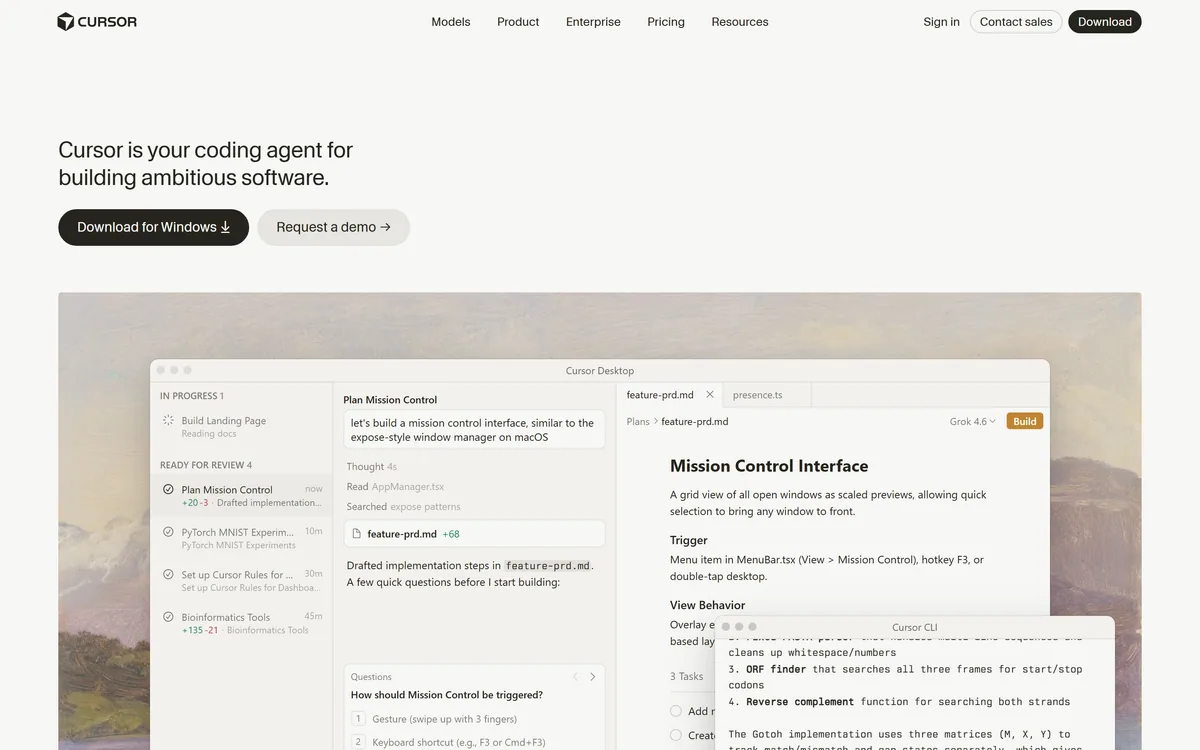

Cursor is an AI-first code editor and agent platform from Anysphere — now a SpaceX subsidiary — that plans, writes, tests, and reviews code across your repository from the desktop editor, a CLI, the web, and Slack.
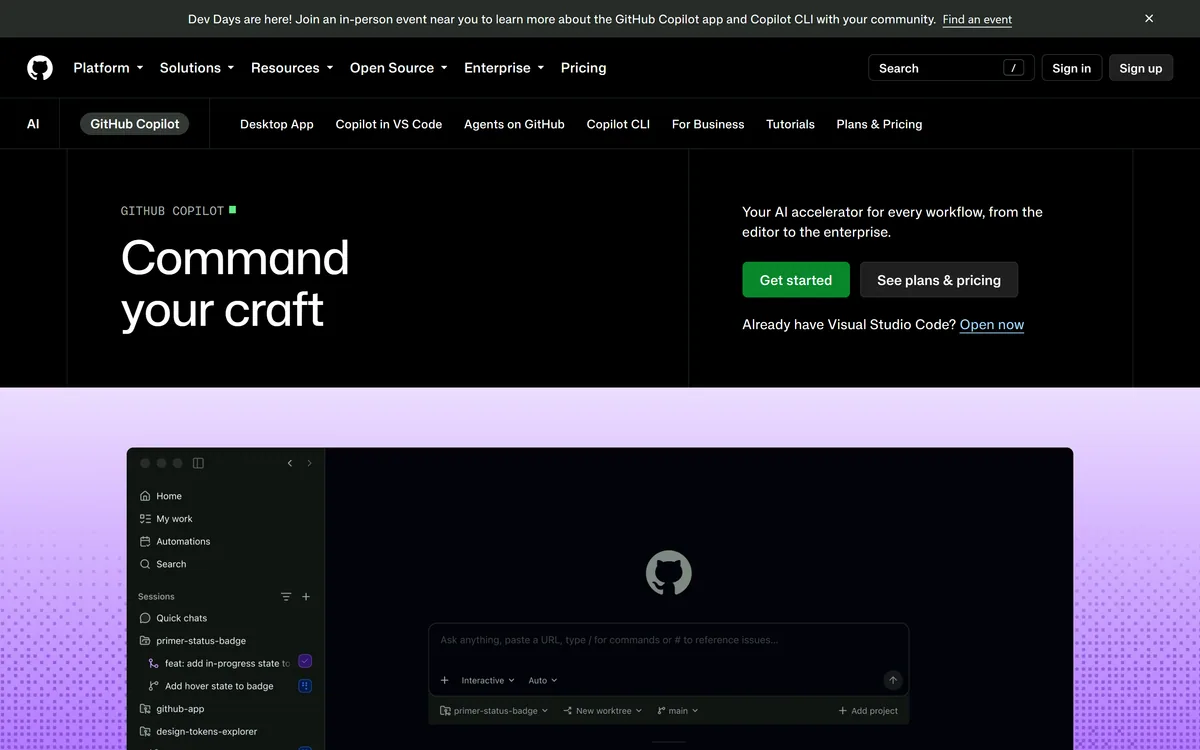

GitHub Copilot is an AI coding assistant that spans completion, chat, agent mode, automated code review, and a cloud agent that opens pull requests, working across VS Code, Visual Studio, JetBrains, Xcode, Neovim, Eclipse, the CLI, and github.com.
Related Pages