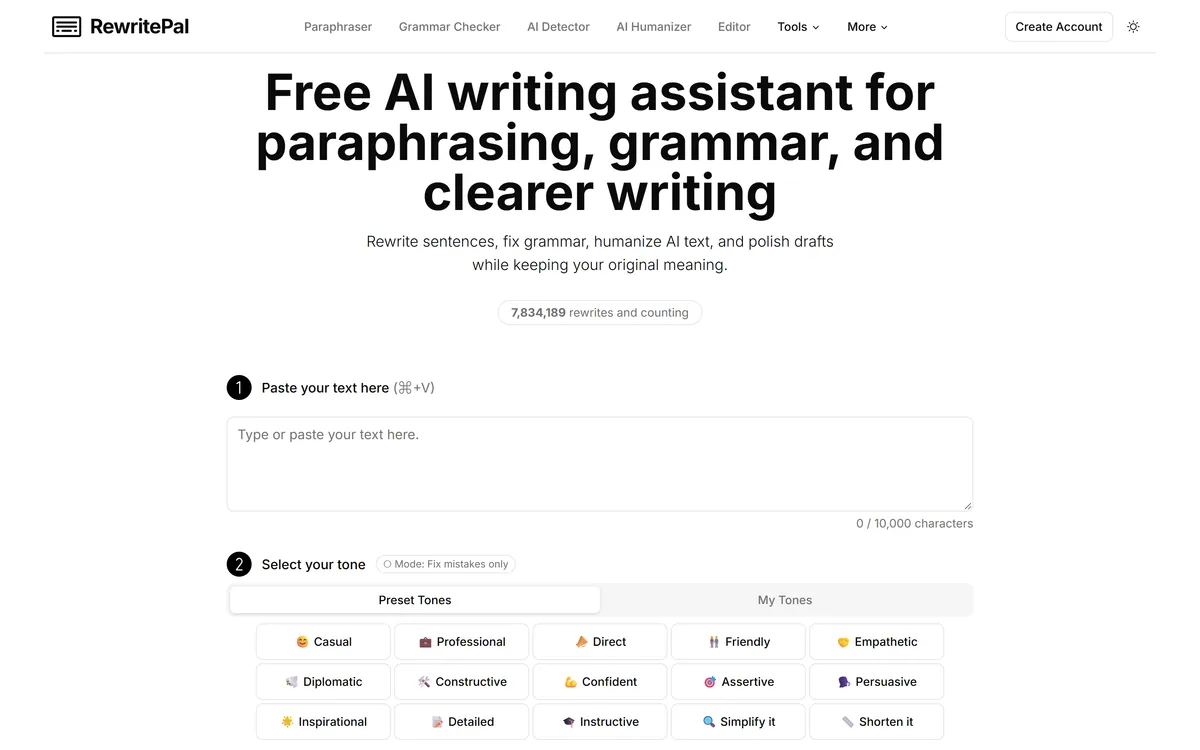
RewritePal is a free online writing assistant for paraphrasing, grammar and spelling correction, tone adjustment, and making AI-generated text read more naturally, with a 40,000-character editor and no account required.
Writing & Content Review
Convert AI-generated text into natural human writing Category: Writing & Content.

Provisional score · full review pending
Humanize AI has an AInexfinder Editor Score of 4.6/5.
Best for: Users who need multiple humanization modes (Basic, Aggressive, Enhanced); Teams that need adjustable readability levels for different audiences
The visit link goes to humanizeai.io, the official site. Paid placements on AInexfinder are always labelled. How we make money
io) is a web-based text transformation platform designed to take content produced by AI writing assistants such as ChatGPT, Gemini, and Claude and rewrite it so it reads as natural, conversational, and human-written prose.
The tool is aimed at students, content writers, marketers, bloggers, and anyone who uses AI to draft text but wants the final output to feel less robotic and more relatable.
Rather than simply paraphrasing, it attempts to smooth out repetitive phrasing, vary sentence structure, and add a more human tone while keeping the original meaning intact.
Among its key real features are multiple humanization modes (Basic for minimal changes, Aggressive for extensive rewriting, and Enhanced for multi-level processing), adjustable readability levels such as Standard, High School, University, Doctorate, Journalist, and Marketing, and a Keyword Freezer that locks important terms or phrases so they survive the rewrite untouched.
It also provides one-click synonym suggestions, a rephrase function for selective or full rewriting, and automatic grammar and typo correction.
The platform bundles the humanizer alongside a broader suite of more than forty additional writing utilities, including a paraphraser, summarizer, grammar checker, translator, and email writer, making it a multi-purpose writing hub.
Typical use cases include polishing AI drafts for blogs and essays, refining marketing copy, and adapting tone for different audiences.
On the positive side, it is easy to use, supports a generous free tier with unlimited requests subject to per-request word limits, and gives granular control over tone and readability.
On the downside, output quality can vary, very aggressive rewriting can occasionally distort meaning or introduce awkward phrasing, and the free tier caps word counts per request. The tool follows a freemium model with free access plus premium subscription plans that unlock higher word limits and faster processing.
Pricing changes often, so check the official site for current plans.
Humanize AI is best suited for convert ai-generated text into natural human writing. Whether you are trying this kind of writing & content tool for the first time or use one every day, it is a credible option to shortlist — compare it with the alternatives and head-to-head comparisons linked on this page to find the best fit for your workflow and budget.
Multiple humanization modes (Basic, Aggressive, Enhanced)
Adjustable readability levels for different audiences
Keyword Freezer to lock key terms and phrases
One-click synonym suggestions
Rephrase function for selective or full rewriting
Automatic grammar and typo correction
Bundled suite of 40+ writing tools
AInexfinder does not list plan prices or billing details. For current pricing, plans, and trials, visit the official Humanize AI website.
Visit official website for pricingVendor pricing, credits, and billing policies change over time. Always confirm on the official site before you buy.
Humanize AI has a provisional score of 4.6/5: a formula estimate from this listing’s details, not yet an Editor Score. It is replaced once Humanize AI gets its full research-based review. Best for: Users who need multiple humanization modes (Basic, Aggressive, Enhanced); Teams that need adjustable readability levels for different audiences; Teams that need keyword Freezer to lock key terms and phrases.
Visit Humanize AILog in to write a review.
No reviews yet. Be the first to share your experience with Humanize AI.
Assigned to
Daniel ReedSenior AI Tools Reviewer
Daniel leads AInexfinder's tool reviews. He researches each tool from its own pricing, documentation and policies, checks its claims against independent sources, and writes up what it does well, where it falls short and who it genuinely suits.
This page is a summary of Humanize AI built from its own website and listing details. It has not had its full research-based review yet, so its score is a provisional formula estimate, not an Editor Score. Daniel will research and re-score it; payment never changes a score.
Similar Tools
RewritePal is a free online writing assistant for paraphrasing, grammar and spelling correction, tone adjustment, and making AI-generated text read more naturally, with a 40,000-character editor and no account required.
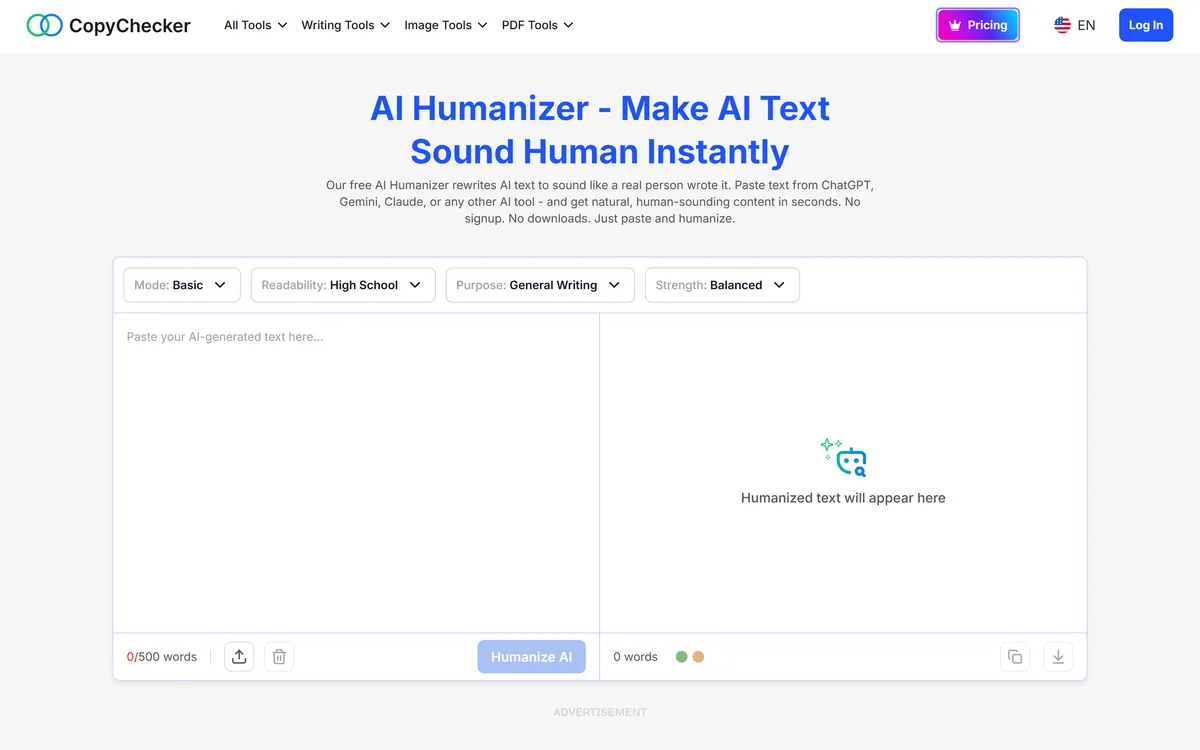

Free AI Humanizer is a tool on CopyChecker that rewrites AI-generated text to read more naturally, with controls for mode, readability level, purpose, and strength, capped at 500 words per run and usable without signup.
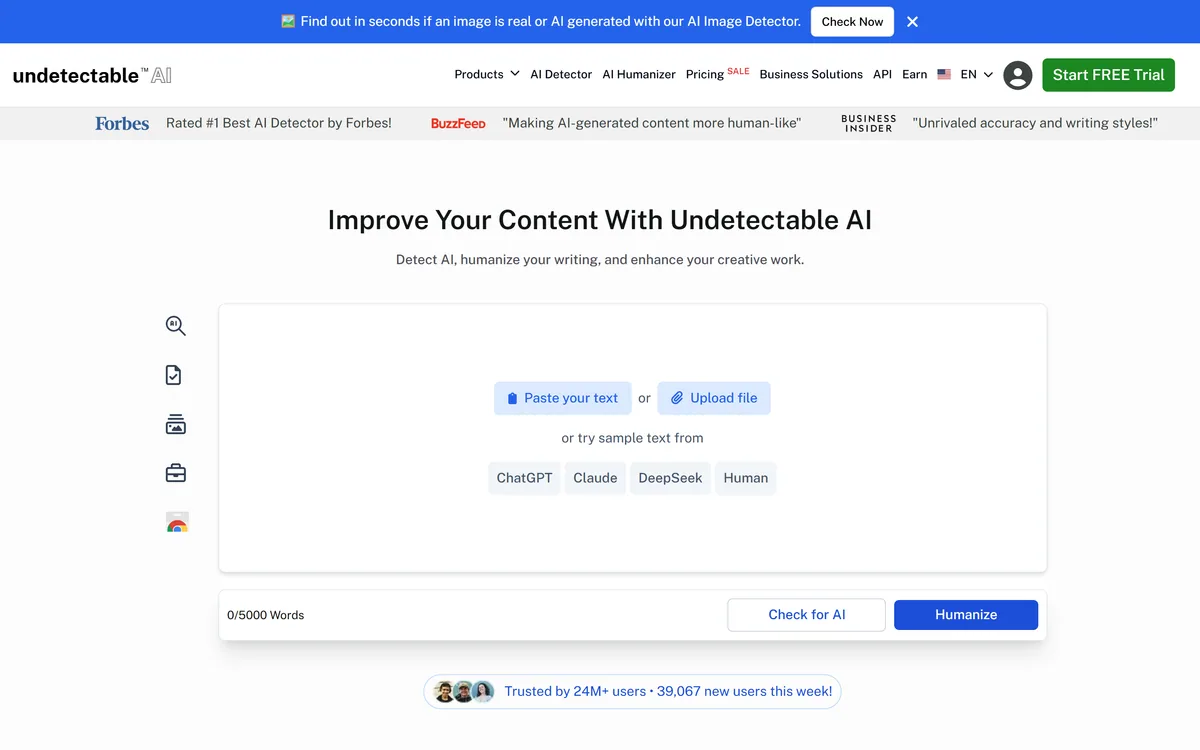
Undetectable AI rewrites AI-generated text so it reads as human-written and is less likely to be flagged by detectors. It also sells detection tools of its own — for text, images, voice, video and deepfakes — plus a suite of writing utilities and a Chrome extension.
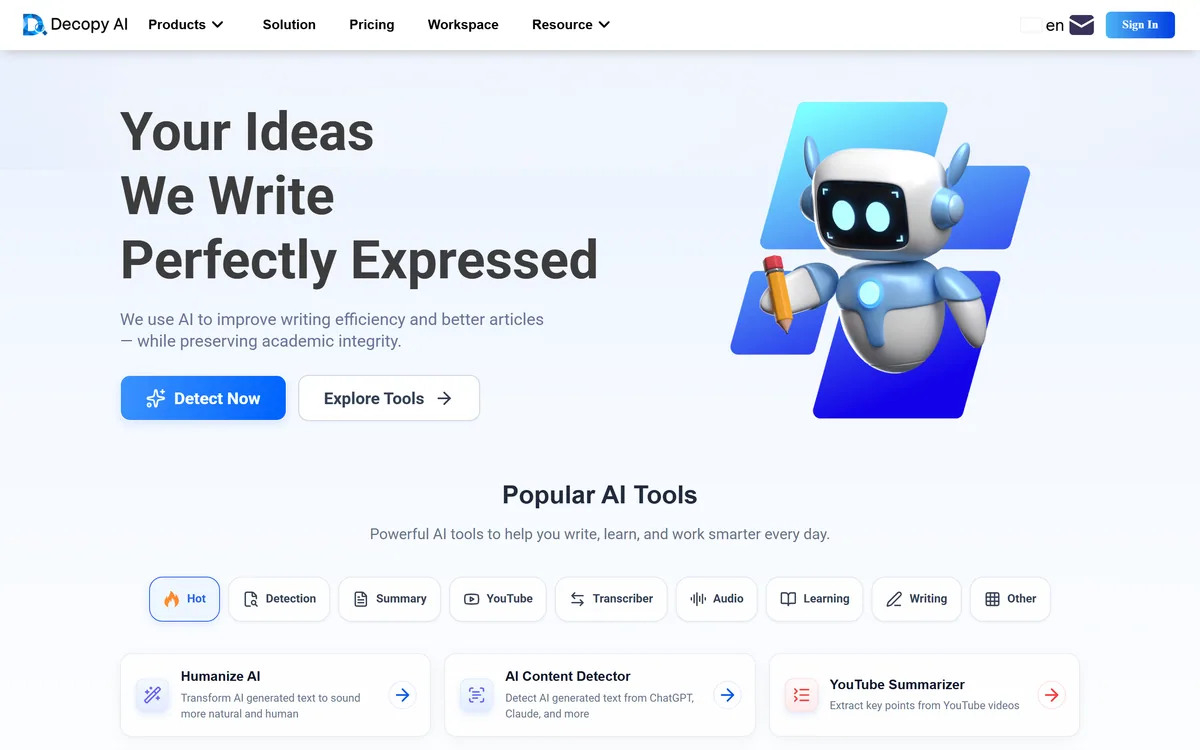
Decopy AI is a free suite of writing and study utilities covering text humanizing, AI detection, summarisation of documents, video and audio, speech conversion, a maths solver, flashcard and worksheet creation, and story and article generation — usable without creating an account.
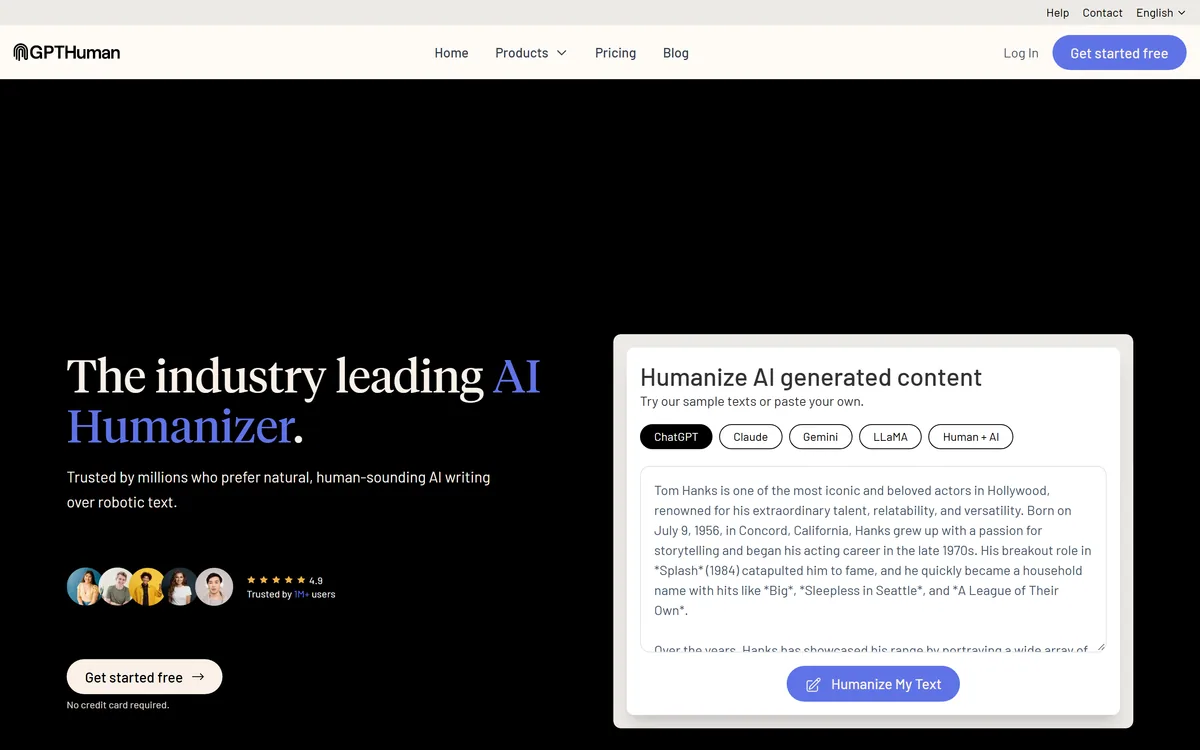
GPTHuman is an AI humanizer that rewrites text from ChatGPT, Claude, Gemini and other models to sound more human and to pass AI-detection tools. It is marketed to students, writers and SEO, but its dominant use, passing AI work off as human, breaches most institutions' rules, which this review weighs honestly.
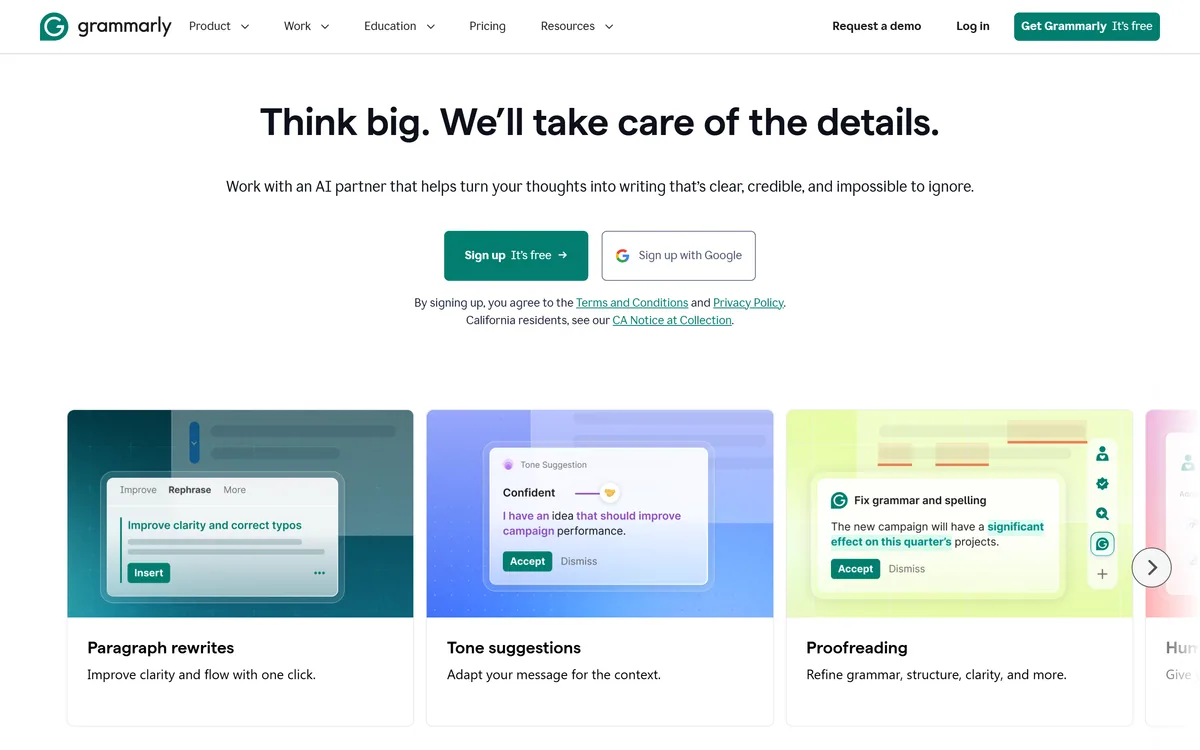

Grammarly is an AI writing assistant that checks grammar, clarity, and tone wherever you already write — browser, desktop, mobile keyboard, Google Docs, and Microsoft Office — and now ships AI agents for humanising, detecting, and grading text.
Related Pages