

Cursor is an AI-first code editor and agent platform from Anysphere — now a SpaceX subsidiary — that plans, writes, tests, and reviews code across your repository from the desktop editor, a CLI, the web, and Slack.
Coding & Development Review
JetBrains Junie is a coding agent that works with any model you bring, built on the IntelliJ engine, with a Plan Mode, live prompting, human-in-the-loop control, agentic debugging in a real debugger, and a free Junie Lite layer.
Very good
JetBrains Junie earns 4.4 for pairing genuine model freedom with the strongest developer-control story in the category, Plan Mode, live steering, human-in-the-loop and real-debugger agentic debugging, plus a free layer; it is held back only for those who want a fully hands-off agent or prefer a single bundled model and bill. AInexfinder Editor Score: 4.4/5.
Best for: JetBrains IDE users wanting an agent; Developers who want model freedom
The visit link goes to jetbrains.com, the official site. Paid placements on AInexfinder are always labelled. How we make money
Coding agents have a trust problem: hand one a task and it is easy to end up with a confident wall of changes you did not ask for and cannot cheaply undo. JetBrains, which has made developer tools for a quarter of a century, has built Junie around keeping the developer in control rather than out of the loop.
Junie works with whatever model you bring, runs on the IntelliJ engine behind JetBrains IDEs, and separates planning from implementation so you can plan on a powerful model and build on a fast, cheaper one. It adds a Plan Mode, live steering, human-in-the-loop approvals and agentic debugging in a real debugger.
This review covers how Junie keeps you in control, the bring-your-own-key cost argument, how it is priced, and who it suits against other coding agents.
Junie's defining choice is being model-agnostic. Rather than locking you to one provider, it works with any of the top models you bring, so you are not betting your workflow on a single vendor's roadmap or pricing.
That flexibility pairs with a practical split: plan on a powerful model, implement on a fast one, for the same quality at a fraction of the cost. It is built on the IntelliJ engine, so inside a JetBrains IDE it uses the code intelligence and tooling you already rely on rather than reinventing them.
It enters a crowded field next to an in-IDE assistant like GitHub Copilot and an agentic editor like Cursor, with its distinguishing angles being model choice and an unusually strong emphasis on developer control.
Hand an agent a task and you can end up with a confident wall of changes you did not ask for. Junie is built to keep you in the loop instead.
The control features are the heart of Junie and the clearest reason to pick it, because an agent you cannot steer is an agent you cannot trust on real code.
Junie does not just read logs; it starts a real debugger, sets breakpoints, inspects runtime state and steps through your code, with modes from autonomous to user-assisted. For a JetBrains tool that is a natural strength, since the debugger is already world-class.
There is also Remote Control for async work, start a migration from your laptop and check progress from your phone, plus custom guidelines, skills, subagents and MCP integration, so the agent can be taught your team's standards and extended with your own tools.
Junie's bring-your-own-key model is both a philosophy and a cost lever. You pay provider rates with zero markup, and because you can plan on an expensive model and implement on a cheaper one, the effective cost of a task drops without sacrificing the quality of the plan.
It also supports locally running models, which matters for teams that cannot send code to a third-party API at all. That combination, any model, your key, local option, is a genuinely different stance from agents that bundle a single model and bill you for it.
The trade-off is that bring-your-own-key means managing your own model access and spend, which is a small overhead most serious teams will happily accept for the control and flexibility it buys.
There is a genuinely free layer, Junie Lite, always on in every JetBrains account, plus paid AI tiers that add cloud credits for more frequent agent use. Bring-your-own-key AI usage is billed separately at provider rates.
AInexfinder does not publish plan prices, which change and are best read on the site. The thing to weigh is how heavily you will run the agent: light users may live on Lite plus their own key, while teams running agents constantly will want the higher cloud-credit tier.
For organisations, JetBrains cites SOC 2 certification and positions Junie within its wider AI subscription, so it slots into an existing JetBrains relationship rather than being a separate procurement.
Because Junie's value is control plus model choice, test it on a real task in a real repository, not a toy prompt.
| What it is | A coding agent built on the IntelliJ engine |
|---|---|
| Models | Any model you choose, via bring-your-own-key |
| Interfaces | Junie in IDEs, Junie CLI, and a free Junie Lite |
| Control features | Plan Mode, live prompting, human-in-the-loop |
| Debugging | Agentic debugging in a real debugger with breakpoints |
| Async | Remote Control to start tasks and check from elsewhere |
| Extensibility | Custom guidelines, skills, subagents and MCP |
| Compliance | SOC 2 certified |
| Benchmark cited | Top performer on SWE-Rebench |
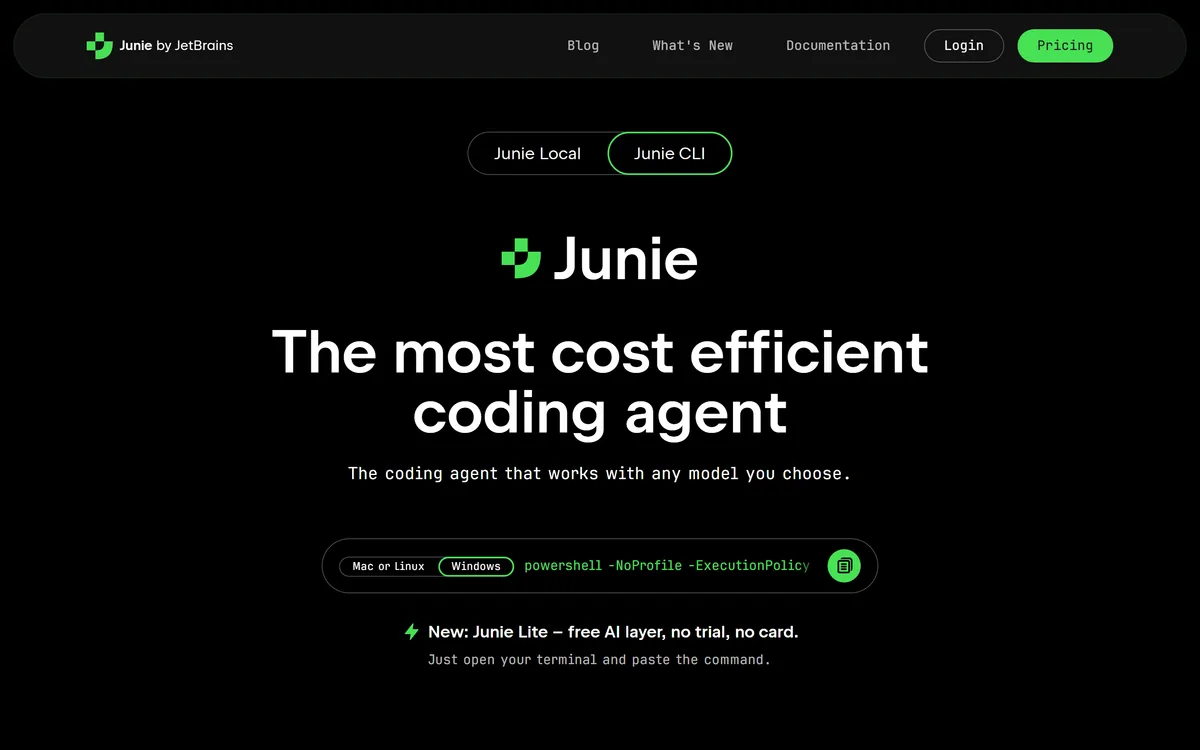
Last checked . Read from jetbrains.com/junie during this check, with the screenshot above captured at the same time.
Benchmark and cost claims are the vendor's own; which models perform best for your work depends on the keys and models you bring.
Model-agnostic agent via bring-your-own-key
Built on the IntelliJ IDEA engine
Plan Mode with editable, committable plans
Live prompting to steer mid-task
Human-in-the-loop action approval
Agentic debugging in a real debugger
Remote Control for async execution
Custom guidelines, skills, subagents and MCP
Coding tools differ by model lock-in, how autonomous they are, and how much control they give.
| Tool | Model | Autonomy | Strength |
|---|---|---|---|
| JetBrains Junie | Any model, bring your own key | Human-in-the-loop by design | Control, model choice, real debugger |
| GitHub Copilot | Its own model options | Assistant plus agent modes | Ubiquity and ecosystem |
| Cursor | Multiple models | Agentic editing | A fast AI-first editor |
| Cosine | Its own Lumen models | More autonomous | Specialist code models and air-gapping |
An in-IDE assistant, an AI-first editor, and a more autonomous specialist.
AInexfinder does not list plan prices or billing details. For current pricing, plans, and trials, visit the official JetBrains Junie website.
Visit official website for pricingVendor pricing, credits, and billing policies change over time. Always confirm on the official site before you buy.
JetBrains Junie earns an AInexfinder Editor Score of 4.4/5 (very good). Best for: JetBrains IDE users wanting an agent; Developers who want model freedom; Teams that insist on approving agent actions.
Visit JetBrains JunieLog in to write a review.
No reviews yet. Be the first to share your experience with JetBrains Junie.
Assigned reviewer
Daniel ReedSenior AI Tools Reviewer
Daniel leads AInexfinder's tool reviews. He researches each tool from its own pricing, documentation and policies, checks its claims against independent sources, and writes up what it does well, where it falls short and who it genuinely suits.
Daniel and the AInexfinder editorial team research JetBrains Junie from its own website, pricing, documentation and policies, checked against independent sources. This review is research-based: unless its method note says otherwise, we have not bought a plan or run hands-on tests. The Editor Score is our editorial judgement, and payment never changes it.
Similar Tools
Cursor is an AI-first code editor and agent platform from Anysphere — now a SpaceX subsidiary — that plans, writes, tests, and reviews code across your repository from the desktop editor, a CLI, the web, and Slack.
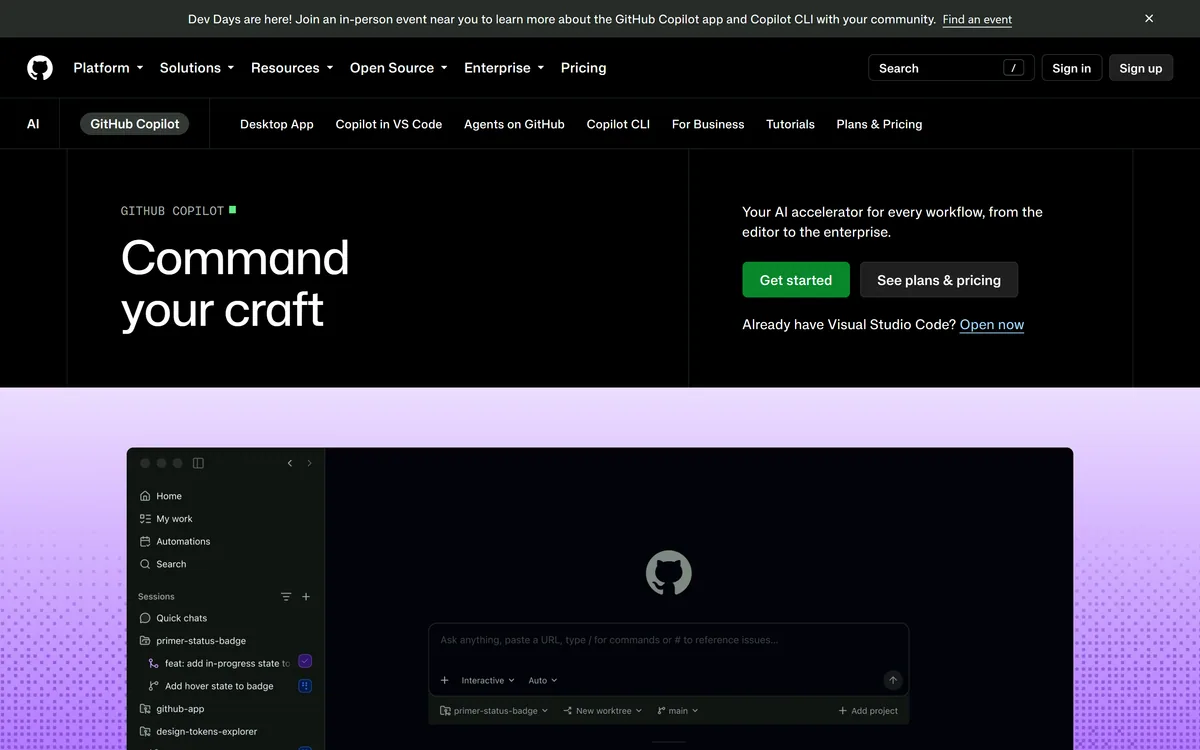

GitHub Copilot is an AI coding assistant that spans completion, chat, agent mode, automated code review, and a cloud agent that opens pull requests, working across VS Code, Visual Studio, JetBrains, Xcode, Neovim, Eclipse, the CLI, and github.com.
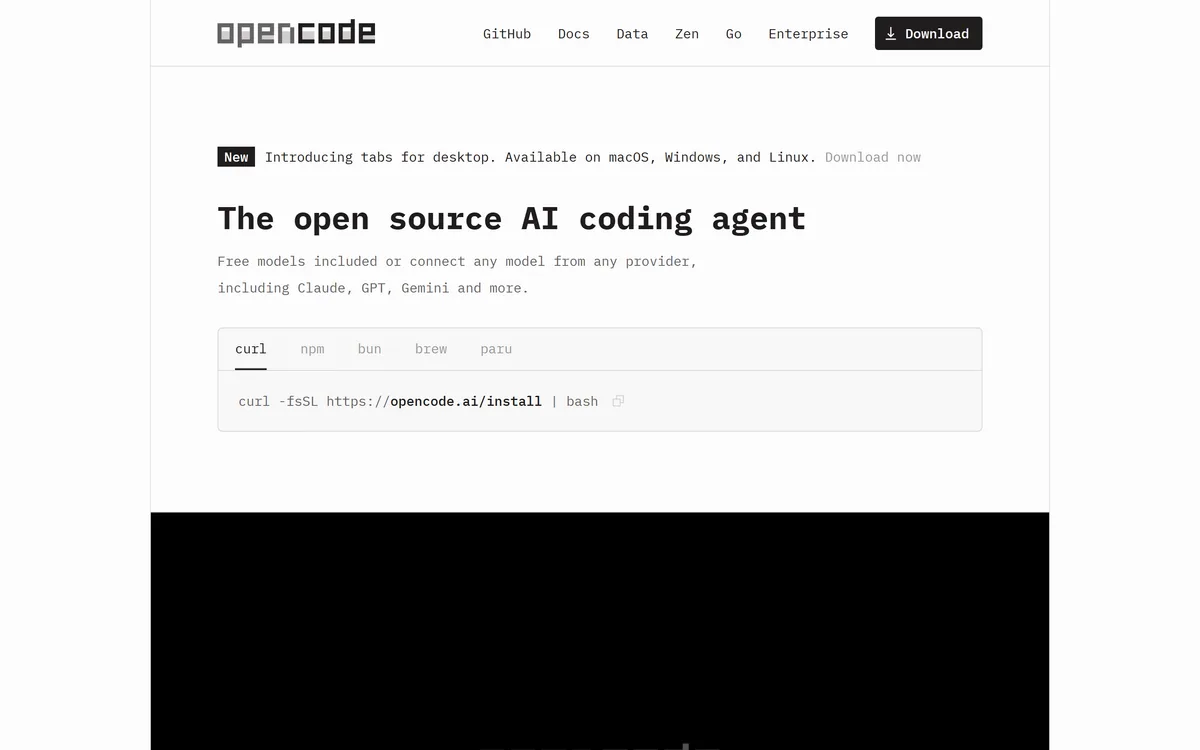
OpenCode is an open source AI coding agent built for the terminal, with desktop and IDE clients alongside. It connects to 75+ model providers, configures language servers automatically, runs parallel agent sessions, keeps conversations locally in SQLite, and is built by the team behind SST.
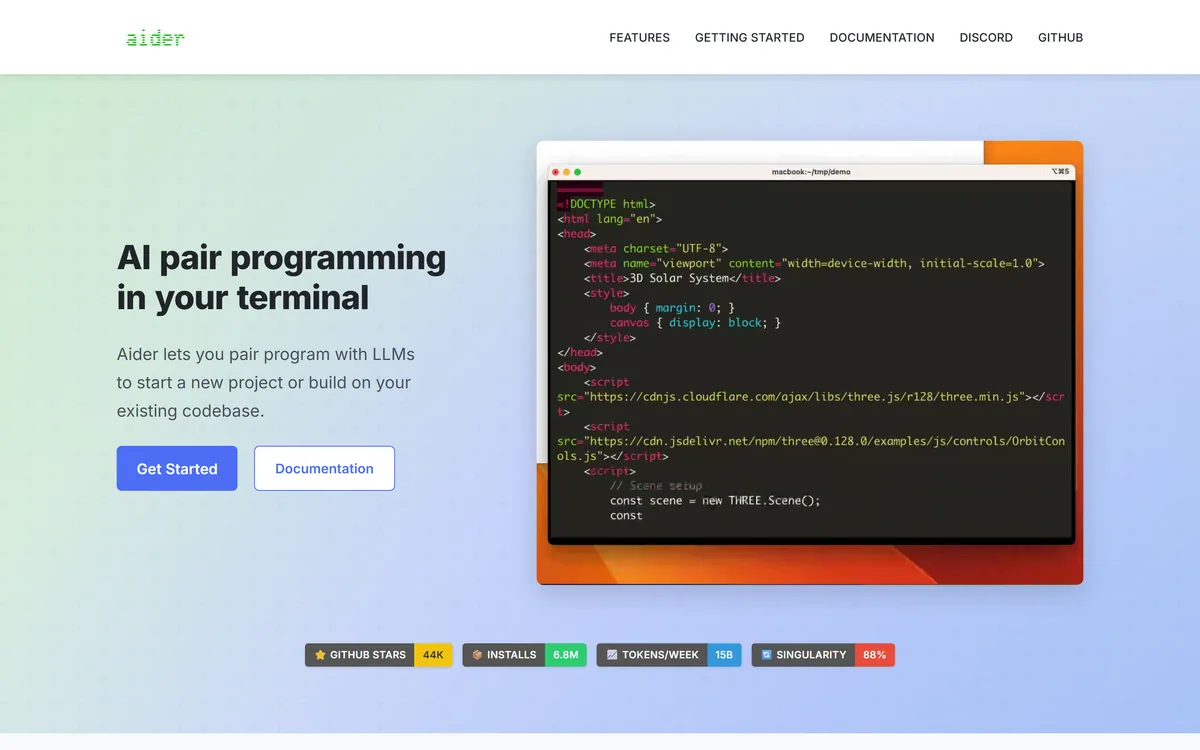
Aider is an open-source AI pair programming tool that runs in your terminal, builds a map of your whole repository for context, works with almost any LLM including local models, and commits each change to git with a written message so every edit can be diffed and undone.
Traycer review on AInexfinder — freemium AI tool for Coding & Development. Features, pricing notes, and alternatives.
Generate native iOS, Android and web apps from prompts Category: Coding & Development.
Related Pages