

Midjourney is an AI image generator known for its distinctive aesthetic quality, currently on model V8.2, with a full web app alongside the original Discord workflow, plus an Editor, moodboards, style profiles, and five-second image-to-video.
Image & Design Review

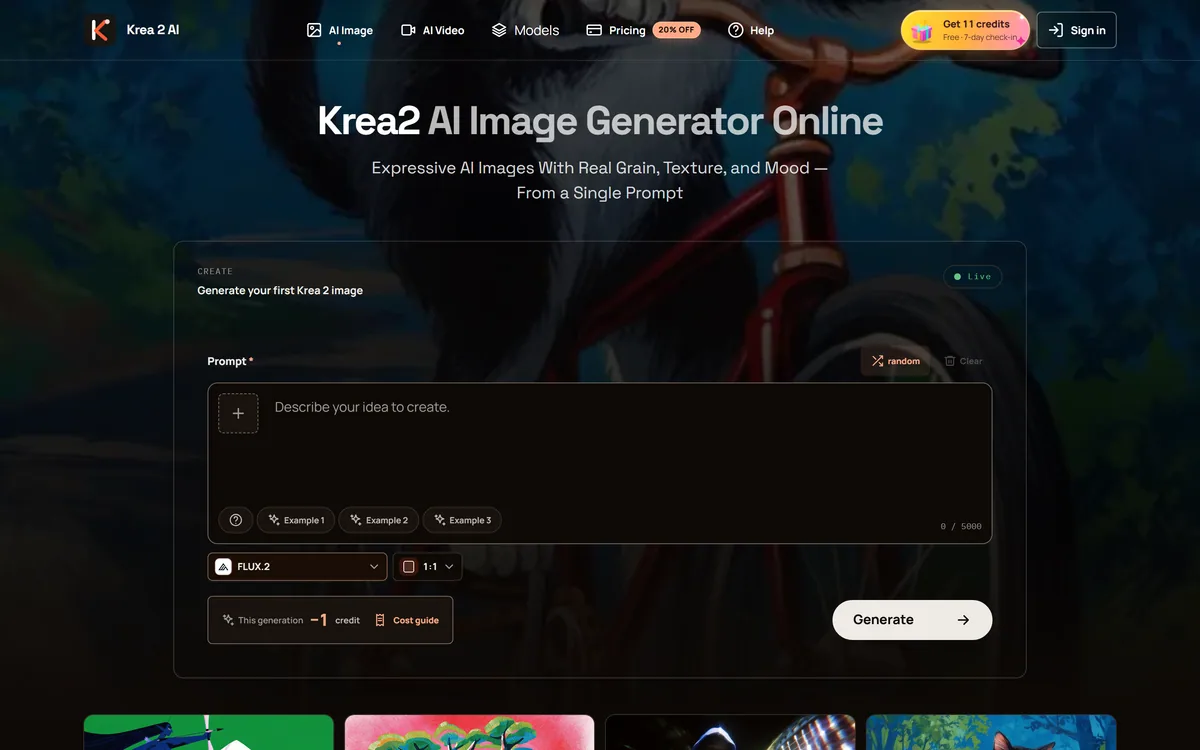
krea2.org is a browser image-generation workspace that runs several third-party models side by side, including Krea 2 tiers, FLUX.2, GPT Image 2, Nano Banana and Seedream 5.0, with reference uploads, six aspect ratios and live model switching.
Good
Krea2.org AI Image Workspace has an AInexfinder Editor Score of 3.5/5.
Best for: Designers whose briefs vary enough to justify switching models; People learning the landscape and comparing model families directly
The visit link goes to krea2.org, the official site. Paid placements on AInexfinder are always labelled. How we make money
Naming and affiliation: This listing covers the workspace published at krea2.org. "Krea" and "Krea 2" are names associated with Krea AI, and the other models named on this page — FLUX, GPT Image, Nano Banana and Seedream — belong to their respective owners. The krea2.org site does not state a corporate affiliation with any of them, and AInexfinder is not affiliated with krea2.org or with any of the model providers. Readers looking for Krea AI's own product should go to Krea AI directly.
Image generation has split into two kinds of product. There are the labs building models, and there are the workspaces that resell access to several of them at once. krea2.org is firmly the second kind: a browser interface where one prompt box can be pointed at models from four or five different companies.
That is a legitimate and useful business. Anyone who generates images regularly knows that no single model wins everything — one handles text in images well, another produces better photographic skin, a third is faster and cheaper for iteration — and maintaining separate accounts to reach them all is genuinely tedious.
This review covers what multi-model access is actually worth, which of the listed models do what, why the naming warrants a moment's attention before you commit, and what to verify for yourself.
| Site | krea2.org |
|---|---|
| Type | Browser-based multi-model image generation workspace |
| Own model tiers listed | Krea 2 Large, Krea 2 Medium, Krea 2 Medium Turbo |
| FLUX family | FLUX.2, FLUX.2 Pro, FLUX.2 Max, FLUX.1 Kontext |
| OpenAI family | GPT Image 2, GPT Image 2 Pro |
| Google family | Nano Banana, Nano Banana Pro, Nano Banana 2 |
| ByteDance family | Seedream 5.0 Lite, Seedream 5.0 Pro |
| Reference uploads | Up to three images, videos and audio files |
| Aspect ratios | 1:1, 16:9, 4:3, 4:5, 2:3, 9:16 |
| Workspace features | Prompt history, generation tracking, live model switching |
| Failure handling | Automatic refund for failed generations |
| Policy pages | Privacy, terms, cookies and refunds |
The product is not generation quality — that belongs to whoever built the model. The product is convenience, comparison and consolidation.
Comparison is the strongest of the three. Running the same prompt through FLUX.2, GPT Image 2 and Nano Banana in one session, without three accounts and three interfaces, is a real workflow improvement for anyone who cares which model suits a given brief.
Consolidation follows from it: one prompt history, one place your generations live, one login. Live model switching within the same workspace is exactly the feature that makes comparison practical rather than theoretical.
Convenience is the weakest of the three, and worth being clear-eyed about. You are paying an intermediary for access to models most of which you could reach directly, which is a fair trade for the workflow and a poor one if you only ever use a single model.
An aggregator is worth it when you genuinely use several models. If you always reach for the same one, you are paying a middleman for a habit.
The site lists Krea 2 in Large, Medium and Medium Turbo tiers, alongside FLUX.2, FLUX.2 Pro, FLUX.2 Max and FLUX.1 Kontext; GPT Image 2 in standard and Pro; the Nano Banana family including Nano Banana Pro and Nano Banana 2; and Seedream 5.0 in Lite and Pro.
The tiering is consistent across families and follows a familiar shape: turbo and lite variants iterate quickly and cheaply, pro and max variants cost more per image and hold detail better.
The practical workflow this enables is worth stating, because it is the actual argument for a multi-model workspace. Iterate on a cheap fast tier until the composition is right, then regenerate the settled prompt on a high-end tier. Doing that across model families in one session is the thing you cannot easily do with separate accounts.
Availability, however, is not this workspace's to guarantee. Every model here belongs to another company, and access, terms and versions can change without notice from upstream. That is inherent to the aggregator model rather than a criticism of this particular site.
Up to three reference images, videos and audio files can be attached to steer a generation, and this matters more than the model list for most real work.
Prompting alone is a blunt instrument for controlling style. A reference image communicates a look in one upload that a paragraph of description approximates badly, and anyone trying to keep a series of images visually consistent will get further with references than with adjectives.
Six aspect ratios are offered — 1:1, 16:9, 4:3, 4:5, 2:3 and 9:16 — covering square, landscape, portrait and vertical video framing without cropping afterwards.
Prompt history and generation tracking matter because good prompts are discovered, not written, and losing the one that worked is the standard frustration of this category. Automatic refunds for failed generations is a minor policy that quietly signals the operator has thought about the case where a paid generation returns nothing.
For any workspace reselling third-party model access, a few checks are worth five minutes before you commit. None of this is unique to this site — it is the standard evaluation for the category.
The case for a multi-model workspace is strongest for people whose work genuinely varies. A designer producing marketing images one day and product mockups the next has real reason to switch models, and real reason to want one interface for it.
It is also a reasonable way to learn the landscape. Running one prompt across five model families teaches you more about their differences in an afternoon than reading comparisons does in a week.
The case is weakest for two groups. Anyone who has settled on one model should go to its source — you get the same output without an intermediary, plus first access to updates. And anyone doing serious commercial work should think hard about depending on a reseller for a production pipeline, since the models are not the operator's to guarantee.
For casual and exploratory use, the convenience is real and the stakes are low. That is the honest sweet spot.
Multiple third-party model families accessible from one prompt box
Live model switching within the same workspace session
Krea 2 tiers in Large, Medium and Medium Turbo
FLUX.2, FLUX.2 Pro, FLUX.2 Max and FLUX.1 Kontext access
GPT Image 2 in standard and Pro variants
Nano Banana, Nano Banana Pro and Nano Banana 2
Seedream 5.0 Lite and Pro
Reference uploads of up to three images, videos and audio files
Six aspect ratios covering square, landscape, portrait and vertical
Prompt history, generation tracking and automatic refunds on failed generations
Going through a workspace and going direct to a model are different purchases with different risks.
| Tool | Model access | Who controls availability | Suits |
|---|---|---|---|
| krea2.org workspace | Several third-party families behind one interface | Upstream providers, not the workspace | Comparing models and exploratory work |
| Midjourney | Its own model only | The developer itself | People committed to one distinctive aesthetic |
| GPT Image 2 | Direct from the source | The developer itself | Anyone whose main need is this model specifically |
| OpenArt | Multiple models plus a creative community | Mixed | Users who want models and a community together |
| Freepik AI Image Generator | Multiple models inside a wider asset platform | Mixed | Teams already using a stock and design library |
Last checked . Read from krea2.org during this check, with the screenshot above captured at the same time.
Model names belong to their respective owners and are used here descriptively. Because the models are operated by third parties, availability, versions and terms can change independently of this workspace — verify current coverage and the commercial licensing position for generated images yourself before relying on either.
Direct from a developer, through a workspace, or inside a wider design platform.
AInexfinder does not list plan prices or billing details. For current pricing, plans, and trials, visit the official Krea2.org AI Image Workspace website.
Visit official website for pricingVendor pricing, credits, and billing policies change over time. Always confirm on the official site before you buy.
Krea2.org AI Image Workspace earns an AInexfinder Editor Score of 3.5/5 (good). Best for: Designers whose briefs vary enough to justify switching models; People learning the landscape and comparing model families directly; Anyone who wants reference-image steering across several models.
Visit Krea2.org AI Image WorkspaceLog in to write a review.
No reviews yet. Be the first to share your experience with Krea2.org AI Image Workspace.
Assigned reviewer
Daniel ReedSenior AI Tools Reviewer
Daniel leads AInexfinder's tool reviews. He researches each tool from its own pricing, documentation and policies, checks its claims against independent sources, and writes up what it does well, where it falls short and who it genuinely suits.
Daniel and the AInexfinder editorial team research Krea2.org AI Image Workspace from its own website, pricing, documentation and policies, checked against independent sources. This review is research-based: unless its method note says otherwise, we have not bought a plan or run hands-on tests. The Editor Score is our editorial judgement, and payment never changes it.
Similar Tools
Midjourney is an AI image generator known for its distinctive aesthetic quality, currently on model V8.2, with a full web app alongside the original Discord workflow, plus an Editor, moodboards, style profiles, and five-second image-to-video.
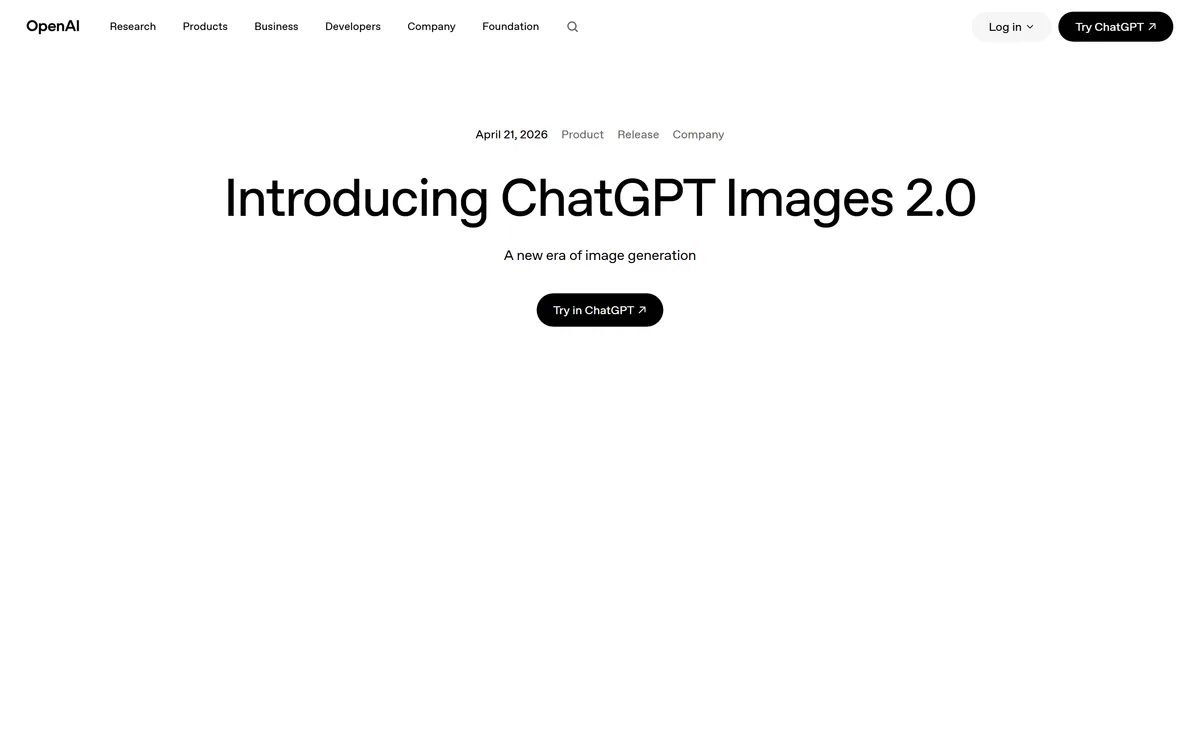
GPT Image 2 launched on 21 April 2026 as ChatGPT Images 2.0 and as the gpt-image-2 API model. Its distinguishing capabilities are dense, accurate text rendering, layout fidelity for infographics and packaging, up to 3840px output, prompt-guided masking, and reasoning applied to image structure before generation.
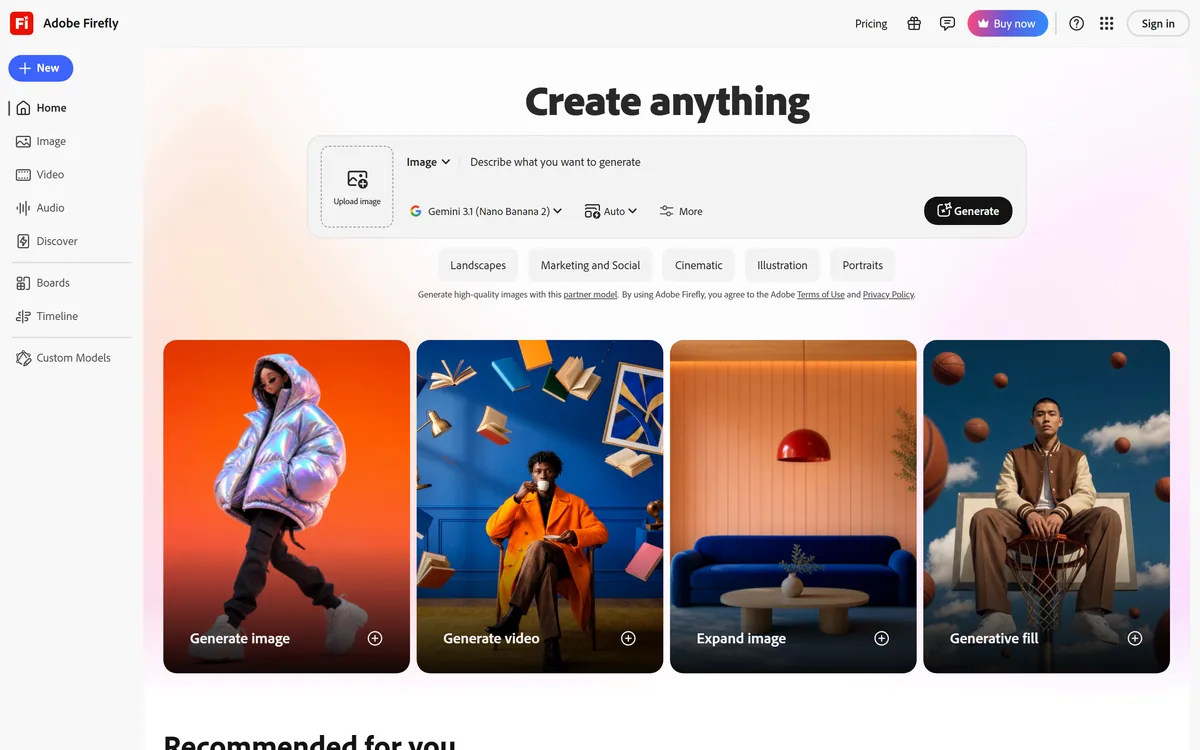

Adobe Firefly generates images, video, and audio from models trained on licensed Adobe Stock and public domain content, with Content Credentials on every output, Firefly Boards for ideation, Custom Models for brand style, and third-party partner models alongside Adobe's own.
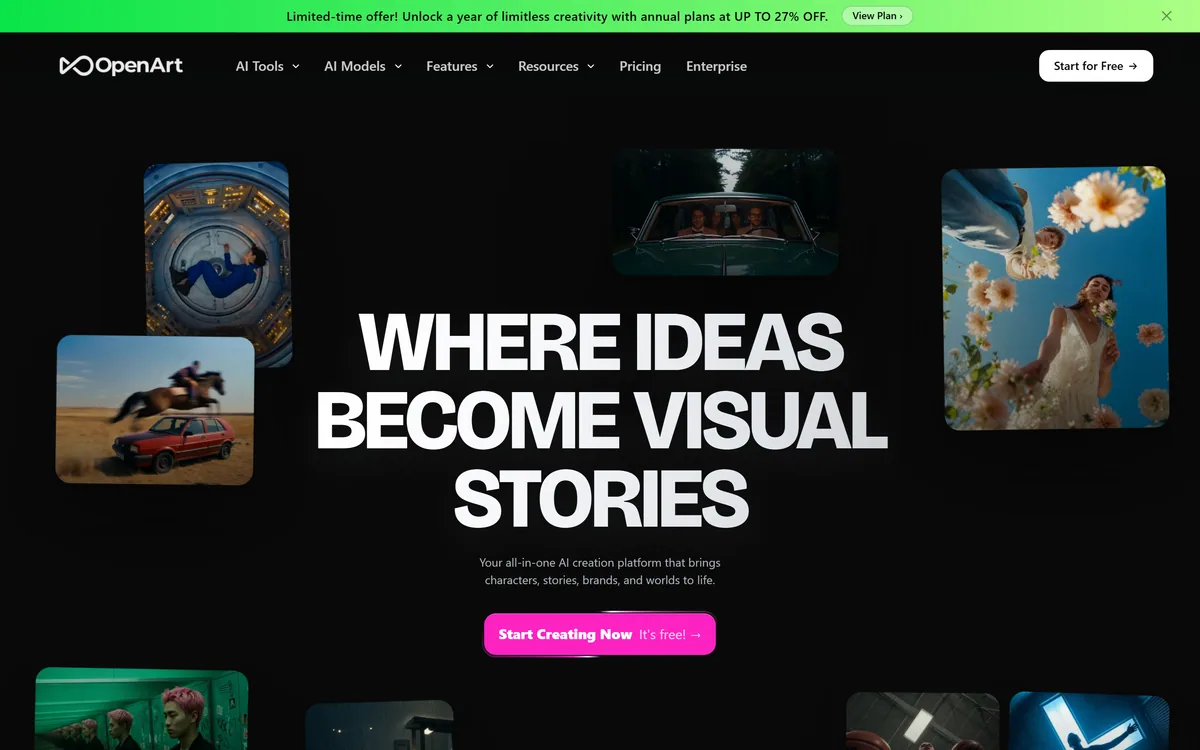
OpenArt is an all-in-one AI creation platform covering image, video, voice and audio in one place, built around a Director that lets you lay out a storyboard and shape each shot through conversation, alongside persistent characters and worlds for consistency across a project.
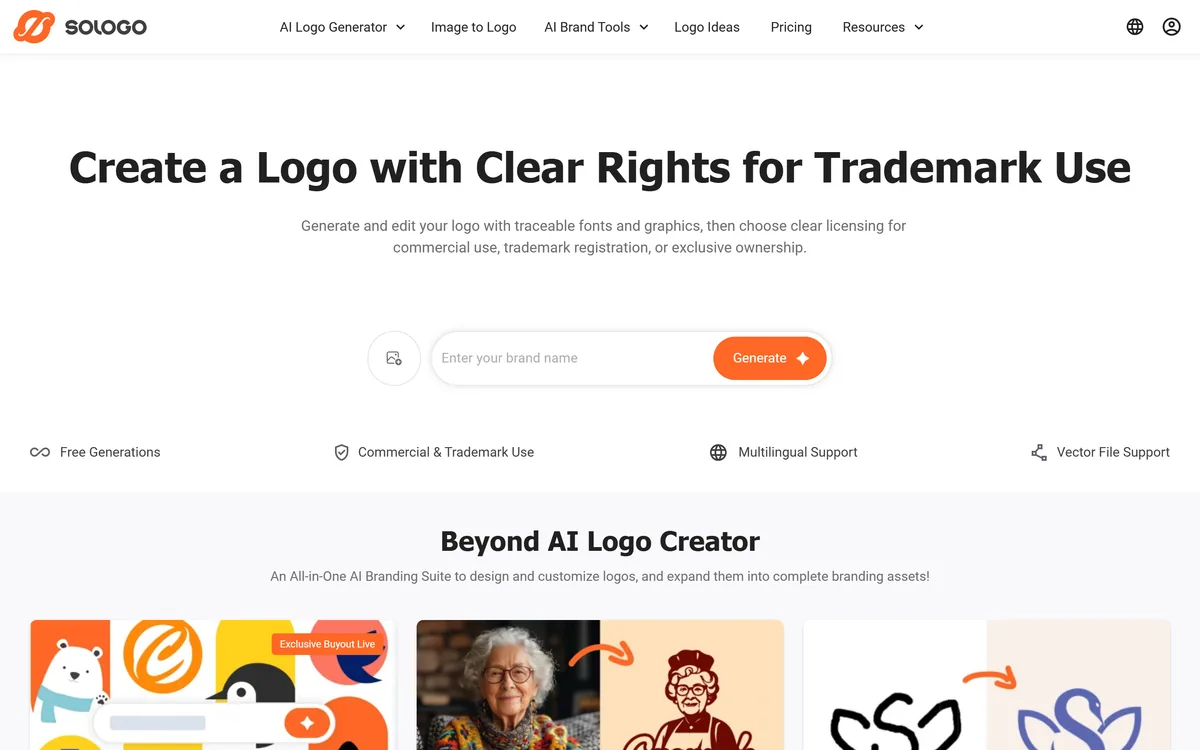
SologoAI creates logos from a brand name, an image or a sketch, and layers a licensing model on top: traceable fonts and documented graphics, with commercial-use, trademark-use and exclusive buyout options, plus brand kits, mockups and vector export.
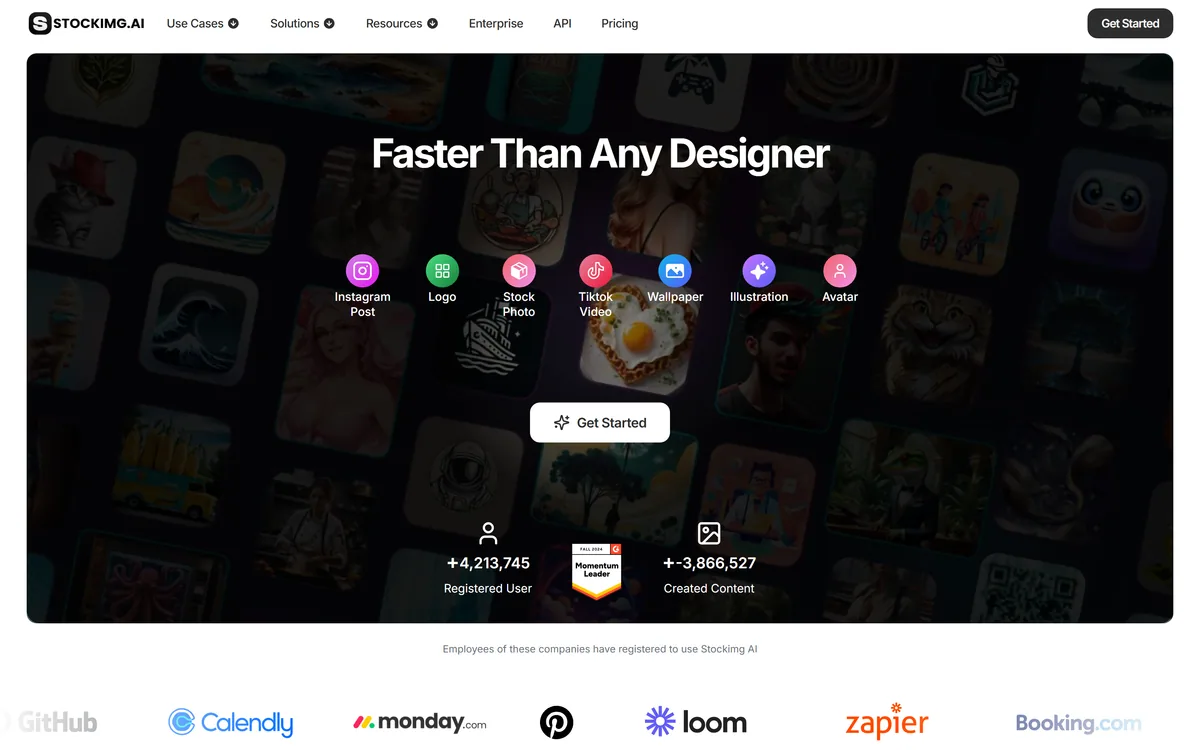
Stockimg AI offers separate generators for logos, stock photos, illustrations, wallpapers, product photos and social posts, then schedules the output to Instagram, TikTok, LinkedIn, YouTube and X, with an API for programmatic use.
Related Pages