

Canva AI is the Magic Studio suite built into Canva — Magic Write for copy, Dream Lab for images, Magic Edit, Expand and Eraser for photos, Magic Switch for reformatting, Magic Charts for data, and Canva Code for interactive widgets.
4.5/5Freemium
Generate stunning visuals, edit photos, and design graphics with AI
Image & Design AI tools are products whose core function applies AI to image & design work. A tool belongs in this category when that is the job it is built for — not when it bolts an AI feature onto something else.
The subcategories below split image & design into the specific jobs these tools do, so you can start from the task rather than the tool name. Every tool in this category has its own review and Editor Score, covering what it does, how it is priced and whether it has a free tier.
Reviews are re-checked on a rolling basis
Quick Answer
The most-viewed image & design AI tools on AInexfinder are Canva AI, Midjourney and DALL-E 3. Free or freemium options include Canva AI, DALL-E 3 and Adobe Firefly. 9 image & design tools are shown below, across 10 subcategories.
Each subcategory is one job inside image & design. Start from the job you need done.
Generate images from text prompts with AI
Edit and enhance photos with AI-powered tools
Create professional logos with AI logo makers
Remove and replace backgrounds from images instantly
Upscale, restore, and enhance photos with AI
Create AI avatars and profile pictures
Design websites and app interfaces with AI assistance
Redesign rooms, stage properties and render buildings from a photo or sketch
Create digital art and illustrations with AI
Generate editable vector graphics, or convert images into clean SVG
Featured Image & Design Tool
Sponsored
The image generator with the strongest aesthetic, now with a full web app
Canva AI is the Magic Studio suite built into Canva — Magic Write for copy, Dream Lab for images, Magic Edit, Expand and Eraser for photos, Magic Switch for reformatting, Magic Charts for data, and Canva Code for interactive widgets.

Midjourney is an AI image generator known for its distinctive aesthetic quality, currently on model V8.2, with a full web app alongside the original Discord workflow, plus an Editor, moodboards, style profiles, and five-second image-to-video.

DALL·E 3 was OpenAI's text-to-image model. OpenAI shut down the DALL·E 2 and DALL·E 3 API endpoints on 12 May 2026 and now directs users to its GPT Image models. This page explains what happened and what replaced it.
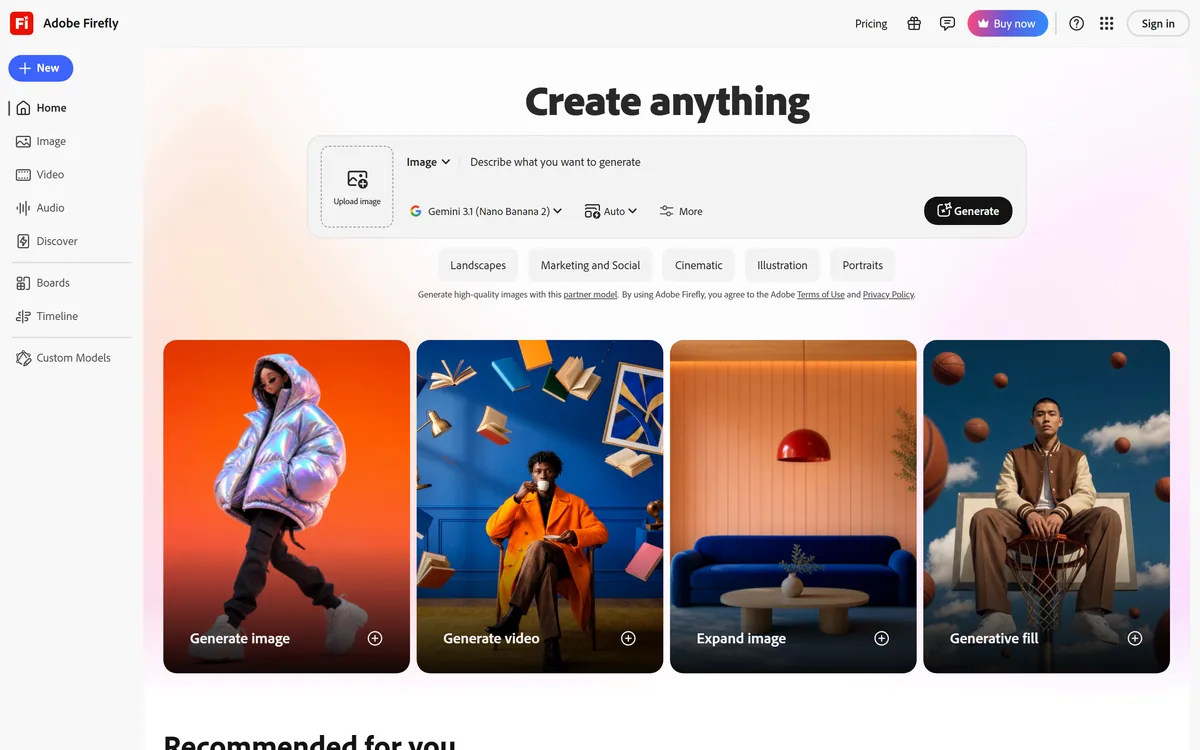

Adobe Firefly generates images, video, and audio from models trained on licensed Adobe Stock and public domain content, with Content Credentials on every output, Firefly Boards for ideation, Custom Models for brand style, and third-party partner models alongside Adobe's own.
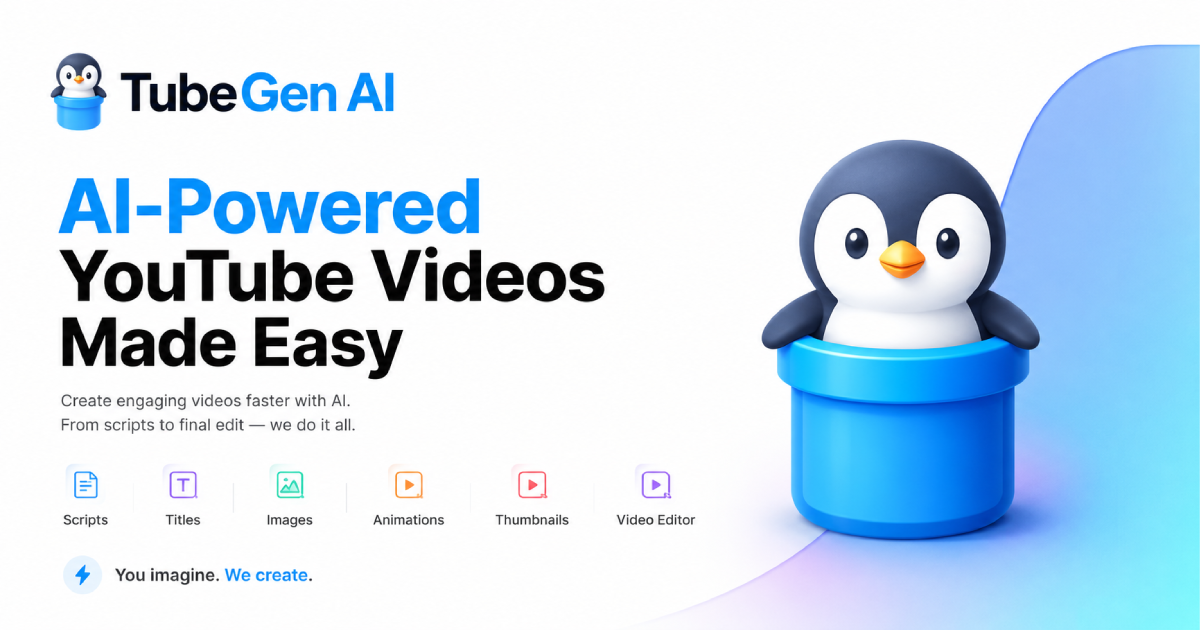
TubeGen AI is a subscription YouTube automation platform for faceless channels — scripts, voiceovers, visuals, and editing in one workspace. Check the official site for current pricing.
Mew Design is an AI design agent that turns words into editable graphics, aimed specifically at the two things image generators handle badly: rendering text correctly and producing output you can still edit.
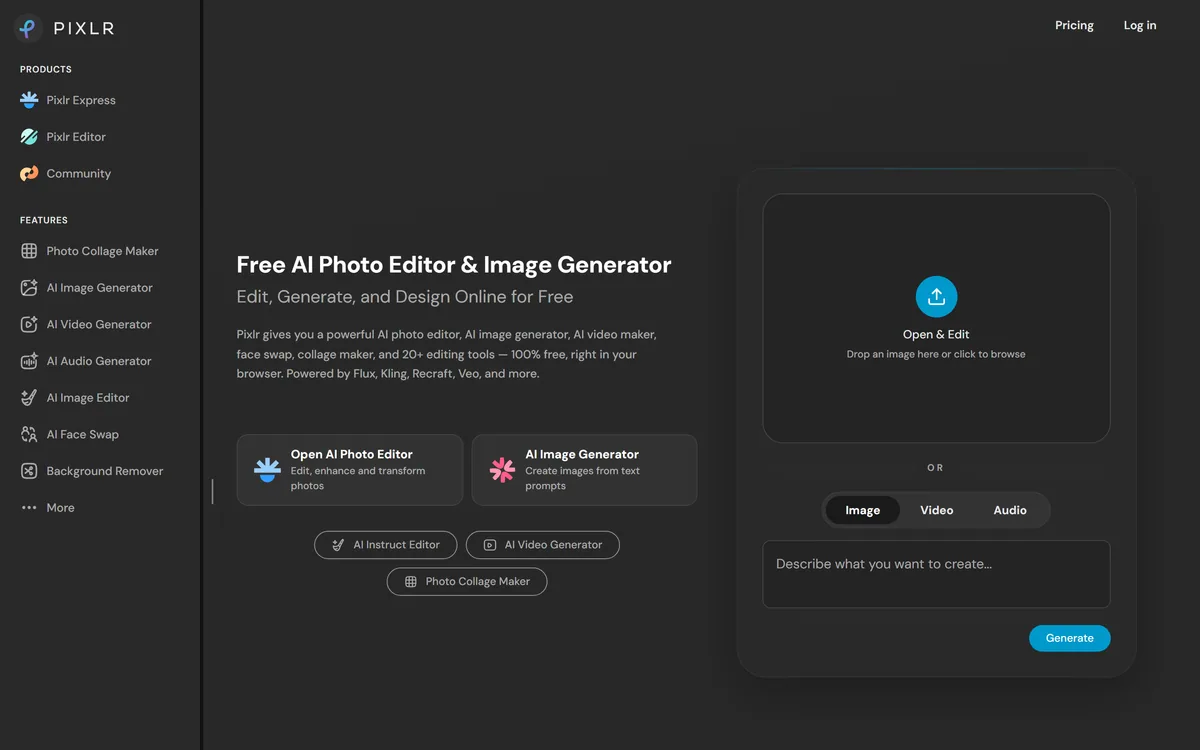
Pixlr is a browser-based photo editor from Pixlr Pte Ltd with two editors and a generative AI layer — Generative Fill, Expand and Transform, background and object removal, Super Scale upscaling, face swap, plus image, video, and audio generation.
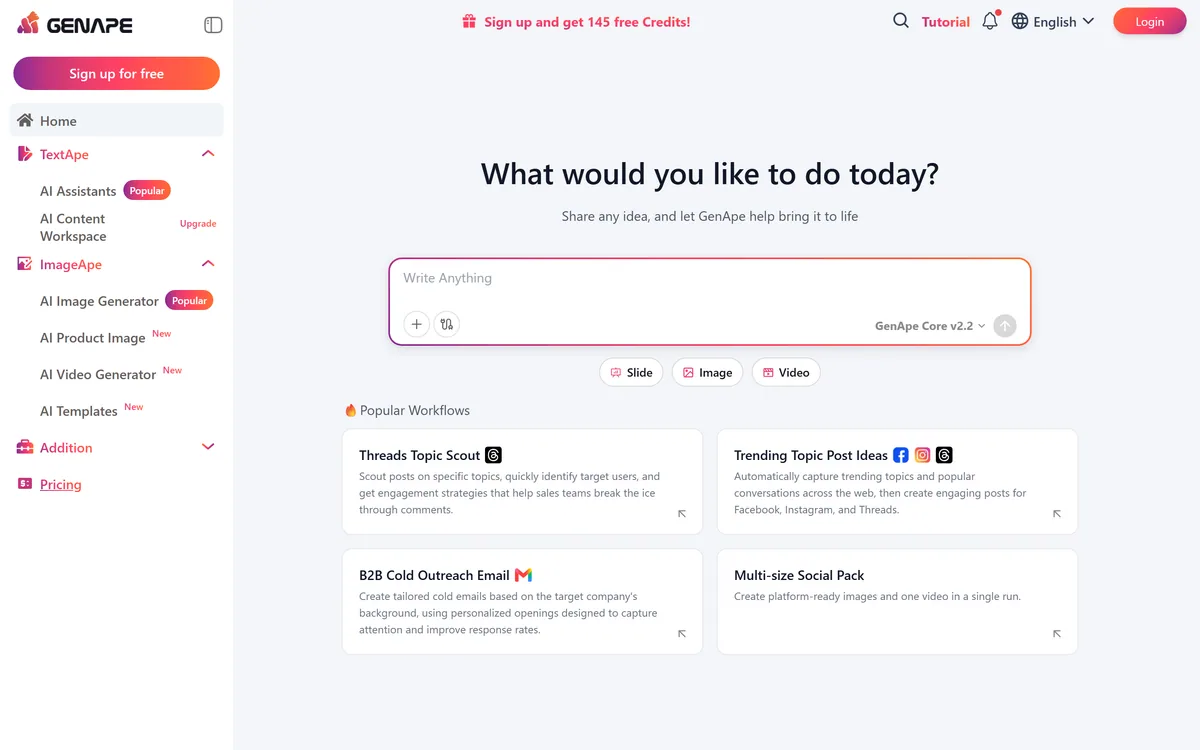
GenApe is an all-in-one AI platform covering writing, chat, image and video generation, image editing, product photography, translation, and research — with 145 free credits on signup and commercial rights granted to paid users.
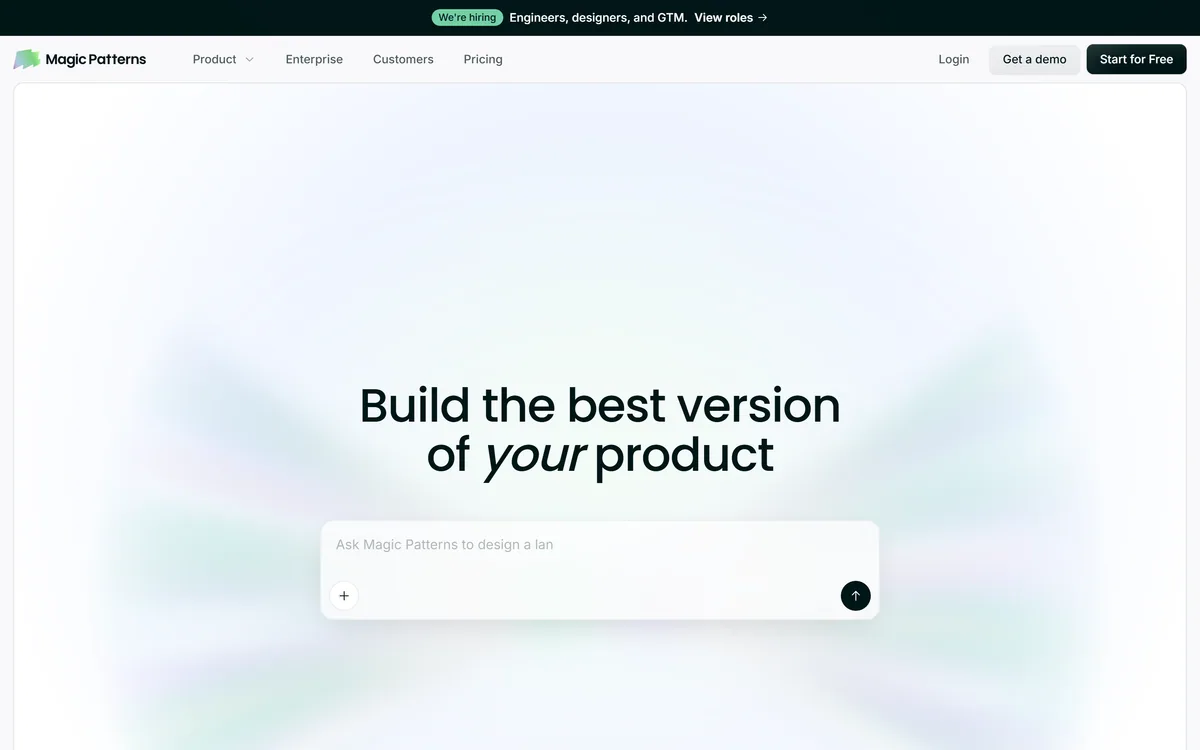
Magic Patterns is an AI design tool for product teams that turns prompts, requirements and ideas into high-fidelity UI, matching your existing design system so teams can prototype and test directions before committing engineering resources.
The professions whose tool shortlists draw on image & design — each links to a page built around that job.
Most image & design tools overlap on their headline feature and differ on the specific job. Image Generation, Image Editing and Logo Design are separate subcategories here for that reason — picking the right one first rules out most of the category before you compare anything.
238 of the 289 image & design tools reviewed here have a free or freemium plan, but "free" covers everything from a permanent tier to a short trial. Each review states which it is, so read the limit before building a workflow on it.
Comparing every tool in a category is how people end up choosing none of them. Narrow to two or three inside one subcategory, then judge those side by side on output quality and on what the paid plan adds.
Submit it for an editorial review and a page in front of people comparing image & design tools before they buy.