Productivity & Automation · Category

Productivity & Automation AI Tool Reviews

Automate repetitive tasks, manage projects, and work smarter with AI

198 Reviews10 SubcategoriesRegularly updated
Want a recommendation? See the best Productivity & Automation tools

What Counts as a Productivity & Automation AI Tool?

Productivity & Automation AI tools are products whose core function applies AI to productivity & automation work. A tool belongs in this category when that is the job it is built for — not when it bolts an AI feature onto something else.

The subcategories below split productivity & automation into the specific jobs these tools do, so you can start from the task rather than the tool name. Every tool in this category has its own review and Editor Score, covering what it does, how it is priced and whether it has a free tier.

Reviews are re-checked on a rolling basis

Quick Answer

The most-viewed productivity & automation AI tools on AInexfinder are Notion AI, Zapier AI and Otter.ai. Free or freemium options include Notion AI, Zapier AI and Otter.ai. 9 productivity & automation tools are shown below, across 10 subcategories.

Browse Productivity & Automation by Subcategory

Each subcategory is one job inside productivity & automation. Start from the job you need done.

Productivity & Automation Tool Reviews

Most viewed first
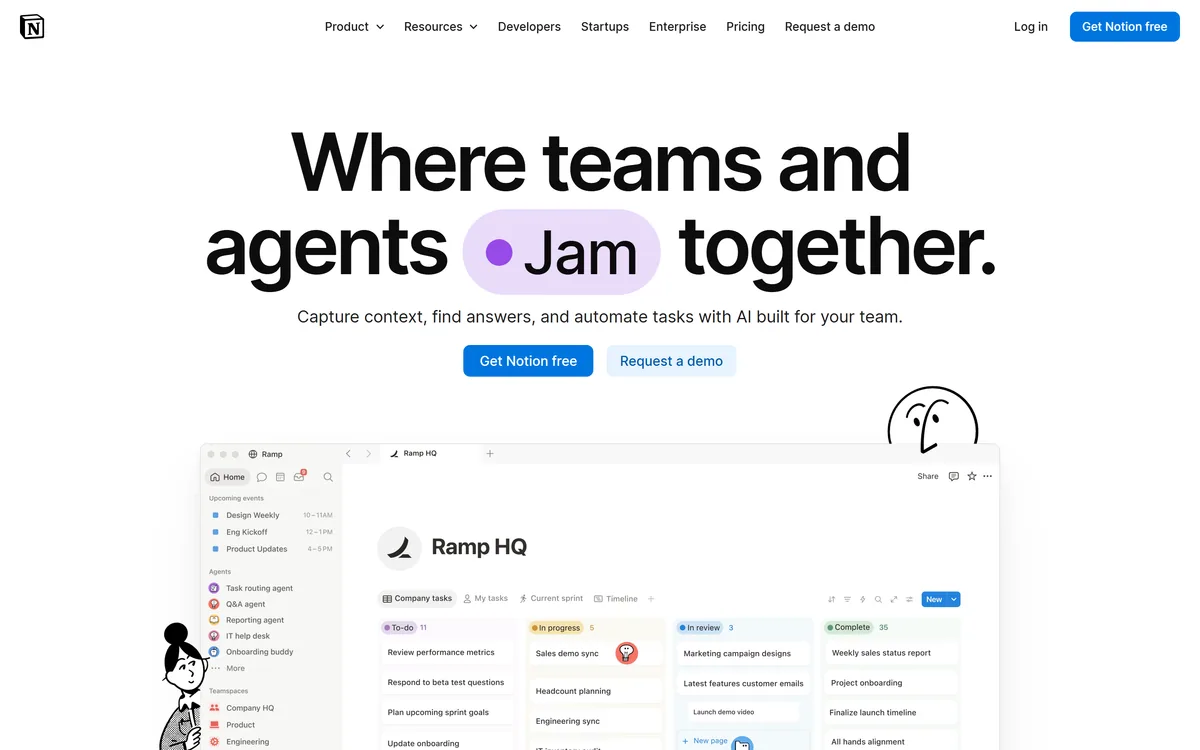
Notion AI screenshot

Notion AI is the assistant built into Notion — writing and editing in docs, agents that run recurring work like triage and reporting, AI Meeting Notes, and Enterprise Search across connected tools such as Slack, GitHub, Gmail, and Google Drive.

4.5/5Freemium
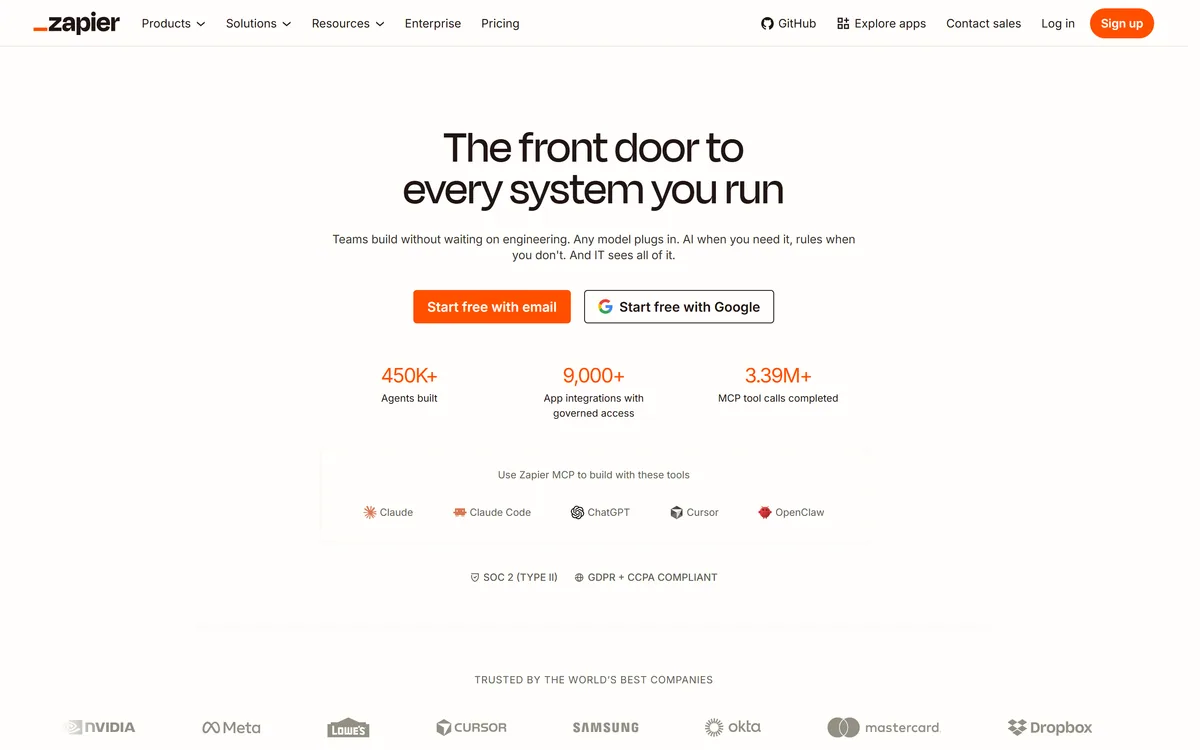
Zapier AI screenshot

Zapier's AI layer adds agents and MCP tool access on top of its automation platform, connecting more than 9,000 apps with governed access so teams can mix AI decisions with deterministic rules under central oversight.

4.6/5Freemium
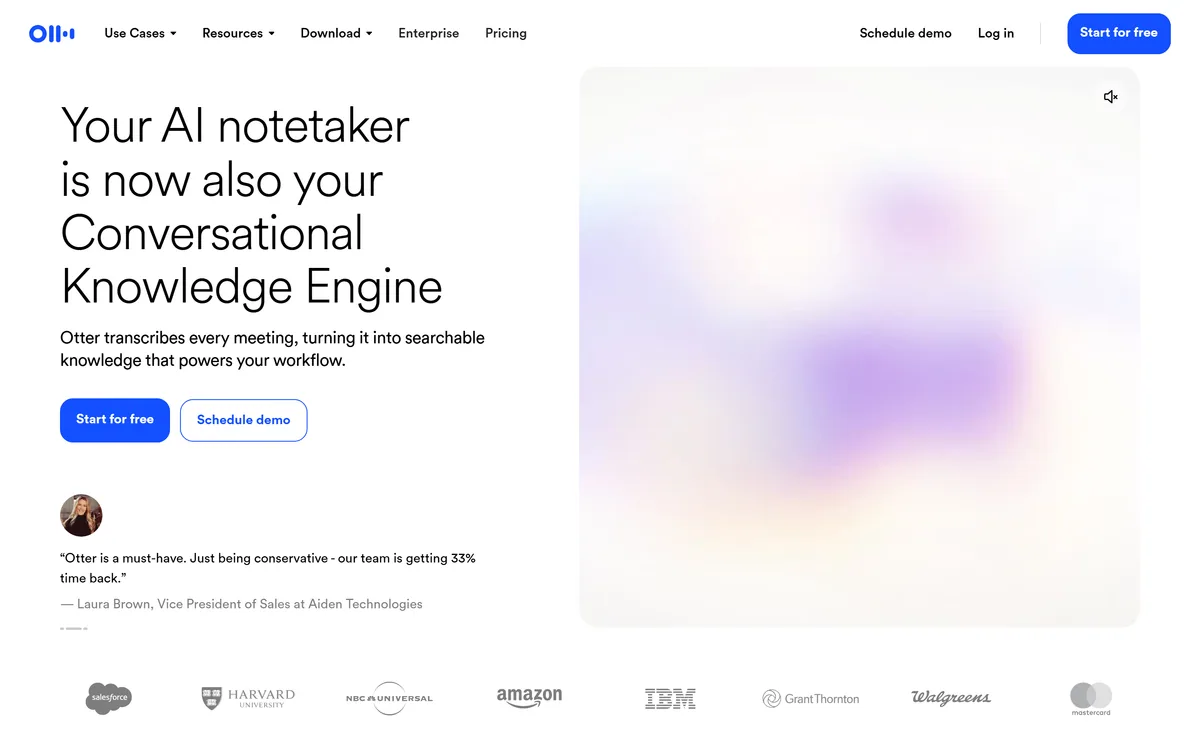
Otter.ai screenshot

Otter.ai transcribes meetings live, writes summaries and action items, and organises everything into searchable Channels — with OtterPilot joining Zoom, Teams, and Google Meet, plus role-specific agents for sales, recruiting, and SDR work.

4.4/5Freemium
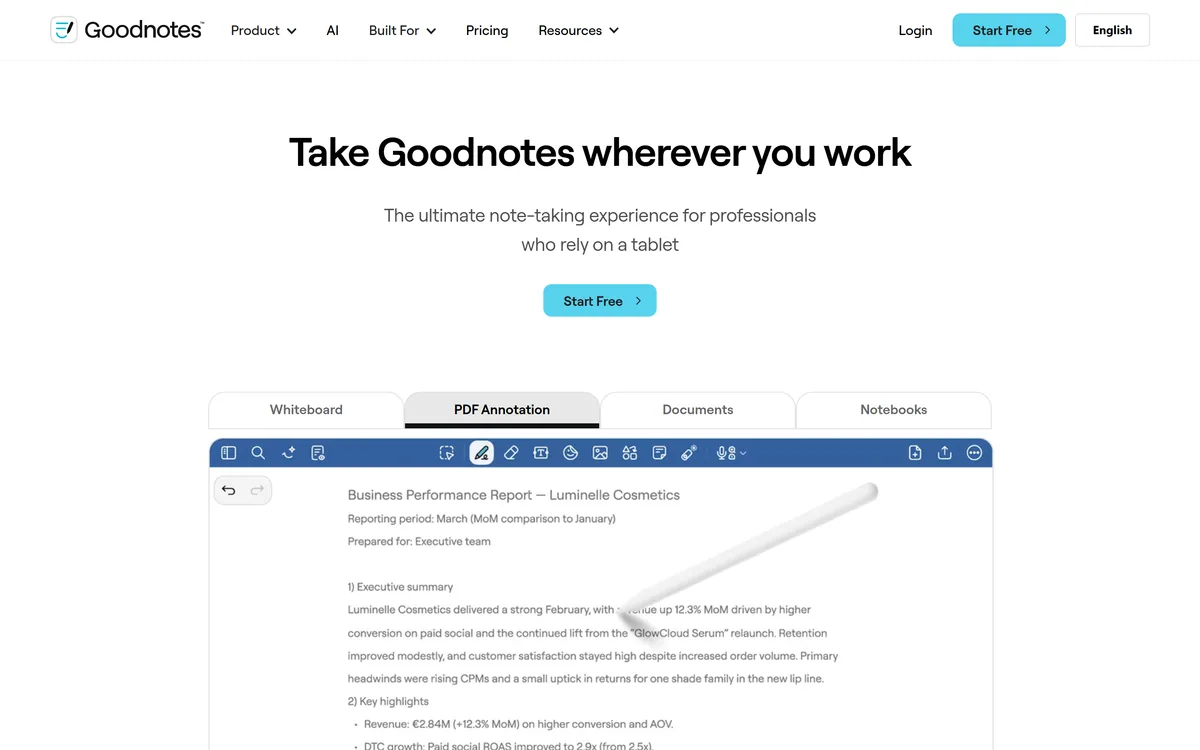
Goodnotes screenshot

Goodnotes is a handwriting-first note-taking app spanning iPad, iPhone, Mac, Windows, Android and web. It converts handwriting to text, searches across typed text, handwriting and sketches, annotates PDFs, records and transcribes audio, and turns notes into mind maps and project plans.

4.1/5Freemium
Ohai screenshot

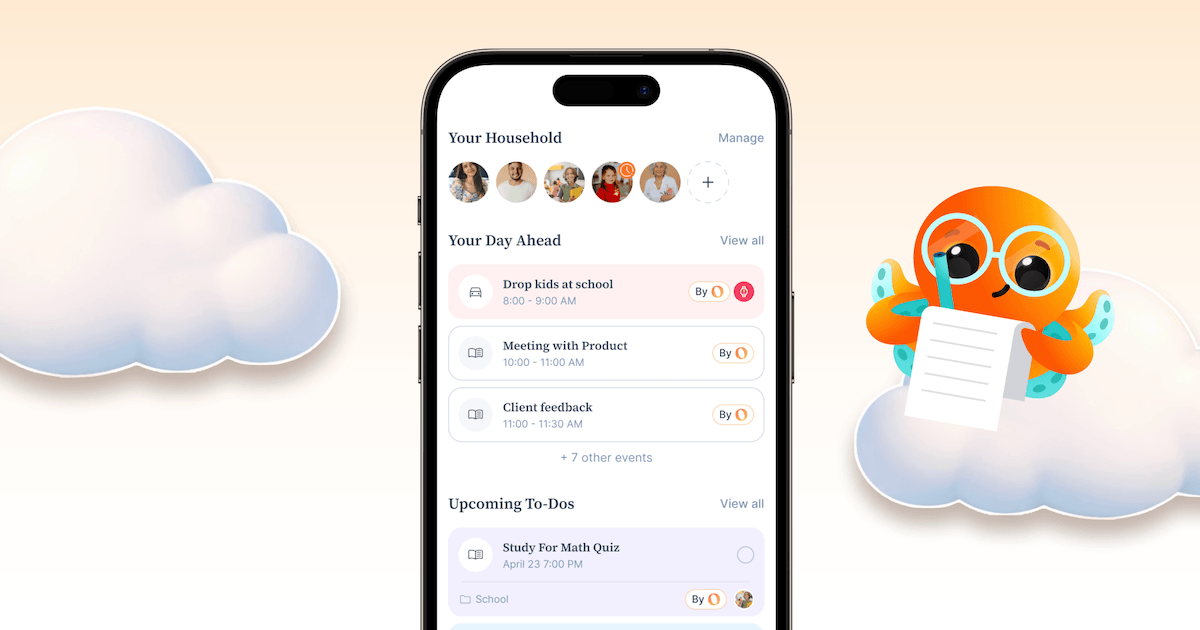
AI household assistant for calendars, tasks, and family life Category: Productivity & Automation.

Est.4.5/5Freemium
mirofish screenshot

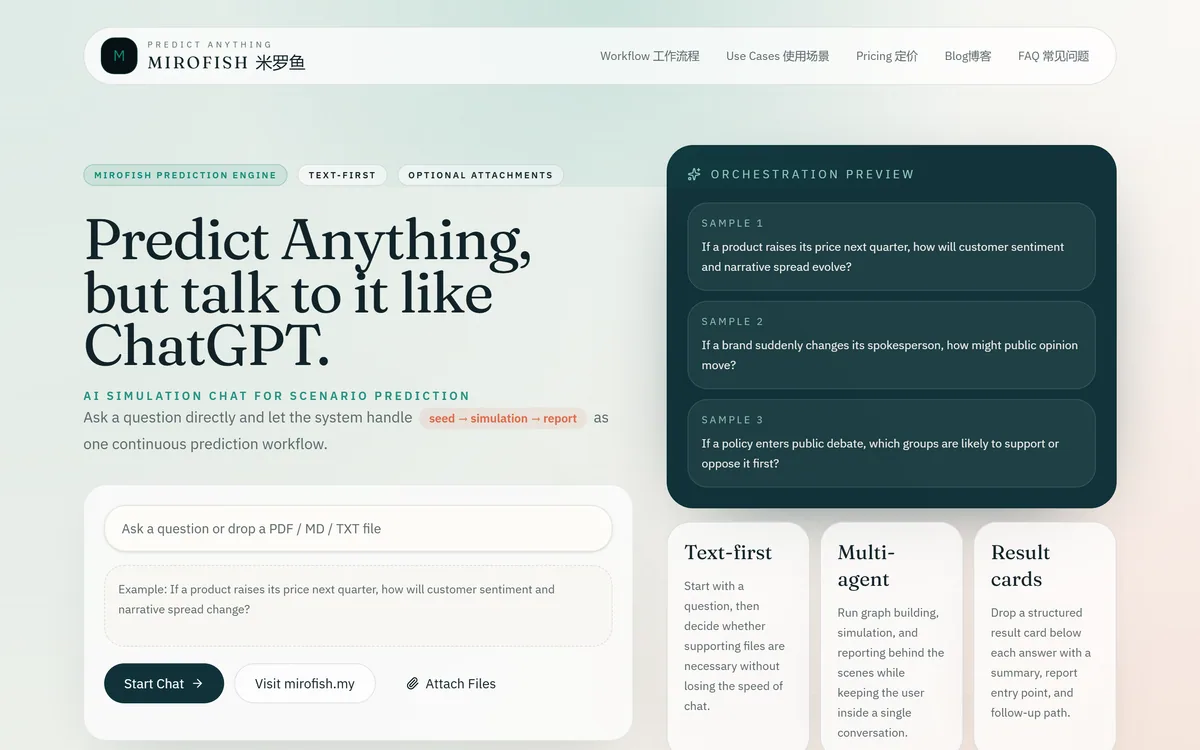
MiroFish is a multi-agent simulation platform for scenario prediction. You ask a plain-language question, attach supporting files, and it returns a structured report covering likely reactions, narrative paths, risk signals and follow-up questions.

3.7/5Paid
CrewAI screenshot

CrewAI is an enterprise platform to build and run AI agents: a Discovery layer that finds automation opportunities, a no-code canvas and code-first Python API for building role-based multi-agent workflows, and a control plane that adds tracing, RBAC, audit and human-in-the-loop approvals.

4.3/5Freemium
Browser Use screenshot

Browser Use is an open-source project (117k GitHub stars, MIT) offering AI agents that complete web tasks and a simple remote browser infrastructure for your own agents, benchmark-led, pay-as-you-go, with MCP, form-filling and login automation, usable in the cloud or self-hosted.

4.2/5Freemium
Ema screenshot

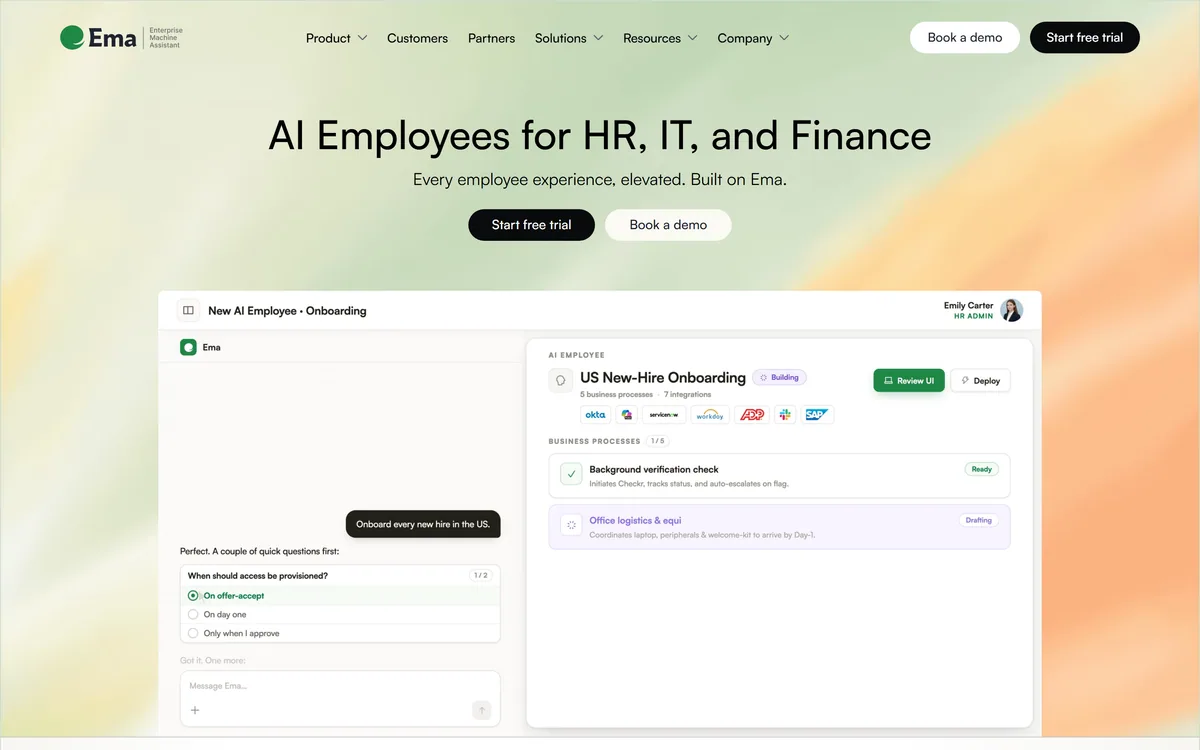
Ema builds what it calls Universal AI Employees for HR, IT and finance, covering recruiting, onboarding, benefits and performance. EmaFusion combines 100+ models with automatic failover, 1,000+ prebuilt connectors reach existing systems, and the compliance list runs to eight certifications including ISO 42001.

4.1/5Paid

Who Uses Productivity & Automation AI Tools?

The professions whose tool shortlists draw on productivity & automation — each links to a page built around that job.

How to Choose a Productivity & Automation Tool

  1. Start From the Job, Not the Tool

    Most productivity & automation tools overlap on their headline feature and differ on the specific job. Task Management, Meeting Assistant and Workflow Automation are separate subcategories here for that reason — picking the right one first rules out most of the category before you compare anything.

  2. Check What the Free Tier Actually Covers

    139 of the 198 productivity & automation tools reviewed here have a free or freemium plan, but "free" covers everything from a permanent tier to a short trial. Each review states which it is, so read the limit before building a workflow on it.

  3. Shortlist Two or Three, Then Compare

    Comparing every tool in a category is how people end up choosing none of them. Narrow to two or three inside one subcategory, then judge those side by side on output quality and on what the paid plan adds.

Where to Go Next

Productivity & Automation AI Tools — Frequently Asked Questions

What Does This Productivity & Automation Category Cover?

It covers tools whose main job is productivity & automation work, split across 10 subcategories so you can start from the task rather than the tool name. Tools reviewed here include Notion AI, Zapier AI, Otter.ai and others, each with its own review covering what it does and how it is priced.

Are There Free Productivity & Automation AI Tools?

Yes — 139 of the 198 productivity & automation tools reviewed here have a free or freemium plan. Our free AI tools page narrows the reviews down to those, and shows what each free tier actually covers.

What Is the Difference Between This Page and the Best Productivity & Automation Tools List?

This page is the category itself — every productivity & automation subcategory, what belongs in the category, and the full set of reviews you can browse. The best productivity & automation tools page is a ranked editorial pick from inside it, with scoring criteria and a verdict on each tool. Use this page to see the range; use that one when you want a recommendation.

How Are These Productivity & Automation Tools Reviewed?

Every tool is checked for a working product, accurate pricing and a genuine AI feature before it is published. Its review is built from the tool's own pricing, docs and policies, checked against independent sources, and scored out of 5 on one published method. The order on this page is simply most-viewed first — editorial ranking lives on the best productivity & automation tools page, and our methodology page describes the full process.

Launching a Productivity & Automation Tool?

Submit it for an editorial review and a page in front of people comparing productivity & automation tools before they buy.