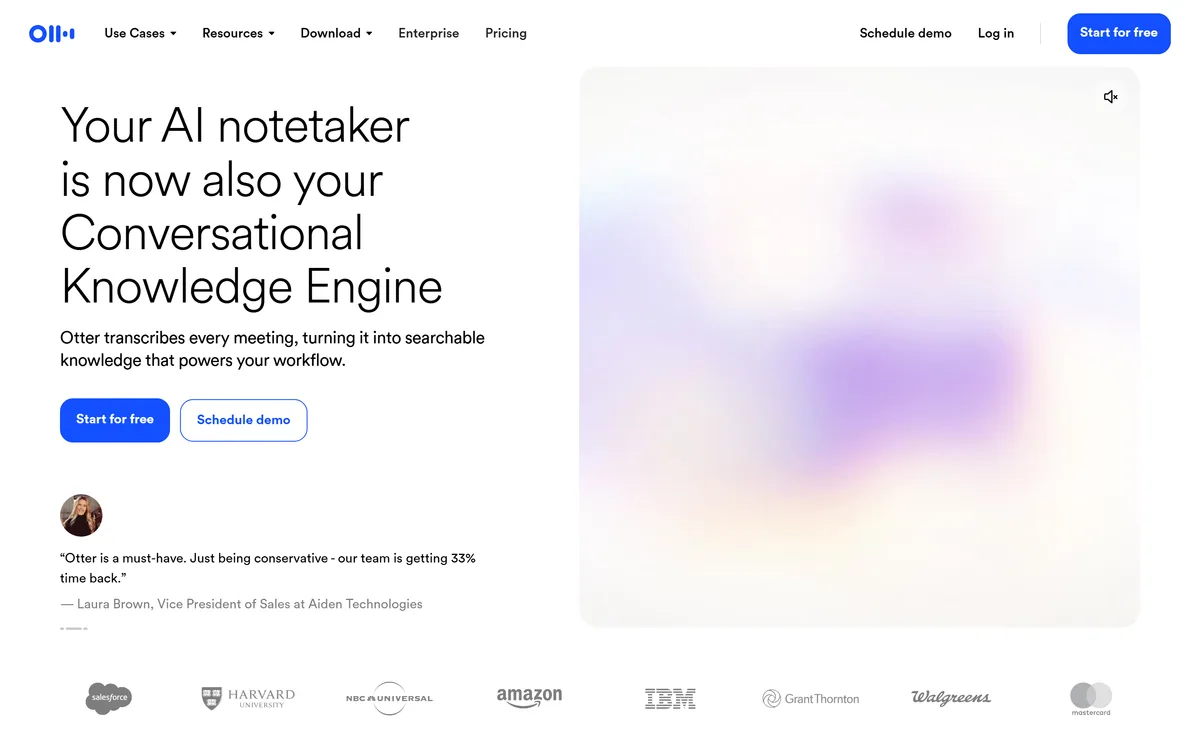
Otter.ai records meetings, transcribes them live, and turns them into notes with summaries and action items. It is the category-defining product for that job and the one most people have heard of.
The ambition has grown past transcription. Otter now organises meetings into Channels, lets you query your entire meeting history through AI Chat, and ships role-specific agents for sales, recruiting, and SDR work.
This review covers how the capture actually works, what the agents add, where accuracy genuinely limits it, and the etiquette problem that no feature solves.
Otter.ai Product Facts
| Maker | Otter.ai Inc |
|---|
| Category | AI meeting notetaker and transcription assistant |
|---|
| Meeting assistant | OtterPilot and the Otter Meeting Agent |
|---|
| Role agents | Sales Agent, Recruiting Agent, SDR Agent |
|---|
| Organisation | Channels, grouping meetings by team, project, or topic |
|---|
| Query layer | Otter AI Chat across your meeting history |
|---|
| Meeting platforms | Zoom, Microsoft Teams, Google Meet |
|---|
| Integrations | Slack, Salesforce, HubSpot, Jira, Notion, Asana, Google Calendar, Google Docs, Dropbox |
|---|
| Apps | Mac and Windows desktop with bot-free recording, plus a Chrome extension |
|---|
| Free plan | Yes |
|---|
How OtterPilot Gets Into Your Meetings
OtterPilot connects to your calendar and joins scheduled meetings on Zoom, Microsoft Teams, and Google Meet, capturing and transcribing without anyone having to remember to start it.
There is also a desktop app for Mac and Windows that records without sending a bot into the call. That distinction matters more than it sounds — a visible bot participant changes how people behave in a meeting, and some organisations forbid them outright.
A Chrome extension covers browser-based calls. Between the three routes, most meeting setups are handled.
From Transcript To Something Useful
A raw transcript is nearly useless — nobody reads forty minutes of speech. Otter's real work is the layer above it.
Summaries And Action Items
Otter produces automatic summaries that pull out decisions and action items rather than compressing the conversation evenly. Decisions and commitments are what people actually go back for.
Accuracy on action items is good but not perfect, so they are best treated as a first pass to confirm rather than a task list to trust blindly.
Channels
Channels group meetings by team, project, or topic, which converts a growing pile of recordings into something with structure. Without this, a year of meetings becomes an archive nobody searches.
Otter AI Chat
AI Chat lets you question your meeting history directly — what was agreed, when a topic last came up, what a client said about a requirement. This is where the accumulated recordings finally pay off.
It is also the feature that justifies capturing everything. One meeting's notes are convenient; a queryable year of them is genuinely different.
The Role-Specific Agents
Otter has moved beyond one general assistant into agents shaped around particular jobs — a Sales Agent, a Recruiting Agent, and an SDR Agent.
The logic is that what matters in a meeting depends entirely on why you were in it. A sales call needs objections, next steps, and pipeline signals surfaced; a screening interview needs candidate responses against requirements.
Paired with the Salesforce and HubSpot integrations, this is what turns Otter from a note-taker into part of a revenue workflow rather than a personal convenience.
Where The Notes End Up
Otter's integration list is broad, and it determines whether the notes reach the place work actually happens.
Notes flowing into the tools a team already uses is the difference between a meeting archive and a working record.
- Slack, for sharing summaries where discussion continues
- Salesforce and HubSpot, for pushing call context into CRM records
- Jira and Asana, for turning action items into tracked work
- Notion and Google Docs, for written knowledge bases
- Google Calendar, which drives automatic meeting joining
Accuracy, And What Actually Degrades It
Otter's transcription is strong on clear audio with distinct speakers, and speaker recognition holds up well in ordinary meetings.
It degrades in predictable ways: overlapping speech, strong accents, poor microphones, and technical or industry vocabulary. Product names and acronyms are routinely mangled, which then propagates into summaries.
Live transcription supports multiple languages, but coverage and quality vary by language, so verify yours before relying on it for anything consequential.
The practical consequence is that Otter is excellent for recall and terrible as a verbatim record. Do not treat its output as a transcript of what someone legally said.
The Consent Problem Nobody Solves
An assistant that silently joins meetings raises a question no feature addresses: does everyone in the room know it is there and agree to it.
Recording laws vary by jurisdiction, and some require all parties to consent rather than just one. The bot-free desktop recording that avoids an awkward participant in the list also removes the most obvious signal that recording is happening.
Handle this with policy rather than settings. Say at the start that notes are being taken, and decide as an organisation which meeting types are recorded — sensitive HR, legal, and personnel conversations usually should not be.
What Recording Everything Does To Meetings
There is a second-order effect worth anticipating. When people know a meeting is captured and searchable, some become more careful and less candid, particularly about half-formed ideas and disagreements.
That cuts both ways. Better-documented decisions are a real gain, and fewer meetings held purely to relay information is another. But the conversation where someone thinks aloud and changes their mind is valuable too, and it is the first thing to disappear.
The teams that handle this well are explicit about which meetings are recorded and which are deliberately not. Treating capture as universal by default tends to flatten exactly the discussions worth having.
Getting Real Value From It
Set Channels up before the archive grows. Retrofitting structure onto six months of unsorted meetings is far more work than sorting them as they arrive.
Correct names and product terms early. Otter learns from your corrections, and the vocabulary specific to your business is exactly where it makes the most errors.
Use AI Chat deliberately rather than reading summaries. The value of recording everything is being able to ask across it, and most users never make that shift.
Is Otter Worth Adopting?
Otter.ai is the most complete meeting notetaker available, and the move from transcription into Channels, AI Chat, and role agents has made it genuinely more useful than a recording tool.
Choose it if meetings carry your organisation's decisions, if sales or recruiting conversations need to reach a CRM, or if you want to query months of discussion rather than reread it. Be more careful where audio quality is poor, where your vocabulary is heavily technical, or where recording consent is legally sensitive.
There is a free plan, which is enough to judge the capture quality on your own meetings. Check otter.ai for current limits before rolling it out.