
AI document extraction for accounting and bookkeeping Category: Productivity & Automation.
Est.4.4/5Paid
Summarize, analyze, and work with documents using AI. Every tool here has its own review, so you can check what it does and how it is priced before you choose a document ai tool.
See the best Document AI toolsAI document extraction for accounting and bookkeeping Category: Productivity & Automation.
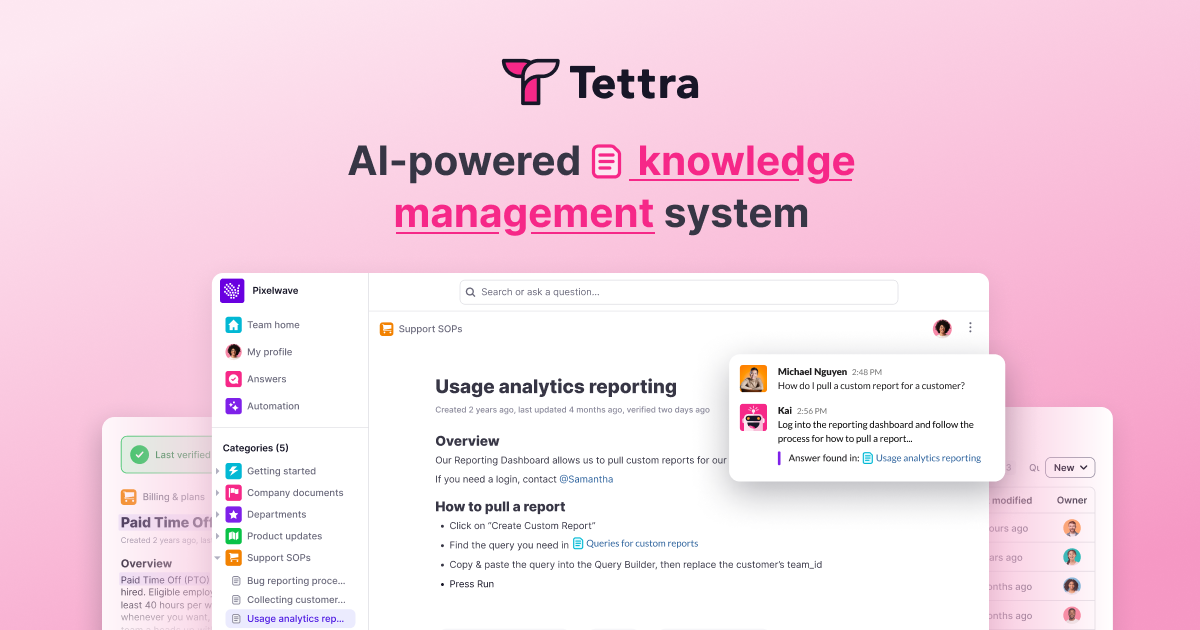
AI knowledge base that answers team questions Category: Productivity & Automation.

Document360 is knowledge base and documentation software built around Eddy AI, combining conversational search that cites its sources, an AI chatbot over scattered documents and tickets, a writing agent inside the editor, and an MCP server that exposes the knowledge base to ChatGPT, Claude and Copilot.

AI for analyzing large volumes of complex documents Category: Productivity & Automation.
Agentic enterprise search across all your apps Category: Productivity & Automation.
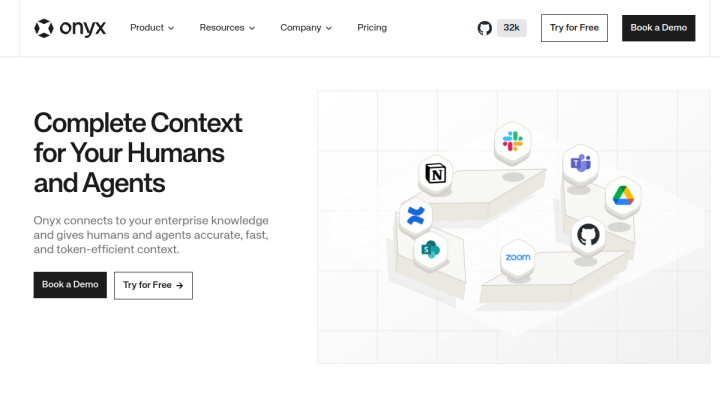
Open-source AI chat connected to your docs and apps Category: Productivity & Automation.
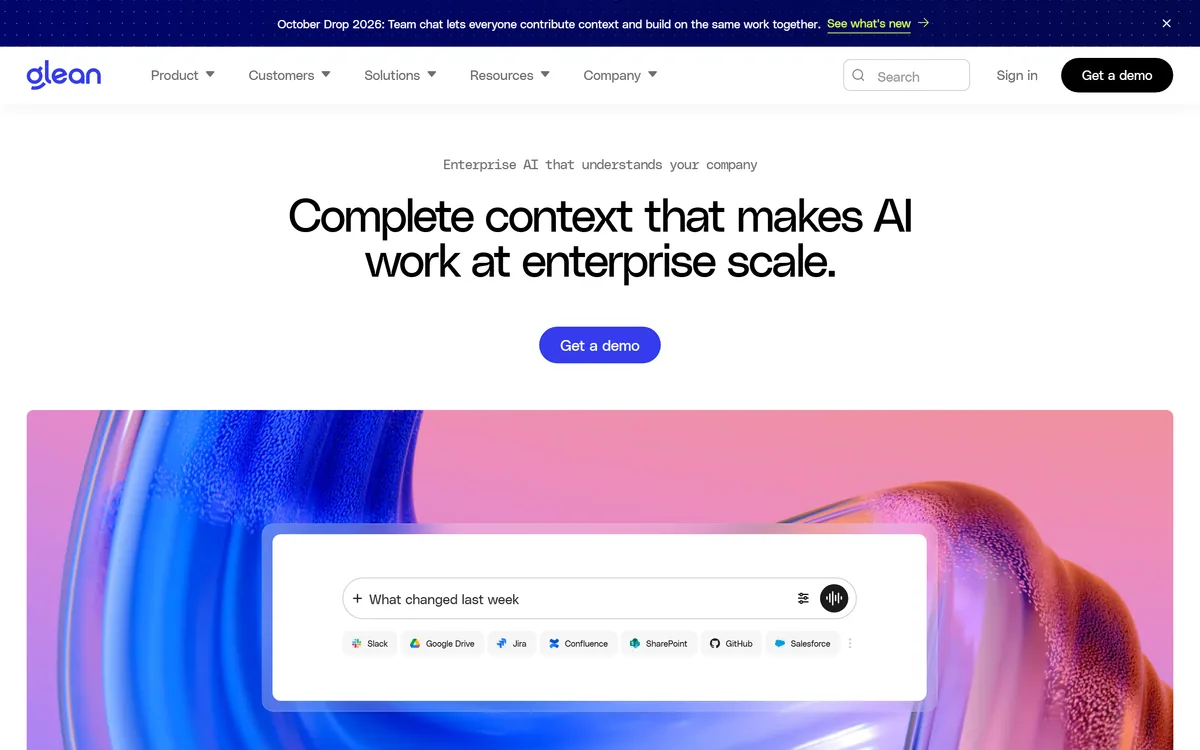
Glean is an enterprise AI platform (Glean, USA) that unifies search, an AI assistant and agents across a company's connected apps, answering from your own data with permission-aware results and connectors to Slack, Google, Microsoft and more. It suits mid-market and enterprise teams, with strong data-governance needs and enterprise pricing.
Humata lets you chat with your documents, asking questions across uploaded files and getting answers with citation links into the source, plus summarising and comparing, team data rooms with role-based access and encryption. It suits researchers, teams and students who work across many documents, with the caveats that answers and citations should be checked and that uploading documents is a privacy decision to confirm, especially for sensitive files.
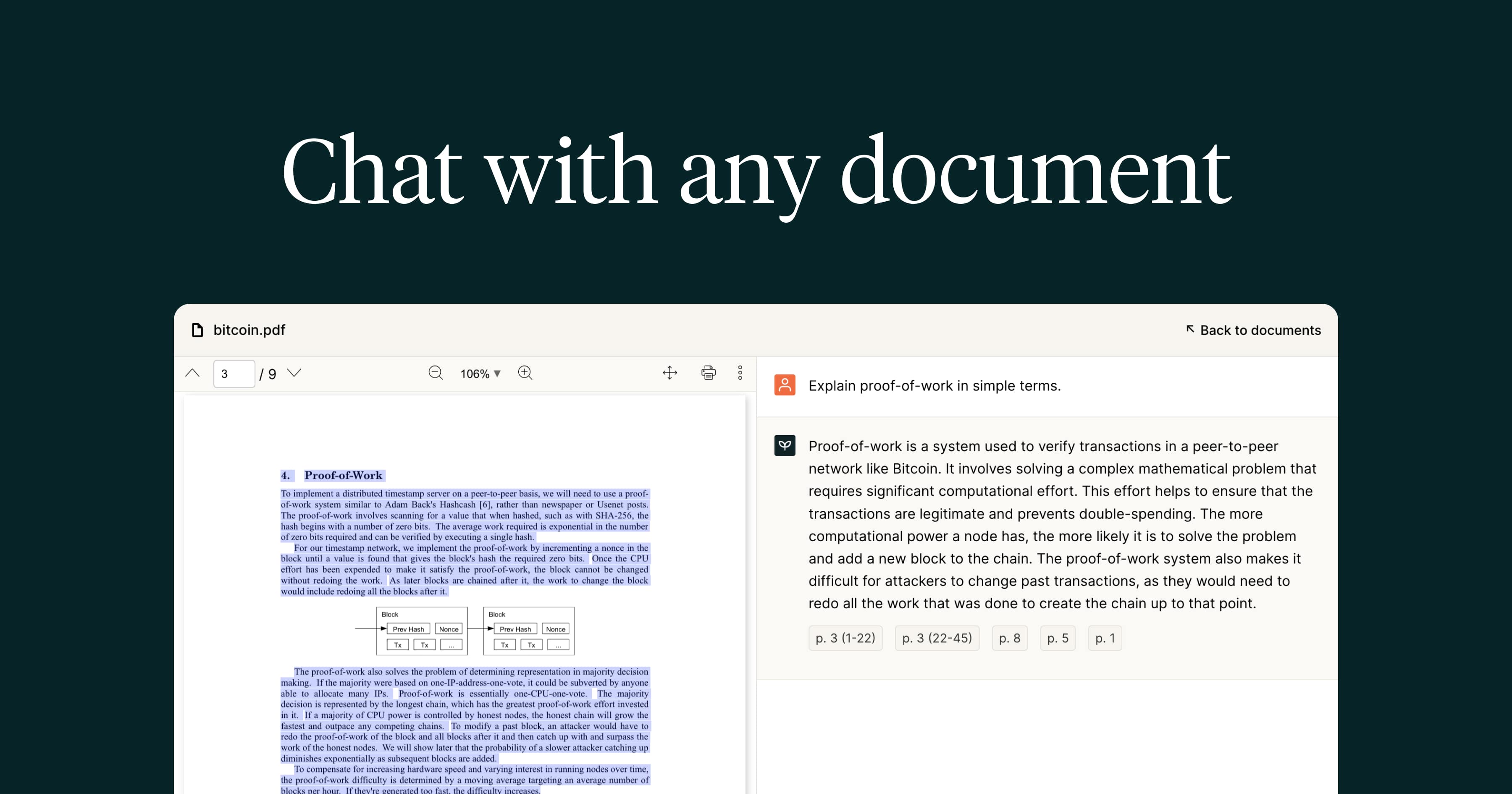
Chat with PDFs and a developer API for documents Category: Productivity & Automation.
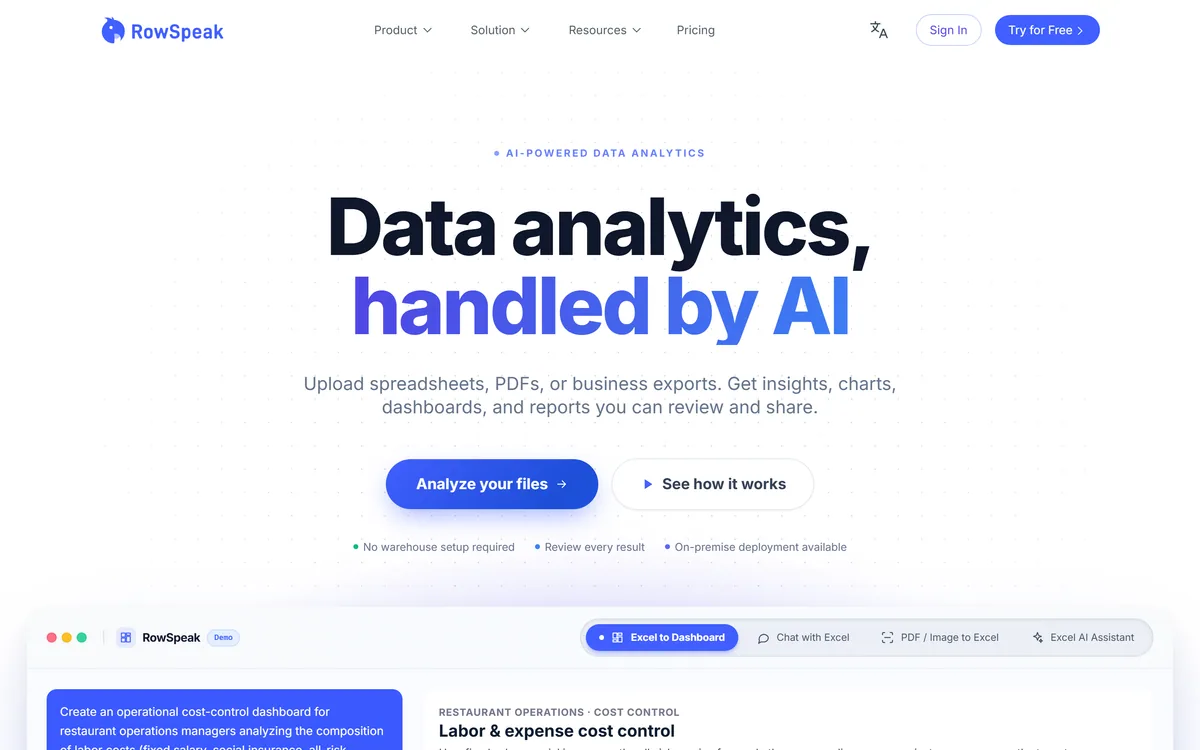
RowSpeak is an AI data-analysis tool for spreadsheet-heavy teams: it analyses Excel, CSV, PDF and image tables in plain English, cleans data, generates charts, reports and dashboards, and converts PDFs and images into editable spreadsheets.
Intelligent document processing with human-in-the-loop Category: Productivity & Automation.
Reducto review on AInexfinder — paid AI tool for Productivity & Automation. Features, pricing notes, and alternatives.
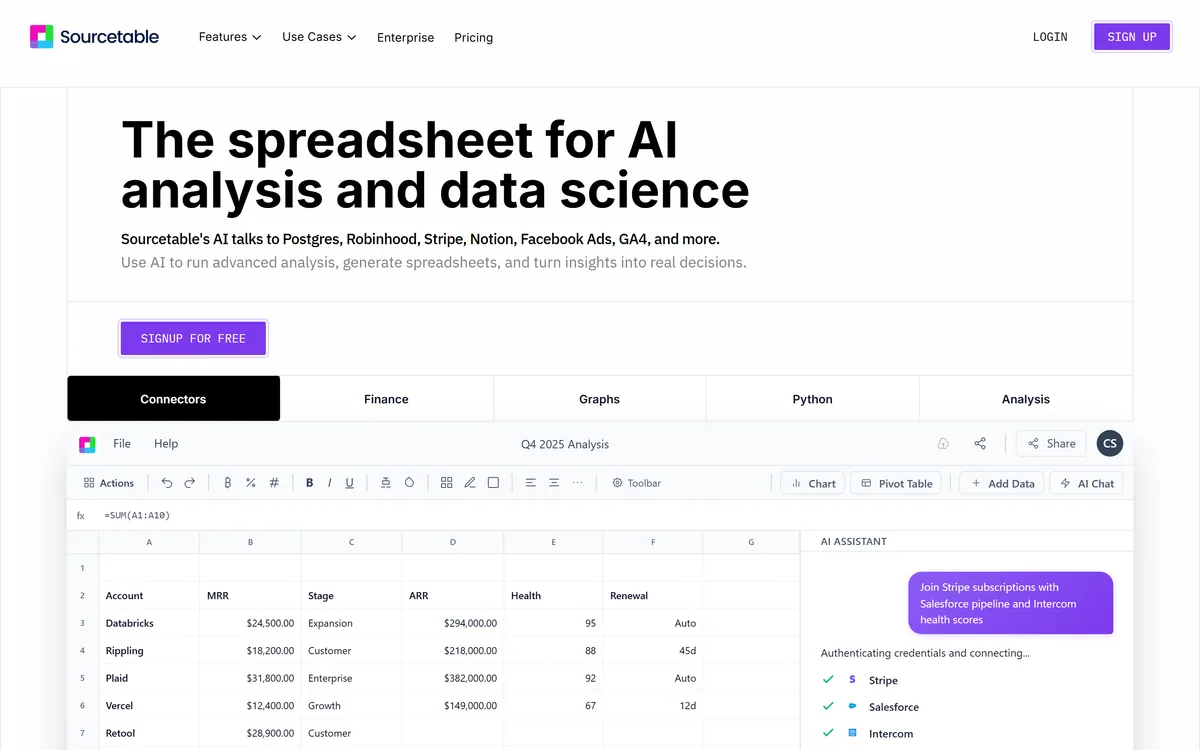
Sourcetable is an AI spreadsheet and data-analyst tool that connects to databases and apps, runs analysis in plain English, generates charts and spreadsheets, and taps Python and research tools without code. It suits analysts and data-curious teams, with enterprise security; AI output still needs checking.
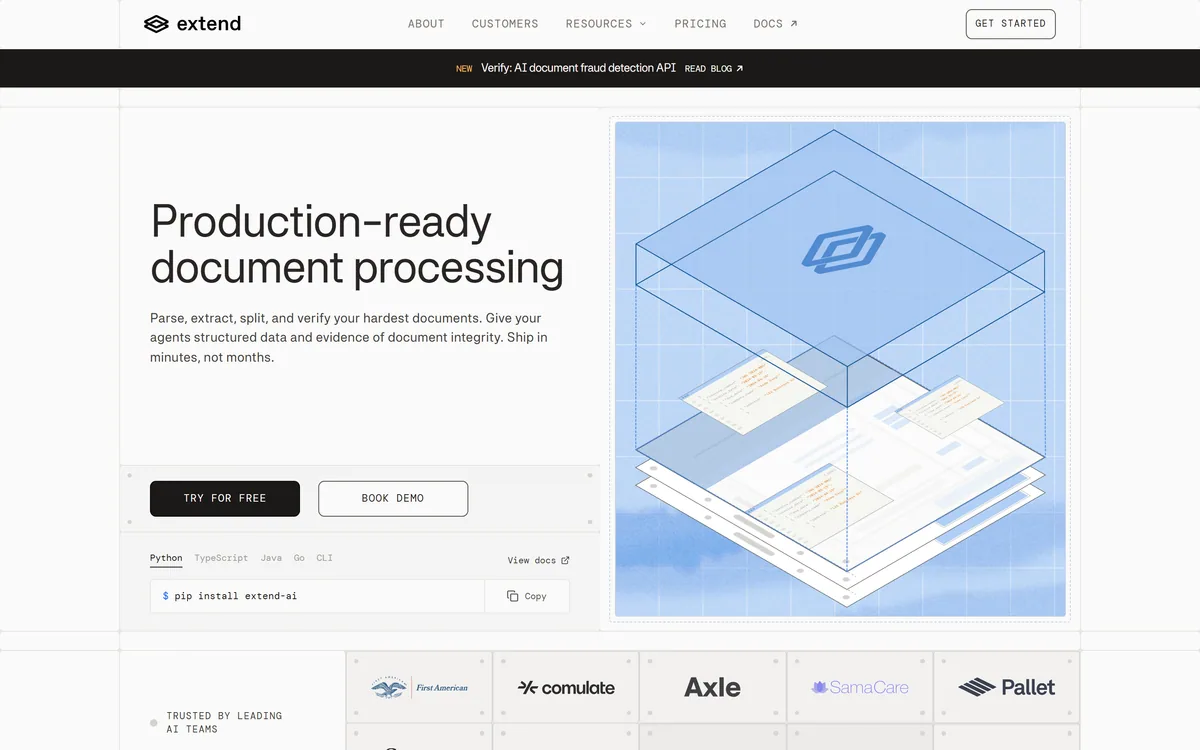
Extend is document-processing infrastructure for AI agents: an API and platform that parse, extract and verify structured data from messy real-world documents (PDFs, scans, forms), with human-in-the-loop review and evaluation tooling. It suits engineering teams building document-heavy AI workflows, with accuracy and oversight caveats.

AI assistant that answers workplace questions instantly Category: Productivity & Automation.
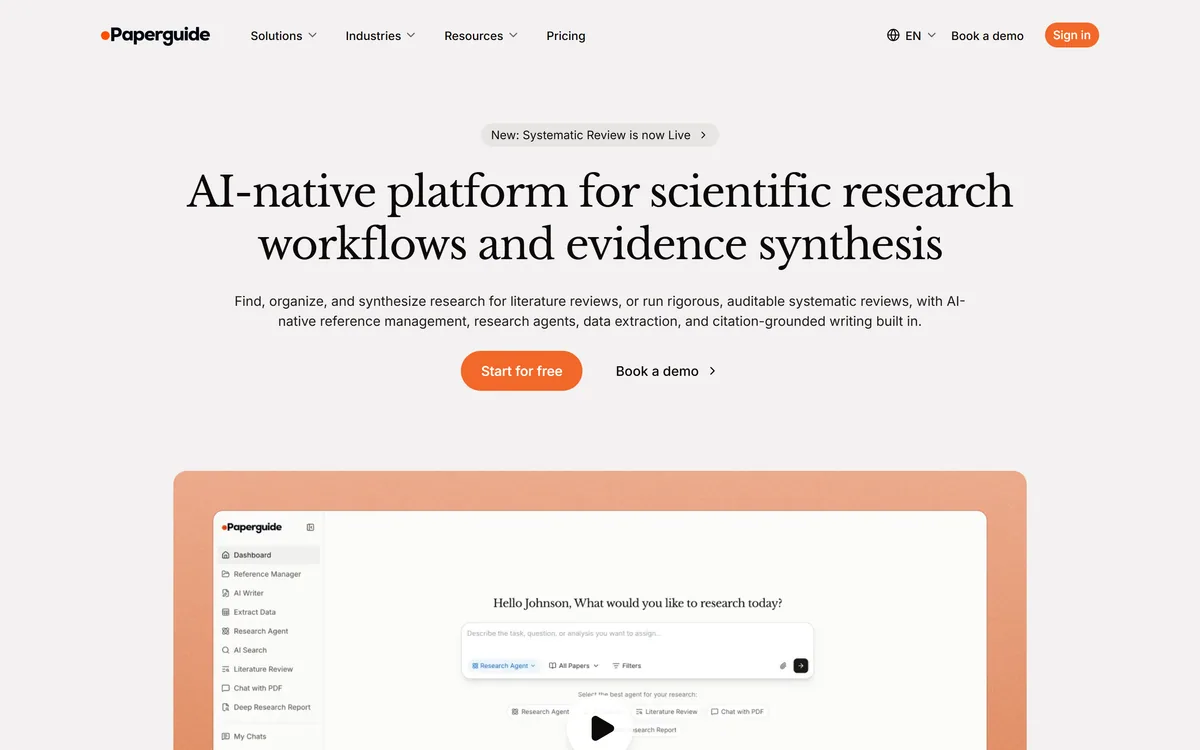
Paperguide is an AI-native platform for scientific research and evidence synthesis: AI search over 200M+ papers, a reference manager, data extraction, PRISMA systematic reviews with human-final decisions, and citation-grounded writing. It suits researchers and evidence-synthesis teams, with the honest points that it's built to keep humans deciding and its compliance certifications are stated as coming soon, not yet in place.
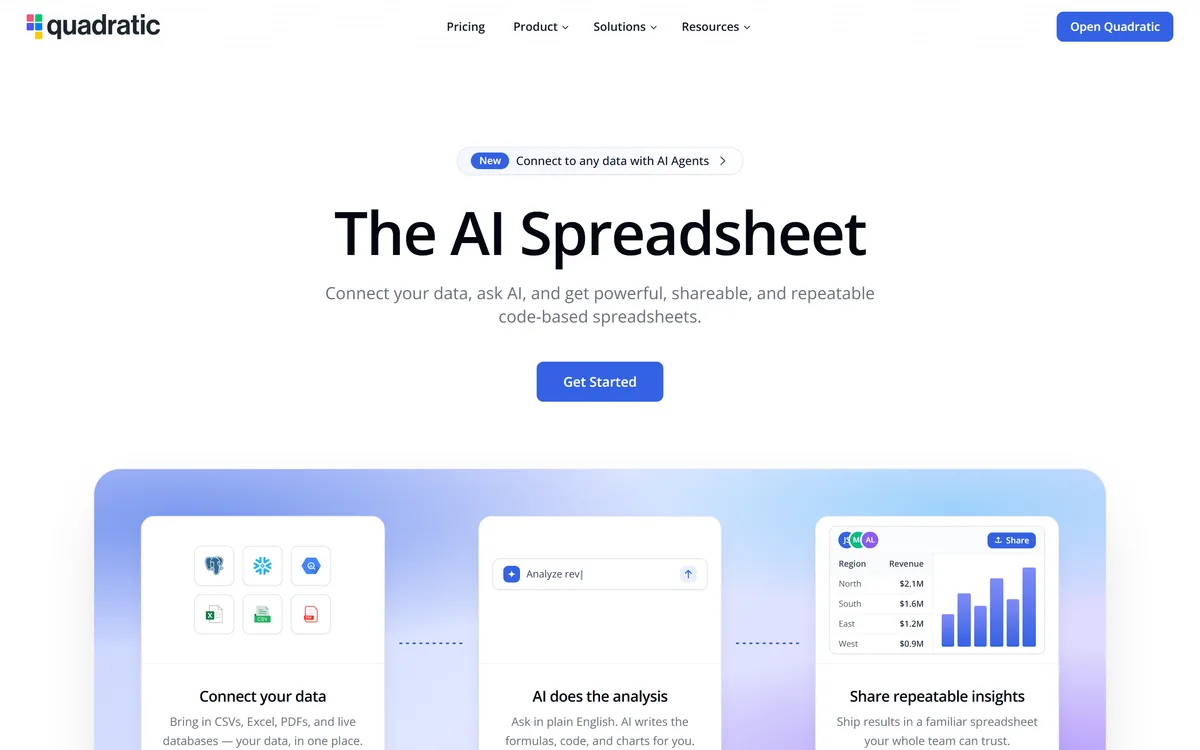
Quadratic is an AI spreadsheet that connects CSVs, Excel files, PDFs and live databases, then writes formulas, Python code and charts from plain-English questions. It positions readable code against unreadable nested formulas, and states 250,000+ users at companies and universities.
AI document processing with agentic data extraction Category: Productivity & Automation.

Chat with documents and choose your AI model Category: Productivity & Automation.
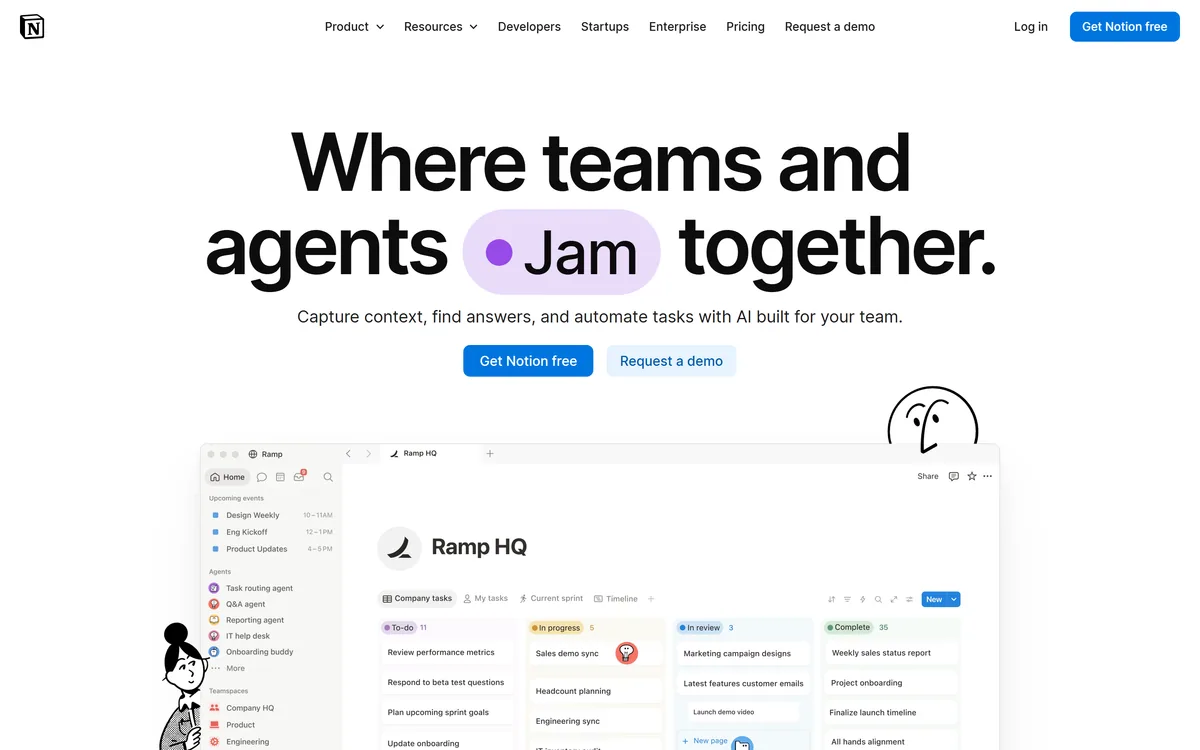

Notion AI is the assistant built into Notion — writing and editing in docs, agents that run recurring work like triage and reporting, AI Meeting Notes, and Enterprise Search across connected tools such as Slack, GitHub, Gmail, and Google Drive.
ChatPDF review on AInexfinder — freemium AI tool for Productivity & Automation. Features, pricing notes, and alternatives.
Conversational AI data analyst for everyone Category: Productivity & Automation.
Turn documents and videos into notes and quizzes Category: Productivity & Automation.
Guru is a company knowledge platform repositioned as a 'governed knowledge layer for enterprise AI': verified knowledge cards, enterprise search and an AI assistant with permission controls, so employees and AI get trusted answers. It suits mid-market and enterprise teams wanting a governed source of truth, with upkeep and connected-data caveats.
Julius AI review on AInexfinder — freemium AI tool for Productivity & Automation. Features, pricing notes, and alternatives.
Slite is an AI knowledge base and docs tool with an assistant ('Ask') that answers from your team's content and helps keep it current, with a privacy-forward posture (no training on your data, EU hosting). It suits doc-heavy teams wanting a tidy, searchable knowledge base, with the usual considerations that answers depend on your content and it overlaps tools you may already run.
AI data analyst for spreadsheets and reports Category: Productivity & Automation.

AI data analyst turns spreadsheets into dashboards Category: Productivity & Automation.
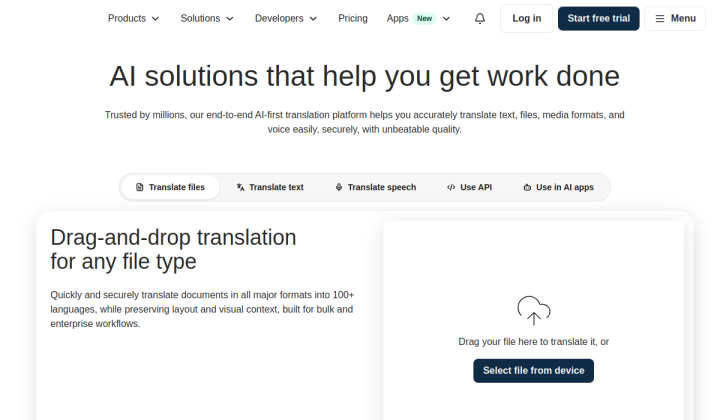
Highly accurate AI translation and writing assistant Category: Productivity & Automation.
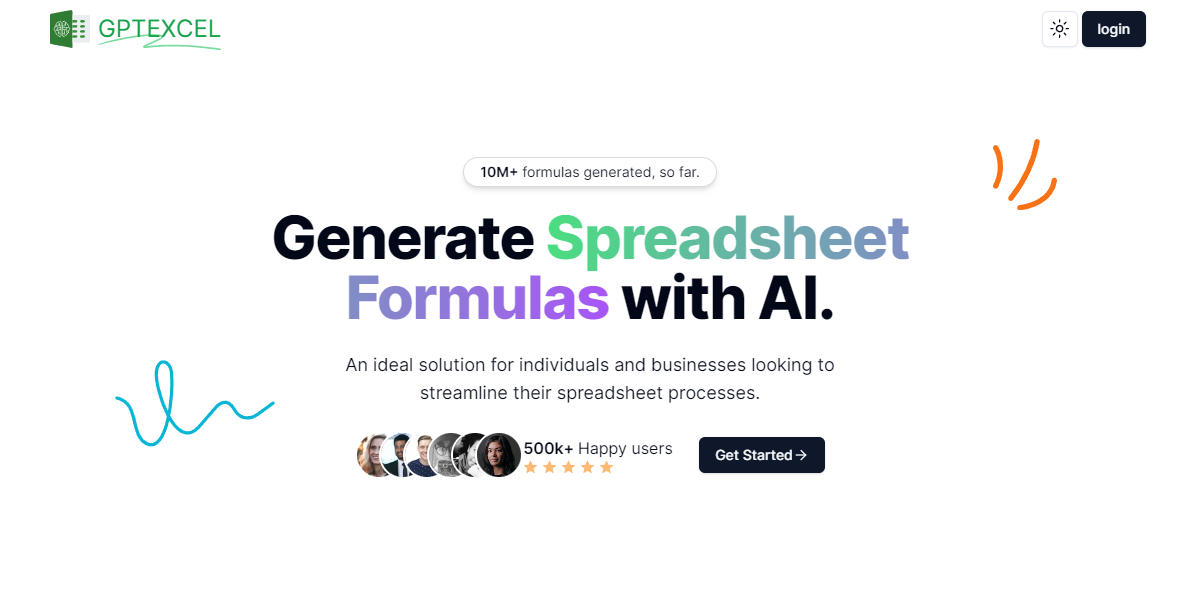
AI spreadsheet assistant for formulas and automation Category: Productivity & Automation.
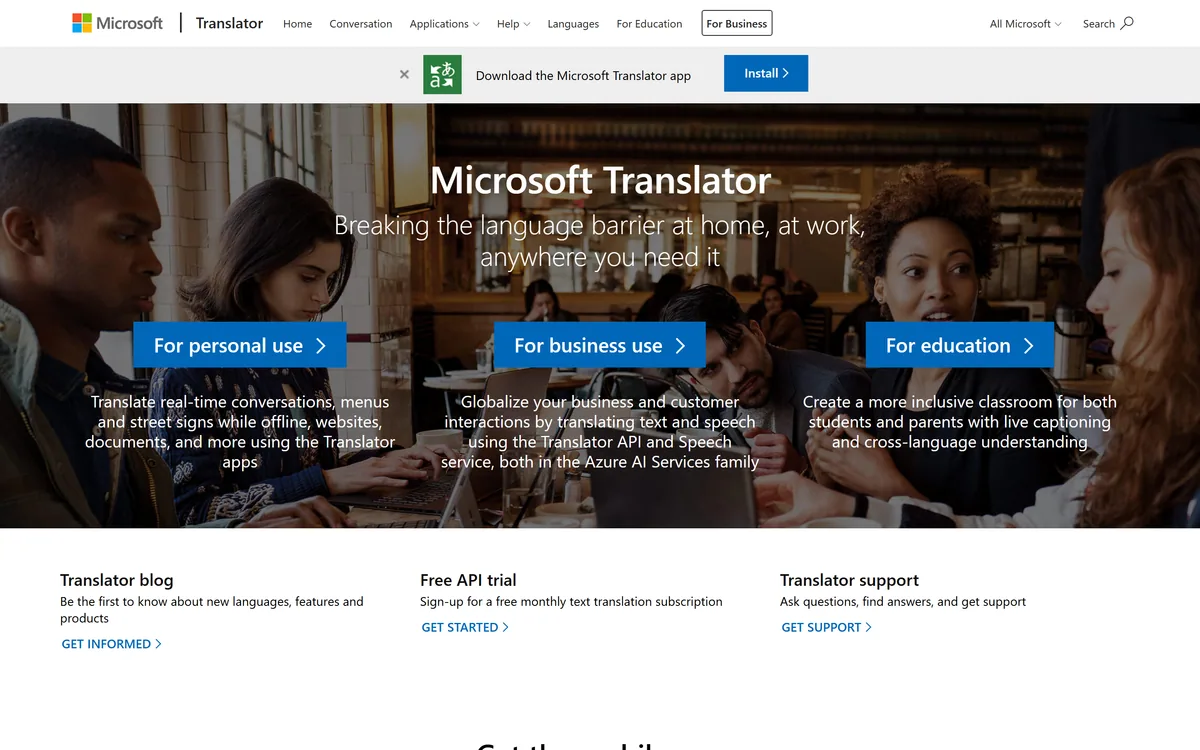
Microsoft Translator is Microsoft's machine-translation service, part of Azure AI Services: consumer apps for real-time conversation, menu, sign, website and document translation, plus a Translator API and Speech service for businesses and live captioning for education.

Rossum is an intelligent document processing (IDP) platform: AI agents read, capture, validate and transform transactional documents (invoices, orders, AP) and write the data to your ERP, using a proprietary transactional model, 276 languages and continuous learning. Rossum has been acquired by Coupa.
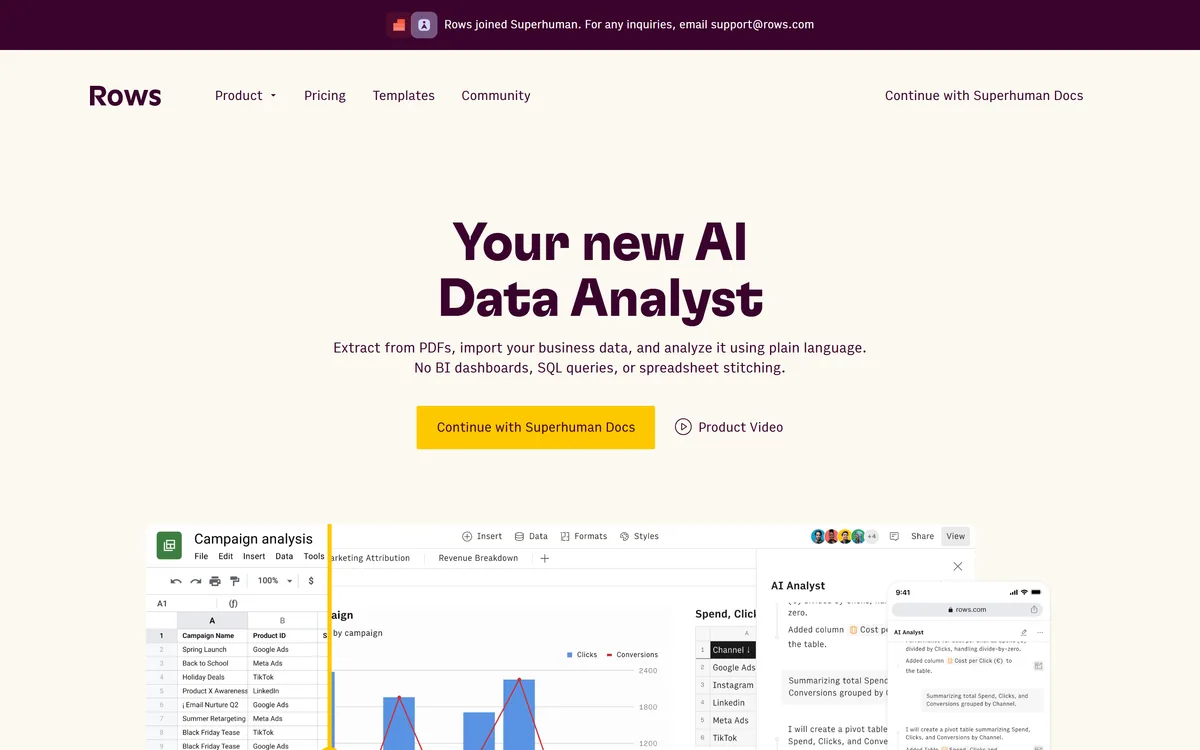
AI spreadsheet that analyzes data in plain language Category: Productivity & Automation.
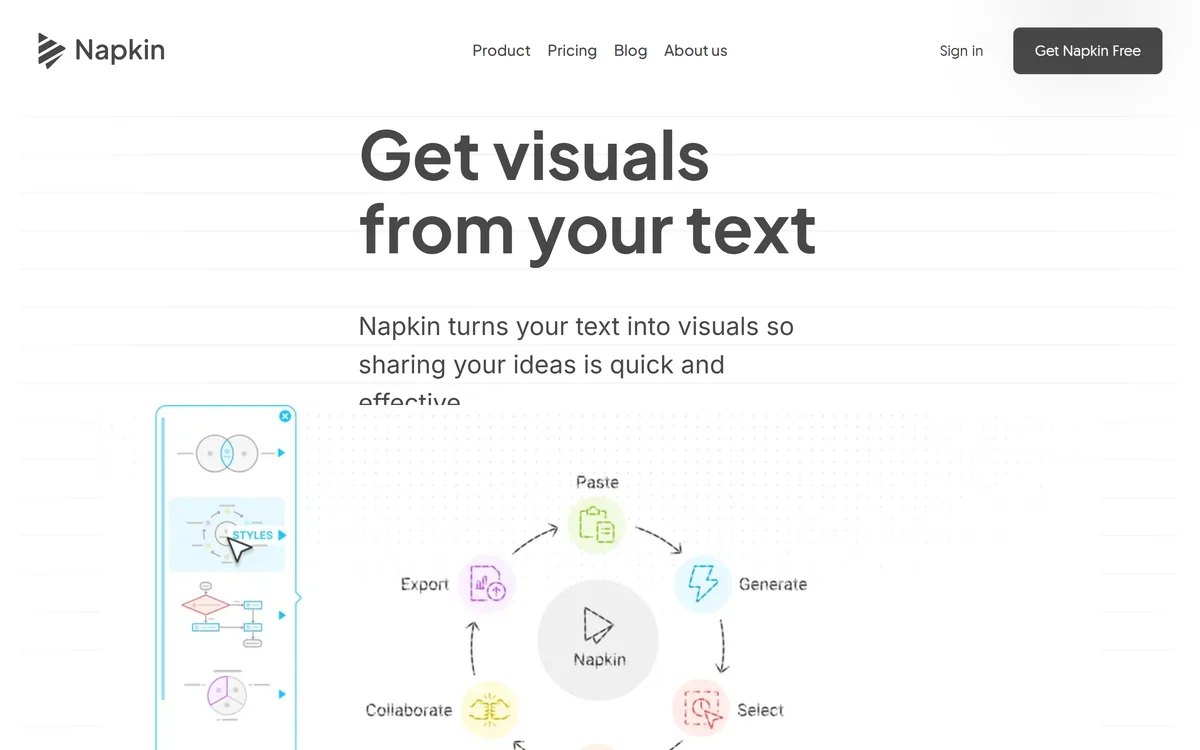
Napkin AI is a visual communication platform in two parts: Napkin Visuals converts text into diagrams and graphics, and Napkin Slides generates full presentation decks. Output exports to PPT, PNG, PDF and SVG, with 60+ content languages and collaborative editing.

Powerdrill is an AI data-analysis workspace (its assistant is 'Bloom') that lets you upload data sources and ask questions in natural language, returning charts, citations and shareable reports with memory across sessions. It suits analysts and data-curious teams wanting faster insight, with the usual verify-the-output caveat and vendor-stated performance claims.
Document AI tools are products whose core function applies AI to document ai. A tool belongs here when that is the job it is built for, rather than a side feature.
Because this is a focused slice of productivity & automation, the tools below do broadly the same job — so compare them on what they actually produce and how they are priced. Each review shows the tool's pricing model and whether it has a free tier.
Document AI tools reviewed here include:
Reviews are re-checked on a rolling basis
Submit it for an editorial review and a page in front of people comparing document ai tools before they buy.