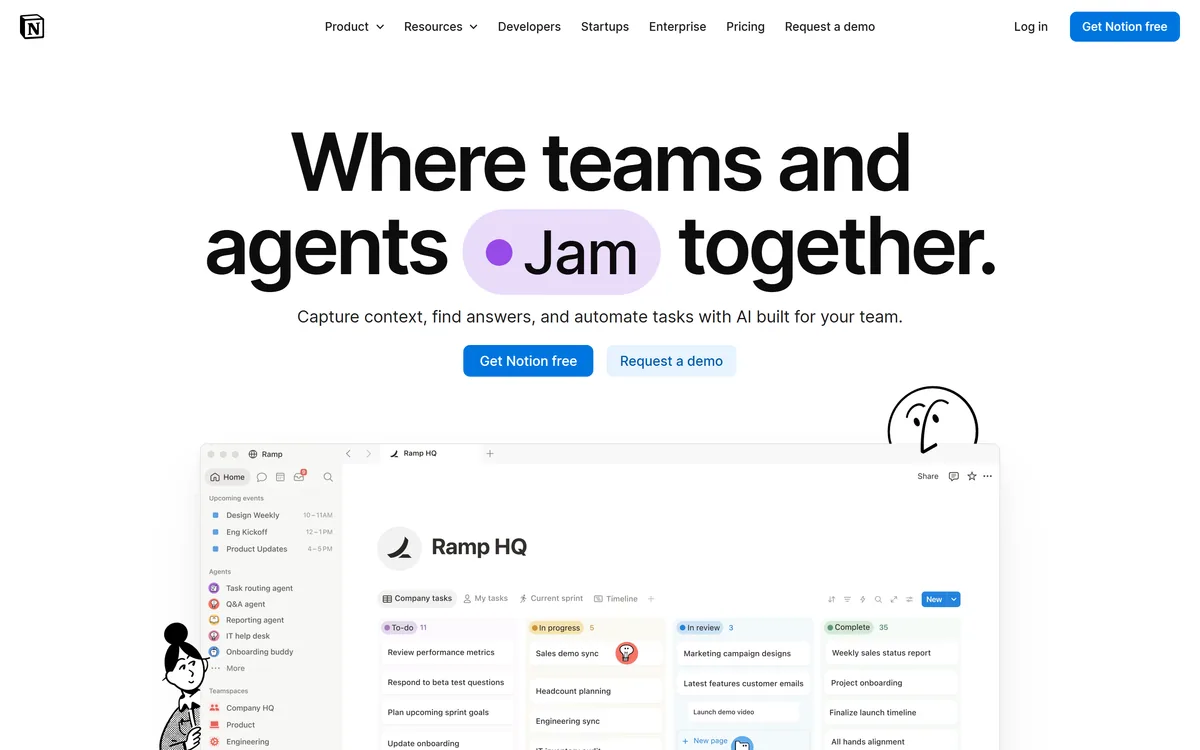

Notion AI is the assistant built into Notion — writing and editing in docs, agents that run recurring work like triage and reporting, AI Meeting Notes, and Enterprise Search across connected tools such as Slack, GitHub, Gmail, and Google Drive.
Productivity & Automation Review
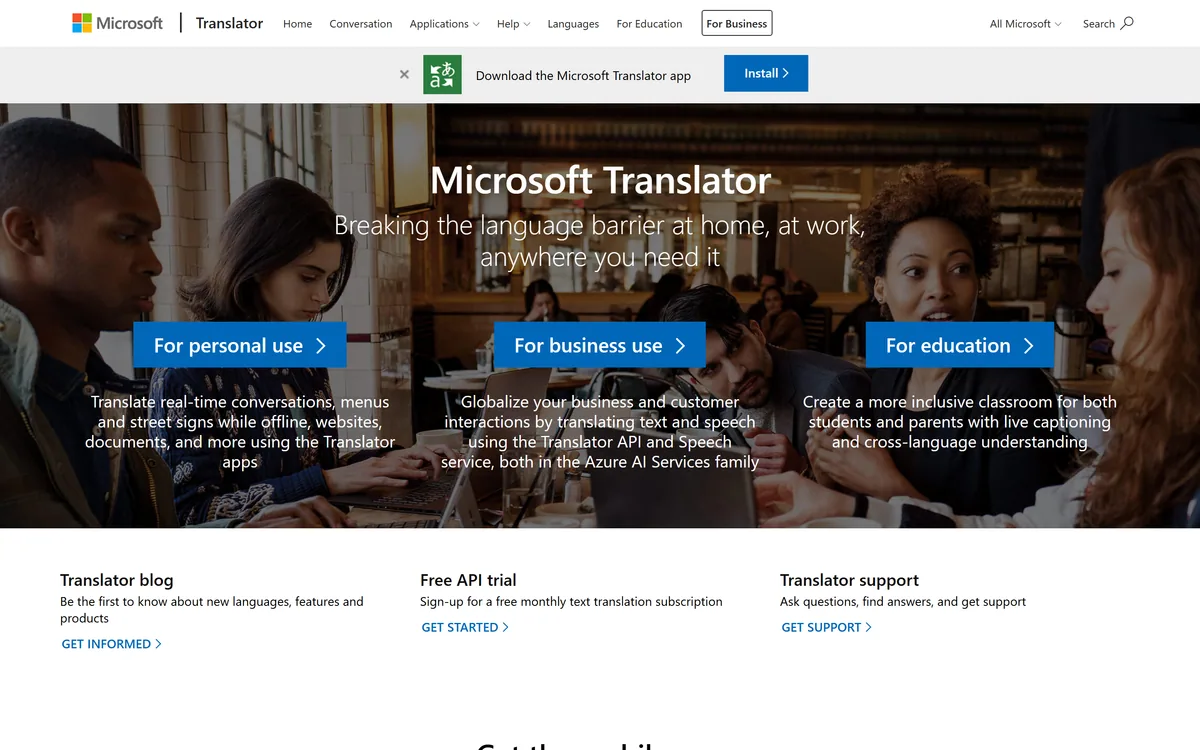
Microsoft Translator is Microsoft's machine-translation service, part of Azure AI Services: consumer apps for real-time conversation, menu, sign, website and document translation, plus a Translator API and Speech service for businesses and live captioning for education.
Good
Microsoft Translator earns 3.8 as a dependable, broadly useful translation service: free consumer apps for conversations, menus, signs, websites and documents, some offline, plus a Translator API and Speech service in Azure AI Services and live captioning for education. It is a strong choice for everyday translation and for developers already on Azure. It is not for certified, legal or medical translation without a human, its business side uses usage-based cloud billing, and the marketing page is sparse, so this is a research-based overview. AInexfinder Editor Score: 3.8/5.
Best for: Travel translation; Everyday communication
The visit link goes to microsoft.com, the official site. Paid placements on AInexfinder are always labelled. How we make money
Translation is now something people expect on a phone and developers expect in an API. Microsoft Translator covers both, as consumer apps and as a service inside Microsoft's Azure cloud.
For individuals it translates real-time conversations, menus, street signs, websites and documents, some of it offline; for businesses it exposes a Translator API and Speech service within Azure AI Services, and for education it offers live captioning. It competes with translation and dubbing tools like Dubverse on different ground, as general-purpose infrastructure.
This review covers what Microsoft Translator does, who it suits, how it is offered, and where it falls short. Note the page we read is light on detail, so this is a research-based overview rather than a deep feature audit.
Microsoft Translator's job is to remove language barriers across the situations people and businesses actually hit: a conversation with someone who speaks another language, a foreign menu or sign, a website, or a document that needs translating.
Its split personality is the key thing to understand. For consumers it is a free app that does these jobs directly, including some offline use; for developers and businesses it is a paid, usage-based service inside Azure AI Services.
That Azure backing means the business side is cloud infrastructure with the scaling, support and compliance expectations that implies, rather than a lightweight standalone app. The same translation technology underpins both.
The candid take is that machine translation is useful but imperfect. It is excellent for understanding and everyday communication, and risky for anything legal, medical or nuanced, where a human translator is still needed. The page we read is sparse, so treat this as an overview.
Microsoft Translator is dependable for everyday understanding, but nuance and high-stakes text still need a human translator.
Microsoft Translator spans direct consumer apps and a developer service in Azure.
The consumer apps translate real-time conversations, printed menus and signs through the camera, websites and documents, with some languages available offline for travel.
Where a tool like Rask AI focuses on dubbing and localising video, Microsoft Translator is a general text-and-speech translator for everyday and business use rather than media production.
For businesses, the Translator API and Speech service sit in Azure AI Services, billed by usage, with a free monthly text-translation tier to start, and education gets live captioning for inclusive classrooms.
For transcription-first needs rather than translation, a speech tool like Gladia targets that job; Microsoft's strength here is broad, integrated translation at cloud scale.
Microsoft Translator suits travellers and everyday users who want quick, reliable translation on a phone, including offline, and developers or businesses that need translation built into products and workflows via Azure.
It suits organisations already in the Microsoft and Azure ecosystem, where billing, security and integration are simplest, and educators who want live captioning and cross-language understanding in the classroom.
It fits less well anyone needing certified, legally or medically precise translation, where machine output is a risk, and small projects that want a simple flat-rate tool rather than Azure's usage-based cloud billing.
A good way to weigh it is by stakes. For understanding, travel and everyday communication it is dependable and convenient; for anything where a mistranslation has consequences, treat it as a first pass that a qualified human should check. In practice that split is easy to apply day to day: lean on the apps for travel, quick messages and getting the gist of a foreign page, and reserve professional translation for contracts, medical information, published marketing and anything where a wrong word carries a cost. For developers the same caution applies at scale, since an API translating thousands of strings will occasionally produce an awkward or wrong rendering that only a human reviewer or native speaker will catch.
Microsoft Translator's consumer apps are free, while the business Translator API and Speech service are usage-based within Azure, with a free monthly text-translation tier to start. We do not publish prices, which change; check the Azure pricing pages.
The value question for businesses is translation volume and integration needs against Azure's per-use cost, and whether an all-Microsoft stack simplifies procurement and compliance.
A low-risk way in is to use the free app or the free API tier to judge quality on your real language pairs and content, then scale on Azure only once quality and cost are clear. Checking a couple of real documents and your actual language pairs on the free tier tells you more in ten minutes than any feature list can.
Because translation quality varies by language and context, trial Microsoft Translator on your real content.
| What it is | Microsoft's machine-translation service |
|---|---|
| Part of | Azure AI Services |
| Consumer | Apps for conversation, menu, sign, document |
| Offline | Some translation works offline |
| Business | Translator API and Speech service |
| Education | Live captioning for classrooms |
| Trial | A free monthly text-translation API tier |
| Operator | Microsoft |
Real-time conversation translation
Menu and sign camera translation
Website translation
Document translation
Offline language packs
Translator API (Azure)
Speech service
Live captioning
The useful comparison is with other translation and localisation tools.
| Tool | Tool | Approach | Best for |
|---|---|---|---|
| Microsoft Translator | General text and speech translation | Apps plus Azure API | Everyday and business translation |
| Dubverse | AI video dubbing | Localising video with voices | Video localisation |
| Rask AI | AI dubbing and localisation | Video in many languages | Creators and media |
| Gladia | Speech-to-text API | Transcription at scale | Developers needing STT |
Last checked . Read from microsoft.com during this check, with the screenshot above captured at the same time.
The page we read is light on detail, so this is a research-based overview rather than a deep audit. Machine translation is useful for understanding but imperfect; certified, legal or medical translation still needs a qualified human. Operated by Microsoft within Azure AI Services.
A video-dubbing tool, a localisation platform and a speech-to-text API to weigh alongside Microsoft Translator.
AInexfinder does not list plan prices or billing details. For current pricing, plans, and trials, visit the official Microsoft Translator website.
Visit official website for pricingVendor pricing, credits, and billing policies change over time. Always confirm on the official site before you buy.
Microsoft Translator earns an AInexfinder Editor Score of 3.8/5 (good). Best for: Travel translation; Everyday communication; Developer integrations.
Visit Microsoft TranslatorLog in to write a review.
No reviews yet. Be the first to share your experience with Microsoft Translator.
Assigned reviewer
Daniel ReedSenior AI Tools Reviewer
Daniel leads AInexfinder's tool reviews. He researches each tool from its own pricing, documentation and policies, checks its claims against independent sources, and writes up what it does well, where it falls short and who it genuinely suits.
Daniel and the AInexfinder editorial team research Microsoft Translator from its own website, pricing, documentation and policies, checked against independent sources. This review is research-based: unless its method note says otherwise, we have not bought a plan or run hands-on tests. The Editor Score is our editorial judgement, and payment never changes it.
Similar Tools
Notion AI is the assistant built into Notion — writing and editing in docs, agents that run recurring work like triage and reporting, AI Meeting Notes, and Enterprise Search across connected tools such as Slack, GitHub, Gmail, and Google Drive.
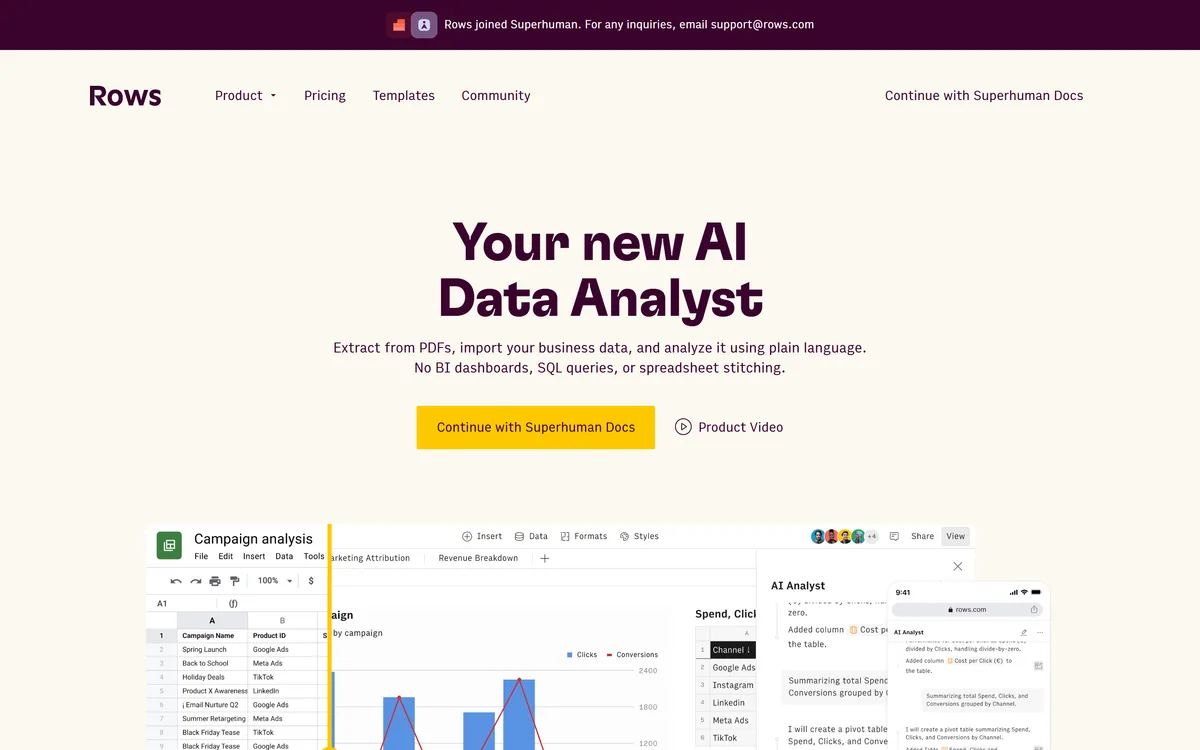
AI spreadsheet that analyzes data in plain language Category: Productivity & Automation.
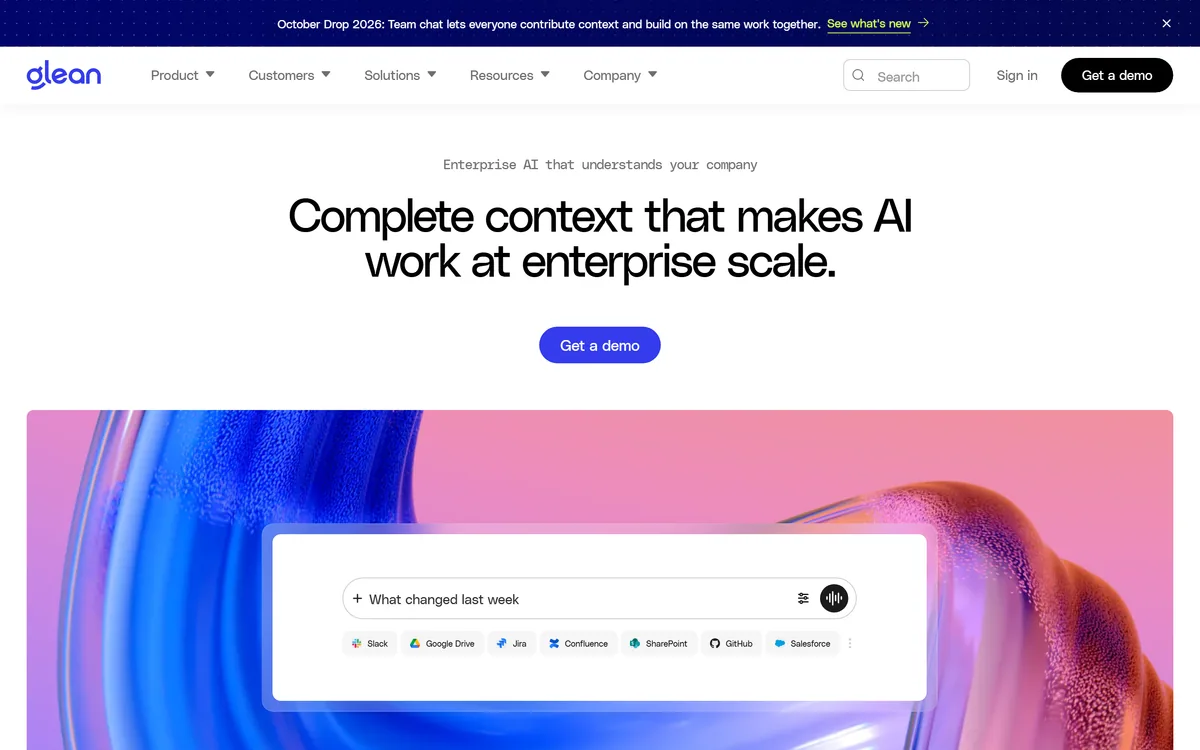
Glean is an enterprise AI platform (Glean, USA) that unifies search, an AI assistant and agents across a company's connected apps, answering from your own data with permission-aware results and connectors to Slack, Google, Microsoft and more. It suits mid-market and enterprise teams, with strong data-governance needs and enterprise pricing.
Document360 is knowledge base and documentation software built around Eddy AI, combining conversational search that cites its sources, an AI chatbot over scattered documents and tickets, a writing agent inside the editor, and an MCP server that exposes the knowledge base to ChatGPT, Claude and Copilot.
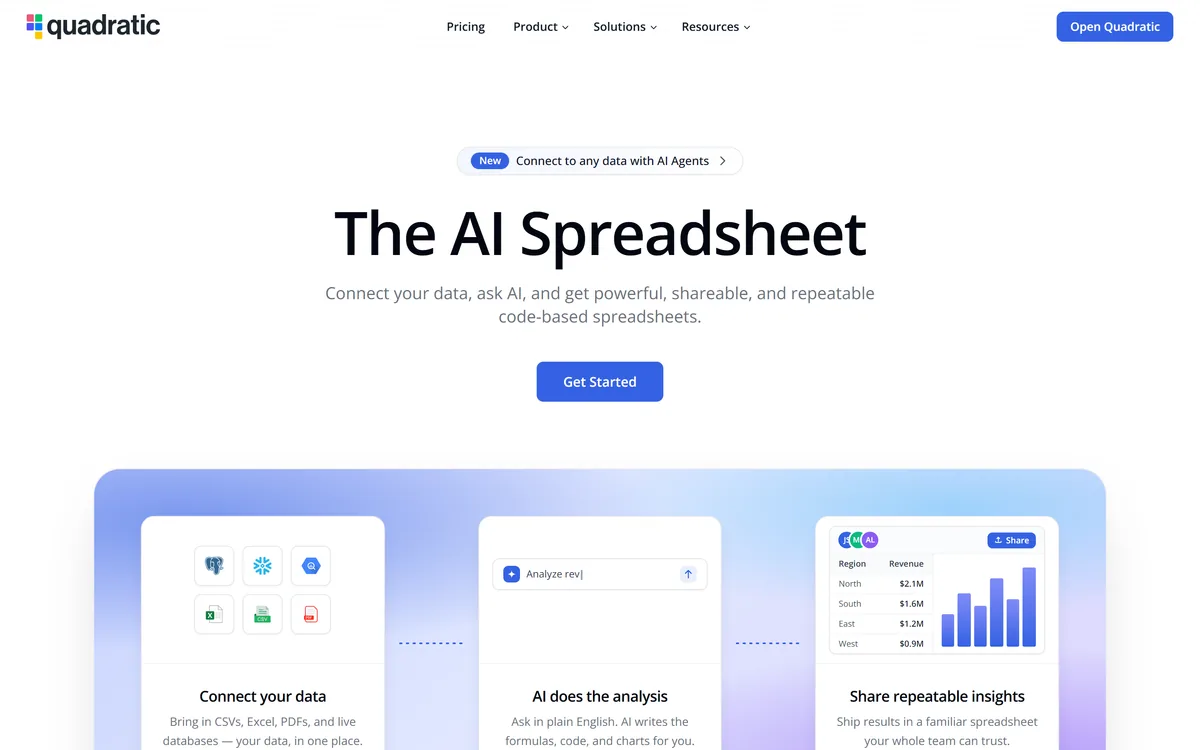
Quadratic is an AI spreadsheet that connects CSVs, Excel files, PDFs and live databases, then writes formulas, Python code and charts from plain-English questions. It positions readable code against unreadable nested formulas, and states 250,000+ users at companies and universities.
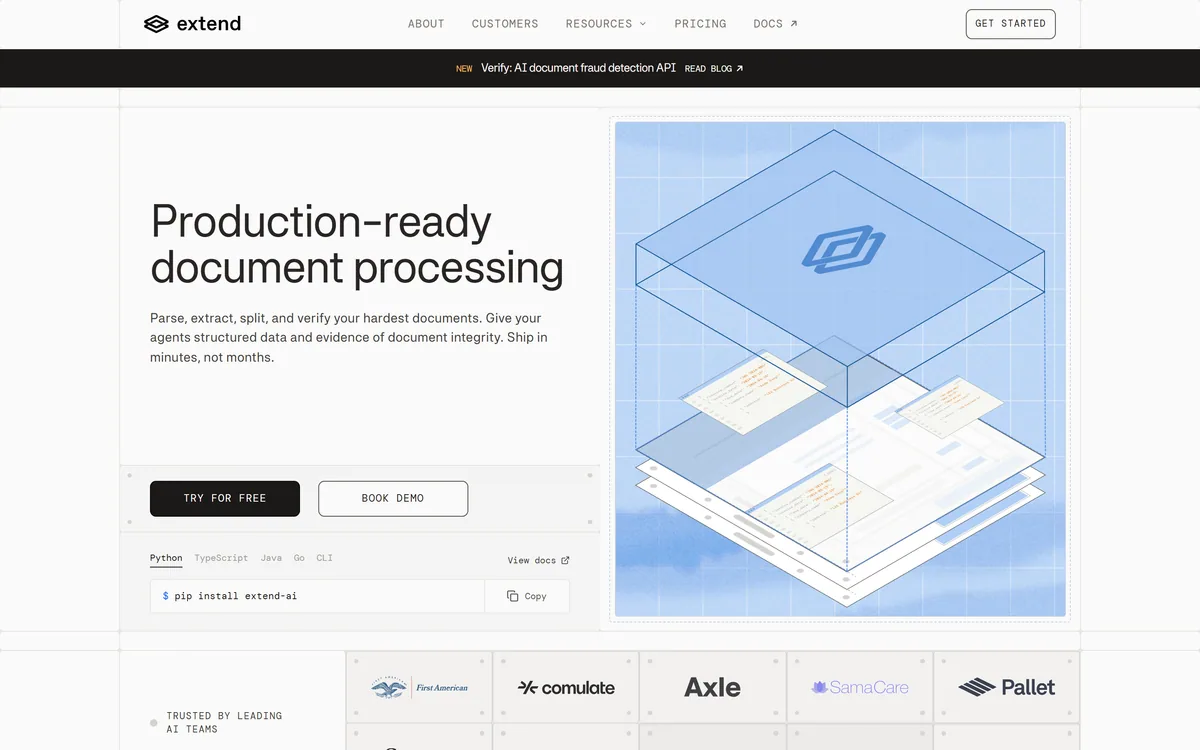
Extend is document-processing infrastructure for AI agents: an API and platform that parse, extract and verify structured data from messy real-world documents (PDFs, scans, forms), with human-in-the-loop review and evaluation tooling. It suits engineering teams building document-heavy AI workflows, with accuracy and oversight caveats.
Related Pages