
Self-maintaining AI knowledge base for teams Category: Productivity & Automation.
Productivity & Automation Review
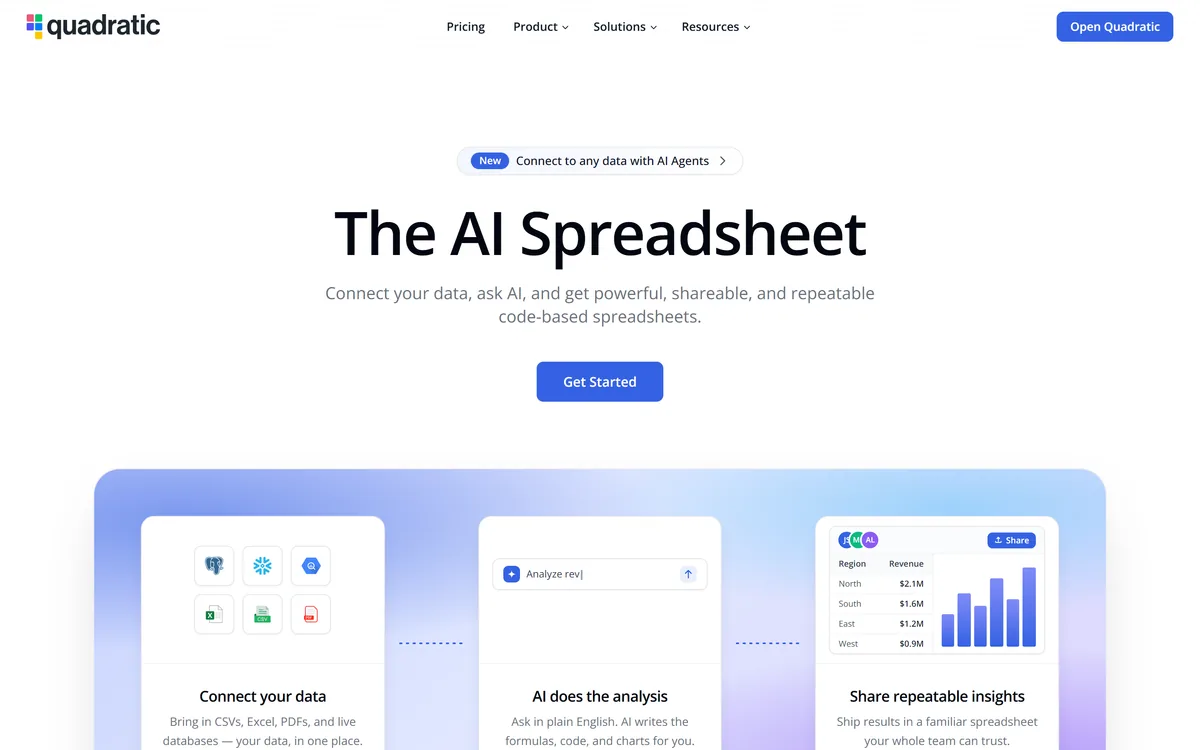
Quadratic is an AI spreadsheet that connects CSVs, Excel files, PDFs and live databases, then writes formulas, Python code and charts from plain-English questions. It positions readable code against unreadable nested formulas, and states 250,000+ users at companies and universities.
Very good
The argument Quadratic makes is one anyone who has inherited a spreadsheet will recognise immediately: a five-level nested VLOOKUP is unreadable, unverifiable and impossible to debug, while the equivalent Python is none of those things. Generating readable code instead of an opaque formula is a genuine improvement in auditability, not just convenience. Connecting live databases into the same grid removes the copy-paste step where most spreadsheet errors originate. The permanent caution is that generated analysis is confident and plausible even when the question was subtly wrong. AInexfinder Editor Score: 4.2/5.
Best for: Analysts who inherit spreadsheets nobody can read; Teams whose reports depend on manually refreshed exports
The visit link goes to quadratichq.com, the official site. Paid placements on AInexfinder are always labelled. How we make money
Every organisation has a spreadsheet that runs something important and that nobody fully understands. It was built by someone who has left, it contains formulas nested five levels deep, and changing anything is a small act of faith.
That is not a discipline failure. Spreadsheet formulas are a programming language with no comments, no variable names, no functions and no way to test anything — and people build serious systems in them because the alternative required being a developer.
Quadratic's proposition is that the alternative no longer does: describe what you want, and the analysis arrives as code you can actually read.
Quadratic's homepage shows the argument directly: a nested VLOOKUP wrapped in three IFERRORs across three sheets, described as hard to read, easy to break and impossible to debug, beside the equivalent Python with a comment explaining what it does.
That comparison is doing honest work, because the criticism of spreadsheet formulas is not aesthetic.
A complex formula has no names for its intermediate steps, no way to explain intent, and no mechanism for testing a part in isolation. When it produces a wrong number, finding out why means reading it inside out.
Code has all three. Variables carry names, comments carry intent, and each step can be checked independently — which is why software engineering built its practices around code rather than around formulas.
The consequence for auditability is the real gain. A generated formula you cannot read has to be trusted; generated code you can read has to be reviewed, and reviewing is a much better relationship with a system that produces numbers people act on.
A generated formula has to be trusted. Generated code has to be reviewed — and reviewing is a far better relationship with a number people will act on.
Quadratic states it brings in CSVs, Excel files, PDFs and live databases, putting your data in one place, and describes AI agents connecting to any data.
The live database connection is the most consequential of those, and the reason is where spreadsheet errors actually come from.
Most serious spreadsheet mistakes are not calculation errors. They are stale data — an export taken last month, a copy that missed the last two hundred rows, a paste that silently truncated a column.
A live connection removes that class of error entirely, because the data is queried rather than transported. It also means the analysis can be re-run rather than rebuilt, which is what makes a spreadsheet a report instead of a snapshot.
The caution is access control. A spreadsheet with a live database connection is a query interface, and it inherits whatever permissions it was configured with — so who can open the file and what those credentials can reach becomes a security question rather than a convenience one.
The risk with AI-written analysis is not that the code fails. It is that it runs perfectly and answers a slightly different question from the one you asked.
Ambiguity is the main source. Revenue by region sounds precise and is not: recognised or booked, which date field, in what currency, including or excluding refunds. The model picks an interpretation, and the answer looks equally confident either way.
Silent data problems are the second. Duplicate rows, inconsistent identifiers, nulls treated as zero — code handles whatever it is given, and a wrong answer from clean-looking code is harder to spot than an error message.
Statistical misuse is the third. A generated comparison may apply a test the data does not support, and the chart will be beautifully formatted regardless.
The mitigation is the thing readable code makes possible: check what it actually did on a subset you can verify by hand. That is the whole discipline, and it applies equally to any generated logic — the same reason review tools like cubic exist for code humans did not write.
Quadratic emphasises shipping results in a familiar spreadsheet your whole team can trust, with shareable, repeatable outputs.
That framing matters because it is the answer to an obvious objection: if you want code, use a notebook.
The reason people do not is distribution. A notebook is a developer artefact — colleagues cannot open it, edit a number, or use it without help, so analysis done there stays with the analyst.
A spreadsheet is universally readable. Anyone can open it, change an input, and see what happens, which is why finance and operations run on them despite every technical objection.
Quadratic's position is to keep the distribution properties of a spreadsheet while replacing its worst property — opaque formulas — with something auditable. That is a genuinely good trade and it explains why the grid remains the interface.
It is worth being clear about where this fits, because a spreadsheet with code in it is not a data platform.
It is not a warehouse. Analysis at genuine scale belongs where the data lives, and pulling millions of rows into a grid to reason about them is the wrong architecture whatever the interface.
It is not a pipeline. Scheduled transformation, dependency management and data quality testing are a different discipline, and a spreadsheet running on demand does not replace them.
It is not a BI tool. Governed metrics, consistent definitions and dashboards everyone trusts require a semantic layer, and spreadsheets are famously where consistent definitions go to diverge.
Where it fits is the enormous middle: exploratory analysis, ad hoc questions, reports that need to be shared and changed, and the work that currently happens in a spreadsheet badly. That is most analysis in most organisations.
It also does not remember what you did. Reconstructing why an analysis was built a particular way three weeks later is a recall problem rather than a data one, which is the gap continuous-capture tools such as Pieces address from an entirely different direction.
And generated code that runs in production deserves the same scrutiny as any other. Once a spreadsheet becomes a recurring report, the logic inside it is software — which is where testing tools like Promptfoo and ordinary code review practices become relevant rather than excessive.
Generated analysis fails quietly, which means the discipline has to be applied before you trust a number rather than after somebody questions it.
This sequence uses the readability that makes the tool worth choosing.
AI-generated formulas, Python and charts from plain English
Live database connections
CSV, Excel and PDF import
Readable code in spreadsheet cells
Shareable, repeatable spreadsheet output
AI agents for connecting data sources
Templates and recipes
A published changelog and status page
Data tools differ by who can use the output and where the analysis lives.
| Tool | Interface | Who can use the result | Best for |
|---|---|---|---|
| Quadratic | A spreadsheet grid with code | Anyone who can open a spreadsheet | Ad hoc analysis that has to be shared |
| Pieces | A timeline of your activity | You only | Recalling what happened, not analysing data |
| Cometly | Attribution dashboards | Marketing teams | One specific analytical question |
| Intelligence Node | Retail intelligence platform | Category and pricing teams | Competitor data at enterprise scale |
| Promptfoo | Test suites and reports | Engineers | Testing rather than analysing |
| Operating company | Quadratic Growth Inc. |
|---|---|
| Product type | AI spreadsheet with code execution |
| Positioning | The AI Spreadsheet — connect your data, ask AI, get shareable, repeatable results |
| Data sources | CSVs, Excel files, PDFs and live databases |
| Languages | Formulas and Python, with generated charts |
| AI agents | Connect to any data with AI agents, per the site |
| Users | 250,000+ people at companies and universities claimed |
| Output | A familiar, shareable spreadsheet |
| Resources | Blog, templates, research, changelog, recipes, docs and a Quadratic 101 |
| Company pages | Technology, Security, Careers, Compliance, Trust and Status |
| Copyright | © 2026 Quadratic Growth Inc. |
Last checked . Read from quadratichq.com in a browser session on the date above, with the screenshot captured alongside.
What we could not confirm: pricing and how AI usage is metered; which models generate the code; where the Python actually executes and whether your data leaves the browser; which databases are supported and how credentials are stored, which is the security question that matters most; row and file size limits; and whether generated code can be edited by hand after generation. We did not connect any data.
Adjacent products for analysis, monitoring and the systems that feed a spreadsheet.
AInexfinder does not list plan prices or billing details. For current pricing, plans, and trials, visit the official Quadratic website.
Visit official website for pricingVendor pricing, credits, and billing policies change over time. Always confirm on the official site before you buy.
Quadratic earns an AInexfinder Editor Score of 4.2/5 (very good). Best for: Analysts who inherit spreadsheets nobody can read; Teams whose reports depend on manually refreshed exports; People who can read code but work with colleagues who cannot.
Visit QuadraticLog in to write a review.
No reviews yet. Be the first to share your experience with Quadratic.
Assigned reviewer
Daniel ReedSenior AI Tools Reviewer
Daniel leads AInexfinder's tool reviews. He researches each tool from its own pricing, documentation and policies, checks its claims against independent sources, and writes up what it does well, where it falls short and who it genuinely suits.
Daniel and the AInexfinder editorial team research Quadratic from its own website, pricing, documentation and policies, checked against independent sources. This review is research-based: unless its method note says otherwise, we have not bought a plan or run hands-on tests. The Editor Score is our editorial judgement, and payment never changes it.
Similar Tools
Self-maintaining AI knowledge base for teams Category: Productivity & Automation.

AI data workspace with memory and agent teams Category: Productivity & Automation.

Enterprise AI assistant for work search and agents Category: Productivity & Automation.
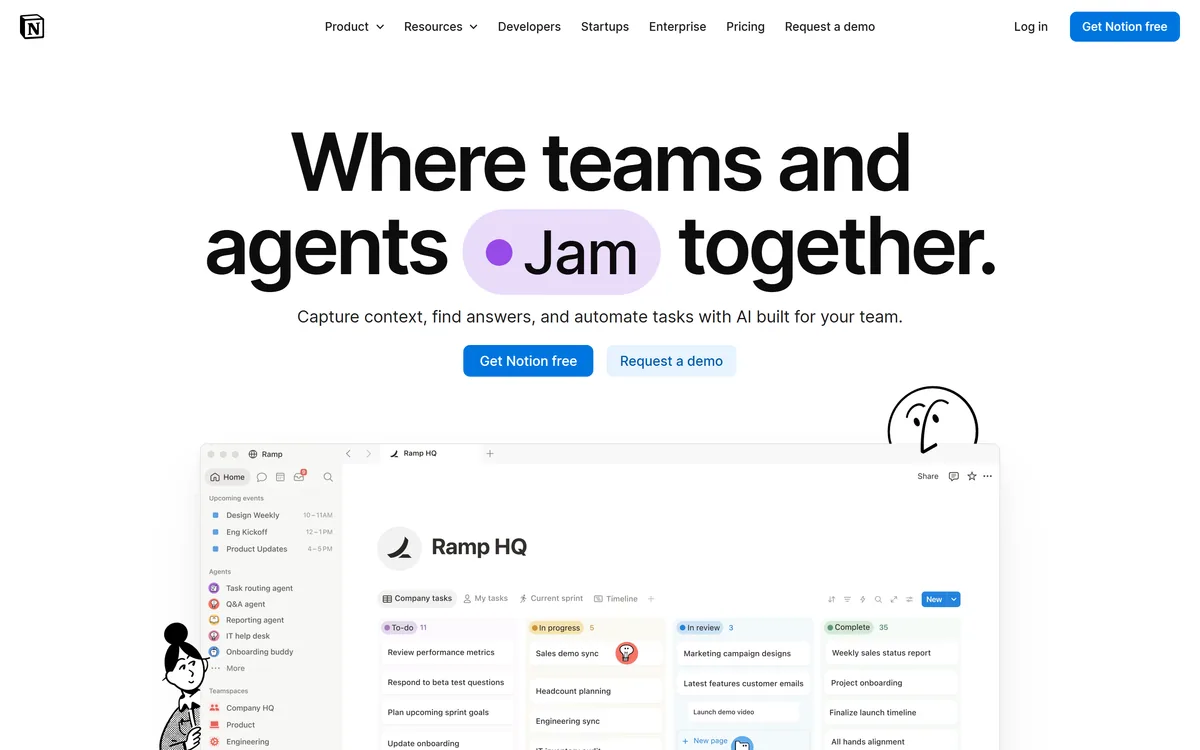

Notion AI is the assistant built into Notion — writing and editing in docs, agents that run recurring work like triage and reporting, AI Meeting Notes, and Enterprise Search across connected tools such as Slack, GitHub, Gmail, and Google Drive.
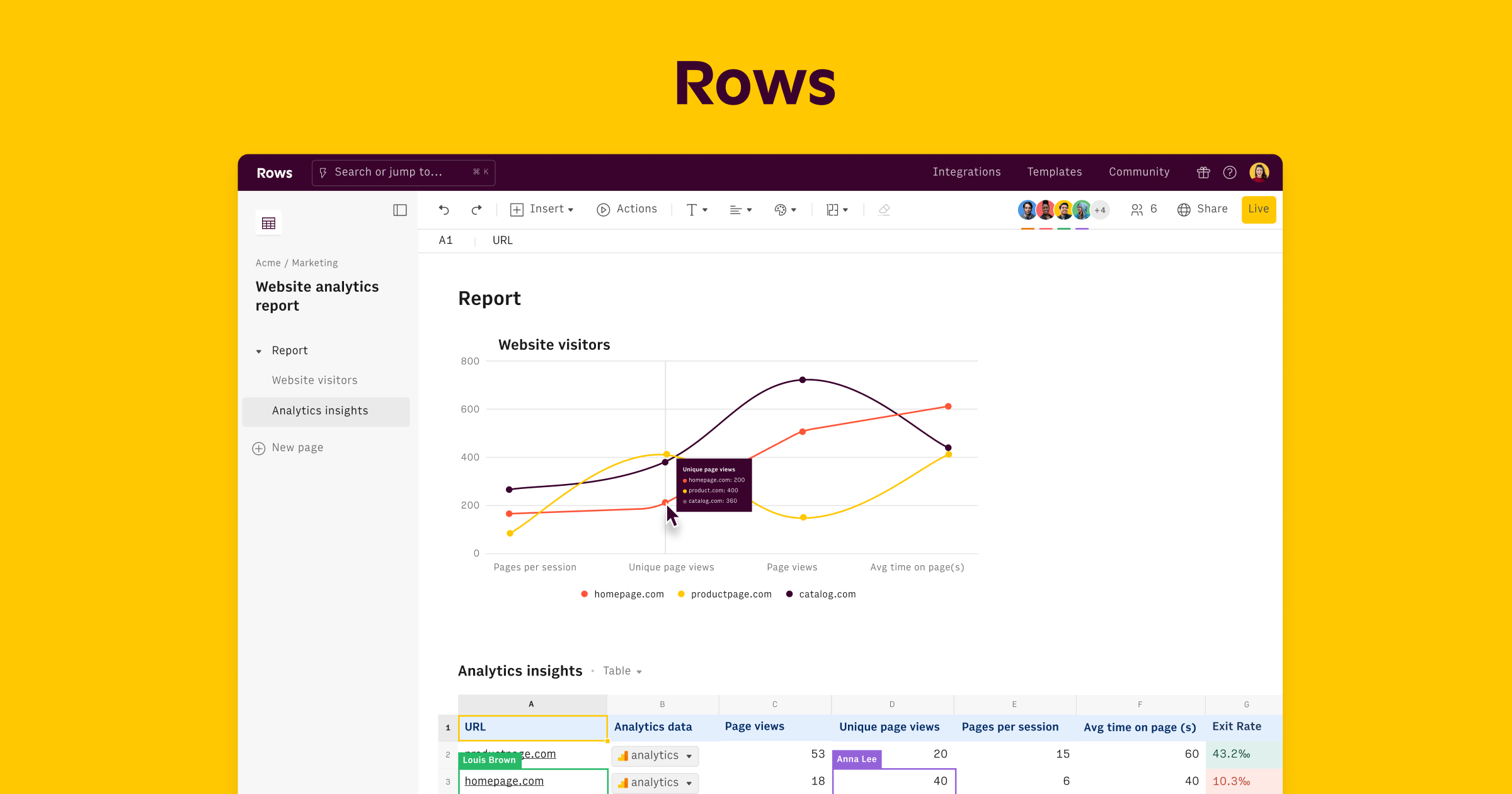
AI spreadsheet that analyzes data in plain language Category: Productivity & Automation.

Sourcetable review on AInexfinder — freemium AI tool for Productivity & Automation. Features, pricing notes, and alternatives.
Related Pages