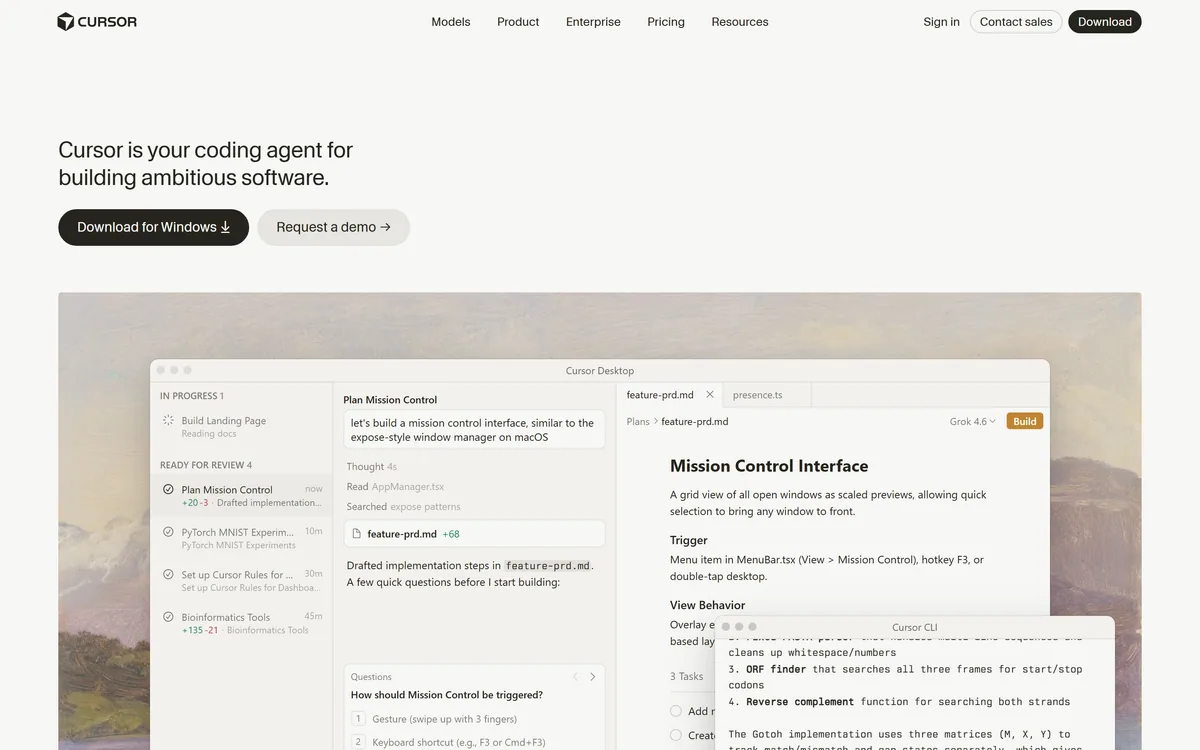

Cursor is an AI-first code editor and agent platform from Anysphere — now a SpaceX subsidiary — that plans, writes, tests, and reviews code across your repository from the desktop editor, a CLI, the web, and Slack.
Coding & Development Review
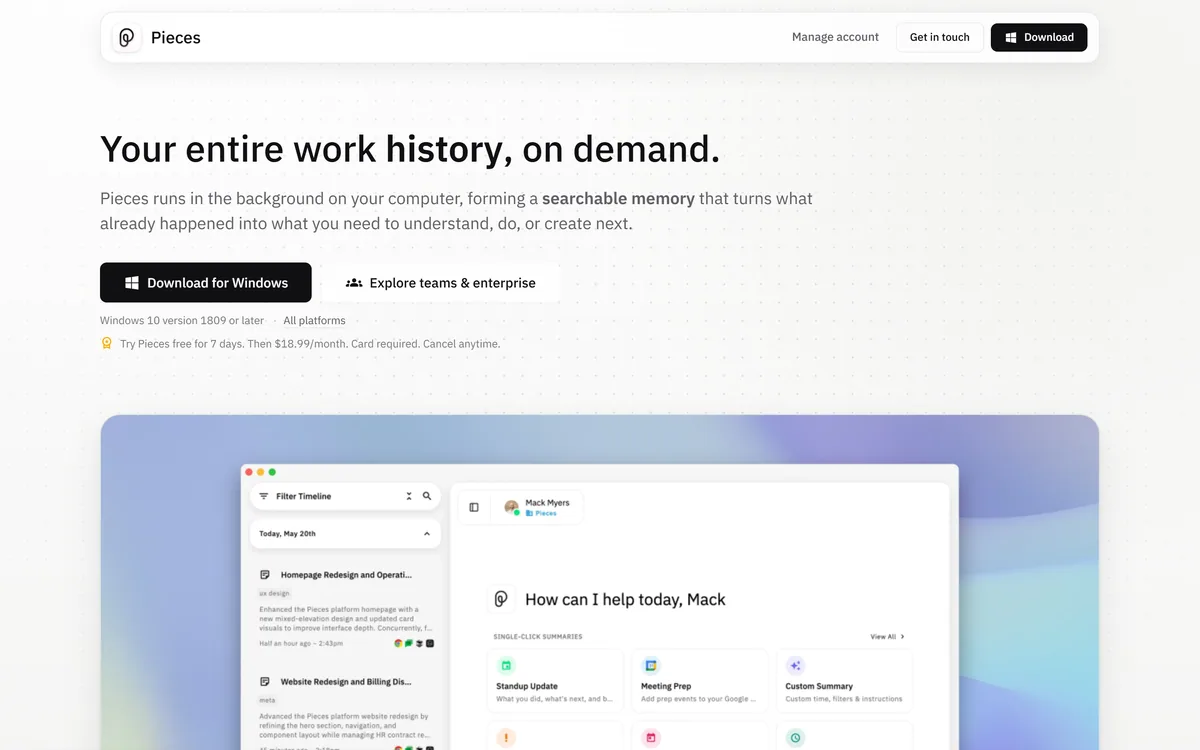
Pieces runs in the background on your computer forming a searchable memory of your work, capturing what you see and what you copy by default and what you hear only if you opt in. It builds a chronological timeline across Gmail, Outlook, browsers and Slack, and generates standups, briefs and recaps from real context.
Good
Pieces is doing something genuinely useful and asking for something genuinely large in return. The useful part is real: nobody remembers which document contained the decision, and a chronological searchable record of your own work solves a problem everyone has and nobody addresses. The large part is that it captures what is on your screen every two seconds. The company handles this better than most — capture is split explicitly into default and opt-in, and it is a desktop product rather than a cloud service — but it remains a decision that deserves genuine thought rather than a quick install. AInexfinder Editor Score: 3.8/5.
Best for: Developers and knowledge workers spread across many applications; People who lose time hunting for something they know they saw
The visit link goes to pieces.app, the official site. Paid placements on AInexfinder are always labelled. How we make money
Everyone has had the same twenty minutes: you know you read something relevant, you know roughly when, and you cannot find it. It was a Slack thread, or an email, or a tab you closed.
That is not a memory failure so much as a systems one. Your work is distributed across a dozen applications that each remember their own piece and none of which remember the sequence.
Pieces' answer is to sit underneath all of it and record the sequence — which is genuinely useful and requires letting software watch what you do.
Pieces states that it forms memories every two seconds from the apps you already use, running in the background to turn what already happened into what you need next.
It is worth sitting with that sentence rather than skimming it, because the capability and the cost are the same thing.
Capturing at that frequency means the record is genuinely continuous. You can ask what you were doing on a Tuesday afternoon three weeks ago and get an answer, which nothing else in your working life can provide.
It also means everything on your screen during working hours enters that record: the document you had open, the message you were reading, the search you ran, the thing you looked at that had nothing to do with work.
Neither of those is a criticism. They are the same fact viewed from two directions, and the honest framing is that this is a genuinely powerful capability with a genuinely large surface — which is why the capture split matters more than any feature.
The capability and the cost are the same fact. A continuous record is useful because it is continuous.
Pieces divides capture into two explicit tiers: captured by default covers what you see from the focused application and what you use from copy and paste, while what you hear and say from meetings and conversations is opt-in only.
That split is well judged and it deserves credit, because the line is drawn at the place people actually care about.
Audio is categorically different from screen content. Recording a meeting captures other people who did not agree to it, which raises consent questions that screen capture of your own work does not.
Making audio opt-in while screen content is default means the default is defensible and the sensitive case requires a deliberate decision — which is the right way round, and the opposite of how many products handle it.
The screen capture default is still worth examining for your own situation. Anyone handling client confidential material, regulated data or another company's information under NDA should check whether a continuous local record is permitted before installing anything — a question that also applies to Dosu and any tool that indexes work automatically.
Pieces states that hours of retracing your steps become one click: standup updates, morning briefs, meeting prep and day recaps generated from your real context.
This is the clearest demonstration of why a timeline beats a search index, and it is worth understanding the difference.
Search answers where is the thing I am looking for. A timeline answers what happened, which is a different question and the one those artefacts require.
Writing a standup update means reconstructing yesterday from memory, and people reliably forget the two hours spent on something that produced no visible output. A record does not.
Meeting prep is the more valuable case. Walking into a conversation having been reminded what was agreed last time, what you promised and what has happened since is a meaningful advantage — and it is the kind of preparation almost nobody does because reconstructing it costs more than the meeting is worth.
Pieces is a desktop application — Windows 10 version 1809 or later, with all platforms available — rather than a cloud service, and that architecture is central to the proposition.
The reason is that the alternative is much harder to accept. A continuous record of your screen activity sitting on somebody else's infrastructure is a different risk category from one sitting on your own machine.
Local processing also makes the capability possible at all. Streaming everything on your screen to a server every two seconds would be expensive, slow and considerably harder to justify to an employer.
The trade is the usual one for local software: it consumes your machine's resources, its capability is bounded by your hardware, and the memory lives on one device rather than following you.
That last point is worth thinking through practically. A memory layer tied to a laptop is a memory layer you lose when the laptop is replaced, which is a question about export and continuity rather than about privacy.
That architecture puts it in the same category as other locally-run assistants rather than with hosted note tools. Products like Khoj make the same trade — capability bounded by your hardware, in exchange for material that never leaves the device — and the decision between local and hosted is usually about policy rather than preference.
Continuous capture solves a specific problem and leaves several adjacent ones untouched.
It records what you saw, not what you understood. The document was open; whether you read it, agreed with it or noticed the important paragraph is not in the record, and a timeline can mislead by implying attention that was not there.
It does not capture what happened without you. Decisions made in a meeting you missed, a conversation in a channel you do not follow, or a document you were never sent are outside the record by definition.
It does not organise. A timeline is chronological rather than structured, so it is excellent at when and much weaker at how things relate — which is what a knowledge base does and this is not.
And it is personal rather than shared. Team knowledge that everyone needs belongs somewhere everyone can reach, which is the space documentation platforms such as GitBook occupy, and no amount of individual memory substitutes for it.
This is a decision that deserves more than the ten seconds most software installations get, because the permission is unusually broad.
This sequence establishes whether it is permitted and whether it is useful, in that order.
The vocabulary of continuous capture, and what each term actually covers.
| Operating company | Mesh Intelligent Technologies, Inc. |
|---|---|
| Product type | Local AI memory layer |
| Positioning | The AI memory layer for modern work |
| Capture frequency | Memories formed every two seconds |
| Captured by default | What you see from the focused application, and what you copy and paste |
| Opt-in only | What you hear and say, from meetings and conversations |
| Sources | Gmail, Outlook, Chrome, Arc, Safari, Slack and more |
| Outputs | Standup updates, morning briefs, meeting prep, day recaps |
| Search | Scoped by time, source, person, topic or tool |
| Platform | Desktop, Windows 10 version 1809 or later, all platforms available |
| Trial | Seven days free |
| Editions | Pieces Desktop, Pieces Enterprise and Pieces MCP |
| Copyright | © 2026 Mesh Intelligent Technologies, Inc. |
Continuous background capture forming memories every two seconds
A chronological, searchable timeline of your work
Explicit split between default and opt-in capture
Connections to Gmail, Outlook, browsers and Slack
Search scoped by time, source, person or topic
Generated standups, briefs, meeting prep and recaps
Local desktop execution
Enterprise and MCP editions
Knowledge tools differ by what they capture and who the record is for.
| Tool | What it records | Who it serves | Where it runs |
|---|---|---|---|
| Pieces | Your screen activity, continuously | You, individually | Your own machine |
| Dosu | Codebase knowledge from agent sessions | A team and its agents | Connected to your repositories |
| Khoj | Documents you point it at | You, individually | Local or self-hosted |
| Wave | What you deliberately capture | You, individually | Hosted |
| Recall | What you read and save | You, individually | Hosted |
Last checked . Read from pieces.app in a browser session on the date above, with the screenshot captured alongside.
What we could not confirm: whether any captured content leaves the machine and under what circumstances; whether specific applications or windows can be excluded from capture, which is the control that would most change the calculus; how the memory is exported or deleted; what Pieces Enterprise adds and whether administrators can see individual records; which models process the captured content; and how much local resource continuous capture consumes. We did not install it.
AInexfinder does not list plan prices or billing details. For current pricing, plans, and trials, visit the official Pieces website.
Visit official website for pricingVendor pricing, credits, and billing policies change over time. Always confirm on the official site before you buy.
Pieces earns an AInexfinder Editor Score of 3.8/5 (good). Best for: Developers and knowledge workers spread across many applications; People who lose time hunting for something they know they saw; Anyone who would prepare for meetings if it were cheaper.
Visit PiecesLog in to write a review.
No reviews yet. Be the first to share your experience with Pieces.
Assigned reviewer
Daniel ReedSenior AI Tools Reviewer
Daniel leads AInexfinder's tool reviews. He researches each tool from its own pricing, documentation and policies, checks its claims against independent sources, and writes up what it does well, where it falls short and who it genuinely suits.
Daniel and the AInexfinder editorial team research Pieces from its own website, pricing, documentation and policies, checked against independent sources. This review is research-based: unless its method note says otherwise, we have not bought a plan or run hands-on tests. The Editor Score is our editorial judgement, and payment never changes it.
Similar Tools
Cursor is an AI-first code editor and agent platform from Anysphere — now a SpaceX subsidiary — that plans, writes, tests, and reviews code across your repository from the desktop editor, a CLI, the web, and Slack.
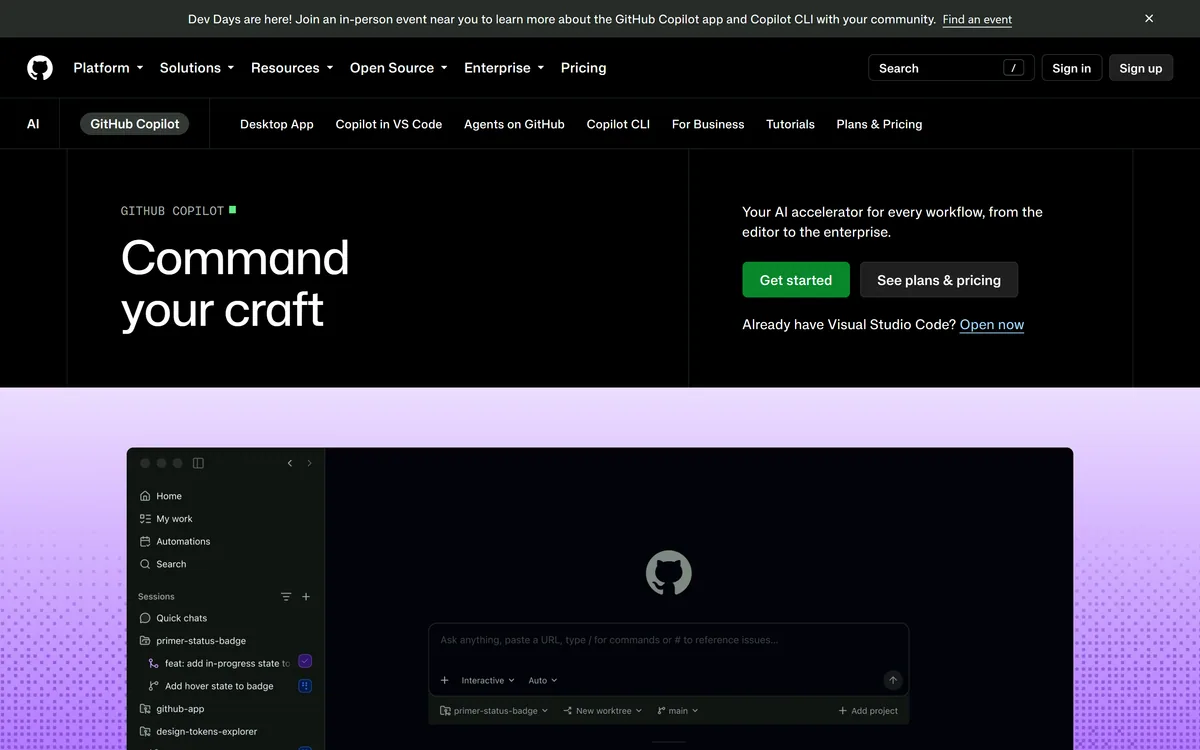

GitHub Copilot is an AI coding assistant that spans completion, chat, agent mode, automated code review, and a cloud agent that opens pull requests, working across VS Code, Visual Studio, JetBrains, Xcode, Neovim, Eclipse, the CLI, and github.com.
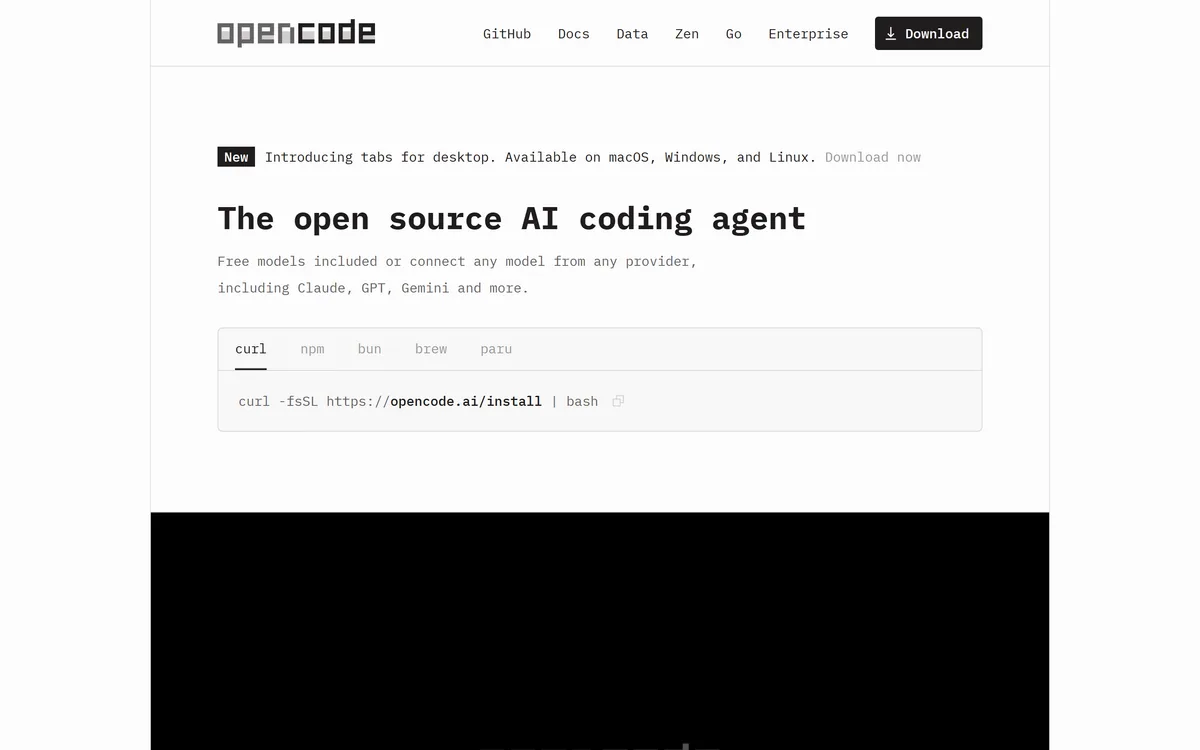
OpenCode is an open source AI coding agent built for the terminal, with desktop and IDE clients alongside. It connects to 75+ model providers, configures language servers automatically, runs parallel agent sessions, keeps conversations locally in SQLite, and is built by the team behind SST.
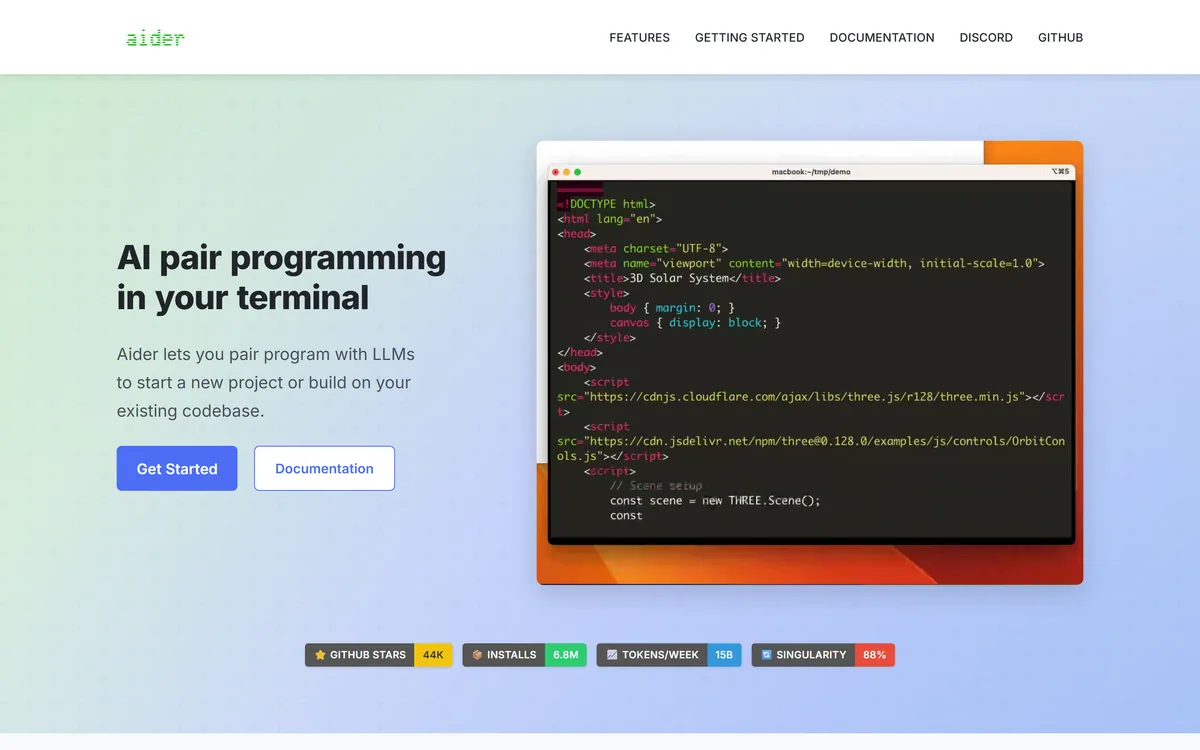
Aider is an open-source AI pair programming tool that runs in your terminal, builds a map of your whole repository for context, works with almost any LLM including local models, and commits each change to git with a written message so every edit can be diffed and undone.
Generate native iOS, Android and web apps from prompts Category: Coding & Development.
Traycer review on AInexfinder — freemium AI tool for Coding & Development. Features, pricing notes, and alternatives.
Related Pages