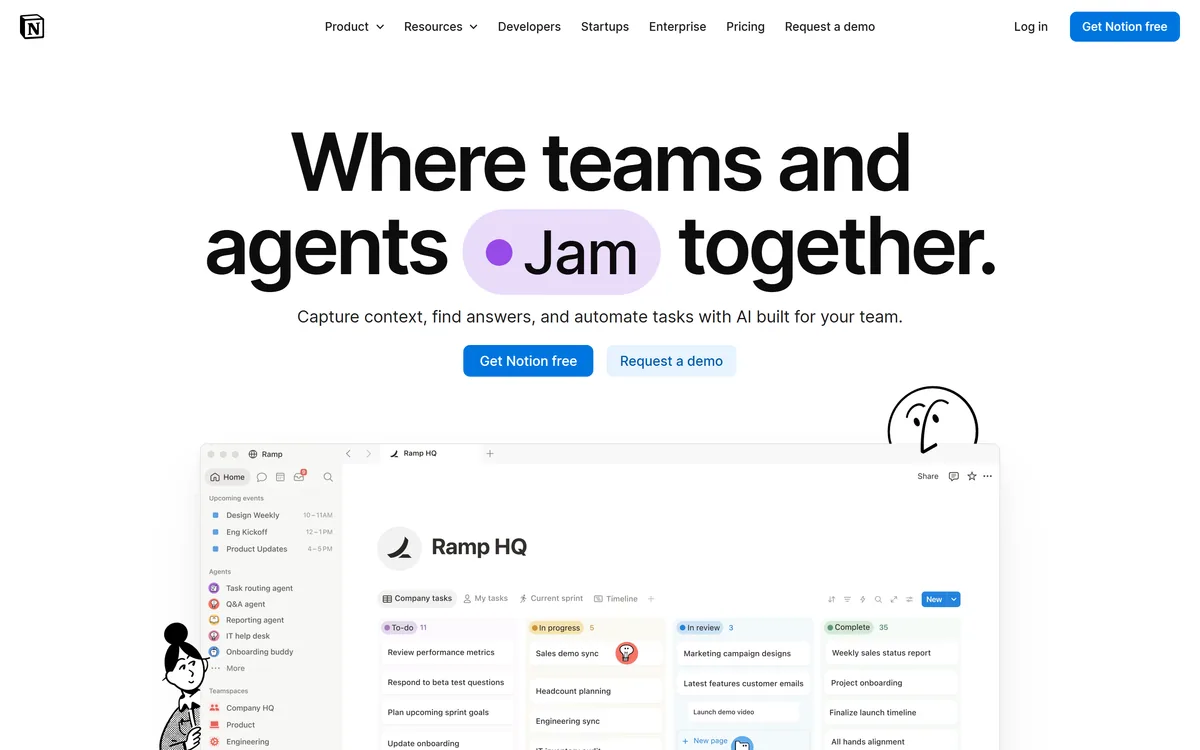

Notion AI is the assistant built into Notion — writing and editing in docs, agents that run recurring work like triage and reporting, AI Meeting Notes, and Enterprise Search across connected tools such as Slack, GitHub, Gmail, and Google Drive.
Productivity & Automation Review
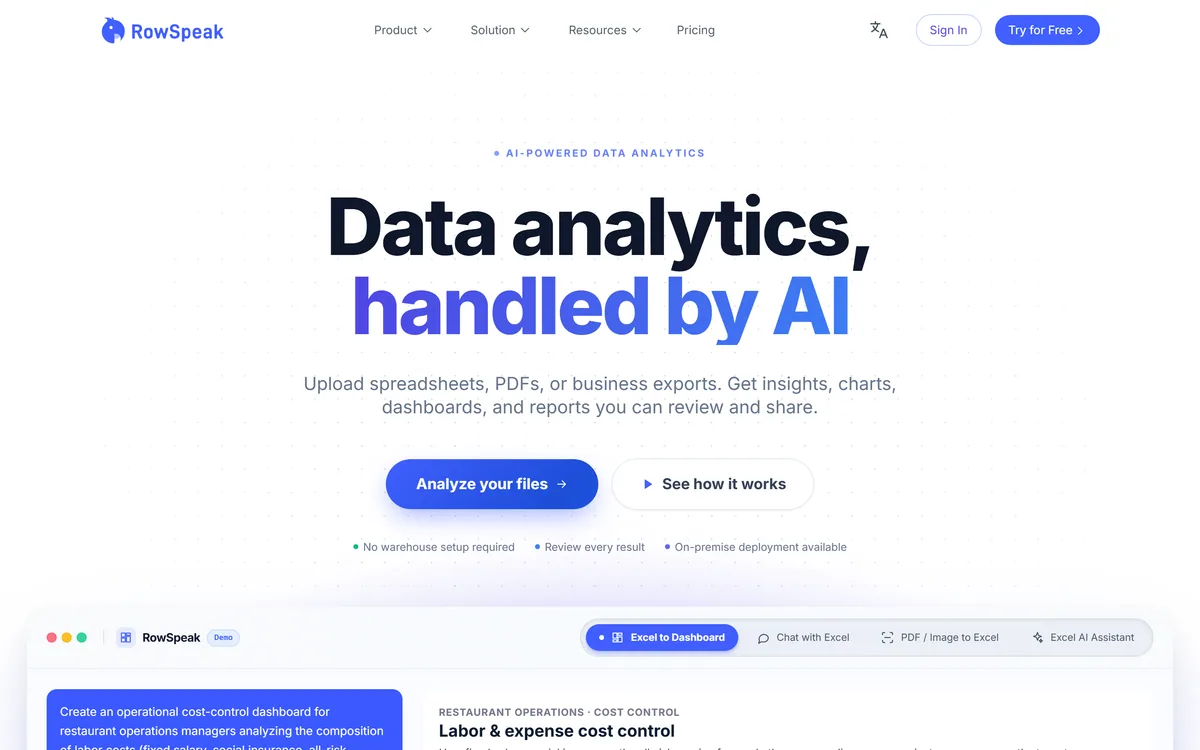
RowSpeak is an AI data-analysis tool for spreadsheet-heavy teams: it analyses Excel, CSV, PDF and image tables in plain English, cleans data, generates charts, reports and dashboards, and converts PDFs and images into editable spreadsheets.
Good
RowSpeak earns 3.7 as a practical AI helper for spreadsheet-heavy teams: plain-English analysis of Excel, CSV, PDF and image data, data cleaning, charts, reports and one-click dashboards, plus conversion of locked PDF and image tables into editable sheets. It can save real hours on recurring reporting. The caveats are the ones that matter with business numbers: AI analysis can be wrong, so verify anything that drives a decision, and check data-handling terms before uploading sensitive financial or customer data. AInexfinder Editor Score: 3.7/5.
Best for: Recurring spreadsheet reports; Finance and ops teams
The visit link goes to rowspeak.ai, the official site. Paid placements on AInexfinder are always labelled. How we make money
A huge amount of business analysis still lives in spreadsheets, and much of it is repetitive: cleaning columns, building the same charts, turning a PDF table back into rows. RowSpeak aims to do that work from plain-English requests.
You upload Excel, CSV, PDF or image data and ask for analysis, cleaning, a chart, a report or a dashboard, without writing formulas. It sits in the automation world alongside workflow tools like Bardeen, but it is focused specifically on spreadsheet data and reporting.
This review covers what RowSpeak does with your data, who it is for, how its pricing works, and the accuracy and privacy caveats that matter with business numbers.
RowSpeak's core idea is that most people who work in spreadsheets know what they want to know, but not always the formula, pivot or chart steps to get it. Asking in plain English and getting the analysis, chart or report back removes that friction.
Its scope covers the full spreadsheet workflow: analysing and summarising data, cleaning messy columns, generating charts and graphs, writing reports, and turning a workbook into an interactive dashboard, plus converting tables locked in PDFs and images into editable sheets.
That makes it useful for the recurring reporting jobs that eat analysts' and managers' time, such as management reports, budget-versus-actual reviews and revenue trends, where the steps are known but tedious.
The honest framing is that RowSpeak speeds up spreadsheet work, but it does not remove the need to check results. AI can misread a column, apply the wrong aggregation or overstate a trend, so any number that drives a decision should be verified against the source data.
RowSpeak speeds up spreadsheet work, but any number that drives a decision should still be checked against the source data.
The tool splits into analysis and cleaning, and conversion and visual output.
You can ask RowSpeak to run spreadsheet operations, statistical analysis and summaries in natural language, clean duplicates, inconsistent formats and blanks, and generate written reports from the results, which is where much of the manual time goes.
For broader browser-and-app automation beyond spreadsheets, a tool like Axiom automates repetitive web tasks; RowSpeak stays focused on data inside your files.
RowSpeak converts PDF and image tables into editable Excel, generates spreadsheet templates from a description, makes graphs from data, and turns a spreadsheet into an interactive dashboard in one step, with outputs meant to be report-ready.
Conversion accuracy depends heavily on the quality of the source PDF or photo, so check converted tables row by row. For drafting the narrative around a report or handling broader office tasks, an assistant like Cassidy covers different ground.
RowSpeak is for people who live in spreadsheets but are not formula experts: finance and accounting staff, marketers, operations and supply-chain teams, and sales managers who need recurring reports and quick answers from their data.
It suits small teams without a dedicated analyst, and analysts who want to hand off the repetitive cleaning, charting and reporting so they can focus on interpretation.
It fits less well organisations with strict data-governance rules that limit uploading financial data to third-party AI tools, heavy data-engineering work better suited to a BI platform or database, and anyone who would publish AI-generated numbers without checking them.
A useful way to decide is to list the spreadsheet tasks you repeat every week or month and estimate how long each takes. If most of that time goes on cleaning, reshaping and charting rather than on judgement, RowSpeak has a lot to offer; if your time goes mainly on interpreting results and deciding what to do, the gain is smaller, because that part still needs you. Teams that keep tidy, consistently formatted source files will also get more reliable answers than teams feeding it scattered exports with changing column names.
RowSpeak offers a free way to try it, with paid plans for more usage and features. We do not publish prices, which change; check the site for the current model.
The value question is time saved on recurring work: if a weekly report or monthly clean-up that takes hours drops to minutes, the subscription can pay for itself quickly, as long as checking the output stays part of the routine.
Because there is a free entry point, the sensible approach is to run one real recurring report through RowSpeak, compare its output with your existing version, and only then decide on a plan.
Because accuracy is what matters with business data, trial RowSpeak on a report you already know the answers to.
| What it is | An AI data-analysis tool for spreadsheets |
|---|---|
| Inputs | Excel, CSV, PDF and image tables |
| Analysis | Plain-English questions and statistical analysis |
| Cleaning | Fix duplicates, formats and blanks in plain language |
| Outputs | Charts, reports and one-click dashboards |
| Conversion | PDF and image tables to editable Excel |
| Teams | Finance, marketing, supply chain, sales |
| Access | Free to try, with paid plans |
Plain-English spreadsheet analysis
Statistical analysis
AI data cleansing
AI reporting
Chart and graph generation
One-click dashboards
PDF and image to Excel
Spreadsheet template generator
The useful comparison is with other ways teams analyse data and automate work.
| Tool | Tool | Focus | Best for |
|---|---|---|---|
| RowSpeak | AI spreadsheet analysis | Plain-English analysis, charts, reports | Spreadsheet-heavy teams |
| Bardeen | Workflow automation | Automating tasks across apps | Repetitive cross-app work |
| Axiom | Browser automation | No-code web task bots | Repetitive web tasks |
| Cassidy | AI assistant | Drafting and office tasks | General knowledge work |
Last checked . Read from rowspeak.ai during this check, with the screenshot above captured at the same time. We did not upload data as part of this review.
AI analysis can misread columns or aggregations, so verify any figure that drives a decision. Check RowSpeak's data-handling terms before uploading financial or customer data.
A workflow automator, a browser bot and an AI assistant to weigh alongside RowSpeak.
AInexfinder does not list plan prices or billing details. For current pricing, plans, and trials, visit the official RowSpeak website.
Visit official website for pricingVendor pricing, credits, and billing policies change over time. Always confirm on the official site before you buy.
RowSpeak earns an AInexfinder Editor Score of 3.7/5 (good). Best for: Recurring spreadsheet reports; Finance and ops teams; Data clean-up.
Visit RowSpeakLog in to write a review.
No reviews yet. Be the first to share your experience with RowSpeak.
Assigned reviewer
Daniel ReedSenior AI Tools Reviewer
Daniel leads AInexfinder's tool reviews. He researches each tool from its own pricing, documentation and policies, checks its claims against independent sources, and writes up what it does well, where it falls short and who it genuinely suits.
Daniel and the AInexfinder editorial team research RowSpeak from its own website, pricing, documentation and policies, checked against independent sources. This review is research-based: unless its method note says otherwise, we have not bought a plan or run hands-on tests. The Editor Score is our editorial judgement, and payment never changes it.
Similar Tools
Notion AI is the assistant built into Notion — writing and editing in docs, agents that run recurring work like triage and reporting, AI Meeting Notes, and Enterprise Search across connected tools such as Slack, GitHub, Gmail, and Google Drive.
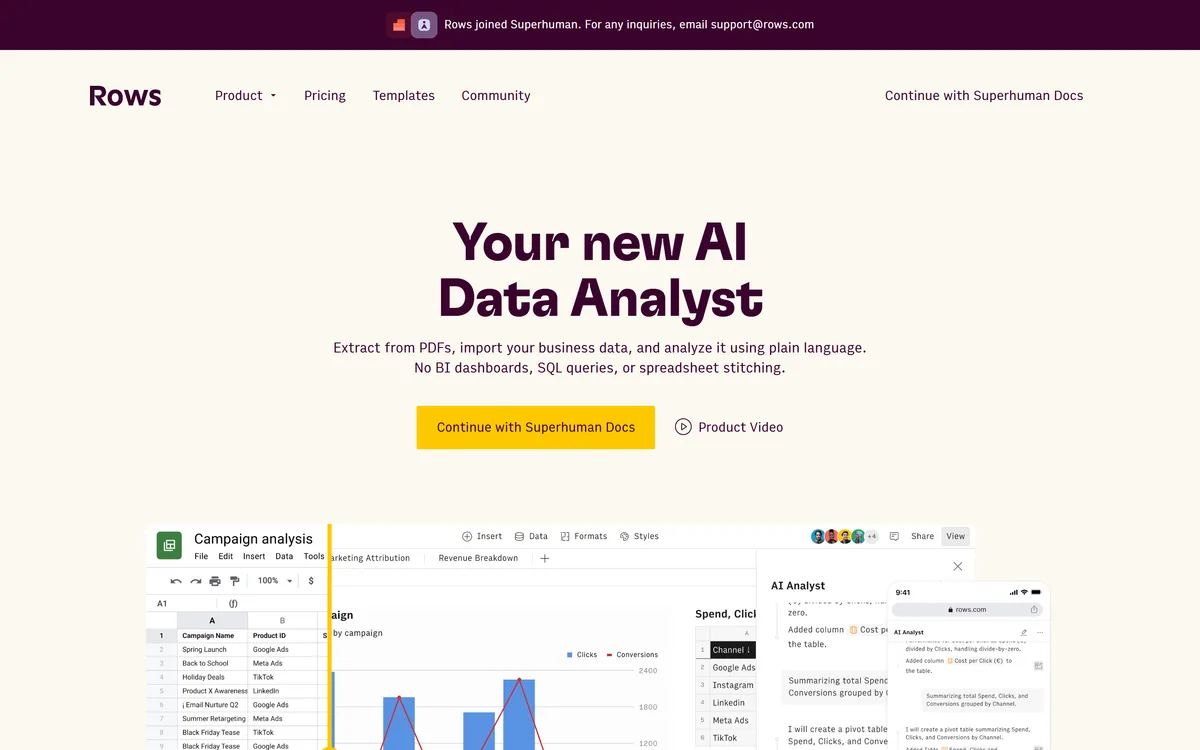
AI spreadsheet that analyzes data in plain language Category: Productivity & Automation.
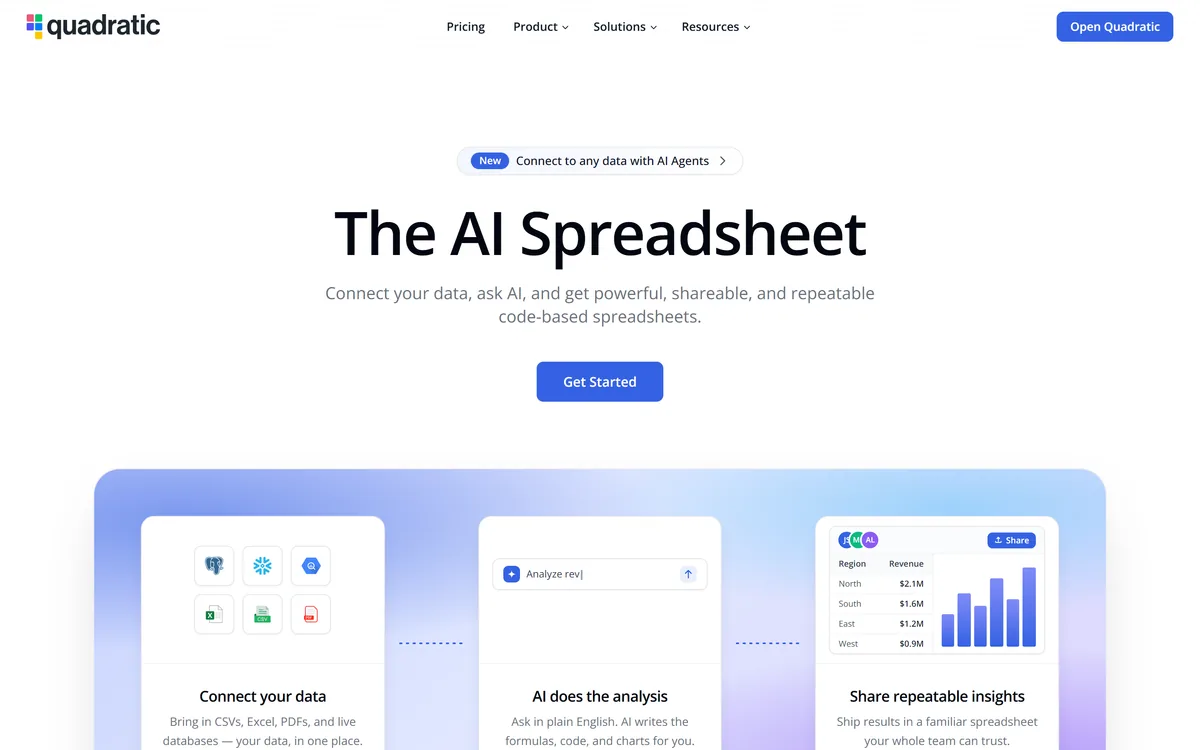
Quadratic is an AI spreadsheet that connects CSVs, Excel files, PDFs and live databases, then writes formulas, Python code and charts from plain-English questions. It positions readable code against unreadable nested formulas, and states 250,000+ users at companies and universities.
Document360 is knowledge base and documentation software built around Eddy AI, combining conversational search that cites its sources, an AI chatbot over scattered documents and tickets, a writing agent inside the editor, and an MCP server that exposes the knowledge base to ChatGPT, Claude and Copilot.
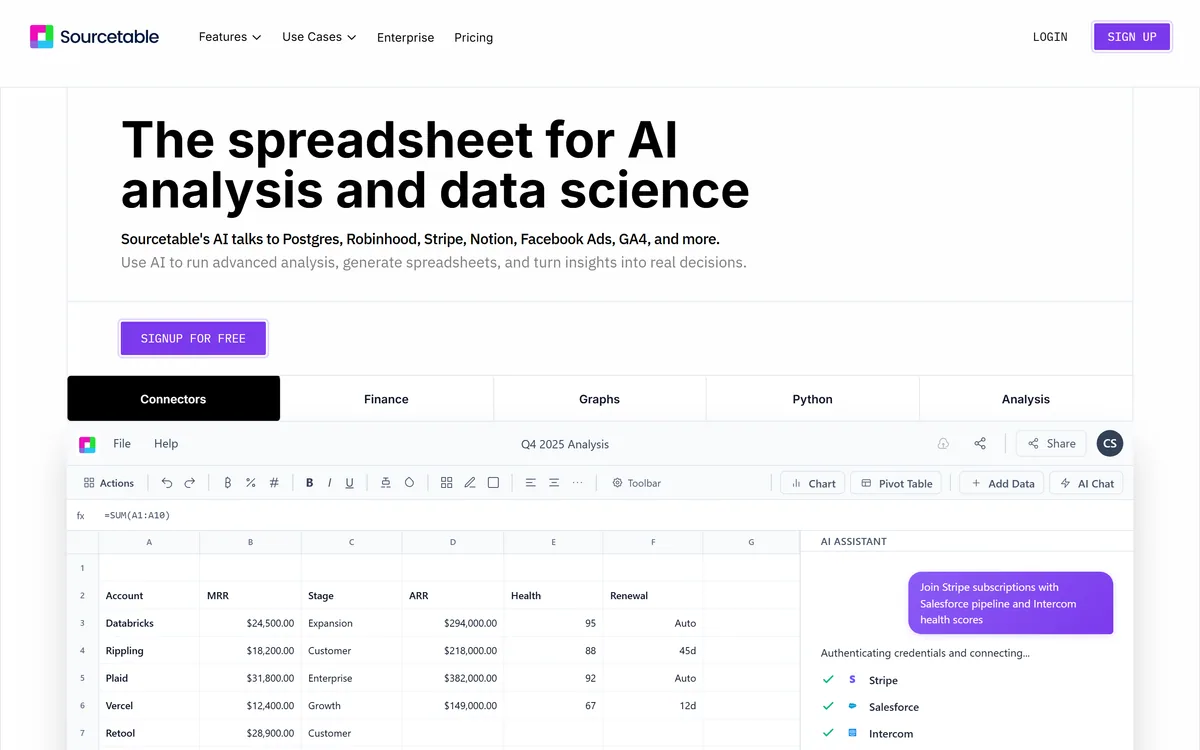
Sourcetable is an AI spreadsheet and data-analyst tool that connects to databases and apps, runs analysis in plain English, generates charts and spreadsheets, and taps Python and research tools without code. It suits analysts and data-curious teams, with enterprise security; AI output still needs checking.
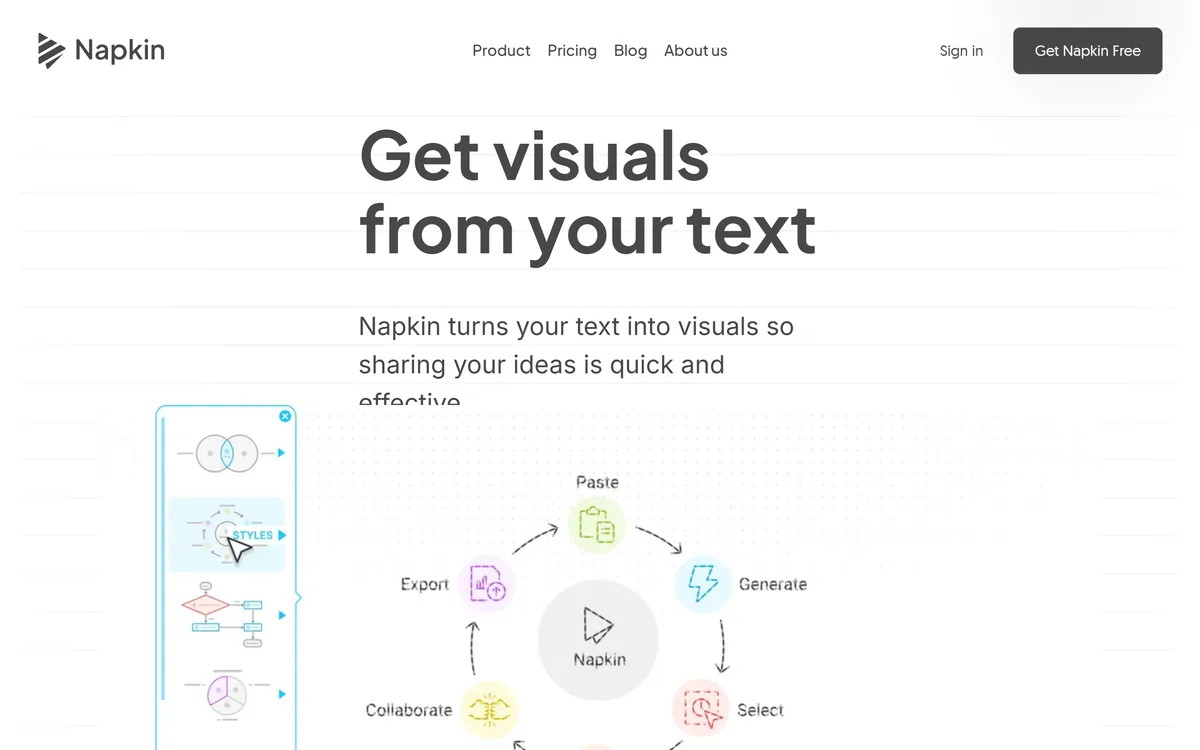
Napkin AI is a visual communication platform in two parts: Napkin Visuals converts text into diagrams and graphics, and Napkin Slides generates full presentation decks. Output exports to PPT, PNG, PDF and SVG, with 60+ content languages and collaborative editing.
Related Pages