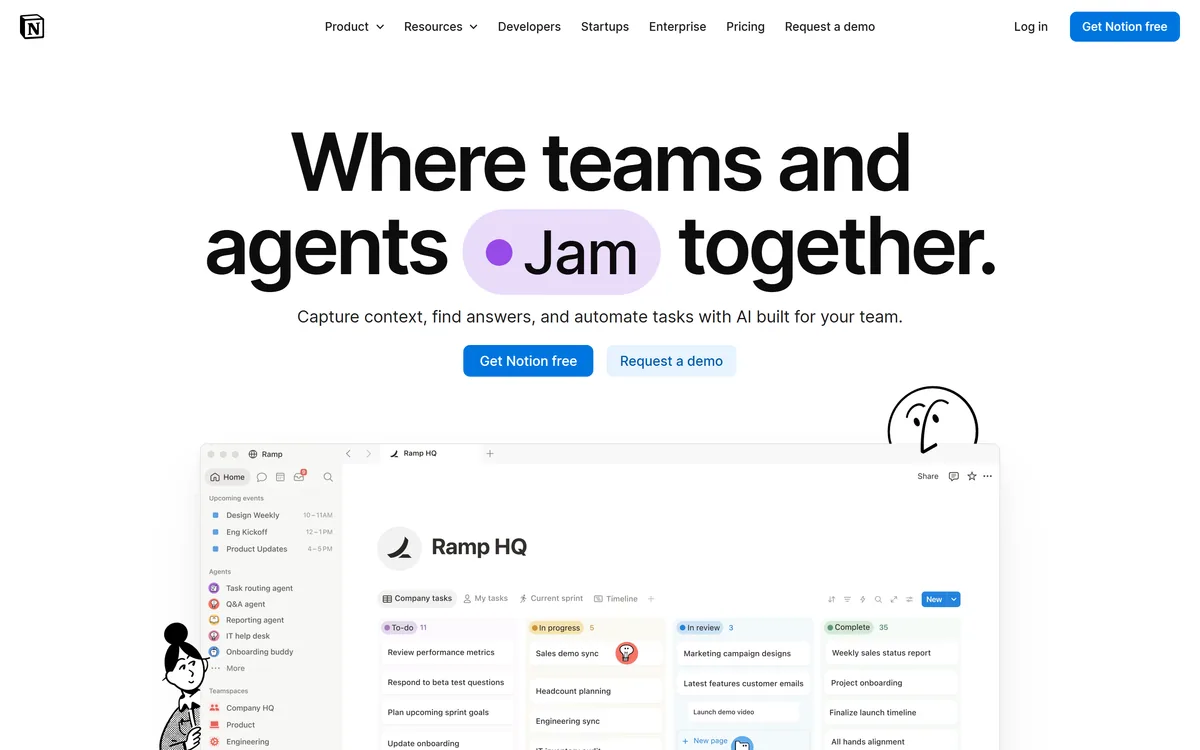

Notion AI is the assistant built into Notion — writing and editing in docs, agents that run recurring work like triage and reporting, AI Meeting Notes, and Enterprise Search across connected tools such as Slack, GitHub, Gmail, and Google Drive.
Productivity & Automation Review
Humata lets you chat with your documents, asking questions across uploaded files and getting answers with citation links into the source, plus summarising and comparing, team data rooms with role-based access and encryption. It suits researchers, teams and students who work across many documents, with the caveats that answers and citations should be checked and that uploading documents is a privacy decision to confirm, especially for sensitive files.
Good
Humata earns 3.8 as a genuinely useful 'chat with your documents' tool that is trustworthy by design: you ask questions across your uploaded files and it answers with citation links back into the source, so you can check where each answer came from, alongside summarising, comparing and team data rooms with role-based access and encryption. For anyone working across large document sets, cited answers are a real time-saver. Two caveats apply: AI can still misread or cite the wrong passage, so verify what matters against the citations (which the design makes easy); and uploading documents is a privacy decision, so sensitive or regulated files should wait until you've confirmed the data terms, as the captured page shows no explicit SOC 2 badge. For document-heavy researchers and teams who verify answers and confirm the terms it's a practical choice; anyone handling highly sensitive files without a compliance guarantee should weigh it carefully. AInexfinder Editor Score: 3.8/5.
Best for: Asking questions across documents; Research across many files
The visit link goes to humata.ai, the official site. Paid placements on AInexfinder are always labelled. How we make money
Finding the one answer buried across a stack of PDFs is slow and error-prone, which is why 'chat with your documents' tools took off. Humata's pitch is exactly that, with citations so you can trust what it says.
It answers questions across your uploaded files, summarises and compares documents, links each answer back into the source, and offers team data rooms with role-based access. It sits among research tools like Afforai, at the chat-with-docs end.
This review covers how Humata answers from your files, which teams it suits, how it's priced, and the check-the-citations and document-privacy caveats to weigh first.
| What it is | A 'chat with your documents' AI with citations |
|---|---|
| Company | Tilda Technologies Inc. (backed by Gradient Ventures) |
| Core | Q&A across uploaded files with citation links to the source |
| Also | Summarise and compare documents; embeddable PDF-AI widget |
| Teams | Data rooms with role-based access; encryption at rest; SSO |
| Scale | Unlimited files/questions on paid tiers; OCR on Team tier |
| Access | Freemium + subscription + per-page overage + enterprise |
| Sensitive | Privacy — you upload documents; check the terms for sensitive files |
Humata's core job is to turn a pile of documents into something you can ask. You upload files, PDFs and more, and ask questions in natural language; it answers across the whole set and, importantly, provides citation links back into the source files so you can see where each answer came from rather than trust an unsourced reply. It also summarises and compares documents.
It scales from an individual to a team: paid tiers offer unlimited files and questions, you can embed a PDF-AI widget in a web page, and for teams there are 'enterprise-grade data rooms' with role-based access, encryption at rest (256-bit) and SSO (with some providers listed as coming soon), plus OCR on the Team tier for scanned documents.
It's aimed at researchers, teams, educators, students and analysts, with the memorable pitch 'your team can't read it all, but Humata can', and the trust hook 'build trust with cited links into your source files'.
The honest framing is that Humata is a genuinely useful tool, and cited answers across your own documents are both a real time-saver and a more trustworthy design than un-sourced AI. Two caveats apply. First, verify: AI can still misread, miss context or cite the wrong passage, so check the cited source for anything that matters, the citations make this easy, which is the point. Second, privacy: you're uploading documents, so uploading sensitive, confidential or regulated material is a decision to make deliberately. To its credit Humata states encryption at rest, role-based access and data rooms, but the captured page doesn't show explicit SOC 2 or compliance badges, so confirm the data terms before uploading anything sensitive. Its 'millions of experts' figure is a vendor claim.
Humata lets you chat with your documents and backs answers with citation links, which is both useful and trustworthy by design; check the cited source for anything that matters, and upload sensitive files only after confirming the terms.
Humata pairs cross-document Q&A with citations, summarising and team data rooms.
You upload files and ask questions across them, getting answers with citation links into the source.
A tool like Scite analyses how research is cited; Humata's angle is fast chat across your own document set with answers linked to the source, a Q&A-first job.
It summarises and compares documents and offers team data rooms with role-based access and encryption.
A summariser like Scholarcy condenses papers into flashcards; Humata centres on asking questions across many files, so match it to whether you want summaries or Q&A, and verify the citations.
Humata suits researchers, analysts, educators, students and teams who work across many documents and want fast, cited answers instead of reading everything manually.
It suits teams that need shared, access-controlled document knowledge, the data rooms with role-based access, and anyone who values citation links to verify answers quickly.
It suits less well anyone who'd trust answers without checking the cited source, people handling highly sensitive or regulated documents who can't confirm the compliance posture, and those wanting a fully free unlimited tool.
A fair way to place it: if you work across many documents and want cited, checkable answers, Humata is a practical, trustworthy-by-design choice, provided you verify what matters against the citations and confirm the data terms before uploading sensitive files; if your documents are too sensitive to upload without a compliance guarantee, or you'd skip checking, weigh it carefully. Start on the free tier with non-sensitive files, test the citation accuracy, and for teams confirm the data-room access controls and the compliance posture before loading confidential material.
Humata is freemium with a subscription, offering a free tier (limited pages and answers), paid tiers with more pages and users and a per-page overage model, and an enterprise sales route, with 'no credit card required' to start. We do not publish prices, which change; check the site and confirm what each tier and the overage include.
The value question is reading time saved versus cost: for anyone working across large document sets, fast cited answers can save substantial time, and the per-page model means cost scales with how much you process.
The sensible approach is to use the free tier on real, non-sensitive documents, test the answer and citation quality, understand the per-page overage, confirm the data and access terms, and only upgrade or load sensitive material once you're satisfied.
Because answers need checking and uploads are a privacy choice, start Humata on safe files.
Chat with documents
Cited answers
Summarise/compare
PDF-AI widget
Team data rooms
Role-based access
Encryption at rest
OCR (Team)
The useful comparison is with other document and research tools.
| Tool | Tool | Approach | Best for |
|---|---|---|---|
| Humata | Chat with documents | Cited Q&A across files | Document-heavy work |
| Afforai | Citation-backed research | RAG + reference manager | Students/researchers |
| Scholarcy | Paper summarising | Summaries/flashcards | Reading papers |
| Scite | Citation analysis | How work is cited | Research context |
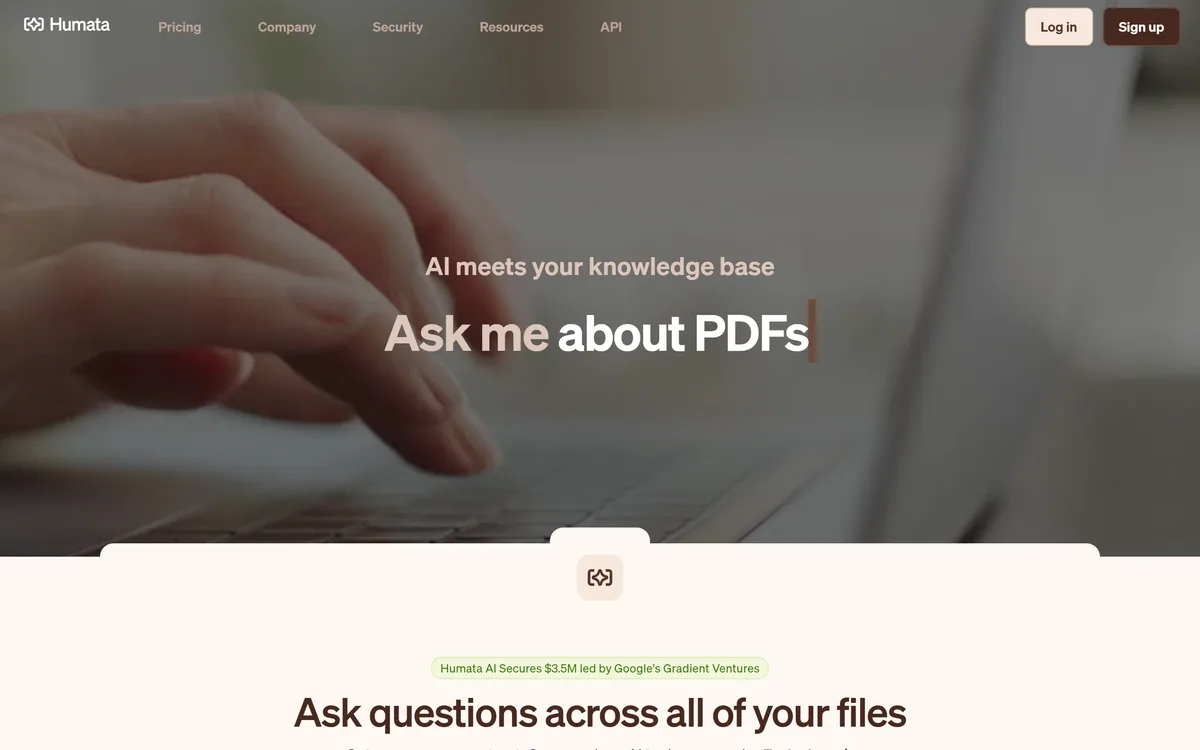
Last checked . Read from humata.ai during this check, with the screenshot above captured at the same time.
Humata backs answers with citation links, which makes verification easy — check the cited source for anything that matters, since AI can still misread or cite the wrong passage. You upload documents, so loading sensitive, confidential or regulated files is a deliberate choice: it states encryption at rest, role-based access and data rooms, but the captured page shows no explicit SOC 2 badge, so confirm the data terms first. The user-count figure is a vendor claim.
A citation-backed research tool, a paper summariser and a citation-analysis tool to weigh beside Humata.
AInexfinder does not list plan prices or billing details. For current pricing, plans, and trials, visit the official Humata website.
Visit official website for pricingVendor pricing, credits, and billing policies change over time. Always confirm on the official site before you buy.
Humata earns an AInexfinder Editor Score of 3.8/5 (good). Best for: Asking questions across documents; Research across many files; Summarising and comparing.
Visit HumataLog in to write a review.
No reviews yet. Be the first to share your experience with Humata.
Assigned reviewer
Daniel ReedSenior AI Tools Reviewer
Daniel leads AInexfinder's tool reviews. He researches each tool from its own pricing, documentation and policies, checks its claims against independent sources, and writes up what it does well, where it falls short and who it genuinely suits.
Daniel and the AInexfinder editorial team research Humata from its own website, pricing, documentation and policies, checked against independent sources. This review is research-based: unless its method note says otherwise, we have not bought a plan or run hands-on tests. The Editor Score is our editorial judgement, and payment never changes it.
Similar Tools
Notion AI is the assistant built into Notion — writing and editing in docs, agents that run recurring work like triage and reporting, AI Meeting Notes, and Enterprise Search across connected tools such as Slack, GitHub, Gmail, and Google Drive.
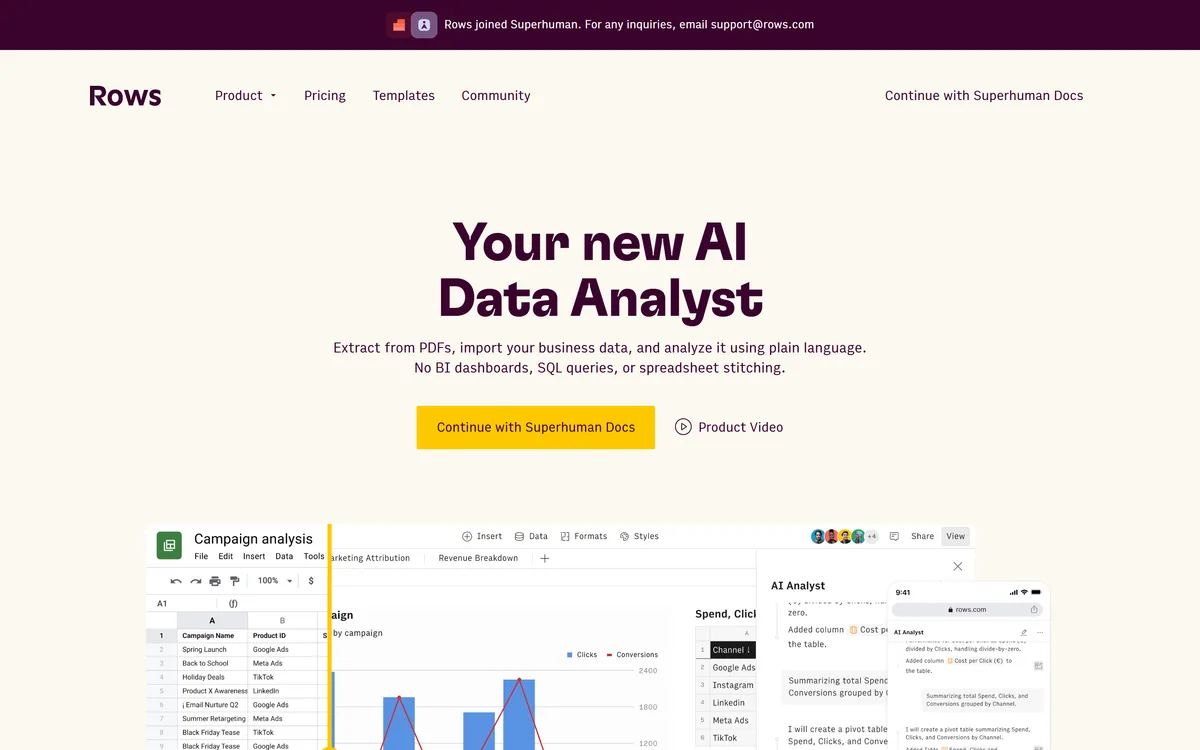
AI spreadsheet that analyzes data in plain language Category: Productivity & Automation.
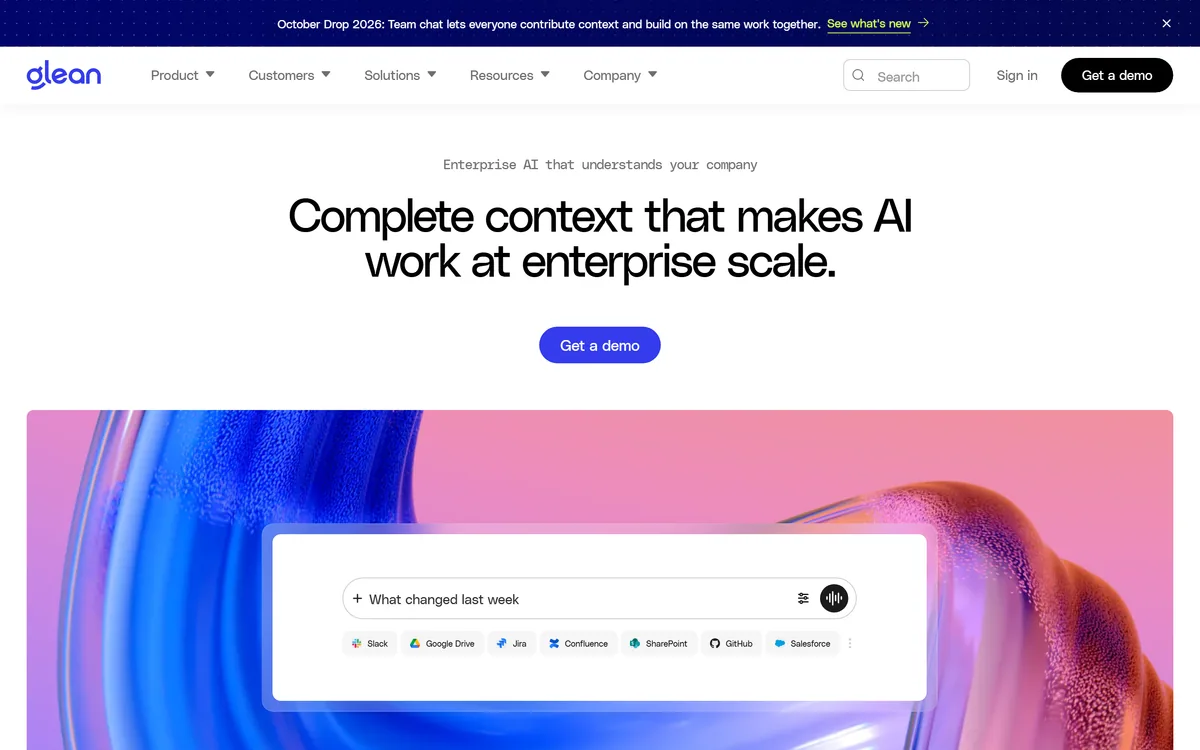
Glean is an enterprise AI platform (Glean, USA) that unifies search, an AI assistant and agents across a company's connected apps, answering from your own data with permission-aware results and connectors to Slack, Google, Microsoft and more. It suits mid-market and enterprise teams, with strong data-governance needs and enterprise pricing.
Document360 is knowledge base and documentation software built around Eddy AI, combining conversational search that cites its sources, an AI chatbot over scattered documents and tickets, a writing agent inside the editor, and an MCP server that exposes the knowledge base to ChatGPT, Claude and Copilot.
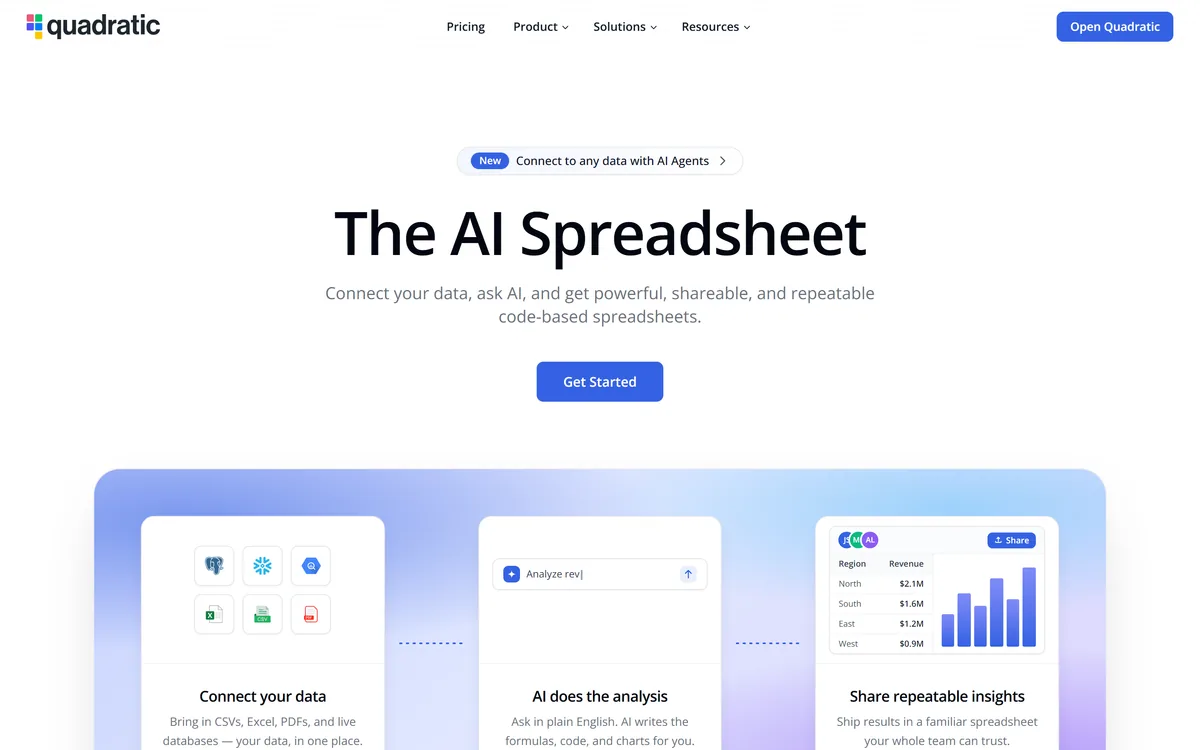
Quadratic is an AI spreadsheet that connects CSVs, Excel files, PDFs and live databases, then writes formulas, Python code and charts from plain-English questions. It positions readable code against unreadable nested formulas, and states 250,000+ users at companies and universities.
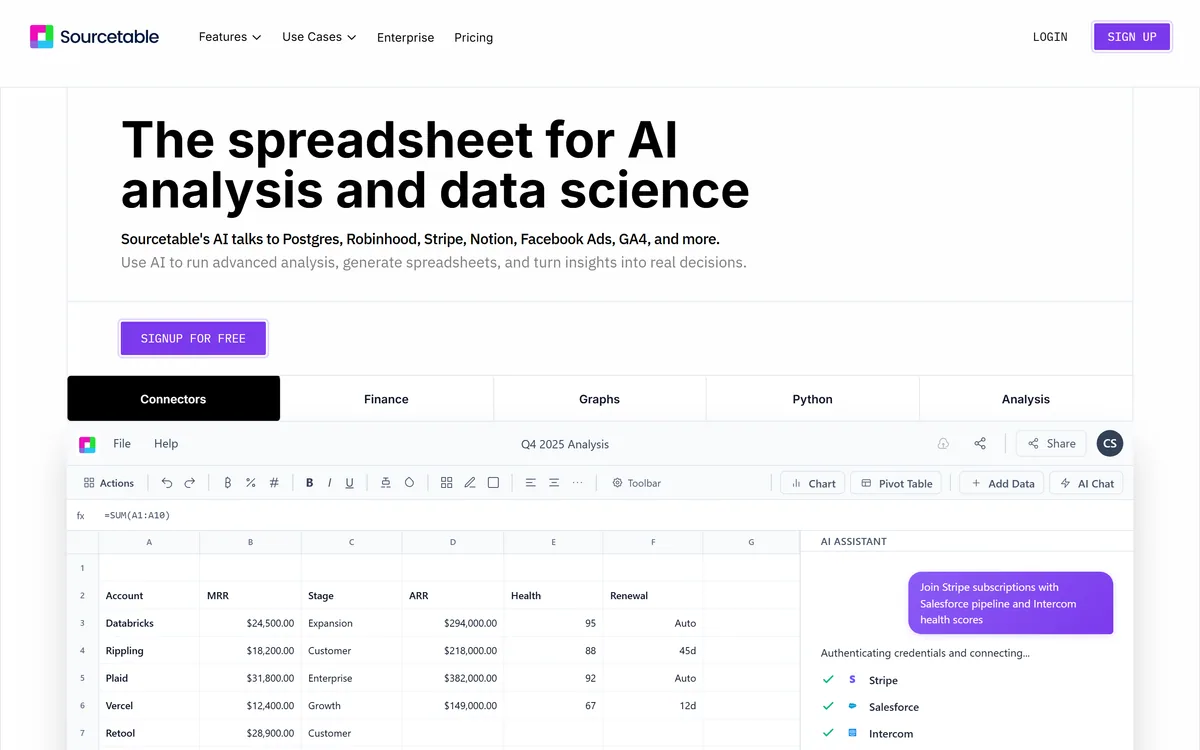
Sourcetable is an AI spreadsheet and data-analyst tool that connects to databases and apps, runs analysis in plain English, generates charts and spreadsheets, and taps Python and research tools without code. It suits analysts and data-curious teams, with enterprise security; AI output still needs checking.
Related Pages