Remove and replace backgrounds from images instantly. Every tool here has its own review, so you can check what it does and how it is priced before you choose a background removal tool.
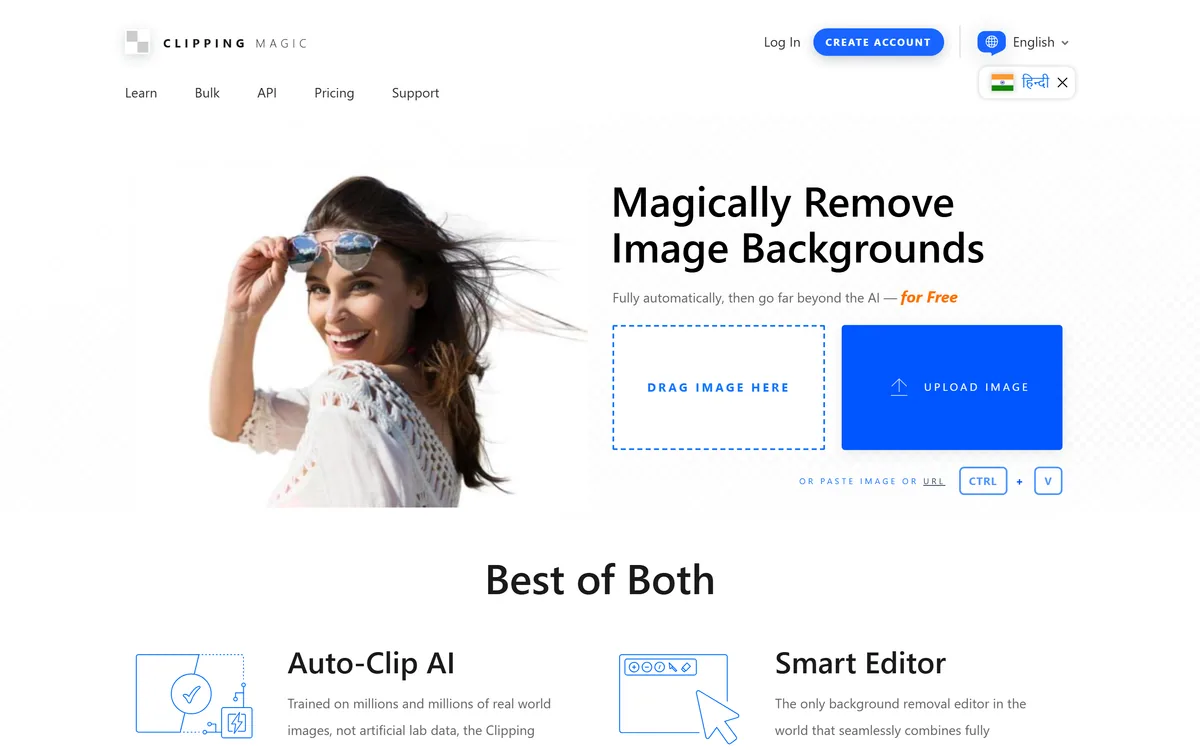
Clipping Magic removes image backgrounds automatically with its Auto-Clip AI, then hands you a Smart Editor with keep, remove, hair and scalpel tools for the cases automation misses. It offers bulk processing and an API, and is published by Cedar Lake Ventures, Inc.
Slazzer is an AI background remover built for volume: automatic cutouts for people, products, cars and more, bulk processing through desktop apps and an API, AI extras like shadows, upscaling and relighting, and cataloguing workflows for grocery, food and furniture images.
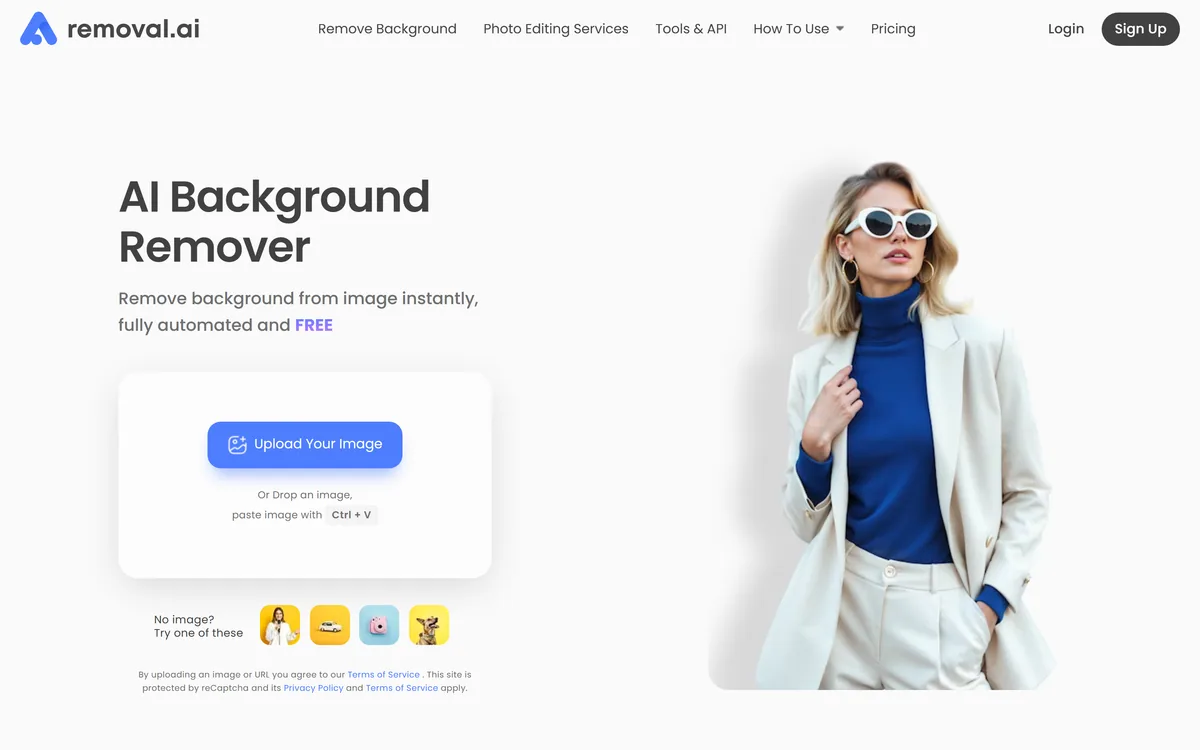
Removal.ai is an automatic background removal service that cuts the subject out of a photo and returns it on a transparent or replaced background. It handles bulk uploads, exposes an API, ships a desktop app, and adds a light editor for text, effects and marketplace-sized presets.
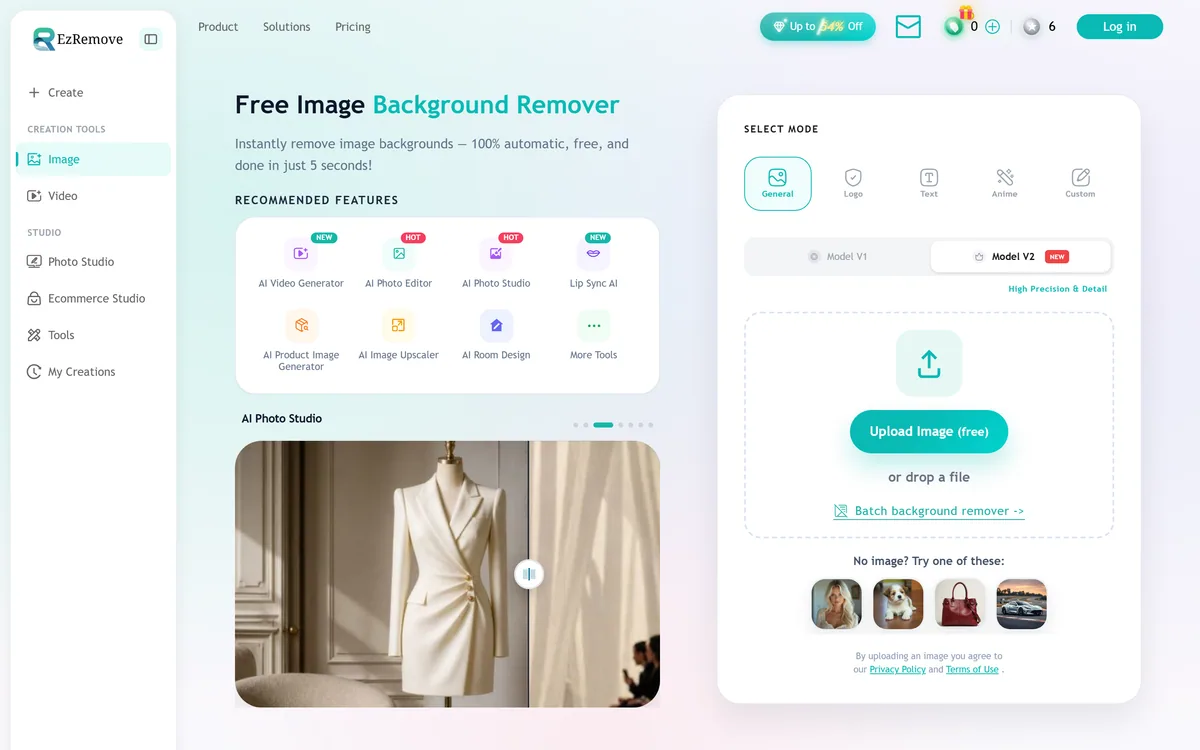
EzRemove is an AI background remover that produces clean transparent PNG cutouts automatically in a few seconds, with batch processing and a broader studio of image and video tools, aimed at ecommerce sellers, social creators and anyone needing quick cutouts.
3.6/5Freemium
What Counts as a Background Removal AI Tool?
Background Removal AI tools are products whose core function applies AI to background removal. A tool belongs here when that is the job it is built for, rather than a side feature.
Because this is a focused slice of image & design, the tools below do broadly the same job — so compare them on what they actually produce and how they are priced. Each review shows the tool's pricing model and whether it has a free tier.
Background Removal AI tools reviewed here include:
Clipping Magic — Clipping Magic removes image backgrounds automatically with its Auto-Clip AI, then hands you a Smart Editor with keep, remove, hair and scalpel tools for the cases automation misses. It offers bulk processing and an API, and is published by Cedar Lake Ventures, Inc.
Slazzer — Slazzer is an AI background remover built for volume: automatic cutouts for people, products, cars and more, bulk processing through desktop apps and an API, AI extras like shadows, upscaling and relighting, and cataloguing workflows for grocery, food and furniture images.
Removal.ai — Removal.ai is an automatic background removal service that cuts the subject out of a photo and returns it on a transparent or replaced background. It handles bulk uploads, exposes an API, ships a desktop app, and adds a light editor for text, effects and marketplace-sized presets.
Erase.bg — Free AI background remover for images and short videos Category: Image & Design.
Pixian.AI — Pixian.AI review on AInexfinder — freemium AI tool for Image & Design. Features, pricing notes, and alternatives.
Background Removal AI Tools — Frequently Asked Questions
01What Does Background Removal Cover?
Background Removal covers AI tools built for background removal. Reviewed tools here include Clipping Magic, Slazzer, Removal.ai, each with its own review covering pricing, features and an Editor Score.
02Are There Free Background Removal AI Tools?
Yes. Removal.ai, Erase.bg, Pixian.AI, NOBG.space all offer a free plan or free trial. Use the pricing filter above to see every background removal tool with a free option.
03How Do I Choose the Right Background Removal AI Tool?
Start with your main use case and budget, shortlist two or three tools above, and compare their reviews, pricing and free plans. Where a free plan or trial exists, run a real task of your own through it before committing.
04How Is Background Removal Different From Other Image & Design Tools?
Background Removal tools focus specifically on remove and replace backgrounds from images instantly, so they usually go deeper on that job than a general image & design tool.
Launching a New Background Removal Tool?
Submit it for an editorial review and a page in front of people comparing background removal tools before they buy.