Background Removal Rankings

Best Background Removal AI Tools in 2026: 8 Ranked

Remove and replace backgrounds from images instantly, ranked on Editor Score, pricing and fit — each linked to its full review.

Daniel ReedBy the AInexfinder Editorial Team·Overseen by Daniel ReedUpdated October 2026How we rank →

The Short Answer

Erase.bg is our top-ranked background removal tool, with a provisional score of 4.6/5 — Free AI background remover for images and short videos. Remove and replace backgrounds from images instantly. Across the 8 tools ranked here, 6 of the 8 offer a free or freemium plan.

How we rank: research-based. Every tool here has its own review, scored from the vendor's documentation, pricing and independent sources; this list orders them with one published formula led by that Editor Score. Last updated October 2026. How we rank

At a Glance: The 8 Best Background Removal Picks

#ToolScorePricingFree planLinks
1
Erase.bg logo
Erase.bg

Top ranked

4.6FreemiumReview
24.6FreemiumReview
34.2PaidReview
44.5FreemiumReview
54.4FreeReview
63.9FreemiumReview
73.7PaidReview
83.6FreemiumReview
Scores: top 8 background removal tools

Score out of 5 — each tool's Editor Score.

Our Top 8 Background Removal Picks, Ranked

1

Erase.bg

Top ranked
Est.4.6/5

Free AI background remover for images and short videos Category: Image & Design.

  • Fast and easy to use
  • Supports very high resolutions
  • Broad cross-platform availability
  • AI background removal in seconds
  • Commercial use requires a subscription
  • Intricate edges may need manual cleanup
  • There is a short learning curve for new users
  • Results still need a quick human review for best quality

Best for: Users who need AI background removal in seconds

Pricing: Freemium

2Est.4.6/5

Pixian.AI review on AInexfinder — freemium AI tool for Image & Design. Features, pricing notes, and alternatives.

  • Competitive low-cost pricing
  • Strong on logos and artwork
  • Pay-as-you-go without forced subscriptions
  • GPU-accelerated background removal
  • Free tier limited to small resolutions
  • Utilitarian interface, not a full editor
  • Pixian.AI is strongest in its core use case, not every niche
  • Compare a short trial against your real workflow first

Best for: Teams that need customizable output color and format

Pricing: Freemium

34.2/5

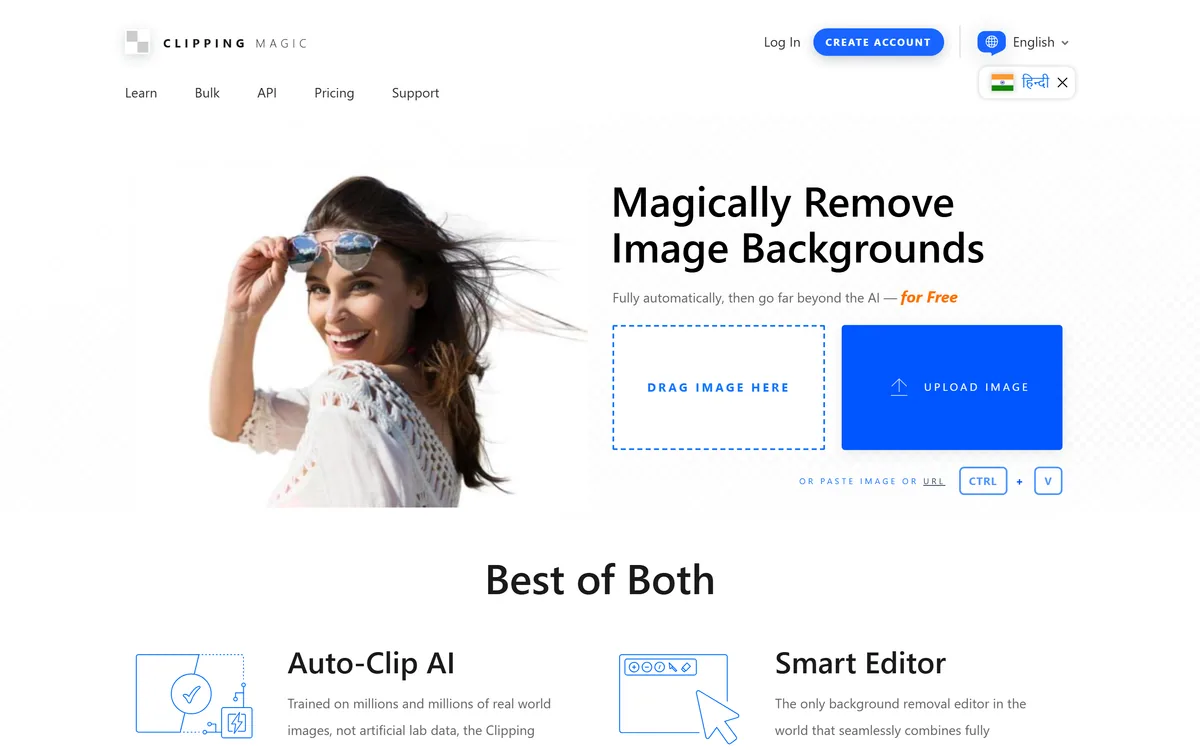
Clipping Magic removes image backgrounds automatically with its Auto-Clip AI, then hands you a Smart Editor with keep, remove, hair and scalpel tools for the cases automation misses. It offers bulk processing and an API, and is published by Cedar Lake Ventures, Inc.

  • Manual tools turn near-misses into quick fixes instead of dead ends
  • A dedicated hair tool addresses the case that defeats most automatic removers
  • The scalpel solves low-contrast edges that models cannot detect
  • Bulk defaults produce catalogue consistency that manual cropping rarely achieves
  • Manual tools mean a learning curve that a one-click competitor does not have
  • Overkill if your images are simple subjects on plain backgrounds
  • No pricing or credit information on the pages we read
  • Upload retention and processing location are not stated

Best for: Ecommerce teams processing product photography at volume

Pricing: Paid · Very good

4Est.4.5/5

PhotoScissors review on AInexfinder — freemium AI tool for Image & Design. Features, pricing notes, and alternatives.

  • Precise manual refinement controls
  • Reliable on complex edges
  • Available as web and desktop tools
  • AI automatic background removal
  • Slower than one-click tools for large batches
  • High-resolution downloads require payment
  • Team collaboration tools depend on your plan
  • Customization options can take time to master

Best for: Users who need AI automatic background removal

Pricing: Freemium

5Est.4.4/5

Free private background remover that runs in your browser Category: Image & Design.

  • Completely free with no watermarks or limits
  • Local processing keeps images private
  • No account needed to start
  • In-browser, on-device background removal
  • Speed depends on the user's device and browser
  • Focused only on background removal
  • Documentation depth varies by topic
  • Heavy usage may hit rate or credit limits

Best for: Teams that need in-browser, on-device background removal

Pricing: Free

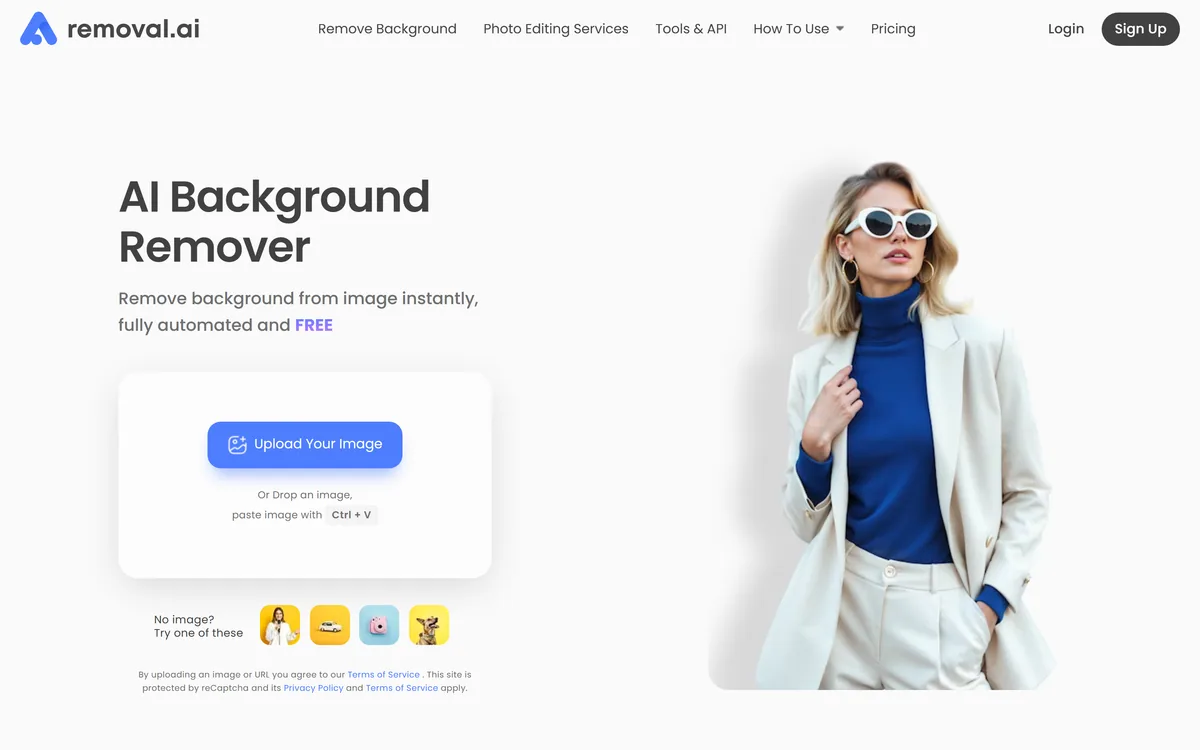
Removal.ai is an automatic background removal service that cuts the subject out of a photo and returns it on a transparent or replaced background. It handles bulk uploads, exposes an API, ships a desktop app, and adds a light editor for text, effects and marketplace-sized presets.

  • The batch ceiling is high enough to be genuinely operational rather than a demo feature
  • An API turns this into a pipeline component instead of a tool someone has to visit
  • Marketplace presets remove a real, boring step at the end of the job
  • Offering a human fallback is an honest acknowledgement that automation has limits
  • JPG and JPEG input only, which forces a conversion step for PNG, TIFF, HEIC or raw libraries
  • Free downloads cap at 1000px, so the free tier does not represent the paid output
  • A 99% uptime figure allows roughly seven hours of downtime a month
  • Public references are individuals at small products rather than comparable-scale customers

Best for: E-commerce teams preparing catalogue imagery in bulk

Pricing: Freemium · Good

73.7/5

Slazzer is an AI background remover built for volume: automatic cutouts for people, products, cars and more, bulk processing through desktop apps and an API, AI extras like shadows, upscaling and relighting, and cataloguing workflows for grocery, food and furniture images.

  • Built for high-volume processing
  • Desktop apps for thousands of images
  • API and on-premise options
  • Useful finishing extras for product shots
  • Hard edges can still need cleanup
  • High resolution and bulk use cost extra
  • Cutout itself is a commodity feature
  • AI backgrounds need accuracy checks

Best for: High-volume product images

Pricing: Paid · Good

83.6/5

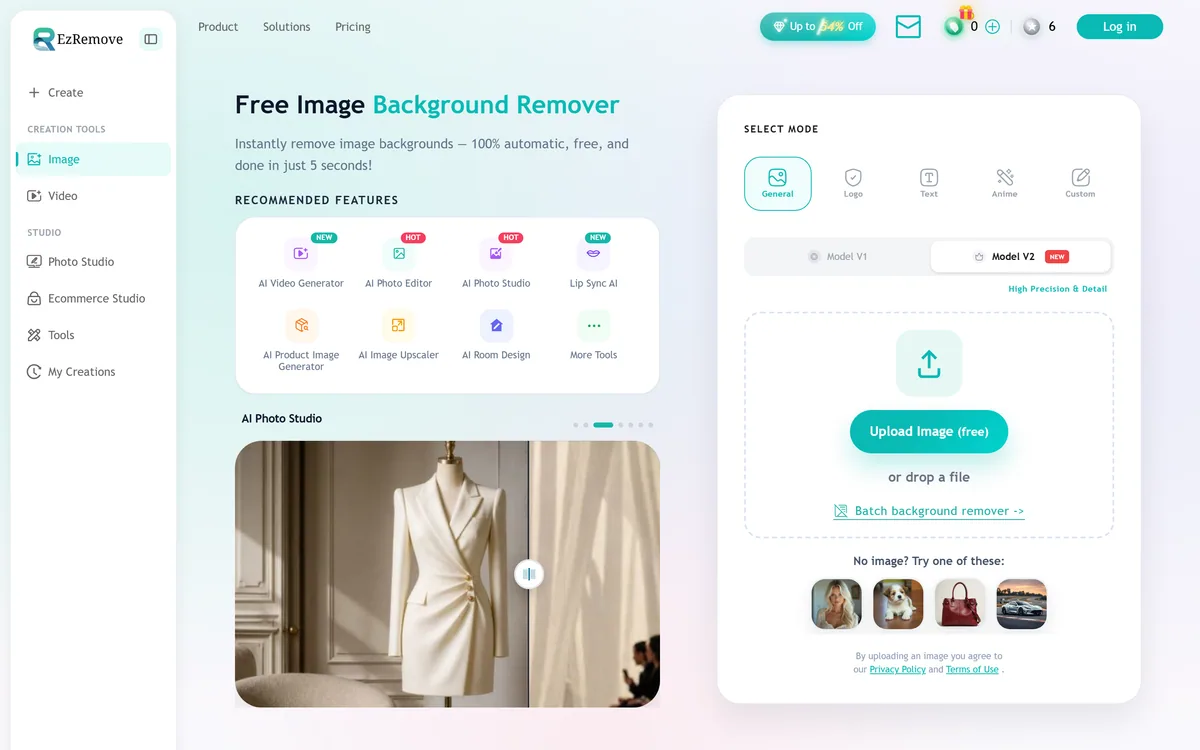
EzRemove is an AI background remover that produces clean transparent PNG cutouts automatically in a few seconds, with batch processing and a broader studio of image and video tools, aimed at ecommerce sellers, social creators and anyone needing quick cutouts.

  • Fast, automatic cutouts
  • Batch mode for volume
  • Free core background removal
  • Wider studio bundled in
  • Tricky edges can still need cleanup
  • Bundled extras may not match specialists
  • Removal itself is a commoditised feature
  • Extras are noise for single-purpose users

Best for: Ecommerce product cutouts

Pricing: Freemium · Good

How We Ranked These Background Removal Tools

Every tool here is a live background removal product with its own review. The order comes from one published formula, applied the same way on every ranking:

CriterionWhat it measuresWeight
Editor ScoreThe score on each tool's own review, from our research into its official documentation, pricing and independent sources. Tools whose full review is still pending carry a provisional formula estimate, marked “Est.”.50%
User reviewsVerified user ratings on AInexfinder — counted only once a tool has at least three.25%
Feature depthHow many documented features the tool has.15%
FreshnessHow recently the review was last verified. Reviews still pending get a neutral value.10%

Featured listings, a paid placement, get a small boost inside the Editor Score criterion, always keep a place in their own category’s ranking, and are labelled Featured above; listings whose maker shows the AInexfinder badge on its own site get a smaller boost. Neither changes the Editor Score itself. Read the full methodology.

What to Look for in a Background Removal Tool

Output Quality

The factor that decides everything else — can it produce background removal results you'd actually ship? It's why Erase.bg leads this list; judge each tool on output you can use without heavy rework.

Pricing & Free Tier

6 of these 8 tools have a free or freemium plan. Check the free tier's real limits and whether paid pricing scales fairly with your usage — watch for hidden caps on output or features.

Ease of Use

A clean interface and good onboarding mean you get value on day one, not after a week of learning the tool.

Integrations

Does it connect to the tools you already use — your editor, browser, Slack, Google Workspace or API?

Speed & Reliability

Fast, consistent results matter for daily work. Look at uptime and how the tool handles peak-time load.

Support & Updates

Active development, solid docs and responsive support signal a tool that will keep getting better over time.

Free vs Paid Background Removal Tools

When Free Is Enough

6 of these 8 background removal tools offer a free or freemium plan (Erase.bg is the one we'd start with). Free tiers suit light or occasional use, testing a workflow, or personal projects — though they usually cap usage, features or output quality.

When to Go Paid

For heavy or professional background removal work, a paid plan like Clipping Magic's buys higher limits, team collaboration, priority support and advanced features. If a tool is core to your daily work, the subscription usually pays for itself in time saved.

Pricing breakdown
Pricing breakdown8tools

6 of 8 tools offer a free or freemium plan.

Which Background Removal Tool Should You Choose?

Match the tool to the job. Each line below is the audience that tool's review found it suits best:

  • Erase.bg (4.6/5) — Users who need AI background removal in seconds
  • Pixian.AI (4.6/5) — Teams that need customizable output color and format
  • Clipping Magic (4.2/5) — Ecommerce teams processing product photography at volume
  • PhotoScissors (4.5/5) — Users who need AI automatic background removal
  • NOBG.space (4.4/5) — Teams that need in-browser, on-device background removal
  • Removal.ai (3.9/5) — E-commerce teams preparing catalogue imagery in bulk
Est.4.6/5

The Bottom Line

Start with Erase.bg if you want the strongest all-round background removal tool on this list, and give Pixian.AI a look too — the two are within a fraction of each other. If none of these fits, our Erase.bg alternatives list goes wider. This corner of AI rarely sits still, so each review shows the date it was last verified.

Frequently Asked Questions

What Are the Best Background Removal AI Tools in 2026?

The top background removal tools right now are Erase.bg, Pixian.AI, Clipping Magic. All 8 are ranked on Editor Score, user reviews, feature depth and freshness — see the full list above.

What Is the Best Free Background Removal Tool?

Erase.bg is the highest-ranked option with a free plan (freemium — a free tier plus paid upgrades). 6 of the 8 tools on this list offer a free or freemium plan — the At a Glance table marks each one.

How Are These Background Removal Tools Ranked?

By a published formula: Editor Score 50%, verified user reviews 25%, feature depth 15% and freshness 10%. User reviews only count for tools that have approved ones; the rest are ranked on the other four factors, so the Editor Score carries most of the weight. The How We Ranked section above shows each criterion.

How Many Background Removal AI Tools Are Compared Here?

This page ranks 8 background removal tools, and 6 of them have a free tier. Every one links to its full review, and the category page lists the rest.

Is Erase.bg the Best Background Removal Tool?

Erase.bg is our current top pick with a provisional score of 4.6/5, though Pixian.AI is within a fraction of it, but the right choice depends on your needs and budget. The Which Tool Should You Choose section matches each top tool to the people it suits best.

Which Background Removal Tool Is Best for Beginners?

Erase.bg is the easiest place to start: it has a free plan, so you can learn on a real background removal tool without paying. Once you outgrow it, the paid tools above add more power.

Are Background Removal AI Tools Worth It?

Start with one of the 6 free options above to confirm a background removal tool fits your workflow — for most people the right one earns back its cost in hours saved, but only once it clearly slots into how you already work.

How Often Is This List Updated?

The ranking recalculates whenever a review on it changes, and reviews are re-verified on a rolling basis — each one shows when it was last checked. This page was last updated in October 2026.

Keep Exploring

About the Author

Daniel Reed
Daniel Reed

Senior AI Tools Reviewer

Daniel leads AInexfinder's tool reviews. He researches each tool from its own pricing, documentation and policies, checks its claims against independent sources, and writes up what it does well, where it falls short and who it genuinely suits.

AI tool reviewsPricing researchAI software
More about Daniel →

Last updated October 2026. Ranked on Editor Score, user reviews, feature depth and freshness — see our methodology.