AI photo editor for ecommerce product images
- Mobile-first, fast for product photos
- High-quality background removal
- Batch editing handles big catalogs
- Best tools and HD exports require a paid plan
- AI backgrounds and fills sometimes need touch-ups

Loadingβ¦
Edit and enhance photos with AI-powered tools, ranked and compared on features, pricing and our Editor Score.
Quick answer
The best image editing tool is Pixelcut (4.5/5) β AI photo editor for ecommerce product images. For a free option, try Pixelcut. We compare all 15 below.
Edit and enhance photos with AI-powered tools. The 15 tools on this list are the ones we recommend most for 2026 β scored on real output quality, fair pricing and our Editor Score, with Pixelcut out front. Every option below has a free tier to start on, and each links to a full review with features, pricing and alternatives.
| # | Tool | Rating | Pricing | Best for | Free | |
|---|---|---|---|---|---|---|
| 1 | 4.5 | Freemium | AI background removal for images and video | View | ||
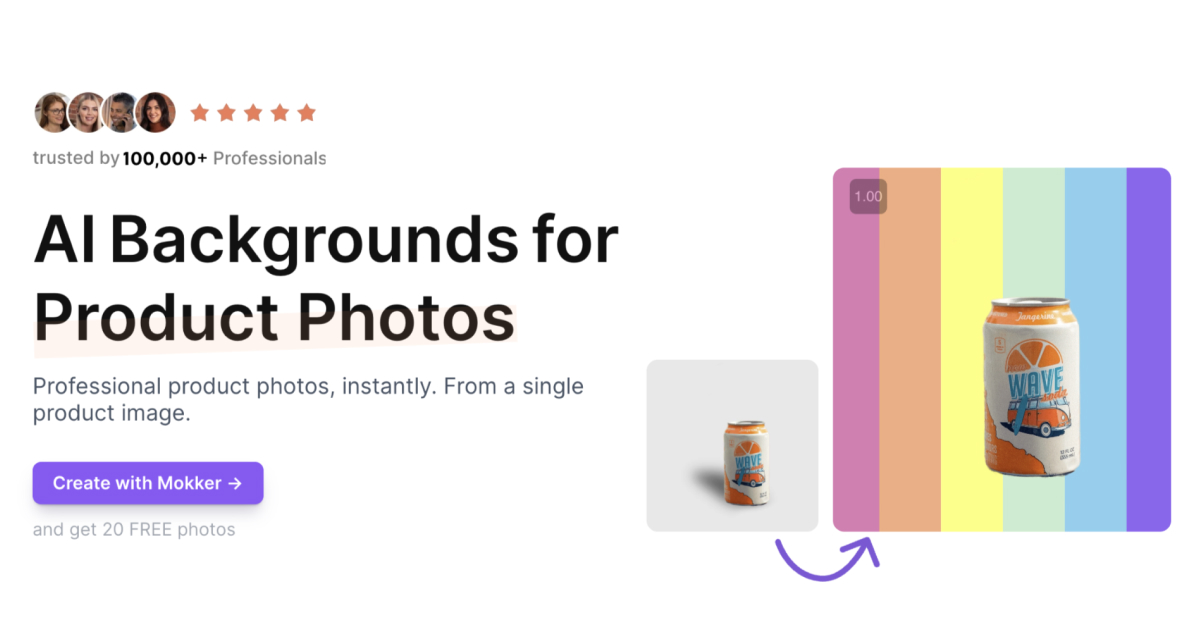
| 2 | 4.5 | Freemium | single-image product photo generation | View | ||
| 3 | 4.5 | Freemium | AI image generator (text-to-image) | View | ||
| 4 | 4.5 | Freemium | AI background swapping | View | ||
| 5 | 4.5 | Freemium | AI Replace to swap objects by describing them | View | ||
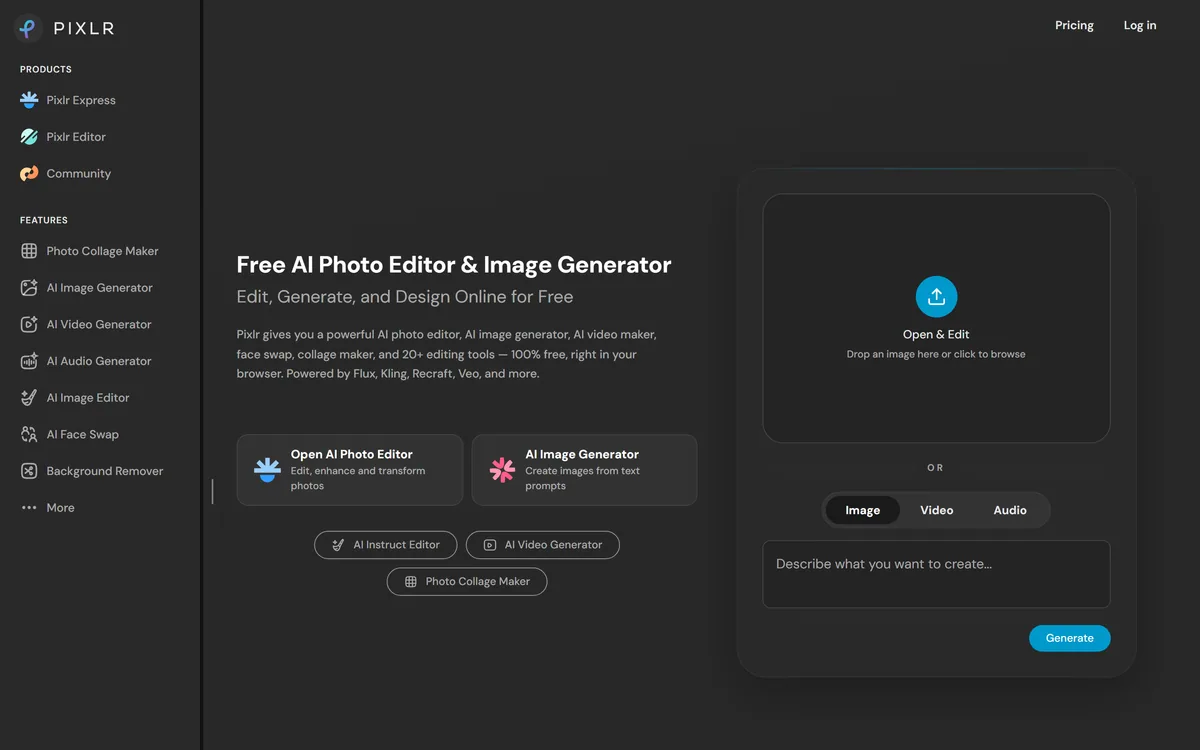
| 6 | 4.4 | Freemium | instant AI background removal | View | ||
| 7 | 4.4 | Freemium | layer-based drag-and-drop design canvas | View | ||
| 8 | 4.4 | Freemium | text-to-image generation | View | ||
| 9 | 4.4 | Freemium | text-to-image with 180+ styles | View | ||
| 10 | 4.4 | Freemium | AI product background replacement | View | ||
| 11 | 4.4 | Freemium | high-precision background removal | View | ||
| 12 | 4.4 | Freemium | text-to-image AI generator | View | ||
| 13 | 4.4 | Freemium | virtual staging and virtual decluttering | View | ||
| 14 | 4.4 | Freemium | background removal and replacement | View | ||
| 15 | 4.4 | Freemium | drag-and-drop scene staging | View |
How the top image editing tools compare on ratings and pricing.
AInexfinder Editor Score β our editorial rating based on features, value and verified user reviews.
15 of 15 tools offer a free or freemium plan.
Every tool here is a real, working image editing product. We rank on three things: features & output quality, pricing and value (including free tiers), and our Editor Score β a transparent editorial rating that blends in verified user reviews where a tool has them. The list is reviewed regularly so it stays current β read our methodology for the full process.
The factor that decides everything else β can it produce image editing results you'd actually ship? It's why Pixelcut leads this list; judge each tool on output you can use without heavy rework.
Every tool on this list has a free or freemium plan, so test before you pay. Check each free tier's real caps (usage, output count, watermarks) and whether the paid step-up is fair for your volume.
A clean interface and good onboarding mean you get value on day one, not after a week of learning the tool.
Does it connect to the tools you already use β your editor, browser, Slack, Google Workspace or API?
Fast, consistent results matter for daily work. Look at uptime and how the tool handles peak-time load.
Active development, solid docs and responsive support signal a tool that will keep getting better over time.
AI photo editor for ecommerce product images
AI product photography from a single image
Free online AI photo editor and image generator
Powerful AI photo editor and generator for mobile
All-in-one AI photo and video editor
AI background remover and product image editor
Controllable all-in-one AI image and design tool
AI photo editor and image generator with 30+ tools
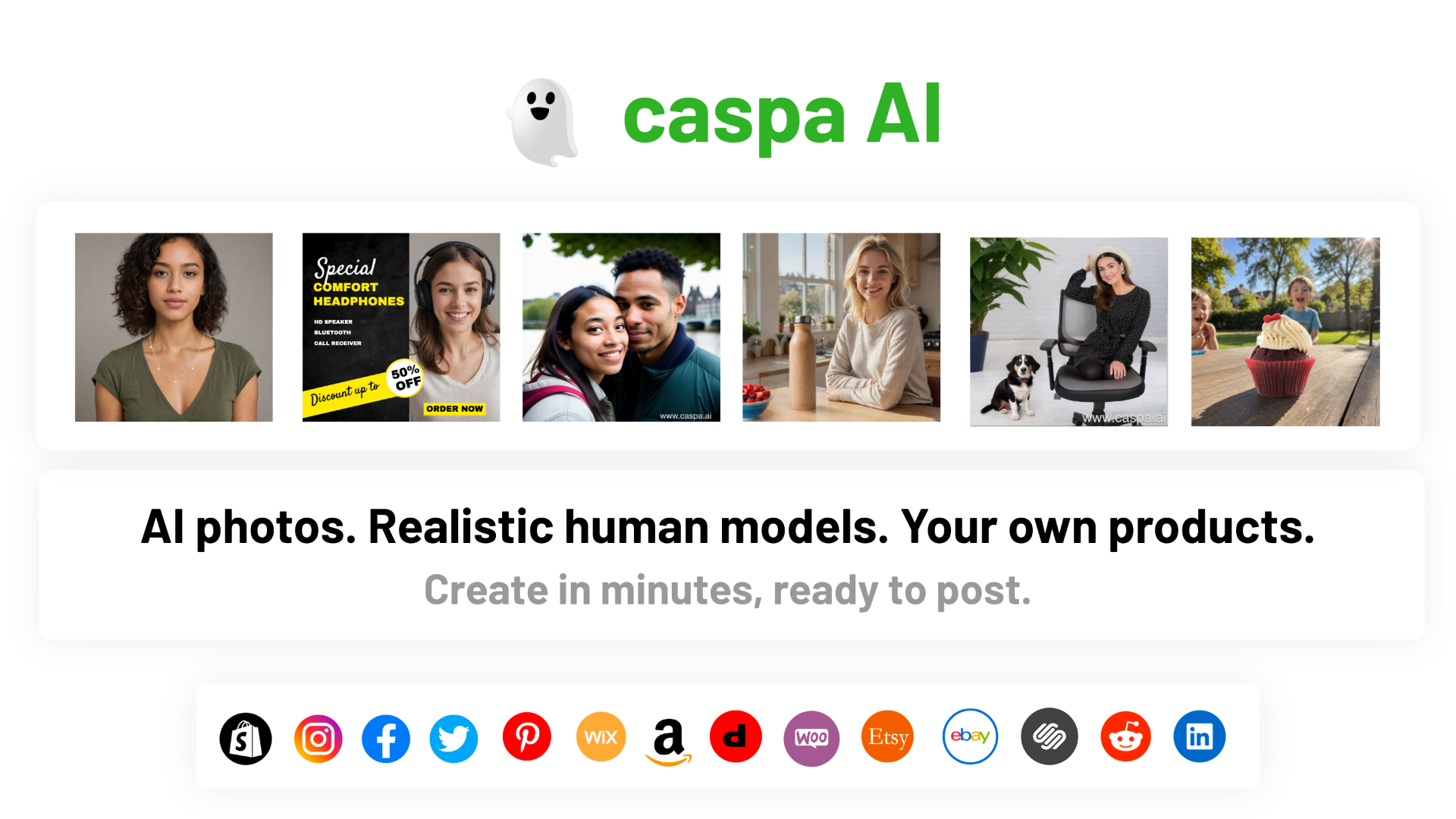
AI image generator, headshots, and photo editing tools
AI background replacement for product photos
AI background removal and photo editing platform
All-in-one online AI photo generator and editor
Automated AI real estate photo editing and staging
AI suite for generating and editing visuals fast
AI design tool for branded product photography
When free is enough
All 15 image editing tools offer a free or freemium plan (Pixelcut is the one we'd start with). Free tiers suit light or occasional use, testing a workflow, or personal projects β though they usually cap usage, features or output quality.
When to go paid
Paid plans make sense for heavy or professional image editing use β higher limits, team collaboration, priority support and advanced features. If a tool is core to your daily work, the subscription usually pays for itself in time saved.
The image editing AI space moves fast β tools ship new features almost monthly and pricing moves as competition heats up. Across the 15 image editing tools here, all 15 have a free or freemium plan, and the top two (Pixelcut and Pebblely) are rated within a fraction of each other. We re-review the list regularly, so you're comparing what these tools do today β if one changes its pricing or features, its linked review reflects the latest we've verified.
Our highest-ranked image editing ai tools are Pixelcut, Pebblely, Pixlr. We score all 15 on our Editor Score (features, value and pricing, blended with verified user reviews where a tool has them) β see the full comparison above.
Pixelcut is a strong free pick (freemium β free tier plus paid upgrades). In fact, all 15 tools here have a free or freemium plan β look for the green badge.
We rank by our Editor Score (features, value and pricing, blended with verified user reviews where a tool has them). Most tools have few or no public reviews, so the Editor Score does the heavy lifting; the list is re-reviewed regularly β see our methodology for the full criteria.
This page compares 15 hand-checked image editing ai tools. Browse the full directory for more options.
Pixelcut is our current top pick (4.5/5 Editor Score), though Pebblely is rated within a fraction of it, but the right choice depends on your needs and budget. Compare it against the other 14 options above before deciding.
Pixelcut is the easiest place to start: it has a free plan, so you can learn image editing basics on a real image editing tool without paying. Once you outgrow it, the paid tools above add more power.
Start with one of the 15 free options above to confirm a image editing tool fits your workflow β for most people the right one earns back its cost in hours saved, but only once it clearly slots into how you already work.
We re-review these image editing ai tools regularly β re-checking pricing, features and the Editor Score, and adding new tools as they launch. This page was last updated in July 2026.
AI Tools Comparison Analyst
Olivia runs side-by-side comparisons and benchmarks, digging into pricing, features, and real-world performance so readers can choose between competing AI tools with confidence.
Senior AI Tools Reviewer
Daniel reviews AI tools the slow way β by actually using them on real projects. His reviews cover what works, what breaks, and who each tool is genuinely a good fit for.
Keep exploring
Last updated July 2026. Rankings are based on features, pricing and our Editor Score (blended with verified user reviews where a tool has them) β see our methodology.