
Coolors review on AInexfinder — freemium AI tool for Image & Design. Features, pricing notes, and alternatives.
Image & Design Review

Canva AI is the Magic Studio suite built into Canva — Magic Write for copy, Dream Lab for images, Magic Edit, Expand and Eraser for photos, Magic Switch for reformatting, Magic Charts for data, and Canva Code for interactive widgets.

Excellent
Canva AI has an AInexfinder Editor Score of 4.5/5.
Best for: Marketing teams producing the same content across many formats; Small businesses without a designer on staff
The visit link goes to canva.com, the official site. Paid placements on AInexfinder are always labelled. How we make money
Canva AI is not a separate product but a layer of AI features inside Canva's editor, collected under the name Magic Studio. That placement is the point — the tools sit where the design is already happening.
The suite is large. Canva now ships dozens of AI features across copywriting, image generation, photo editing, layout, animation, data visualisation, and even small interactive apps.
Breadth like that always hides uneven quality, so this review separates the features that hold up in real work from the ones that demo well and disappoint afterwards.
| Maker | Canva |
|---|---|
| Category | AI design assistant inside a full design editor |
| Suite name | Magic Studio |
| Copy tools | Magic Write, Brand Voice |
| Image tools | Dream Lab, Magic Media, Magic Edit, Magic Expand, Magic Eraser |
| Layout tools | Magic Design, Magic Switch, Magic Animate, Magic Morph |
| Data tools | Canva Sheets, Magic Charts, Magic Insights |
| App building | Canva Code, for prompt-generated interactive widgets |
| Free plan | Yes |
The naming is confusing because almost everything is prefixed "Magic". Grouping them by job makes the suite far easier to reason about.
A handful of these do real work every day, and they are not always the ones featured in the marketing.
Magic Switch reformats one design into other sizes and formats — a presentation into social posts, a poster into a story. This is the least glamorous feature in the suite and probably the most useful.
Resizing across a dozen formats is exactly the tedious, mechanical work worth automating, and the output usually needs only light correction.
Removing an object cleanly and extending an image beyond its original frame are both jobs that used to require a photo editor and some skill. These handle the common cases well.
Expand is especially handy when a supplied photo is the wrong aspect ratio for the layout you need.
Dream Lab is the image generation engine, and it is competitive for the illustrative and conceptual imagery Canva users typically need. It is not aimed at photorealistic art direction.
For a blog header or a slide background, it is usually faster than searching a stock library.
Brand Voice keeps generated copy sounding like your organisation rather than like generic marketing text. For teams where many non-writers produce material, this is the feature that prevents drift.
Canva Code turns a natural-language prompt into an interactive widget — a calculator, a quiz, a small embedded game — without writing code. It is a genuine expansion of what a design tool does.
Magic Charts pairs with Canva Sheets to turn raw numbers into designed visuals rather than default spreadsheet charts. For a report or a deck, that is the difference between data being shown and data being read.
Both are newer and rougher than the core editing tools, so treat them as capable rather than finished.
Canva's real achievement is not any single AI feature but the fact that its users are mostly not designers. Marketers, teachers, small business owners, and internal teams produce most of what gets made in it.
AI helps that audience specifically, because their bottleneck is craft rather than ideas. Someone who knows what they want but cannot execute it gets much more from Magic Studio than a trained designer does.
That also explains the suite's shape: fewer precise controls, more one-click transformations.
Compared with a specialist image generator, Canva's generation is weaker on fidelity and control but far better on what happens next — the image lands in a layout you can immediately use.
Compared with a professional design suite, Canva trades precision for speed. A trained designer will hit the ceiling quickly; someone producing a weekly newsletter will not notice it exists.
The honest framing is that Canva AI competes on integration, not on any single capability. Nothing in it is the best available at its specific job, and for most users that is beside the point.
Breadth is the problem as well as the selling point. With dozens of AI features, a good number are thin, and finding the reliable ones takes trial and error the marketing does not help with.
Output tends toward the generic. Canva's templates already give designs a recognisable look, and the AI tools amplify that — work made this way often looks like it was made this way.
Precision is limited. When a generation is nearly right, the controls for nudging it are coarse compared with a proper design tool, so you regenerate and hope rather than adjust.
The free plan also restricts the AI features tightly, which makes evaluating them properly difficult without committing.
Start from your own material rather than from a blank prompt. Editing, expanding, and reformatting something you already have produces far better results than generating from nothing.
Set Brand Voice up before generating copy at scale, or you will spend longer correcting tone than writing would have taken.
Treat AI output as a first draft in a design tool, not a finished asset. The value is in getting to something adjustable quickly, not in shipping the first generation.
Change one thing per pass. Because the controls are coarse, regenerating with several instructions at once makes it impossible to tell which one caused the result you did not want.
Canva AI is the most practical AI design suite for people who are not designers, and Magic Switch alone justifies it for anyone producing the same content across many formats.
Choose it if your team makes a high volume of ordinary visual material — social posts, decks, internal documents, simple marketing assets — and nobody on it is a trained designer. Look elsewhere if you need precise art direction, distinctive visual identity, or fine control over generated output.
Check canva.com for current plans, since the split between free and paid AI features moves and the free tier will not show you the suite properly.
Magic Write for AI copywriting inside any design
Dream Lab and Magic Media for prompt-based image generation
Magic Edit, Magic Expand, and Magic Eraser for photo work
Magic Switch for reformatting a design across sizes and formats
Magic Design for generating whole layouts from a prompt
Canva Sheets with Magic Charts and Magic Insights for data visuals
Canva Code for turning prompts into interactive widgets
Brand Voice for consistent tone across a team
AInexfinder does not list plan prices or billing details. For current pricing, plans, and trials, visit the official Canva AI website.
Visit official website for pricingVendor pricing, credits, and billing policies change over time. Always confirm on the official site before you buy.
Canva AI earns an AInexfinder Editor Score of 4.5/5 (excellent). Best for: Marketing teams producing the same content across many formats; Small businesses without a designer on staff; Teachers and internal teams making everyday visual material.
Visit Canva AILog in to write a review.
No reviews yet. Be the first to share your experience with Canva AI.
Assigned reviewer
Daniel ReedSenior AI Tools Reviewer
Daniel leads AInexfinder's tool reviews. He researches each tool from its own pricing, documentation and policies, checks its claims against independent sources, and writes up what it does well, where it falls short and who it genuinely suits.
Daniel and the AInexfinder editorial team research Canva AI from its own website, pricing, documentation and policies, checked against independent sources. This review is research-based: unless its method note says otherwise, we have not bought a plan or run hands-on tests. The Editor Score is our editorial judgement, and payment never changes it.
Similar Tools
Coolors review on AInexfinder — freemium AI tool for Image & Design. Features, pricing notes, and alternatives.
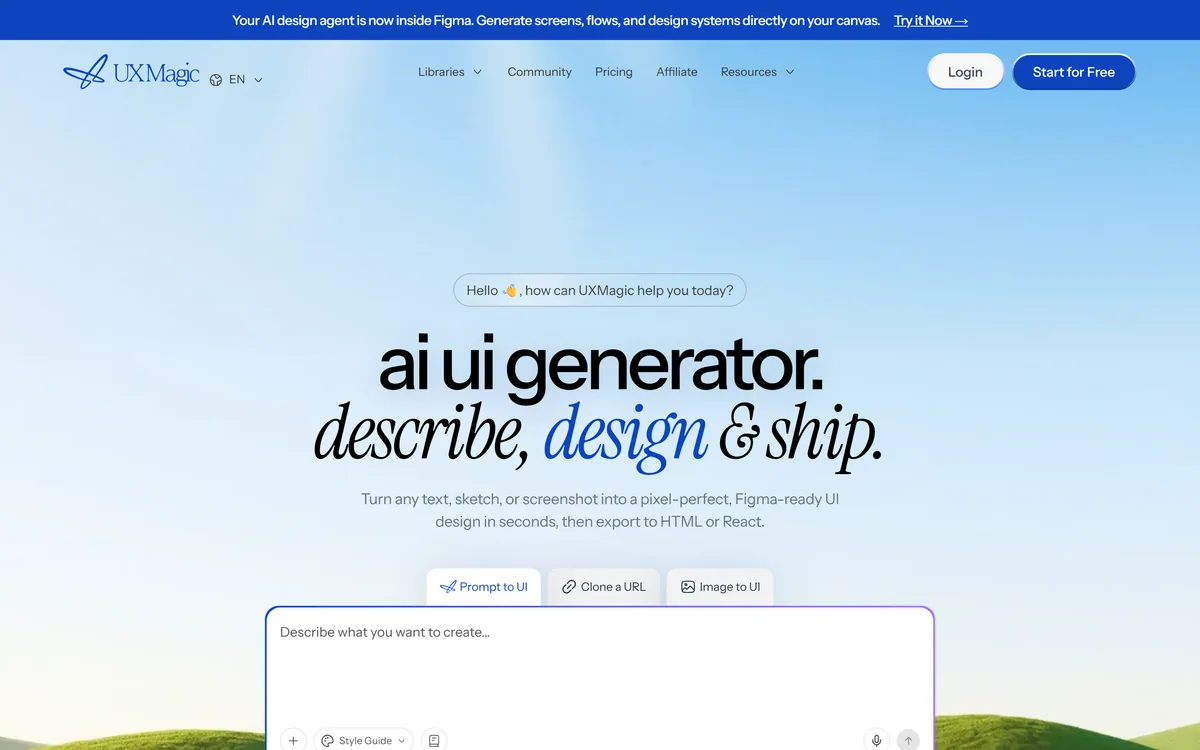
UXMagic turns text prompts, sketches or screenshots into Figma-ready UI designs, generating wireframes, sitemaps and multiple screens, importing your design system, and exporting to Figma, HTML, React or Webflow.
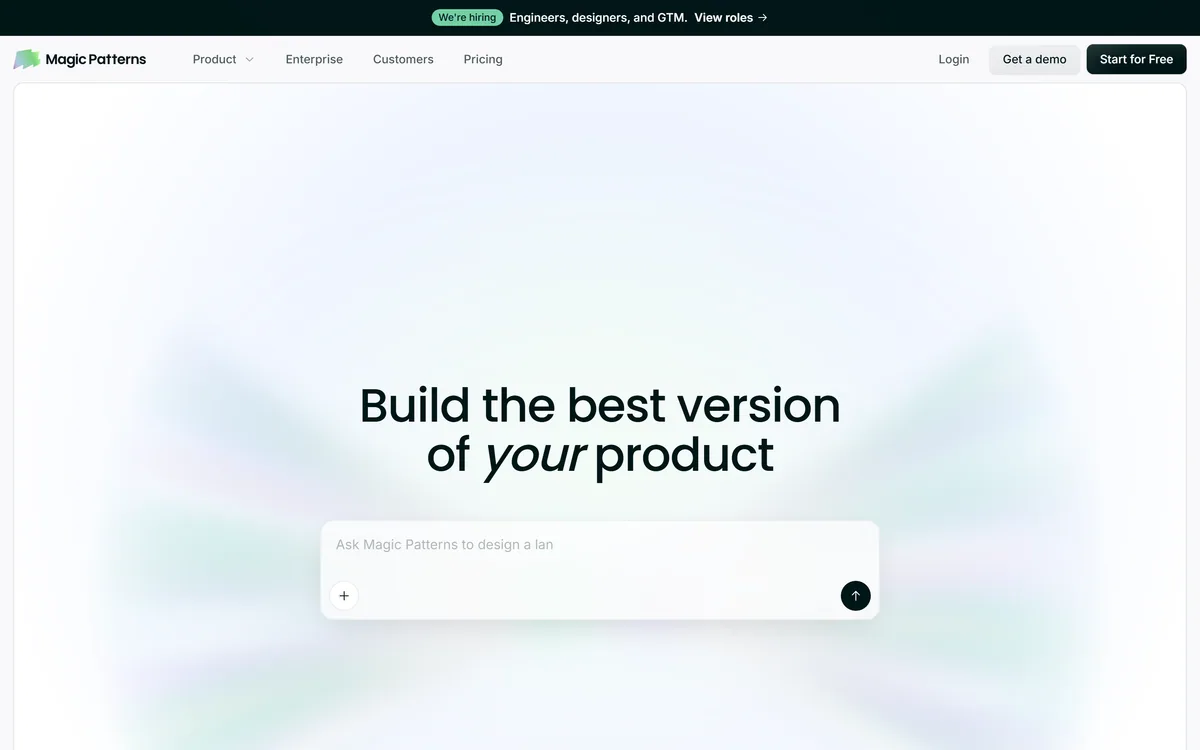
Magic Patterns is an AI design tool for product teams that turns prompts, requirements and ideas into high-fidelity UI, matching your existing design system so teams can prototype and test directions before committing engineering resources.
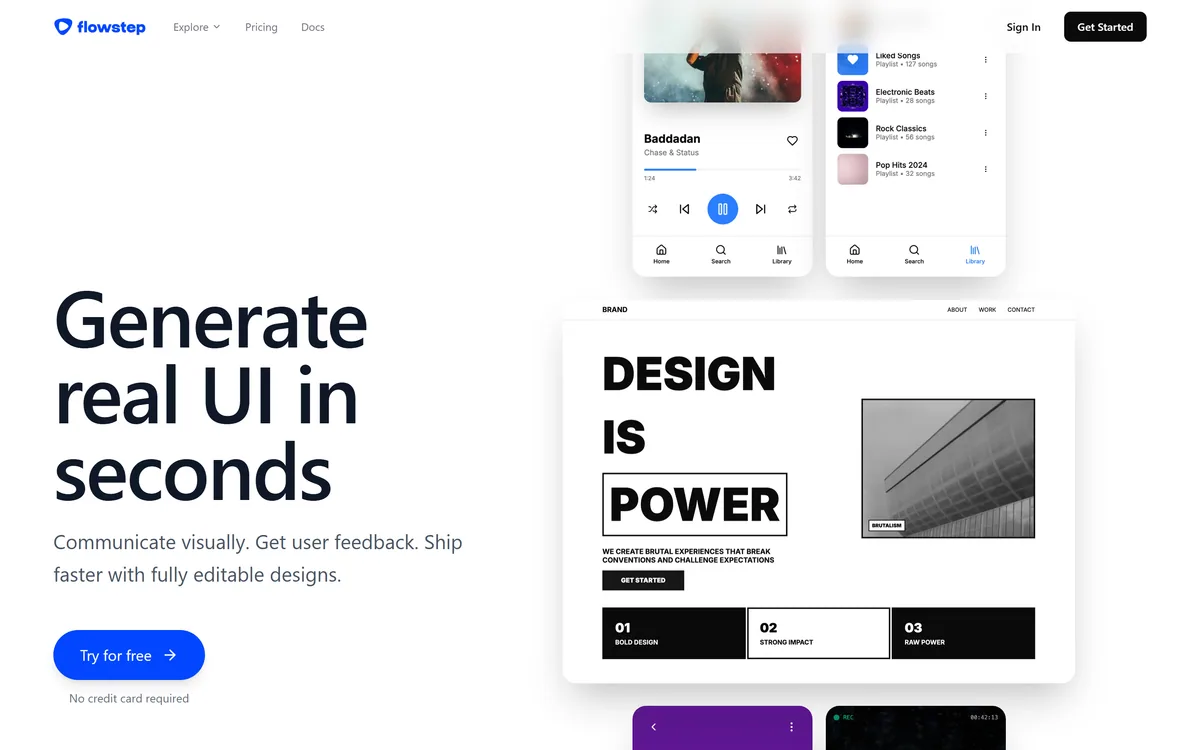
Flowstep generates editable user interface designs from a text description on an infinite canvas. It produces multiple screens in one pass, accepts PRDs and reference images as input, supports real-time collaboration, and exports both to Figma by ordinary copy-paste and to React, TypeScript and Tailwind code.


Midjourney is an AI image generator known for its distinctive aesthetic quality, currently on model V8.2, with a full web app alongside the original Discord workflow, plus an Editor, moodboards, style profiles, and five-second image-to-video.

Mobile-first AI art and video generator with many styles Category: Image & Design.
Related Pages