

Canva AI is the Magic Studio suite built into Canva — Magic Write for copy, Dream Lab for images, Magic Edit, Expand and Eraser for photos, Magic Switch for reformatting, Magic Charts for data, and Canva Code for interactive widgets.
Image & Design Review
Flowstep generates editable user interface designs from a text description on an infinite canvas. It produces multiple screens in one pass, accepts PRDs and reference images as input, supports real-time collaboration, and exports both to Figma by ordinary copy-paste and to React, TypeScript and Tailwind code.
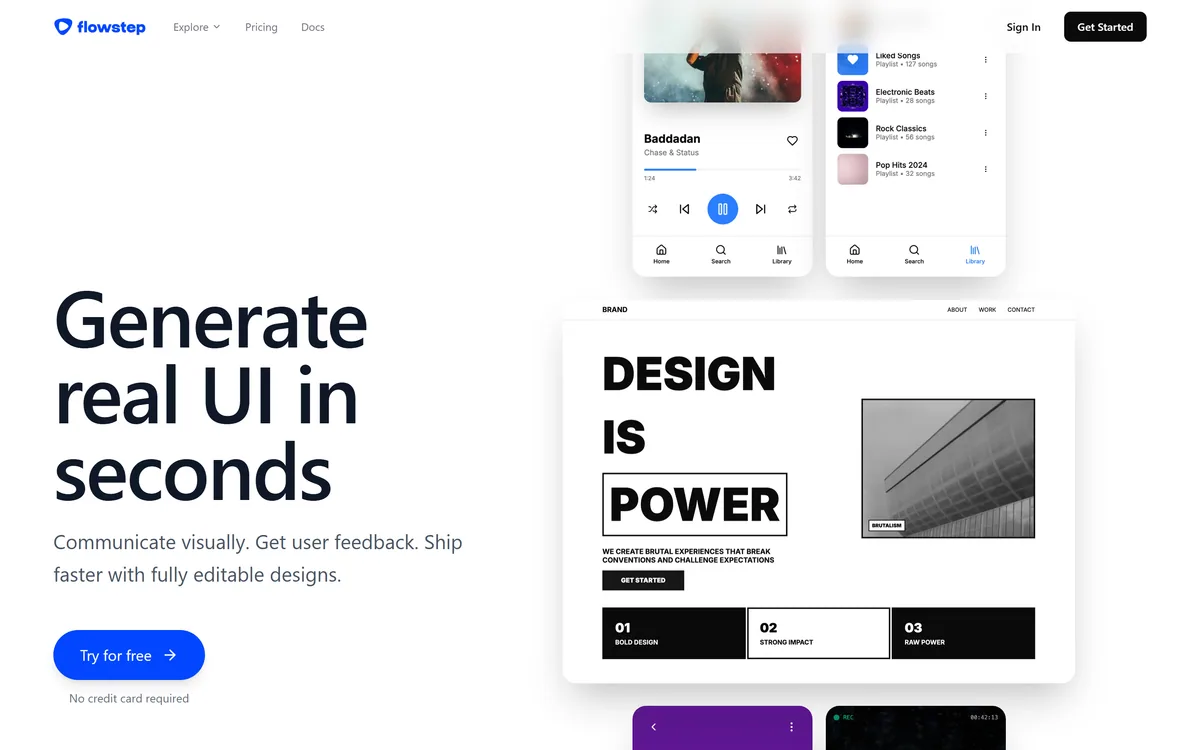
Very good
Flowstep has an AInexfinder Editor Score of 4.0/5.
Best for: Product designers exploring several directions quickly; Product managers who need something concrete before booking design time
The visit link goes to flowstep.ai, the official site. Paid placements on AInexfinder are always labelled. How we make money
Every AI design tool — Galileo, Uizard, Visily, all of them — eventually collides with the same wall: the output has to leave. A generated screen that cannot be edited, handed over, or turned into code is a picture of a design rather than a design.
That is the specific problem Flowstep appears to have organised itself around. The generation is the visible part; the editability, the Figma path and the code export are what determine whether anyone uses it twice.
This review looks at what the canvas model changes, why plugin-free Figma transfer matters more than it sounds, what one-to-one with code actually means in practice, and where a generated interface still leaves the hard part undone.
Most AI interface tools present a chat box and return a screen. Flowstep puts the output on an infinite canvas and lets you keep talking to it.
That difference is larger than it sounds, because it changes what the tool is for. A chat-and-screen tool answers a question. A canvas holds a project — several attempts side by side, variants of the same screen, a whole flow laid out in sequence, and the space to compare them.
Designers already work this way, and wireframe-first tools like Uizard reach the same conclusion from the opposite direction. Figma, FigJam, Miro and every whiteboard tool are canvases because design is comparative: you rarely know a layout is right until it is next to two that are wrong.
It also changes the interaction model from request-and-receive to conversation. Describing an adjustment and watching it apply on the canvas is closer to directing a collaborator than to filling in a form.
The stated ability to generate a full experience in one go — login screens, dashboards, profile pages together — is the natural consequence. Once you have a canvas, generating six screens is no harder to display than one.
A chat box returns an answer. A canvas holds a project. That is the difference between a demo and a tool someone opens on Monday.
Flowstep states that designs copy straight into a Figma file with the ordinary keyboard shortcut, with no plugin and no browser extension required.
This is easy to skim past and it is probably the most consequential thing on the page.
The reason is procedural rather than technical. Design teams do not evaluate tools in isolation — they evaluate whether a tool survives contact with the file where the real work lives. Anything requiring a plugin installation faces a small but genuine barrier: someone has to approve it, install it on every machine, and trust it with file access. In organisations with locked-down workspaces that barrier is frequently fatal.
Removing it entirely means an individual designer can try the tool this afternoon without asking anyone. That is how tools actually get adopted inside companies, and it is a distribution decision as much as a product one.
The question to test is what arrives on paste. Layers with sensible names, real auto-layout, and text as text is a design you can work with. A flat image, or a thousand absolutely-positioned rectangles, is not — and the difference decides whether the second hour with the tool is faster or slower than working by hand.
Code export produces React, TypeScript and Tailwind, and the vendor describes the UI as one-to-one with the code.
That is a strong claim and it is worth being precise about what it can and cannot mean. Visual fidelity — the rendered result matching the design pixel for pixel — is entirely achievable and is presumably what is meant.
What it does not mean is that the code is production-ready. A generated component tree is not the same thing as a component that belongs in your codebase, and the gap contains most of the actual work: your design system's components rather than fresh ones, your state management, your accessibility patterns, your routing, your data layer.
The realistic value is different and still substantial. Generated code is excellent as a communication artefact — a prototype an engineer can run rather than a static file they have to interpret, and a much better starting point for a conversation about feasibility than a picture.
React with TypeScript and Tailwind is also a deliberate stack choice. It is the most common combination in modern product work, which maximises the chance the output is legible to the engineer receiving it, and it means the styling arrives as classes rather than as a stylesheet nobody wants to maintain.
The honest test is whether an engineer on your team would rather start from this output or from a blank file. Sometimes the answer is genuinely the blank file, and it depends heavily on how opinionated your design system is.
The tool accepts more than a text description, and the additional inputs are what separate a serious attempt at this category from a novelty.
You can attach a product requirements document, upload images as visual reference, or paste links. Each of these carries information a prompt cannot.
A PRD contains the actual constraints — what states exist, what the edge cases are, what the user is trying to accomplish. A prompt written from memory of a PRD loses most of that. Attaching the document directly means the generated screens can account for the empty state and the error case that a one-line description would never mention.
Image references solve the taste problem, in much the way Visily turns a screenshot into an editable starting point. Describing a visual direction in words is genuinely hard, and every designer has watched a written brief produce something technically compliant and completely wrong. A reference image conveys in one upload what three paragraphs cannot.
The data handling statement matters most here, because attaching a PRD means uploading unreleased product plans. Flowstep states it does not use personal data for model training and does not permit its LLM providers to do so, while noting that aggregated anonymised feedback may be used to improve outputs. Read that whole sentence before uploading anything under NDA.
Being clear about the remaining work is more useful than another feature summary, and none of this is specific to Flowstep.
Information architecture. Deciding what screens should exist, what belongs on each, and how someone moves between them is the design work. Generating those screens beautifully once the decision is made is the easy half.
Your design system. Generated UI is generic UI by construction. It will look like a competent modern product because that is what the training data looks like, and making it look like yours is a conversion job.
Accessibility. Contrast ratios, focus order, target sizes, screen reader semantics. None of this is visible in a rendered screen and all of it needs checking.
Real content. Every generated interface is populated with plausible placeholder text at convenient lengths. Real product names are longer, real error messages are uglier, and real data is missing more often than a mockup admits.
| Category | AI user interface generation and design |
|---|---|
| Working surface | Infinite canvas with conversational generation |
| Output | Editable UI designs, not flat images |
| Multi-screen | Generates full flows in a single pass |
| Inputs accepted | Text descriptions, product requirement documents, reference images, links |
| Figma transfer | Ordinary copy and paste, with no plugin or extension required |
| Code export | React, TypeScript and Tailwind CSS |
| Fidelity claim | Vendor describes the UI as one-to-one with the exported code |
| Collaboration | Real-time multi-user editing with synchronised changes |
| Manual control | Full manual editing alongside AI generation |
| Model training | Vendor states personal data is not used for training and that its model providers are not permitted to use it either |
| Feedback data | Vendor notes aggregated anonymised feedback may be used to improve outputs |
Three phrases do a lot of work in AI design marketing and are worth pinning down.
Conversational UI generation on an infinite canvas
Fully editable output rather than flat images
Multi-screen flow generation in a single pass
PRD attachment as generation input
Reference image upload for visual direction
Link input for pointing at existing patterns
Copy and paste transfer into Figma with no plugin
React, TypeScript and Tailwind CSS code export
Real-time collaborative editing
Manual editing alongside AI generation
Stated exclusion of user data from model training
They all generate interfaces. What separates them is what happens to the output afterwards.
| Tool | Working surface | Handoff path | Emphasis |
|---|---|---|---|
| Flowstep | Infinite canvas, conversational | Figma paste with no plugin, plus React code | Editable output and clean exit |
| Uizard | Project-based editor | Export and code generation | Wireframing and rapid prototyping |
| Visily | Editor with templates | Figma export | Screenshot and sketch conversion |
| Galileo | Prompt-driven generation | Figma handoff | High-fidelity visual output |
The category splits between wireframe-first tools and high-fidelity generators, and it is worth trying one of each.
Last checked . Read from flowstep.ai during this check, with the screenshot above captured at the same time.
The one-to-one fidelity claim is the vendor's own and describes visual match rather than production readiness — generated code still needs adapting to your design system, state management and accessibility standards. The data handling statement should be read in full in the privacy policy before uploading confidential product documents.
AInexfinder does not list plan prices or billing details. For current pricing, plans, and trials, visit the official Flowstep website.
Visit official website for pricingVendor pricing, credits, and billing policies change over time. Always confirm on the official site before you buy.
Flowstep earns an AInexfinder Editor Score of 4.0/5 (very good). Best for: Product designers exploring several directions quickly; Product managers who need something concrete before booking design time; Startup teams without a dedicated designer.
Visit FlowstepLog in to write a review.
No reviews yet. Be the first to share your experience with Flowstep.
Assigned reviewer
Daniel ReedSenior AI Tools Reviewer
Daniel leads AInexfinder's tool reviews. He researches each tool from its own pricing, documentation and policies, checks its claims against independent sources, and writes up what it does well, where it falls short and who it genuinely suits.
Daniel and the AInexfinder editorial team research Flowstep from its own website, pricing, documentation and policies, checked against independent sources. This review is research-based: unless its method note says otherwise, we have not bought a plan or run hands-on tests. The Editor Score is our editorial judgement, and payment never changes it.
Similar Tools
Canva AI is the Magic Studio suite built into Canva — Magic Write for copy, Dream Lab for images, Magic Edit, Expand and Eraser for photos, Magic Switch for reformatting, Magic Charts for data, and Canva Code for interactive widgets.

Coolors review on AInexfinder — freemium AI tool for Image & Design. Features, pricing notes, and alternatives.
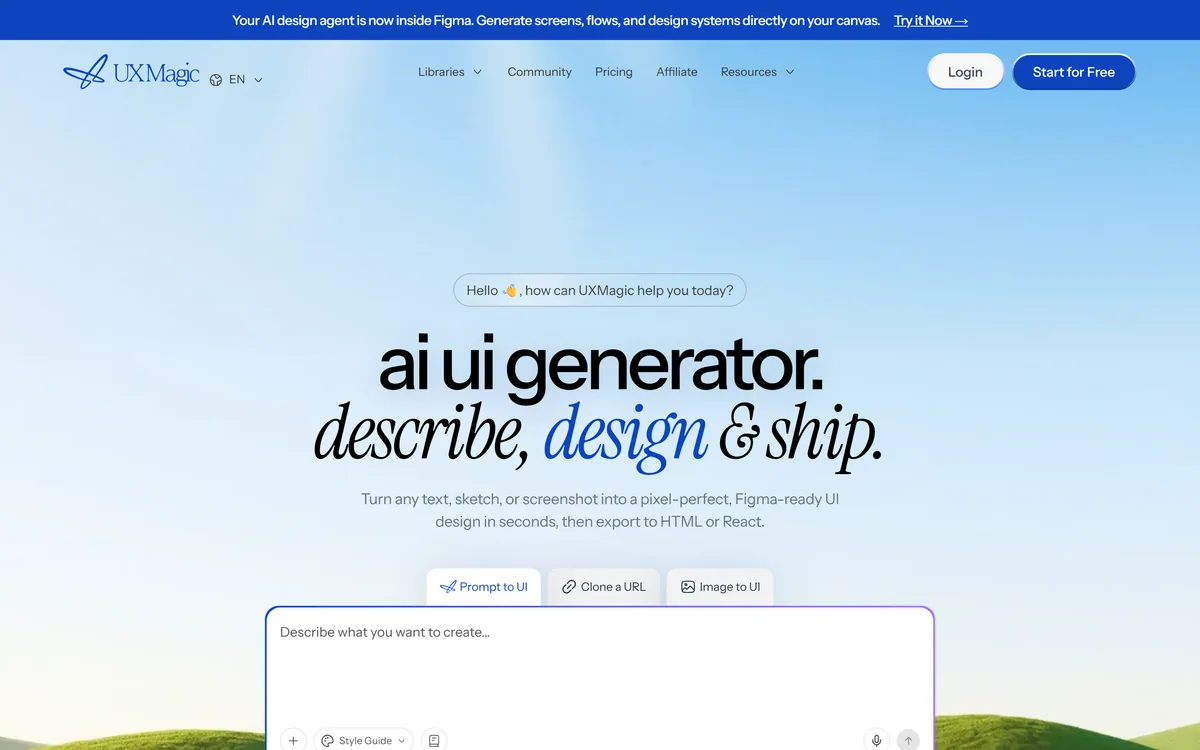
UXMagic turns text prompts, sketches or screenshots into Figma-ready UI designs, generating wireframes, sitemaps and multiple screens, importing your design system, and exporting to Figma, HTML, React or Webflow.
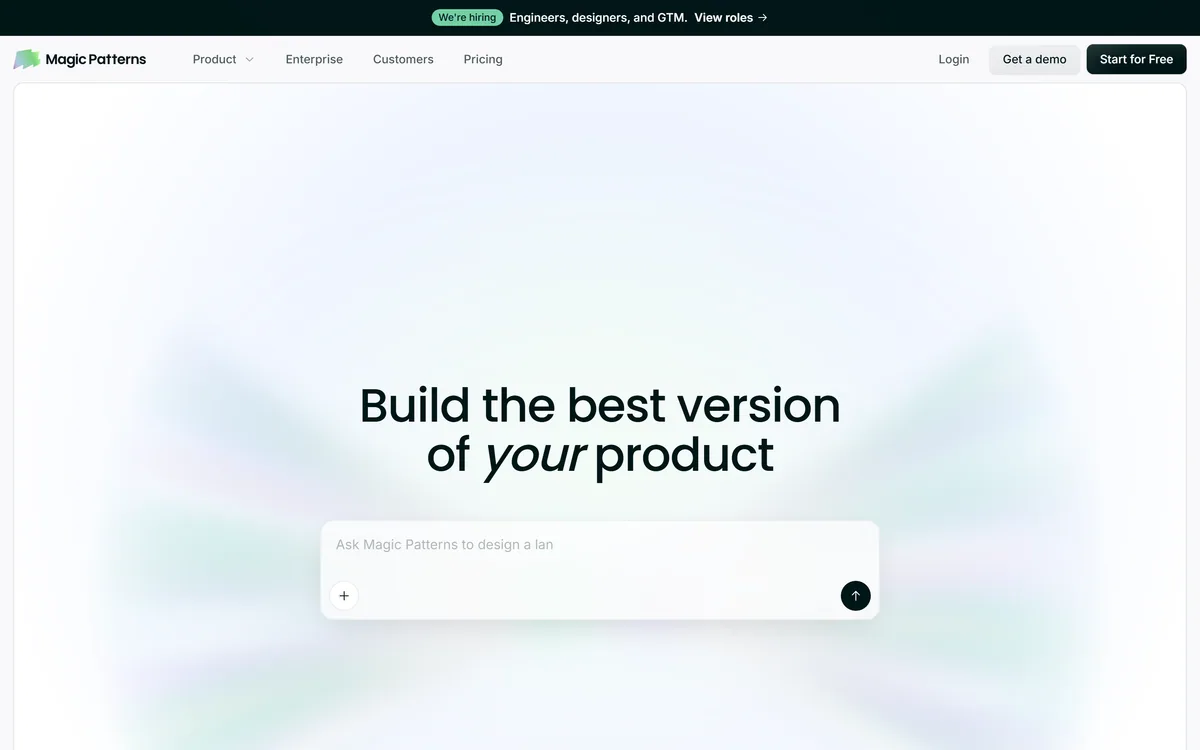
Magic Patterns is an AI design tool for product teams that turns prompts, requirements and ideas into high-fidelity UI, matching your existing design system so teams can prototype and test directions before committing engineering resources.


Midjourney is an AI image generator known for its distinctive aesthetic quality, currently on model V8.2, with a full web app alongside the original Discord workflow, plus an Editor, moodboards, style profiles, and five-second image-to-video.

Mobile-first AI art and video generator with many styles Category: Image & Design.
Related Pages