

Canva AI is the Magic Studio suite built into Canva — Magic Write for copy, Dream Lab for images, Magic Edit, Expand and Eraser for photos, Magic Switch for reformatting, Magic Charts for data, and Canva Code for interactive widgets.
Image & Design Review
Magic Patterns is an AI design tool for product teams that turns prompts, requirements and ideas into high-fidelity UI, matching your existing design system so teams can prototype and test directions before committing engineering resources.
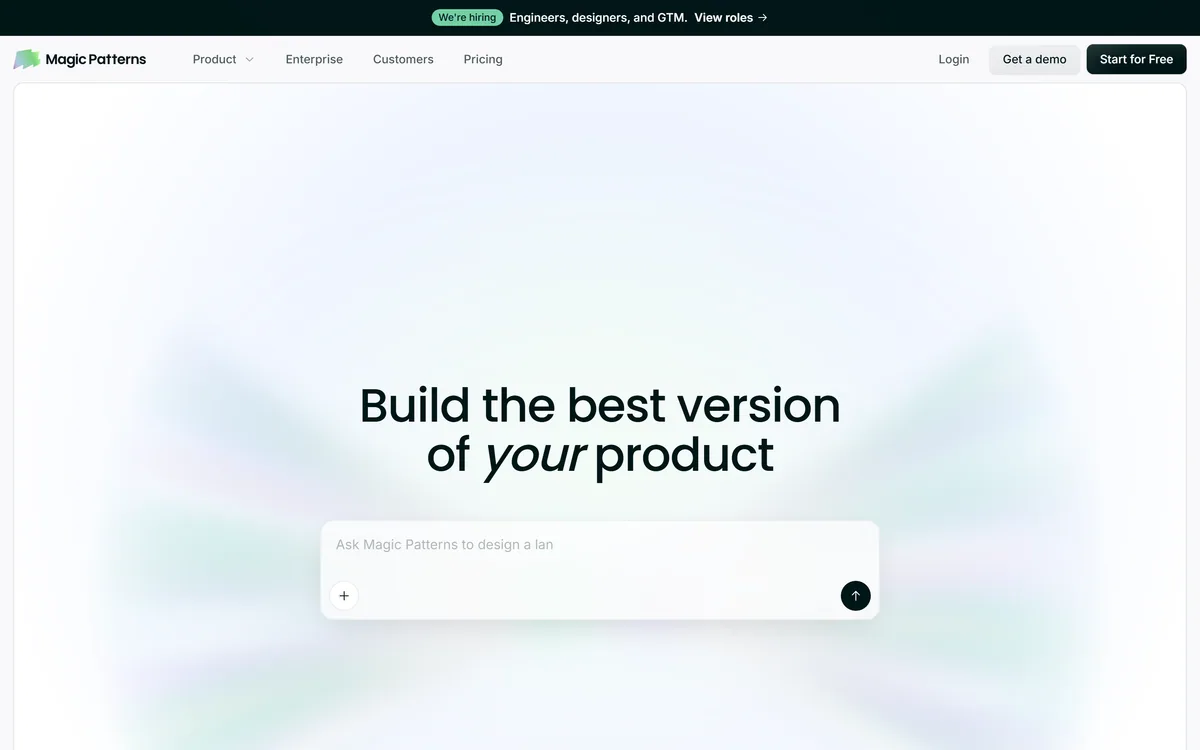
Very good
Magic Patterns earns 4.0 for turning ideas into on-brand, high-fidelity UI fast enough to change how a product team decides what to build, with real collaboration and enterprise security; it is held back because it is a prototyping tool rather than a source of production code and needs an existing design system to shine. AInexfinder Editor Score: 4.0/5.
Best for: Product teams exploring directions before building; Teams with a design system to respect
The visit link goes to magicpatterns.com, the official site. Paid placements on AInexfinder are always labelled. How we make money
The expensive part of product design is not drawing a screen, it is committing engineering time to the wrong one. Deciding what to build by arguing over a written spec or a low-fidelity sketch is slow and lossy. Magic Patterns attacks that gap.
It turns a prompt, a product requirement, or a loose feature idea into high-fidelity UI in minutes, and crucially applies your existing visual language, so what comes out looks like your product rather than a generic template. Teams use it to explore several directions and test them with customers before any engineer writes code.
This review covers how the prompt-to-UI generation works, how it matches an existing design system, how teams collaborate and what the enterprise story is, how it is priced, and who it suits against other AI UI tools.
The core move is prompt-to-prototype at high fidelity. Describe the feature, and Magic Patterns generates a polished UI you can actually react to, rather than a wireframe that still needs imagination to read.
That fidelity is the point. A realistic screen surfaces the disagreements a spec hides: the edge cases, the empty states, the flow that looked fine in prose and falls apart on screen. Getting there in minutes means a team can explore several directions in the time it used to take to mock up one.
It sits alongside the new wave of prompt-to-app tools like v0, but is pitched specifically at product teams exploring directions rather than at shipping production code straight away.
The expensive mistake in product design is committing engineers to the wrong screen. A high-fidelity prototype is how you find out cheaply.
A generic AI mockup is easy; one that looks like your product is the hard, useful part, and it is where Magic Patterns puts its emphasis.
You bring your existing screenshots, components, styles and design-system rules, and the AI applies that established visual language when generating new feature concepts. The result is a prototype a stakeholder recognises as yours, not a template to be re-skinned later.
This is a different emphasis from a drawing-first tool like Uizard: Magic Patterns leans on consuming your real design system so output stays on-brand from the first generation.
The workflow is explicitly about exploring multiple directions and testing them with customers before design and engineering resources are committed. Case studies describe teams compressing delivery cycles from weeks to days by settling the direction in prototype first.
For teams who also need to produce supporting visuals and assets around a concept, a broad design tool like Canva AI covers that ground, while Magic Patterns focuses on the interactive UI itself.
Magic Patterns is built for teams rather than a solo designer. You can edit, share and iterate live on designs together, which keeps design and engineering looking at the same artefact instead of trading files.
On the enterprise side, it emphasises keeping designs secure and compliant, with a Trust Center and security documentation, which is what lets a larger organisation adopt it for real product work rather than experiments.
The community scale, over a million designs created, is a reasonable signal that the generation quality holds up across a wide range of real use, though as always the honest test is your own product's UI.
Magic Patterns offers a free start plus paid and enterprise plans, with a demo route for teams. The free tier is enough to judge whether the generation matches your product before committing.
AInexfinder does not publish plan prices, which change and are best read on the pricing page. The thing to weigh is team usage: this is a tool whose value compounds across a product team exploring many features, and is less compelling for a one-off mockup.
Check which collaboration and security features sit on the tier you are considering, since those are what make it viable for enterprise product work.
Because its value is matching your product and speeding exploration, test it on a real feature your team is actually debating.
| What it is | AI design and prototyping tool for product teams |
|---|---|
| Input | A prompt, product requirement or feature idea |
| Output | High-fidelity UI, matched to your design system |
| Design system | Bring screenshots, components and style rules |
| Collaboration | Edit, share and iterate live with your team |
| Scale cited | 1M+ designs; 500K+ people building with it |
| Enterprise | Security, compliance and a Trust Center |
| Company | North Park Labs, Inc. |
Prompt, requirement or idea to high-fidelity UI
Design-system matching from your real assets
Multiple directions explored quickly
Live team editing and sharing
Customer testing of prototypes
Enterprise security and compliance
A large community design gallery
Free start with paid and enterprise plans
AI UI tools differ by whether they draw, prototype on your system, or ship code.
| Tool | Main job | Strength | Trade-off |
|---|---|---|---|
| Magic Patterns | High-fidelity UI on your design system | On-brand prototypes for product teams | Prototyping, not production code |
| v0 | Prompt to UI and code | Fast route toward shippable components | Less focused on your existing system |
| Uizard | Drawing-first UI design | Sketch and wireframe to design | Less design-system consumption |
| Canva AI | Broad design suite | Visuals and assets around a concept | Not an interactive UI prototyper |
Last checked . Read from magicpatterns.com during this check, with the screenshot above captured at the same time.
Community and delivery-cycle figures are the vendor's own claims; judge generation quality on your own product's UI.
A prompt-to-code tool, a drawing-first designer, and a broad design suite.
AInexfinder does not list plan prices or billing details. For current pricing, plans, and trials, visit the official Magic Patterns website.
Visit official website for pricingVendor pricing, credits, and billing policies change over time. Always confirm on the official site before you buy.
Magic Patterns earns an AInexfinder Editor Score of 4.0/5 (very good). Best for: Product teams exploring directions before building; Teams with a design system to respect; Designers and PMs testing concepts with customers.
Visit Magic PatternsLog in to write a review.
No reviews yet. Be the first to share your experience with Magic Patterns.
Assigned reviewer
Daniel ReedSenior AI Tools Reviewer
Daniel leads AInexfinder's tool reviews. He researches each tool from its own pricing, documentation and policies, checks its claims against independent sources, and writes up what it does well, where it falls short and who it genuinely suits.
Daniel and the AInexfinder editorial team research Magic Patterns from its own website, pricing, documentation and policies, checked against independent sources. This review is research-based: unless its method note says otherwise, we have not bought a plan or run hands-on tests. The Editor Score is our editorial judgement, and payment never changes it.
Similar Tools
Canva AI is the Magic Studio suite built into Canva — Magic Write for copy, Dream Lab for images, Magic Edit, Expand and Eraser for photos, Magic Switch for reformatting, Magic Charts for data, and Canva Code for interactive widgets.

Coolors review on AInexfinder — freemium AI tool for Image & Design. Features, pricing notes, and alternatives.
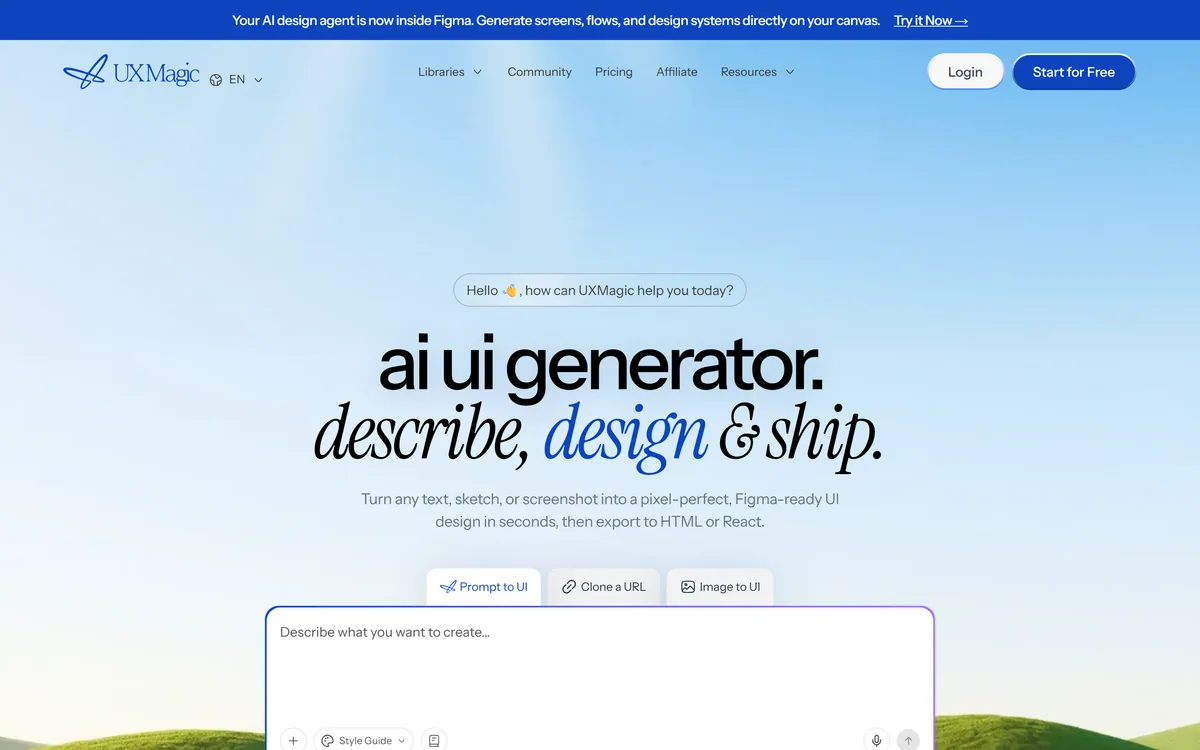
UXMagic turns text prompts, sketches or screenshots into Figma-ready UI designs, generating wireframes, sitemaps and multiple screens, importing your design system, and exporting to Figma, HTML, React or Webflow.
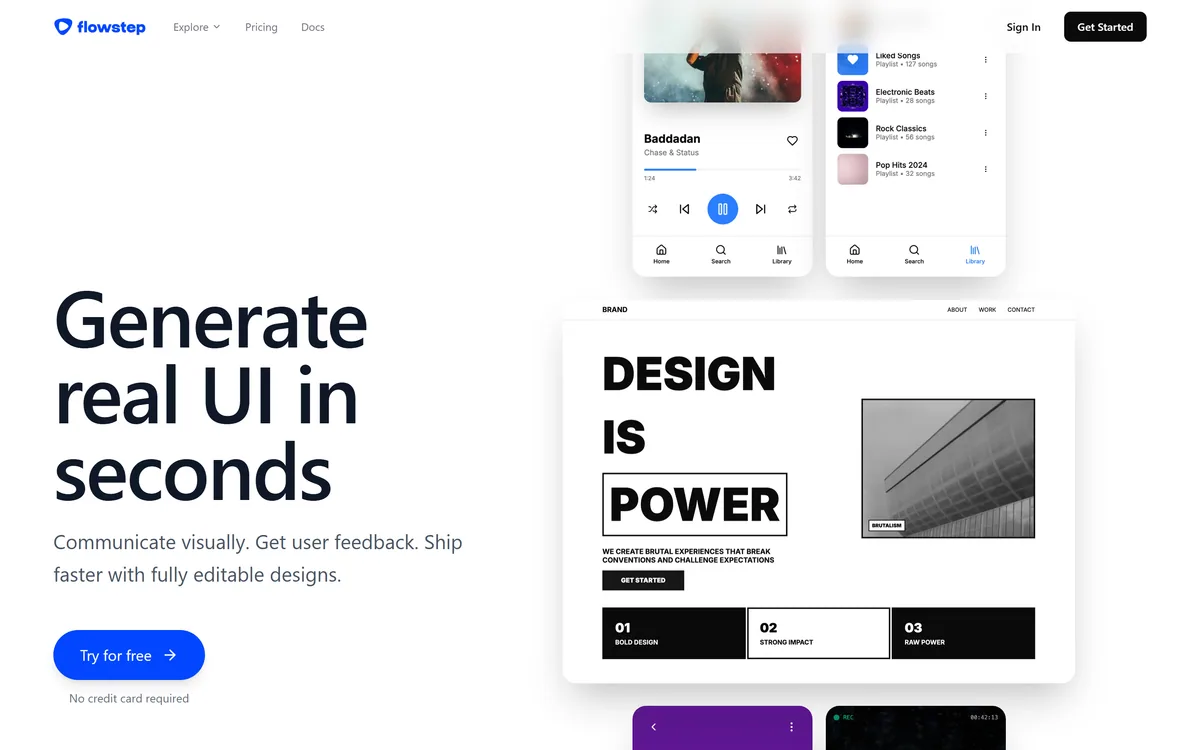
Flowstep generates editable user interface designs from a text description on an infinite canvas. It produces multiple screens in one pass, accepts PRDs and reference images as input, supports real-time collaboration, and exports both to Figma by ordinary copy-paste and to React, TypeScript and Tailwind code.


Midjourney is an AI image generator known for its distinctive aesthetic quality, currently on model V8.2, with a full web app alongside the original Discord workflow, plus an Editor, moodboards, style profiles, and five-second image-to-video.

Mobile-first AI art and video generator with many styles Category: Image & Design.
Related Pages