

Canva AI is the Magic Studio suite built into Canva — Magic Write for copy, Dream Lab for images, Magic Edit, Expand and Eraser for photos, Magic Switch for reformatting, Magic Charts for data, and Canva Code for interactive widgets.
Image & Design Review
Coolors review on AInexfinder — freemium AI tool for Image & Design. Features, pricing notes, and alternatives.

Provisional score · full review pending
Coolors has an AInexfinder Editor Score of 4.5/5.
Best for: Users focused on instant spacebar palette generation with color locking; Teams that need palette extraction from uploaded images
The visit link goes to coolors.co, the official site. Paid placements on AInexfinder are always labelled. How we make money
Coolors is a widely used color palette generator that helps designers, developers and creators build harmonious color schemes quickly.
Its signature workflow lets users press the spacebar to instantly generate a new five-color palette based on color theory, lock the colors they like, and regenerate only the unlocked swatches until the combination feels right.
Beyond generation, Coolors can extract a palette from any uploaded photo, adjust hue, saturation and brightness across an entire palette, and preview colors on real design mockups so users can judge them in context.
It includes practical accessibility tooling, such as a WCAG contrast checker and a color-blindness simulator, which makes it useful for teams building inclusive interfaces.
An AI-powered Color Bot lets users chat to get tailored color suggestions for a project, and additional features cover color naming, gradients, a color picker and free font discovery. It is suited to UI and UX designers, brand and graphic designers, web developers and hobbyists.
Strengths include its speed, simplicity, large community palette library and strong accessibility support. Limitations are that the free tier shows ads and caps saved palettes, with unlimited saving, ad-free use and advanced export reserved for the Pro subscription.
It works in the browser and through mobile and browser-extension companions. Pricing is freemium with a paid Pro plan. Pricing changes often, so check the official site for current plans.
Coolors's core capabilities include Instant spacebar palette generation with color locking, Palette extraction from uploaded images, WCAG contrast checker and color-blindness simulator, AI Color Bot for chat-based suggestions and Palette visualizer on real design mockups.
Instant spacebar palette generation with color locking is built in, Palette extraction from uploaded images is built in, WCAG contrast checker and color-blindness simulator is built in, AI Color Bot for chat-based suggestions is built in, so you get a rounded toolkit rather than a single trick.
Each feature is designed to take the manual effort out of the task and help you reach a usable result faster, which is what makes Coolors worth a place on your shortlist.
As with any AI tool, the output still benefits from a quick human review, but Coolors gets you most of the way there with far less effort.
Coolors runs on a freemium pricing model, so you can start for free and only pay once you outgrow the free tier — handy for testing it on a real task before spending anything.
AI-tool pricing changes often, so always check the current plans, seats and add-ons on the official site for the latest details before you buy. Who is Coolors for? It's best suited for fast color palette generator with ai color assistant.
Whether you're a beginner trying this kind of AI tool for the first time or a professional who'll use it every day, it's a credible option to consider.
Coolors is best suited for fast color palette generator with ai color assistant. Whether you are trying this kind of image & design tool for the first time or use one every day, it is a credible option to shortlist — compare it with the alternatives and head-to-head comparisons linked on this page to find the best fit for your workflow and budget.
Instant spacebar palette generation with color locking
Palette extraction from uploaded images
WCAG contrast checker and color-blindness simulator
AI Color Bot for chat-based suggestions
Palette visualizer on real design mockups
AInexfinder does not list plan prices or billing details. For current pricing, plans, and trials, visit the official Coolors website.
Visit official website for pricingVendor pricing, credits, and billing policies change over time. Always confirm on the official site before you buy.
Coolors has a provisional score of 4.5/5: a formula estimate from this listing’s details, not yet an Editor Score. It is replaced once Coolors gets its full research-based review. Best for: Users focused on instant spacebar palette generation with color locking; Teams that need palette extraction from uploaded images; Teams that need WCAG contrast checker and color-blindness simulator.
Visit CoolorsLog in to write a review.
No reviews yet. Be the first to share your experience with Coolors.
Assigned to
Daniel ReedSenior AI Tools Reviewer
Daniel leads AInexfinder's tool reviews. He researches each tool from its own pricing, documentation and policies, checks its claims against independent sources, and writes up what it does well, where it falls short and who it genuinely suits.
This page is a summary of Coolors built from its own website and listing details. It has not had its full research-based review yet, so its score is a provisional formula estimate, not an Editor Score. Daniel will research and re-score it; payment never changes a score.
Similar Tools
Canva AI is the Magic Studio suite built into Canva — Magic Write for copy, Dream Lab for images, Magic Edit, Expand and Eraser for photos, Magic Switch for reformatting, Magic Charts for data, and Canva Code for interactive widgets.

UXMagic turns text prompts, sketches or screenshots into Figma-ready UI designs, generating wireframes, sitemaps and multiple screens, importing your design system, and exporting to Figma, HTML, React or Webflow.
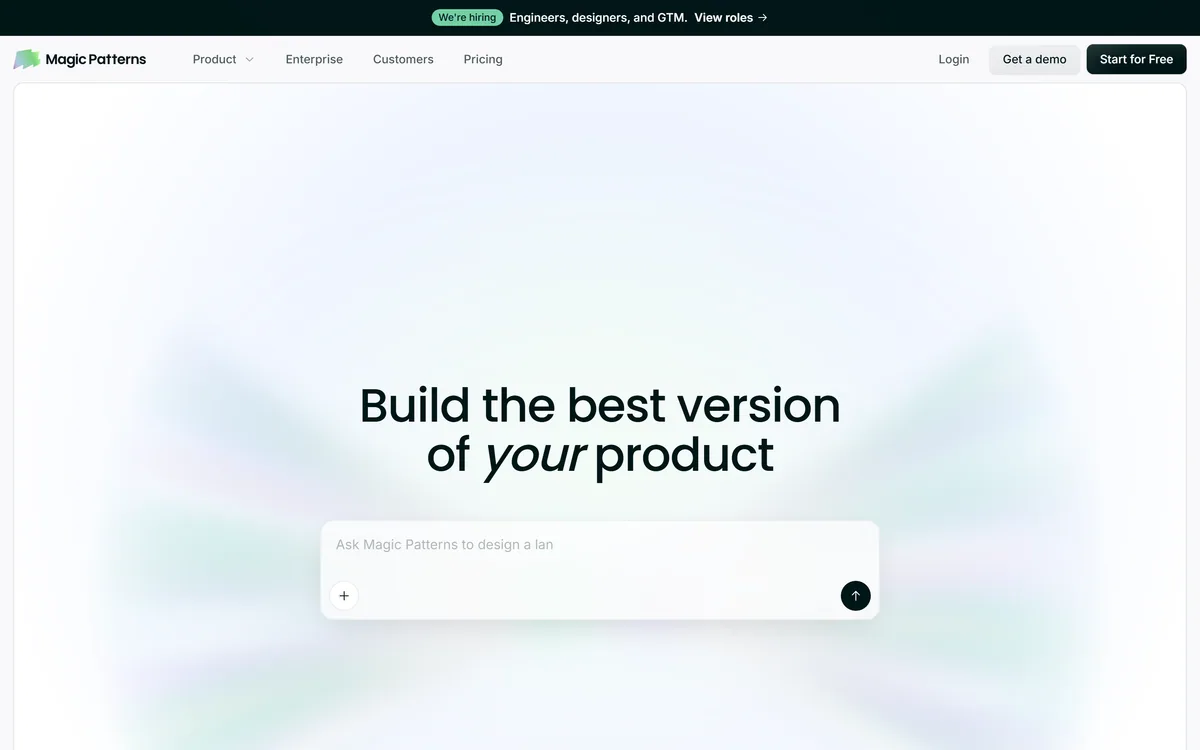
Magic Patterns is an AI design tool for product teams that turns prompts, requirements and ideas into high-fidelity UI, matching your existing design system so teams can prototype and test directions before committing engineering resources.
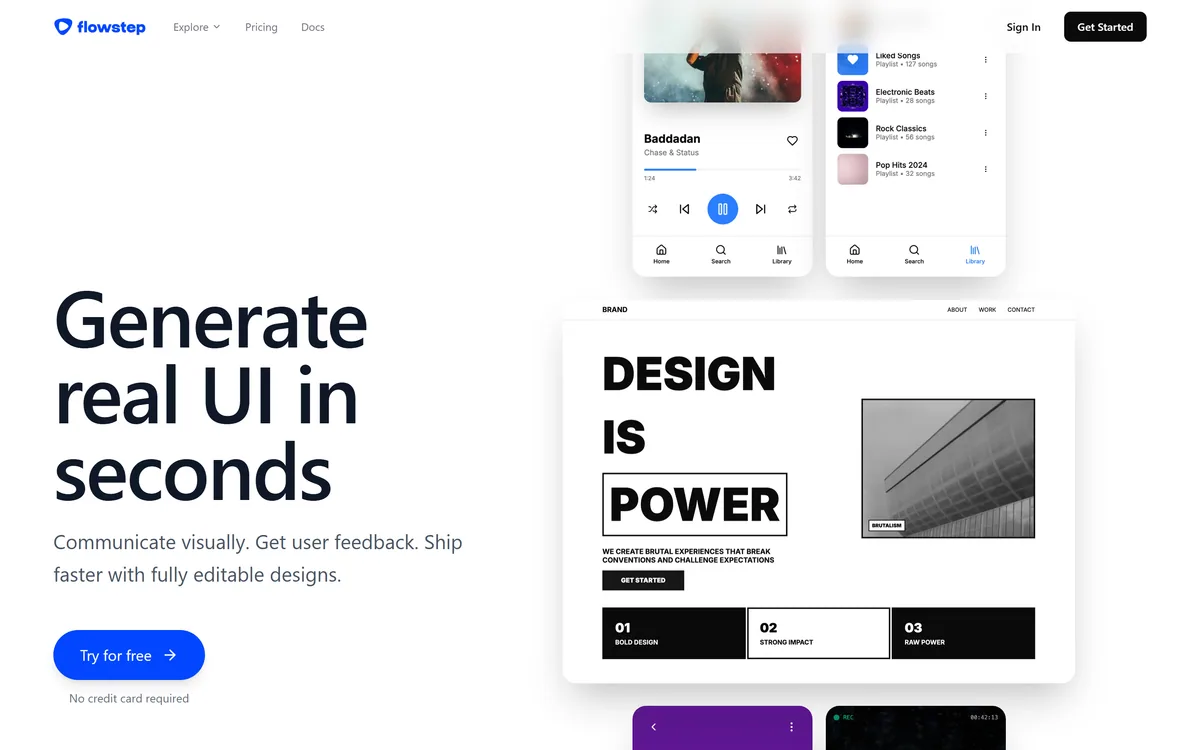
Flowstep generates editable user interface designs from a text description on an infinite canvas. It produces multiple screens in one pass, accepts PRDs and reference images as input, supports real-time collaboration, and exports both to Figma by ordinary copy-paste and to React, TypeScript and Tailwind code.


Midjourney is an AI image generator known for its distinctive aesthetic quality, currently on model V8.2, with a full web app alongside the original Discord workflow, plus an Editor, moodboards, style profiles, and five-second image-to-video.

Mobile-first AI art and video generator with many styles Category: Image & Design.
Related Pages