

Canva AI is the Magic Studio suite built into Canva — Magic Write for copy, Dream Lab for images, Magic Edit, Expand and Eraser for photos, Magic Switch for reformatting, Magic Charts for data, and Canva Code for interactive widgets.
Image & Design Review
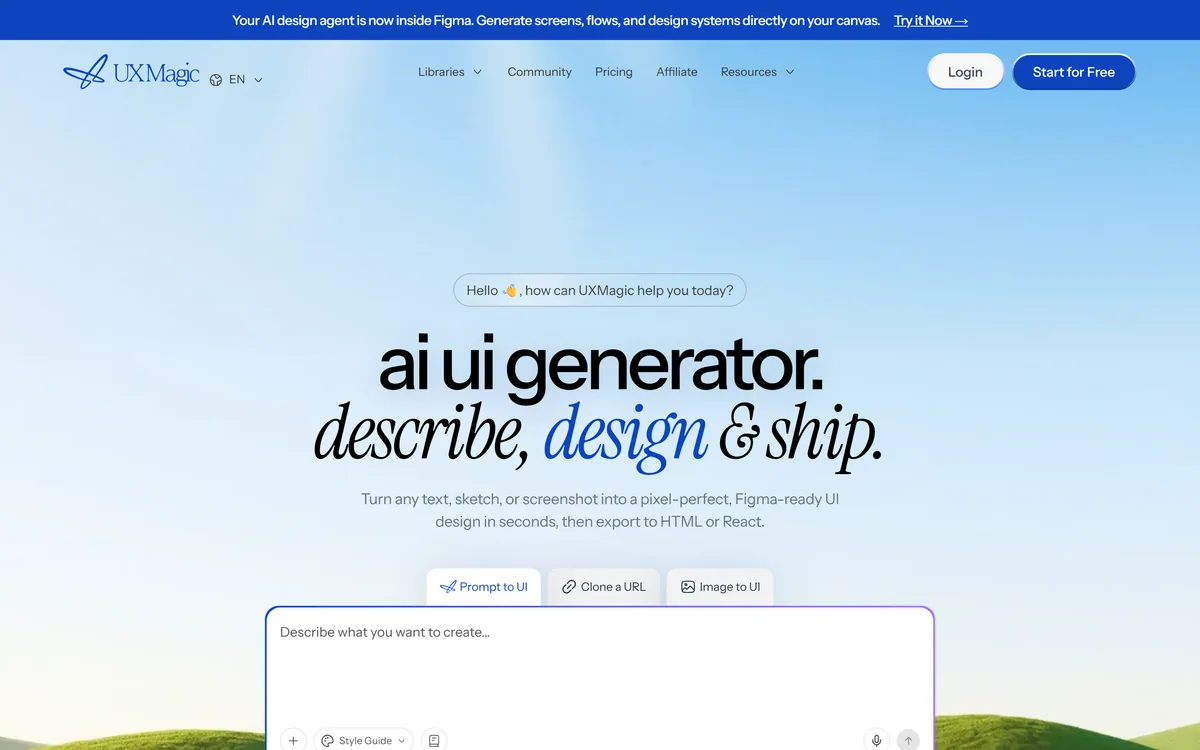
UXMagic turns text prompts, sketches or screenshots into Figma-ready UI designs, generating wireframes, sitemaps and multiple screens, importing your design system, and exporting to Figma, HTML, React or Webflow.
Very good
UXMagic has an AInexfinder Editor Score of 4.1/5.
Best for: Product designers generating early screens to react to; Startup teams without a designer who still need coherent interfaces
The visit link goes to uxmagic.ai, the official site. Paid placements on AInexfinder are always labelled. How we make money
UXMagic generates user interfaces. Describe a screen, sketch it on paper, or show it a screenshot, and it produces a design — then exports that design to Figma, HTML, React or Webflow.
The detail that separates it from the crowd of prompt-to-UI tools is where the output lands. A generated design that only exists inside the generating tool is a dead end; one that opens in Figma is a starting point a designer can actually work from.
This review covers what the three input modes are each good for, why Figma export changes the tool's role, where design system import matters, and the limits of generated interface design.
| Company | UXMagic AI Technologies Inc. |
|---|---|
| Category | AI UI design generation with code export |
| Inputs accepted | Text prompts, sketches, and screenshots |
| Design output | Figma-ready designs |
| Code output | HTML, React and Webflow |
| Scope | Sitemaps, wireframes, and multi-screen generation |
| Consistency | Design system import |
| Surfaces | Web app, Figma plugin, and MCP support |
| Named audiences | Designers, product managers, startup teams, developers |
| Free tier | Yes |
UI generation from text prompts, sketches or screenshots
Figma-ready output with a Figma plugin
Code export to HTML, React and Webflow
Sitemap and wireframe generation
Multi-screen generation for whole flows
Design system import so output matches your components
MCP support for use from other tools
Free tier available
These overlap on generating interfaces but differ on what you get back.
| Tool | Output | Editable in Figma | Best fit |
|---|---|---|---|
| UXMagic | Figma design plus HTML, React, Webflow | Yes — that is the point | Design teams generating early screens |
| v0 | React components | No | Developers wanting code, not design files |
| Mew Design | Editable graphics with correct text | No | Marketing graphics rather than product UI |
| Lovable | Working web app | No | Shipping an app rather than designing one |
| Replit AI | Hosted running application | No | Building and deploying, design secondary |
Accepting sketches and screenshots alongside text prompts is more useful than it sounds, because the three suit genuinely different moments.
Best when you know the function but have no visual idea yet — "a settings page with account, billing and notification sections". You are asking it to propose a structure.
This is also where output is most generic, because you have given it the least to work from.
Best when the layout is already decided in your head. A rough hand sketch communicates hierarchy and placement far faster than a paragraph describing them.
This is the mode that most respects a designer's existing process rather than replacing it.
Best for working from a reference — a competitor's flow, an older version of your own product, or a pattern you want to adapt.
Worth an obvious caution: adapting a pattern is normal design practice, copying a distinctive interface is not, and the tool has no opinion about which you are doing.
The prompt-to-UI category is crowded, and most of it produces a finished artefact you cannot meaningfully edit.
That is fine for a throwaway concept and useless for real product work, where the generated version is the first draft of something that will be revised twenty times by people with opinions.
Exporting to Figma — and offering a Figma plugin — places UXMagic before the design process rather than instead of it. The generated screens become editable layers a designer refines, which is the only realistic way generated UI survives contact with a product team.
A generated design you cannot edit is a picture of a design. The value is entirely in what happens after.
Generating a good-looking screen is easy. Generating a screen that looks like your product is the hard part, and it is where most AI design tools fail.
Design system import addresses this directly: output uses your existing components, spacing and type rather than inventing a plausible-looking system of its own.
For an established product this is the difference between a useful tool and a generator of work. Without it, every generated screen needs rebuilding against your components before it means anything.
The tools that survive in design teams are the ones used at the right stage, and that stage is earlier than people assume.
Interface design is mostly judgement about people, and that judgement does not come from a prompt. What a user is trying to do, what they already believe, what will confuse them, and what they will not notice — none of it is in the description you typed.
Generated screens are also conventionally correct by construction, since the model learned from existing interfaces. That is a strength for usability and a limit for anything that needs to be distinctive.
Accessibility is a real gap. Contrast, focus order, target sizes and screen reader semantics need deliberate attention, and a visually plausible generated screen can fail all of them silently.
And exported code is a starting point, not production. It gives you structure and speed; it will not give you state management, performance, or the parts of a component library your codebase actually needs.
Different points on the path from idea to shipped interface.
Last checked . Read from uxmagic.ai during this check, with the screenshot above captured at the same time.
Observations about accessibility gaps and the limits of generated interface design apply to the category generally rather than to this tool alone.
AInexfinder does not list plan prices or billing details. For current pricing, plans, and trials, visit the official UXMagic website.
Visit official website for pricingVendor pricing, credits, and billing policies change over time. Always confirm on the official site before you buy.
UXMagic earns an AInexfinder Editor Score of 4.1/5 (very good). Best for: Product designers generating early screens to react to; Startup teams without a designer who still need coherent interfaces; Product managers communicating an idea as a screen rather than a document.
Visit UXMagicLog in to write a review.
No reviews yet. Be the first to share your experience with UXMagic.
Assigned reviewer
Daniel ReedSenior AI Tools Reviewer
Daniel leads AInexfinder's tool reviews. He researches each tool from its own pricing, documentation and policies, checks its claims against independent sources, and writes up what it does well, where it falls short and who it genuinely suits.
Daniel and the AInexfinder editorial team research UXMagic from its own website, pricing, documentation and policies, checked against independent sources. This review is research-based: unless its method note says otherwise, we have not bought a plan or run hands-on tests. The Editor Score is our editorial judgement, and payment never changes it.
Similar Tools
Canva AI is the Magic Studio suite built into Canva — Magic Write for copy, Dream Lab for images, Magic Edit, Expand and Eraser for photos, Magic Switch for reformatting, Magic Charts for data, and Canva Code for interactive widgets.

Coolors review on AInexfinder — freemium AI tool for Image & Design. Features, pricing notes, and alternatives.
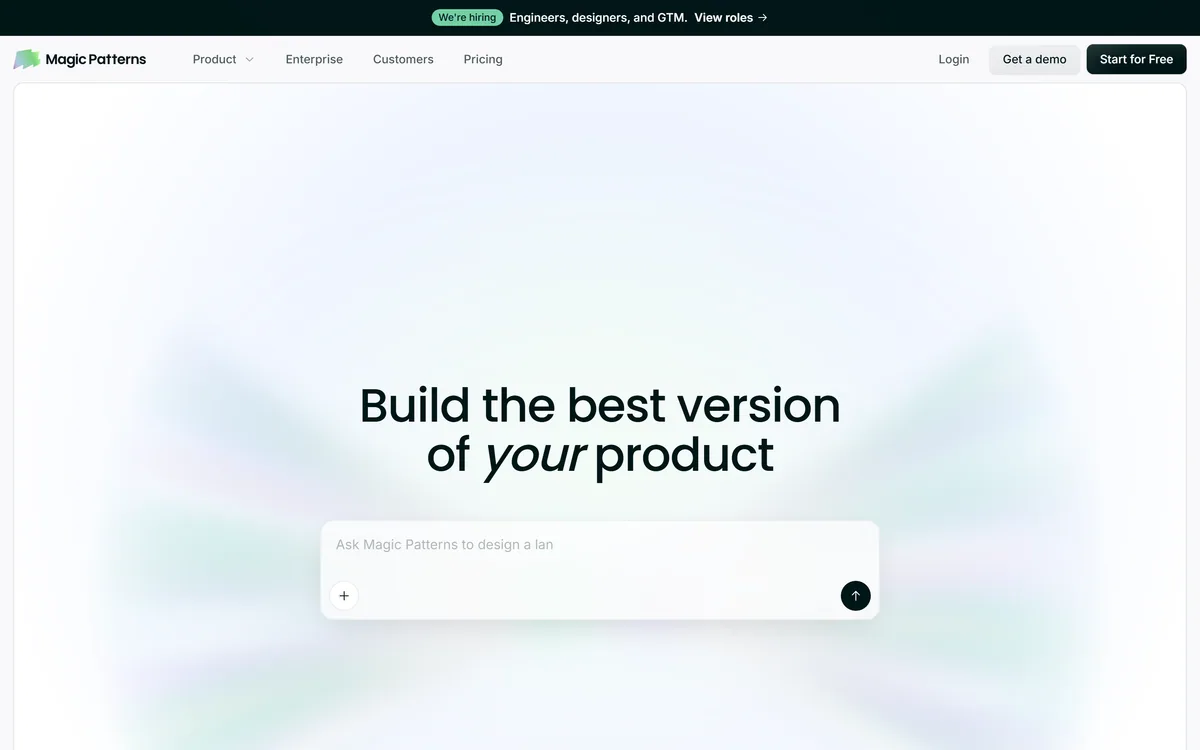
Magic Patterns is an AI design tool for product teams that turns prompts, requirements and ideas into high-fidelity UI, matching your existing design system so teams can prototype and test directions before committing engineering resources.
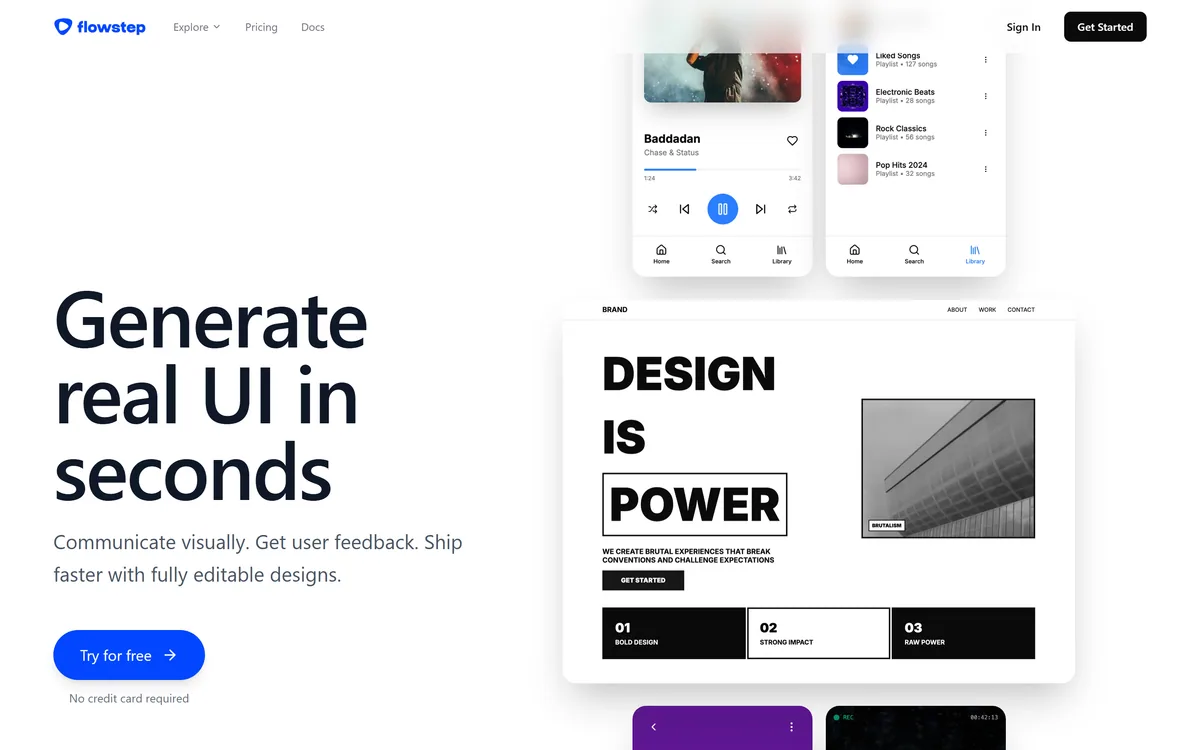
Flowstep generates editable user interface designs from a text description on an infinite canvas. It produces multiple screens in one pass, accepts PRDs and reference images as input, supports real-time collaboration, and exports both to Figma by ordinary copy-paste and to React, TypeScript and Tailwind code.


Midjourney is an AI image generator known for its distinctive aesthetic quality, currently on model V8.2, with a full web app alongside the original Discord workflow, plus an Editor, moodboards, style profiles, and five-second image-to-video.

Mobile-first AI art and video generator with many styles Category: Image & Design.
Related Pages