

Canva AI is the Magic Studio suite built into Canva — Magic Write for copy, Dream Lab for images, Magic Edit, Expand and Eraser for photos, Magic Switch for reformatting, Magic Charts for data, and Canva Code for interactive widgets.
Image & Design Review
Visily generates editable UI designs from screenshots, text prompts, diagrams or templates, aimed explicitly at non-designers who need to convey product ideas, with smart components, auto-prototyping, on-canvas collaboration and a Figma plugin for handoff.
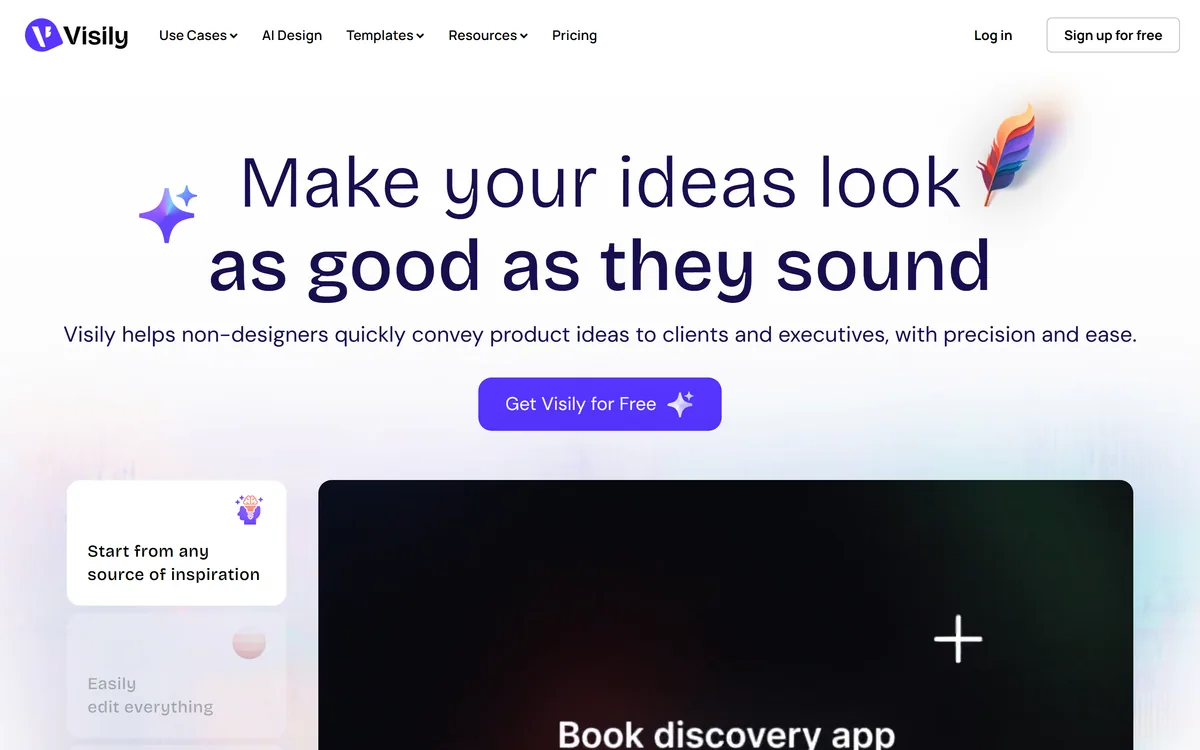
Very good
Visily has picked its audience precisely and refused to drift from it. The problem it names — a non-designer who can describe an idea and cannot show it, losing the room to a whiteboard sketch — is real, common and largely unaddressed, because professional design tools are built for professional designers and simple tools produce something nobody takes seriously. Starting from a screenshot rather than a blank canvas is the single best decision in the product. The one risk it does not raise is that high fidelity makes an unresolved idea look decided. AInexfinder Editor Score: 4.1/5.
Best for: Product managers who need buy-in before build; Founders pitching a product that does not exist yet
The visit link goes to visily.ai, the official site. Paid placements on AInexfinder are always labelled. How we make money
The positioning is unusually disciplined: Visily helps non-designers quickly convey product ideas to clients and executives, with precision and ease.
The diagnosis on the page is the reason to take it seriously — non-designers face complicated tools with steep learning curves on one side, and simple solutions with low-quality outputs on the other.
That is exactly the trap. Professional design tools are professional tools: they assume you know what a constraint is, what auto-layout does and why you would want a component variant, and a product manager who opens one loses an afternoon and produces something worse than a whiteboard photo.
The simple alternatives produce boxes-and-arrows output that nobody in a stakeholder meeting responds to.
The stated outcome addresses the actual goal: get buy-in, not blank stares. That is the correct measure, because a non-designer making a mockup is not producing a deliverable — they are trying to make a room agree about something that currently exists only in their head.
A non-designer making a mockup is not producing a deliverable. They are trying to make a room agree about something that exists only in their head.
The input options are the strongest feature: start from screenshots, text prompts, diagrams, templates, or a combination of all of them, with thousands of pre-built templates so you never battle a blank canvas.
Screenshot input is the one that matters most, and it is worth explaining why.
Most product ideas are not new interfaces. They are changes to an interface that already exists — a different arrangement of your own product's settings page, or something you saw a competitor do and want to adapt. The reference already exists as a screenshot, and every other tool asks you to rebuild it from primitives before you can change anything.
Converting a screenshot into editable elements skips that entirely, which turns a two-hour rebuild into a five-minute edit.
Never battling a blank canvas is also a genuine cognitive point rather than a slogan. An empty artboard is one of the hardest places to start, and it is where most non-designers abandon the attempt. Diagramming tools like Napkin AI address the same barrier for explanatory visuals rather than interfaces.
The failure is specific and expensive: an idea described in words is understood differently by everyone who hears it, and nobody discovers the divergence until something has been built.
Interfaces are especially bad for this because the words are ambiguous in ways that feel precise. A dashboard, a settings panel, a simple list view — each of those phrases produces a different picture in every head in the room, and all of those pictures feel like agreement.
The engineer builds one interpretation, the stakeholder sees it in a demo, and the gap becomes a rework cycle nobody budgeted for.
A mockup collapses that ambiguity by being specific. It is wrong in visible ways, which is the point: disagreement surfaces in a fifteen-minute review rather than in a sprint retrospective.
One testimonial on the site describes exactly the organisational payoff — time previously spent explaining a vision now spent on deeper creative work, with handoffs faster and more aligned. That is the real return, and it is measured in avoided rework rather than in design hours saved.
The claim is high-fidelity concepts that leave people asking whether you designed this, with smart components and auto-prototyping fast-tracking polished prototypes.
That capability is real and it introduces the one risk the page does not mention.
A rough wireframe communicates its own status. Grey boxes and placeholder text say clearly that this is a proposal about structure and nothing about the visual design has been decided. Everyone in the room understands what they are being asked to react to.
A polished mockup does not carry that signal. It looks finished, so people respond to the colours, the typography and the button style instead of the structure — and the structural question you actually needed answered goes undiscussed.
Worse, a polished mockup gets treated as a decision. An engineer builds what they see, a stakeholder assumes the design is signed off, and a designer arriving later finds themselves negotiating against something that was never meant to be final. The practical discipline is to keep fidelity low while the idea is genuinely open and raise it only once the structure is agreed, saying explicitly which stage you are in. Prototyping tools like Flowstep sit at a similar point on the same spectrum.
Collaboration is described as easy commenting, cursor chat, follower mode and shared asset libraries, with a Figma plugin and a stated aim of no premature handoffs or surprises at launch.
The Figma plugin is the feature that determines whether this tool helps designers or annoys them.
Without a handoff path, a non-designer's mockup arrives as a screenshot, and a designer's only options are to rebuild it or to argue with it. Both are worse than the mockup not existing, which is how these tools acquire a reputation among design teams.
With a handoff path, the mockup becomes what it should always have been: a brief that is unambiguous about intent and explicitly open about execution.
The named testimonials are consistent with that reading — a senior product manager describing professional design software as too much for them, a startup founder using it to help stakeholders visualise, and a content strategy director describing faster, cleaner and more aligned handoffs. All three are non-designers describing communication rather than design, which is the honest description of the product. The site also lists a resource on vibe designing, which is at least candid about how the category is currently talked about. Interface generators such as UXMagic go further toward producing implementable output.
The goal is a room that agrees, and the risk is a room that agrees about the wrong thing because the mockup looked finished.
This order gets the agreement you needed.
| Category | AI-assisted UI design and wireframing for non-designers |
|---|---|
| Audience | Explicitly non-designers conveying ideas to clients and executives |
| Inputs | Screenshots, text prompts, diagrams, templates, or a combination |
| Editing | All generated output editable on the canvas |
| Components | Smart components and drag-and-drop elements |
| Prototyping | Auto-prototyping for clickable flows |
| Templates | Stated as thousands of pre-built templates |
| Collaboration | Comments, cursor chat, follower mode and shared asset libraries |
| Handoff | A Figma plugin for passing work to designers |
| Additional tools | Diagramming, sticky notes, screenshot editor and prototype generator |
| Named customers | Testimonials from a product manager, a startup CTO and an agency director |
| Company | Visily, per the 2025 footer copyright with privacy and terms pages |
UI generation from screenshots
Generation from text prompts and diagrams
Thousands of pre-built templates
Fully editable canvas output
Smart components with global updates
Auto-prototyping for clickable flows
On-canvas comments, cursor chat and follower mode
Figma plugin for designer handoff
Design tools differ mainly by who they were built for.
| Tool | Built for | Output | Best for |
|---|---|---|---|
| Visily | Non-designers | Editable mockups and prototypes | Getting agreement in a room |
| UXMagic | Product and design teams | Interfaces closer to implementable | Moving from design toward code |
| Flowstep | Product teams | Flows and screens | Exploring a whole user journey |
| Napkin AI | Anyone writing | Diagrams from text | Explaining an idea, not an interface |
| Professional design tools | Designers | Production-ready design | Work that ships to users |
Other tools for designing and communicating product ideas.
Last checked . Read from visily.ai in a browser session on the date above, with the screenshot captured at the same time.
What we could not confirm: how accurately screenshot conversion produces editable elements; how complete the Figma handoff is in practice; whether shared asset libraries can enforce an existing design system; what the AI generates versus what comes from templates; and pricing. We did not create a design or test the plugin.
AInexfinder does not list plan prices or billing details. For current pricing, plans, and trials, visit the official Visily website.
Visit official website for pricingVendor pricing, credits, and billing policies change over time. Always confirm on the official site before you buy.
Visily earns an AInexfinder Editor Score of 4.1/5 (very good). Best for: Product managers who need buy-in before build; Founders pitching a product that does not exist yet; Agencies aligning clients before creative work starts.
Visit VisilyLog in to write a review.
No reviews yet. Be the first to share your experience with Visily.
Assigned reviewer
Daniel ReedSenior AI Tools Reviewer
Daniel leads AInexfinder's tool reviews. He researches each tool from its own pricing, documentation and policies, checks its claims against independent sources, and writes up what it does well, where it falls short and who it genuinely suits.
Daniel and the AInexfinder editorial team research Visily from its own website, pricing, documentation and policies, checked against independent sources. This review is research-based: unless its method note says otherwise, we have not bought a plan or run hands-on tests. The Editor Score is our editorial judgement, and payment never changes it.
Similar Tools
Canva AI is the Magic Studio suite built into Canva — Magic Write for copy, Dream Lab for images, Magic Edit, Expand and Eraser for photos, Magic Switch for reformatting, Magic Charts for data, and Canva Code for interactive widgets.

Coolors review on AInexfinder — freemium AI tool for Image & Design. Features, pricing notes, and alternatives.
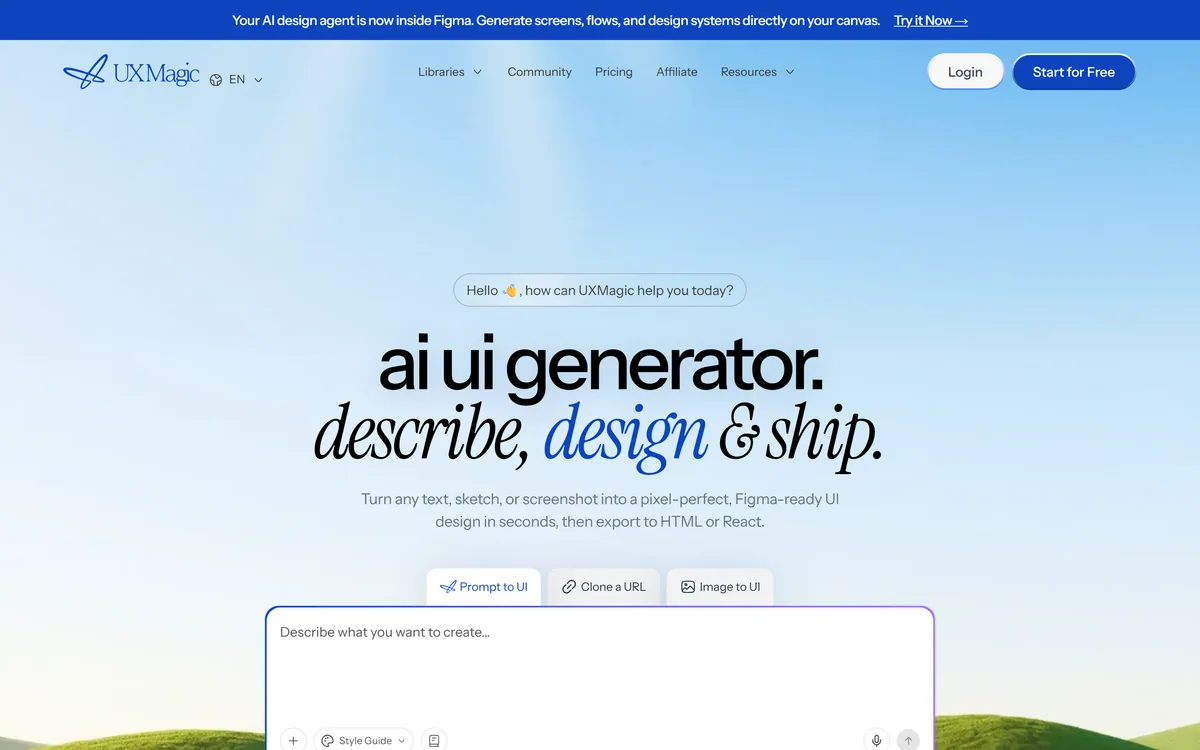
UXMagic turns text prompts, sketches or screenshots into Figma-ready UI designs, generating wireframes, sitemaps and multiple screens, importing your design system, and exporting to Figma, HTML, React or Webflow.
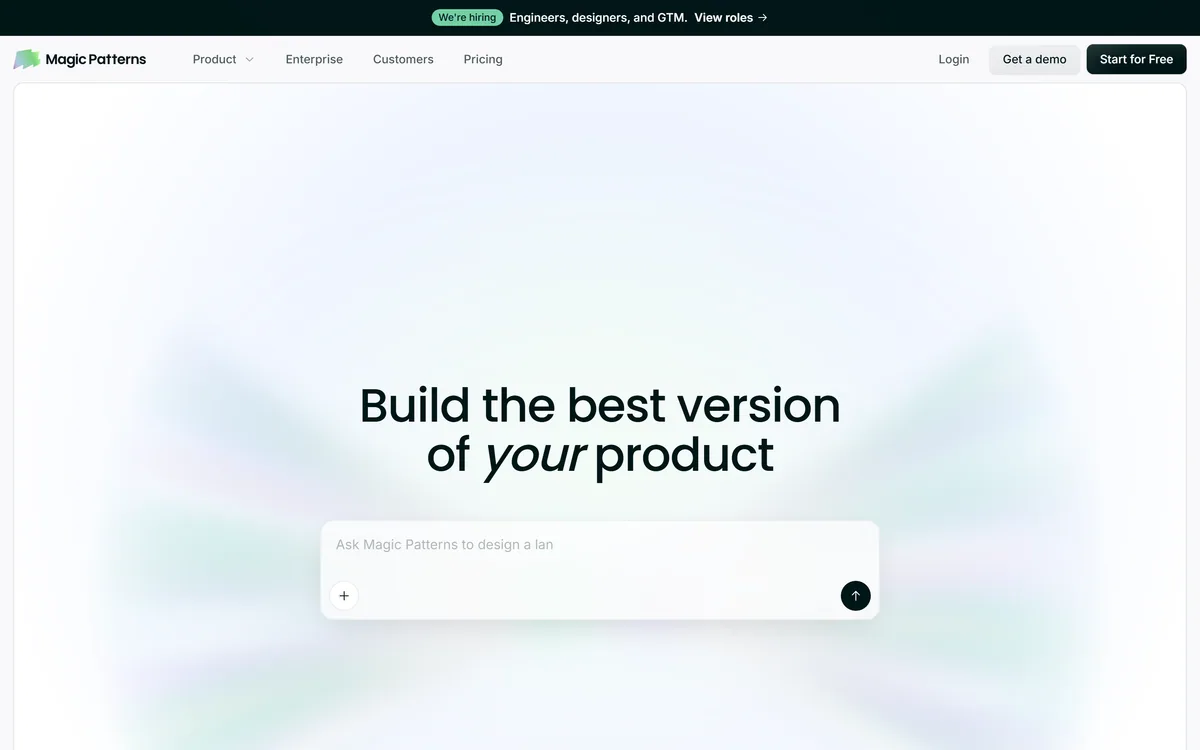
Magic Patterns is an AI design tool for product teams that turns prompts, requirements and ideas into high-fidelity UI, matching your existing design system so teams can prototype and test directions before committing engineering resources.
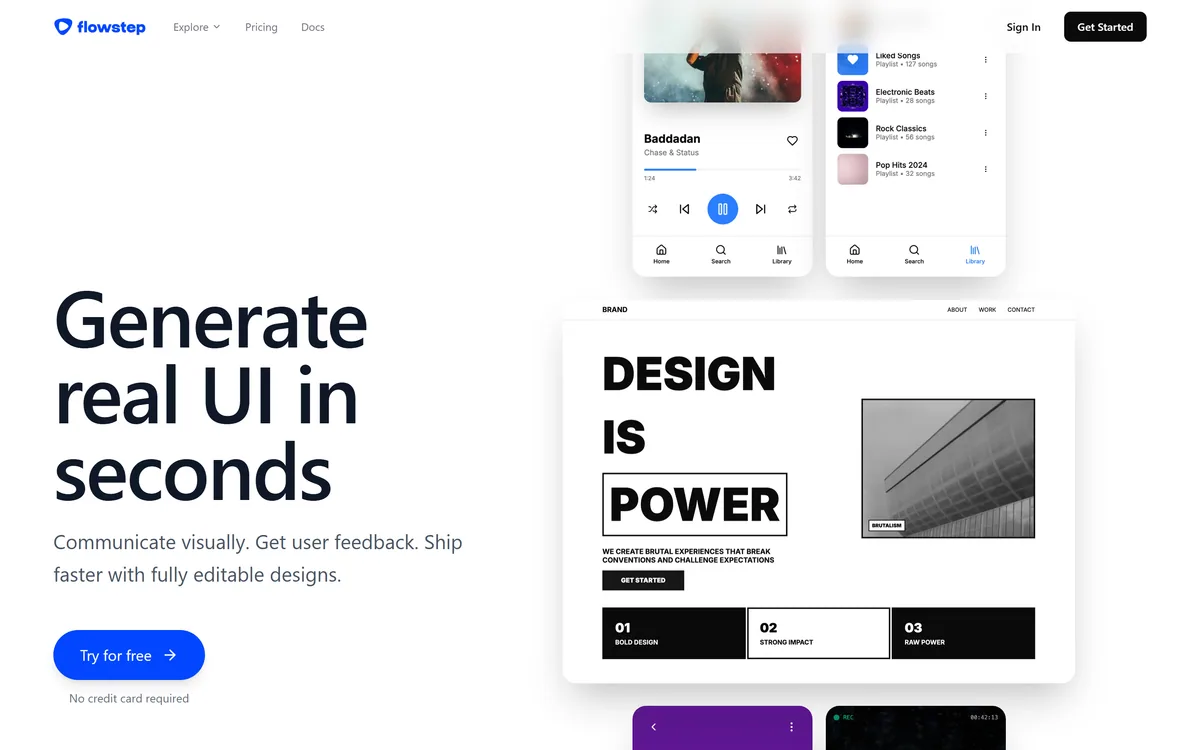
Flowstep generates editable user interface designs from a text description on an infinite canvas. It produces multiple screens in one pass, accepts PRDs and reference images as input, supports real-time collaboration, and exports both to Figma by ordinary copy-paste and to React, TypeScript and Tailwind code.


Midjourney is an AI image generator known for its distinctive aesthetic quality, currently on model V8.2, with a full web app alongside the original Discord workflow, plus an Editor, moodboards, style profiles, and five-second image-to-video.
Related Pages