Snaptrude: What The Design OS Covers
- One connected model from brief through site analysis, programming, massing, BIM and presentation.
- Live-linked programme tables — edit a spreadsheet, the 3D model updates instantly.
- One-click mass to BIM, producing walls, floors and roofs from early geometry.
- Clean Revit and Rhino export, with materials and parameters stated to survive.
- SOC 2 Type 2, end-to-end encryption and ring-fenced AI queries inside your own IP.
Snaptrude: From Brief To BIM In One Model
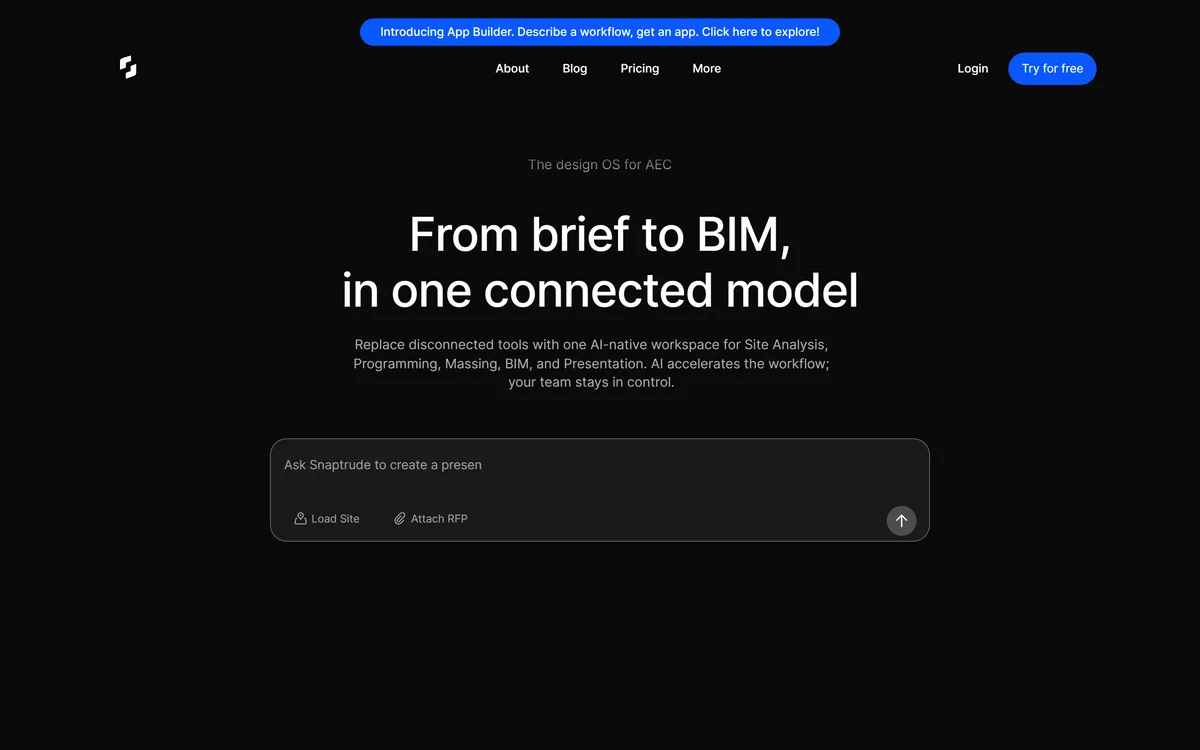
The positioning is the design OS for AEC — from brief to BIM in one connected model, replacing disconnected tools with a single AI-native workspace for site analysis, programming, massing, BIM and presentation.
The phrase that matters is one connected model, and understanding why requires knowing how the work is normally done.
A project typically passes through three or four unrelated tools. Concept design happens in a sketching or modelling application. The programme lives in a spreadsheet. Documentation happens in BIM software. Presentation happens somewhere else again.
Each transition is a rebuild, because the tools do not share a data model — and each rebuild discards not just geometry but the reasoning attached to it.
The stated qualifier is the right one: AI accelerates the workflow, your team stays in control. In a discipline where a wrong assumption becomes a building, that ordering is not a hedge. It is the only version of the claim a practice could act on.
Each handoff between tools is a rebuild, and a rebuild discards not just geometry but the reasoning attached to it.
Where Early Design Loses Its Data
Concept design generates a great deal of information that almost never survives to documentation.
Why a floor plate is that depth, which department needed adjacency to which other, what the daylight study showed, which option was rejected and on what grounds — all of it is decided early and recorded, if at all, in a presentation nobody opens again.
Six months later somebody asks why the atrium is where it is, and the answer exists only in the memory of whoever was on the project then.
That loss is expensive in two directions. It causes decisions to be relitigated, and it makes it hard to demonstrate that a requirement was met when a client or a code official asks.
Carrying the programme forward as live data rather than a static schedule is what fixes it, and it is why the live-linked table is the most consequential feature here rather than the most impressive one. Tools that capture the physical starting point, like Magicplan for existing conditions, address the same continuity problem at the other end of the project.
What Does AI-Native BIM Actually Mean?
The site's own answer is the most useful line in its FAQ: Snaptrude is described as the only early-stage design tool blending AI reasoning with real building logic, giving architects a smart, editable starting point rather than just a visual sketch.
That distinction is the whole argument, and it separates this from image generation applied to architecture.
A generated picture of a building is not a building. It has no floor areas, no structural logic, no relationship between what it depicts and what could be constructed — and an architect cannot do anything with it except show it to someone.
A model carrying real building logic has areas that add up, walls with thickness, and a programme that can be checked against a brief.
The three-step flow reflects that: upload an RFP or describe the project with a site attached, generate and refine in the editor, then present or export to Rhino and Revit. Generation is a starting point that a person then edits, which is how the discipline actually works — nobody presents the first massing to a client, and no tool should assume otherwise. Adjacent property tools such as Restb.ai apply the same computer-vision approach to buildings that already exist rather than ones being designed.
- Test the Revit round-trip with a real firm-standard model before committing.
- Build the programme in the live table, not in a separate spreadsheet.
- Treat generated massing as a starting point to argue with.
- Ask for the ring-fenced query architecture in writing.
- Check which project phases it genuinely covers for your work.
Programs, Adjacencies And Live-Linked Tables
The programme tooling is the most specific part of the product: generate detailed programmes from prompts, uploaded RFPs or sites; edit them in a spreadsheet view where the 3D model updates instantly; and research building regulations, zoning codes and site constraints.
One-click adjacencies are generated from codes and the programme, with live checks as you plan.
Anyone who has done space planning will recognise why the live link matters. The programme is a table of required areas by department, and the model is the attempt to satisfy it. Keeping them in agreement by hand is tedious, error-prone and continuous — every geometry change means recounting areas and updating a spreadsheet somebody else is also editing.
Errors here are not cosmetic: a project that has quietly drifted 8 percent over its brief area is a real problem discovered late.
Adjacency generation is the more ambitious claim, since adjacency requirements come from operational logic — which departments need to be near each other and why — as much as from code. Generated adjacencies are a reasonable first pass and a poor final answer, which is exactly how the site frames the editing that follows.
Ring-Fenced Queries And Firm Confidentiality
The security section states SOC 2 Type 2 with continuous monitoring and strict access controls, end-to-end encryption in transit and at rest including version history, and private IP isolation described as ring-fenced AI queries staying in your IP, preventing cross-tenant exposure.
That third item is unusual enough to be worth reading twice.
Architectural practices hold information that is genuinely sensitive and not obviously so: unannounced developments, competition entries, security-relevant layouts for public buildings, and client relationships that are themselves confidential. A competition scheme leaking before submission is a career-level problem.
Cross-tenant exposure — where one customer's data influences another customer's results — is the specific fear with any shared AI service, and naming it directly is more useful than a generic assurance.
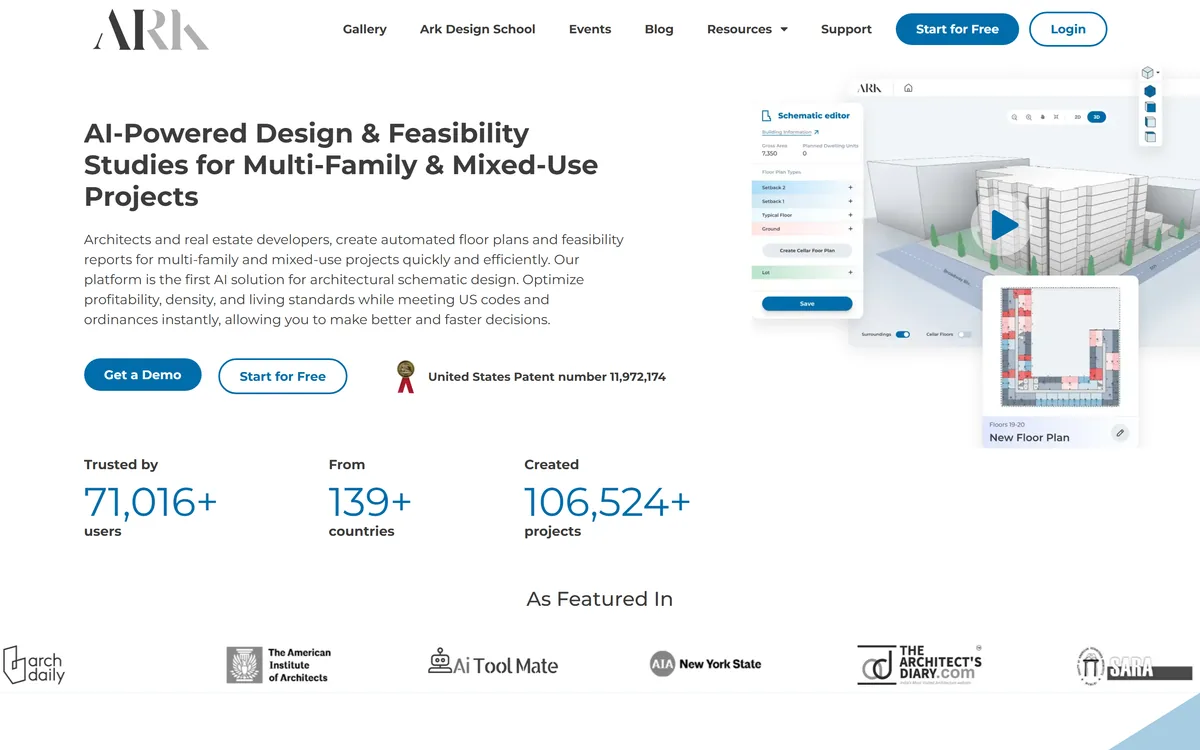
What the phrase means technically is not explained on the marketing page, and it should be established in writing before client work goes into it. The named testimonials attributed to roles at identified practices, and the claim of four days of work reduced to four hours, are the kind of specifics that suggest real deployments. Firms evaluating adjacent AI design tools such as ARK Design AI should ask all of them the same question.
Running A Concept Phase In One Place
The way this fails is by becoming a fifth tool alongside the four a practice already runs.
This order replaces something rather than adding to it.
- Test the Revit export on a real firm-standard model before anything else.
- Upload firm-standard objects so the output matches your documentation set.
- Run one live project's concept phase entirely inside it.
- Keep the programme in the live table so areas and geometry cannot diverge.
- Establish the confidentiality architecture in writing before client work.
- Decide explicitly where the handoff to Revit happens, and stop there.
Snaptrude: Workflow And Security
| Category | AI-native BIM and early-stage design for architecture |
|---|
| Positioning | The design OS for AEC — brief to BIM in one connected model |
|---|
| Phases covered | Site analysis, programming, massing, BIM and presentation |
|---|
| Inputs | RFP upload, project description and site attachment |
|---|
| Programme tooling | AI programme creation with live-linked spreadsheet tables |
|---|
| Research | Building regulations, zoning codes and site constraints |
|---|
| Analysis | Area and solar exposure, with one-click adjacencies from codes |
|---|
| BIM conversion | Massing converted to walls, floors and roofs in a single click |
|---|
| Export | Revit and Rhino, with materials and parameters stated to survive |
|---|
| Firm standards | Firm-standard Revit objects uploadable and editable on return |
|---|
| Presentation | Sheets, model views, renderings and real-time collaboration |
|---|
| Security | SOC 2 Type 2, end-to-end encryption, and private IP isolation for AI queries |
|---|