
Runway is an AI video platform built around generative world models — Gen-4.5, Aleph 2.0, and Act-Two for performance capture — split across Runway Creative for filmmakers, Runway Dev for builders, and Runway Robotics.
Video & Audio Review
ngram is an AI video generator and editor for teams: it makes explainer, demo, training and onboarding videos from a prompt or screen recording, with an editable AI editor, narration, soundtrack, optional AI avatars and localization. It suits teams producing internal and marketing video at speed, with the caveat that its AI avatars and synthetic voices need consent and the output needs a review.
Good
ngram earns 3.7 as a practical AI video generator and editor aimed at a real bottleneck: teams that need explainers, demos, training and onboarding videos but have no production pipeline. Generating a planned, approvable video from a prompt or screen recording, and keeping every result editable in an AI editor rather than locked, is a genuine strength, and the avatars, captions, brand kit and localization help scale on-brand video across functions and languages. The caveats are the category's: its AI avatars and synthetic voices need consent, so use only ones you have the rights to, and the generated narration and visuals need a review before a video represents your brand. For teams clearing a video backlog responsibly it's a solid pick; anyone needing cinematic production, or who can't ensure consent and review, should weigh it carefully. AInexfinder Editor Score: 3.7/5.
Best for: Explainer videos; Product demos
The visit link goes to ngram.com, the official site. Paid placements on AInexfinder are always labelled. How we make money
Teams need video, for demos, training, onboarding, launches, but production is slow and specialist, so most of it never gets made. ngram's pitch is to change that: generate a usable team video from a prompt or a screen recording.
It plans the video for your approval, generates narration, visuals and soundtrack, keeps everything editable in an AI editor, and adds avatars, captions and localization. It sits among video tools like Guidde, at the team-video end.
This review covers how ngram builds a video, which teams it suits, how its free and sales tiers work, and the avatar-consent and review caveats to weigh first.
ngram's core job is to make team video fast and keep it editable. You start from a prompt or a screen recording, it proposes a plan for your approval, then generates the narration, visuals, motion graphics and soundtrack, and, crucially, every result stays editable in an AI video editor (edit-by-chat and a timeline) rather than being a locked one-shot output.
It's built for the range of videos teams actually need, explainers, product demos, training, onboarding and launches, with captions in your brand colours, a brand kit, and many 'X-to-video' converters (from blogs, docs, PDFs, slides or a URL).
For scale it adds optional AI avatars and talking heads with custom voices, and voice/language swapping for localization, plus integrations (GitHub, Zapier, n8n, an MCP server, a Chrome extension) and hosting, so a video can be produced, localised and shared without leaving the tool.
The honest framing is that ngram targets a real bottleneck, teams wanting video without a production pipeline, and keeping everything editable is a genuine strength over locked AI-video tools. The caveats are the category's: its AI avatars and synthetic/custom voices represent a person or a voice, so use only avatars and voices you have the rights and consent to, and don't create misleading talking-head content; and AI-generated narration and visuals need a review for accuracy and tone before a video represents your brand. Its ratings and claims are vendor-stated.
ngram makes editable team video fast; its AI avatars and voices need consent, and the generated narration and visuals need a review before they represent your brand.
ngram pairs prompt-to-video generation with a fully editable AI editor.
It generates a planned, approvable video from a prompt or screen recording and keeps it editable by chat and timeline.
A how-to tool like Guidde captures step-by-step walkthroughs; ngram's angle is broader team video (explainers, training, launches) from a prompt, kept fully editable.
Avatars, custom voices, captions, a brand kit and localization extend it to scaled, on-brand team video.
A video generator like Vadoo AI focuses on short-form content; ngram leans toward business/team video with editing and localization, so match it to whether your need is team content specifically.
ngram suits teams across functions, sales, marketing, customer success, HR and L&D, product and engineering, founders and educators, that need explainer, demo, training or onboarding videos without a production pipeline.
It suits organisations that value keeping videos editable and on-brand, and that want to localise content into other languages quickly via voice/language swap.
It suits less well creators wanting cinematic or highly bespoke video, anyone who'd use AI avatars or voices without consent, and teams that would publish AI-generated video without reviewing it.
A fair way to place it: if your team needs a steady stream of explainer, demo and training videos and you'll review the output and use avatars responsibly, ngram's fast, editable, localisable approach can genuinely unblock your video backlog; if you need cinematic production or can't ensure consent and review, weigh it carefully, because speed and editability are its strengths, not film-grade craft. If you specifically want generative, cinematic-style clips rather than editable team videos, a tool like PixVerse fits that better; ngram's strength is on-brand, editable business video at speed.
ngram is free to start (it states no credit card) with paid tiers via 'Talk to sales', so bigger or team-wide use is a scoped deal. We do not publish prices, which vary; check the site and confirm what the free tier covers and how paid scales.
The value question is videos produced versus cost: if ngram lets your team make explainers, demos and training videos that otherwise wouldn't get made, the value can be high, especially with localization multiplying each video across languages.
The sensible approach is to use the free start to make a real video your team needs, judge the quality and how much editing it takes, test the localization if you need it, and move to a paid tier only once it clearly clears your video backlog.
Because avatars need consent and output needs review, make one real team video first.
Text-to-video
Screen-to-video
AI video editor
AI narration
AI avatars
Captions & brand kit
Localization
Hosting & embed
The useful comparison is with other video tools.
| Tool | Tool | Approach | Best for |
|---|---|---|---|
| ngram | AI team-video generator | Editable explainers/training | Business teams |
| Guidde | AI how-to video | Step walkthroughs | Support/enablement |
| Vadoo AI | Short-form video | Content clips | Creators |
| PixVerse | AI video generator | Generative clips | Short-form video |
| What it is | An AI video generator and editor for teams |
|---|---|
| Company | ngram (no separate legal entity stated) |
| Core | Text-to-video and screen-recording-to-video with an AI editor |
| Includes | Narration, soundtrack, motion graphics, captions, brand kit |
| Avatars | Optional AI avatars / talking heads and custom voices |
| Localization | Voice/language swap for translation |
| Access | Free to start + 'Talk to sales' paid tiers |
| Sensitive | AI avatars/synthetic voice (likeness/consent); review output |
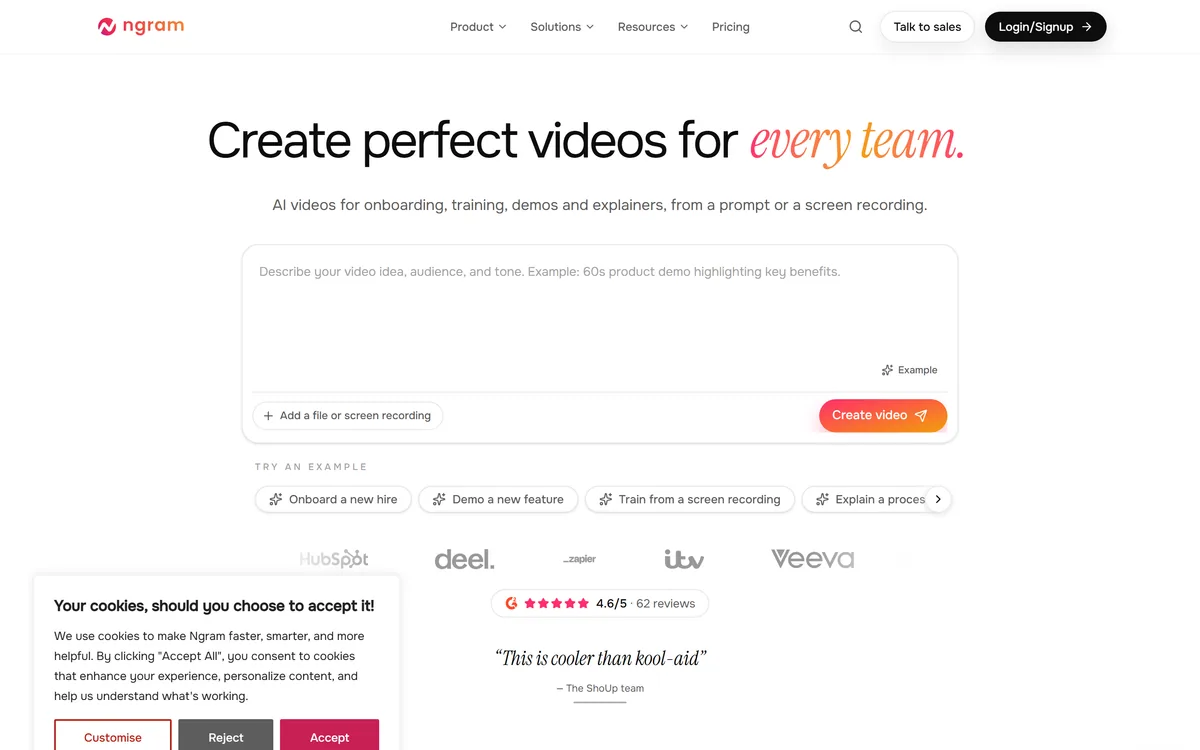
Last checked . Read from ngram.com during this check, with the screenshot above captured at the same time.
ngram's AI avatars and synthetic/custom voices represent a person or voice, so use only avatars and voices you have the rights and consent to, and don't create misleading talking-head content. AI-generated narration and visuals need a review for accuracy and tone before a video represents your brand. Its ratings and claims are vendor-stated.
An AI how-to tool, a short-form video tool and a video generator to weigh beside ngram.
AInexfinder does not list plan prices or billing details. For current pricing, plans, and trials, visit the official ngram website.
Visit official website for pricingVendor pricing, credits, and billing policies change over time. Always confirm on the official site before you buy.
ngram earns an AInexfinder Editor Score of 3.7/5 (good). Best for: Explainer videos; Product demos; Training and onboarding.
Visit ngramLog in to write a review.
No reviews yet. Be the first to share your experience with ngram.
Assigned reviewer
Daniel ReedSenior AI Tools Reviewer
Daniel leads AInexfinder's tool reviews. He researches each tool from its own pricing, documentation and policies, checks its claims against independent sources, and writes up what it does well, where it falls short and who it genuinely suits.
Daniel and the AInexfinder editorial team research ngram from its own website, pricing, documentation and policies, checked against independent sources. This review is research-based: unless its method note says otherwise, we have not bought a plan or run hands-on tests. The Editor Score is our editorial judgement, and payment never changes it.
Similar Tools
Runway is an AI video platform built around generative world models — Gen-4.5, Aleph 2.0, and Act-Two for performance capture — split across Runway Creative for filmmakers, Runway Dev for builders, and Runway Robotics.
BeatViz.ai turns music into video through three tools — Chat, Workflow and Editor. Chat 2.0 is positioned as an AI music video director, and the site names the models it draws on, including Veo, Sora, Kling, Seedance, Nano Banana and GPT Image 2.
Argil is an AI video platform built around three surfaces: a Playground for generating images and video model by model, a Director that takes an idea to a finished video, and Templates that turn a repeated video format into a reusable recipe with variables.
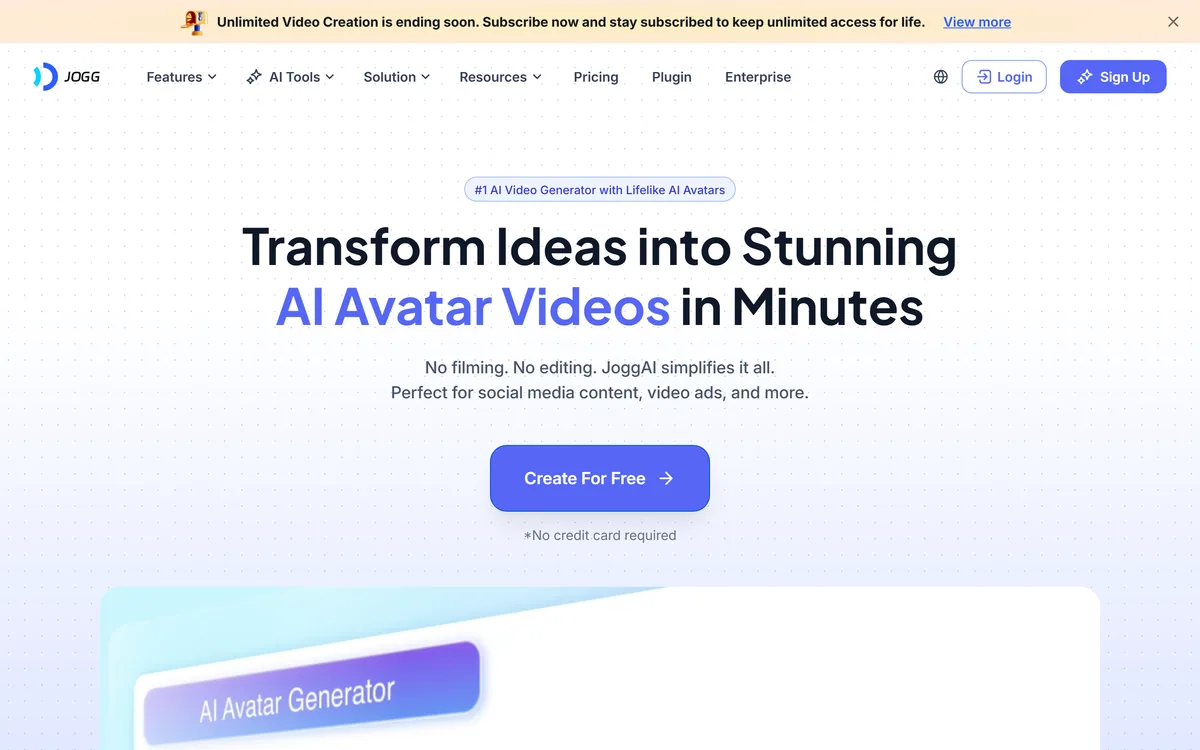
JoggAI is an AI avatar video platform from JOGG PTE. LTD. It spans avatar generation, voice cloning, talking photos, video translation and lip sync, with URL to Video and Product Avatar aimed squarely at e-commerce advertising rather than corporate presenting.

AI and human transcription and subtitles in 150+ languages
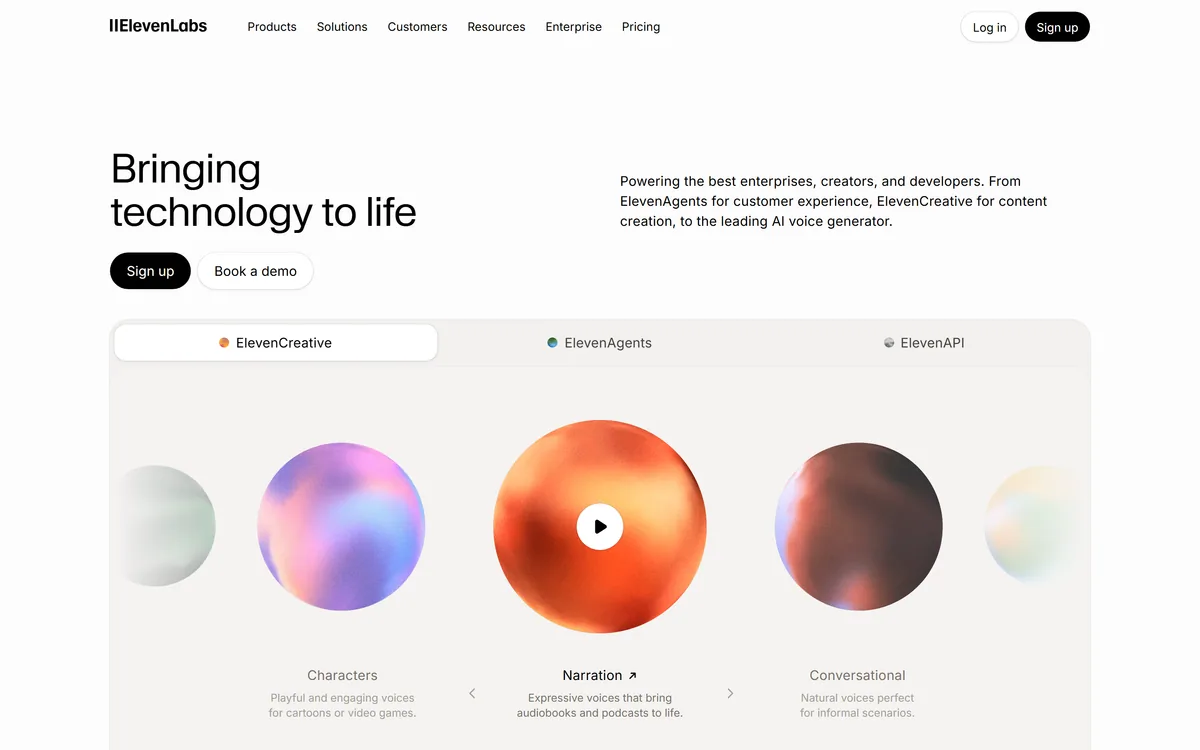

ElevenLabs is an AI audio platform covering text to speech, voice cloning, speech recognition, dubbing, music, and conversational voice agents, with a library of 5,000+ voices across more than 70 languages and an API behind every model.
Related Pages