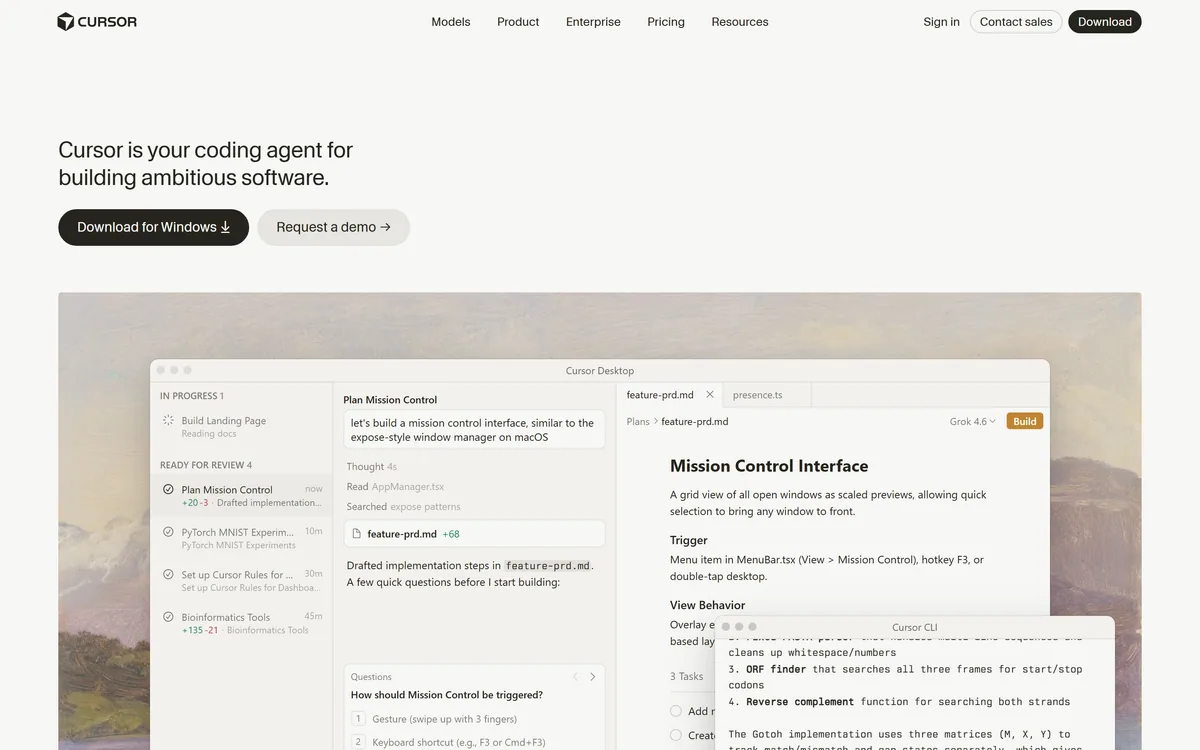

Cursor is an AI-first code editor and agent platform from Anysphere — now a SpaceX subsidiary — that plans, writes, tests, and reviews code across your repository from the desktop editor, a CLI, the web, and Slack.
Coding & Development Review
Agentic AI coding IDE for real software development Category: Coding & Development.
Provisional score · full review pending
Qoder has an AInexfinder Editor Score of 4.6/5.
Best for: Teams that need agent mode for autonomous multi-step task execution; Users focused on ask mode for contextual answers and debugging
The visit link goes to qoder.com, the official site. Paid placements on AInexfinder are always labelled. How we make money
Qoder is an agentic AI coding platform built for professional software development, combining an autonomous development desktop, a CLI and IDE plugins into one workflow.
Aimed at developers and engineering teams, it offers two primary ways of working: an Ask mode for contextual answers, explanations and debugging, and an Agent mode that can autonomously plan and execute multi-step tasks, run terminal commands, perform web searches and use integrated tools to complete objectives end to end.
Its context engine indexes code, documentation, images and directories across an entire project so suggestions stay consistent with existing architecture, dependencies and patterns while reducing hallucinations.
Core features include intelligent code completion, AI conversational programming, automatic code generation, an autonomous agent mode, deep repository context indexing, and broad language support with particular strength in JavaScript, TypeScript, Python, Go, C and C++, C
Qoder works as a standalone desktop IDE, through its CLI for scripting and automation, or as a plugin for VS Code and JetBrains IDEs. Typical use cases include feature implementation, refactoring, bug fixing, test generation, codebase exploration and onboarding to unfamiliar projects.
Pros include strong whole-project context, flexible agent and ask modes, and multiple integration paths. Cons include the learning curve of agentic workflows and reliance on a paid plan after the trial. Qoder offers a free Pro trial for new users before moving to paid tiers.
Pricing changes often, so check the official site for current plans.
Qoder's core capabilities include Agent mode for autonomous multi-step task execution, Ask mode for contextual answers and debugging, Project-wide context engine indexing code and docs, Intelligent code completion and generation and Desktop IDE, CLI and VS Code or JetBrains plugins.
Agent mode for autonomous multi-step task execution is built in, Ask mode for contextual answers and debugging is built in, Project-wide context engine indexing code and docs is built in, Intelligent code completion and generation is built in, so you get a rounded toolkit rather than a single trick.
Each feature is designed to take the manual effort out of the task and help you reach a usable result faster, which is what makes Qoder worth a place on your shortlist.
As with any AI tool, the output still benefits from a quick human review, but Qoder gets you most of the way there with far less effort.
Qoder runs on a freemium pricing model, so you can start for free and only pay once you outgrow the free tier — handy for testing it on a real task before spending anything.
AI-tool pricing changes often, so always check the current plans, seats and add-ons on the official site for the latest details before you buy. Who is Qoder for? It's best suited for agentic ai coding ide for real software development.
Whether you're a beginner trying this kind of AI tool for the first time or a professional who'll use it every day, it's a credible option to consider.
Qoder is best suited for agentic ai coding ide for real software development. Whether you are trying this kind of coding & development tool for the first time or use one every day, it is a credible option to shortlist — compare it with the alternatives and head-to-head comparisons linked on this page to find the best fit for your workflow and budget.
Agent mode for autonomous multi-step task execution
Ask mode for contextual answers and debugging
Project-wide context engine indexing code and docs
Intelligent code completion and generation
Desktop IDE, CLI and VS Code or JetBrains plugins
AInexfinder does not list plan prices or billing details. For current pricing, plans, and trials, visit the official Qoder website.
Visit official website for pricingVendor pricing, credits, and billing policies change over time. Always confirm on the official site before you buy.
Qoder has a provisional score of 4.6/5: a formula estimate from this listing’s details, not yet an Editor Score. It is replaced once Qoder gets its full research-based review. Best for: Teams that need agent mode for autonomous multi-step task execution; Users focused on ask mode for contextual answers and debugging; Users focused on project-wide context engine indexing code and docs.
Visit QoderLog in to write a review.
No reviews yet. Be the first to share your experience with Qoder.
Assigned to
Daniel ReedSenior AI Tools Reviewer
Daniel leads AInexfinder's tool reviews. He researches each tool from its own pricing, documentation and policies, checks its claims against independent sources, and writes up what it does well, where it falls short and who it genuinely suits.
This page is a summary of Qoder built from its own website and listing details. It has not had its full research-based review yet, so its score is a provisional formula estimate, not an Editor Score. Daniel will research and re-score it; payment never changes a score.
Similar Tools
Cursor is an AI-first code editor and agent platform from Anysphere — now a SpaceX subsidiary — that plans, writes, tests, and reviews code across your repository from the desktop editor, a CLI, the web, and Slack.
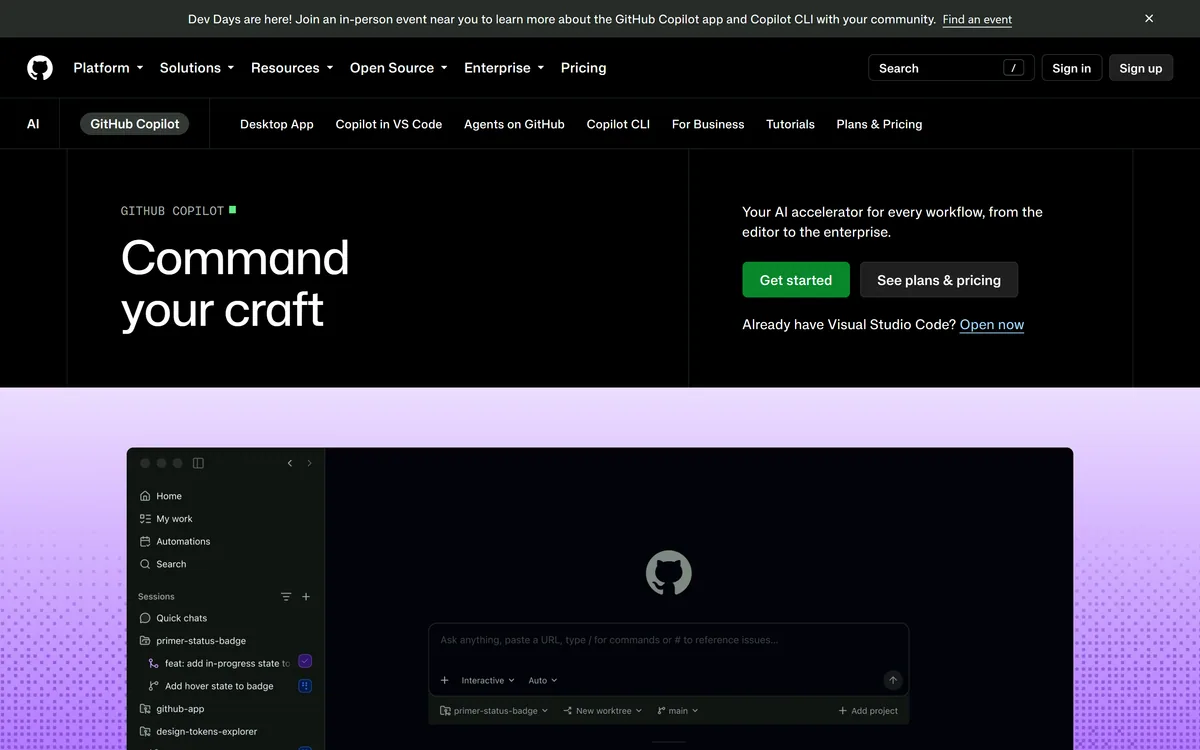

GitHub Copilot is an AI coding assistant that spans completion, chat, agent mode, automated code review, and a cloud agent that opens pull requests, working across VS Code, Visual Studio, JetBrains, Xcode, Neovim, Eclipse, the CLI, and github.com.
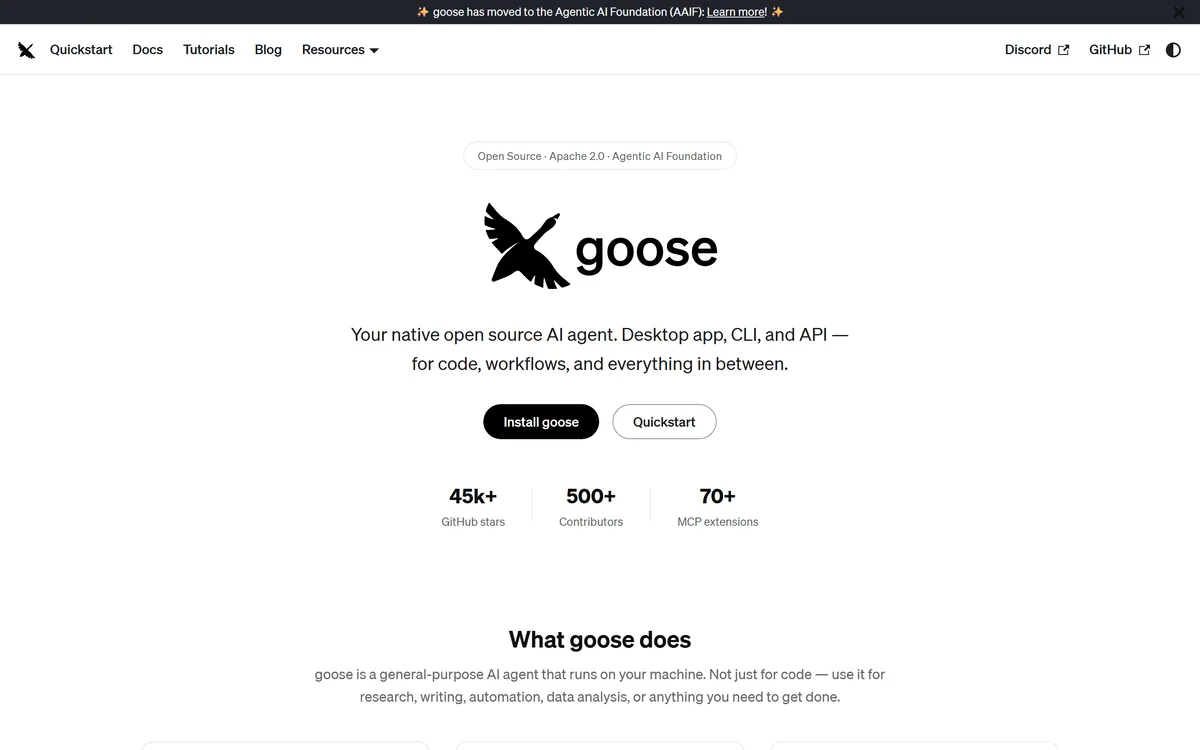
Goose review on AInexfinder — free AI tool for Coding & Development. Features, pricing notes, and alternatives.
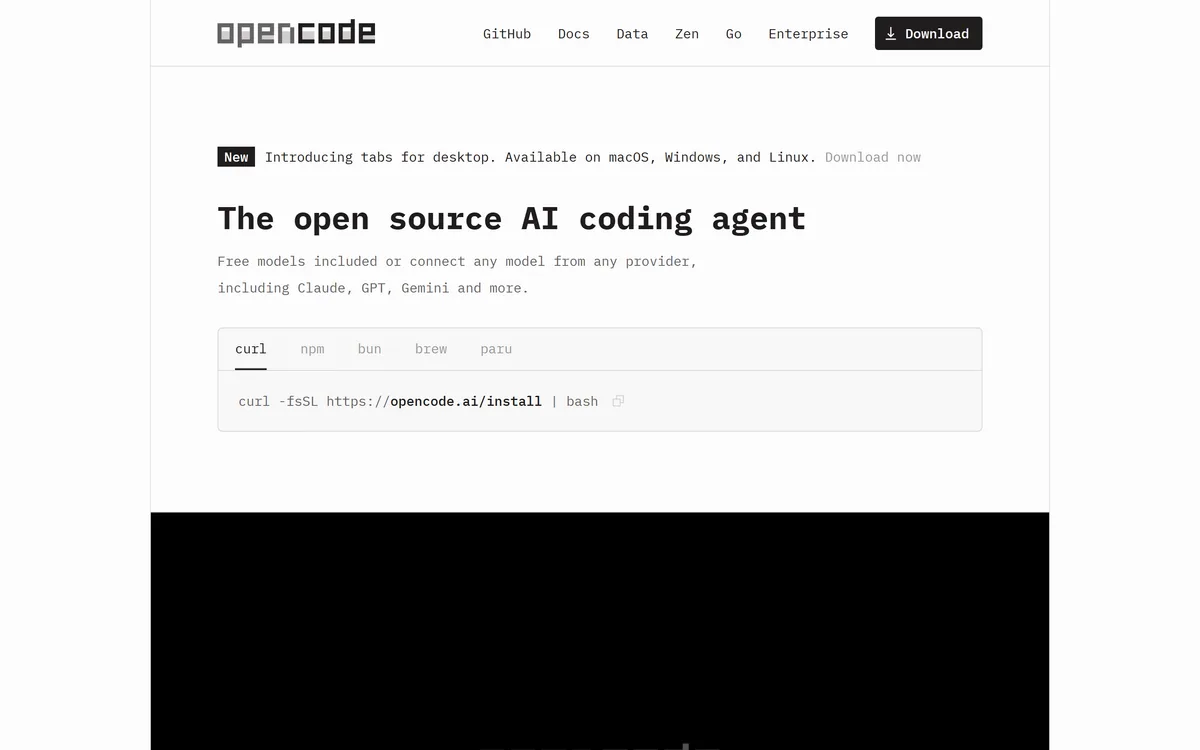
OpenCode is an open source AI coding agent built for the terminal, with desktop and IDE clients alongside. It connects to 75+ model providers, configures language servers automatically, runs parallel agent sessions, keeps conversations locally in SQLite, and is built by the team behind SST.
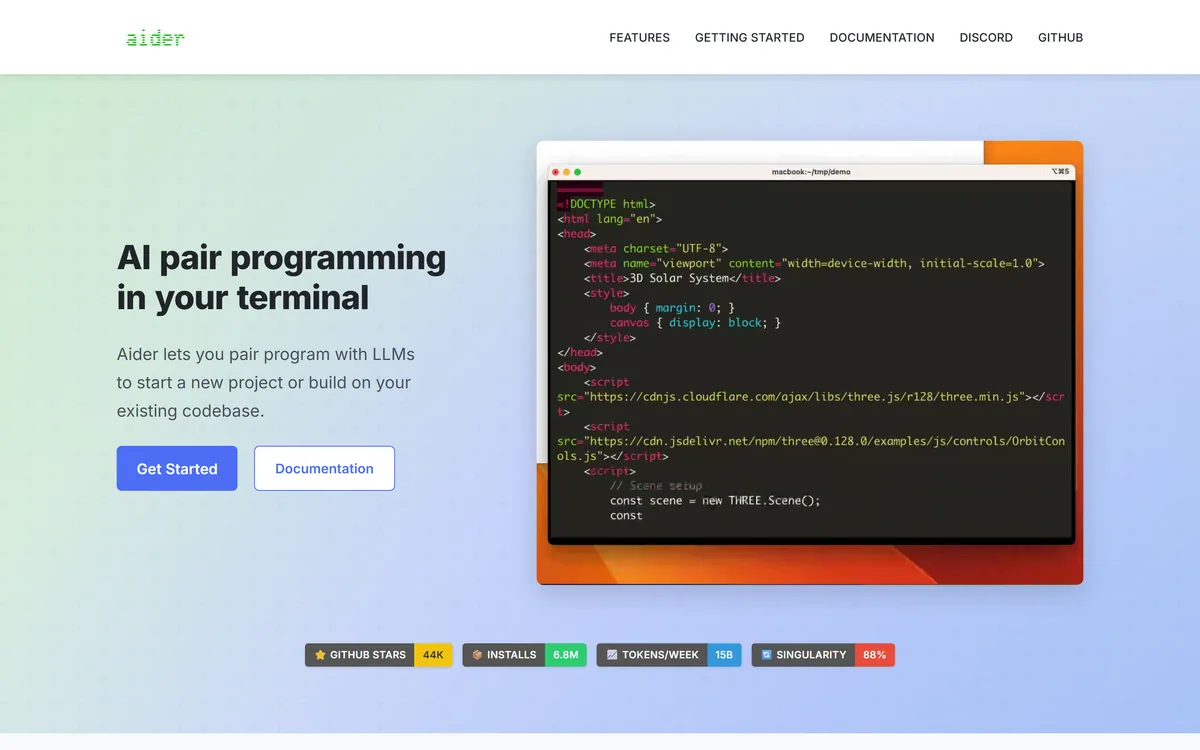
Aider is an open-source AI pair programming tool that runs in your terminal, builds a map of your whole repository for context, works with almost any LLM including local models, and commits each change to git with a written message so every edit can be diffed and undone.
Open-source AI code assistant for VS Code and JetBrains Category: Coding & Development.
Related Pages