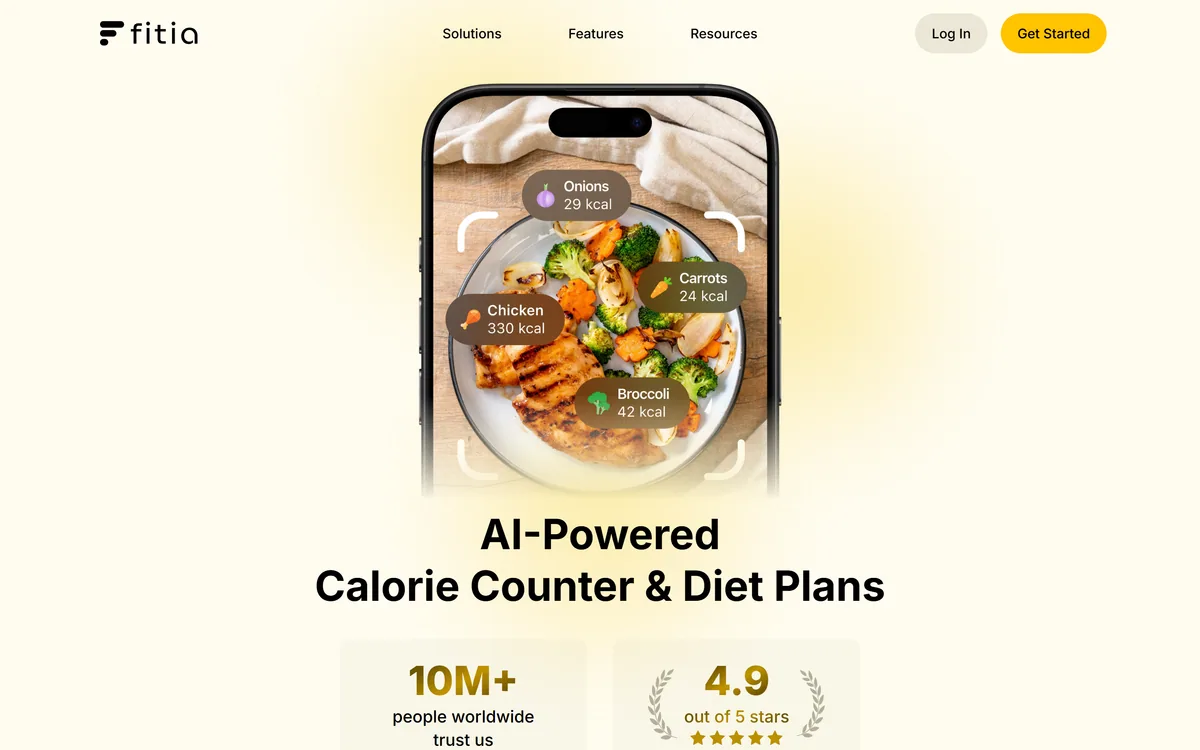
Fitia review on AInexfinder — freemium AI tool for Health & Lifestyle. Features, pricing notes, and alternatives.
Health & Lifestyle Review

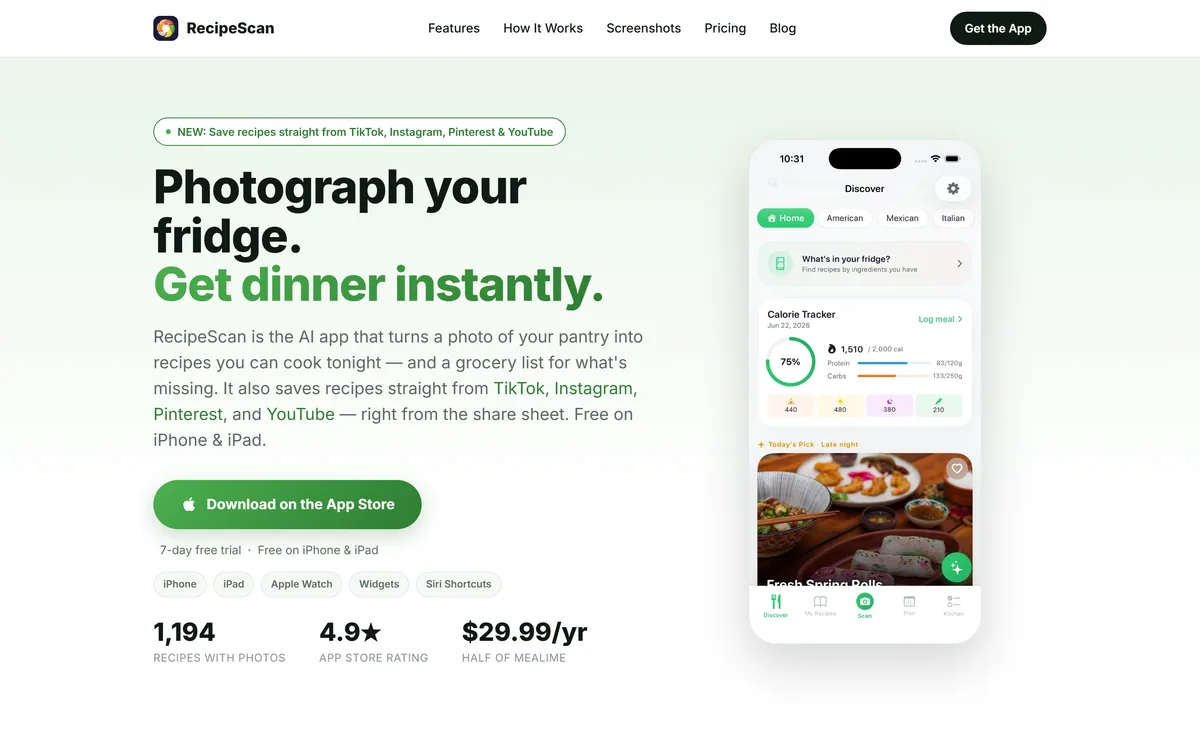
RecipeScan is an Apple-only cooking app that builds a pantry from photos, suggests recipes against what you already have, and coordinates three dishes onto one timeline. It adds grocery lists, budget tracking, calorie estimates and a hands-free cooking mode.
Good
RecipeScan has an AInexfinder Editor Score of 3.8/5.
Best for: Home cooks who own food and still cannot decide what to make; People who regularly throw away forgotten ingredients
The visit link goes to recipescannerapp.com, the official site. Paid placements on AInexfinder are always labelled. How we make money
Most recipe apps answer a question you were not asking. You open them wanting dinner, and they show you something requiring three things you do not own and a trip to the shop you are not going to make.
RecipeScan inverts that. You photograph the cupboard or the fridge, it builds an inventory from the image, and it suggests recipes against what is actually there — then tells you the one or two things you would need to buy to unlock more.
This review covers how well camera-first inventory holds up in practice, why the multi-dish timing feature is the most underrated thing here, which of the nineteen features are real and which are padding, and who the Apple-only constraint rules out.
| Category | AI cooking, pantry inventory and meal planning |
|---|---|
| Platforms | iPhone, iPad, Apple Watch, Home Screen widgets |
| Android | Not available |
| Primary input | Photos of a pantry, fridge or shopping receipt |
| Scanning modes | Six, including receipt capture |
| Core outputs | Recipes, grocery lists, coordinated cooking timelines |
| Multi-dish | Cook Three Dishes at Once |
| Personalisation | Meal DNA, Flavour Pairing, Skill Tree |
| Tracking | Grocery budget, AI calorie tracker, cooking journal, achievements and streaks |
| In-kitchen | Hands-free cooking mode, AI cooking assistant |
| Sharing and backup | Shared cookbooks, iCloud recipe backup |
| iPad specifics | Multi-column layout and split-screen support |
| Also from this developer | TaxMiles, Cleanup My Phone |
This is the claim everything else rests on, and it deserves scepticism before enthusiasm.
Recognising packaged goods from a photo is genuinely tractable — boxes and jars have branding, shapes and text a model can read. Loose produce is harder but usually identifiable. Where camera inventory struggles is quantity and state: a photo shows that rice exists, not that there are two hundred grams left, and it cannot see the courgette going soft at the back.
That is why the six scanning modes and especially receipt to pantry in one tap matter more than the headline feature. A receipt has exact items and quantities, and scanning one takes three seconds at the door. Photo scanning is how you start; receipt scanning is how the inventory stays true past week two.
The honest expectation: treat the pantry as a good approximation that saves you from the blank-page problem, not as a ledger. Every inventory app in history has died at the point where keeping it accurate costs more than the benefit.
The question is never whether it can see the pasta. It is whether you will still be updating the cupboard in three weeks.
Cook Three Dishes at Once is buried in a list of nineteen features and is probably the most useful thing here.
Following one recipe is easy. The actual difficulty of cooking a meal is coordination — the rice finishing while the curry is still ten minutes out, the vegetables cold by the time the fish is done. Experienced cooks hold that schedule in their heads; everyone else serves things at different temperatures.
Merging several recipes into a single interleaved timeline is real work that a computer is genuinely better at than a person, and it is the feature most likely to change how a meal turns out rather than just how it was chosen.
The hands-free cooking mode supports the same moment for an obvious reason: your hands are covered in flour and your phone is not going to be touched.
A list this long always contains three tiers, and separating them saves disappointment.
Pantry Scan, AI Grocery Lists, Receipt to Pantry, Cook Three Dishes at Once and Hands-Free Cooking Mode. These solve concrete, recurring problems and are the reason to install it.
Shared Cookbooks and iCloud Recipe Backup belong here too, for a duller reason: they are what stop a year of saved recipes disappearing with a phone.
Meal DNA, Flavour Pairing and AI Meal Planning only get good once the app has seen enough of what you actually cook. They are weak in week one and that is not a fault, it is how personalisation works.
Grocery Budget Tracking is genuinely useful and genuinely dependent on you logging honestly, which most people stop doing.
The AI calorie tracker is the one to treat with real caution. Estimating calories from a photograph or a generated recipe is an approximation stacked on an approximation — portion size alone can move the number by half. It is fine as a rough signal and unsuitable for anyone counting for medical reasons.
Achievements, streaks and the Skill Tree are engagement mechanics. They help if starting is your problem and become noise if it is not.
The failure mode is enthusiastic setup followed by an inventory that quietly goes stale.
There is no Android version. For a cooking app this is a sharper constraint than it looks, because cooking is frequently a household activity and households are rarely single-platform.
Shared Cookbooks is a real feature, but it can only be shared with other Apple users. If the person who does half the cooking has a Pixel, the shared part of the product does not exist for you.
The Apple Watch support and widgets are the flip side: on an iPhone this is a properly integrated app rather than a website in a wrapper, and glancing at the next step on your wrist mid-cook is exactly the right use of a watch.
One other note worth flagging plainly: the developer also publishes TaxMiles and Cleanup My Phone. That is a generalist app studio rather than a food company. It says nothing about quality — but if you are hoping for deep culinary expertise behind the recipes, this is a small consumer app, not a test kitchen.
Pantry scanning from a photo of a cupboard or fridge
Receipt to pantry in one tap, keeping the inventory current
Six scanning modes for getting items in
AI grocery lists built from what is missing
Cook Three Dishes at Once, merging recipes into one timeline
Hands-free cooking mode for use mid-recipe
Meal DNA and flavour pairing for personalised suggestions
AI calorie tracker and grocery budget tracking
Shared cookbooks and iCloud recipe backup
Apple Watch support and Home Screen widgets
These overlap on meals but start from completely different questions.
| Tool | Starts from | Strength | Platforms |
|---|---|---|---|
| RecipeScan | What is physically in your kitchen | Pantry scanning and multi-dish timing | Apple only |
| Eat This Much | Your calorie and macro targets | Automatic meal plans to hit a number | Web, iOS, Android |
| MealMind | A plan for the week ahead | Structured meal planning | Varies |
| MacroFactor | Measured intake and weight trend | Rigorous nutrition tracking | iOS, Android |
| MyNetDiary | A food diary | Long-running database and logging | iOS, Android, web |
Inventory, planning and tracking are three different problems that get confused with each other.
Last checked . Read from recipescannerapp.com during this check, with the screenshot above captured at the same time.
The caution about photo-derived calorie estimates reflects how such estimation works generally and is not a measurement of this app's accuracy. Feature availability across free and paid tiers was not tested.
AInexfinder does not list plan prices or billing details. For current pricing, plans, and trials, visit the official RecipeScan website.
Visit official website for pricingVendor pricing, credits, and billing policies change over time. Always confirm on the official site before you buy.
RecipeScan earns an AInexfinder Editor Score of 3.8/5 (good). Best for: Home cooks who own food and still cannot decide what to make; People who regularly throw away forgotten ingredients; Anyone who struggles to get several dishes ready at the same time.
Visit RecipeScanLog in to write a review.
No reviews yet. Be the first to share your experience with RecipeScan.
Assigned reviewer
Daniel ReedSenior AI Tools Reviewer
Daniel leads AInexfinder's tool reviews. He researches each tool from its own pricing, documentation and policies, checks its claims against independent sources, and writes up what it does well, where it falls short and who it genuinely suits.
Daniel and the AInexfinder editorial team research RecipeScan from its own website, pricing, documentation and policies, checked against independent sources. This review is research-based: unless its method note says otherwise, we have not bought a plan or run hands-on tests. The Editor Score is our editorial judgement, and payment never changes it.
Similar Tools
Fitia review on AInexfinder — freemium AI tool for Health & Lifestyle. Features, pricing notes, and alternatives.
Mealmind review on AInexfinder — paid AI tool for Health & Lifestyle. Features, pricing notes, and alternatives.
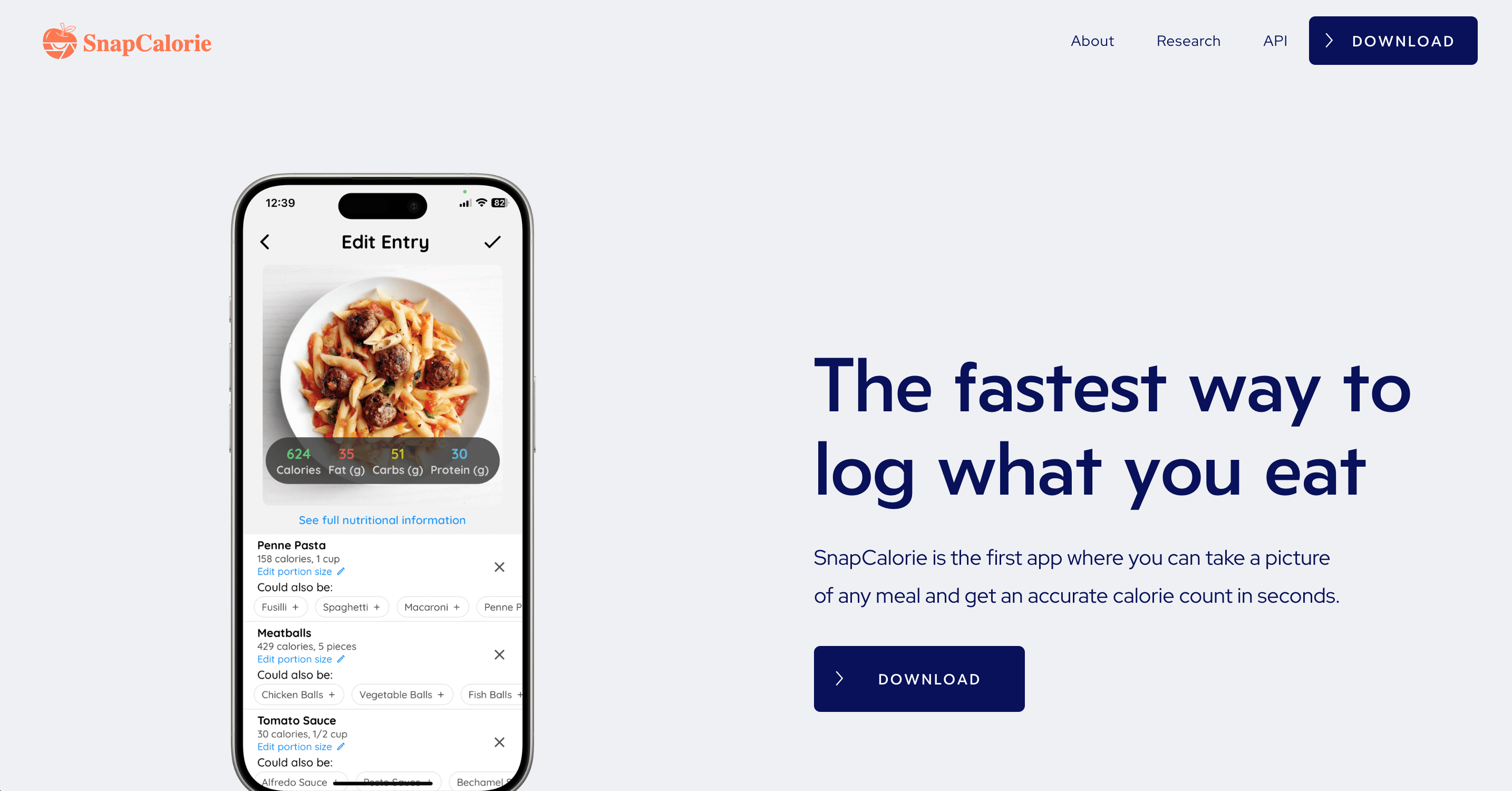
SnapCalorie review on AInexfinder — freemium AI tool for Health & Lifestyle. Features, pricing notes, and alternatives.
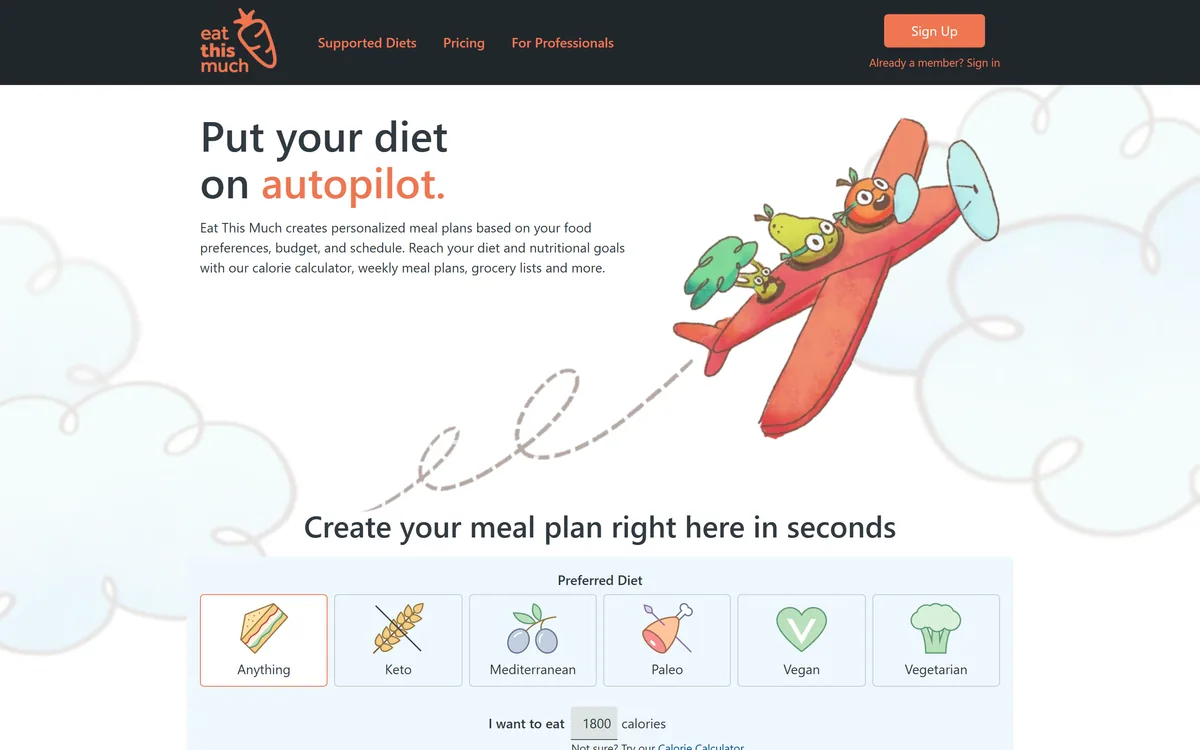
Eat This Much generates weekly meal plans from your calorie and macro targets, food preferences, budget, and schedule, then produces a grocery list that can be sent to Instacart or AmazonFresh — with keto, Mediterranean, paleo, vegan, and vegetarian options.
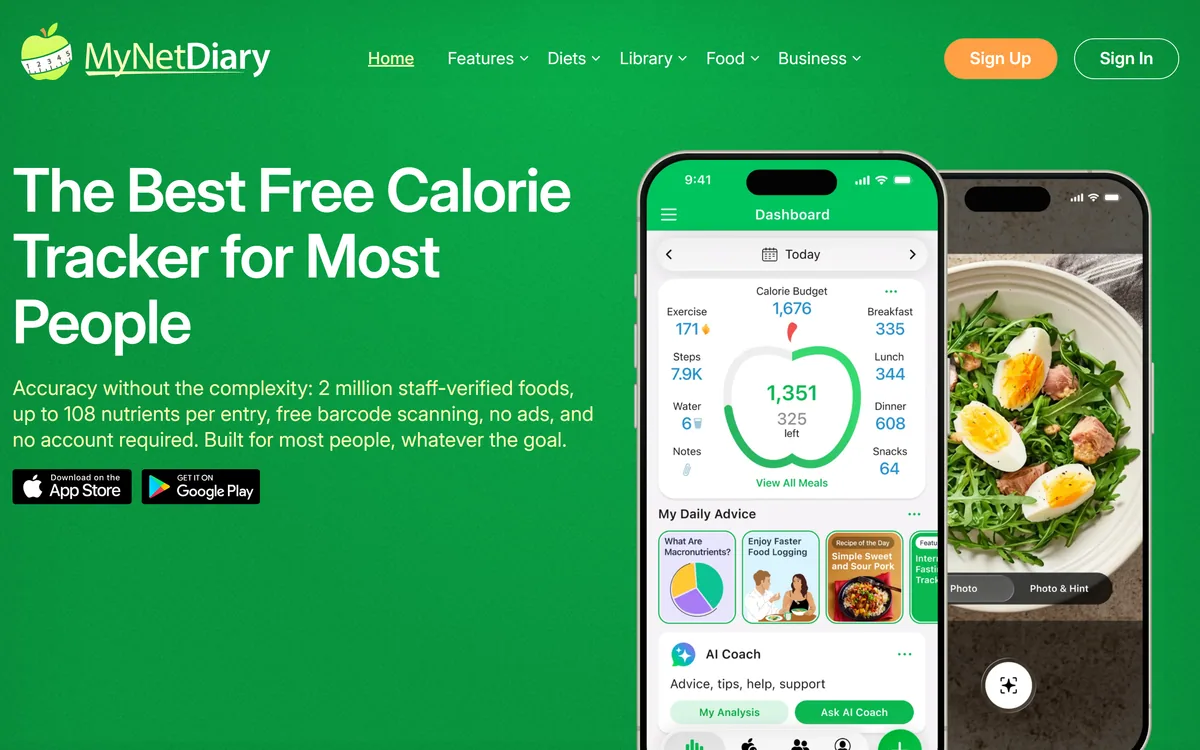
MyNetDiary tracks calories and nutrition against a staff-verified database of more than two million foods carrying up to 108 nutrients each, with barcode scanning, AI photo logging, restaurant menu analysis, wearable integrations and dedicated support for GLP-1 medication users.
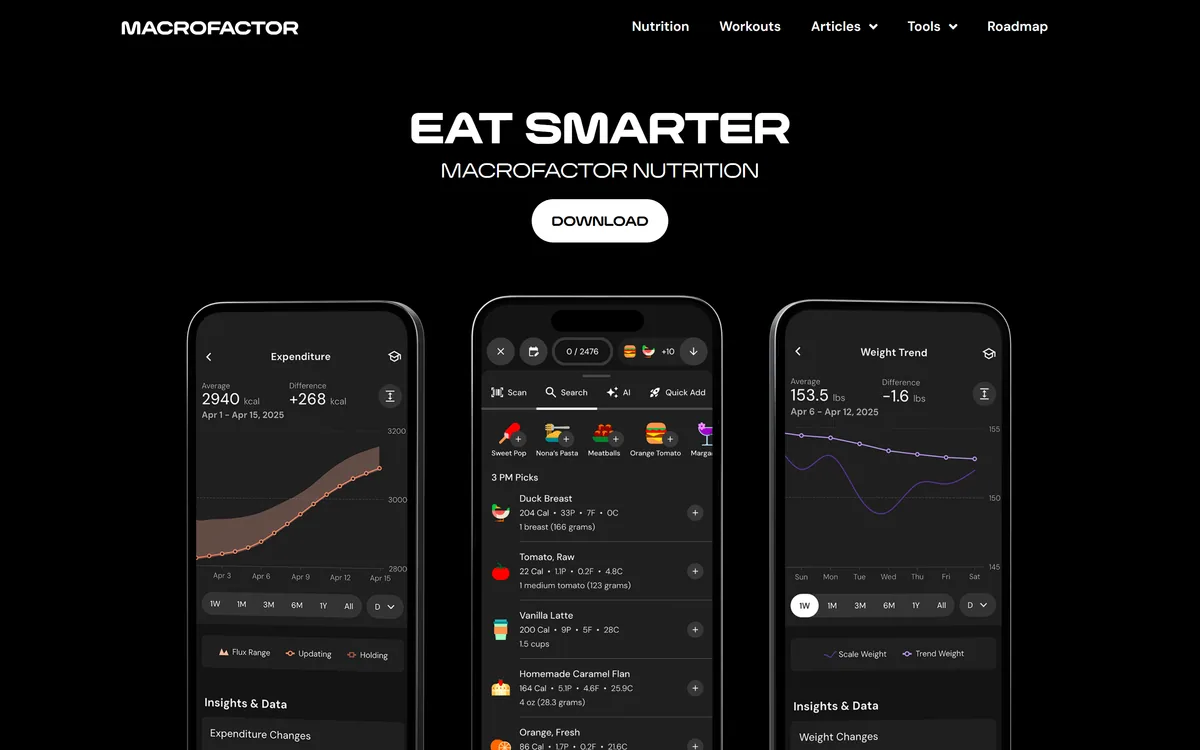
MacroFactor is a nutrition and workout tracking app whose coaching adapts weekly to your logged intake and weight trend, estimating your actual energy expenditure rather than using a formula. It publishes in-depth research articles alongside the apps and maintains a public roadmap.
Related Pages