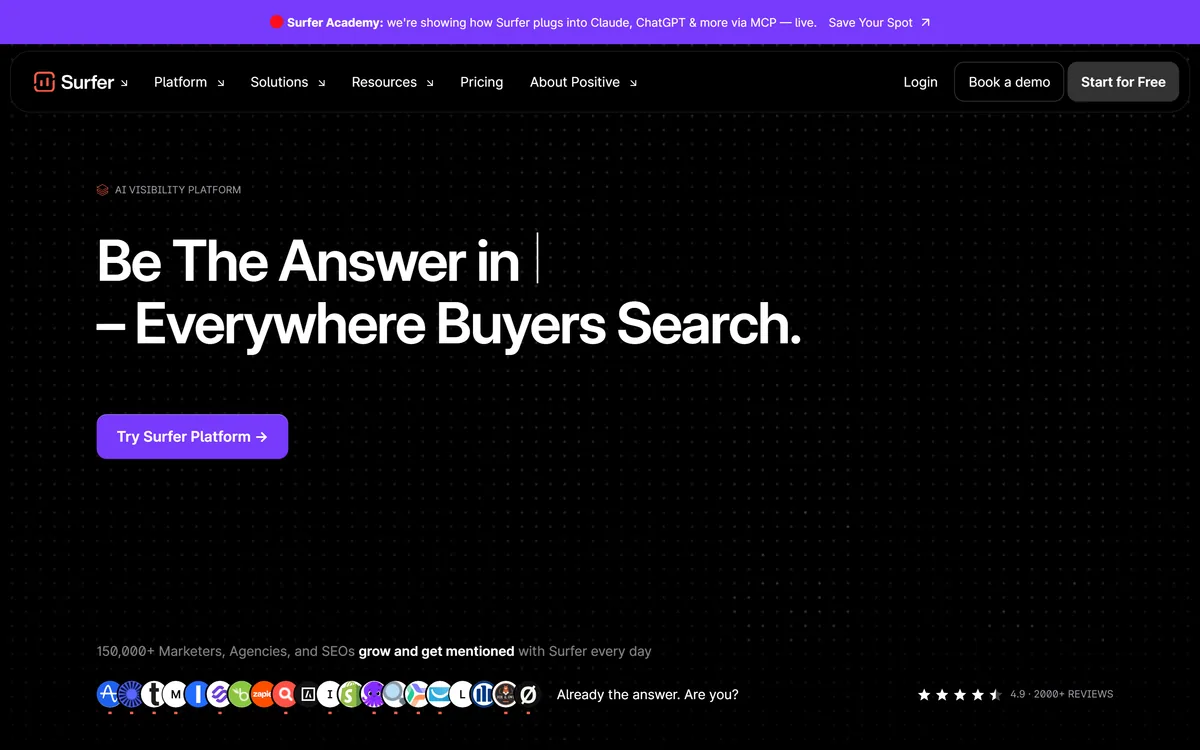

Surfer SEO analyses top-ranking results to guide content optimisation through its Content Editor and Content Score, and has expanded into AI visibility — tracking brand mentions in ChatGPT, Claude, Gemini, Perplexity, and Google AI Overviews.
Business & Marketing Review
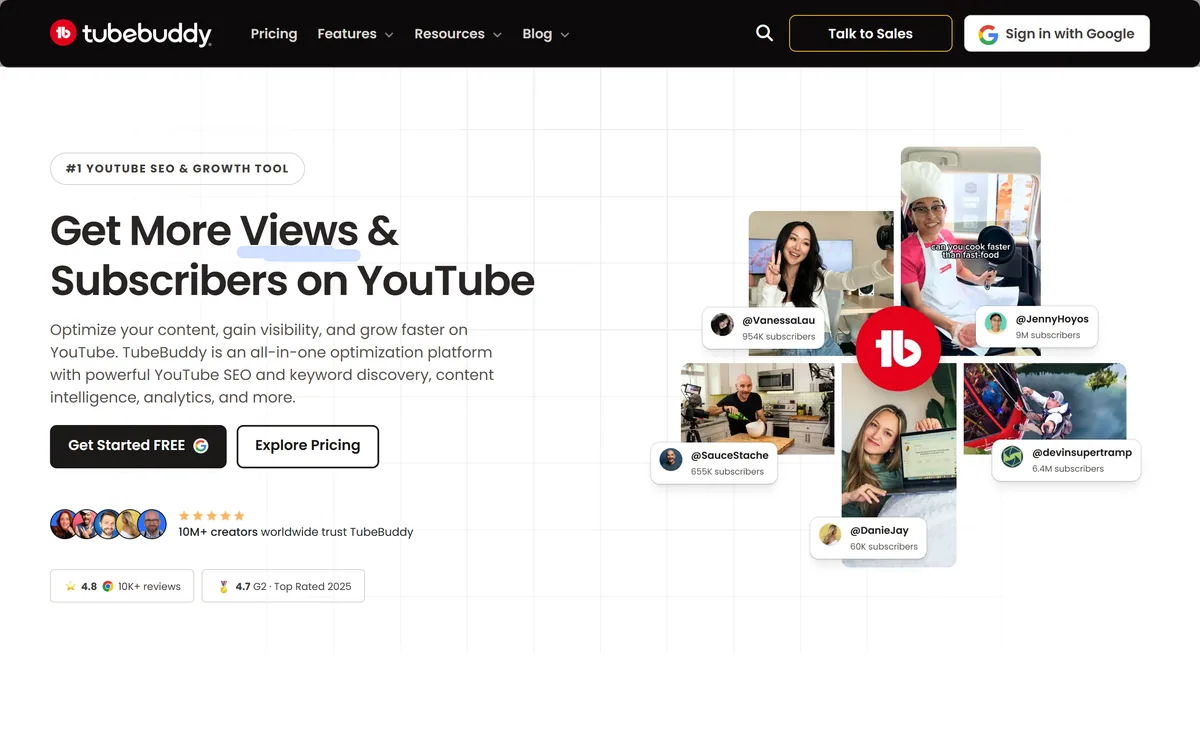
TubeBuddy is a YouTube SEO and growth platform used by millions of creators, covering keyword discovery, title and tag optimization, A/B thumbnail testing and analytics to help videos get found and channels grow faster.
Very good
TubeBuddy earns 4.2 for attacking the real reason most videos fail, discovery and the click, with YouTube-specific keyword research, real-time SEO scoring, data-driven A/B thumbnail testing and analytics, organised to grow with a channel; it is capped only in that it optimises rather than creates, and cannot rescue weak content. AInexfinder Editor Score: 4.2/5.
Best for: Creators whose videos are not getting found; New channels needing early discovery
The visit link goes to tubebuddy.com, the official site. Paid placements on AInexfinder are always labelled. How we make money
Most YouTube videos fail for a reason creators rarely admit: nobody finds them. The content may be good, but the title, the tags and the thumbnail never gave the algorithm or the viewer a reason to click. TubeBuddy is built to fix that upstream problem.
It lives inside YouTube as an all-in-one optimization platform, with keyword discovery to find what your audience searches, SEO tools to rank, A/B thumbnail testing to win the click, and analytics to see what works. It is one of the most established tools in the space, trusted by millions of creators.
This review covers how it helps a video get found, which creators it is built around, how it is priced, and how it compares with other YouTube growth tools.
TubeBuddy's design choice is to meet creators where they already work: inside YouTube itself, rather than as a separate dashboard you have to remember to open. That proximity is why it became a habit for so many channels.
It bundles the whole optimization job, keyword research, SEO, thumbnails, analytics, into one toolkit organised by what you are trying to achieve, from getting found to saving time. The premise is simple and correct: stop guessing what to title, tag and thumbnail, and start deciding from data.
That upstream focus is the point. Most creator effort goes into making the video; TubeBuddy's bet is that a sliver of that effort, aimed at discovery and the click, returns far more views than another hour of editing.
Most videos fail not because the content is bad, but because nobody finds them. TubeBuddy works on the part most creators neglect.
Two capabilities carry most of the value: finding the right keywords, and winning the click once you rank.
Keyword Explorer surfaces high-volume, low-competition topics your viewers search before competitors target them, and SEO Studio scores your video in real time, telling you exactly what to fix in titles, tags and descriptions to rank.
This is YouTube-specific SEO, distinct from web SEO. A tool like Surfer SEO optimises for Google and AI answer engines; TubeBuddy optimises for YouTube search and suggestions, which is its own ranking system with its own signals.
Thumbnails decide clicks, and TubeBuddy makes that data-driven: it rotates thumbnail and title variants automatically, measures real click-through rate, and declares a winner, so you stop guessing which image works. Channelytics then tracks what drives views, subscribers and revenue.
For actually producing the thumbnails and content package, tools like Canva AI for design and ytZolo for generated thumbnails and scripts complement TubeBuddy, which focuses on testing and optimising rather than creating.
TubeBuddy explicitly organises itself for different stages: new creators, growing creators, and teams or brands, which is a sign it understands that the needs change as a channel scales.
For a brand-new creator, the pitch is that you do not have to guess what to title your first videos or how to get found when nobody knows your channel exists, the keyword and SEO tools give even early videos a real chance of discovery. For established channels, the A/B testing and analytics squeeze more from content that already performs.
That staged design is a genuine strength: the same toolkit grows with you rather than being aimed only at beginners or only at pros. The honest caveat is that optimization helps good content get found, it does not make weak content succeed.
TubeBuddy is free to start, with no credit card required, and installs in a couple of minutes, with paid plans adding the heavier SEO, A/B testing and analytics features and monthly or yearly billing.
AInexfinder does not publish plan prices, which change and are best read on the pricing page. The free tier is enough to learn the workflow and do basic keyword work; the paid tiers earn their keep once you are optimising every upload and running thumbnail tests seriously.
Check how many channels a licence covers and which tier includes A/B testing and the deeper analytics, since those are the features that most directly move views.
Because TubeBuddy's value is discovery and clicks, test it on real videos and real keywords, not in the abstract.
| What it is | YouTube SEO and channel-growth toolkit |
|---|---|
| Where it works | Inside YouTube, via browser and apps |
| Keyword tools | Keyword Explorer, search volume, Insta-Suggest |
| Optimisation | SEO Studio, tag generator, real-time scoring |
| Thumbnails | A/B testing with automatic winner selection |
| Analytics | Channelytics and channel health reports |
| Scale cited | 10M+ creators; 500M+ optimised videos |
| Free tier | Yes, no credit card required |
| Company | TubeBuddy |
YouTube keyword research and search volume
SEO Studio with real-time video scoring
YouTube tag generator and Insta-Suggest
A/B testing for thumbnails and titles
Automatic CTR winner selection
Channelytics performance analytics
Channel health reports
Works inside YouTube via browser and apps
YouTube growth splits between optimising, creating and web-wide SEO.
| Tool | Focus | Strength | Note |
|---|---|---|---|
| TubeBuddy | YouTube SEO, A/B testing and analytics | Optimising discovery and clicks inside YouTube | Optimises rather than creates content |
| ytZolo | AI thumbnails, titles and scripts | Generating the content package | Creation, not testing |
| Surfer SEO | Web and answer-engine SEO | Ranking on Google and AI answers | Not YouTube-specific |
| Canva AI | Design and thumbnails | Making the visuals | Design, not YouTube SEO |
Last checked . Read from tubebuddy.com during this check, with the screenshot above captured at the same time.
Creator counts and results figures are the vendor's own claims; optimisation helps good content get found rather than rescuing weak content.
Tools that create the content package or optimise beyond YouTube.
AInexfinder does not list plan prices or billing details. For current pricing, plans, and trials, visit the official TubeBuddy website.
Visit official website for pricingVendor pricing, credits, and billing policies change over time. Always confirm on the official site before you buy.
TubeBuddy earns an AInexfinder Editor Score of 4.2/5 (very good). Best for: Creators whose videos are not getting found; New channels needing early discovery; Established creators lifting click-through rate.
Visit TubeBuddyLog in to write a review.
No reviews yet. Be the first to share your experience with TubeBuddy.
Assigned reviewer
Daniel ReedSenior AI Tools Reviewer
Daniel leads AInexfinder's tool reviews. He researches each tool from its own pricing, documentation and policies, checks its claims against independent sources, and writes up what it does well, where it falls short and who it genuinely suits.
Daniel and the AInexfinder editorial team research TubeBuddy from its own website, pricing, documentation and policies, checked against independent sources. This review is research-based: unless its method note says otherwise, we have not bought a plan or run hands-on tests. The Editor Score is our editorial judgement, and payment never changes it.
Similar Tools
Surfer SEO analyses top-ranking results to guide content optimisation through its Content Editor and Content Score, and has expanded into AI visibility — tracking brand mentions in ChatGPT, Claude, Gemini, Perplexity, and Google AI Overviews.
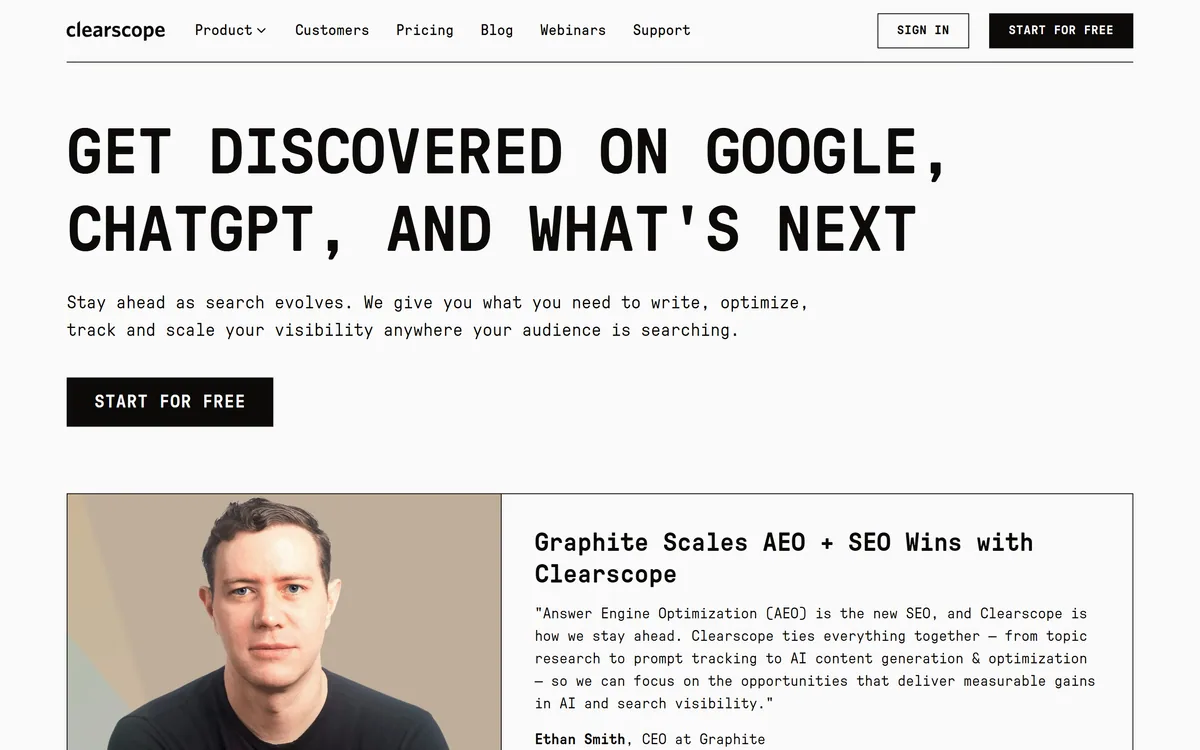
Clearscope is a content optimisation platform from Mushi Labs, combining search intent analysis and query discovery with Prompt Tracking that monitors brand visibility across ChatGPT, Gemini, and Claude.
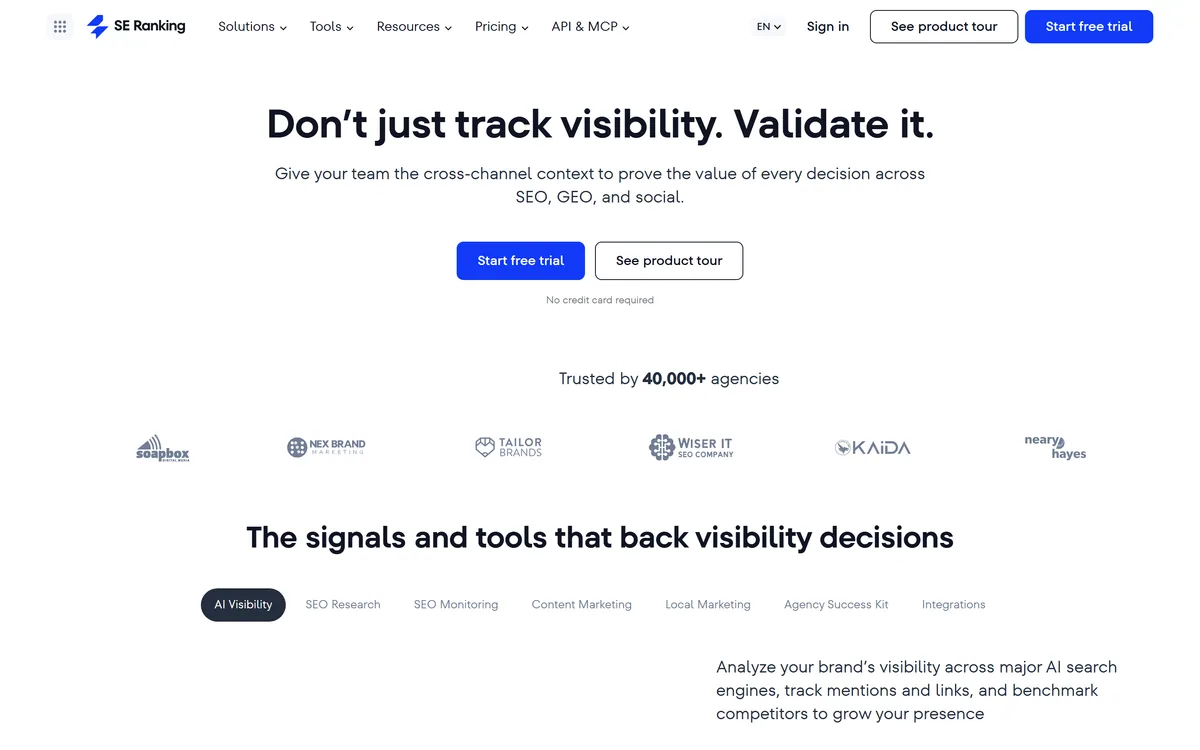
SE Ranking is an SEO platform built around cross-channel visibility, adding trackers for AI Overviews, AI Mode and assistant answers alongside conventional rank tracking, backed by 188 country databases and exposed through an API and an MCP server for use inside AI assistants.

GrowthPro AI is a local-SEO and AI-visibility (GEO) platform that audits whether AI engines recommend a business, then runs AI agents to improve Google Maps and AI-search presence, respond to reviews and convert leads, aimed at local and multi-location businesses.

Snov.io review on AInexfinder — freemium AI tool for Business & Marketing. Features, pricing notes, and alternatives.
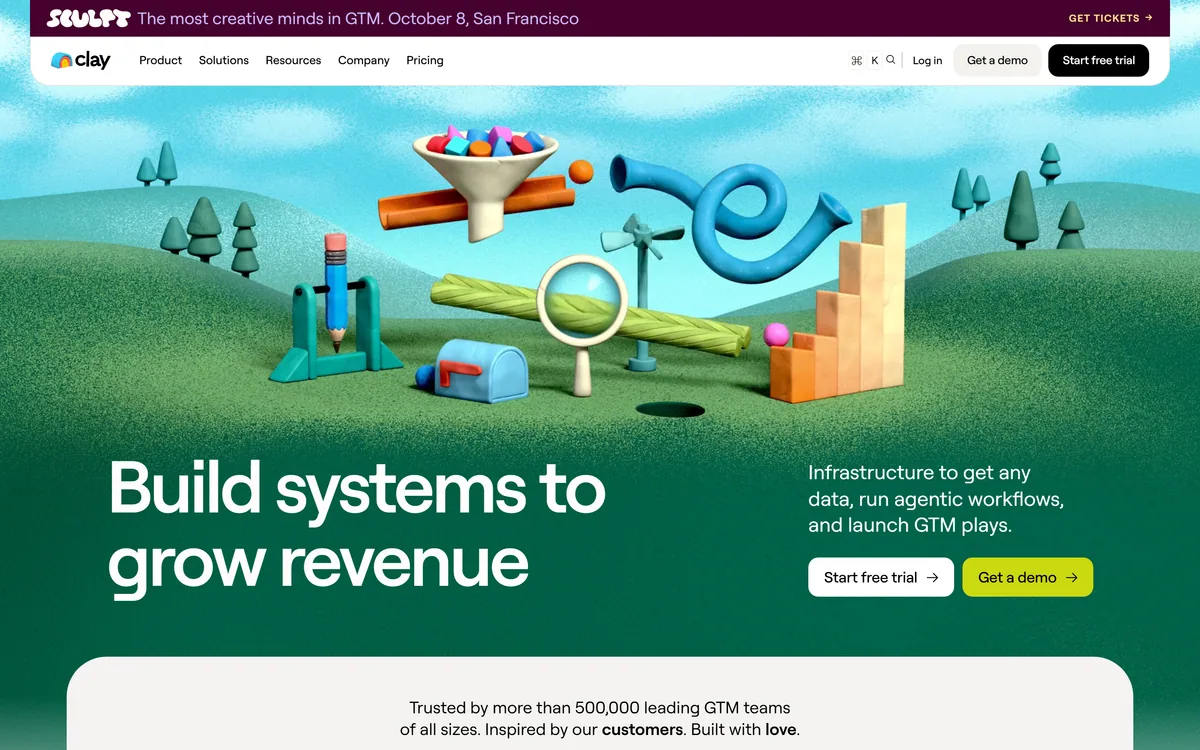
Clay is go-to-market data infrastructure built around waterfall enrichment: instead of one provider, it queries a marketplace of more than 200 in sequence until a field is filled. Claygent AI agents research companies and people, and the results push into a CRM, ad platforms or a native sequencer.
Related Pages